 3dmohid
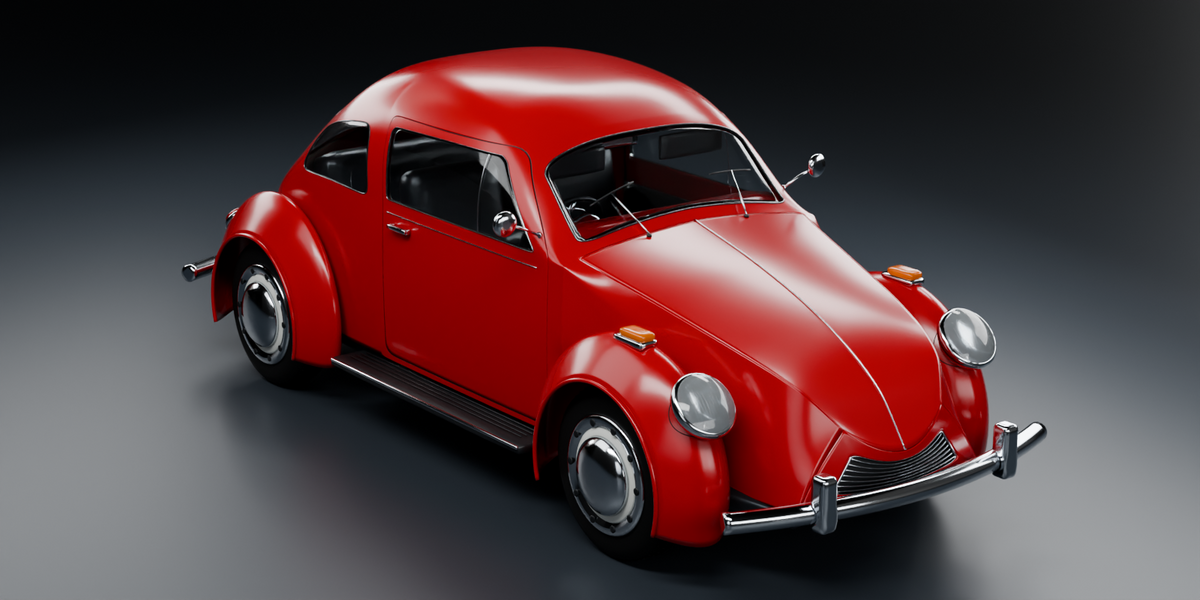
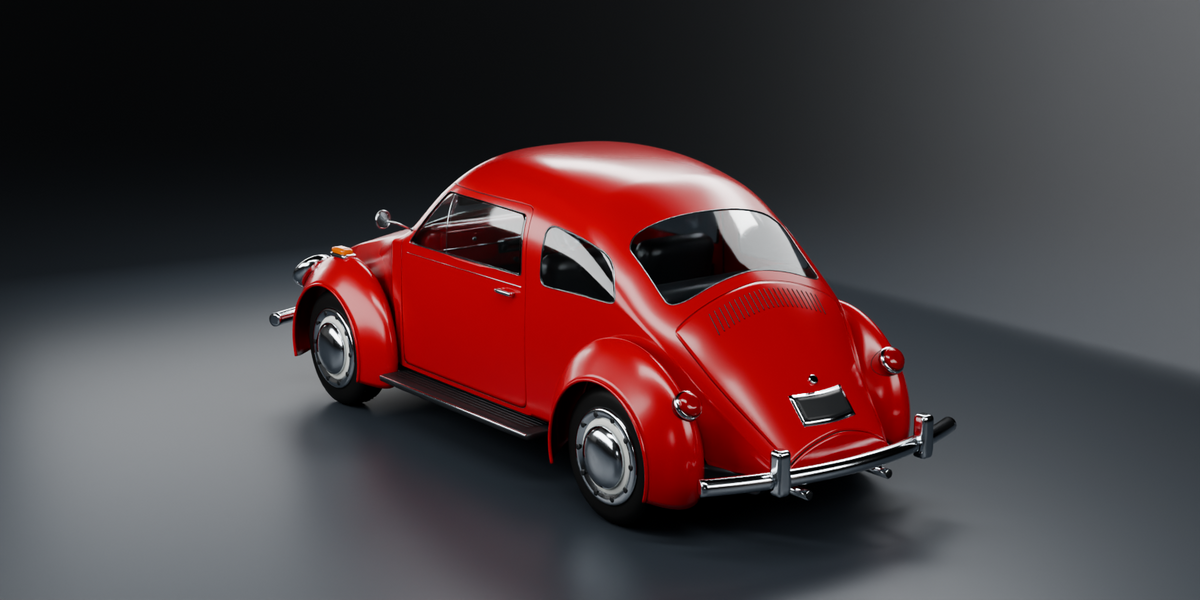
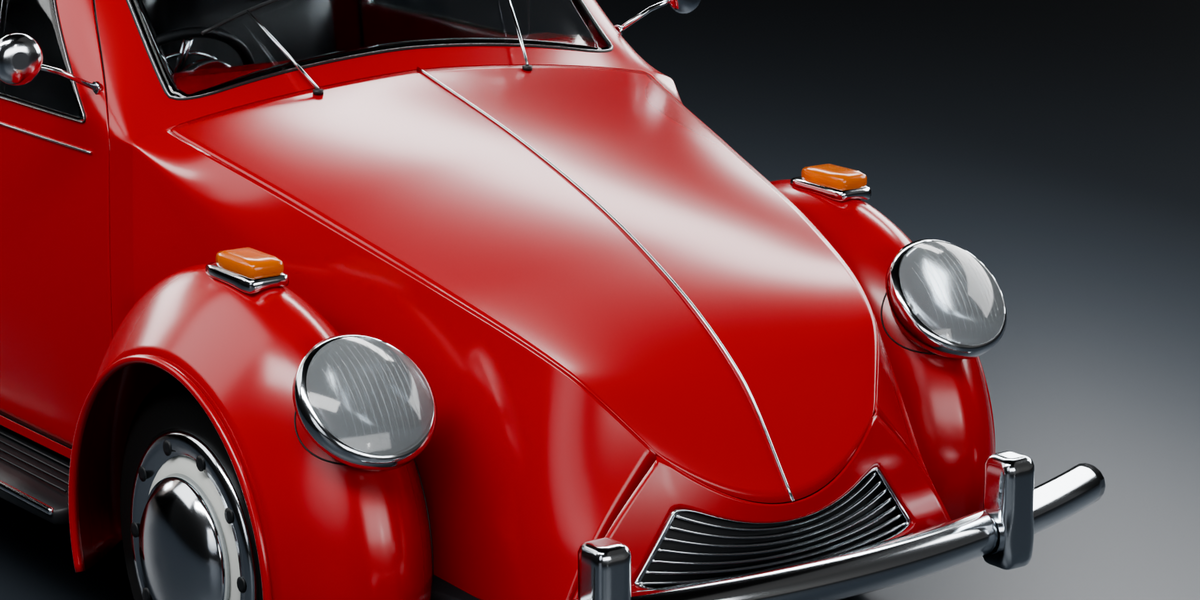
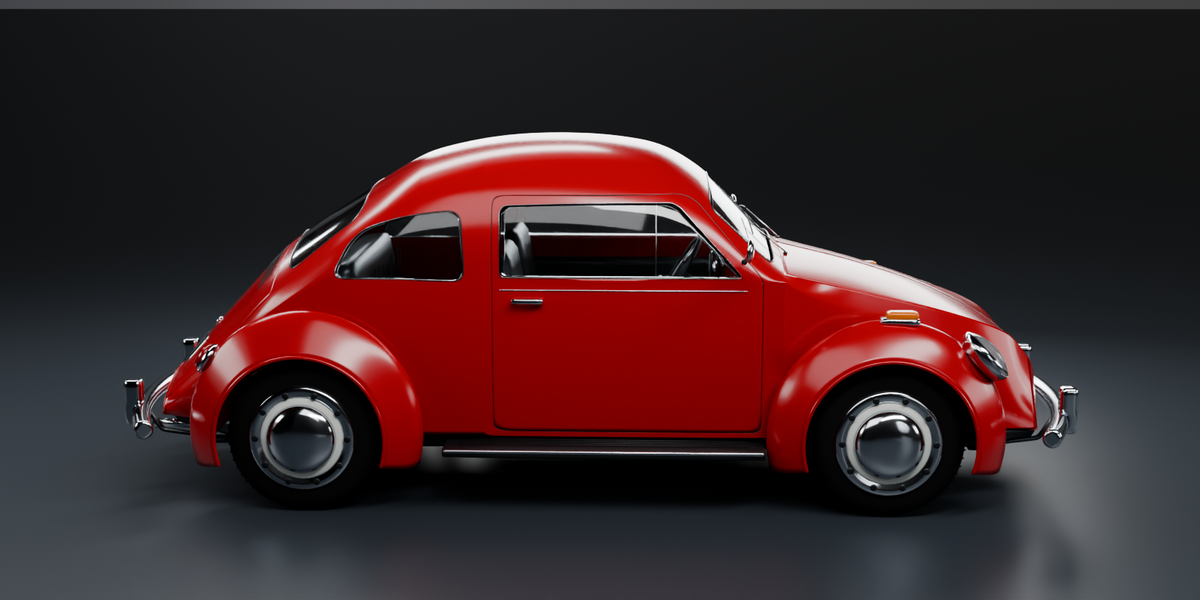

Choose your download
Model Only ($10): extract the ZIP and open Beetle_Toy_Car_Model_Only.blend. The car, materials and door controls are included. Add your own camera, lighting and environment before rendering.
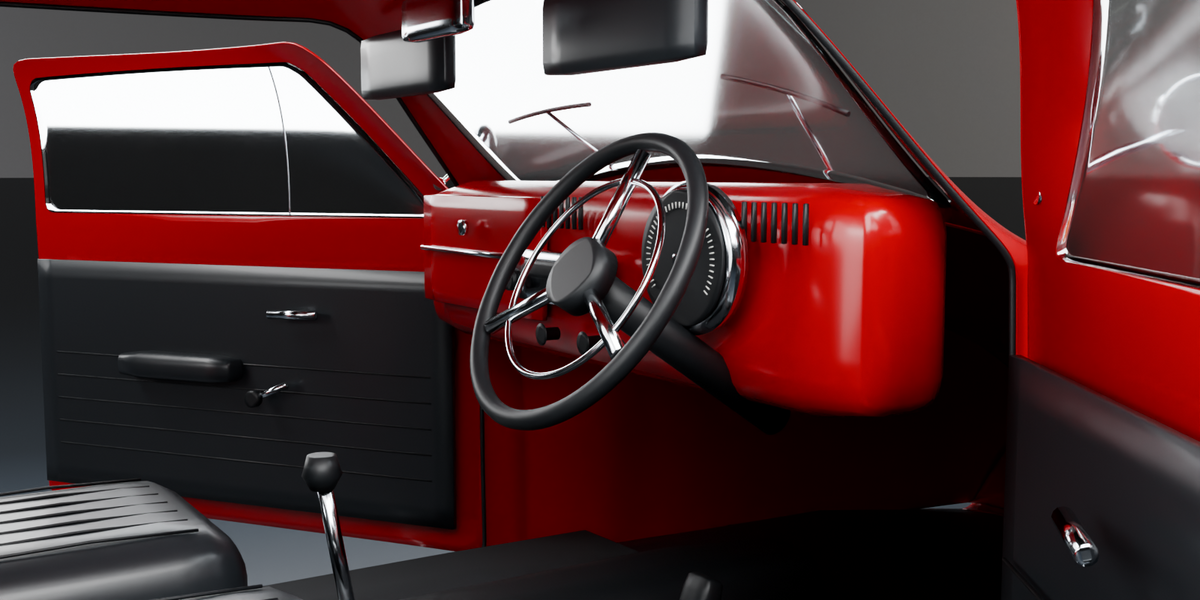
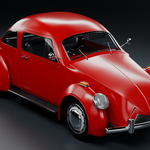
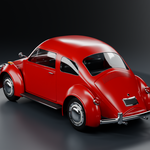
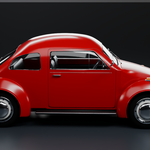
Model + Studio ($19): extract the ZIP and open Beetle_Toy_Car.blend. The car and preview studio are together in this single file. The HDR is packed, and the studio lights, ground and seven cameras are included. The scene uses Cycles with the front three-quarter camera; press F12 to render. Adjust the PREVIEW | Studio collection for other views.
No additional add-on is required for either package. Both use the same Royalty Free license for personal and commercial projects.
Opening the doors
Select the Beetle Toy Car root. In Object Properties > Custom Properties, adjust Left door opening and Right door opening independently from 0 to 70 degrees. Zero closes a door.
Moving and scaling
Move or scale the root to transform the whole car. The miniature is approximately 12.8 cm long. In Model + Studio, the studio is separate from the car hierarchy.
Using the car in another scene
Append the car objects with their parent hierarchy, or copy the root and all its descendants into your scene. Retain the door-hinge objects and their drivers. The two packages contain identical car geometry and materials.
Editing the model
The car has 145,414 base quads and 354,304 evaluated quads at the supplied settings. The main curved parts retain native Multiresolution or Subdivision Surface modifiers at viewport/render level 1. Edit the control meshes and keep the modifiers unapplied to preserve their editable hierarchy and fine surface detail.
Compatibility and scope
Saved and tested in Blender 4.5.15 LTS with Cycles. Newer stable Blender releases are expected to open the native files; separate 5.x testing is pending. This is a high-poly visualization prop with independently poseable doors. Driving controls, game-engine exports and print validation are not included.
For help with the supplied file, contact the creator through Superhive product support.
 Included
Includes 12 months of
- Support from 3dmohid
- Product updates
Extend this product’s Support Period +12 months: 50% of product price
Have questions before purchasing?
Login to message
| Published | 9 days ago |
| Blender Version | 4.5 |
| Render Engine Used | Cycles |
| Misc Data | Uvs-Unwrapped |
| License | Royalty Free |