 KushiroCG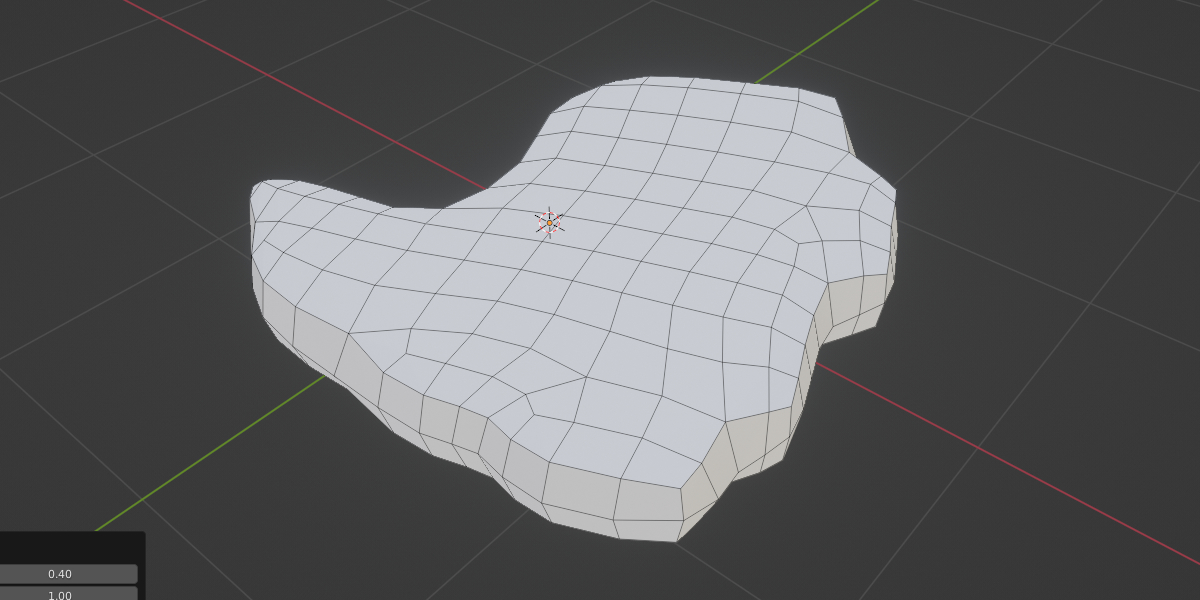
Usage
To use Beta Quad,
Switch to Blender Edit mode, select the faces, then right-click > Context menu,
Select Beta Quad from the bottom of the menu.
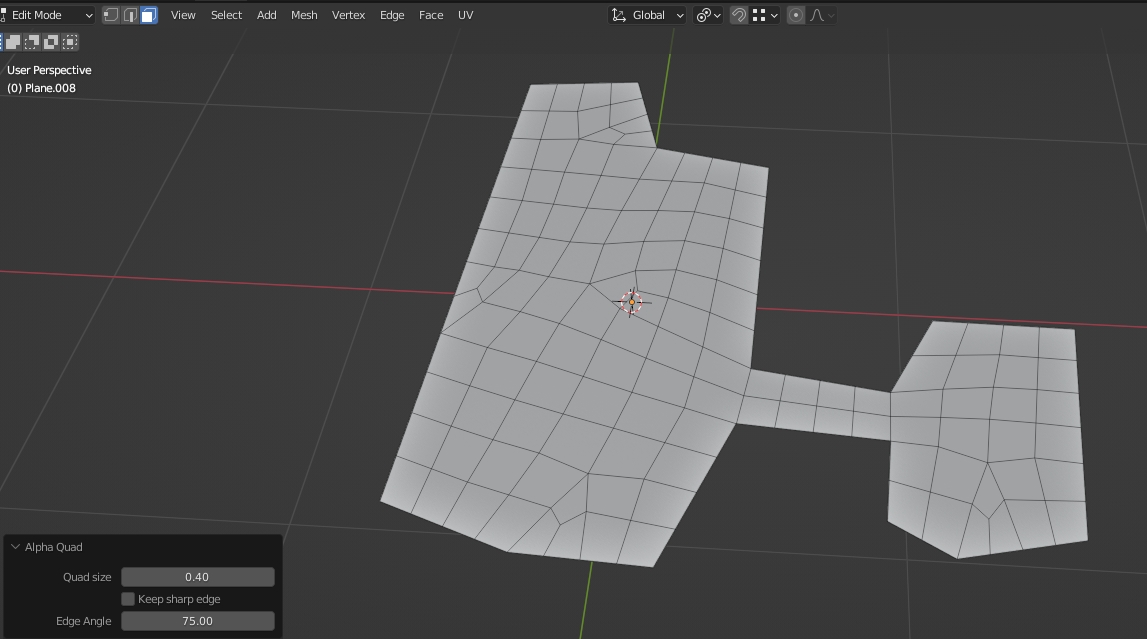
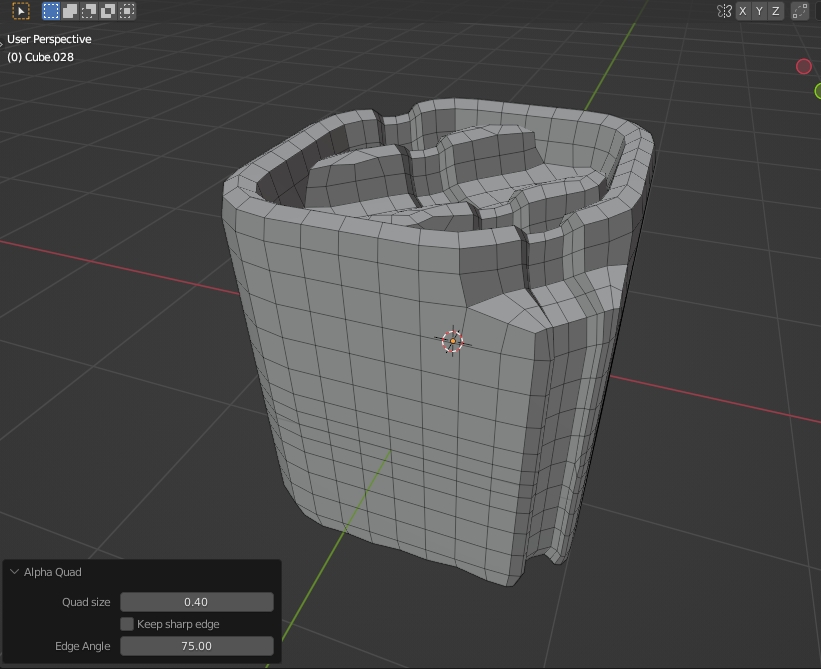
There are few parameters on the Left-Bottom menu :
Quad size : it define the quad size of the result. Smaller quad will be slower.
Size Multiplier : it can be used to change the quad size slowly. Its value will be reset every time you use the tool.
Inset Boundary : It add the supporting edges at the boundary. It will make the mesh boundary looks sharp when sub-divided.
Inset Width : the width of inset
Inset sharp angle : It defines the max limit angle for sharp boundary edges
Keep Sharp edge : this option is used for turn off smoothing for sharp edges. It preserve the overall shape of the mesh
Edge Angle : it define the angle of "sharp edge". Angle smaller than this number will not be smoothed.
Discover more products like this
quad based winter24 loveblender spring24 quads All Quad addon quad remesh bfcm24 retopology summer24 quad-topology quad-tool