 serge-m



BEVEL PROFILER
Made for Blender’s own bevel system.
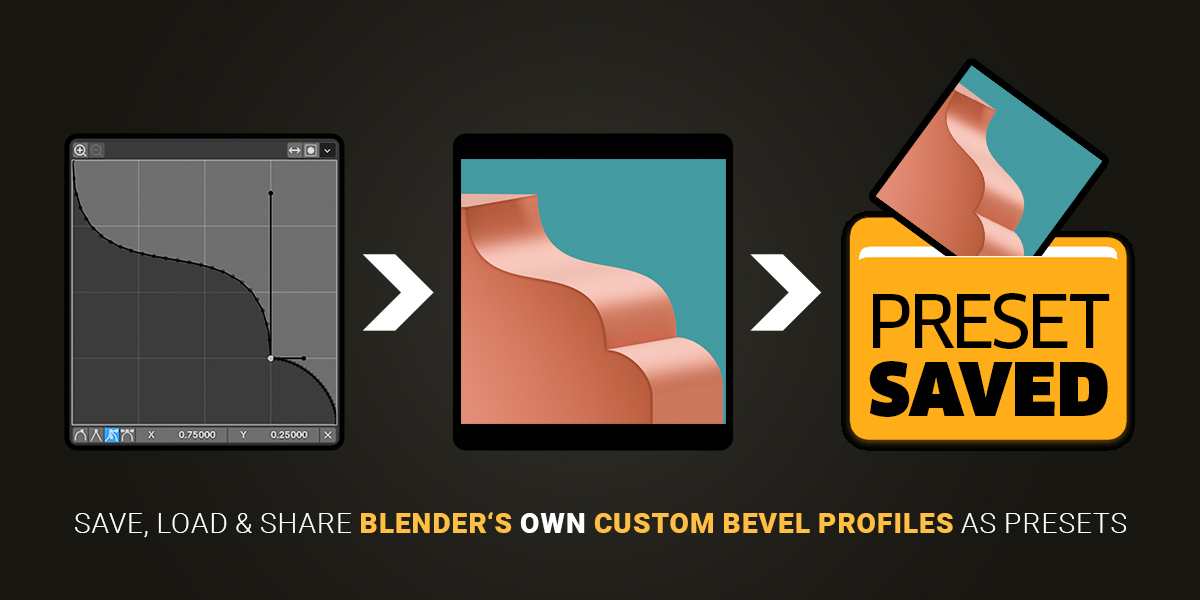
Save, load, organize and share your custom bevel profiles — with a clear, visual preset library.
It’s never been so easy to save a bevel preset.
Works where you already work.
It works directly with Blender’s own:
- Bevel Modifier in Object Mode
- Bevel Tool in Edit Mode
Profile points, handle types, handle positions and relevant bevel settings are preserved inside each preset, together with its thumbnail colours.
Save it once. Use it again.
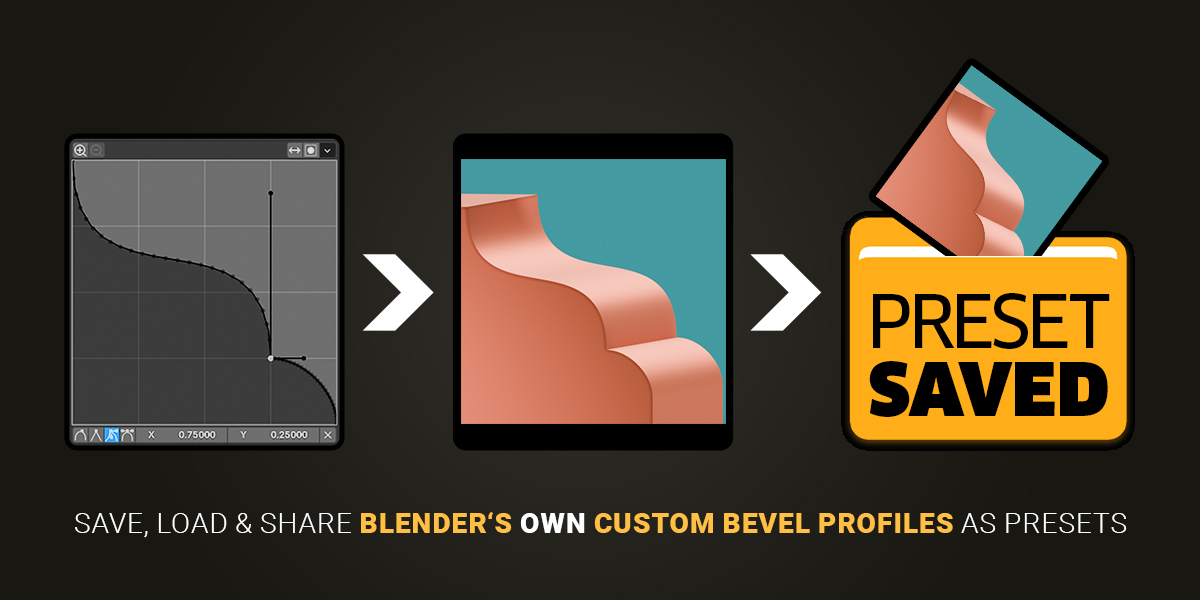
Presets are stored as separate files, ready to move, back up or share. Create a profile once and keep it just one click away whenever you need it.
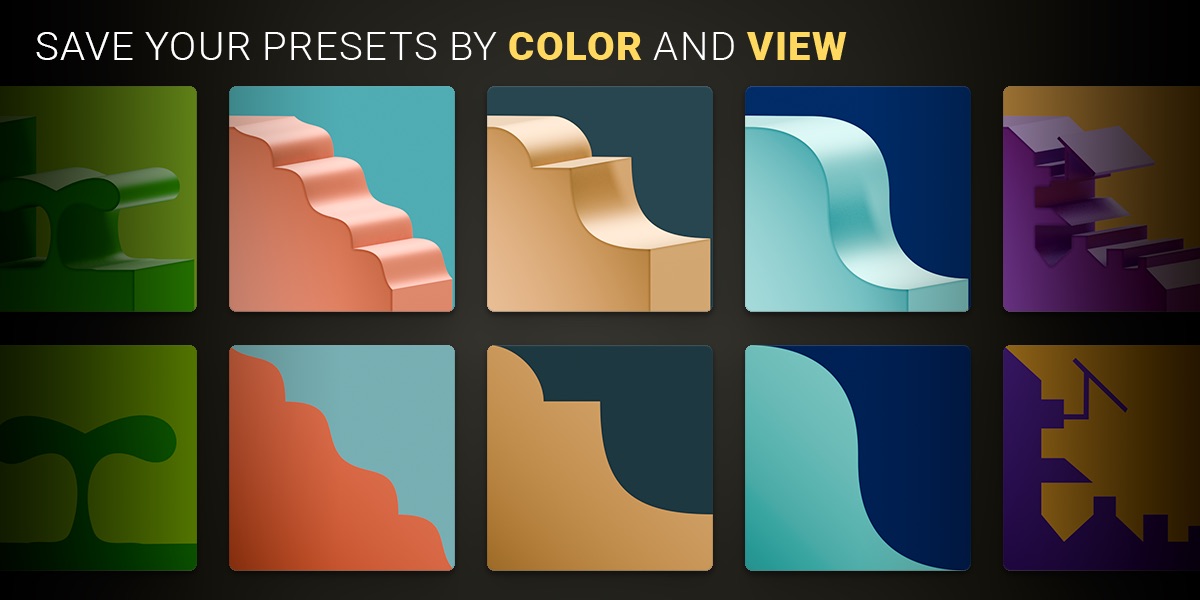
Find the right profile at a glance.
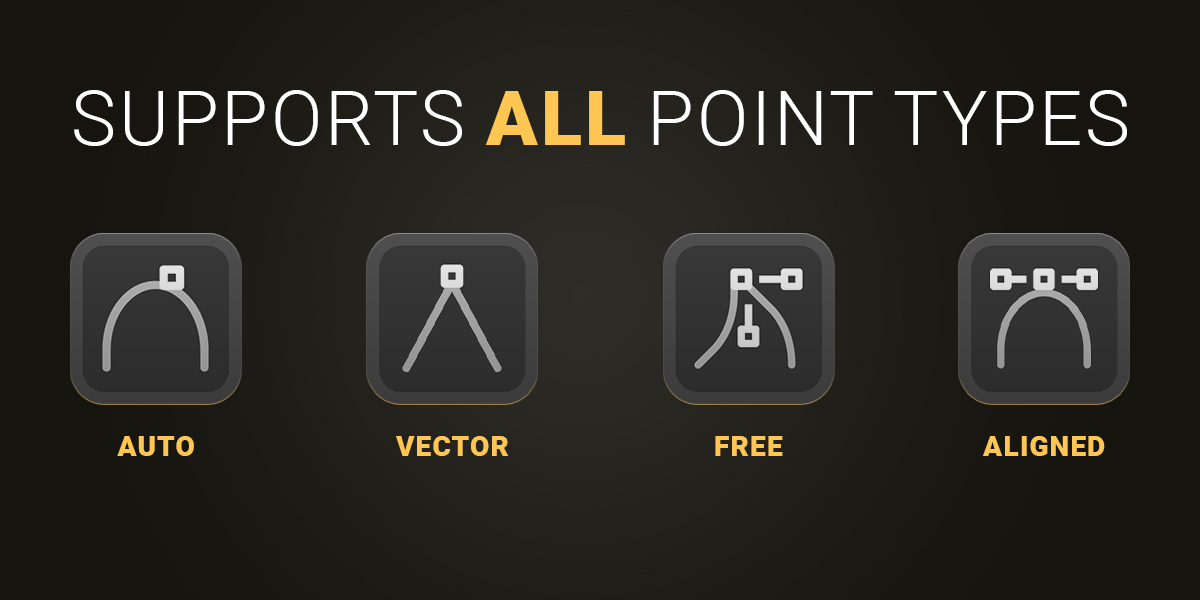
Your profile, down to the handles.
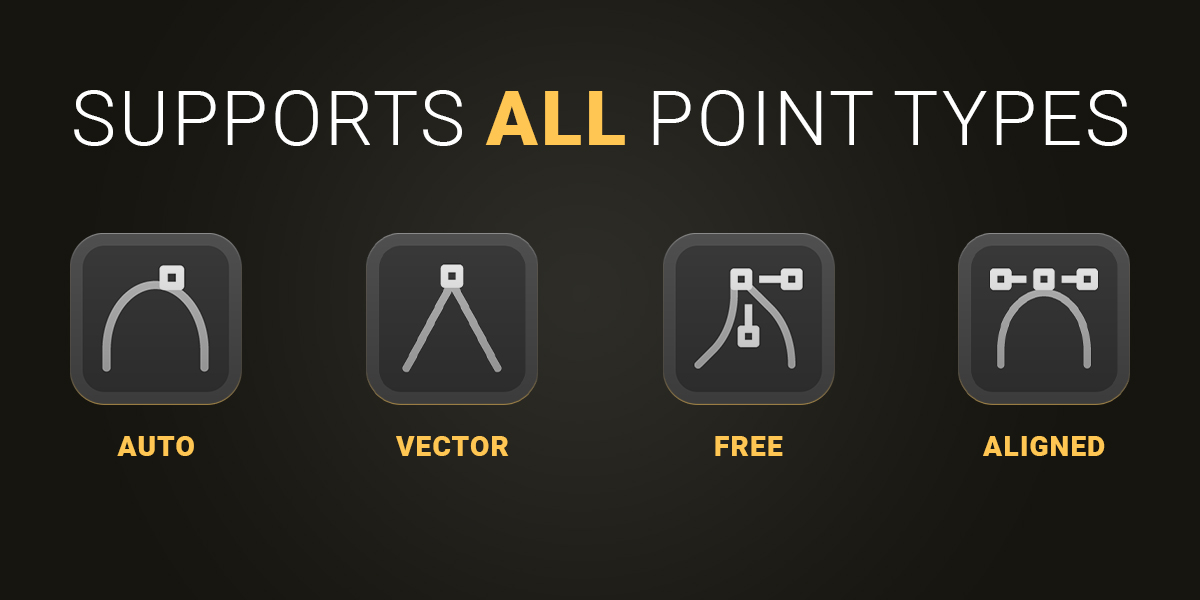
Bevel Profiler supports Blender’s native profile point and handle types when saving a preset, so you can keep the details that define your shape.
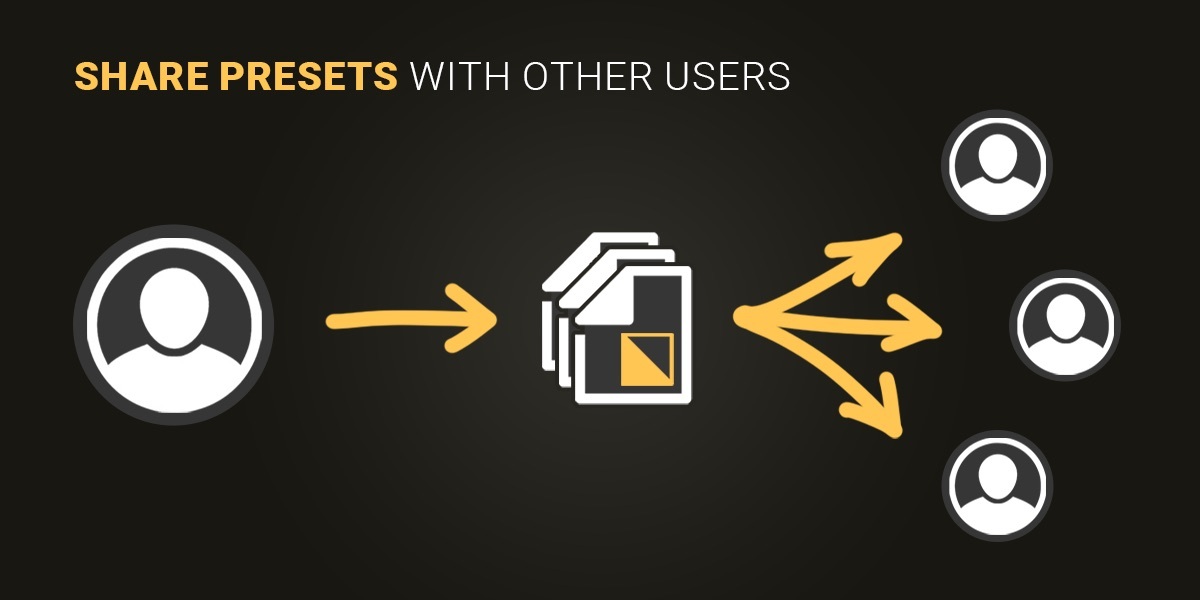
Made to be shared.
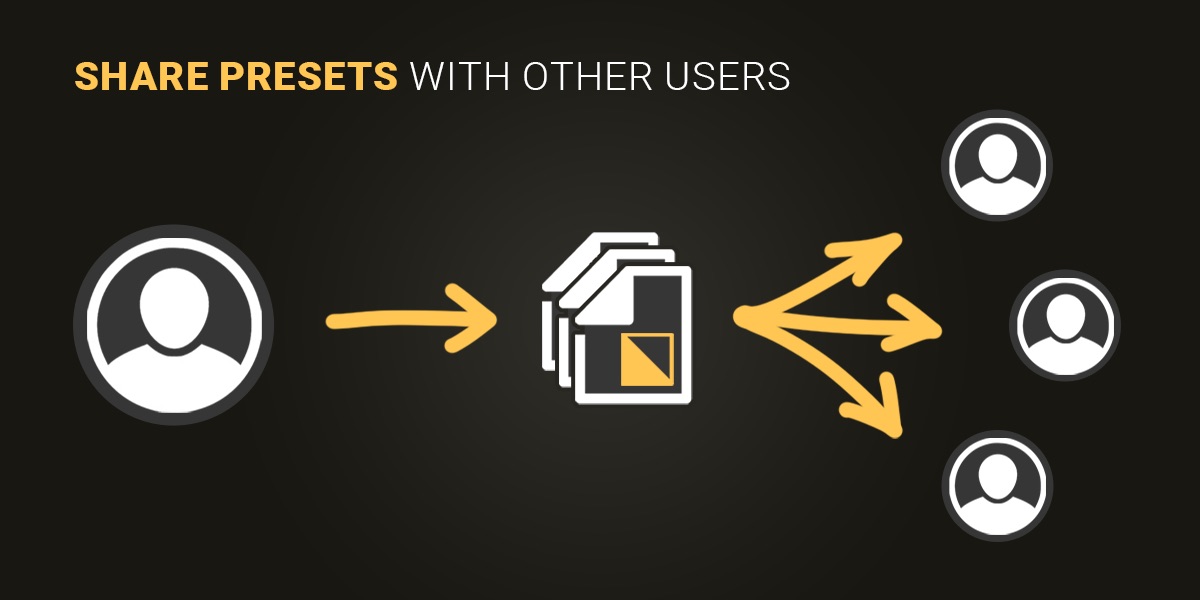
Share individual folders or your complete preset folder hierarchy with other users. The JSON files and their matching thumbnails are already included and clearly organized.
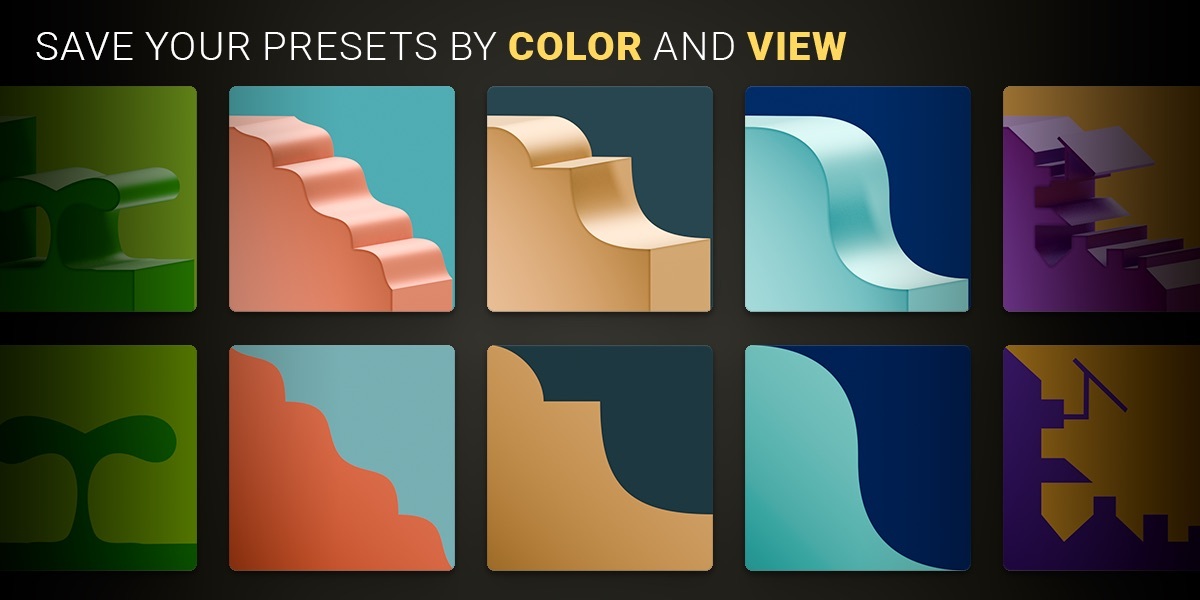
Your presets are your colour palette.
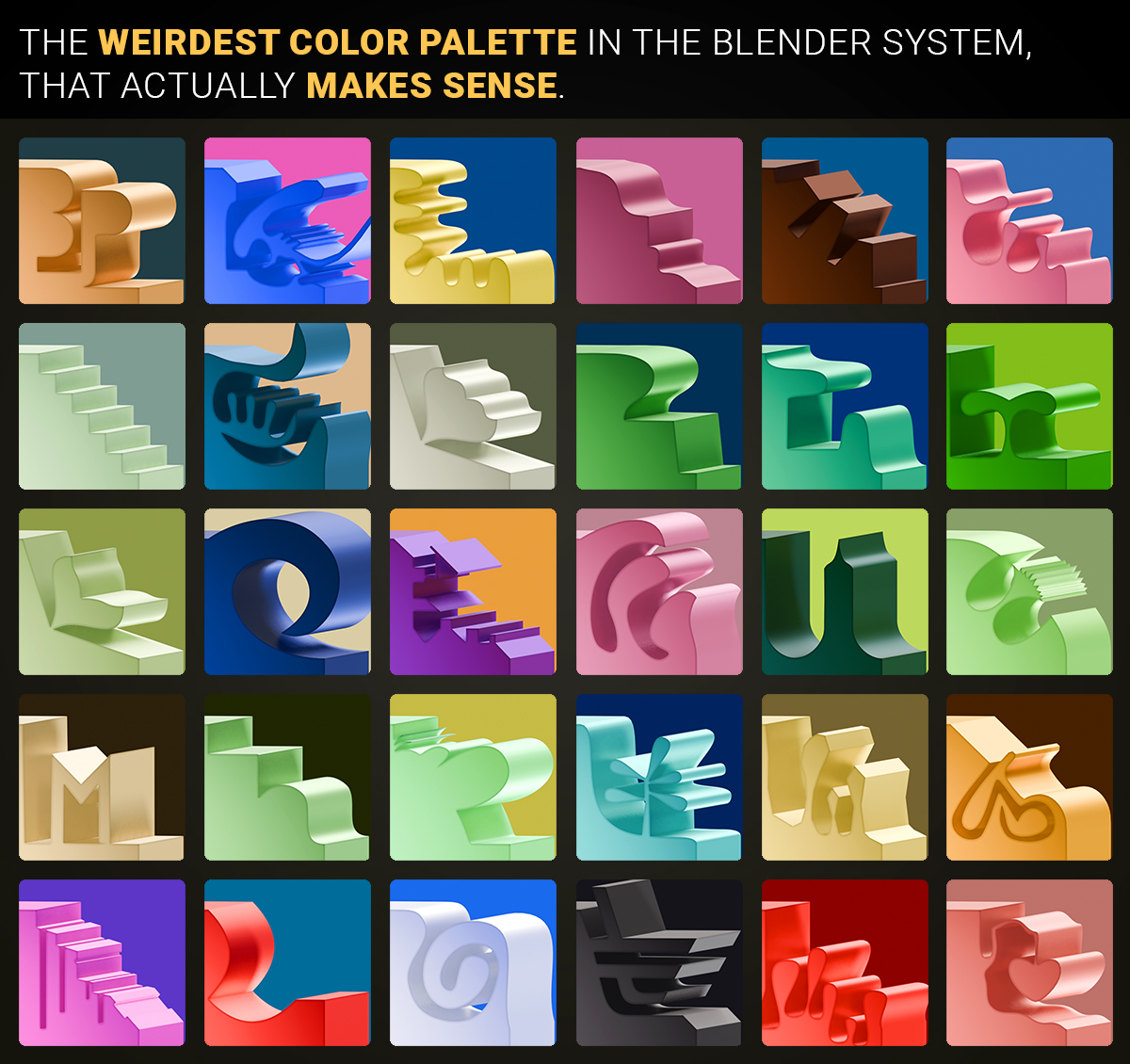
Bevel Profiler saves your shapes together with their thumbnail colours. Reuse the profile and background colours from an existing preset when rendering new previews — your collection already holds the palette.
Build your own collection.
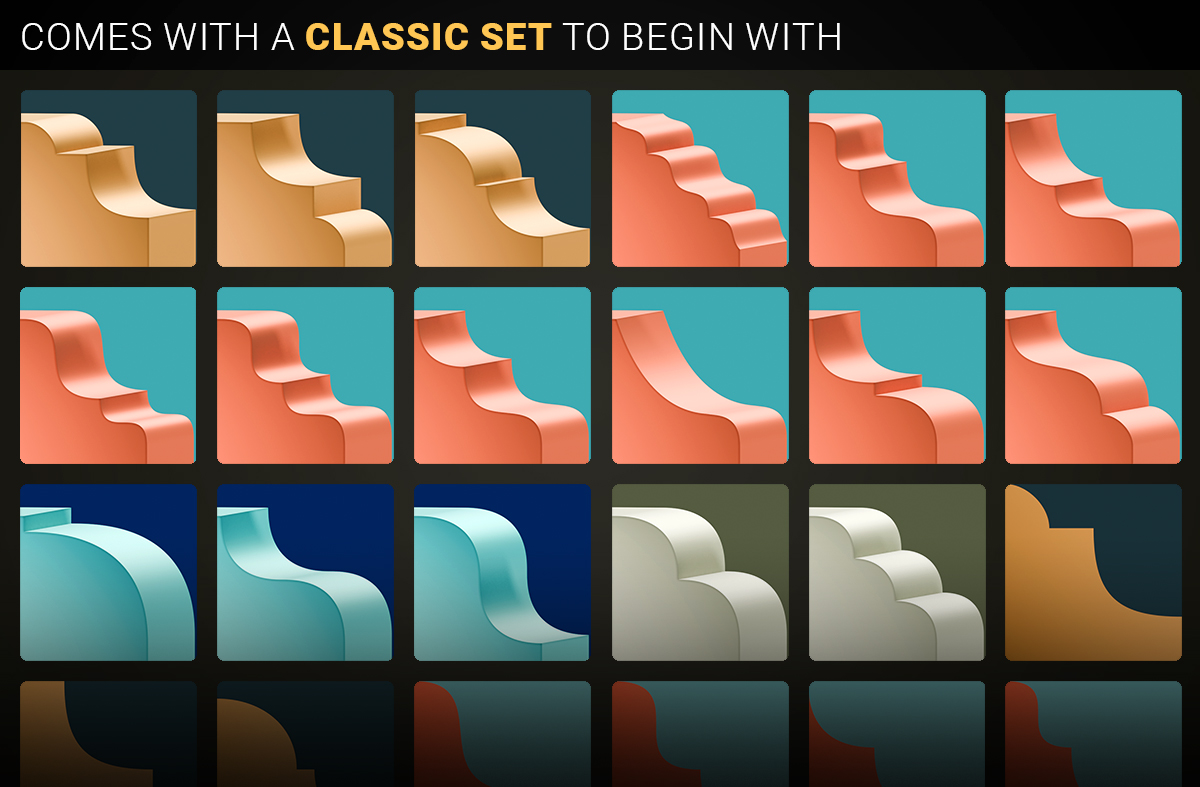
From familiar edge profiles to more individual shapes, keep the profiles you create organized and ready for your next project.
Simple, intuitive and easy to browse.
Organize presets in folders and browse them as a compact list or through a visual thumbnail library. Even larger collections remain clear and easy to manage.
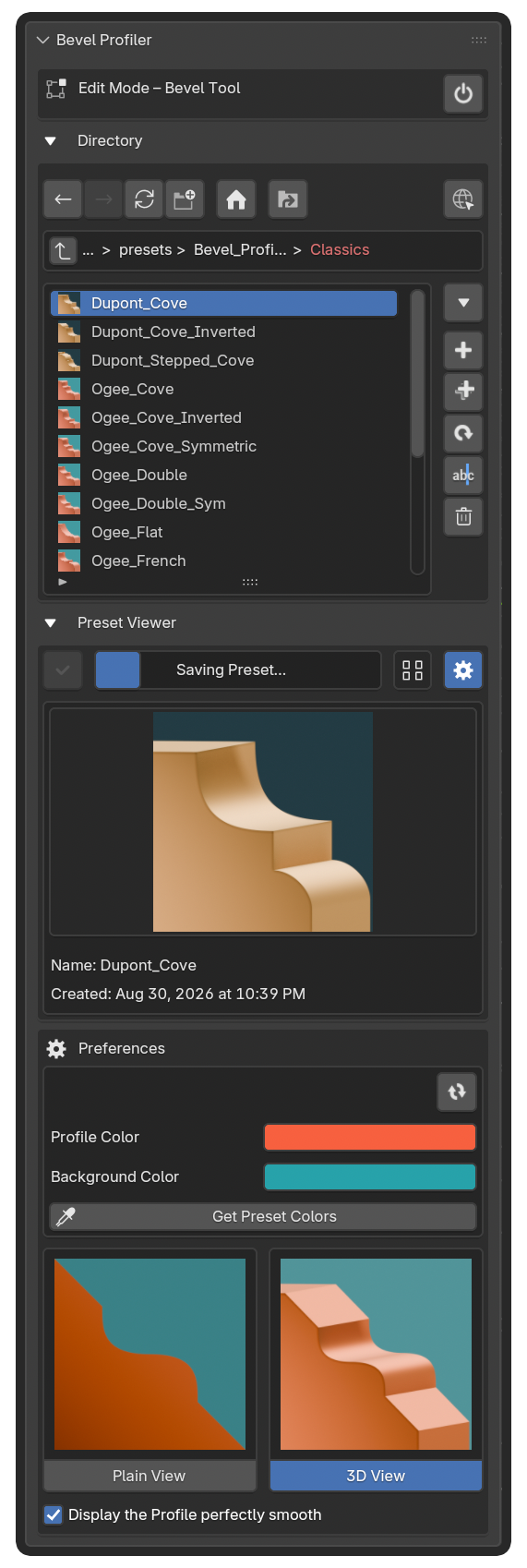
See the workflow in the tutorial.
READY FOR YOUR WORKFLOW
Bevel Profiler 1.0
macOS, Windows & Linux
Blender 4.5.1 to 5.2.2