 Layerform


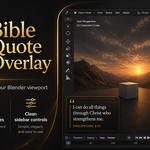
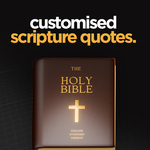
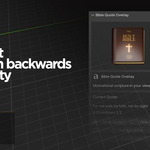
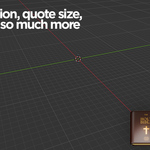
After installing and enabling Bible Quote Overlay, open the 3D Viewport sidebar by pressing N, then go to the Bible Quote tab.
Use Show Quote to display the scripture overlay, Hide Quote to remove it, and Refresh Quote to generate a new random verse. You can also use Copy Quote to copy the current verse and reference to your clipboard.
The add-on includes startup options, allowing the quote overlay to appear automatically when Blender opens. You can also adjust the overlay position, width, font size, and opacity from the sidebar settings.
$3.99
Have questions about this product?
Login to message
| Blender Extension Compatible | Yes |
| Published | 5 months ago |
| Blender Version | 4.0 - 5.1 |
| Extension Type | Add-on |
| Render Engine Used | Cycles, Eevee |
| License | GPL |
Discover more products like this
Motivational religion addon jesus jesus-christ quote artinspiration scripture motivation god bible