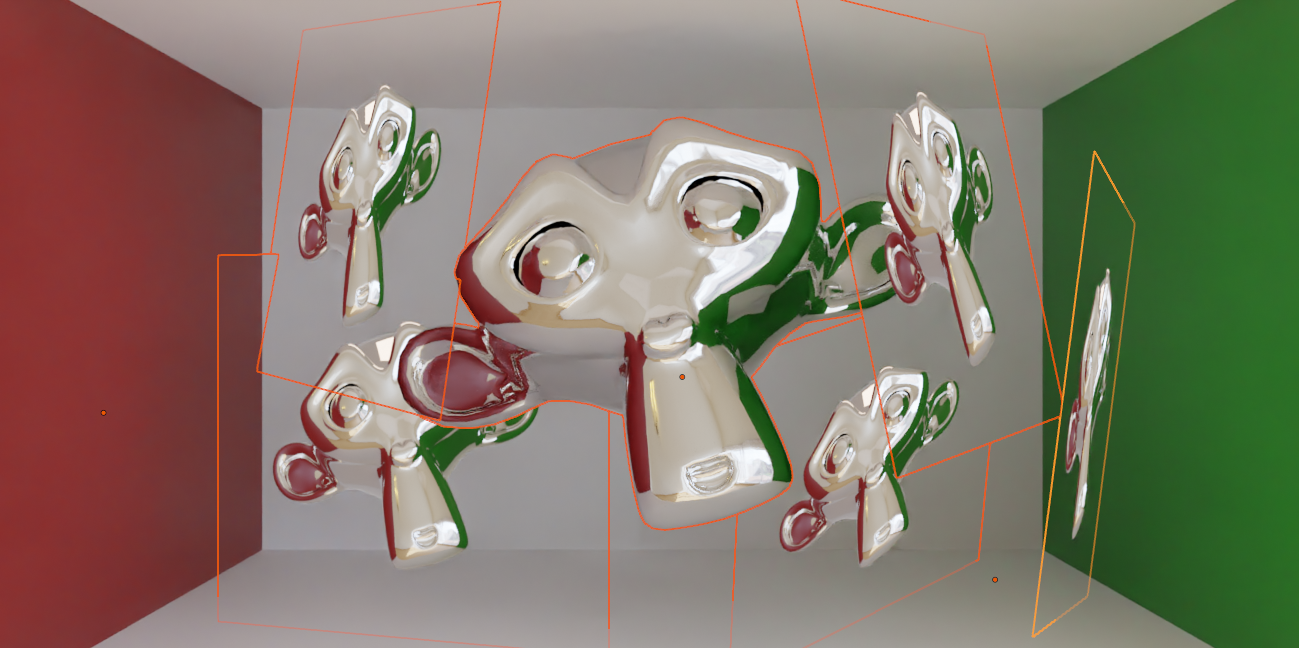
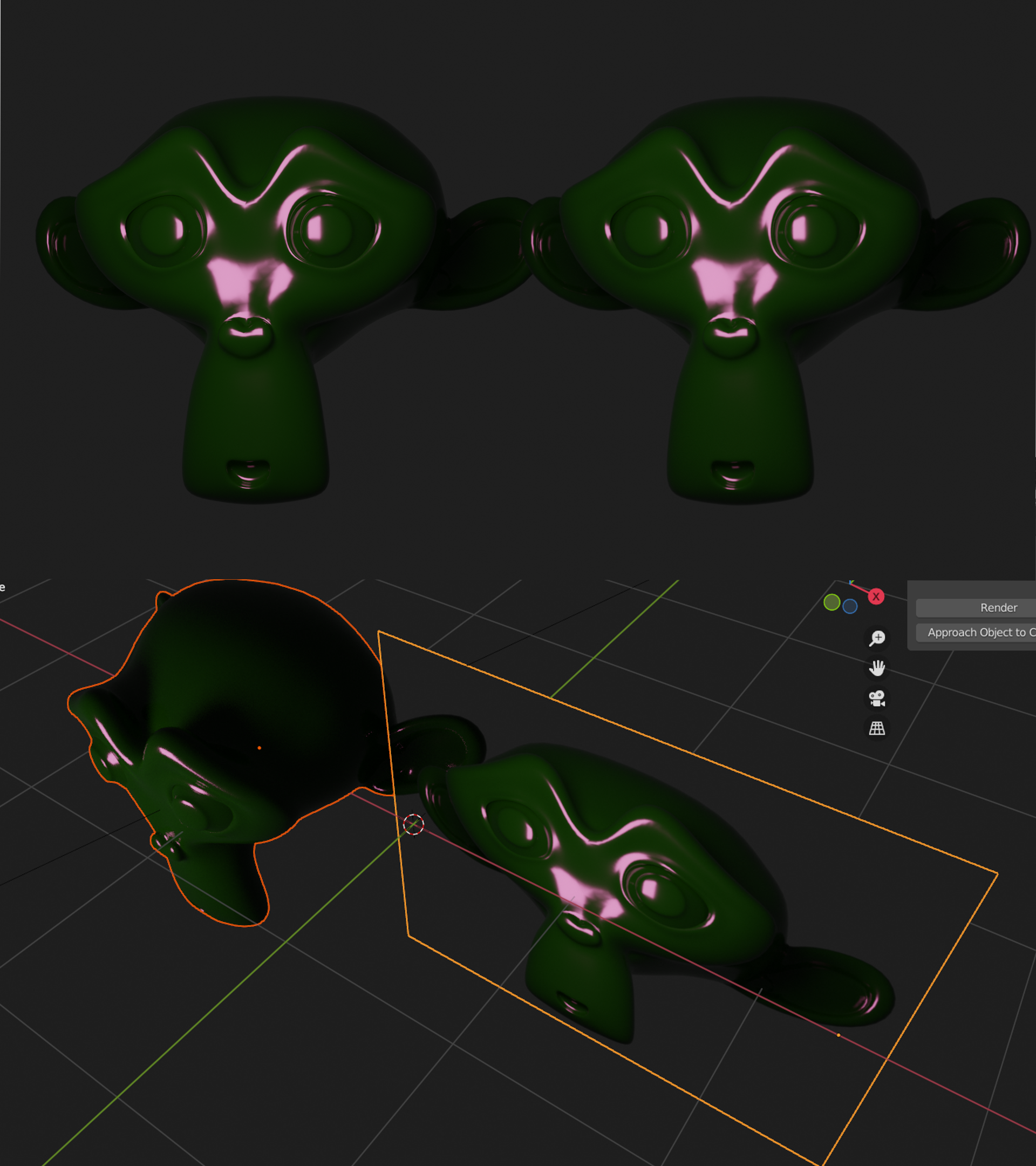
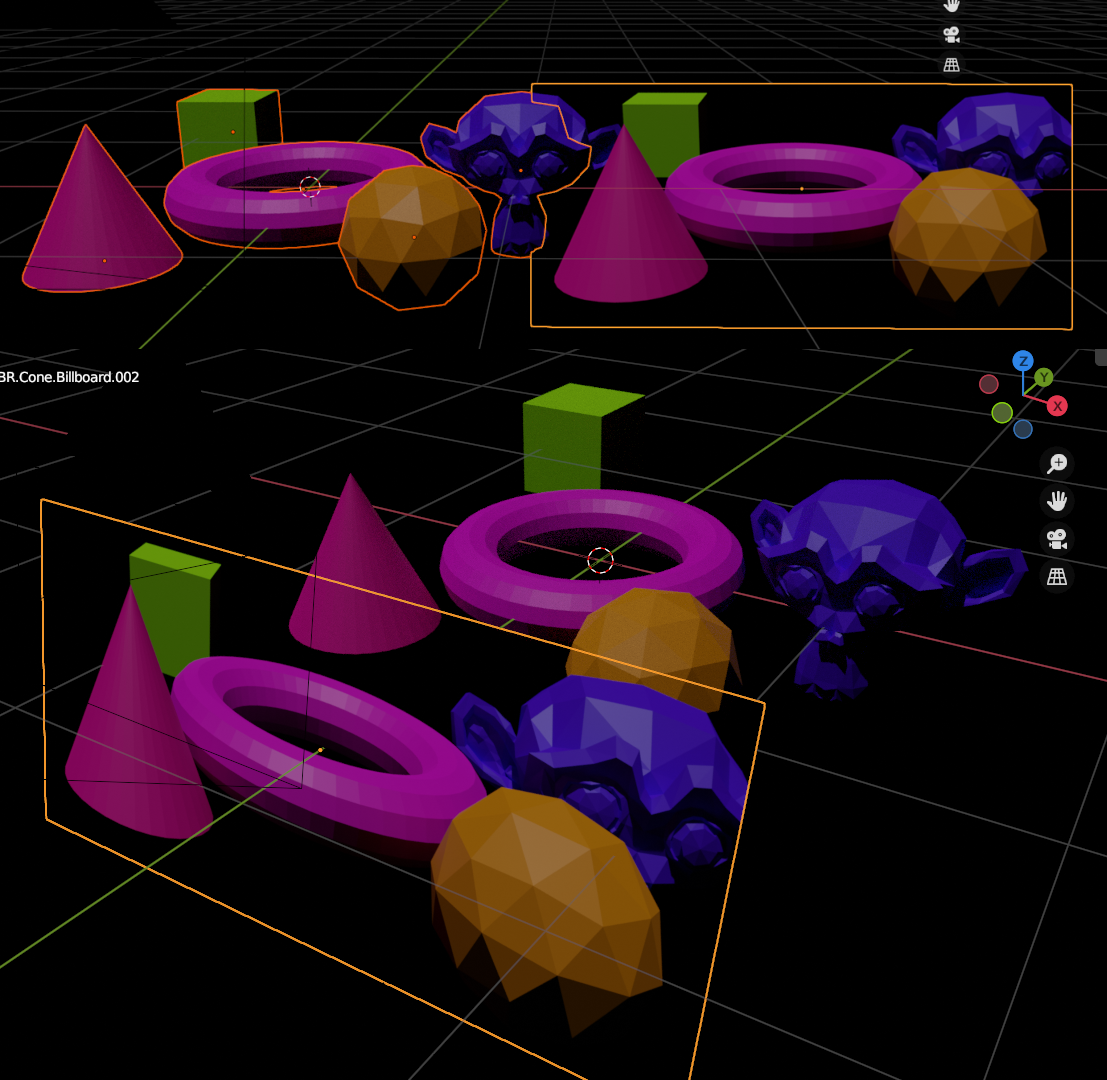
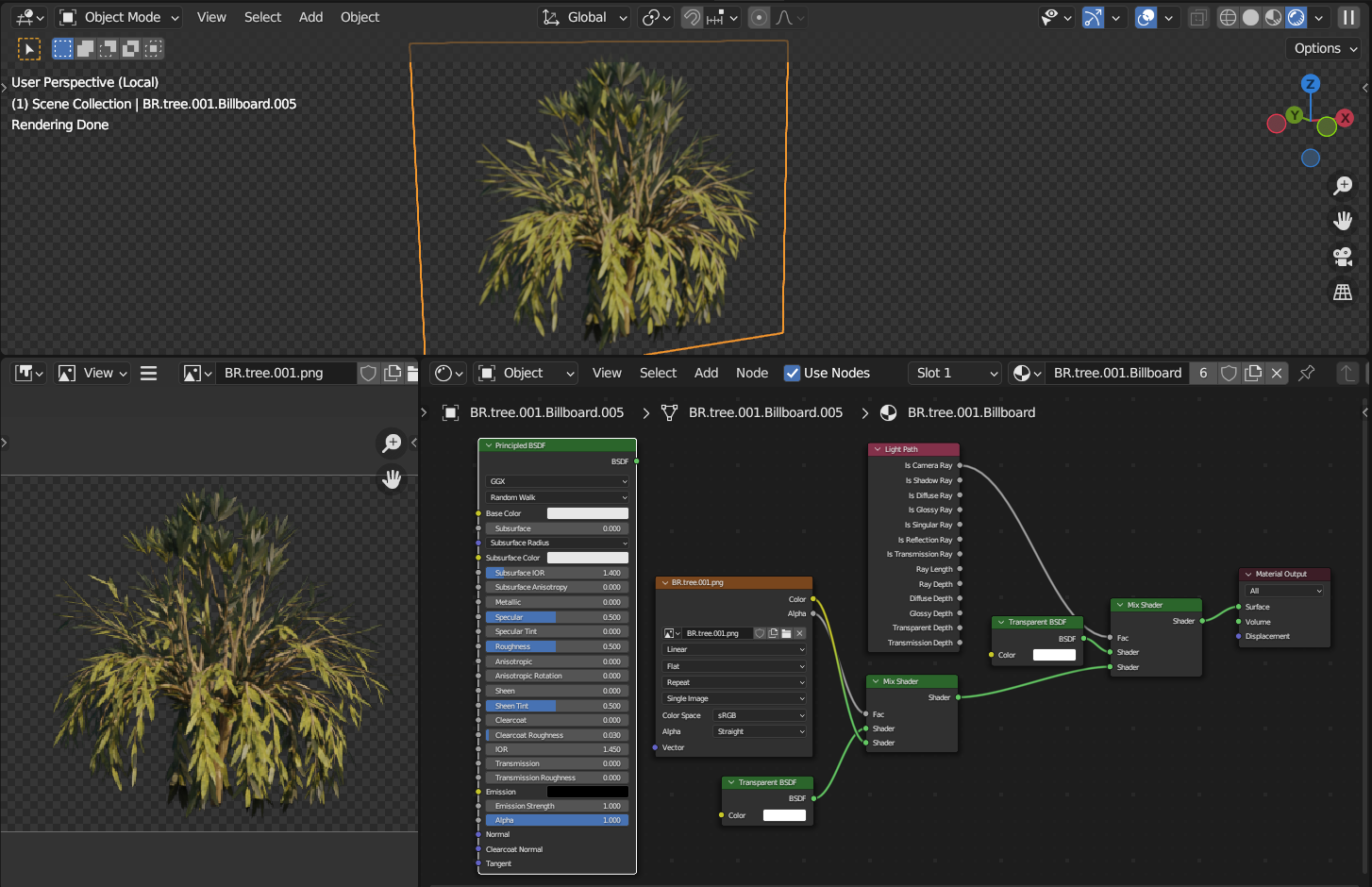
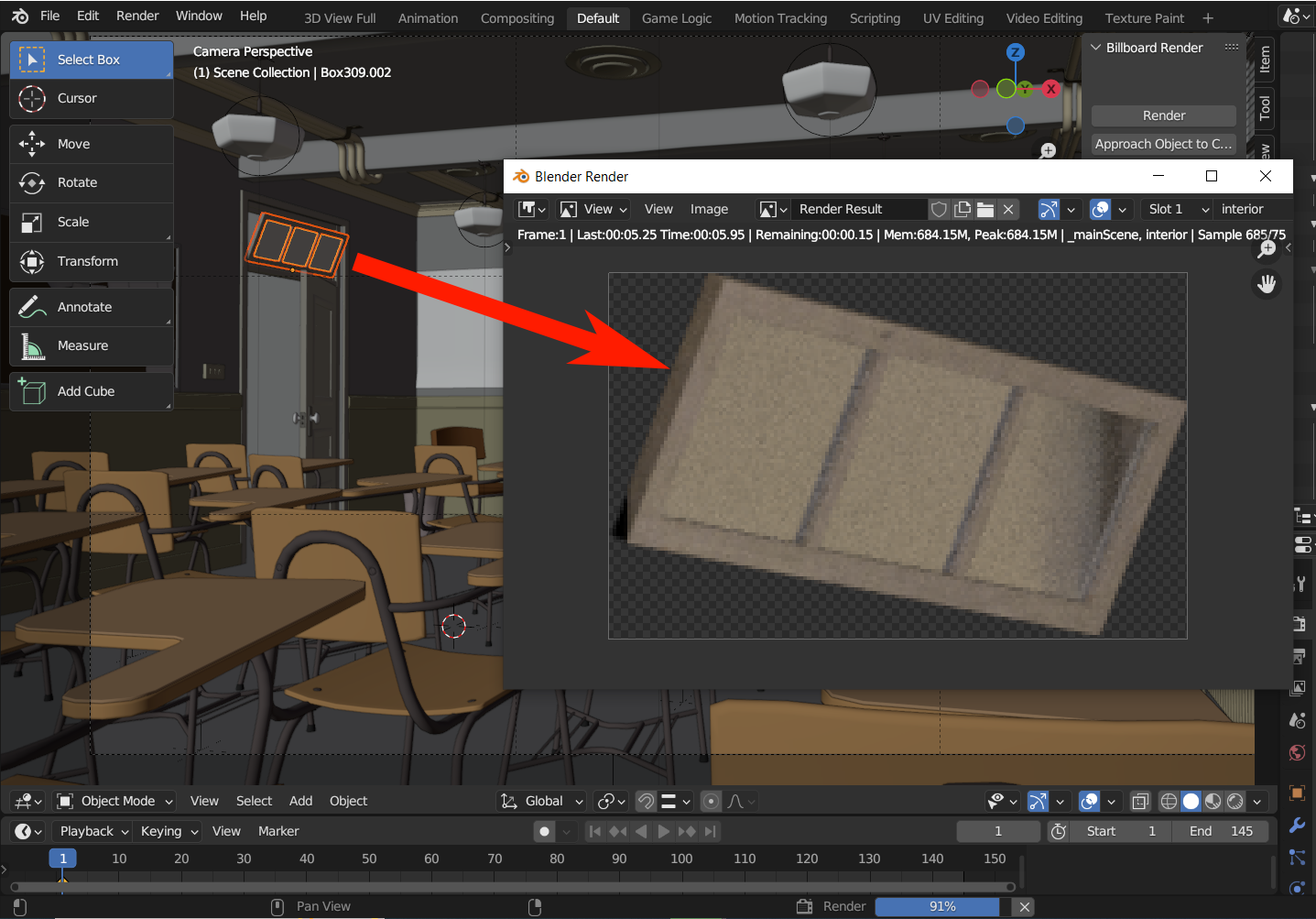
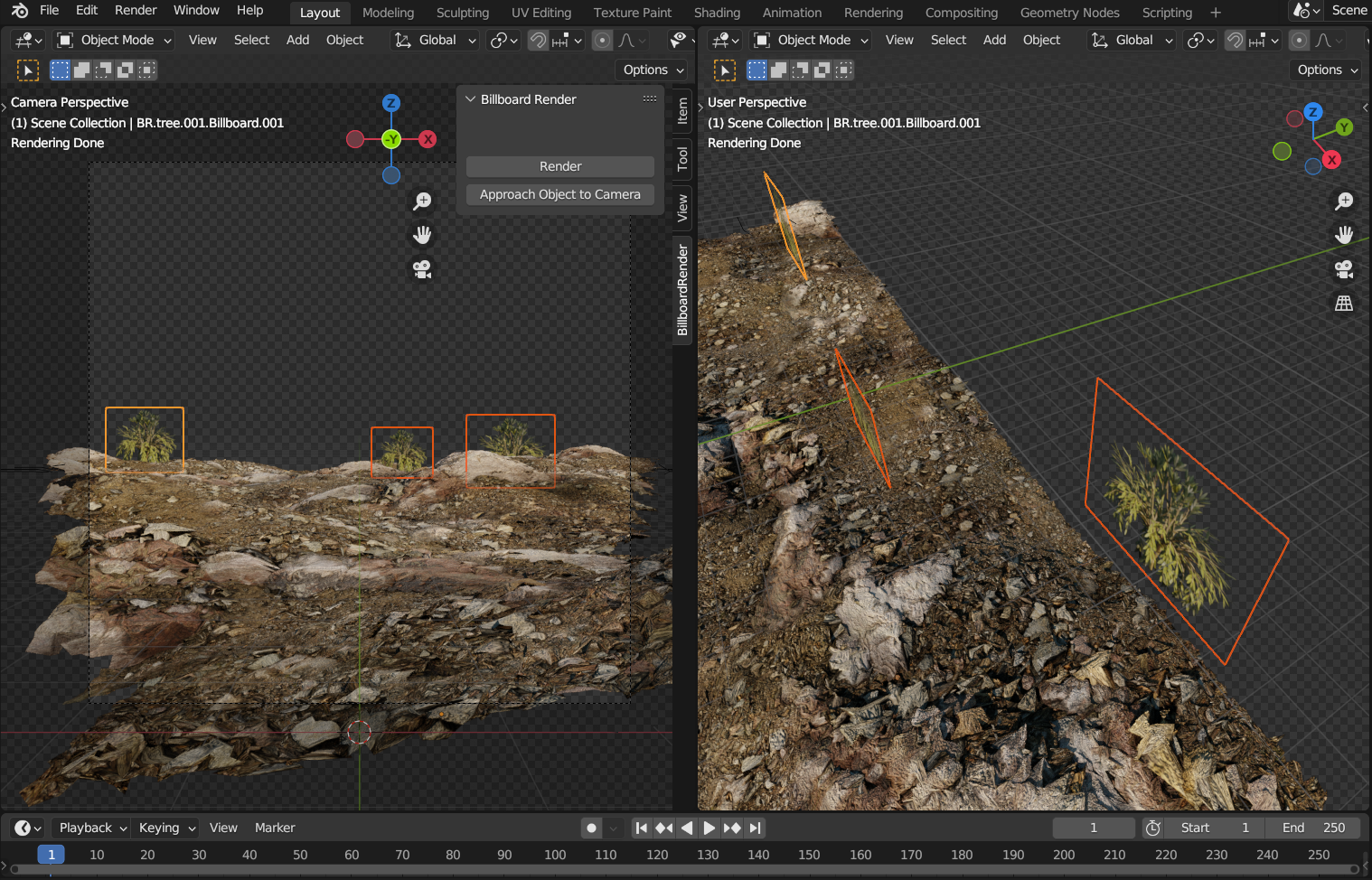
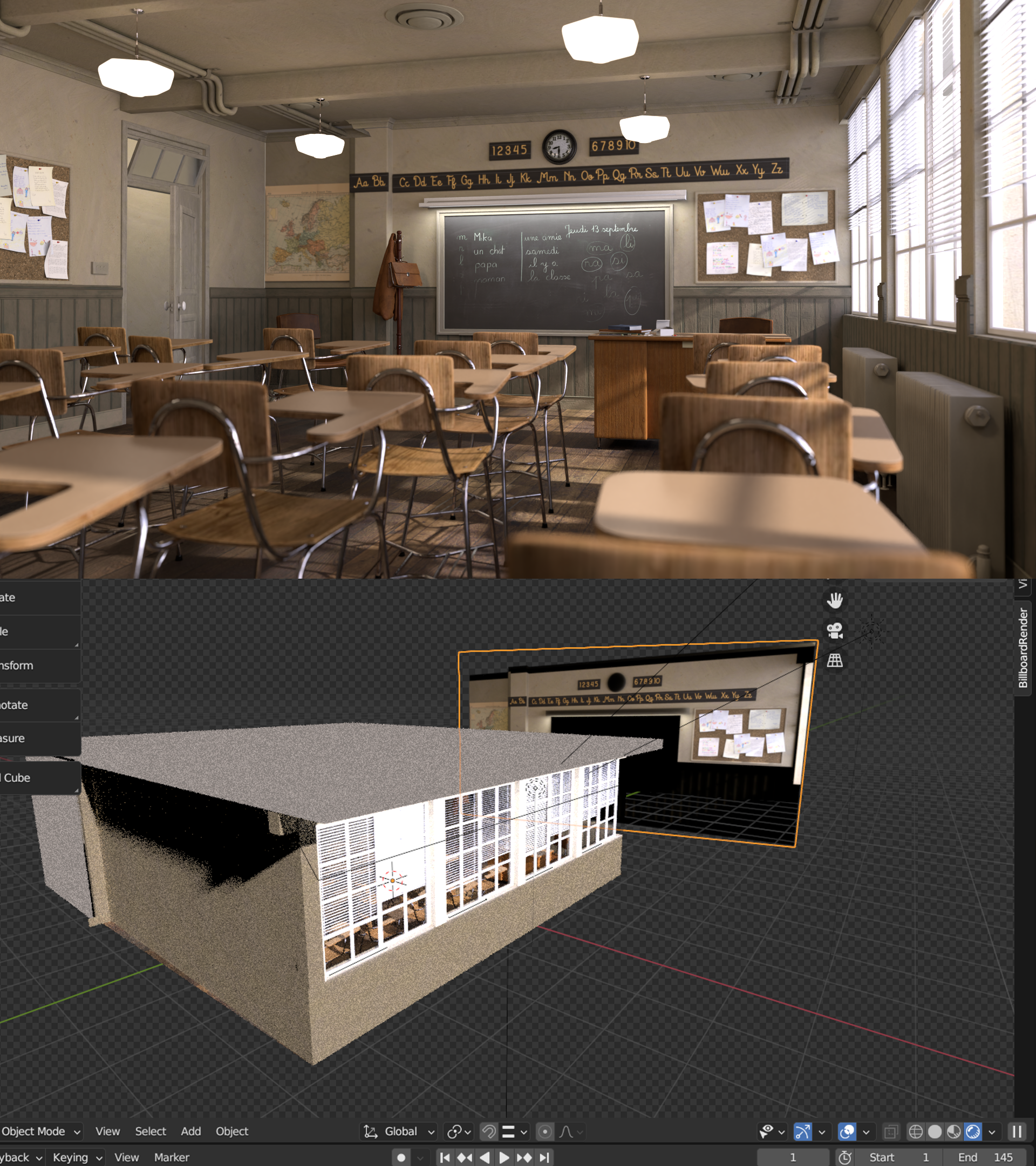
As with other addons, you install it through the Edit → Preferencers → Add-ons → Install from Disk option.
There isn't much to using the addon, just pressing the "Render" button in the 3D View's BillboardRender tab (not the usual Render button in the Render Properties section) will create a still billboard. The only real catch is that it does not work on an unsaved file (because it needs to have a working directory prepared, that's where it'll save the resulting rendered image).
Having unrenderable objects selected will make the addon raise an error when trying to render, simply unselect it and try again.
When the Animated option is selected, the addon will create a billboard based on the camera's entire field of view, not what it sees from the object (otherwise it would have to have variable size, which is likely not what you want). If you are animating with a moving camera, you're likely to want the Parent to Camera option so that the billboard follows said camera.
The Approach Object to Camera simultaneously moves and scales the object such that it's farther or closer to the camera without changing how it looks from the point of view of said camera (similar to perspective effects in cinema). Use this if the billboard intersects other objects in undesired ways.
 Ernesto