Bird Flock Generator
 DreamSfx


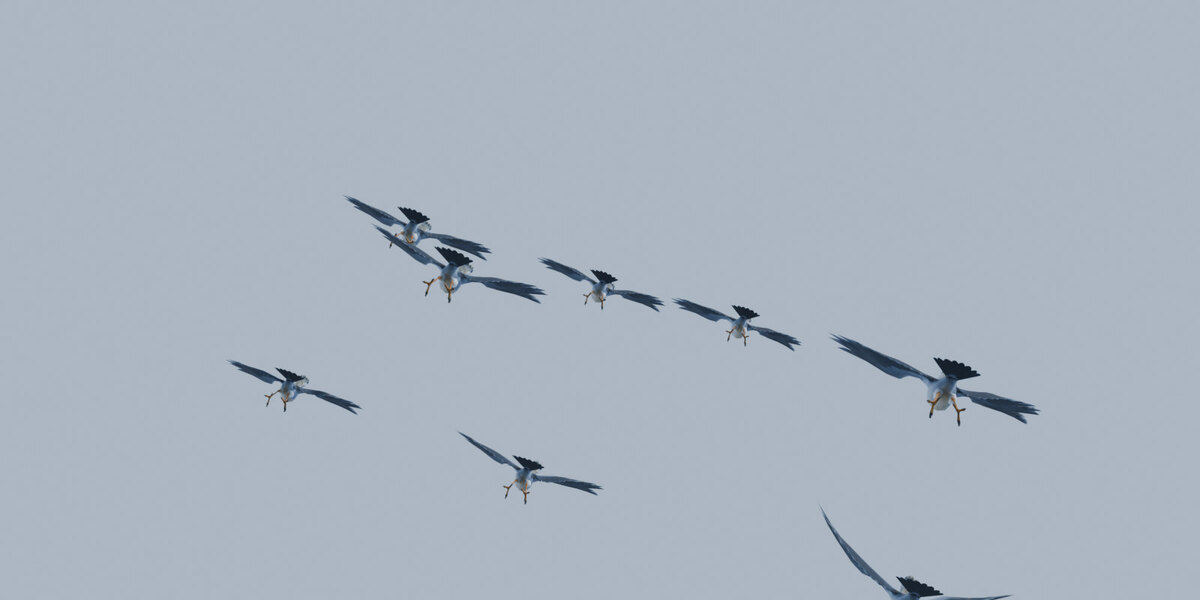
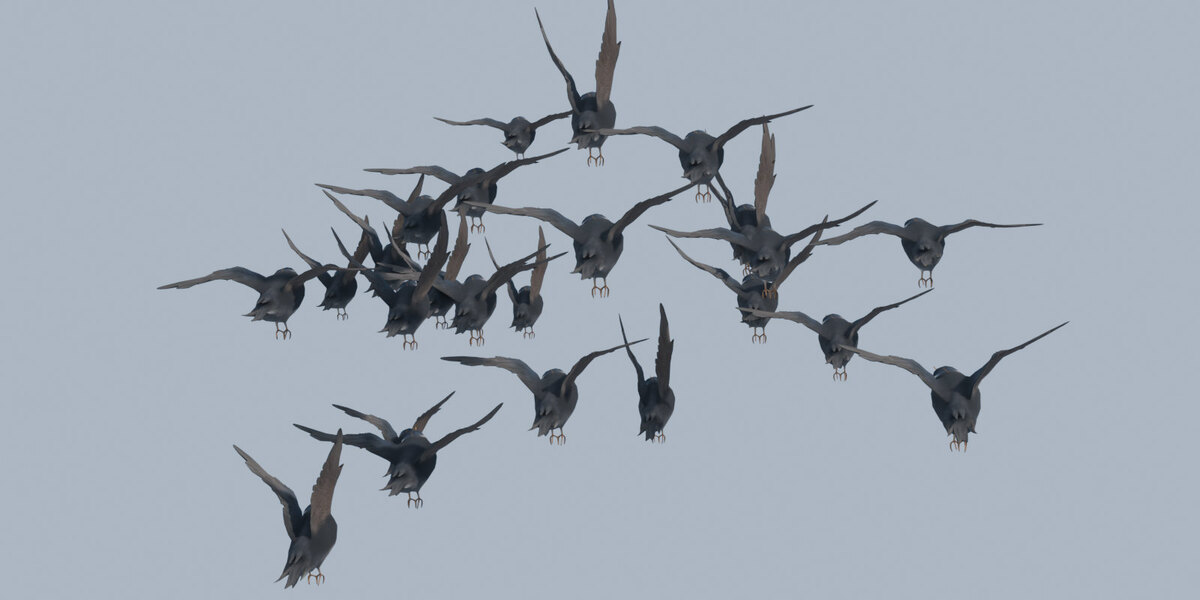
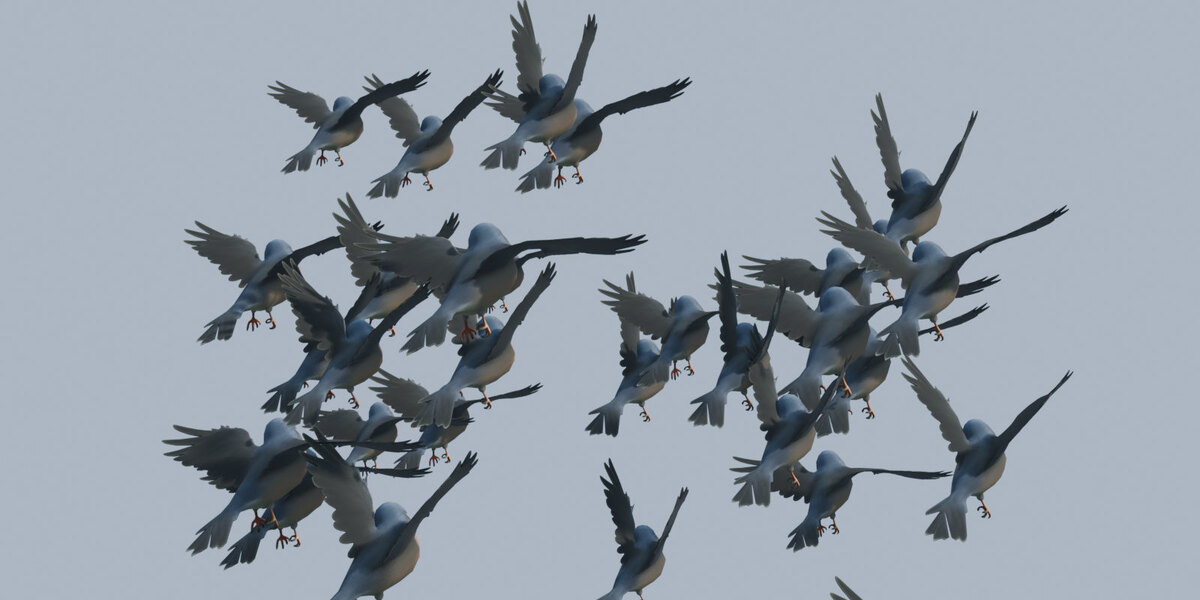
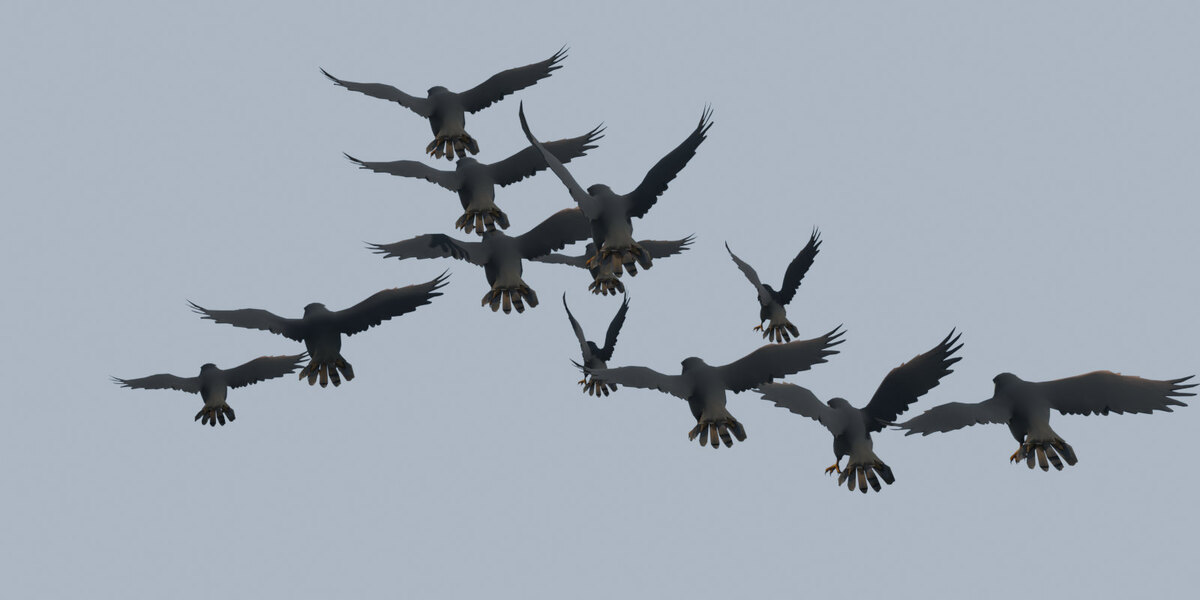
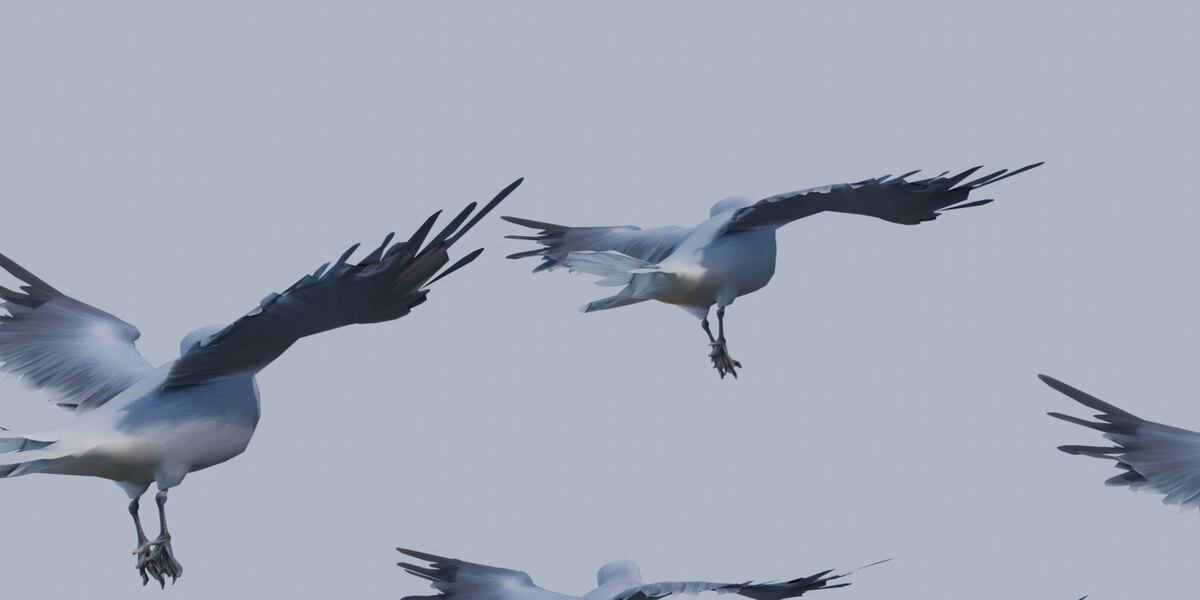

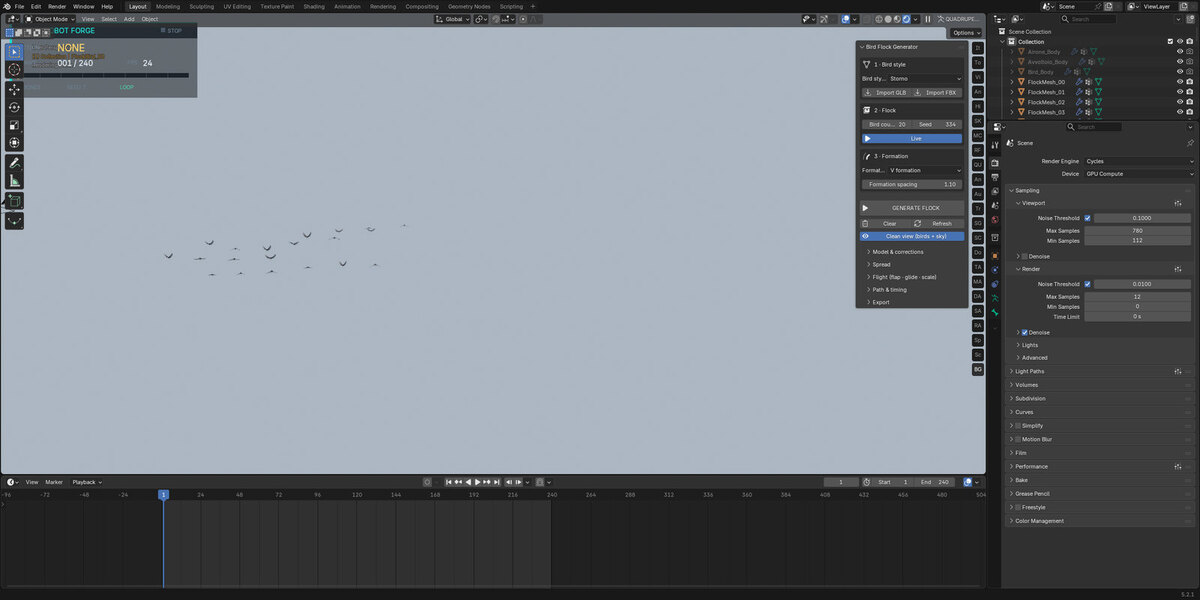
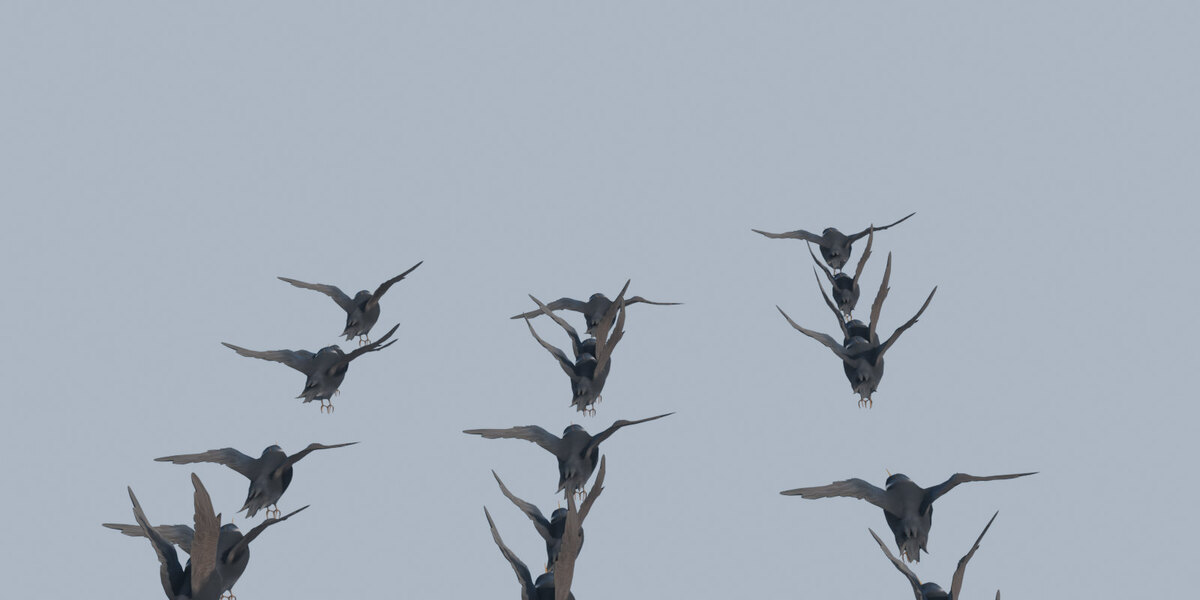

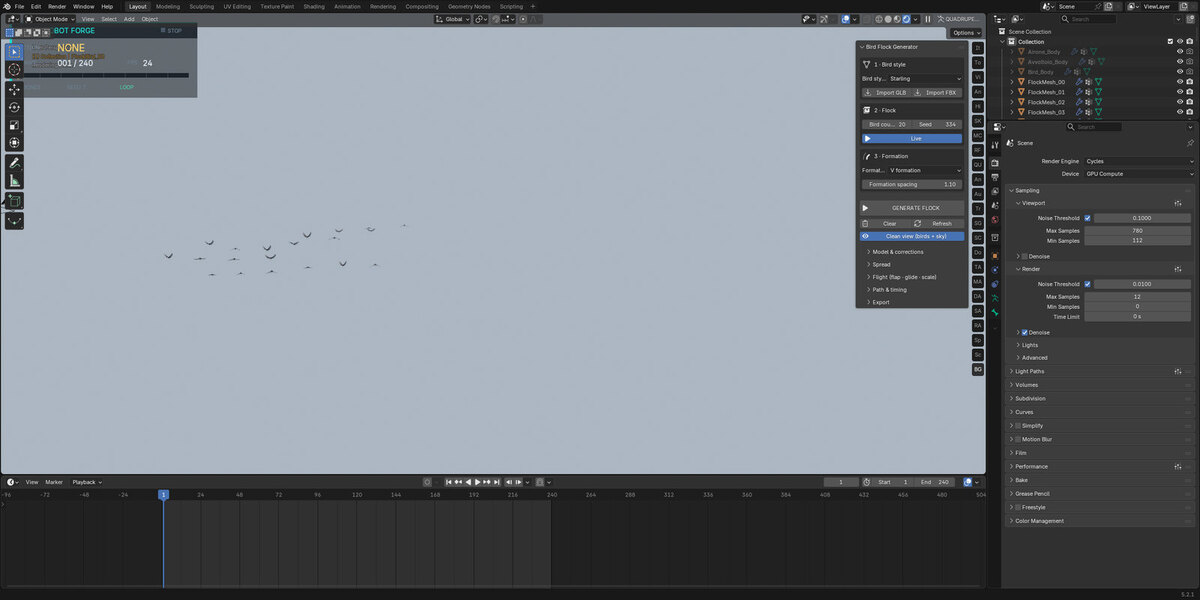




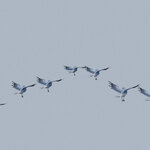


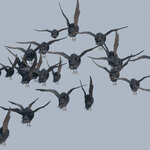






Installation
- Edit > Preferences > Get Extensions, open the menu (top right) > Install from Disk...
- Pick bird_flock_generator-1.2.0.zip and make sure Bird Flock Generator is enabled
- In the 3D Viewport press N and open the Bird Gen tab
Requires Blender 5.0 or newer (tested on 5.0.0 and 5.2.1 LTS). The demo scene bird_gen.blend (extras zip) needs Blender 5.2+ and already contains 8 rigged birds registered as styles.
Your first flock (2 minutes)
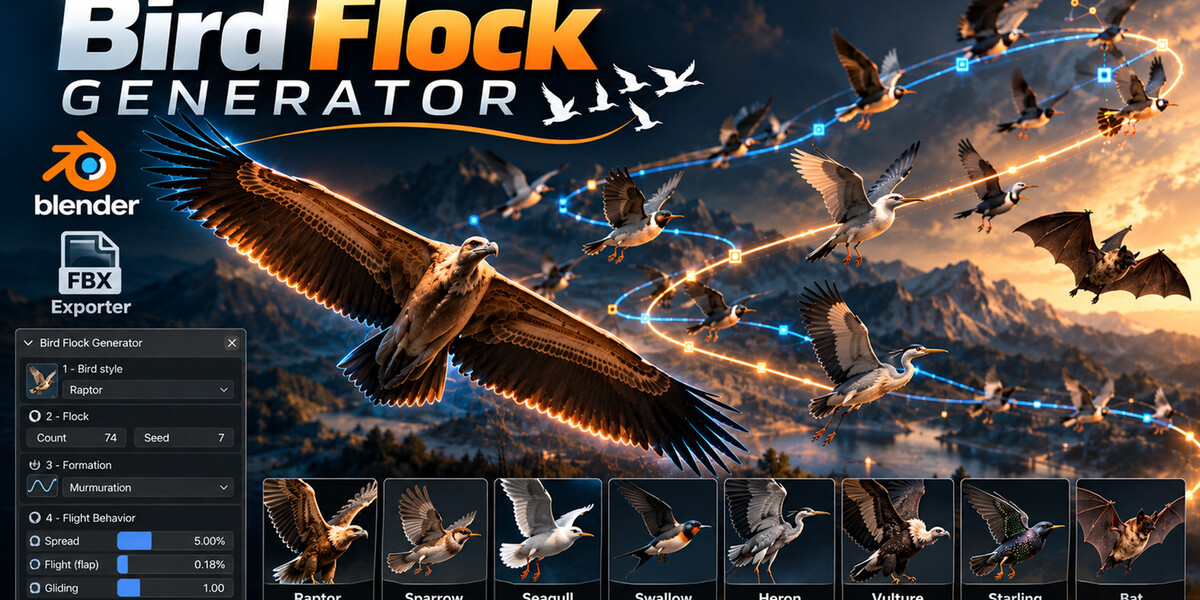
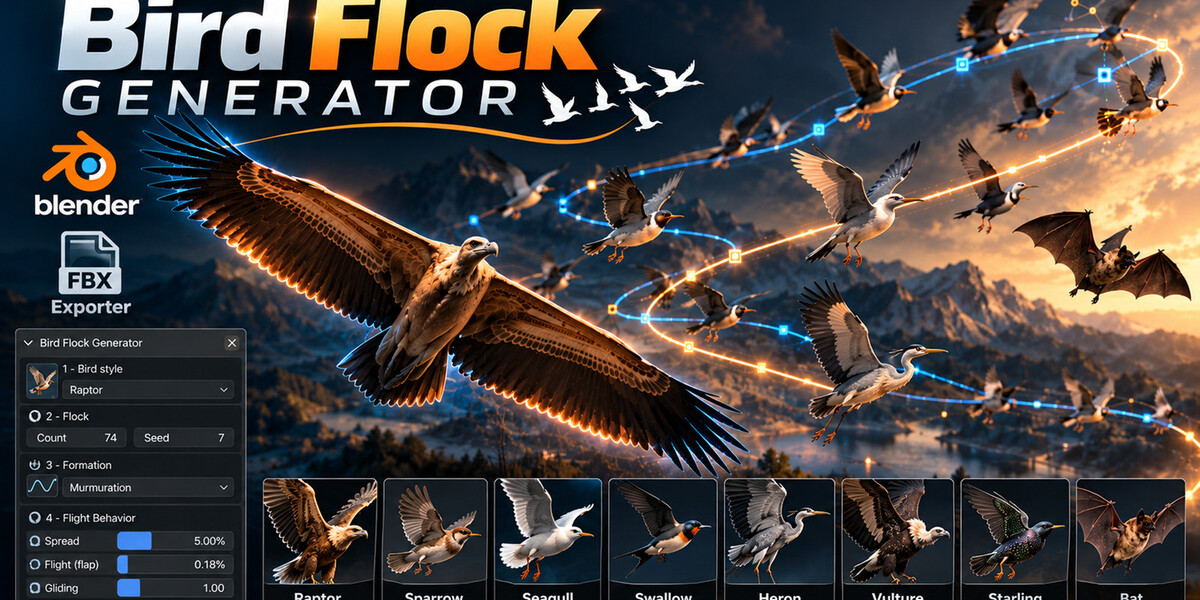
- 1 - Bird style: pick a species (e.g. Starling). In your own scene press Refresh to list every rigged bird.
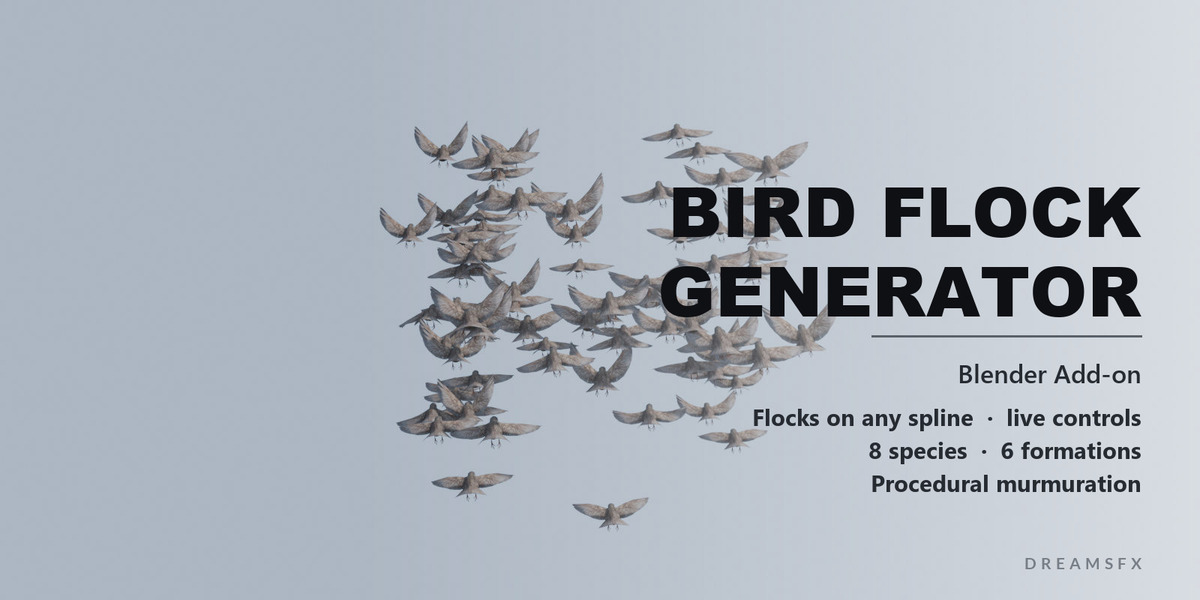
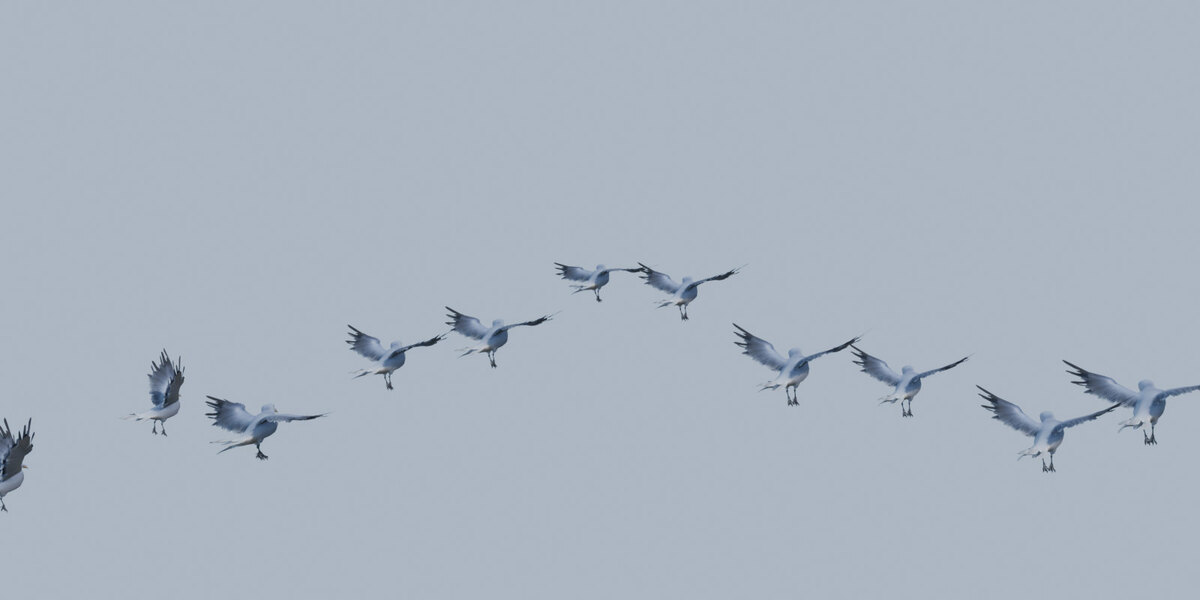
- 3 - Formation: Murmuration (or Cloud, V, Line, Columns, Wedge)
- 2 - Flock: set Bird count (e.g. 60)
- Press GENERATE FLOCK, then Space to play
Tuning the flight
- Flap period (frames): small = fast wings. Flap amplitude: how wide the beat is.
- Gliding: fraction of time with wings held open. Max glide duration: longest single glide.
- Bank into turns: birds tilt into curves.
- Press Save to this style (Model & corrections) to store the values in the species preset.
Your own trajectory
- Add > Curve > Bezier and shape it in Edit Mode
- Select the curve, open Path & timing and tick Use selected curve
- Choose a formation and press Generate. With Murmuration, Murmuration splines and Murmuration amount control how the derived paths diverge.
Live editing
With Live on, bird count, flap, glide, trims, spread and spacing update in real time. Warning above 50 birds, hard cap 100.
Using your own bird
Import a GLB/FBX (buttons in step 1). The model must face -Y with +Z up, be a child of an armature with an Armature modifier, and use these bone names: root, neck, head, tail, L_shoulder, L_wing1, L_wing2, L_wing3, R_shoulder, R_wing1, R_wing2, R_wing3 (missing bones are skipped). The add-on does not create rigs. Select the armature and press Add in Model & corrections.
Export to game engines
Open Export and press FBX or glTF / GLB: the flock is exported with baked animation for Unity, Unreal, Godot or the web.
Clean view
Toggle Clean view under the Generate button to hide grid, axes and paths while playing.
Have questions about this product?
Login to message
| Blender Extension Compatible | Yes |
| Published | about 14 hours ago |
| Blender Version | 5.0 - 5.2 |
| Extension Type | Add-on |
| Render Engine Used | Cycles, Eevee |
| License | GPL |
Discover more products like this
starlings flock v formation wildlife birds animation VFX procedural crowd flocking environment murmuration