 ZEG
Installation
In Blender open Edit, Preferences, Get Extensions, then use Install from Disk and pick the pet_supplies_generator zip.
Usage
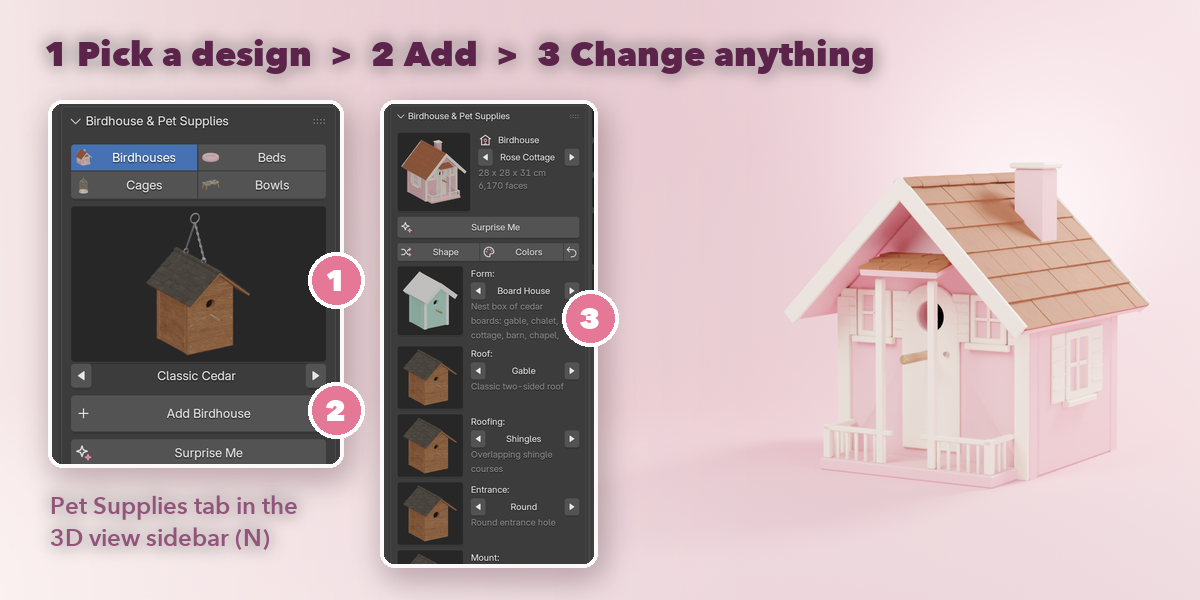
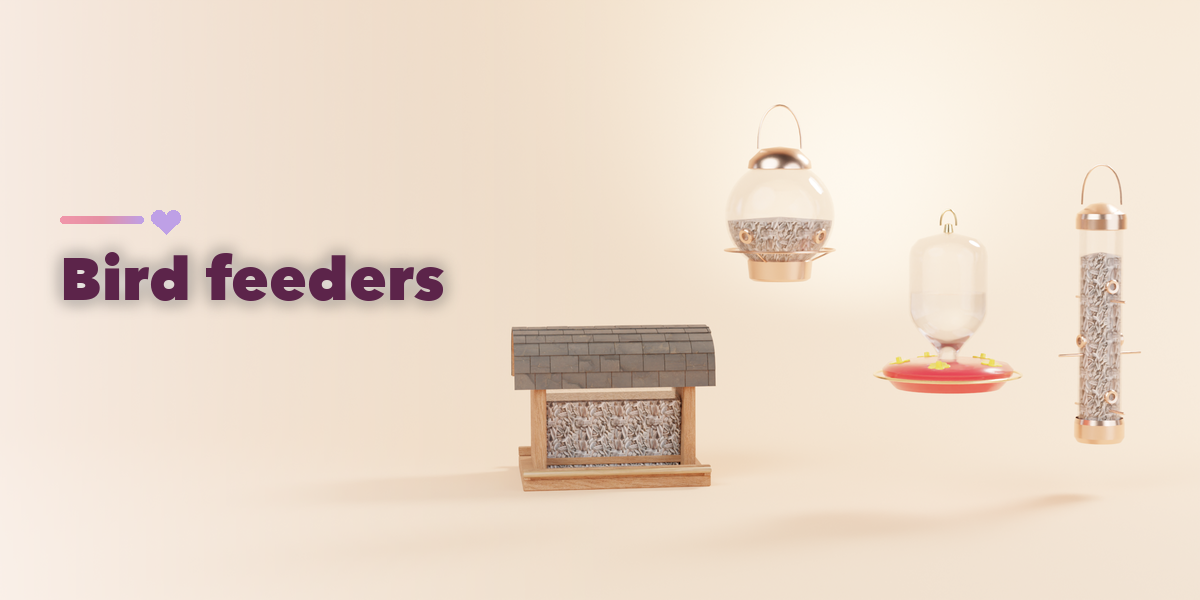
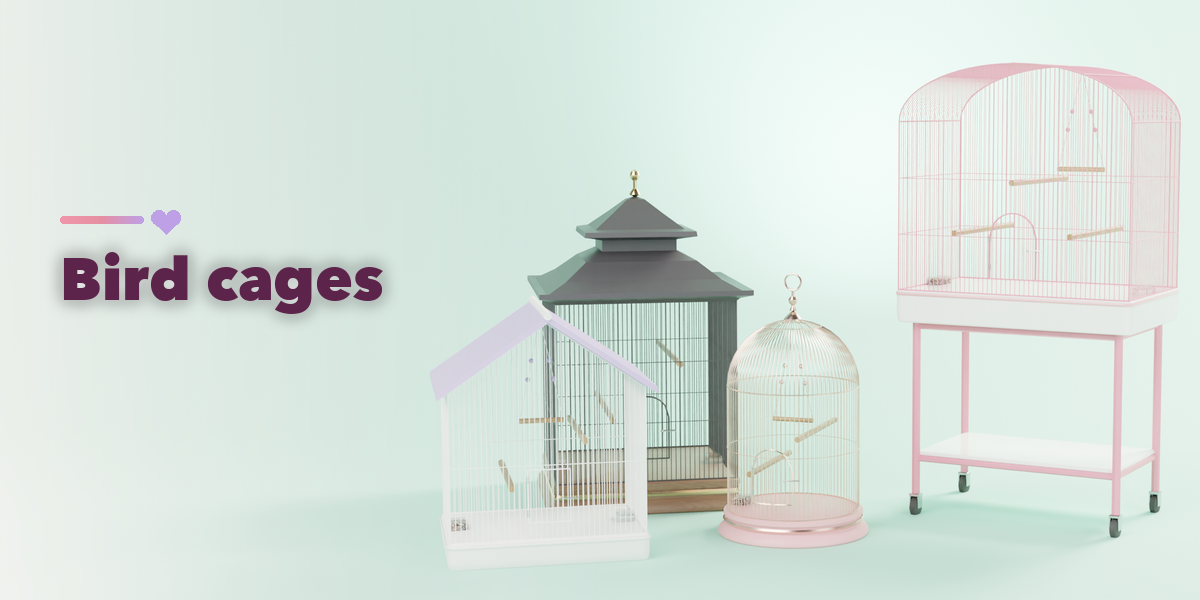
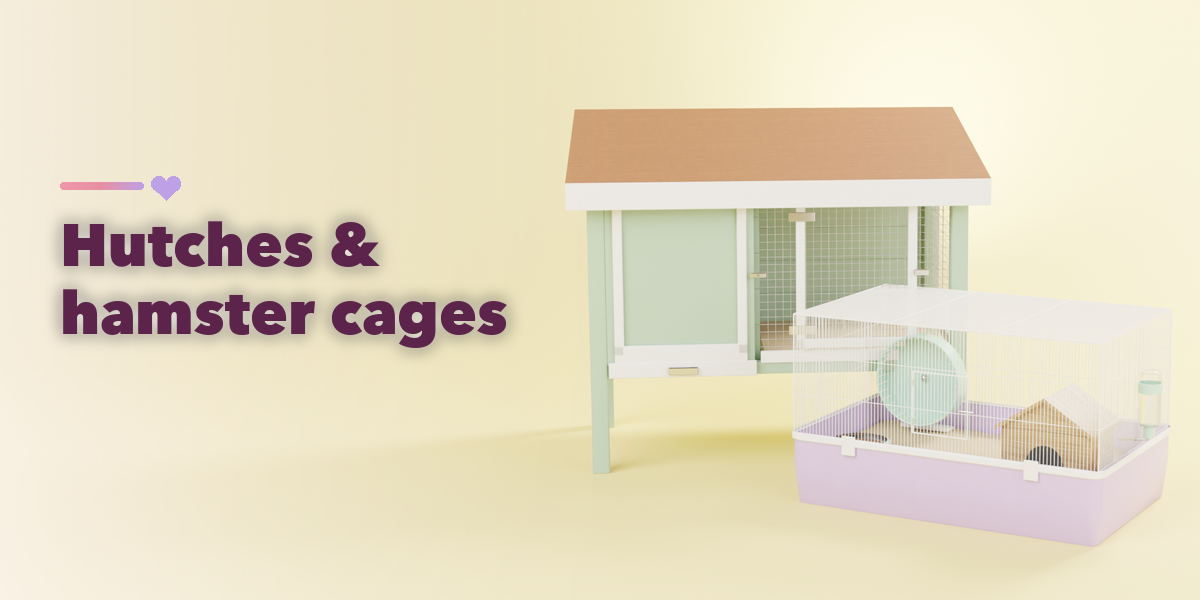
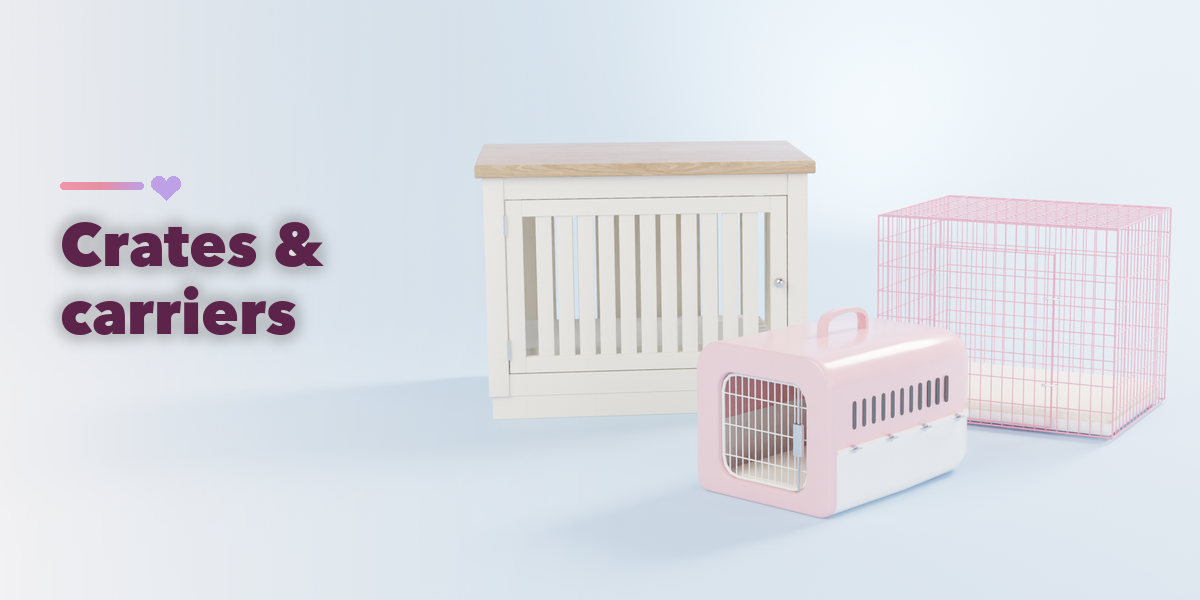
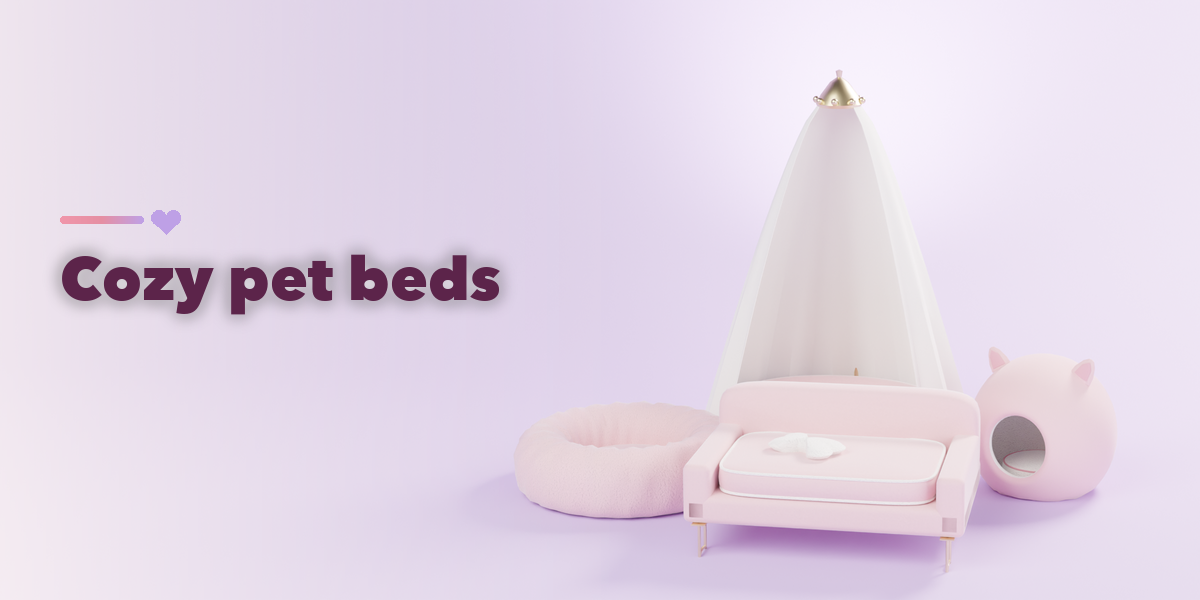
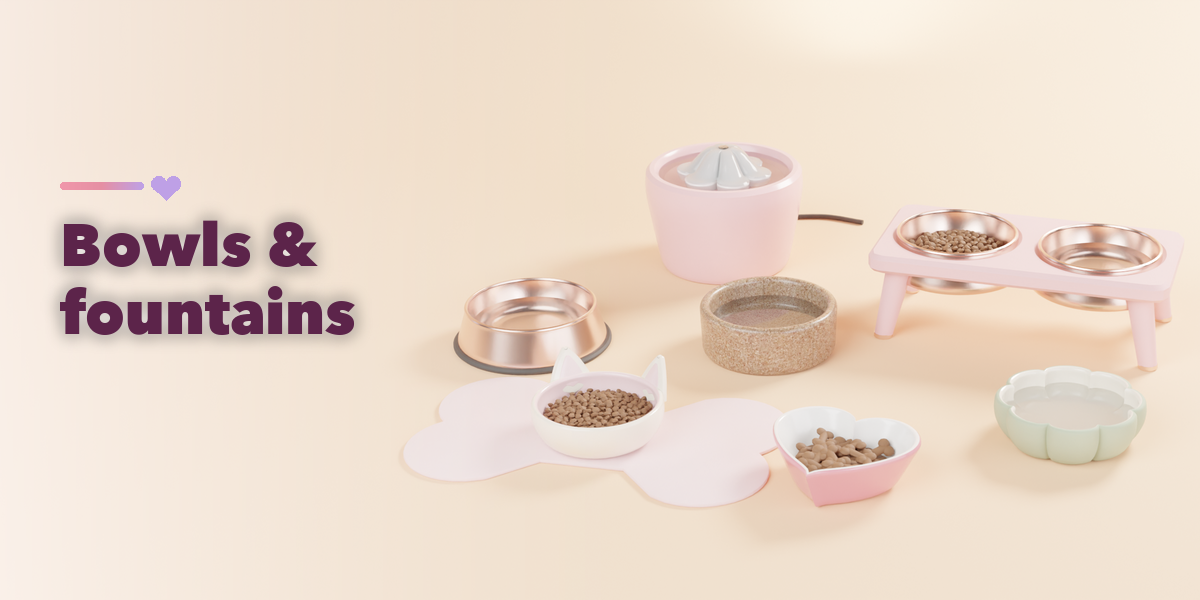
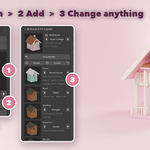
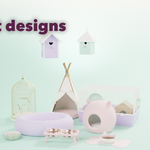
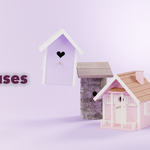
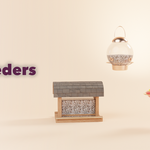
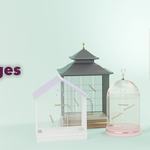
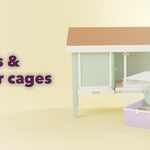
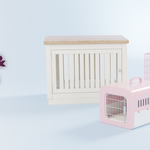
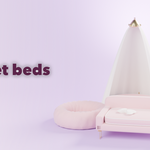
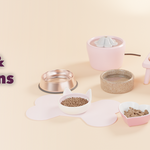
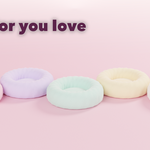
- Open the Pet Supplies tab in the 3D viewport sidebar (N) with nothing selected. Pick a category (Birdhouses, Cages, Beds or Bowls), click the big picture to choose a design from the gallery or step through them with the arrows, then press Add. Surprise Me adds a random design from the chosen category. You can also use Shift+A, Mesh, Birdhouse & Pet Supplies.
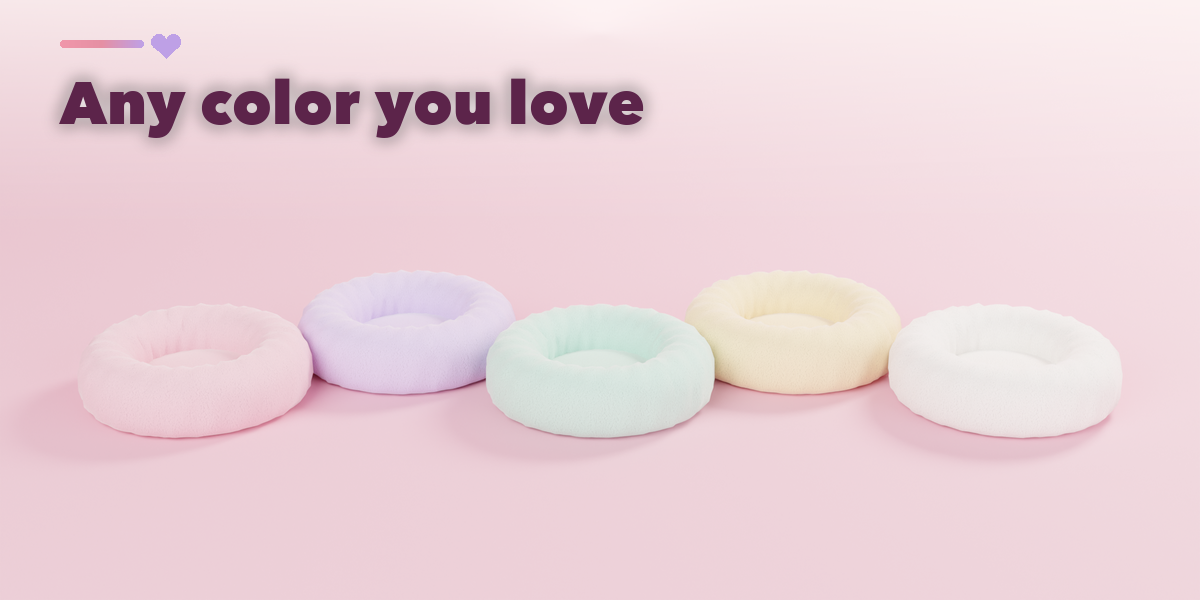
- With an item selected, the picture at the top swaps the design, and Surprise Me swaps the selected item to a random preset in its category. Shape and Colors vary the current design, and the reset button restores its preset settings.
- Below come the category's own options (size, roof, bars, cushions, contents...), then Materials & Colors for each part, then Parts & Export.
- Convert to Mesh keeps the item as plain meshes for export or editing; Delete removes it with all its parts.
Have questions about this product?
Login to message
| Blender Extension Compatible | Yes |
| Published | about 9 hours ago |
| Blender Version | 4.2 - 5.2 |
| Extension Type | Add-on |
| Render Engine Used | Cycles, Eevee |
| License | GPL |
