 ZEG
Installation
In Blender open Edit, Preferences, Get Extensions, then use Install from Disk and pick the hanging_shop_sign_generator zip.
Usage
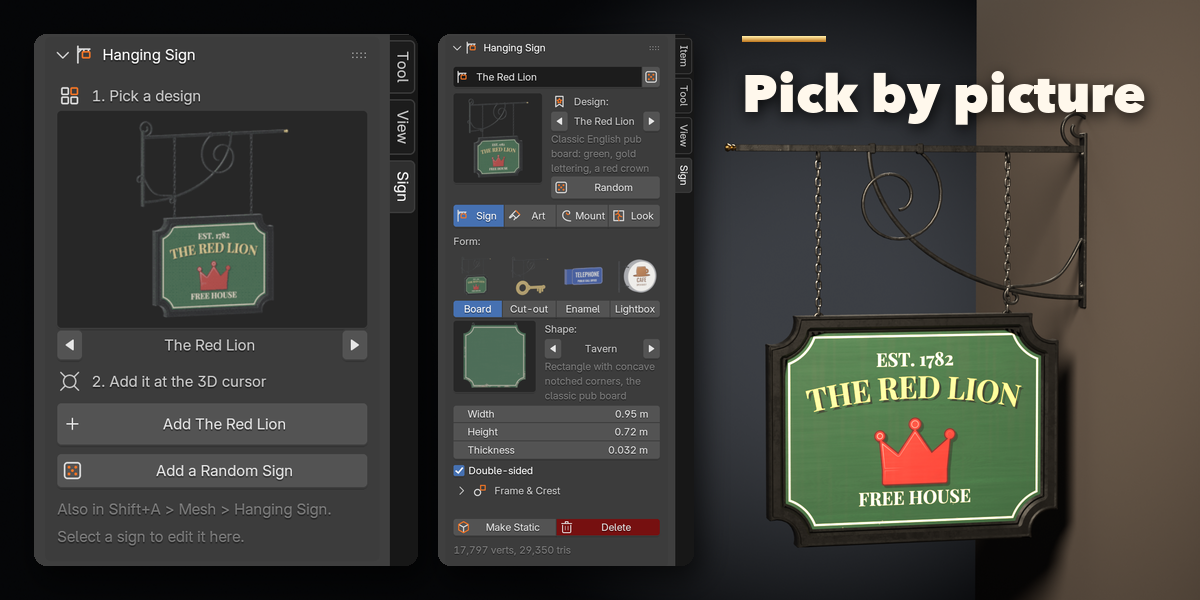
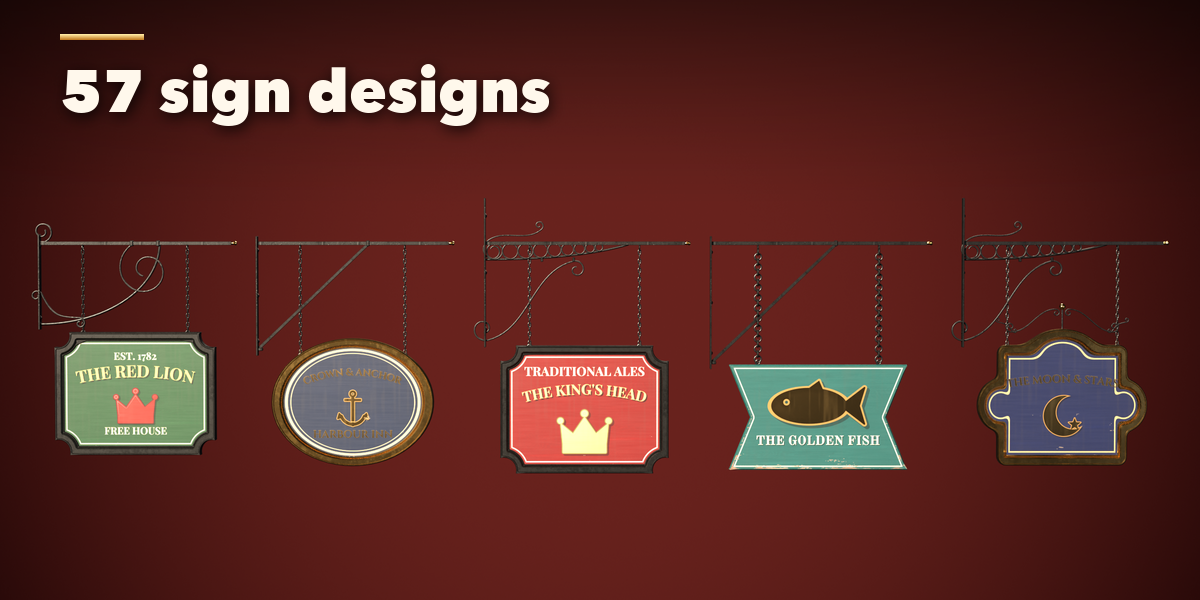
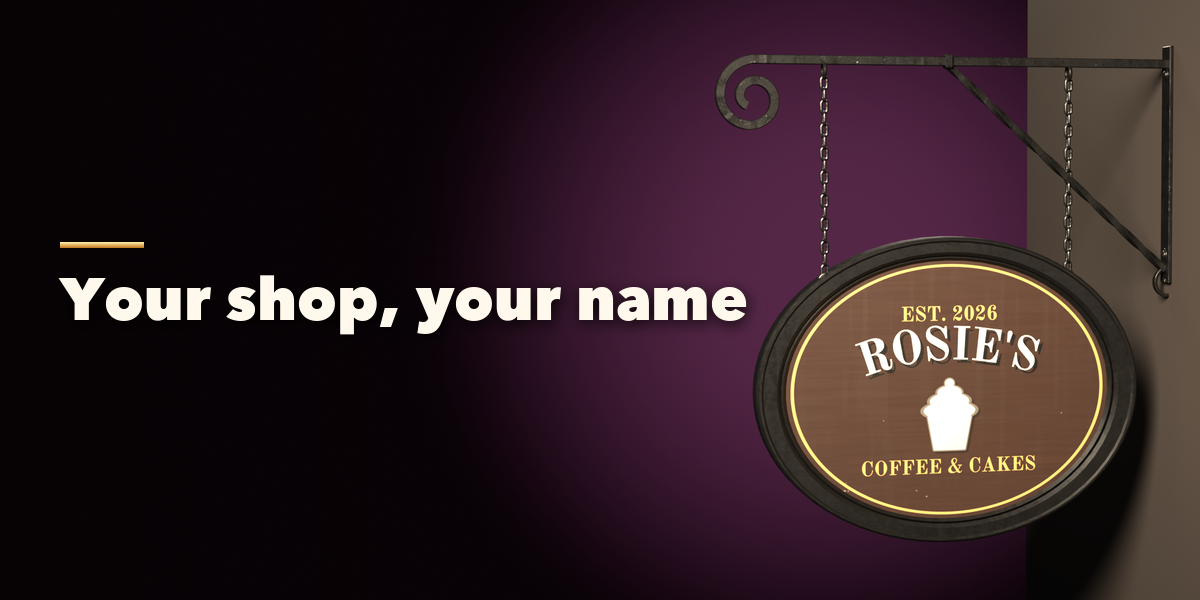
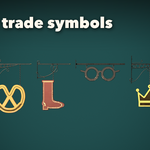
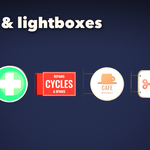
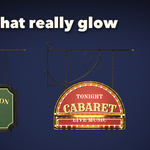
- Open the Sign tab in the 3D viewport sidebar (N). With nothing selected, click the picture to choose a design from the gallery, then press Add. You can also use Shift+A, Mesh, Hanging Sign, or Add a Random Sign.
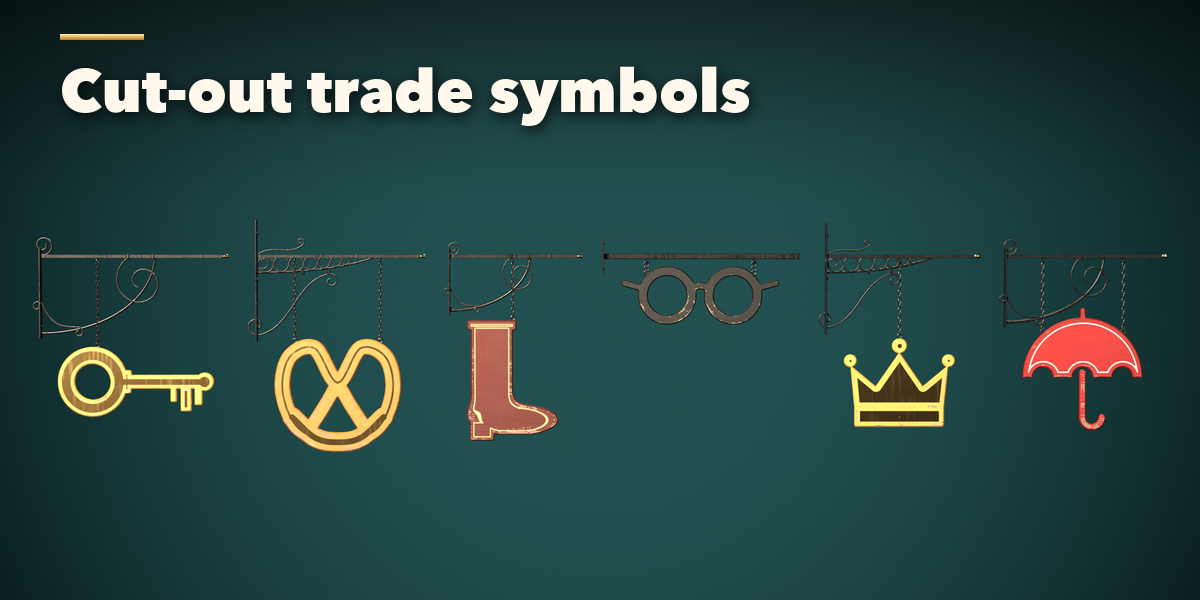
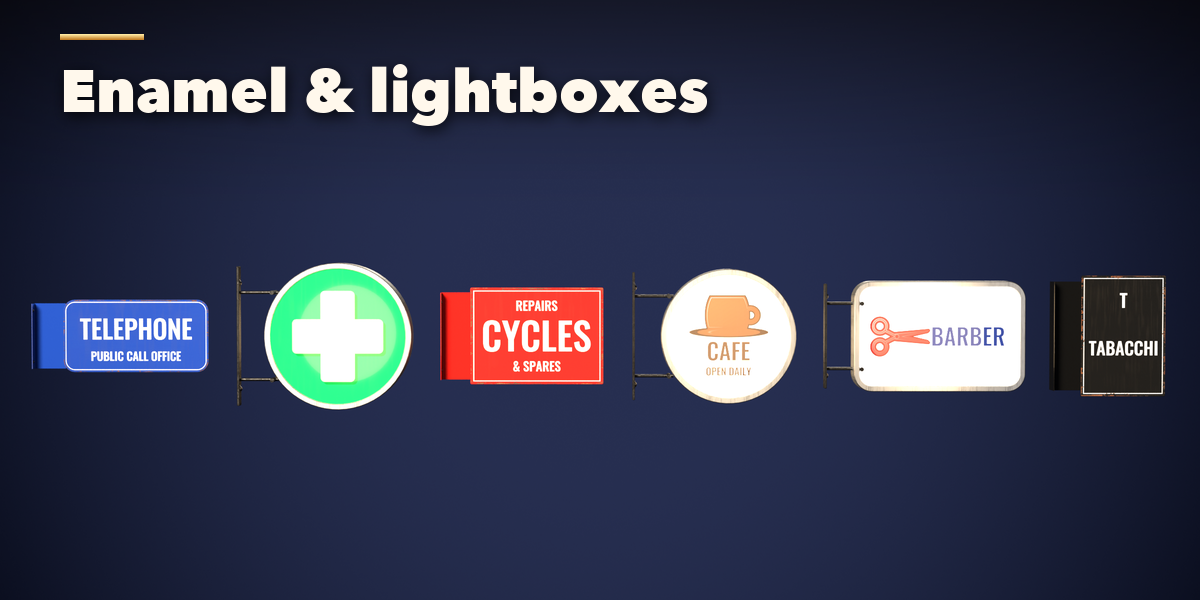
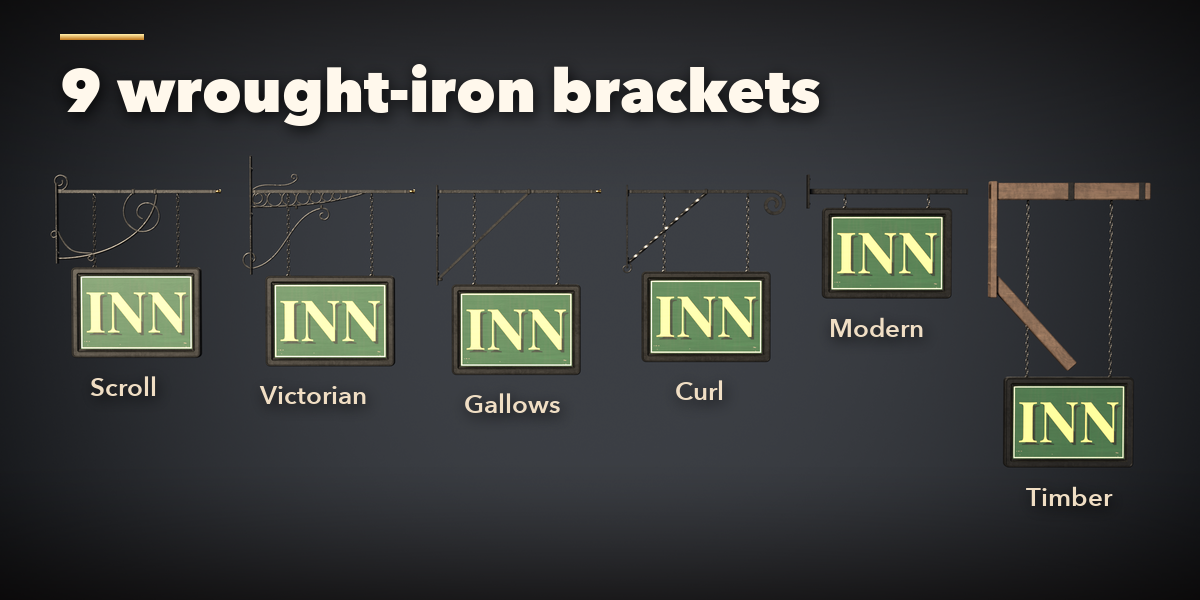
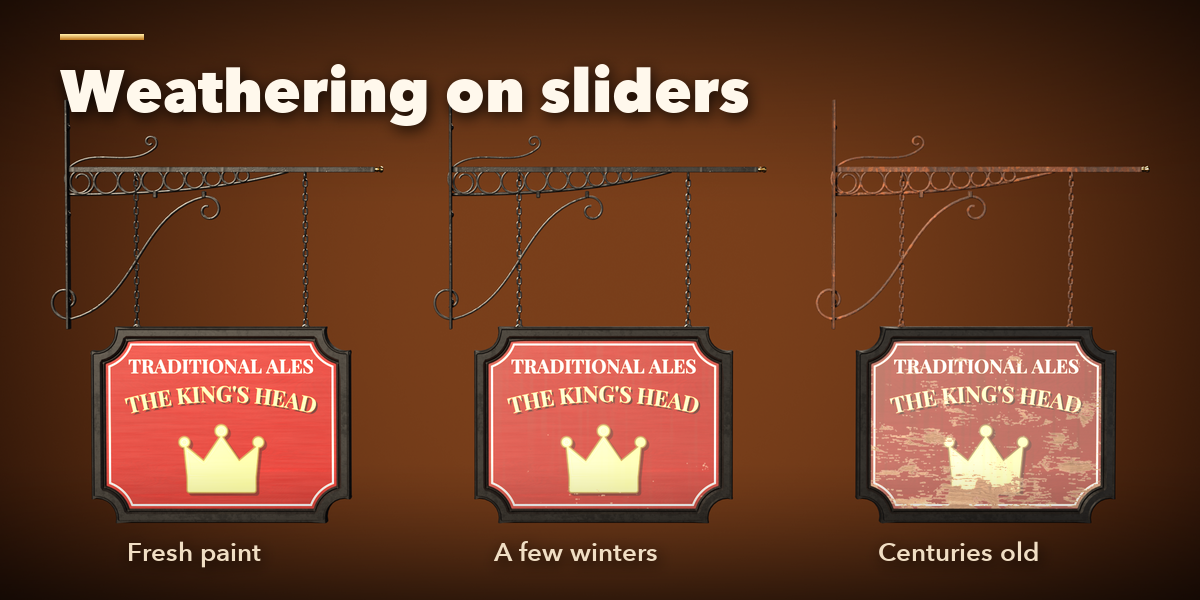
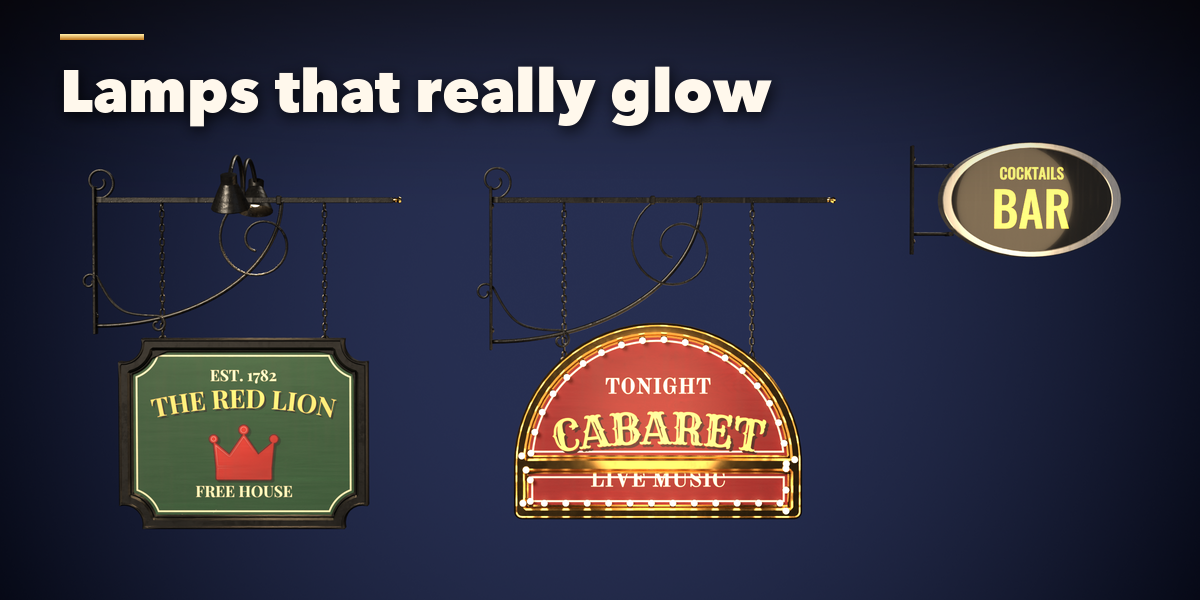
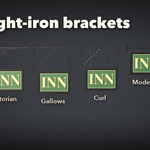
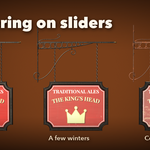
- Select a sign to edit it. The tabs hold every setting: Sign (form, board shape or cut-out, size), Art (your text, font, letter style, layout, picture, border and colors), Mount (bracket, hanging, reach, drop, bar and finial) and Look (surface, weathering, lamps and art resolution).
- Click any picture to open its gallery, or step through the choices with the arrows.
- Load Image puts your own picture on the sign, or covers the whole face with it. Load Font uses any font file.
- Make Static keeps the sign as a plain mesh; Delete removes it with its lamps, materials and art.
Each sign is one mesh with its own materials and painted art images, packed into the .blend. Copies made with Shift+D or Alt+D become independent signs as soon as you edit them.
Have questions about this product?
Login to message
| Blender Extension Compatible | Yes |
| Published | 4 days ago |
| Blender Version | 4.2 - 5.2 |
| Extension Type | Add-on |
| Render Engine Used | Cycles, Eevee |
| License | GPL |

Discover more products like this
street blade-sign Generator hanging-sign procedural sign medieval wrought iron bracket storefront pub-sign Shop Sign