 3D Tudor
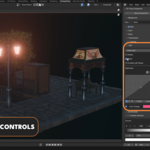
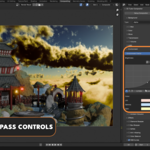
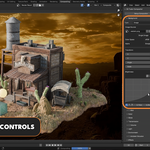
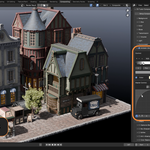
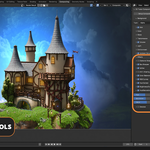
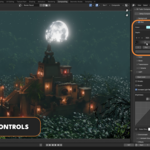
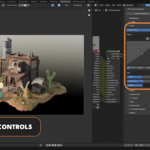
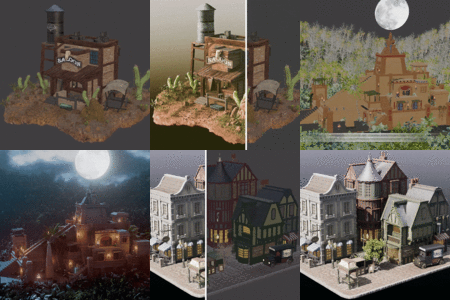
Overview
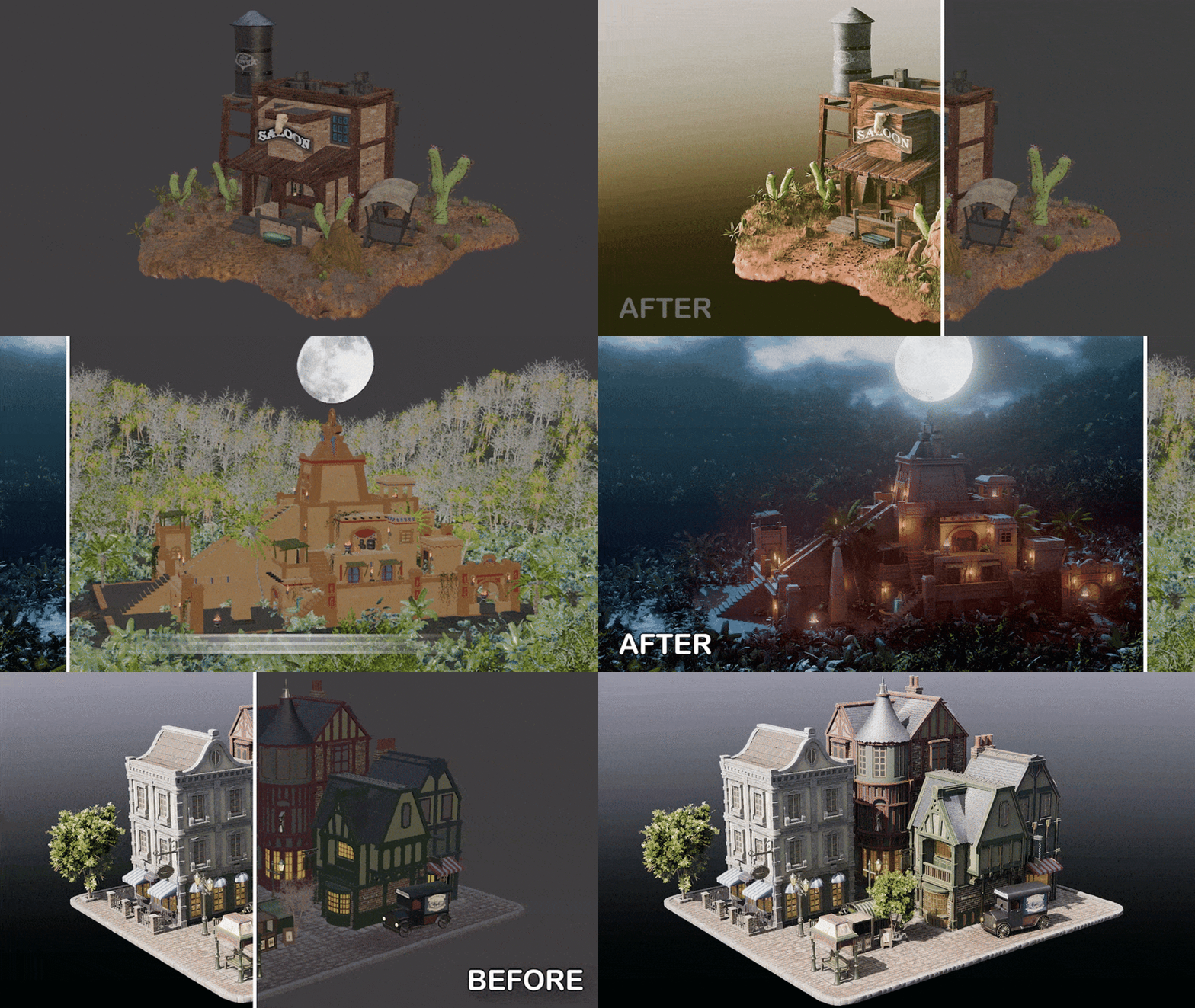
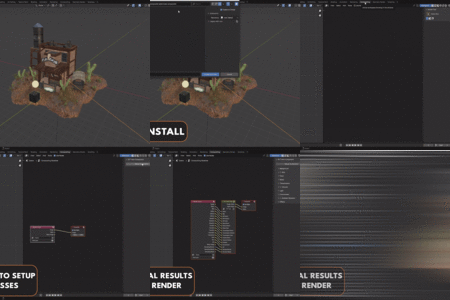
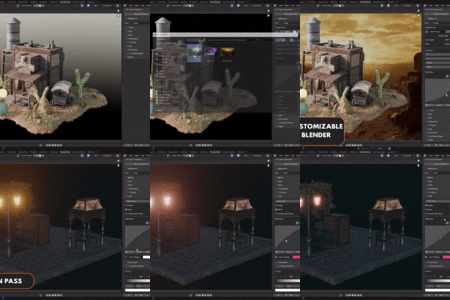
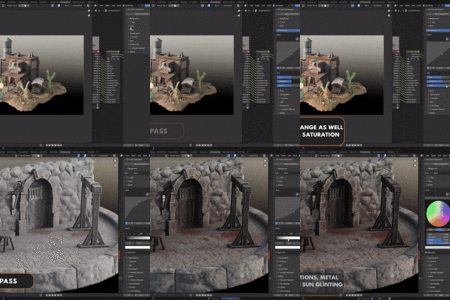
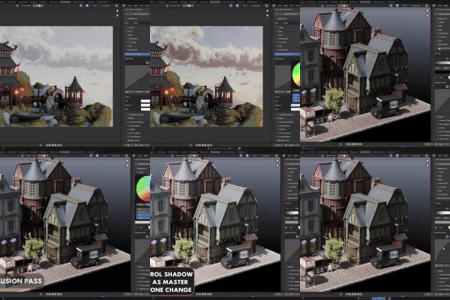
Blend Craft Compositor is a Blender addon designed to streamline and enhance the compositing workflow by automating the setup of essential render passes and providing intuitive controls for post-processing effects. This addon is specifically designed for Cycles and does not support Eevee.
Installation
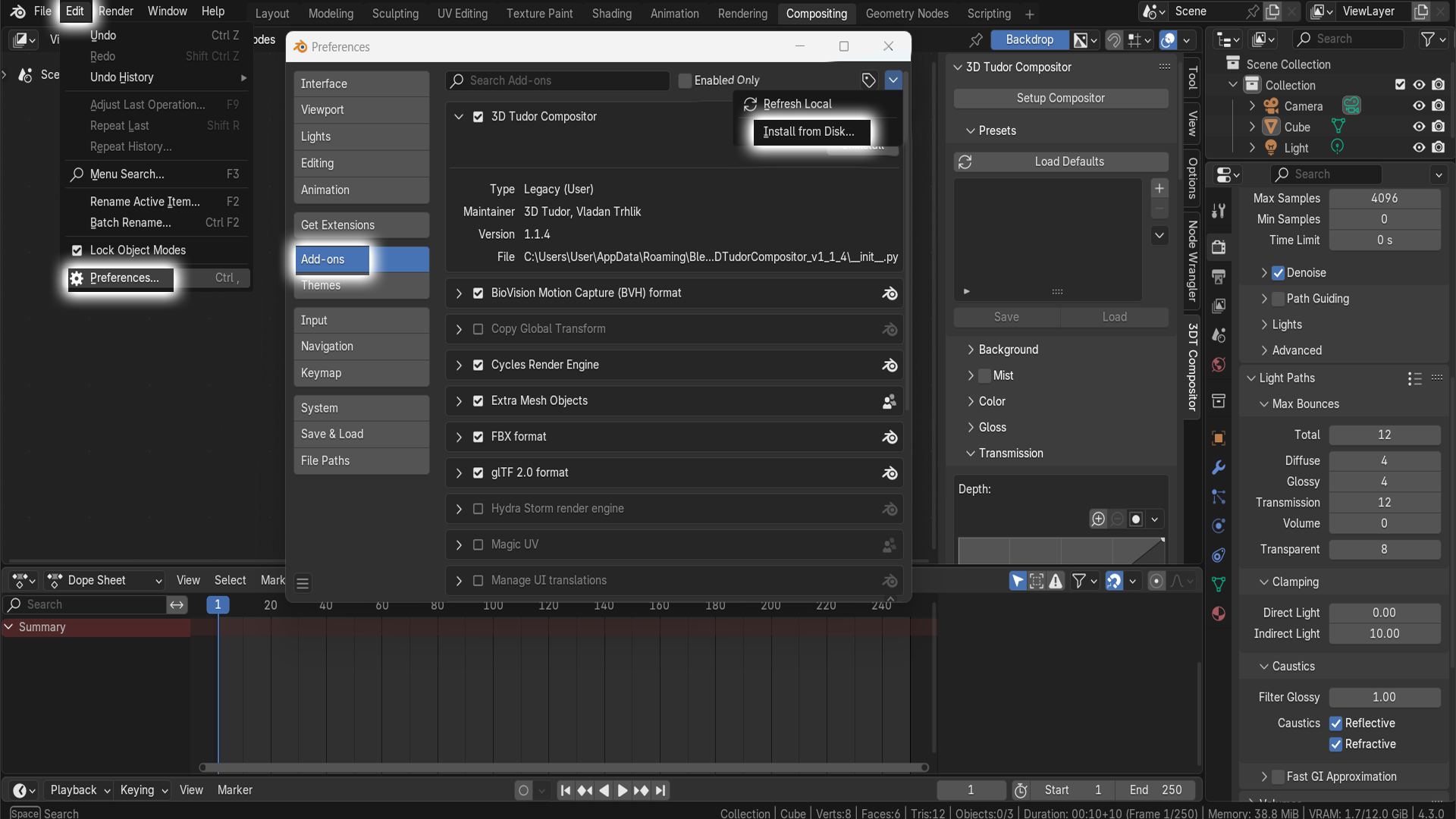
How to Install & Activate the Addon:
- Download the Blend Craft Compositor ZIP file.
- Open Blender, go to Edit > Preferences > Add-ons.
- Click the Install button, then locate and select the downloaded ZIP file.
- Enable the addon by checking the box next to its name.
- Go to the Compositor Tab in Blender.
- Press N to bring up the side panel.
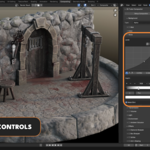
- Locate the '3DT Compositor' tab on the right to access the addon's controls.
Main Controls
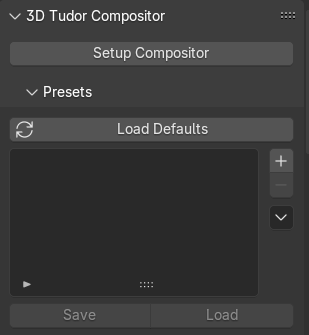
Setup Compositor
Function: Automatically enables all necessary render layers and sets up a node group in the compositor.
Purpose: Simplifies the post-processing workflow by connecting all relevant passes for easy control.
Presets Tab
Save and export presets as JSON files, which can be imported into other Blender projects.
-
Includes a "Load Defaults" button to reset all options to their default values.
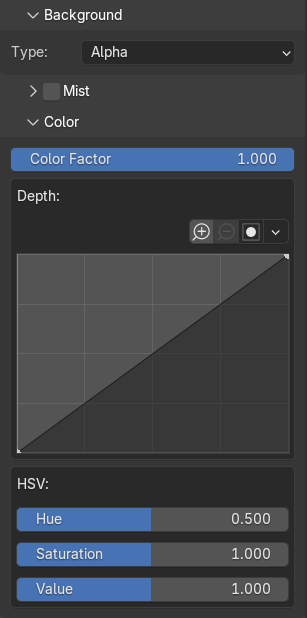
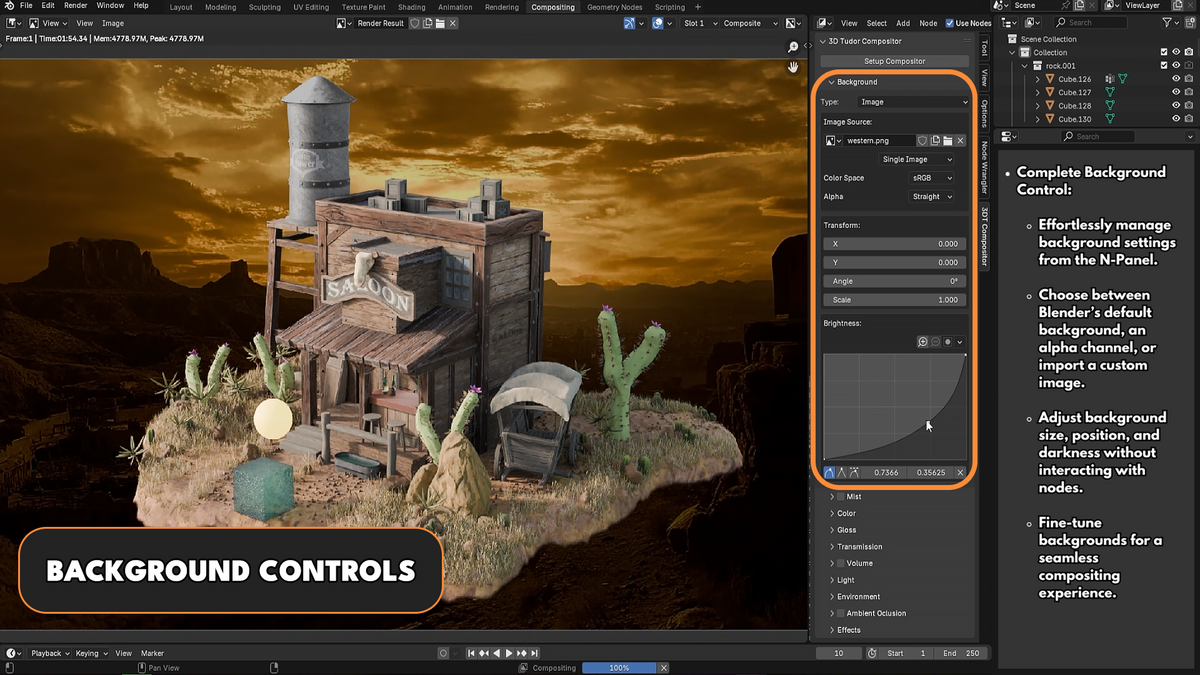
Background Tab
Transparent Background: Enables alpha transparency for the render.
Custom Image Background: Allows the addition of a custom image as the render background with adjustable controls.
-
No Transparency: Keeps the default opaque background.
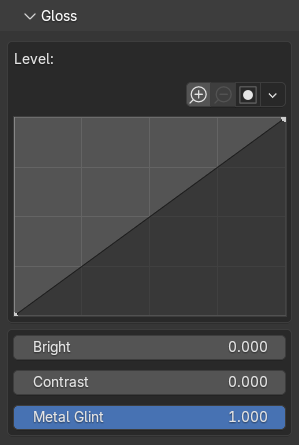
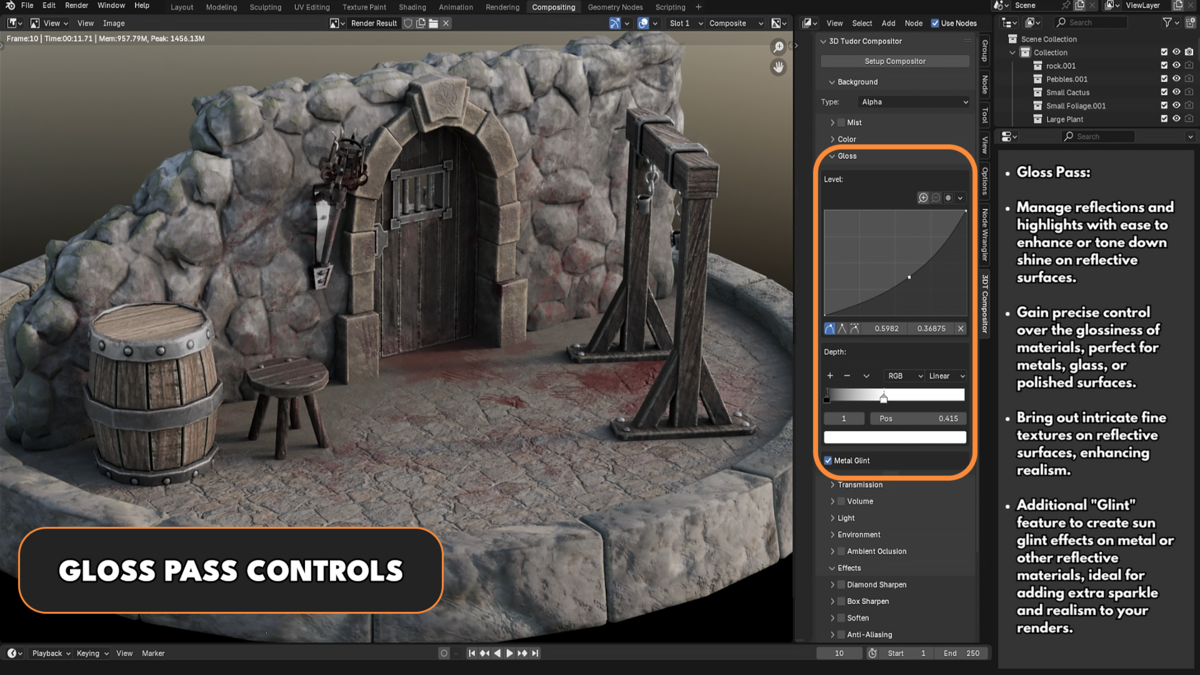
Gloss Tab
- Provides curve controls to adjust highlights.
- Includes brightness, contrast, and metal glint controls for reflective surfaces.

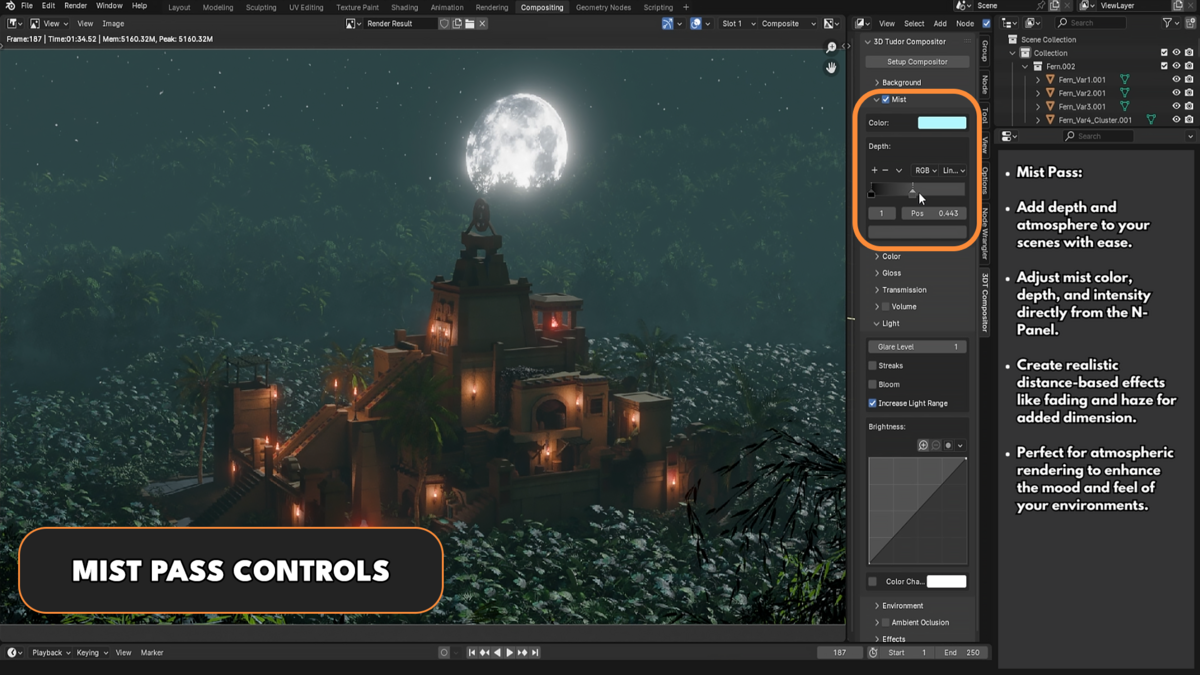
Mist Tab
-
Adds a mist layer to the scene with adjustable depth and color controls.
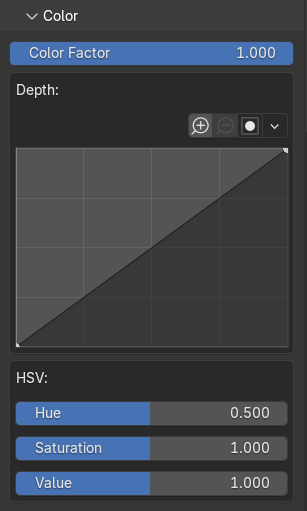
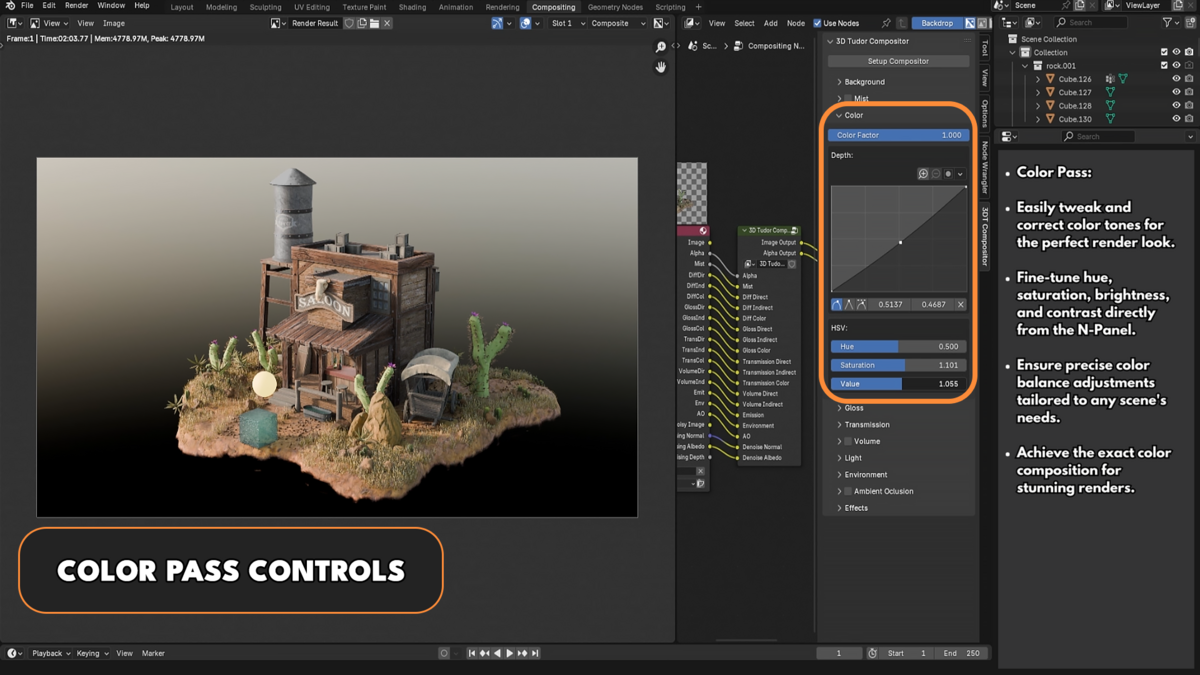
Color Tab
Adjust hue, saturation, and value (HSV) of the base layer.
Includes a curve editor for fine-tuning color adjustments.
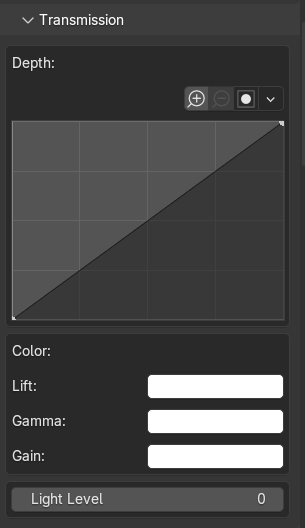
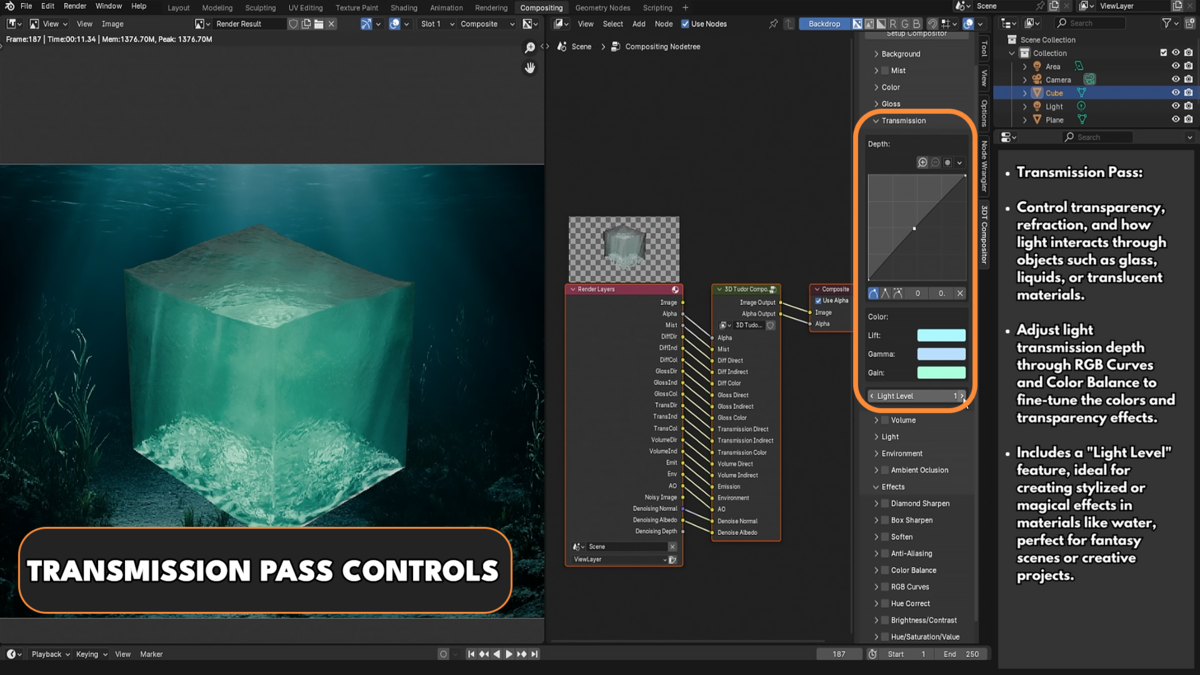
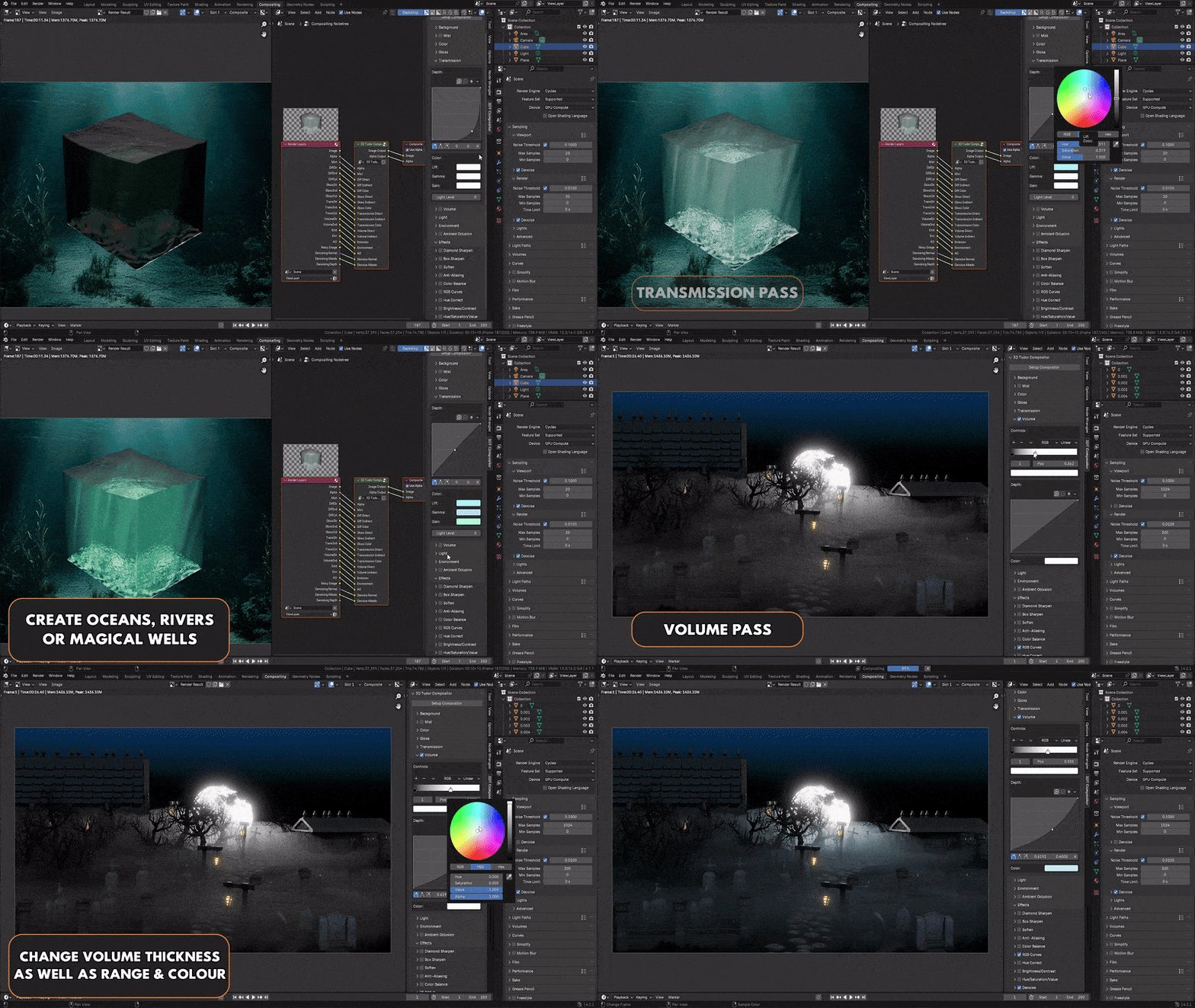
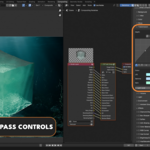
Transmission Tab
-
Adjust transmission effects with:
Curve controls
Lift / Gamma / Gain adjustments
-
Light level settings
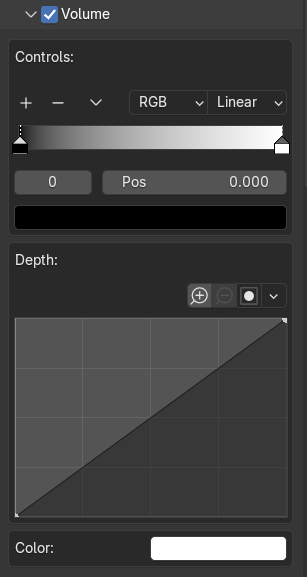
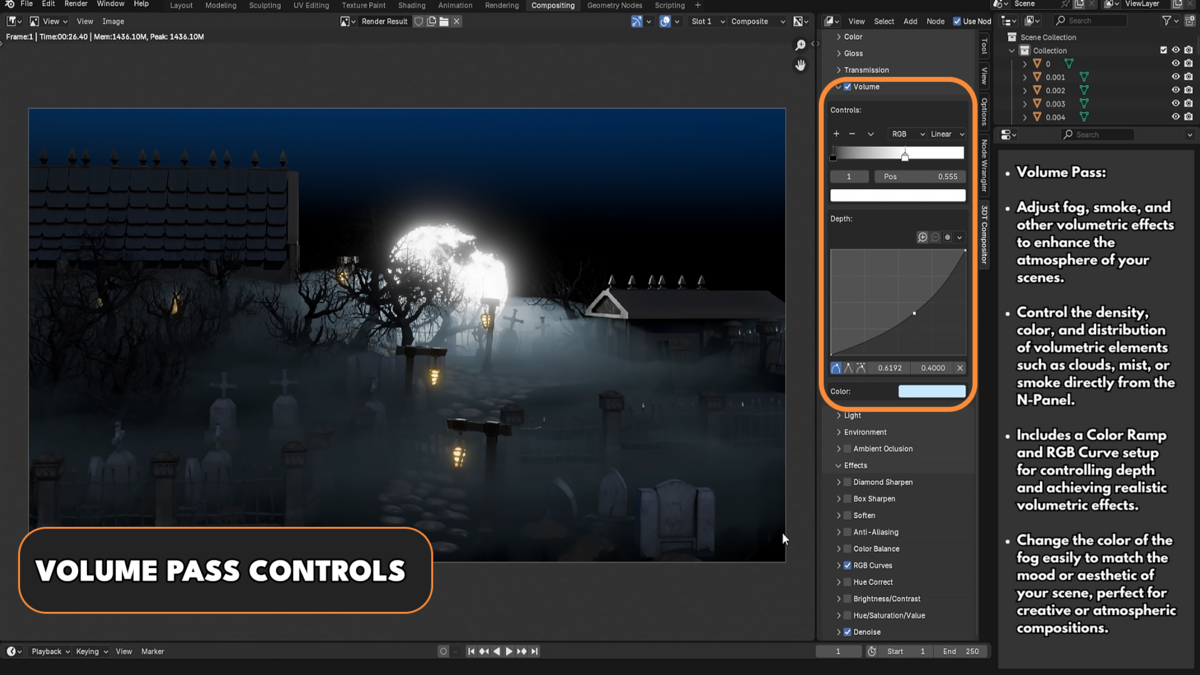
Volume Tab
-
Fine-tune volumetric effects with:
Color adjustments
Curve controls
Gradient customization

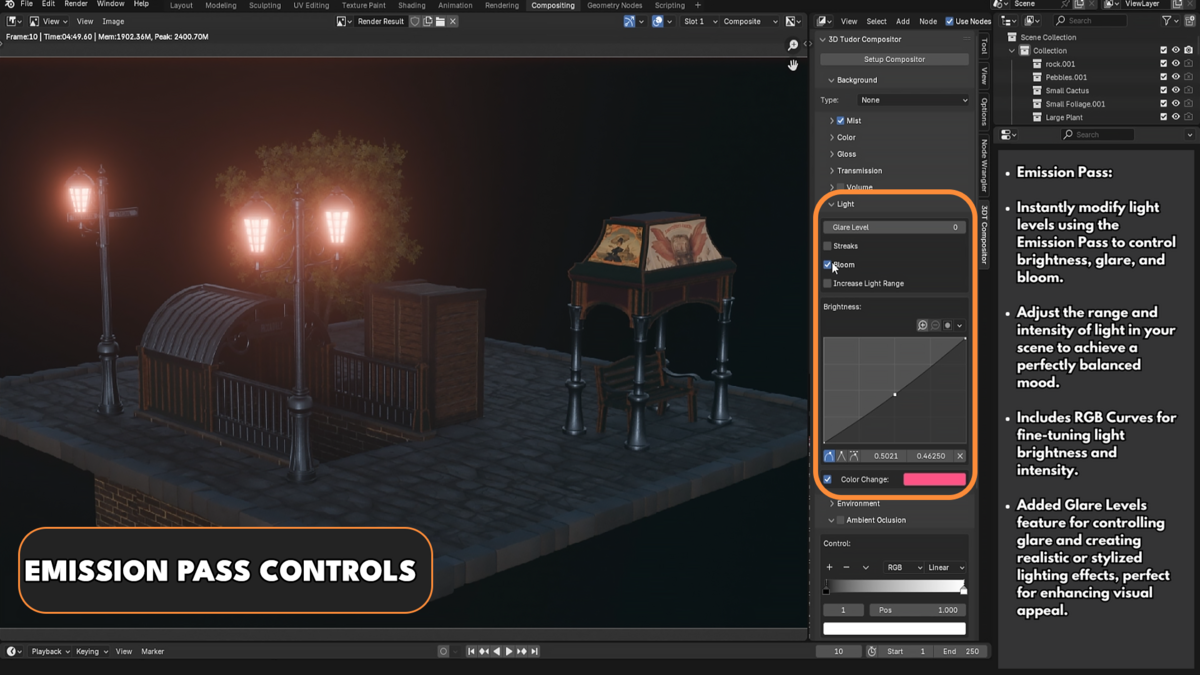
Light / Bloom Tab
Adjust bloom intensity and select bloom type.
-
Configure:
Bloom strength
Lens streaks toggle
Bloom color
Threshold for bloom effect
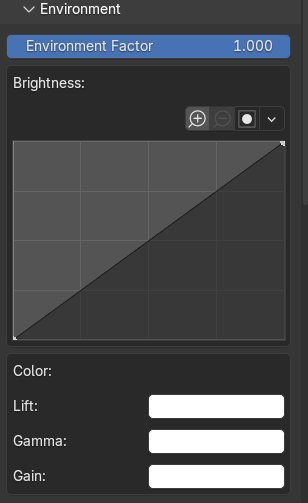
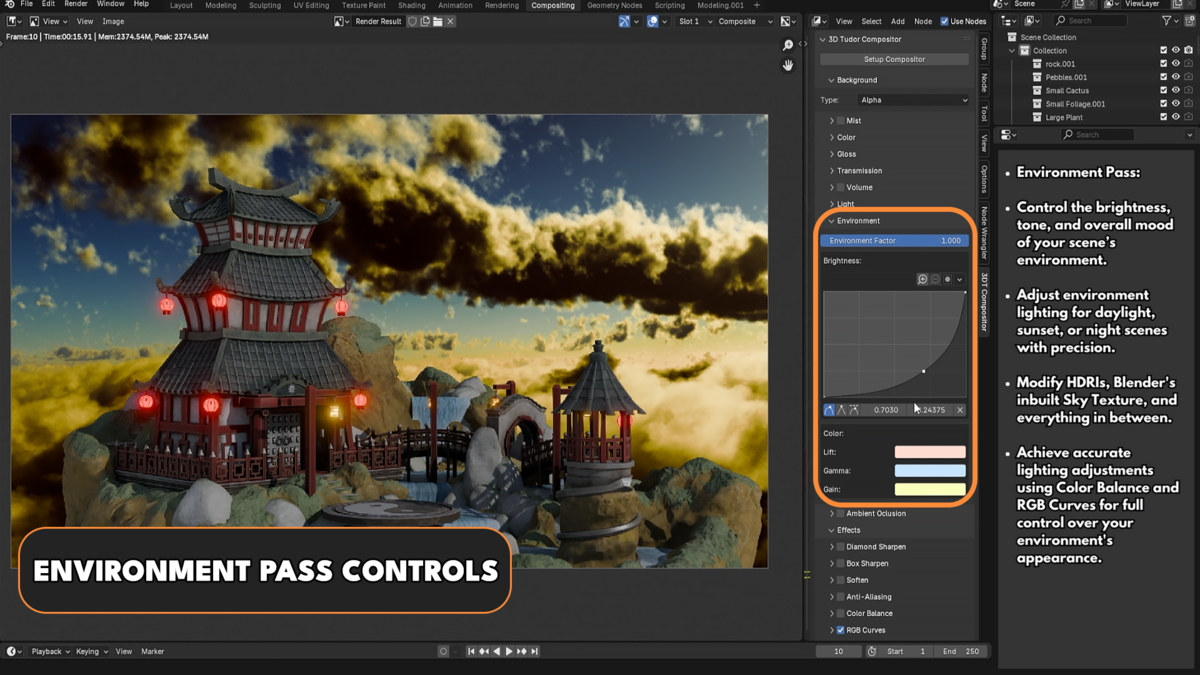
Environment Tab
Control the brightness, lift, gamma, and gain of the world shader in the background.
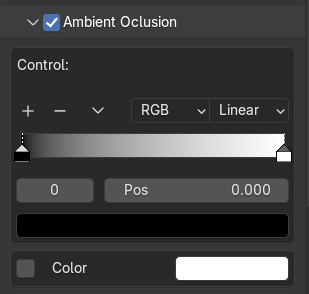
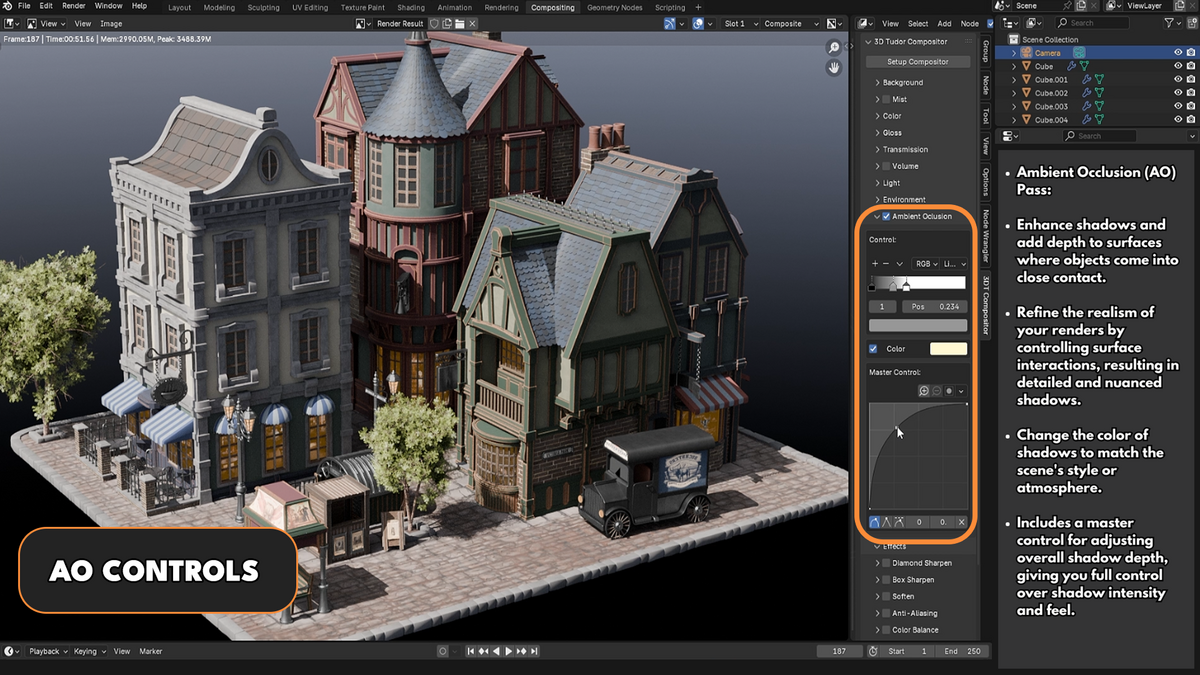
Ambient Occlusion Tab
Adjust depth and color settings for ambient occlusion to enhance shading realism.

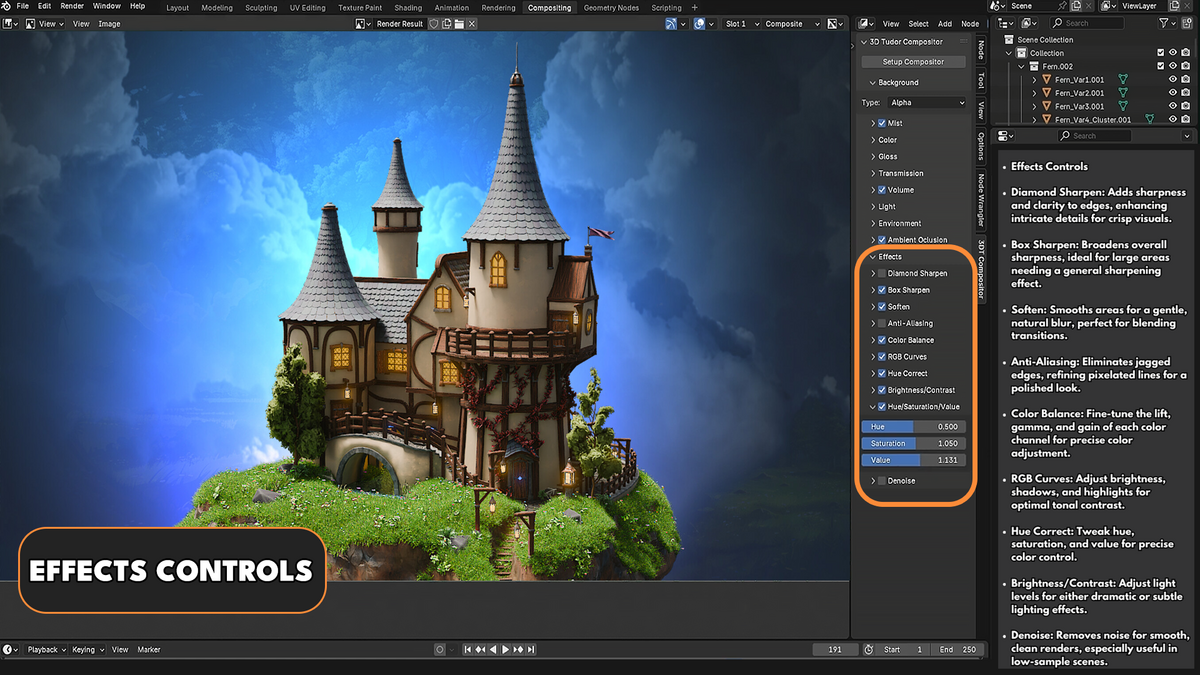
Effects Tab (Post-Processing Effects)
This tab includes a variety of post-processing effects applied after the main compositor setup:
Diamond Sharpen – Enhances edges with a diamond sharpening filter.
Box Sharpen – A subtle sharpening effect for overall clarity.
Soften – Reduces harsh edges and blends details smoothly.
Anti-Aliasing – Minimizes jagged edges for a cleaner render.
Color Balance – Adjusts shadows, midtones, and highlights for precise color control.
RGB Curves – Allows post-processing color grading.
Hue Correct Curve – Enables selective color correction.
Brightness / Contrast – Adjusts overall image brightness and contrast.
Hue / Saturation / Value – Fine-tunes color intensity and tone.
-
Denoise – Provides two denoising options:
Accurate (Higher Quality, Longer Render Time)
-
Fast (Lower Quality, Faster Render Time)
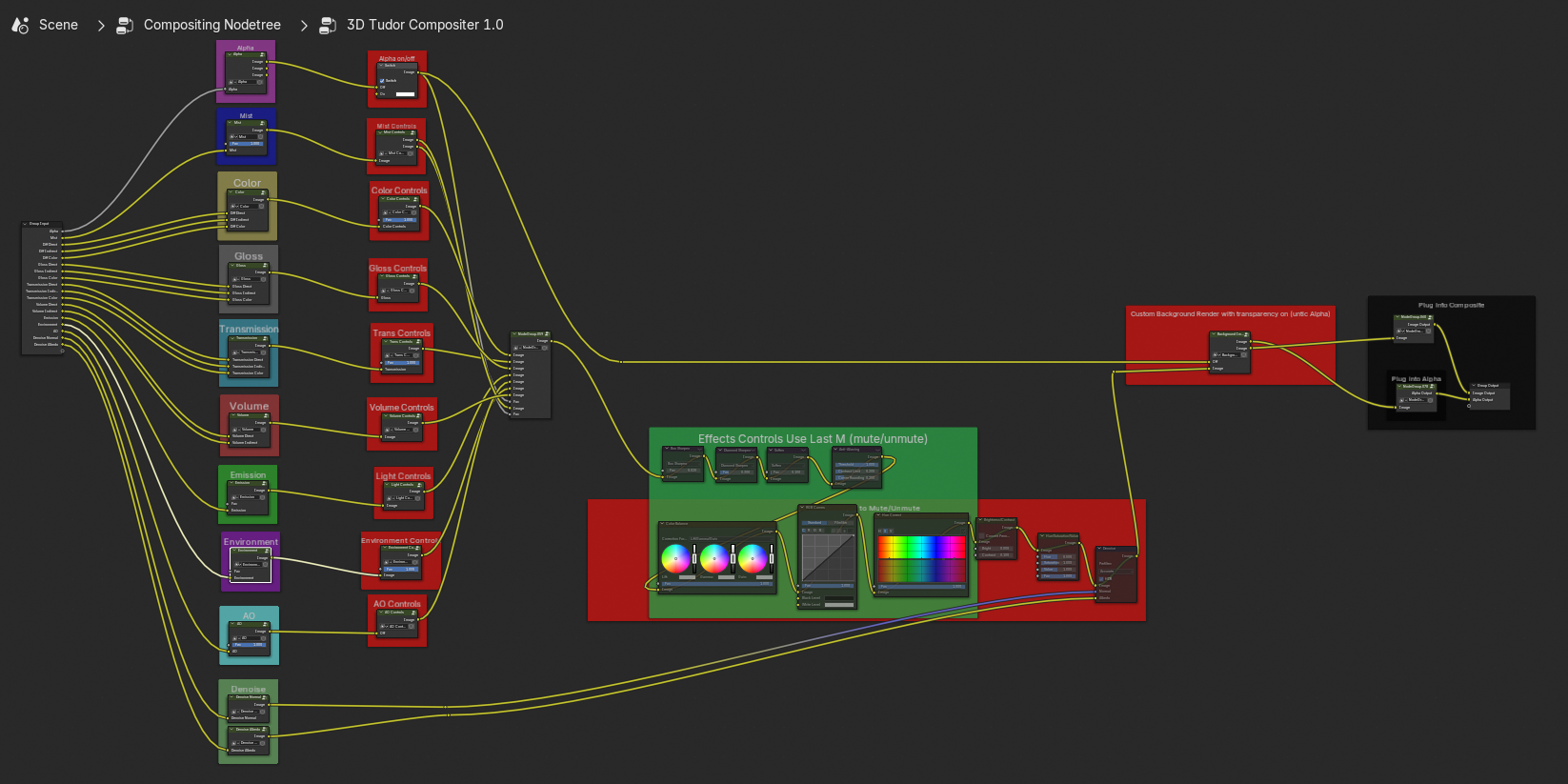
Accessing the Shader Setup
The Blend Craft Compositor node setup is fully accessible within Blender’s Compositor Editor. All nodes are organized and clearly labeled for quick and easy adjustments. This structured layout ensures that users can navigate through the compositing process efficiently, making modifications or adding custom effects without disrupting the core setup.
About 3D Tudor
3D Tudor is a Blender and game art education studio founded by Neil I. Bettison in 2019. We teach over 250,000 students worldwide through project-based courses, books, asset packs, and tutorials for Blender, Unreal Engine 5, Geometry Nodes, environment art, and game-ready workflows. Our goal is to make high-quality 3D education approachable, affordable, and immediately useful for artists, students, hobbyists, and indie creators.
Neil I. Bettison is co-author of a #1 Amazon Best Seller in Blender, published by Packt.
-
$19.99
Single User License. For use by one individual on an unlimited number of commercial projects with no limits on sales or views.
-
$34.99
Also includes a pre-made Aztec environment scene. For use on an unlimited number of commercial projects with no limits on sales or views.
-
$199.99
For use by up to 10 employees/computers on an unlimited number of commercial projects with no limits on sales or views.
-
$499.99
For use by up to 50 employees/computers on an unlimited number of commercial projects with no limits on sales or views.
Have questions about this product?
Login to message
Discover more products like this
Post-Processing Blender Workflow blender addon Volumetric Effects blender tools ArtStation Addon Blender course Compositing Blender effects plugin Professional Rendering BlenderPlugin Rendering Tools 3d modeling color correction digital-art compositer 3D Art Gloss Pass VFX visual effects Light Management 3D artist Creative Workflow ambient occlusion Blender Plugin blender-compositor 3D Tutorials addon 3D rendering Mist Pass node setup Transmission Pass