 Nello Fontani


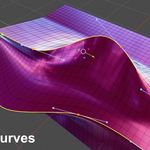
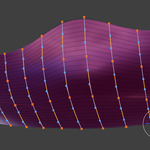
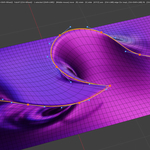
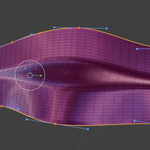
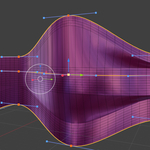
This add-on for Blender 5+ is designed to easily edit one or multiple edge loops as bézier curves.
This is quite useful when you want to control the curvature of an object such as a car, ship or aircraft body or any industrial design object shape.
The control points of the bézier curve are independent from the edge selection subdivision.
14/08/26
updated addon to version 1.6.21 - bug fixing and improved performances
Main features and options:
- Works on multiple edge selections at the same time.
- Adjustable control point number (segments), not linked to the mesh subdivision.
- Add, remove and slide control points options.
- Keep Shape option to preserve the curve bumps instead of flattening the vertices onto the curve.
- Resume Last Edit option to reopen the previous curves with the same control points positions.
- Split/aligned left/right handles option for sharp turns.
- Automatic placement of points on sharp angles option.
- Lock/unlock end points option.
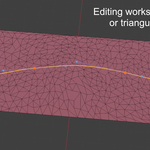
- Works with ngon and triangulated geometry.
- Various falloff to influence the nearby geometry, with adjustable radius, custom falloff shape etc.
- "Pinned" vertex group to exclude certain areas from the falloff and keep them in place.
- Polyline option to edit sharp straight segments without handles.
- Customizable Bézier UI colors, handles, curve sizes and shortcuts.