 ORM3DCreations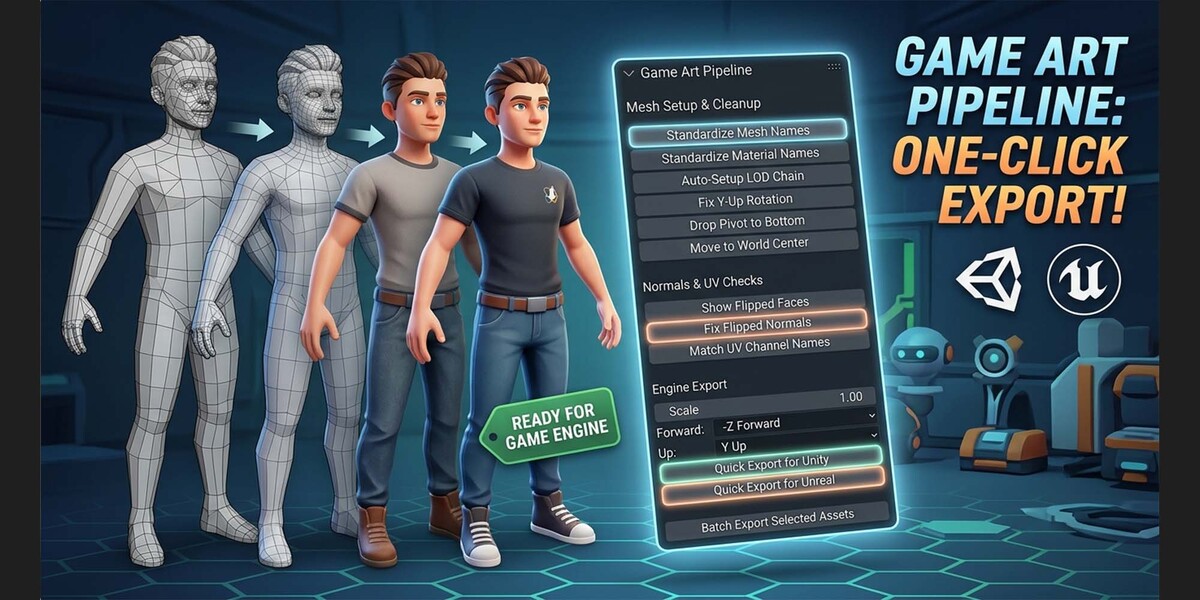

Game Art Pipeline Add-on for Blender
Streamline your 3D asset workflow, eliminate repetitive preparation work, and deliver engine-ready assets in seconds. Designed specifically for game developers, 3D environment artists, and marketplace creators, this all-in-one panel automates mesh cleanup, normal/UV verification, and multi-engine export workflows directly within Blender.
Key Features Breakdown
Mesh Setup & Cleanup
Keep your project outliners clean and maintain professional scene organization across all assets:
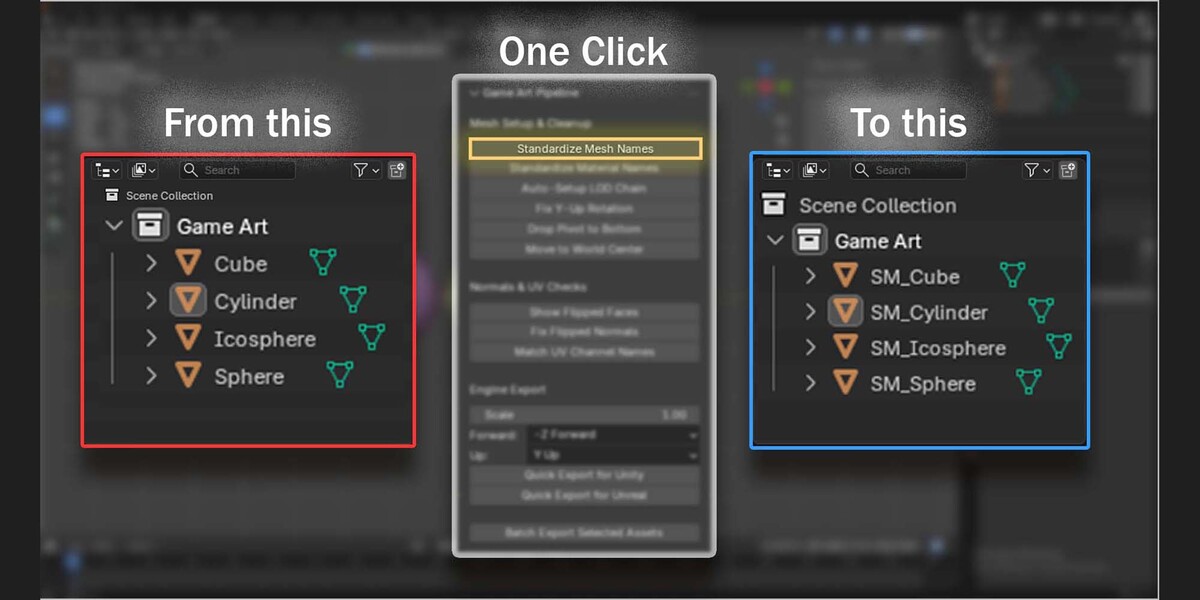
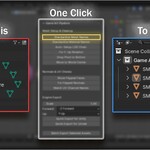
Standardize Mesh Names: Batch renames selected objects using clean, production-ready prefixes (e.g.,
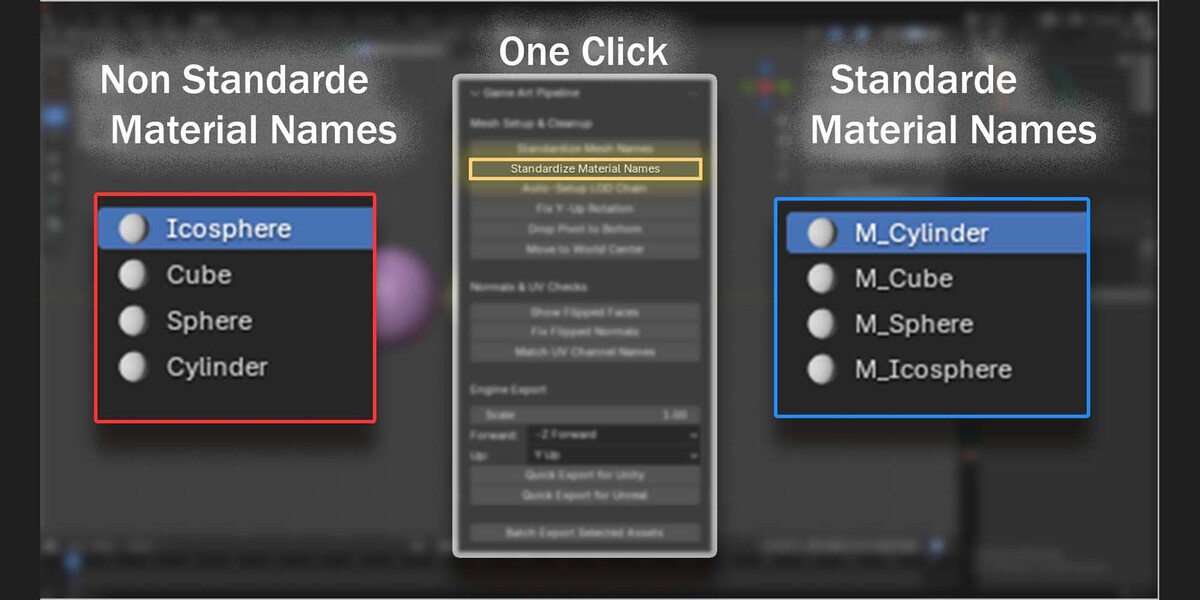
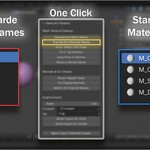
SM_) to maintain strict project conventions.Standardize Material Names: Automatically cleans and unifies material slot names across models, stripping out Blender's default
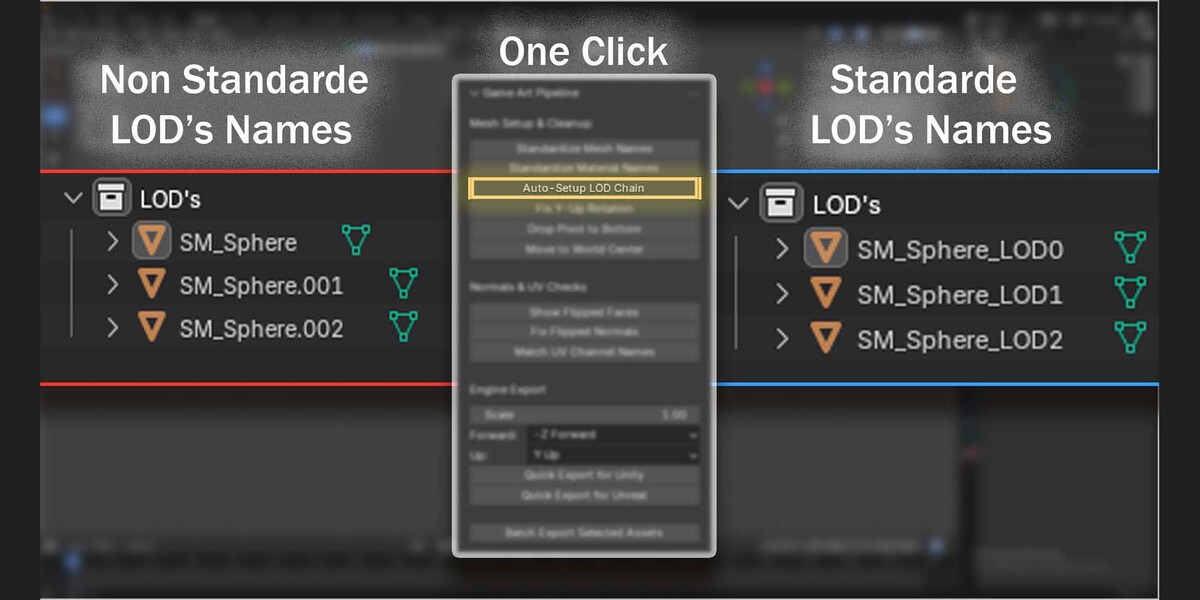
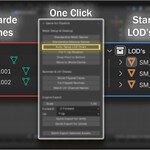
.001or.002suffixes.Auto-Setup LOD Chain: Generates, names, and organizes Level of Detail chains (
LOD0,LOD1,LOD2) ready for game engine optimization.Fix Y-Up Rotation: Re-orientates Blender’s Z-up coordinate system to standard Y-up alignment, preventing unwanted 90-degree rotation glitches on engine import.
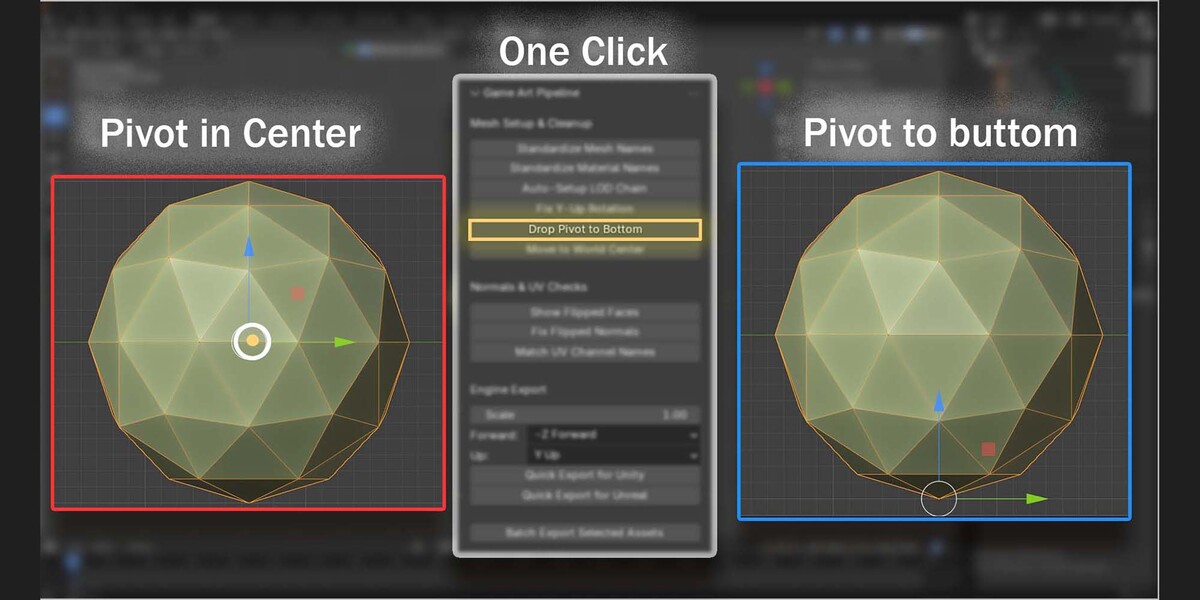
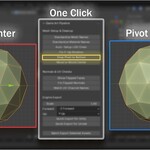
Drop Pivot to Bottom: Snaps the object origin point to the exact bottom-center of the mesh bounding box for seamless ground snapping in engine viewports.
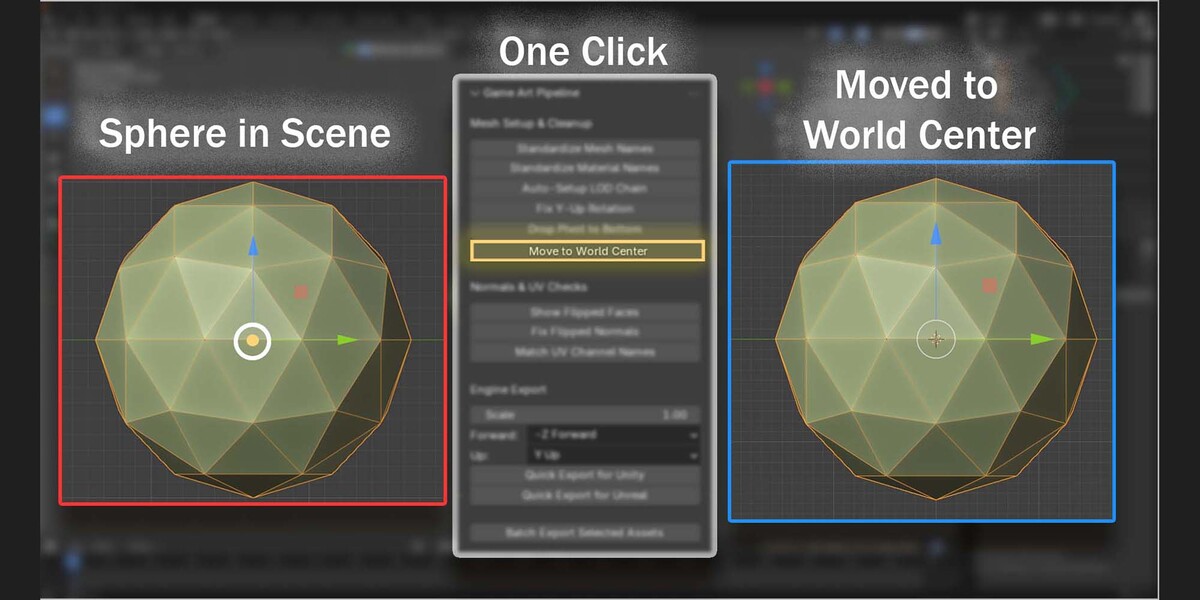
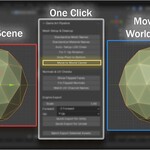
Move to World Center: Instantly zeros out selected assets to $(0, 0, 0)$ world space to ensure clean transform values during export.
Normals & UV Checks
Catch shading errors, inverted faces, and improper UV structures before they reach your game engine:
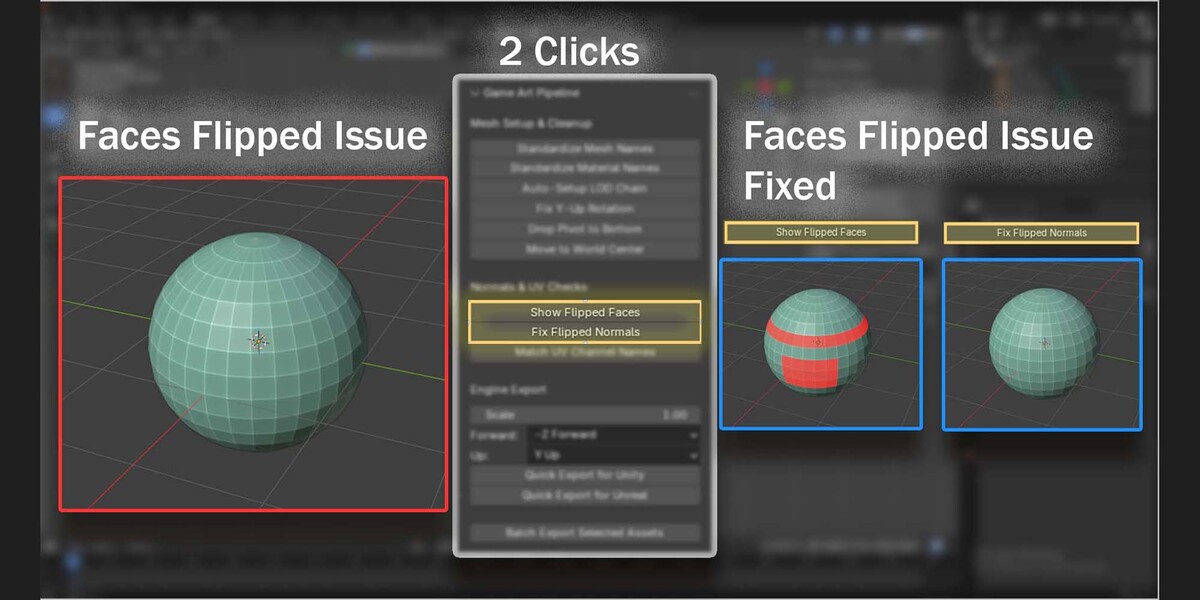
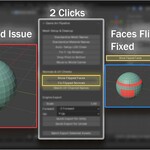
Show Flipped Faces: Toggles a visual viewport overlay to instantly reveal inverted, back-facing, or improperly oriented polygons.
Fix Flipped Normals: Automatically recalculates surface normals outward across selected geometry, resolving dark shading artifacts and backface culling bugs.
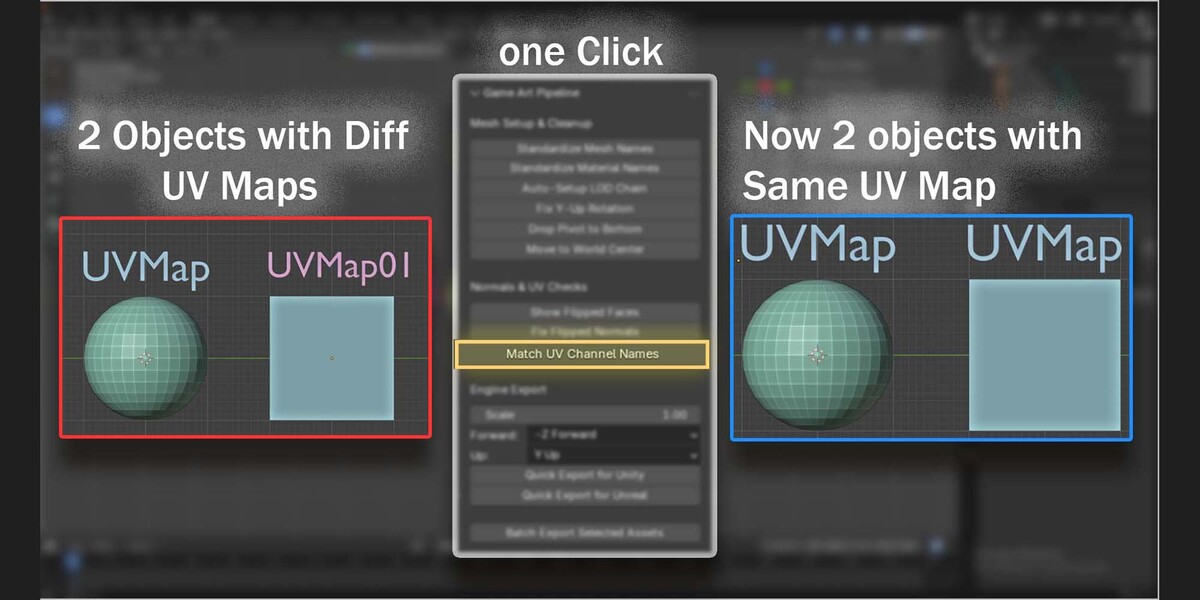
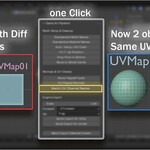
Match UV Channel Names: Standardizes UV map layer names across multiple objects (e.g.,
UVMap_0,Lightmap) to ensure seamless material mapping and lightmass baking.
Engine Export
Export individual assets or entire libraries with customized axis presets and one-click engine pipelines:
Custom Scale & Axis Controls: Fully adjust global scale multipliers, Forward direction (
-Z Forward, etc.), and Up axis (Y Up, etc.) to match any custom engine setup.Quick Export for Unity: One-click preset optimized for Unity project structures with precise FBX scaling and material slot assignments.
Quick Export for Unreal: Dedicated setup built for Unreal Engine pipelines, ensuring Nanite-ready geometry, proper unit scaling, and smoothing group retention.
Batch Export Selected Assets: Exports multiple selected models or LOD groups as standalone, individual FBX files in a single pass.