3D Tudor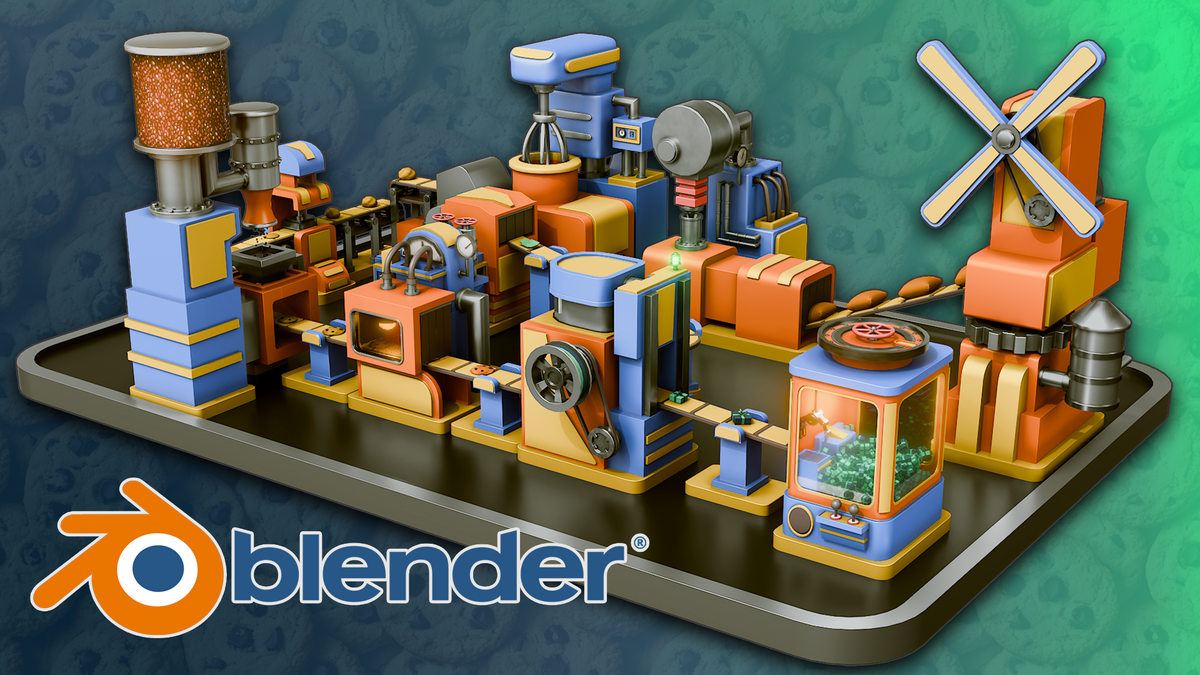
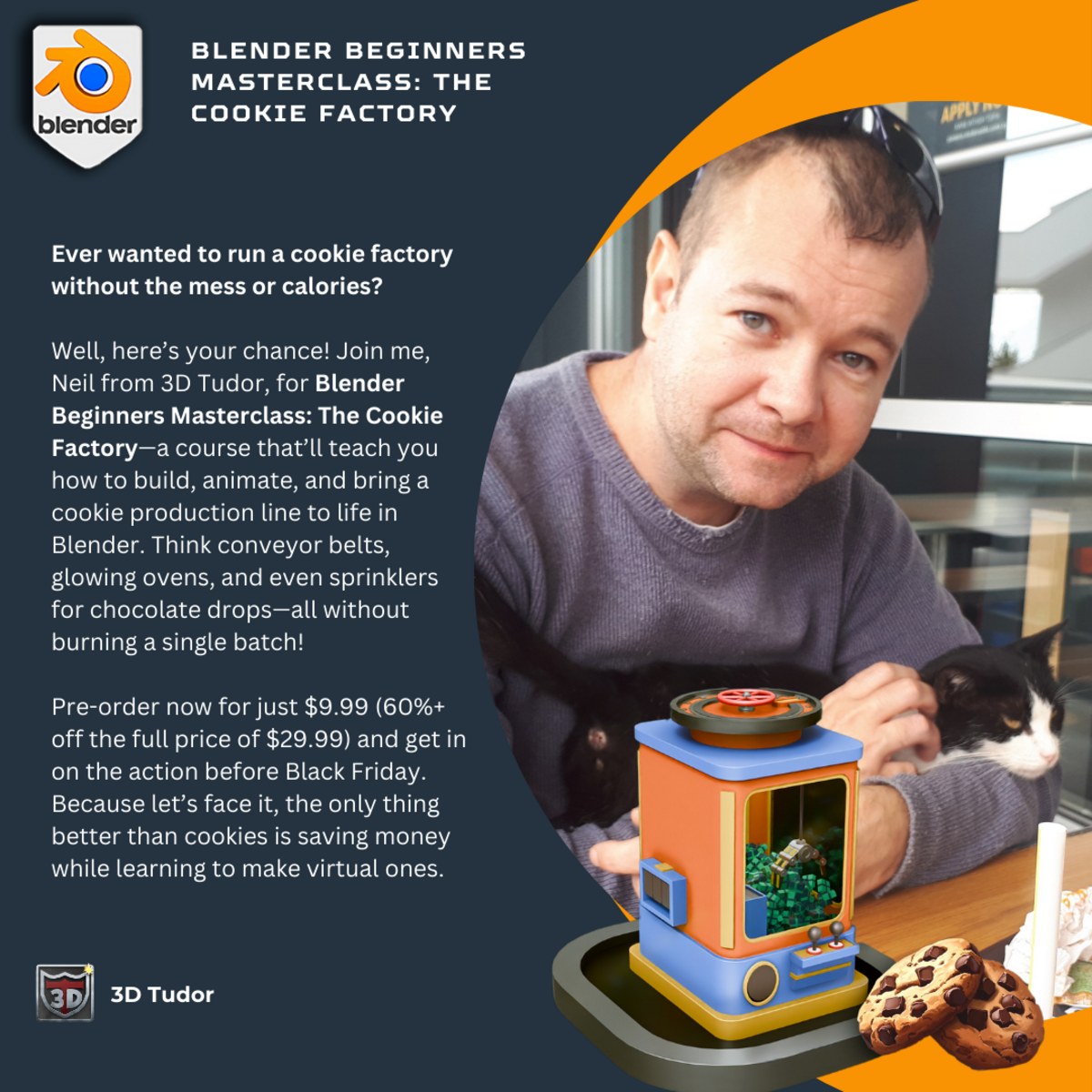
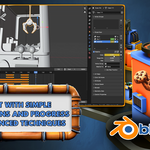
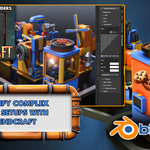
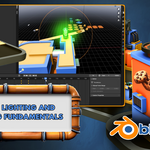
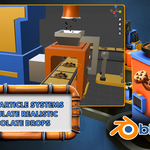

Dive into the World of 3D Modeling and Animation with ‘Blender Beginners Masterclass: The Cookie Factory’!
Ready to take your Blender skills to the next level?
Whether you’re an absolute beginner or looking to refine your 3D modeling techniques, ‘Blender Beginners Masterclass: The Cookie Factory’ offers the ultimate step-by-step guide to building and animating a fully functioning cookie factory.
This course is designed to gradually introduce you to Blender’s core tools, progressing to professional workflows while creating a cohesive, fully animated production line.
Preview on YouTubeSupport us on Patreon
From the first machine to the final render, every project builds on the last, ensuring you learn the essentials while gaining practical experience.
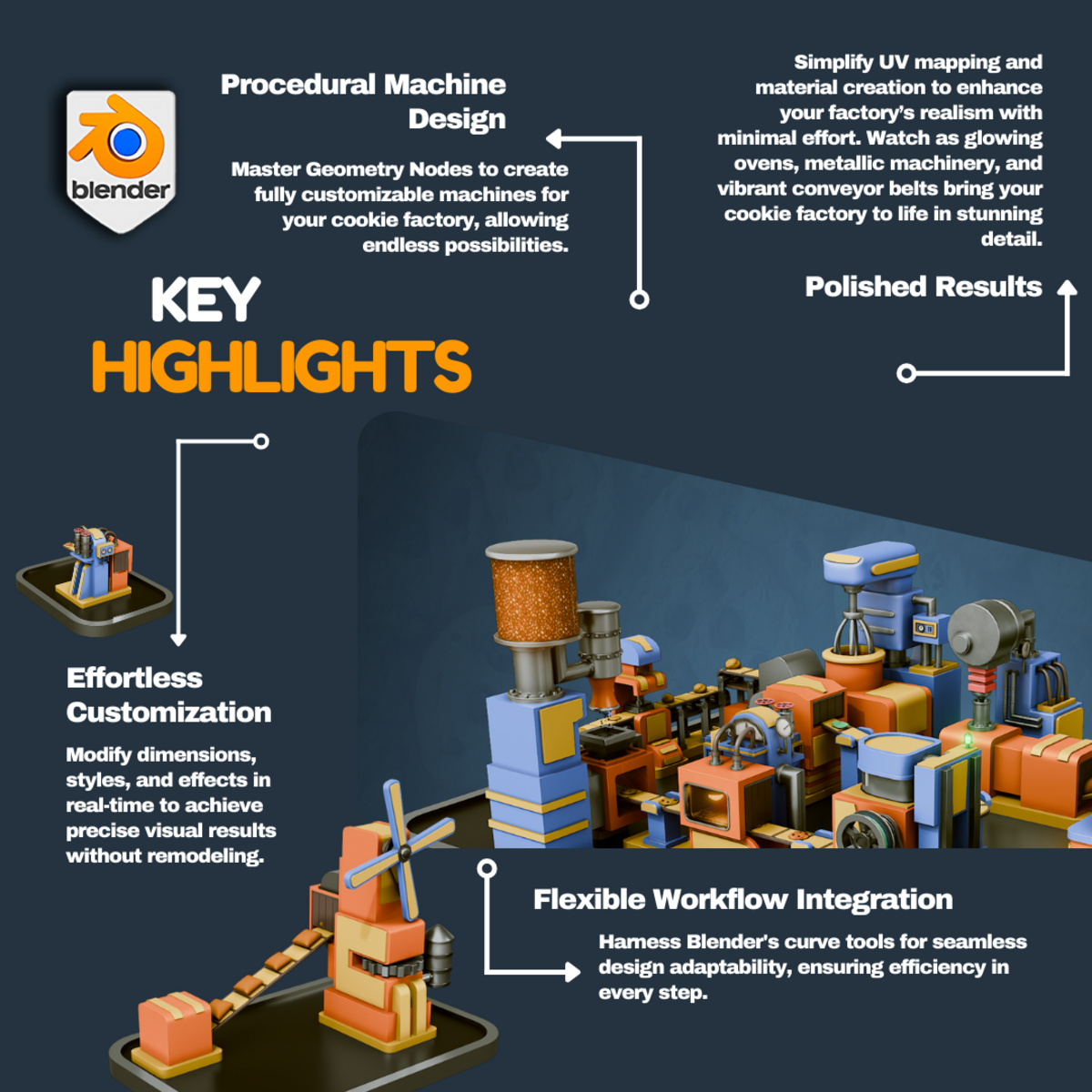
Over the course of 10 meticulously crafted factory machines, you’ll master everything from modeling and texturing to complex animations, lighting, and rendering.
Get ready to bring your cookie factory to life!
Why This Course Stands Out
Designed for Growth:
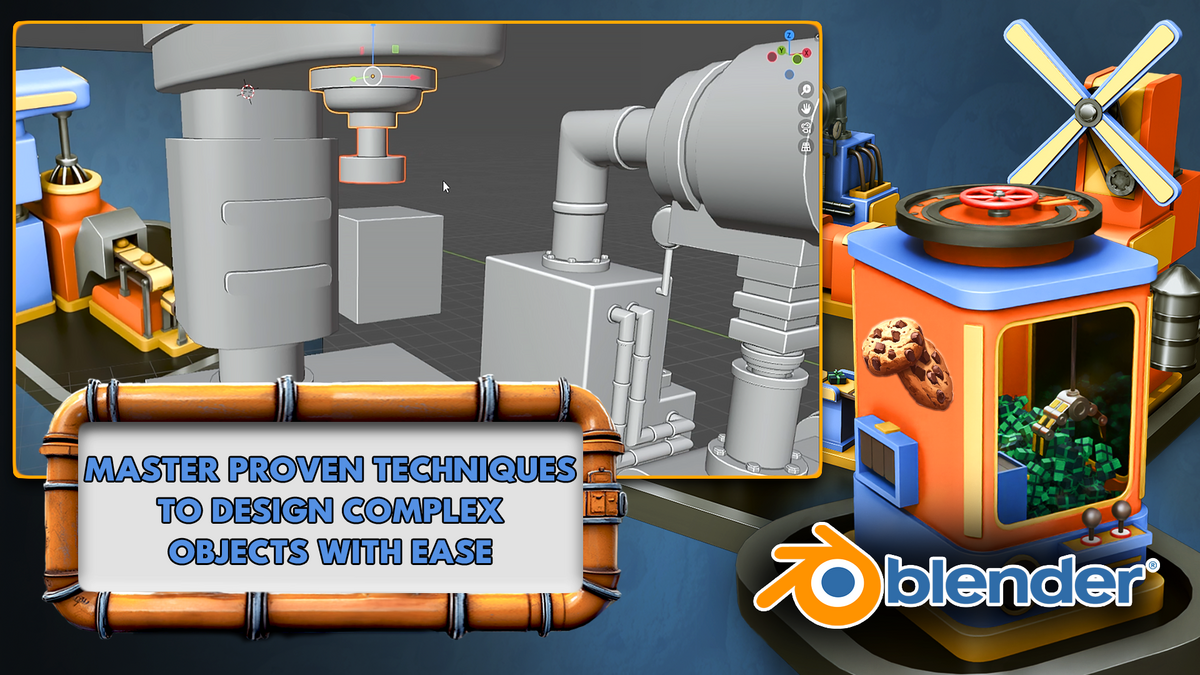
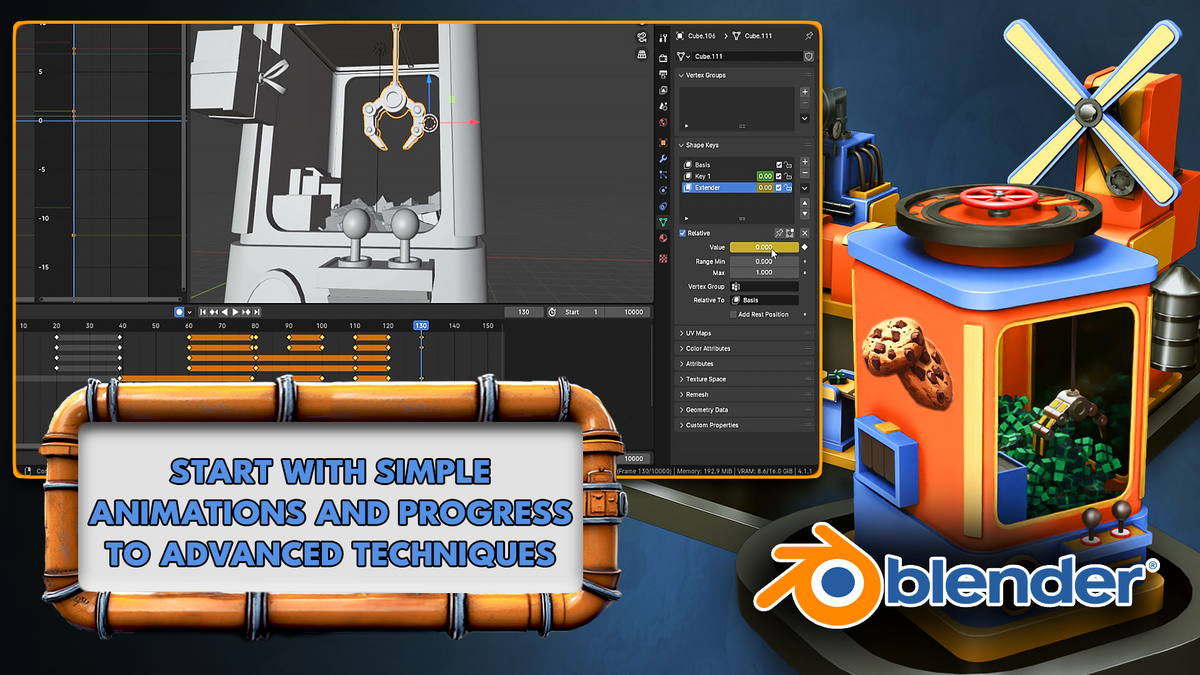
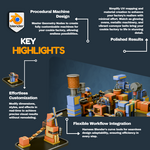
‘Blender Beginners Masterclass: The Cookie Factory’ is structured with beginners in mind but scales up to professional-level workflows. You'll start with foundational skills like navigation, modeling, and basic animations, before progressing to advanced techniques like using custom geometry nodes, creating procedural shaders, and crafting complex animations.
Practical and Fun Projects:
Instead of abstract exercises, you’ll be building real, usable 3D assets for a visually stunning project. By the end, you’ll have a fully animated, professional-quality cookie factory to add to your portfolio.
Comprehensive Learning:
From mastering Blender basics to optimizing advanced rendering workflows, ‘Blender Beginners Masterclass: The Cookie Factory’ provides a holistic approach to 3D modeling, giving you the tools and confidence to tackle any project.
Top 10 Highlights of ‘Blender Beginners Masterclass: The Cookie Factory’
✅ Flour Mill and Mixer Machine:
Begin by constructing the Flour Mill, where you’ll animate rotating mechanisms and texture grains and flour. Then move to the Mixer, animating spinning seals with cycles and noise. Learn to animate flowing batter textures while avoiding texture repetition and master modeling pipes with curves.
✅ Water Adder Machine:
Add flowing water to your factory with this essential machine. Learn how to model and animate seamless water textures and create realistic movement using Blender’s tools for fluid-like effects.
✅ Stamper Machine:
Explore animation timing with the Stamper, a crucial part of your cookie factory. You’ll learn how to achieve precise, lifelike stamping movements and refine motion flow across the pipeline.
✅ Sprinkler Machine:
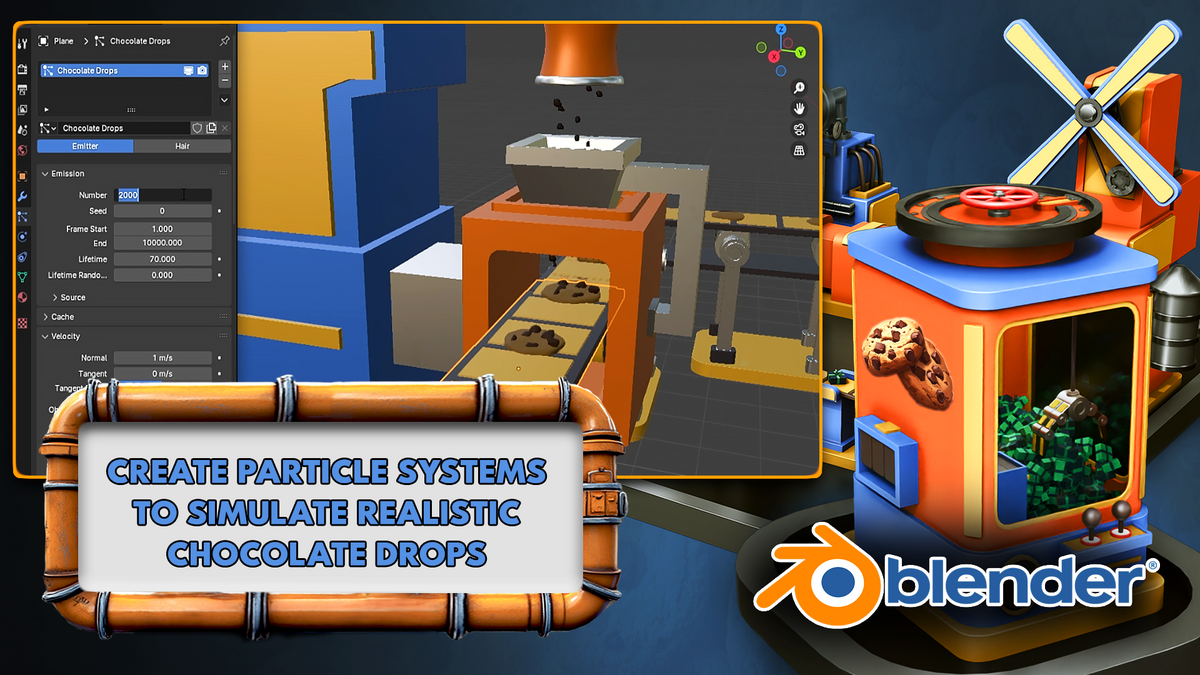
Add dynamic details to your scene by building the Sprinkler. Use Blender’s particle system to simulate chocolate drops falling onto cookies, giving your project a touch of realism and interactivity.
✅ Oven with Emission Lighting:
Create a glowing Oven with warm, customizable emission shaders. Learn to create realistic glass shaders, adding depth and polish to your factory scene. Discover how to blend lighting with materials for stunning visual effects.
✅ Box Cutter Machine:
Craft and animate the Box Cutter, ensuring precise cutting movements for cookie packaging. Combine texture animations and cycles to add realism and functionality to this essential part of the production process.
✅ Box Maker Machine:
Combine skills learned throughout the course to build the Box Maker, the centerpiece of your packaging line. Create and animate this machine with advanced techniques, including texture animations, light control, and smooth mechanical movements.
✅ Grabber Machine:
Design and animate a mechanical Grabber that lifts and places boxes of cookies. Use keyframes, animation cycles, and advanced Blender tools to bring lifelike motion and precision to this vital machine.
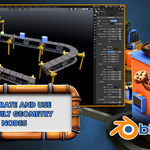
✅ Conveyor Geometry Node:
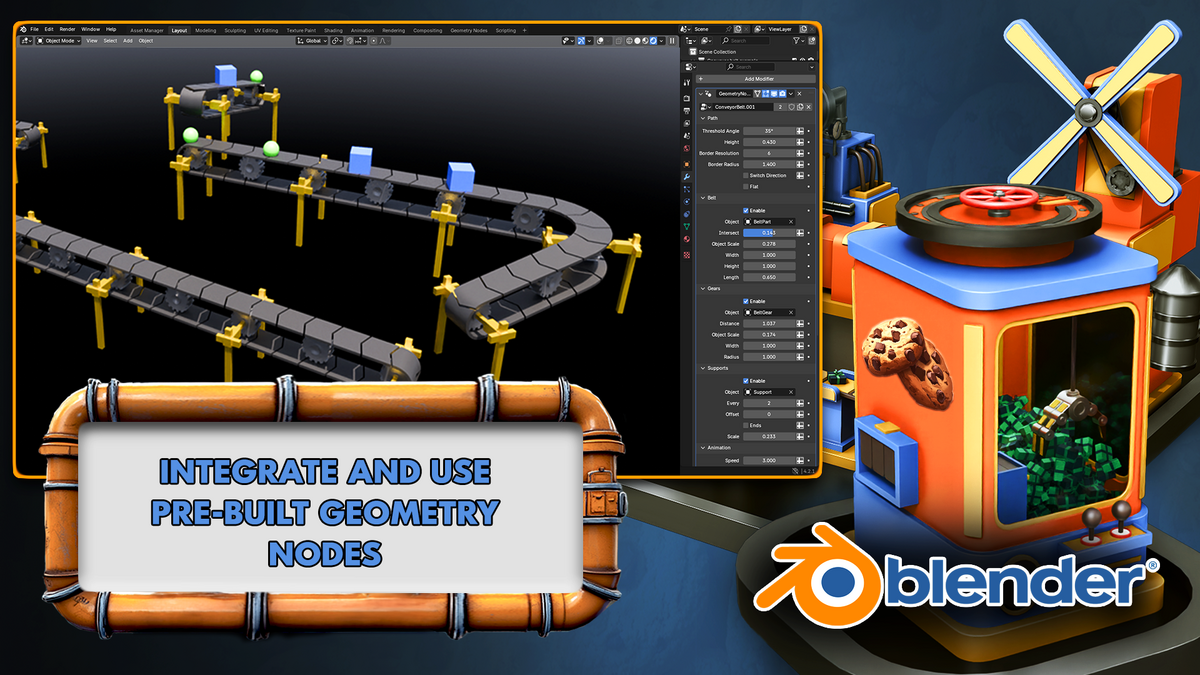
Learn to use 3D Tudor’s custom-built Conveyor Geometry Node to create dynamic conveyor belts that seamlessly move cookies through the factory. Customize and switch objects easily to integrate all your machines into a cohesive production line.
✅ Final Render and Compositing:
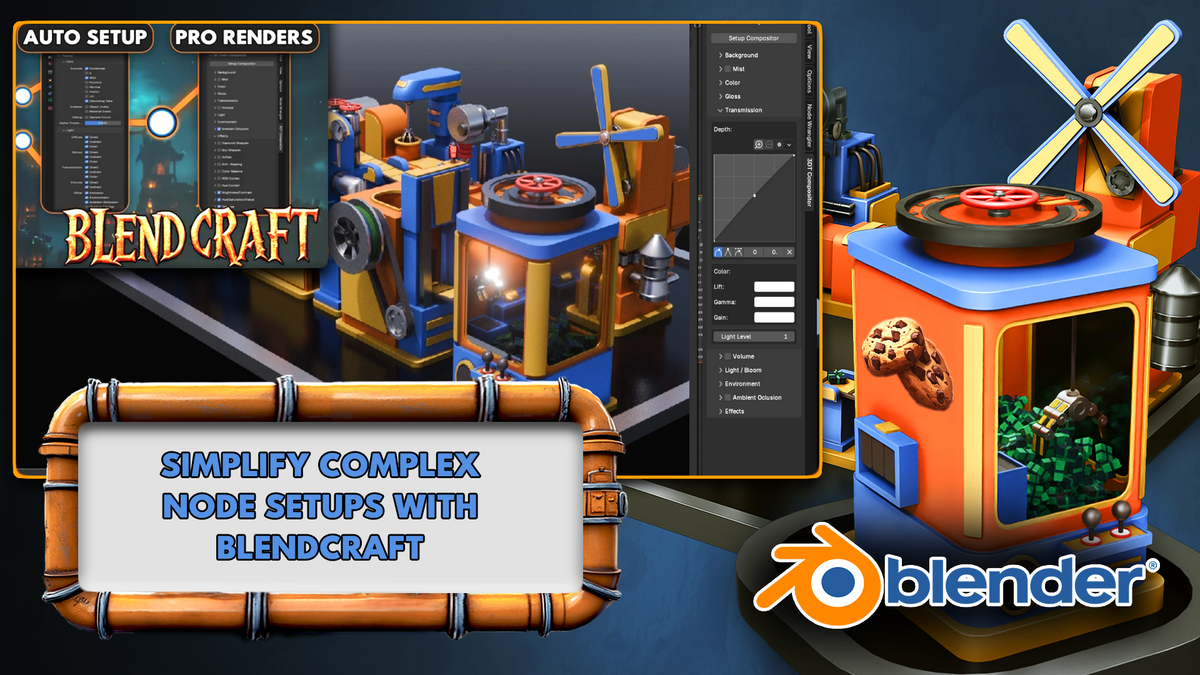
Wrap up your project by setting up an animated turntable to showcase your factory. Use Blender’s compositor to add finishing touches, like depth, color grading, and special effects, ensuring your final render is portfolio-ready.
What You’ll Learn
This course goes beyond just creating a cookie factory—it gives you the foundation to tackle any 3D modeling and animation project.
Here’s what you’ll master:
✅ Blender Basics: Navigate Blender’s interface, use shortcuts, and organize your projects with collections and the asset manager.
✅ Modeling Techniques: Progress from simple shapes to complex, detailed models with professional workflows.
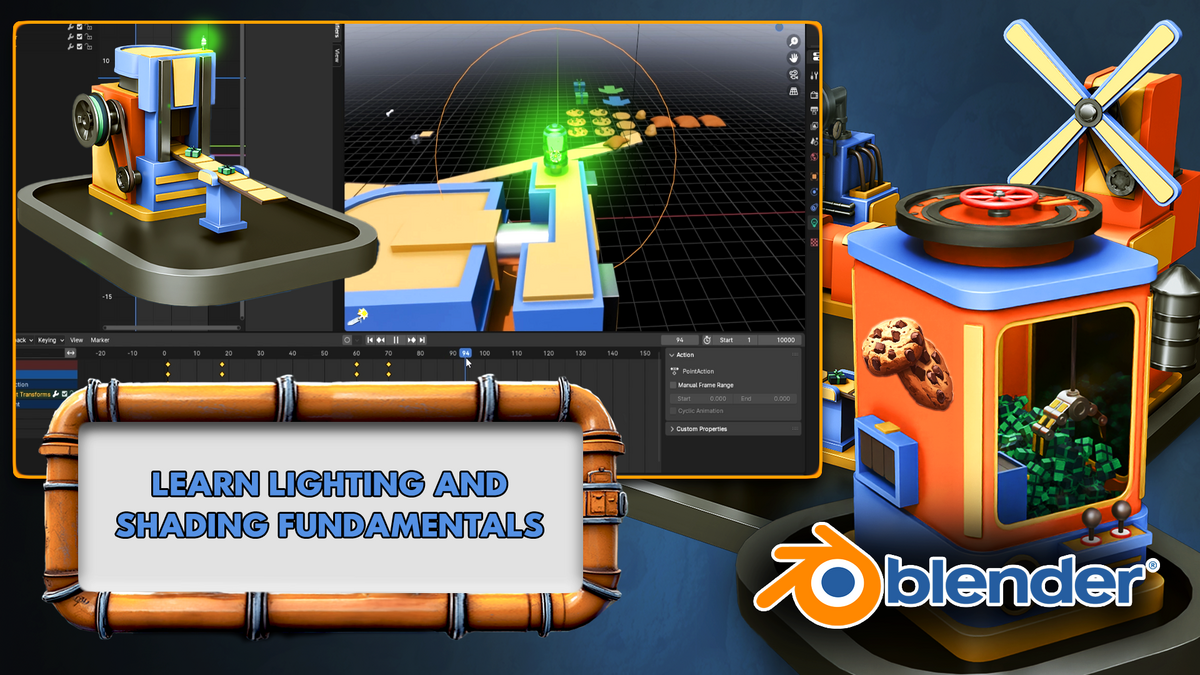
✅ Lighting Fundamentals: Use Blender’s Sky Texture node for ambient lighting and create dramatic effects with emission shaders for day and night scenes.
✅ UV Mapping and Texturing: Learn to apply seams and sharps, create UV maps, and build shaders for glass, metal, and batter.
✅ Particle Systems: Simulate natural effects like chocolate sprinkles and flowing liquids.
✅ Advanced Animation: Use keyframes, animation cycles, and timing techniques to animate complex machinery.
✅ Rendering and Optimization: Work with both Eevee and Cycles to produce high-quality animations while maintaining performance.
✅ Compositing Techniques: Finalize your projects with Blender’s compositor, adding depth and professionalism to your renders.
Course Structure
Each machine introduces a new Blender concept, building on your existing knowledge. This gradual progression ensures you learn by doing, with practical applications of each skill. By the end, you’ll have not just a complete project but the confidence to tackle advanced 3D challenges.
What You’ll Create
Your final project will be a fully animated cookie factory featuring 10 machines, including a Flour Mill, Water Adder, Mixer, Stamper, Sprinkler, Oven, Box Cutter, Box Maker, Grabber, and a Conveyor Belt System.
These machines work together to simulate a real-world production line, brought to life with dynamic animations, realistic textures, and professional lighting.
You’ll start by crafting raw materials like flour and dough, then progress to stamping, sprinkling, and baking cookies.
By the end of the course, you will be packaging the cookies into boxes, using lifelike animations and custom conveyor belts to move them through your factory.
Why Take This Course?
Beginner-Friendly: Perfect for those new to Blender, with lessons designed to build skills progressively.
Real-World Application: Learn practical workflows that apply to games, animation, and other 3D projects.
Comprehensive Skills: Master everything from modeling and texturing to rendering and compositing.
Custom Tools: Work with 3D Tudor’s exclusive geometry nodes and shader packs for professional results.
Portfolio-Ready Projects: Create a polished final project to showcase your 3D modeling and animation skills.
With ‘Blender Beginners Masterclass: The Cookie Factory’, you’ll gain the skills to build, animate, and render professional-grade projects. Whether you’re creating games, films, or personal portfolios, this course equips you with the tools to bring your ideas to life.
Your journey to Blender mastery starts here. Ready to build your cookie factory and elevate your 3D skills?
Until next time, happy modeling!
Neil – 3D Tudor
To get in touch with me about any questions or support, please email: [email protected]
Also, feel free to like 3D Tudor on Discord (https://discord.gg/vdbUGJbAfY) as well as join my Facebook student community group to share renders of your projects from courses and tutorials: https://www.facebook.com/groups/1152218958467185