Blender Cable Generator
 ArtbyTymi


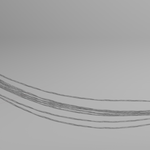
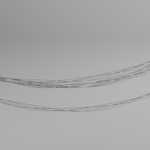
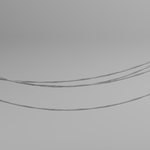
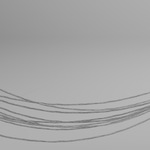
How to Use Procedural Cables
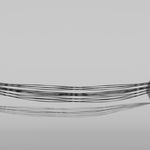
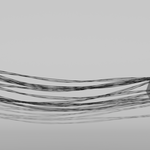
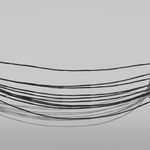
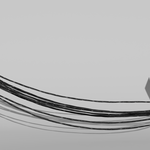
This asset is a Geometry Nodes-based tool designed for rapid environment detailing. The cables can be positioned via the Empty.
Using the Attach to object button, you can move the cable to the nearest surface of the objects in the Attach collection.
Important: Objects in the Attach collection are realized, therefore I wouldn't recommend putting large objects or geometry nodes with instances in the collection because it can heavily impact you performance.
Instead, use planes or simple shapes. to make them invisible use a material with Alpha on 0, or hide the collection for your render.
You can adjust the following parameters in the Modifier Tab:
Curve Resolution determines the number of segments along the cable. Increase this for smoother curves or decrease it for better viewport performance in large scenes.
strand Count and distance is used to change the number of strands and the distance between individual strands.
Arc and Arc random determines how how deep the curve is and how much variation there is. Higher values create a deep "U" shape, while lower values create tensioned, straight wires.
Cable amount determines how many cables there are.
Spread controls the offset distance between cables, allowing for tight clusters or wide, messy wiring.
Tilt adds a spiral rotation to the cable bundles, essential for realistic industrial cabling or rope-like effects.
Seed generates variations in the drape and positioning of the cables, allowing you to quickly iterate on the "look" without changing your points.
wind influence and Speed: influence how far the cables swing, speed changes how rapid the cables move
Material allows you to swap between the included base cable material and your own custom shaders.
Have questions about this product?
Login to message
| Published | 8 months ago |
| Blender Version | 4.2 - 5.0 |
| Render Engine Used | Cycles, Eevee |
| License | Royalty Free |
Discover more products like this
sci fi realistic cables environment art wires procedural industrial 3d assets cyberpunk Cable generator greeble geometry nodes