 Pomiya3D
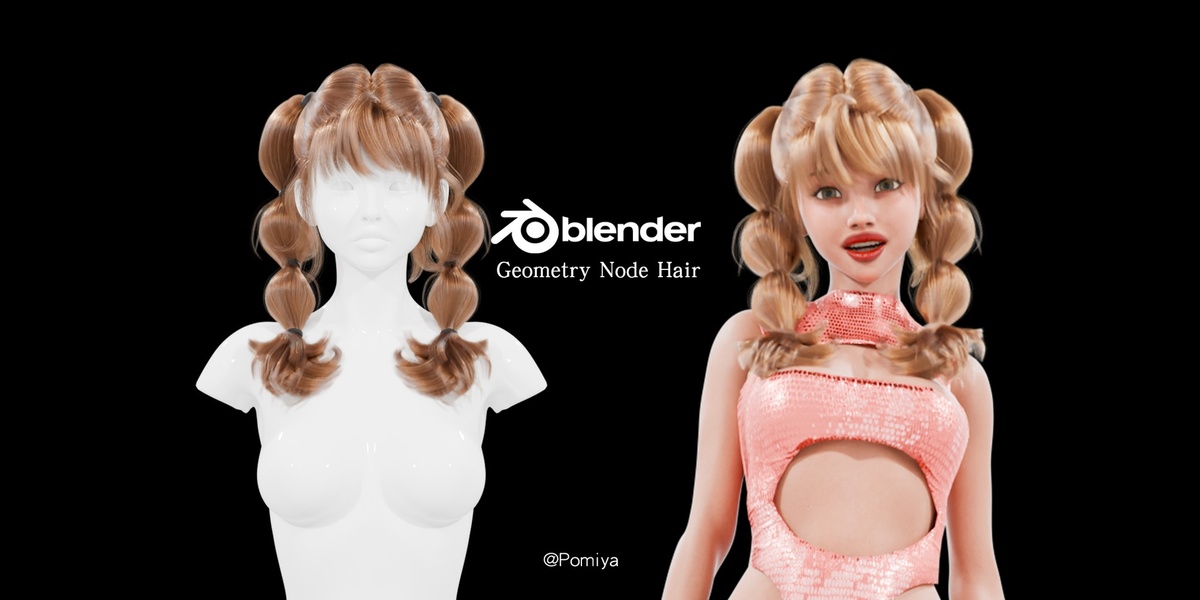
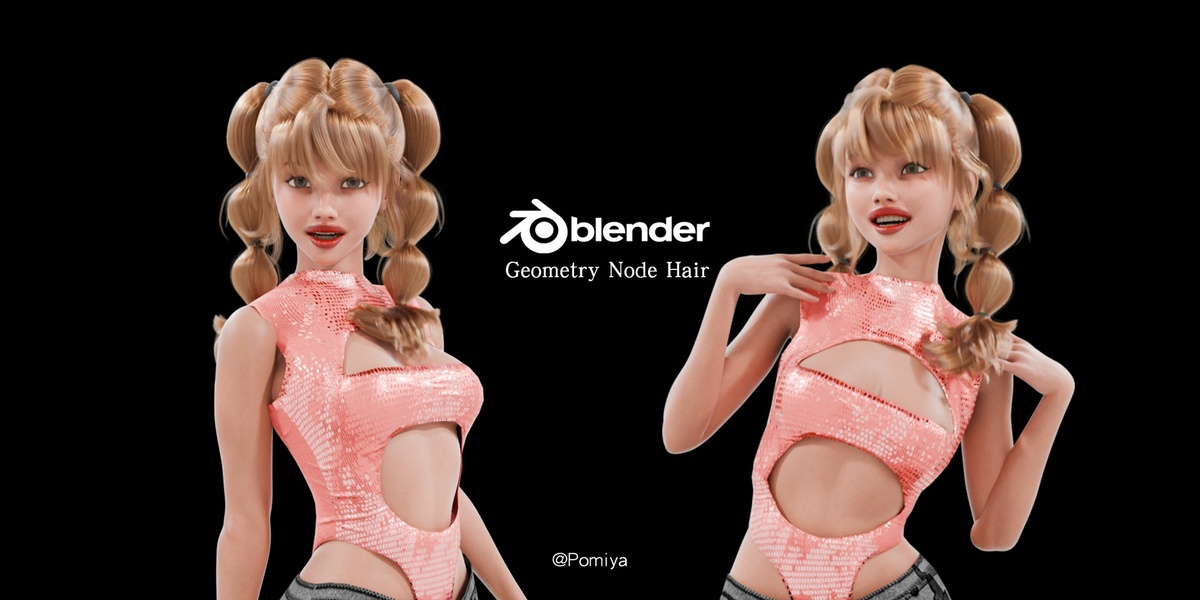
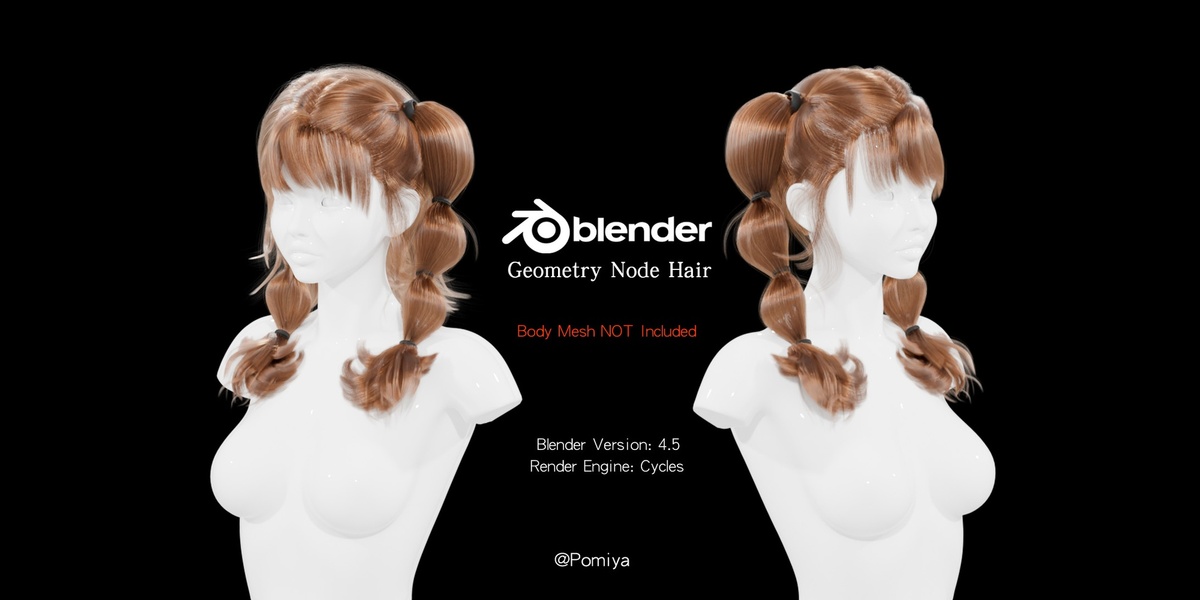
Getting started
- Extract the downloaded ZIP to a local folder.
- Open the included .blend file in Blender 4.5 LTS.
- To bring the hairstyle into an existing scene, use File > Append and append the complete hair collection, including its scalp, hair curves and materials.
- Move, rotate and scale the hair and scalp to fit your character. Adjust the curves as needed; fitting is manual.
- Set up parenting or attachment for your character and scene.
- Use Cycles for rendered previews.
Editing
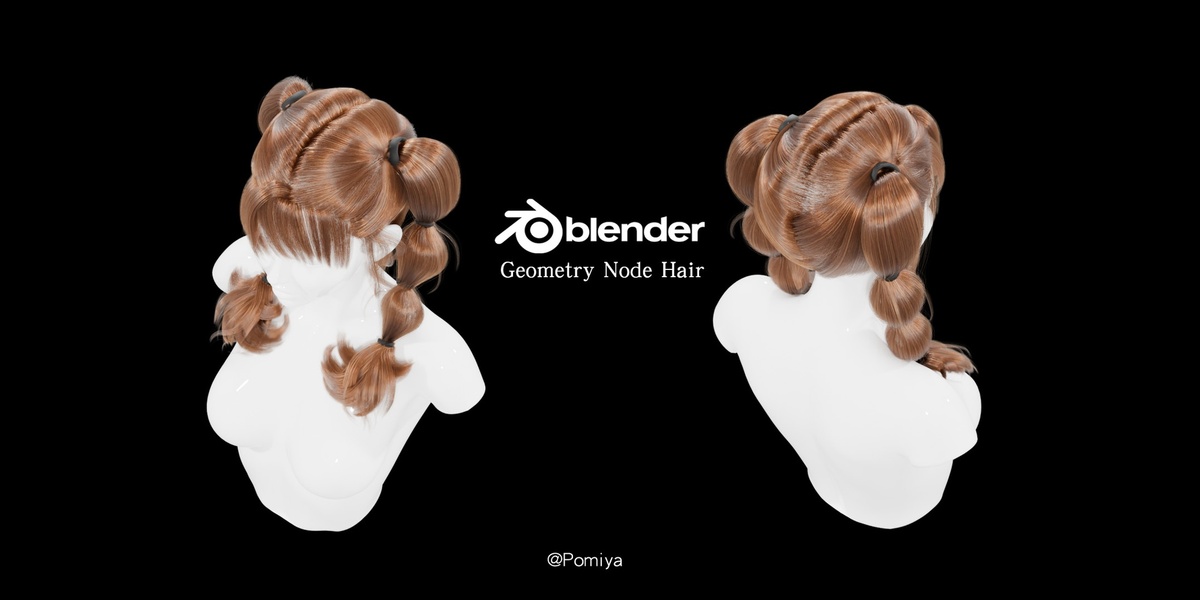
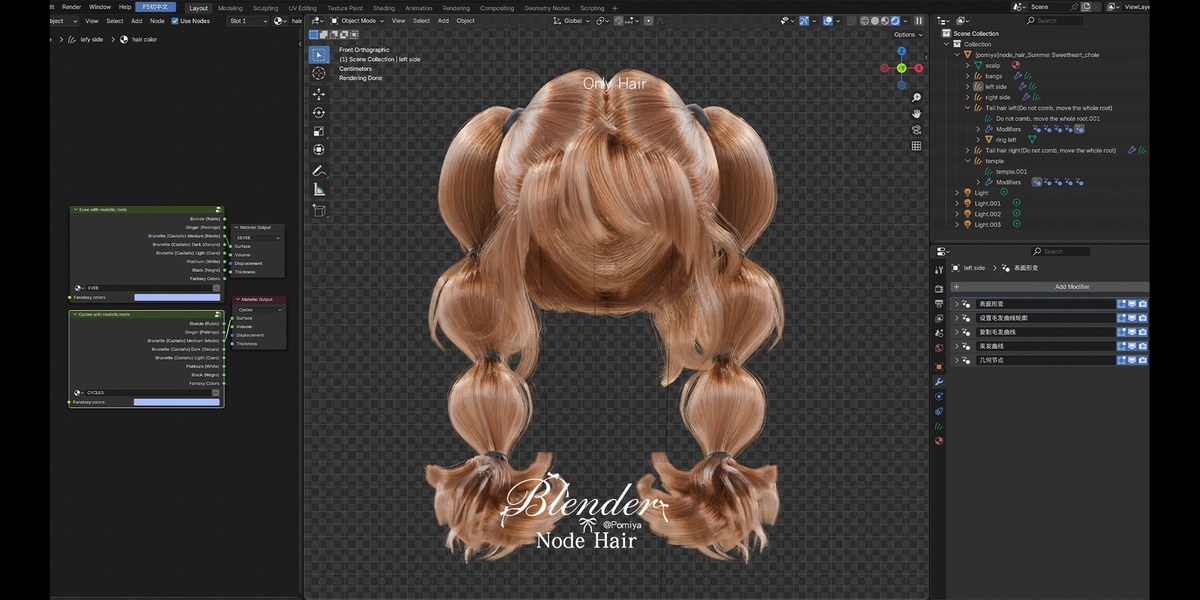
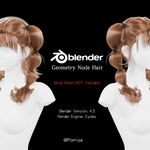
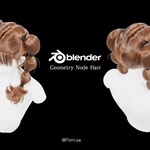
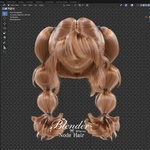
The hairstyle uses native Blender hair curves and Geometry Nodes. Edit the guide curves to adjust the shape, and change colors in the assigned procedural materials. Keep the scalp and associated node setup with the hair.
Included files and limits
The ZIP contains a native .blend file and a preview image. The hairstyle, separate scalp and assigned materials are included. Character bodies, faces, clothing and preview scenes are excluded. No external textures are required. This asset is designed for Blender, not supplied as FBX, OBJ or game-ready hair cards. No character rig or animation package is included.
Have questions about this product?
Login to message
| Published | about 2 hours ago |
| Blender Version | 4.5 |
| Render Engine Used | Cycles |
| License | Royalty Free |
Discover more products like this
bubble hair female-hair curve hair geometry nodes hair procedural pigtails blender hairstyle bangs character