 loranozor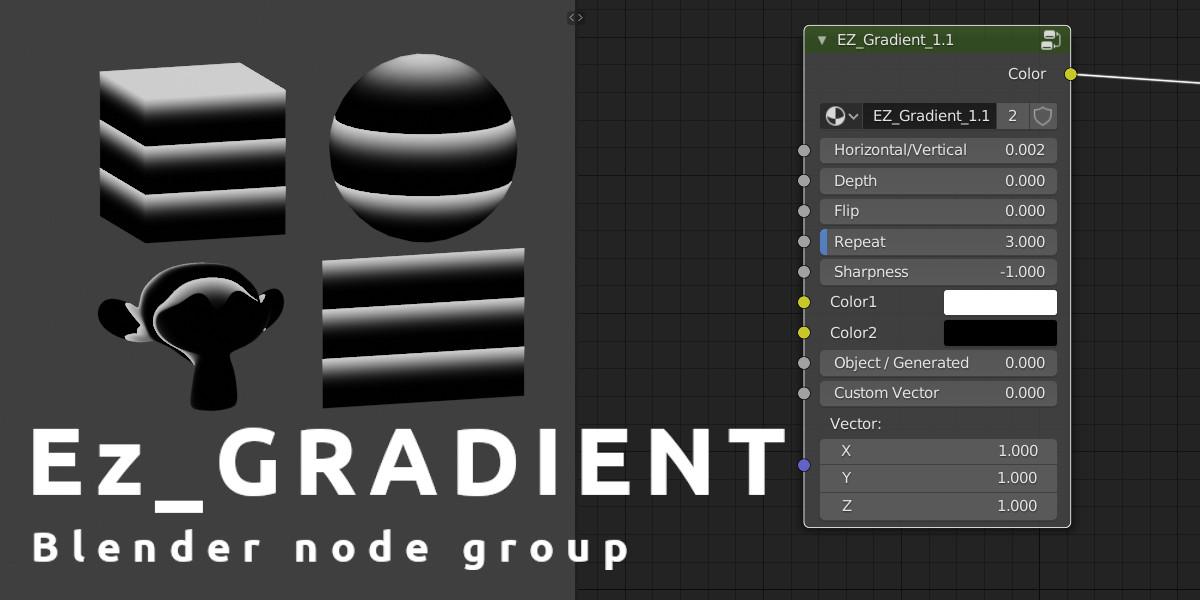
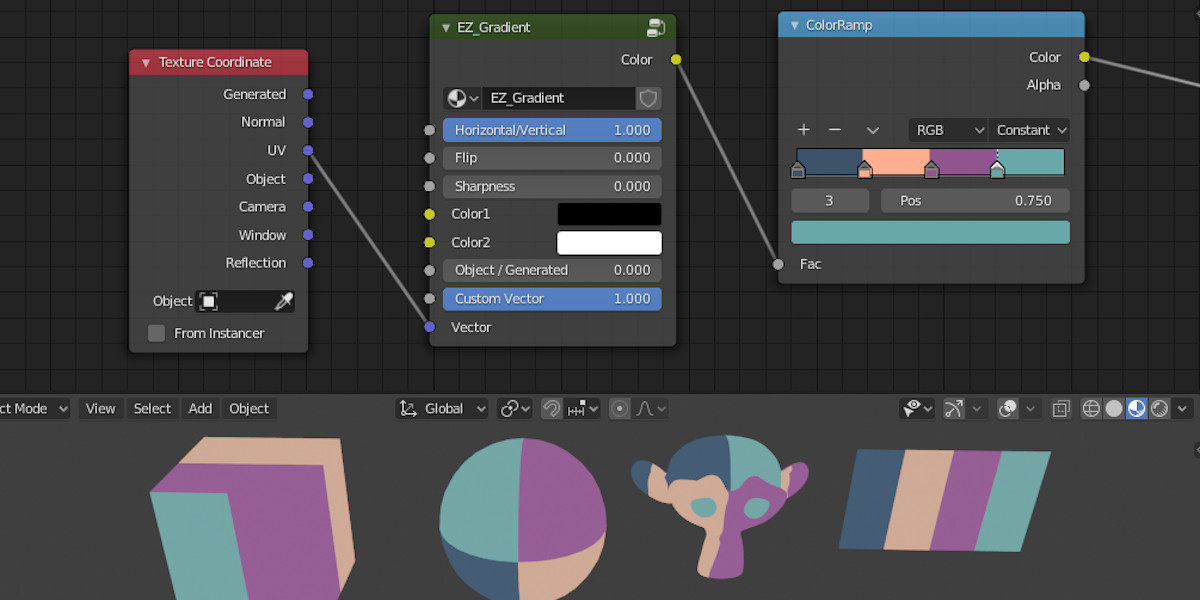
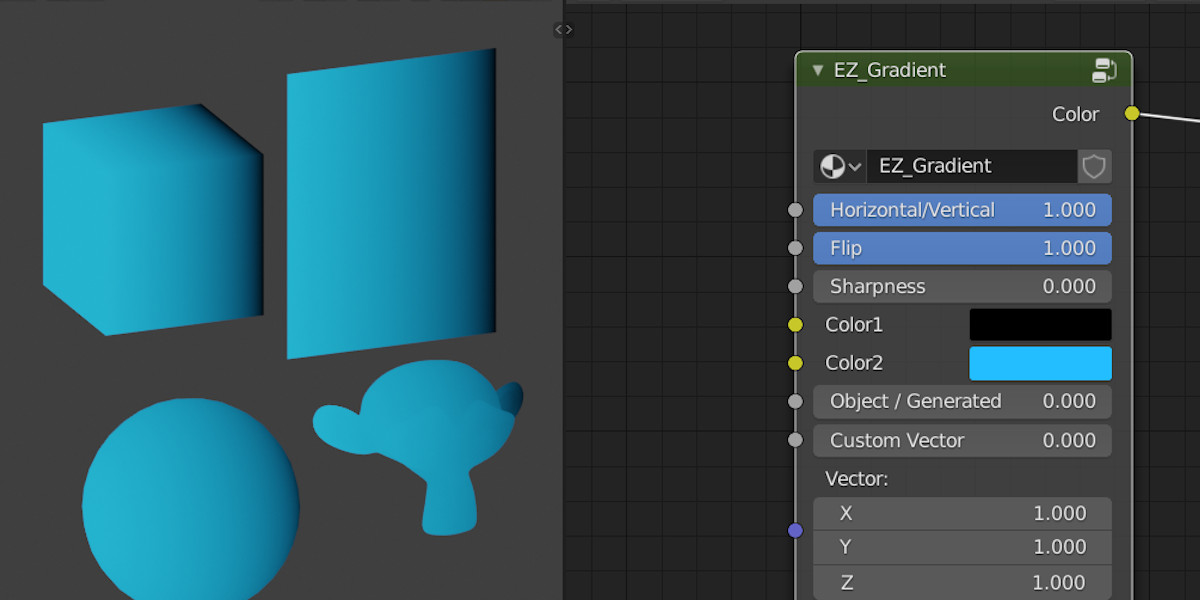
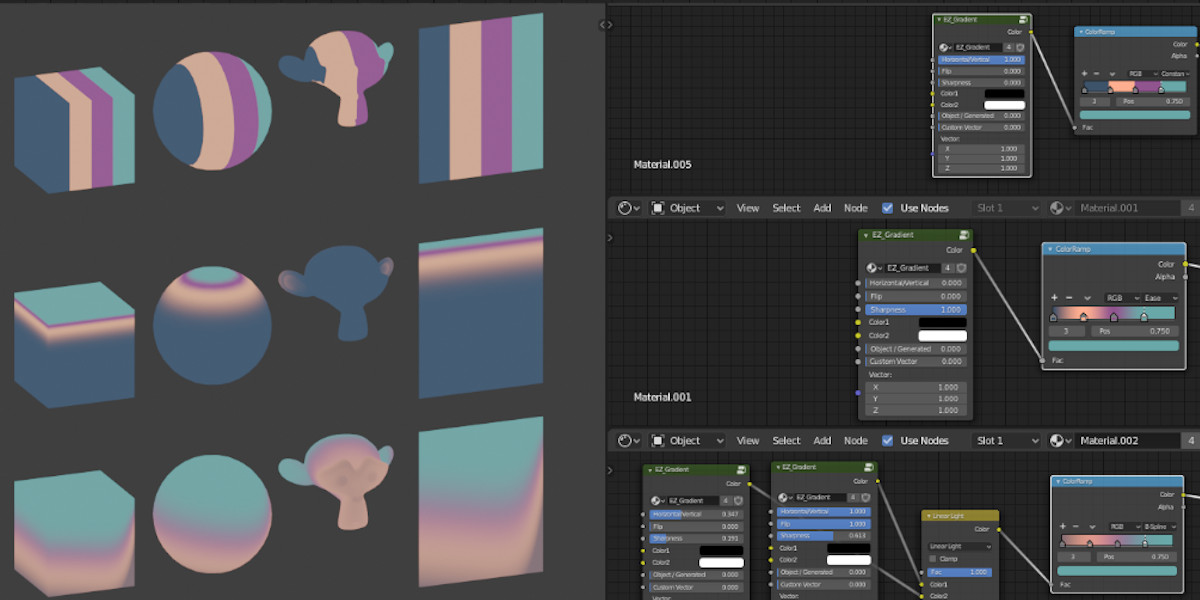
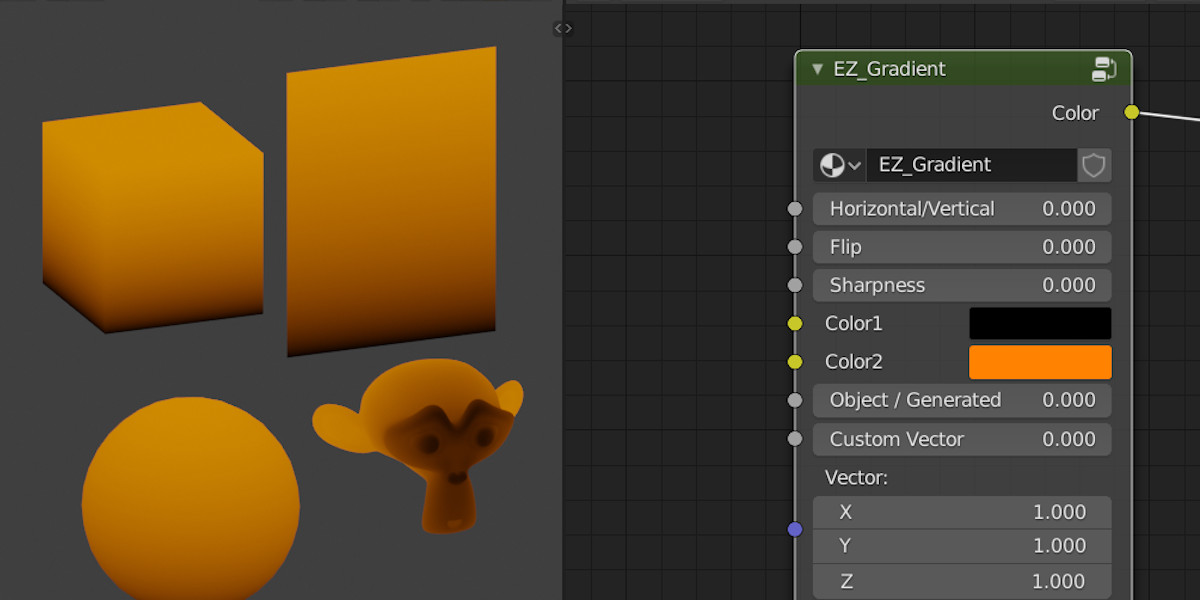
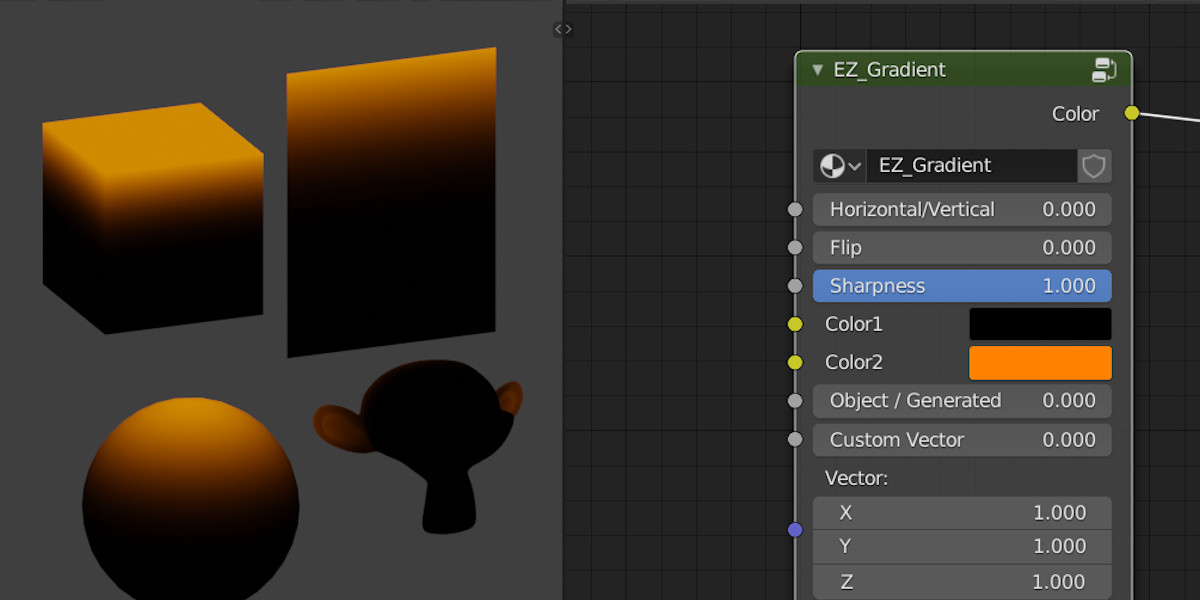
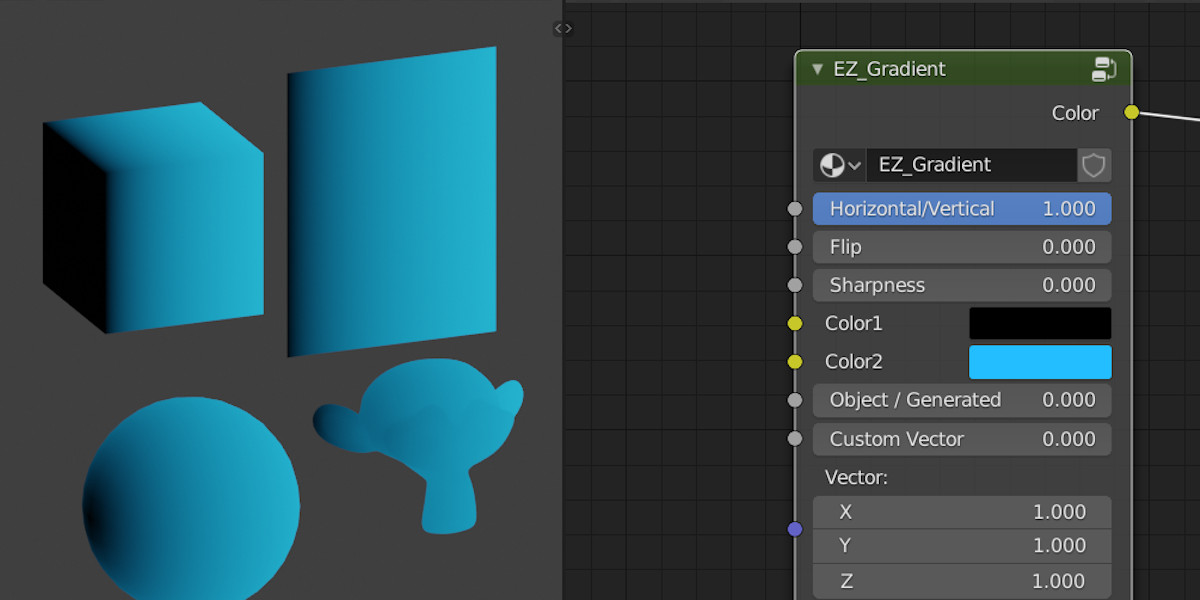
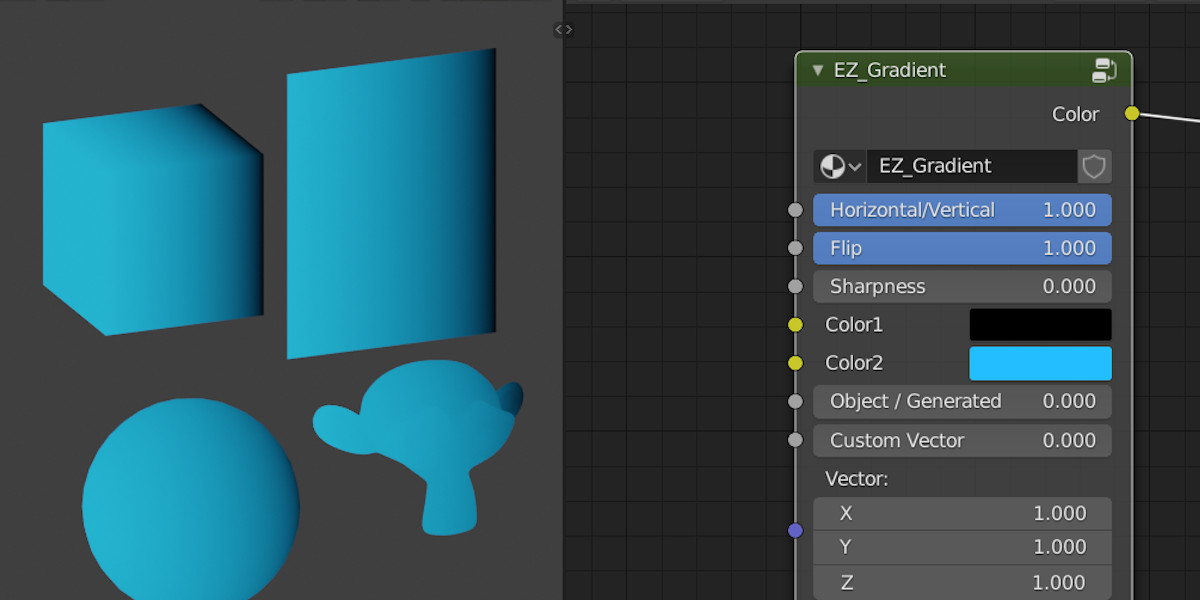
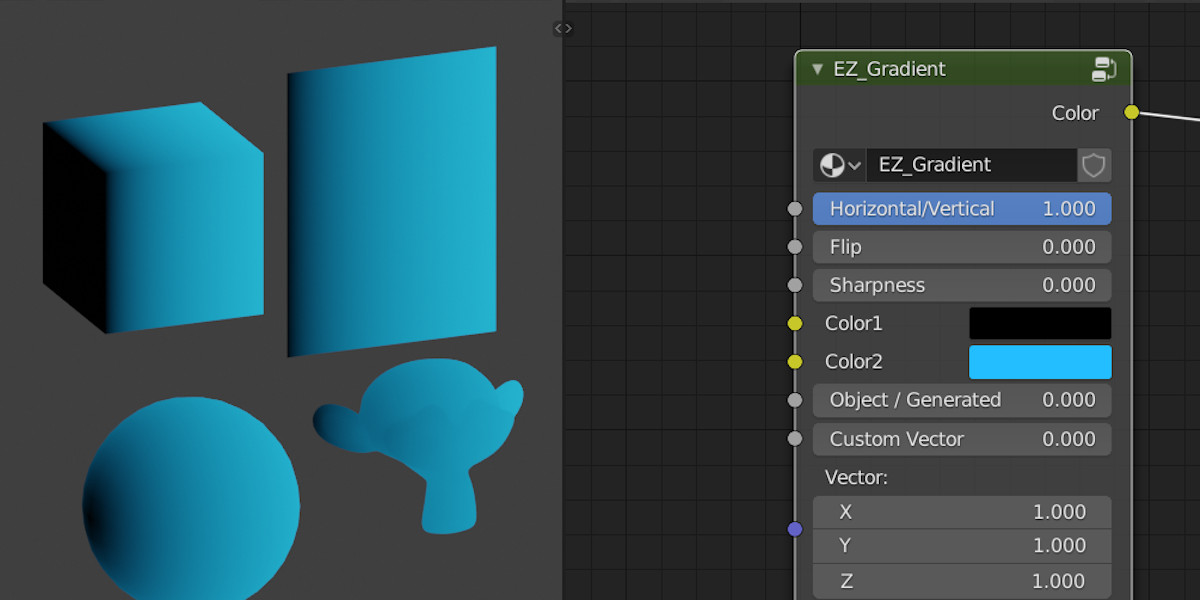



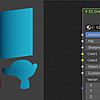
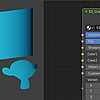
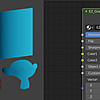
 Just append the group node in your scene. You can then add it in your materials. You can save as default scene after doing this so it will be there on every next new scene.
Append the node group:
Go to "File" menu, then "Append", then pick the downloaded scene, open "Nodetree", pick "EZ_Gradient"
Use EZ_Gradient in a material:
In the shader editor, go to "Add" menu, then "Group", pick "EZ_Gradient"
$1
Have questions about this product?
Login to message
| Sales | 60+ |
| Rating | 1 ratings |
| Published | over 6 years ago |
| Blender Version | 2.79, 2.8, 2.81, 2.82 |
| License | Creative Commons |
