 Arthur Vilarinho



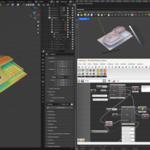
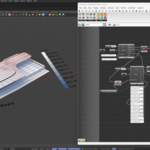
Blender-Hopper
Powerfull Connection between Blender and Grasshopper
Now we can take advantage of the best of both worlds of 3D modeling and parametrization. Blender-Hopper has arrived to connect the Blender software with the Grasshopper plugin and create new workflow possibilities.
Possibilities:
- Geometry control (adding multiple geometries through rules);
- Information control (vertex-groups, attributes);
- Combination with Blender addons;
- Combination of Grasshopper plugins (climatic, structural, physics simulation, ...);
Read, Write and Edit:
Objects
- Object Data
- Location
- Rotation
- Scale
Mesh data
- Vertices, Edges and Faces
- Vert-Neighbors, Edge-Neighbors, Face-Neighbors
- Vertex Groups
- Attributes
Setting-up:
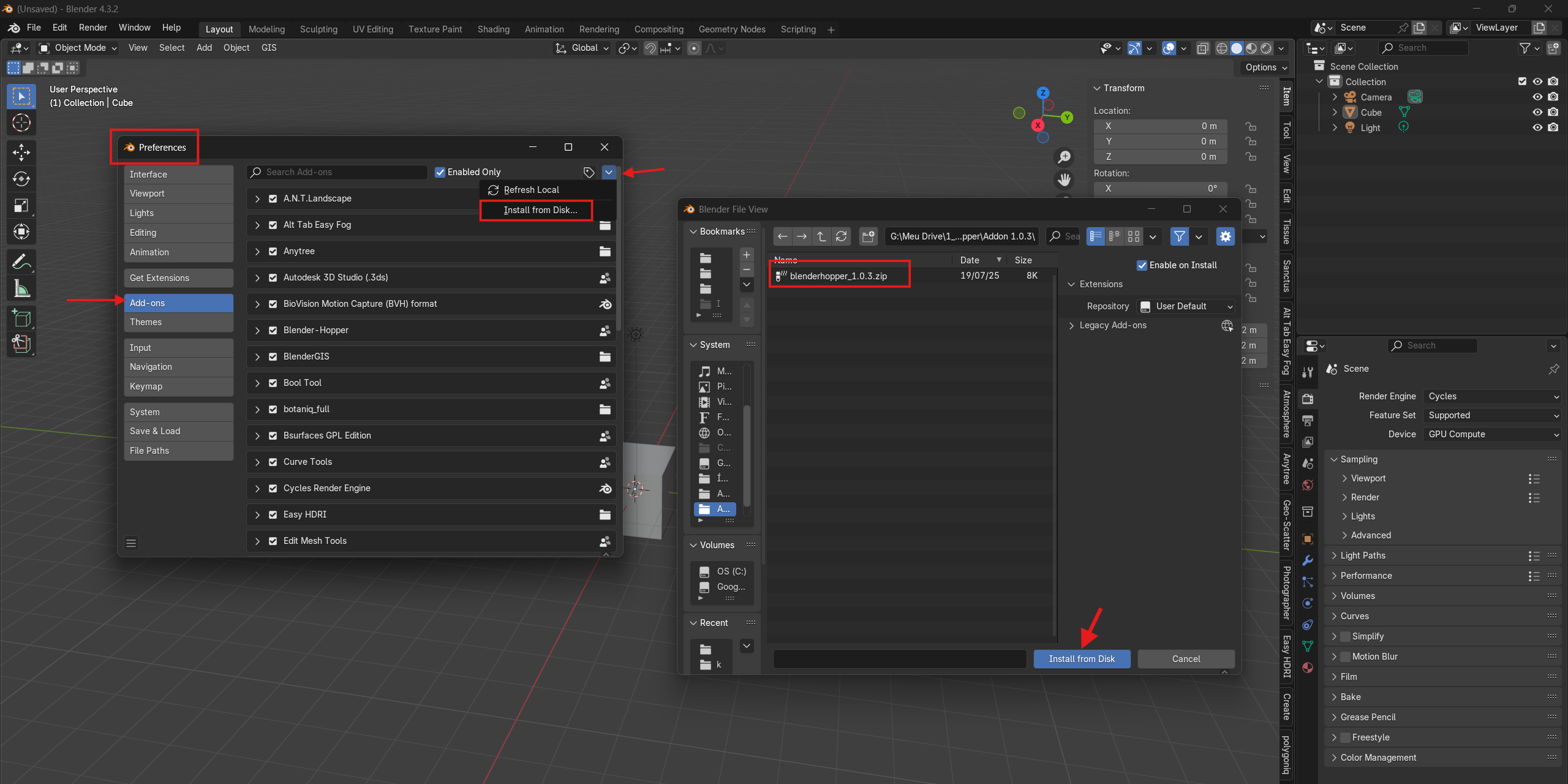
Blender
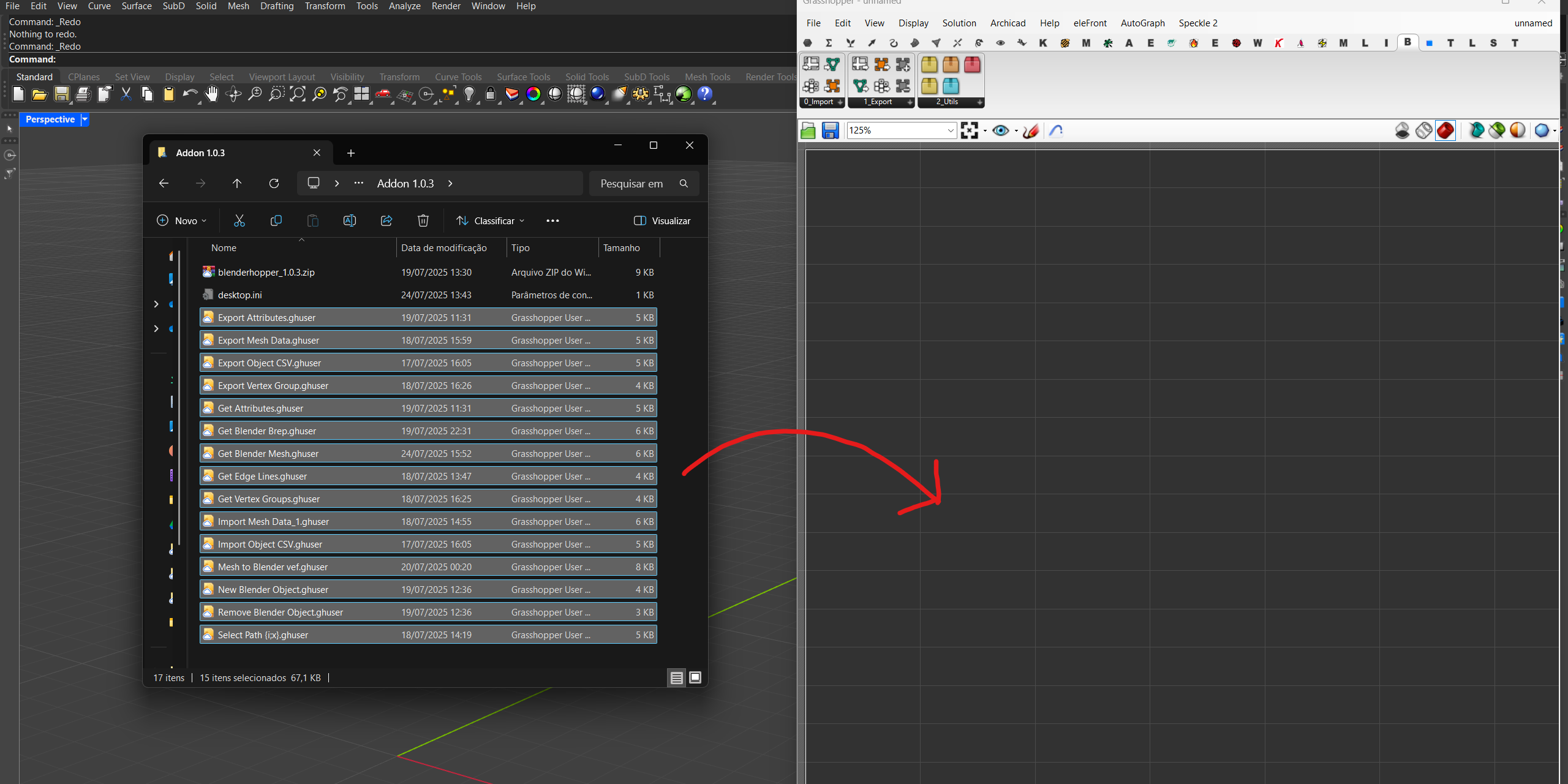
- Import the .zip file locally.
Grasshopper
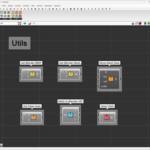
- Drag all the contents of the .ghuser folder into the Grasshopper viewport.
Recommended Workflow:
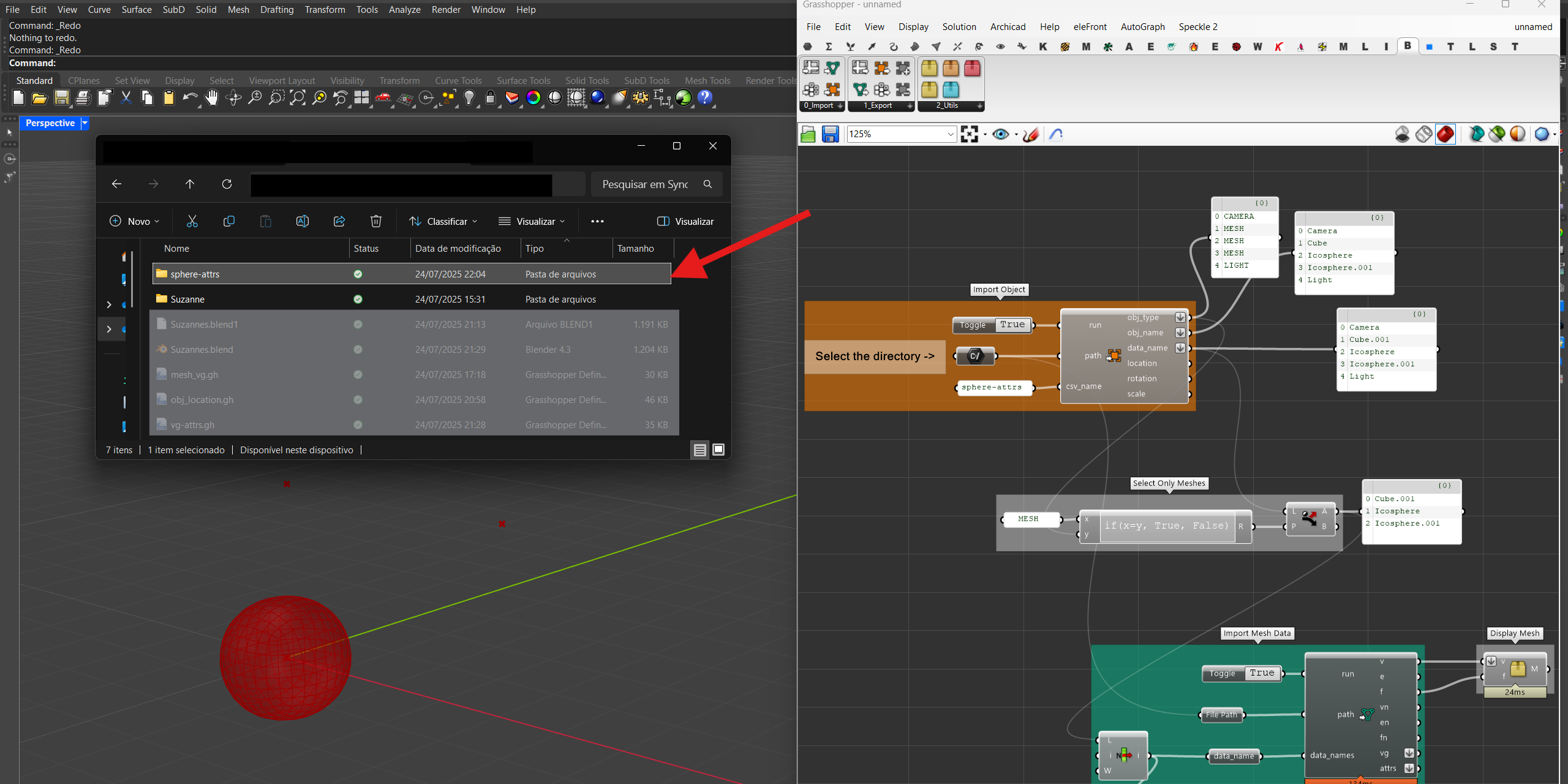
From Blender to Grasshopper
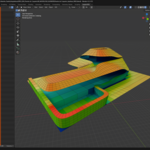
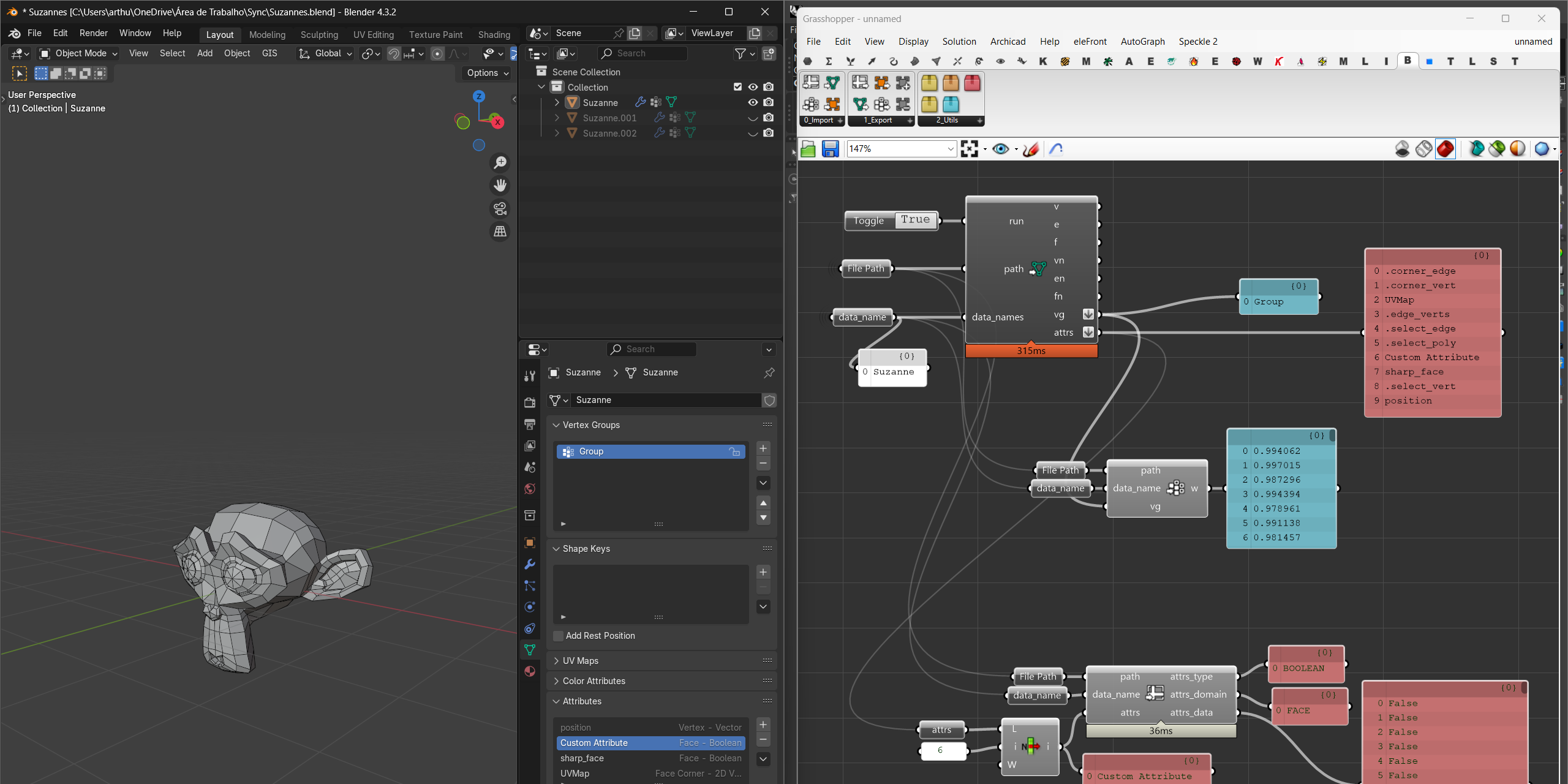
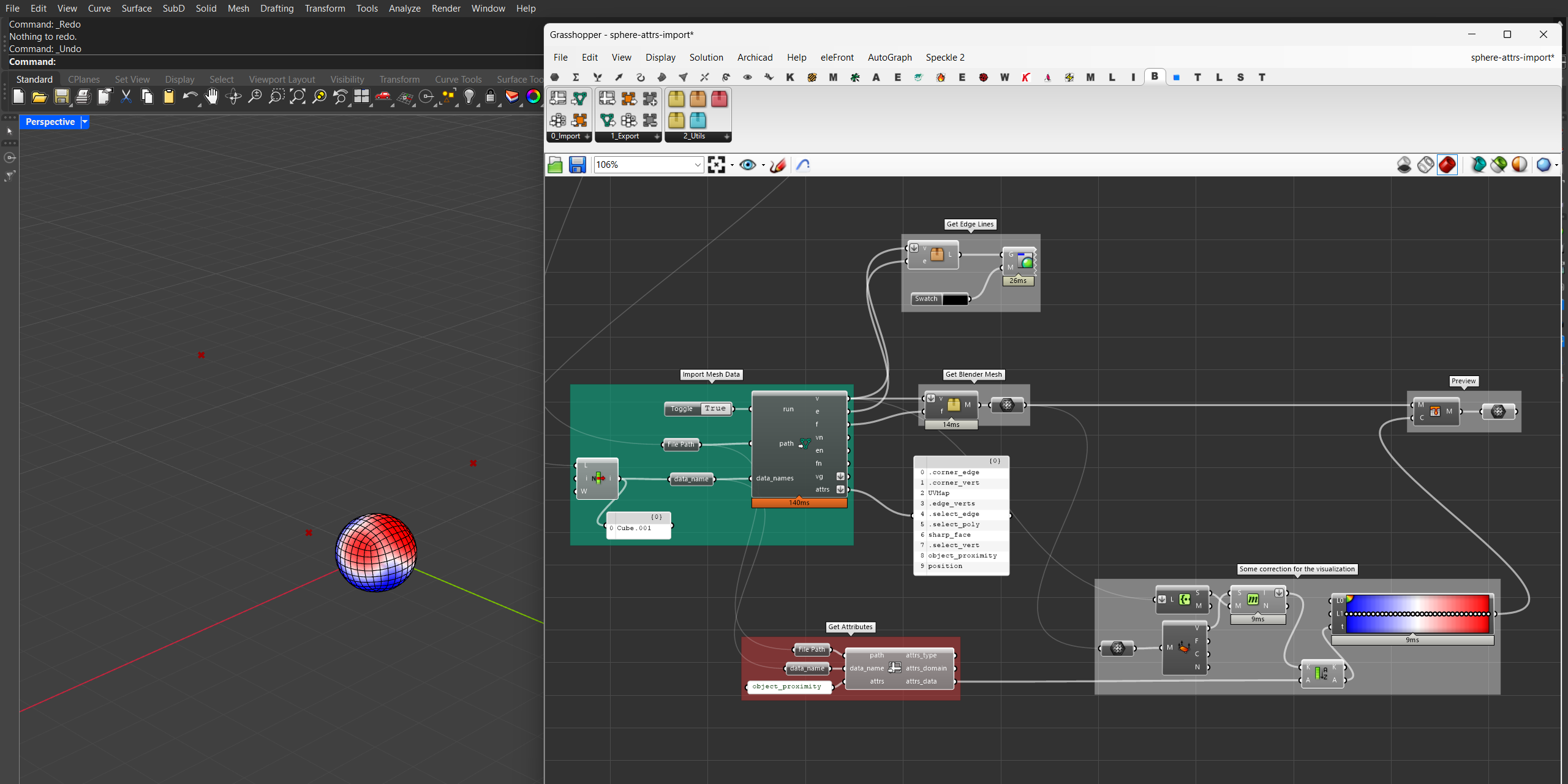
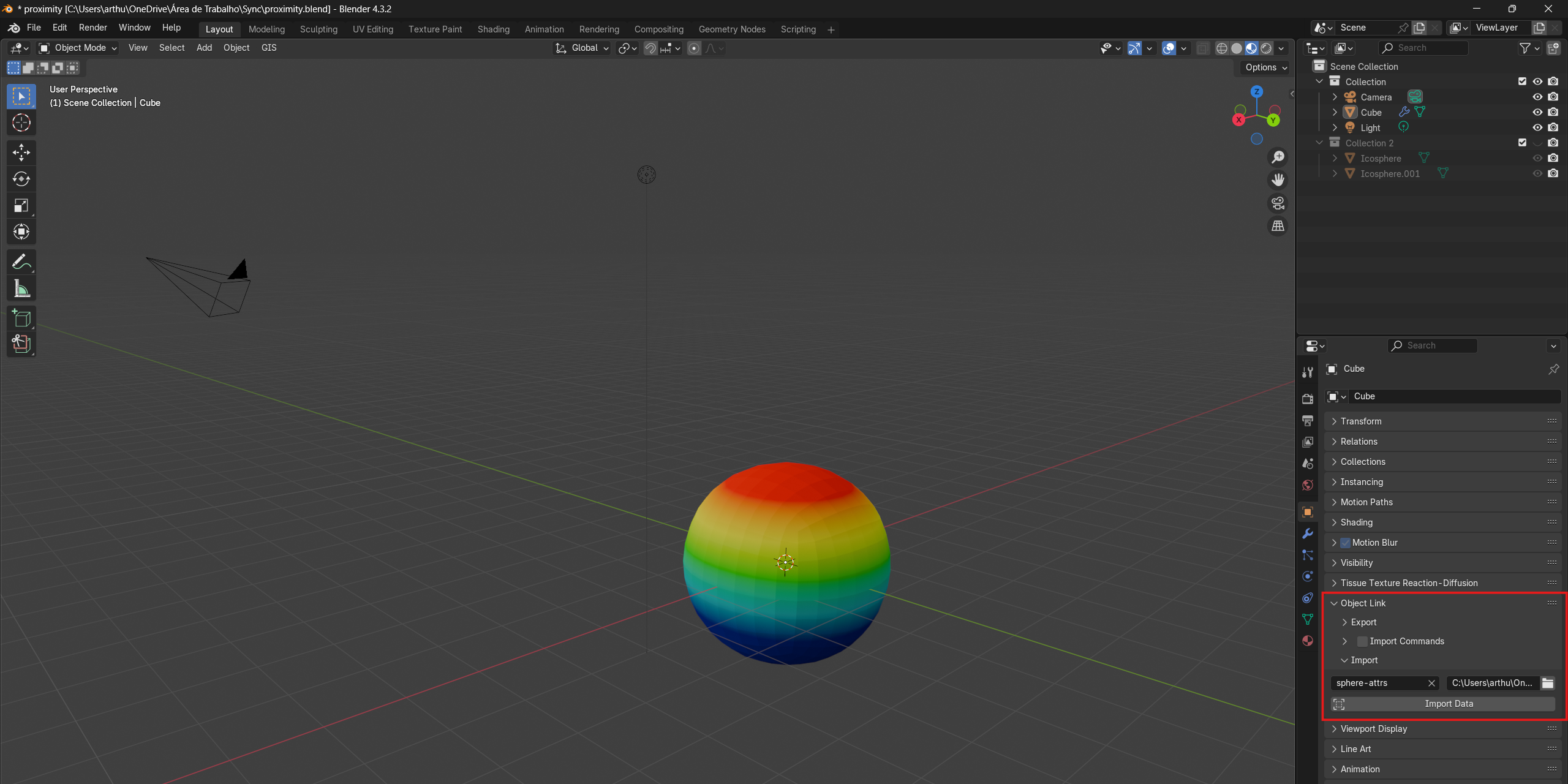
In this example, we will export the attributes generated by Blender and import them into Grasshopper.
Attention: Apply the geometry nodes modifier before exporting.
All data remains correctly ordered, but note that the cluster for viewing the meshes takes the vertices out of order, which is solved in this way. If you don't need to visualize the mesh, only modify or create the data, then you can ignore this part.

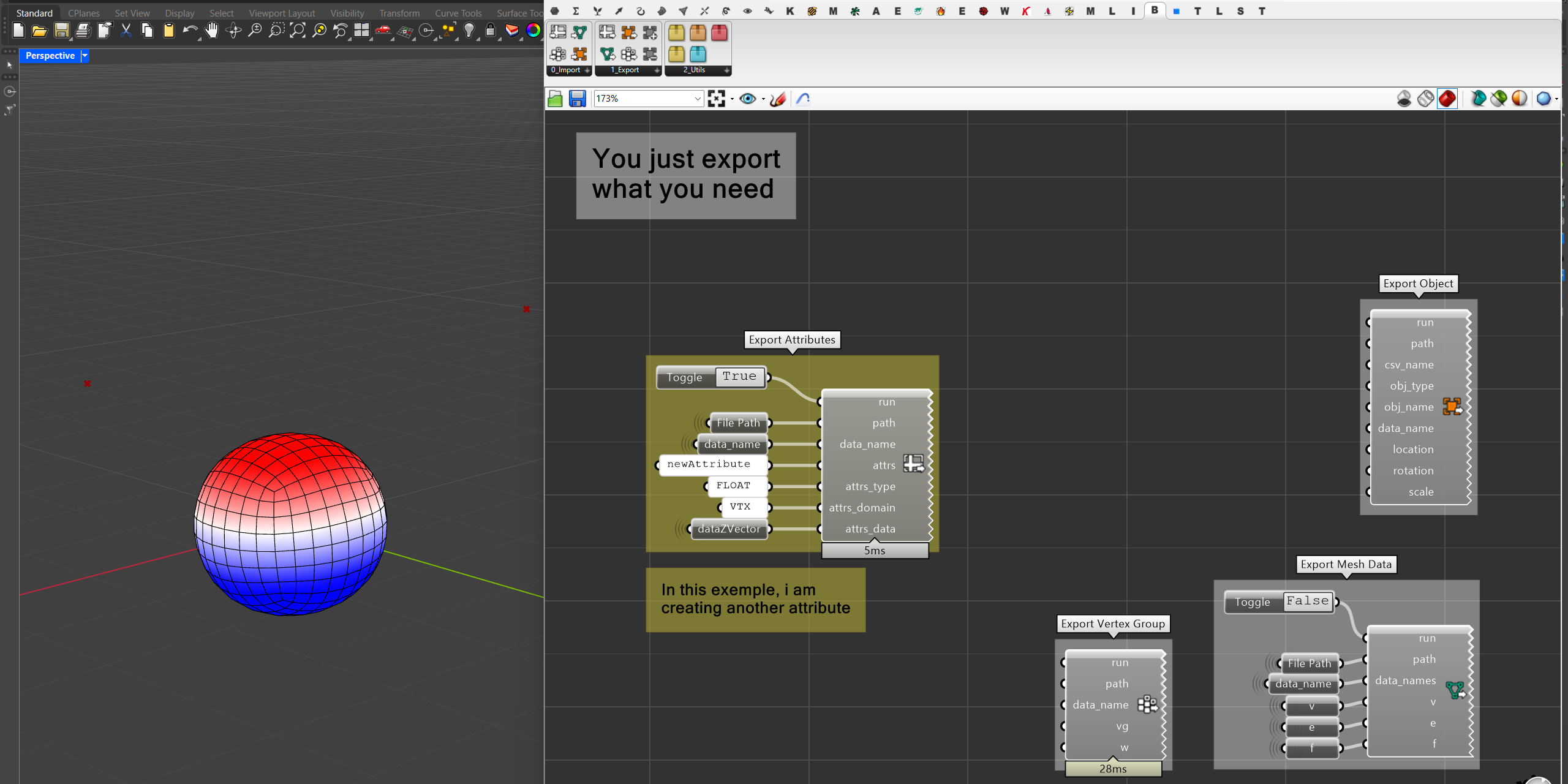
From Grasshopper to Blender
In this example, we will create a new attribute based on the position of the vertices on the Z-axis and export it to Blender.
Contact:
Website: tuca.arq.br
Instagram: @blender_hopper
Youtube: @Arthur_Vilarinho