SouthernShotty LLC


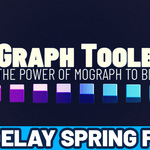


UPDATE V1.3: SPRING FIELD AND HONEYCOMB ARRAY!
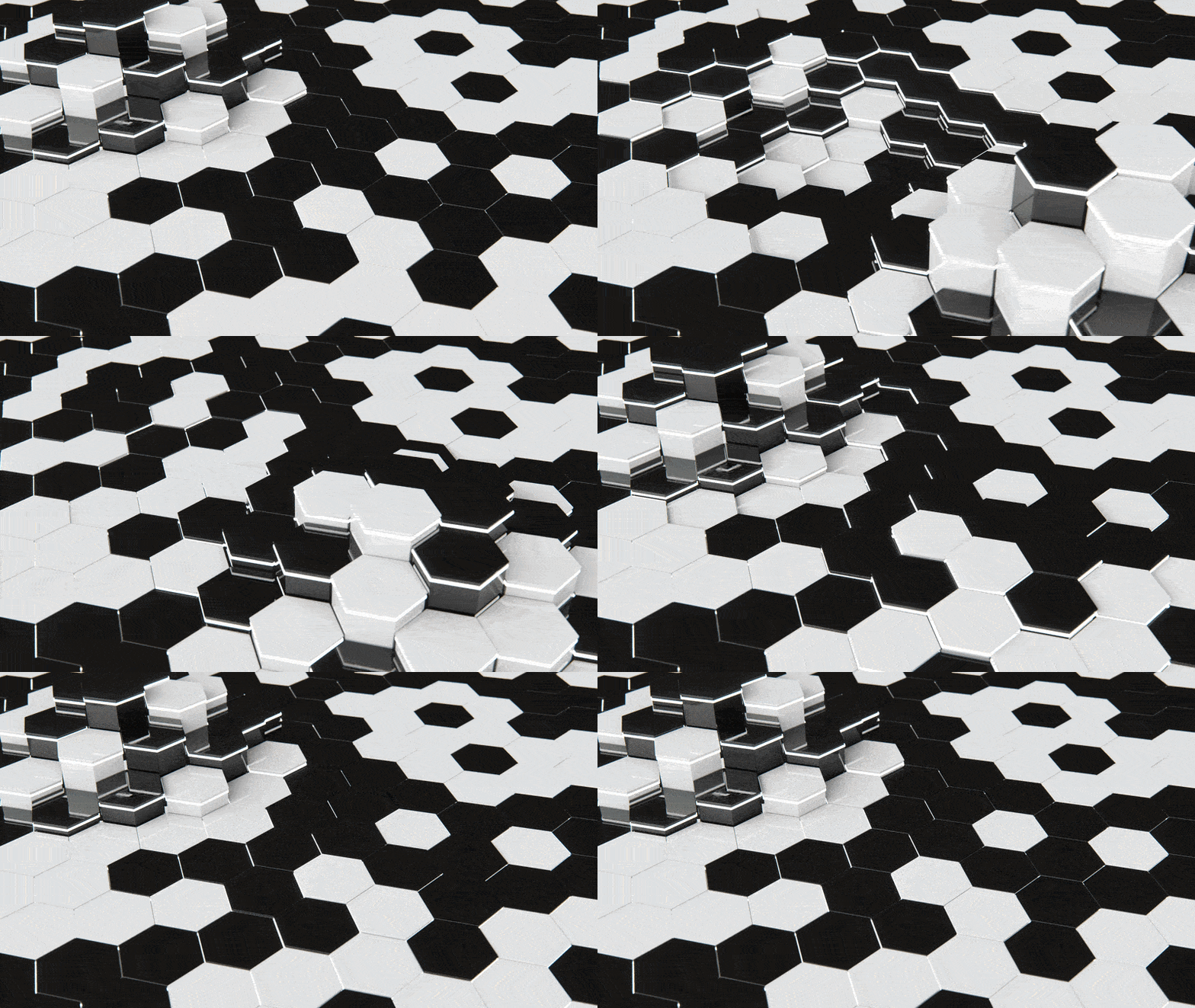
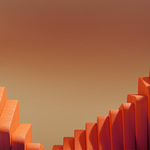
We received tons of feedback to provide a "delay" style field and it's finally here after much testing! Automatically add spring and bounce to your animations with customization over follow through. We've also added a honeycomb option to the array system for both free and paid versions! Check out the scene file for the above image, included for free with all purchases.
Overview
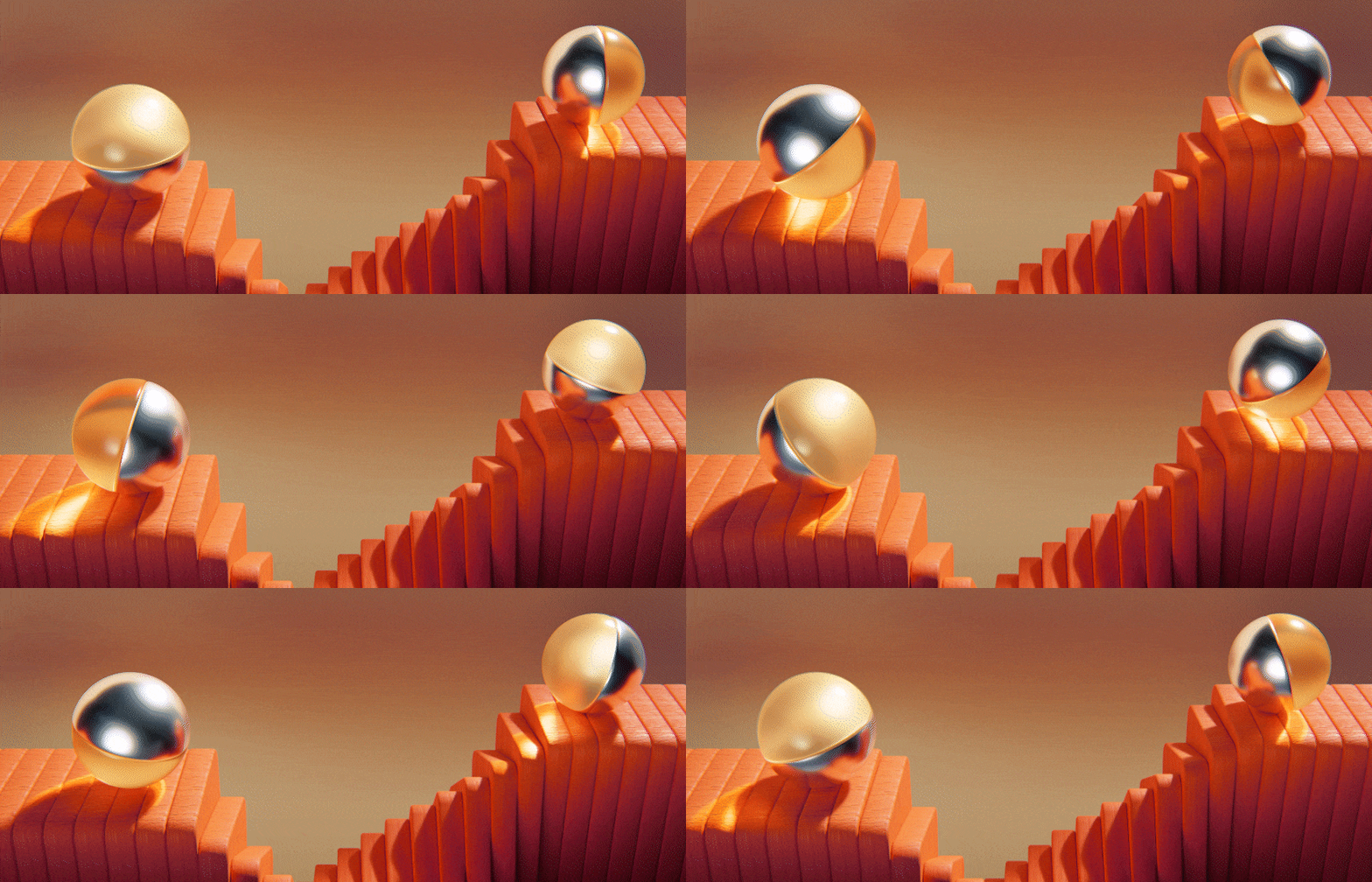
The MoGraph Toolbox gives Blender users the tools motion designers have been asking for — procedural arrays, fields, falloffs, text tools, animators, and more.
With simple, artist-friendly interfaces, this toolbox replaces hours of node setup with drag-and-drop tools designed to just work.
- Drastically speeds up motion design workflows
- Built-in falloffs and field systems for natural animation control
- Perfect for logo animation, product visuals, UI motion, or abstract design
- Beginner-friendly, but powerful enough for pros
- Creative presets to save you hours of time!
Fully Documented with Easy to Follow Videos!
Included for free is a full video manual with chapter markers! Check out the documentation page for videos and a full text manual.
MoGraph Tools
A collection of powerful, artist-friendly tools that make creating motion graphics in Blender fast, flexible, and fun.
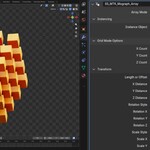
MoGraph Array
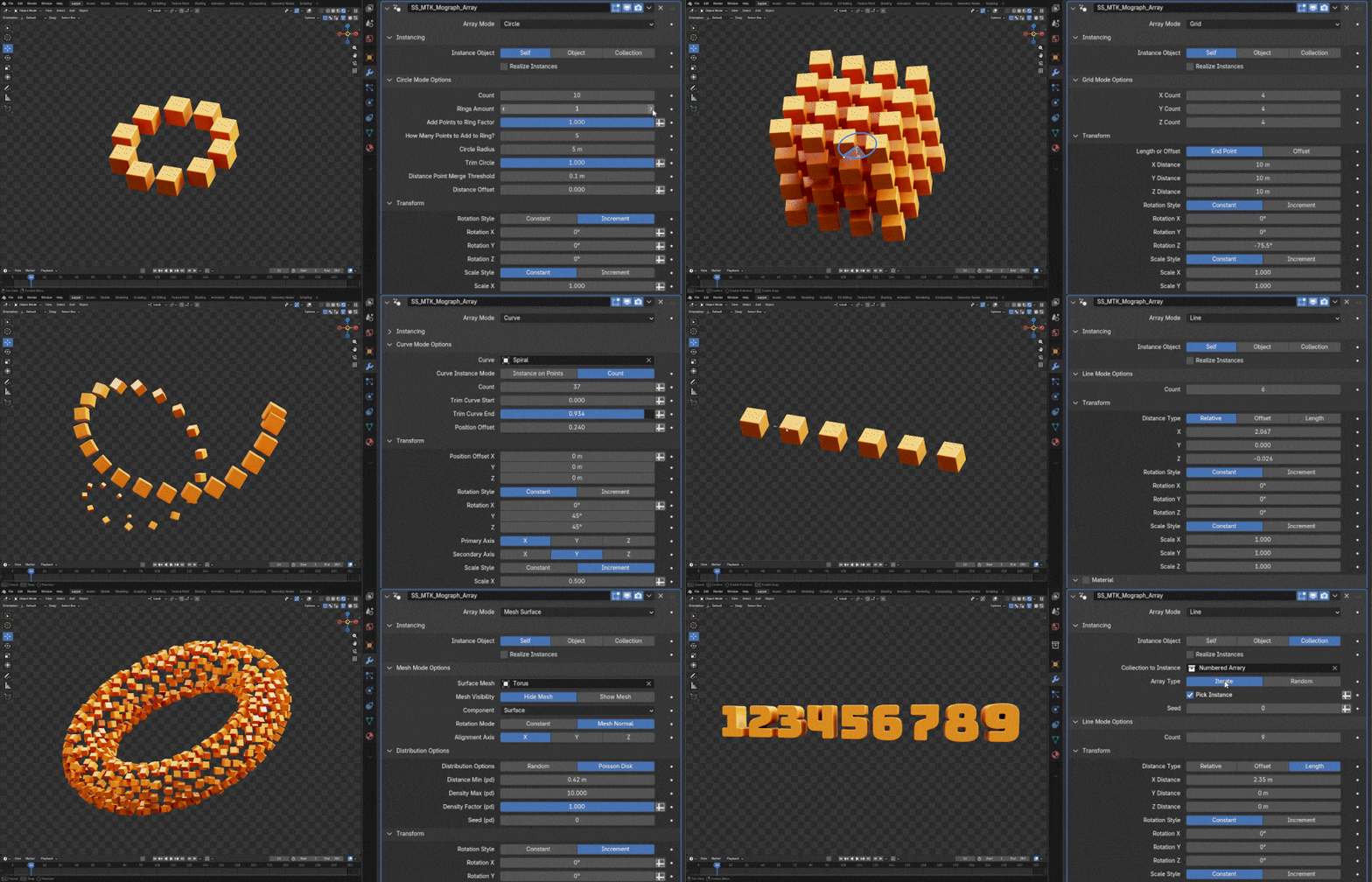
Drag and drop to instantly distribute objects in linear, radial, grid, curve, or object-based patterns. Use simple gizmos for quick adjustments, or expand advanced controls for complete procedural precision.
MoGraph Animator
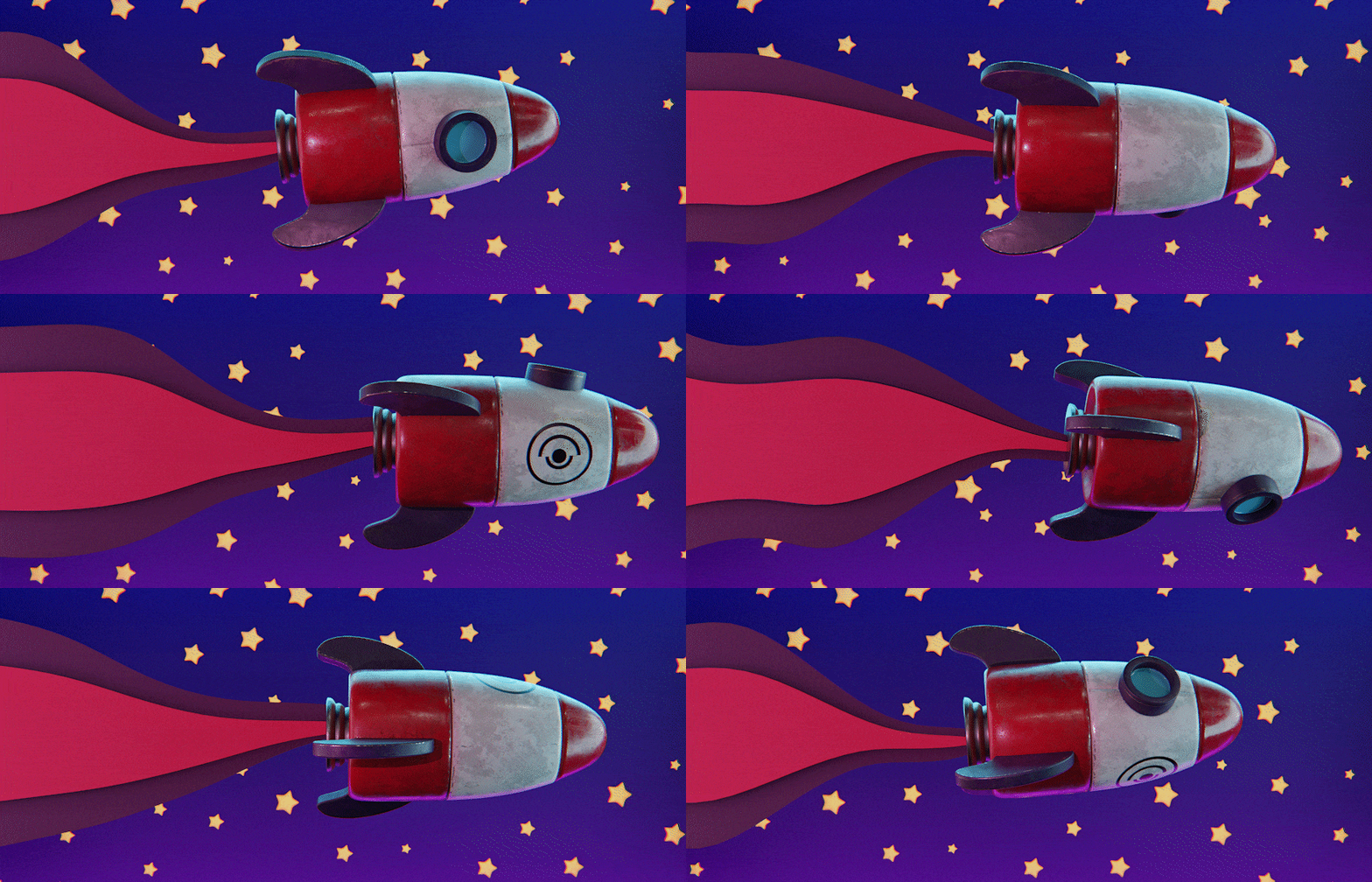
Quickly add looping, ping-pong, or one-shot animations to your instances — no keyframes or complex setups required.
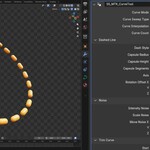
MoGraph Curve Tool

Easily create animated curves with round caps, taper, trimming, dashes, and noise. Great for stylized outlines, path reveals, and dynamic motion trails.
Shader Mix
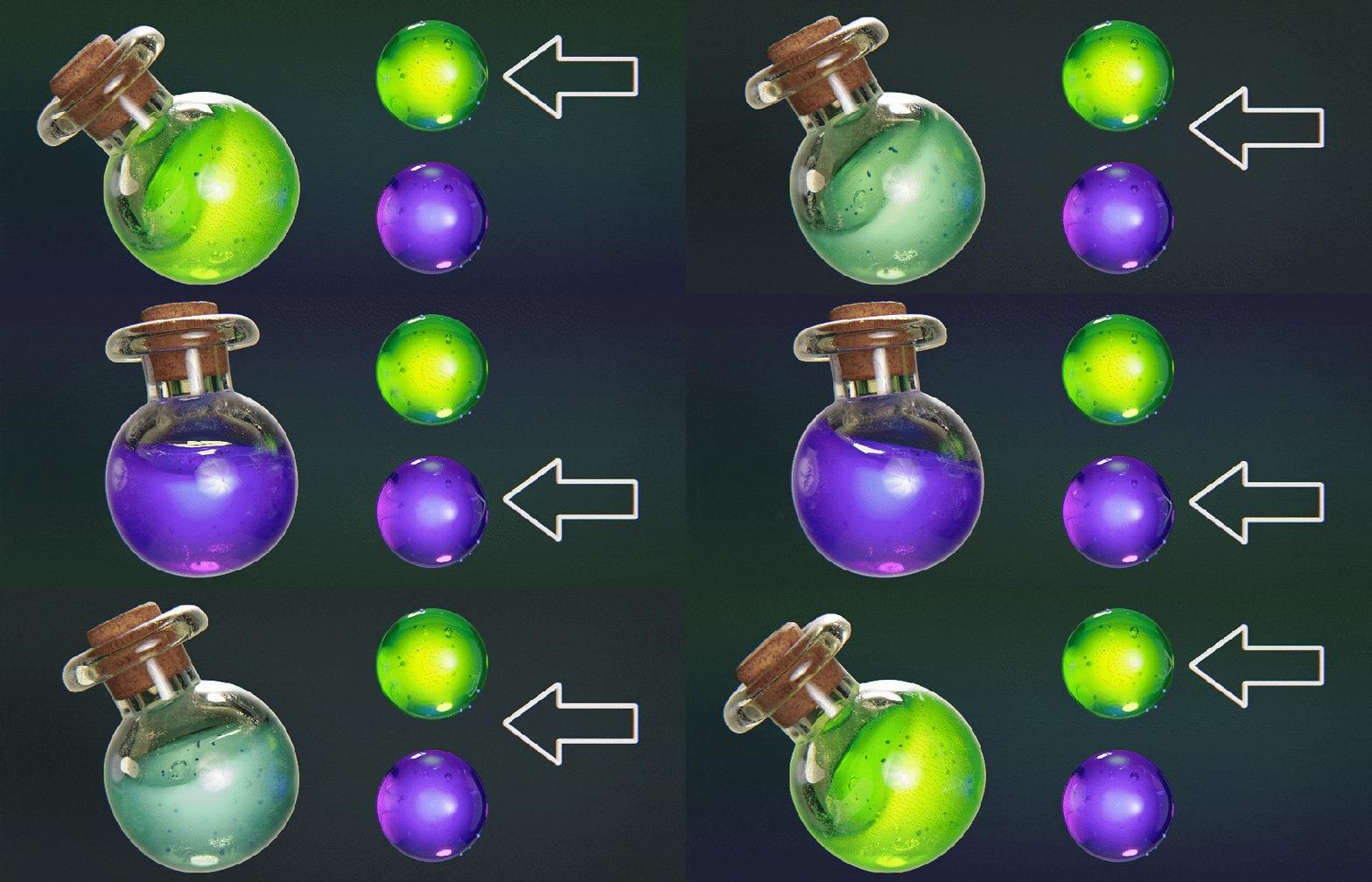
Blend materials or shaders based on fields, falloffs, or textures. Create smooth transitions, reveals, or stylized effects driven by animation data.
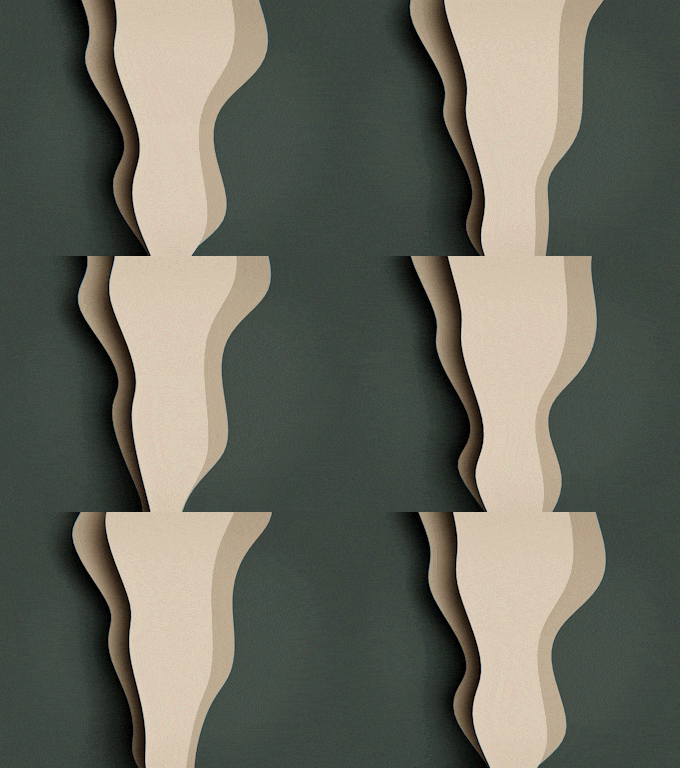
MoGraph Wiggler
Add life and spontaneity to your animations. Apply subtle jitter or flowing motion to any object with procedural noise and sine movement.

MoGraph Connector
Trace between objects in one simple modifier with a variety of evaluation options.
Fields
Quickly apply movement, variation, and effects across any object or array system with a full suite of tools. Fields make it easy to animate complex scenes with precision and control.
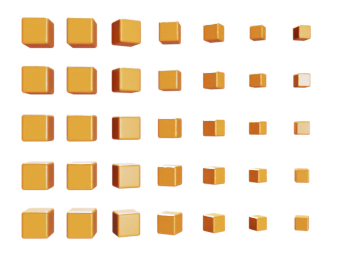
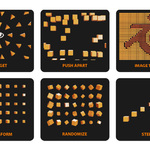
Transform
Apply position, rotation, and scale offsets across your clones with simple sliders.
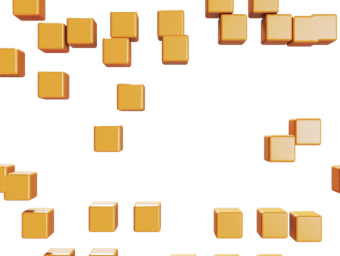
Pusher
Push apart objects while controlling their position, scale, and rotation for balanced, dynamic layouts.
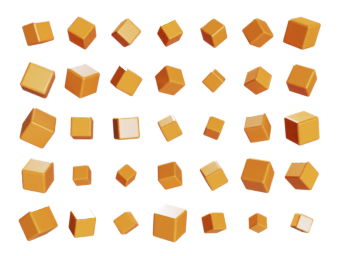
Randomize
Add natural variation to any parameter. Subtle or chaotic — you control it.
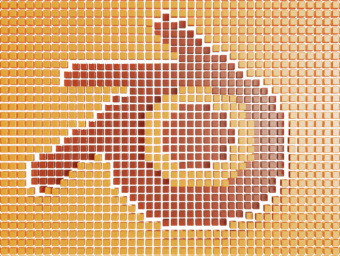
Image Texture
Apply textures to instances immediately and drive animation with control.
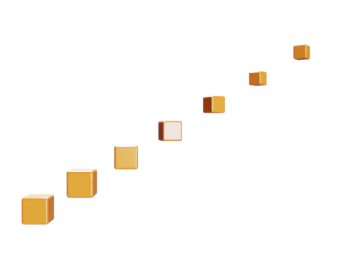
Incremental
Create sequential or stepped offsets across your clones — like wave effects or cascade animations.
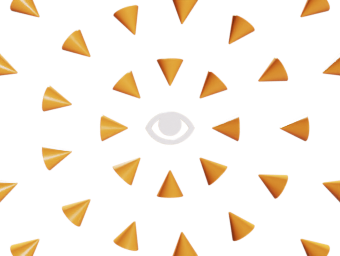
Target
Make clones face or move toward an object or animated target — perfect for dynamic transitions.
Falloffs
Shape and control field influence with simple drag-and-drop falloffs. Quickly create smooth transitions and layered motion effects. Including additive & subtractive modes with index based field setups.
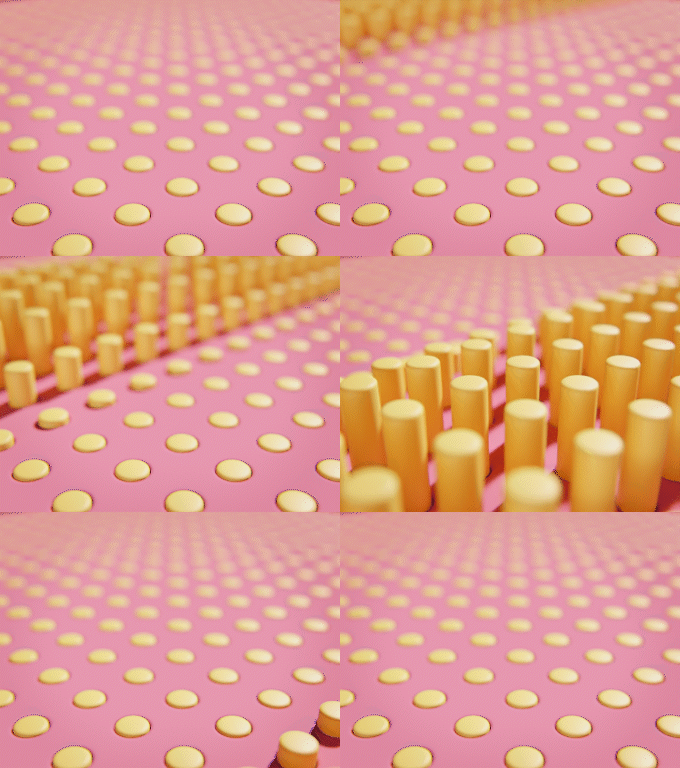
Linear
Apply effectors gradually across distance for smooth blending and motion control.
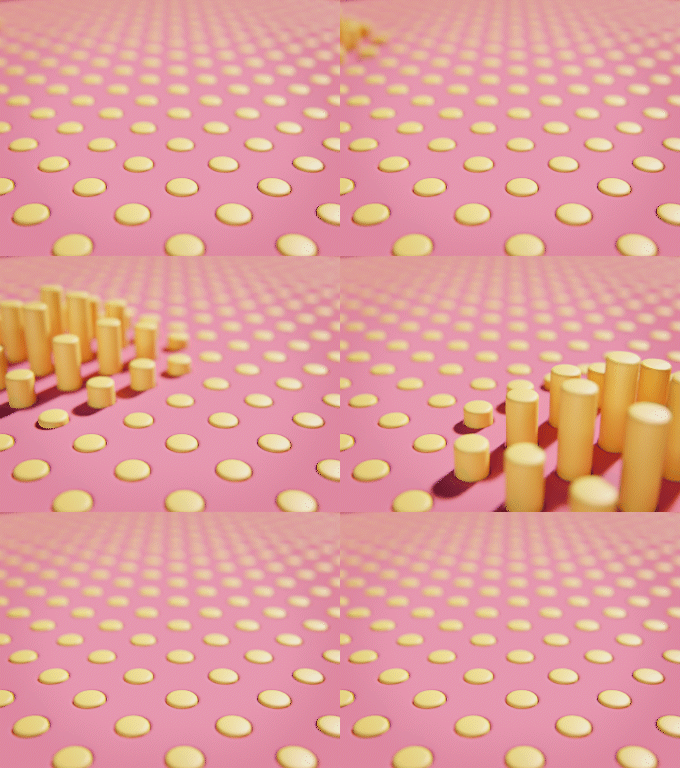
Spherical
Effortlessly create radial influence for explosions, ripples, or attractor-style animations.
Utility Nodes
Save time with quick, drag-and-drop utility nodes designed to streamline common tasks and keep your workflow fast and efficient.
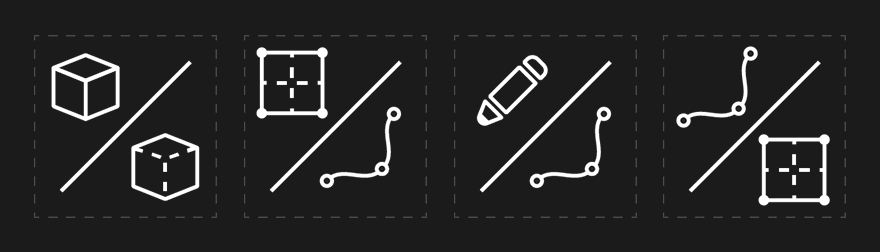
Quick utility nodes to speed up your workflow and empower the modifier stack like Grease Pencil to Curve, Text on Curve, Mesh to Curve, Curve to Mesh, and Object to Instance.
Presets to Save You Time
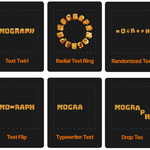
Jump-start your projects with ready-made presets for common motion graphics setups — including text animations & MoGraph systems. Spend less time stacking tools and more time creating.
Text Animators
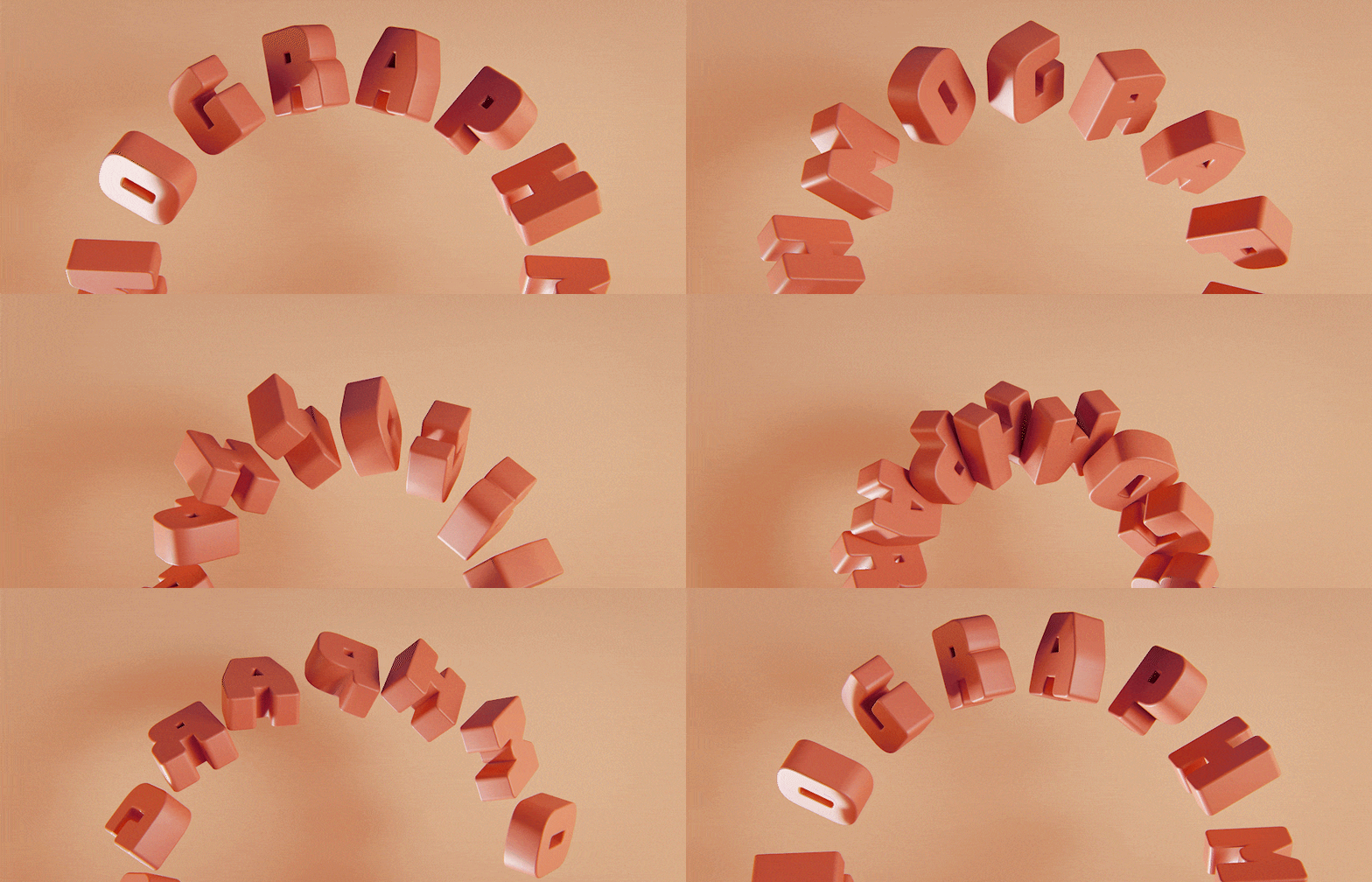
See the full list in Documentation.
Instantly add motion to your titles. Drop in ready-made text animation presets and customize them in seconds.
MoGraph Presets

See the full list in Documentation.
Don’t start from scratch — use ready-made MoGraph presets and example scenes to jump right into common motion graphics setups.
Created for Professionals by Professionals
SouthernShotty
For over a decade, SouthernShotty has helped artists and studios bring ideas to life — partnering with Fortune 500 brands, building design systems, and teaching Blender to a global community.

Glass Hand Studio
Glass Hands collaborates with industry-leading VFX studios, creating high-end advertising content and supporting major brands across the U.S. market.