 francesac.design
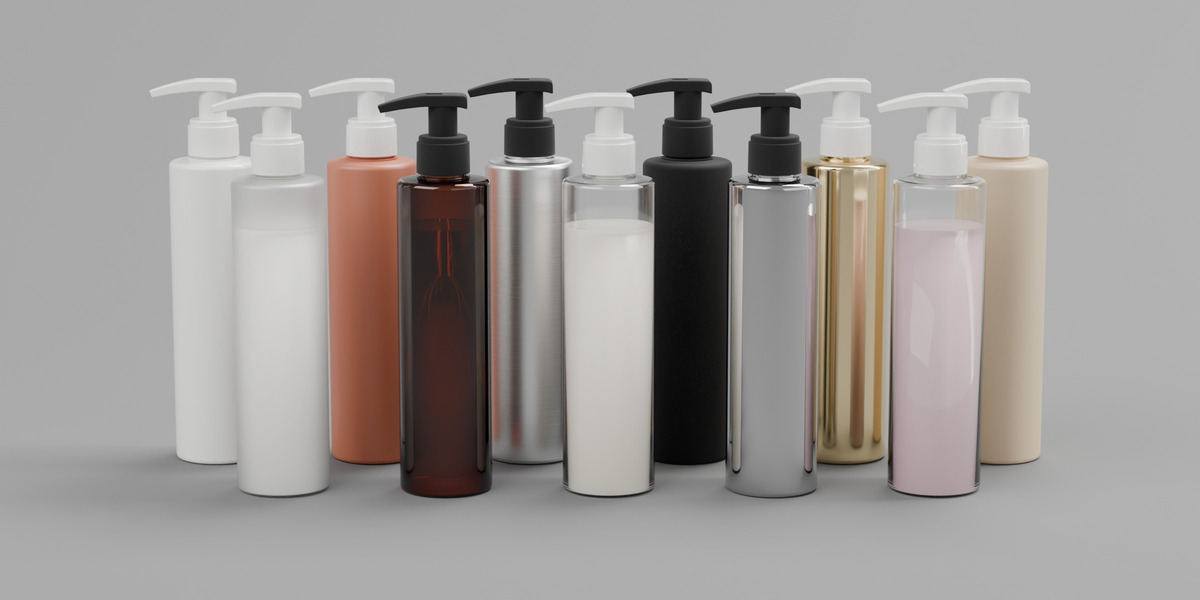
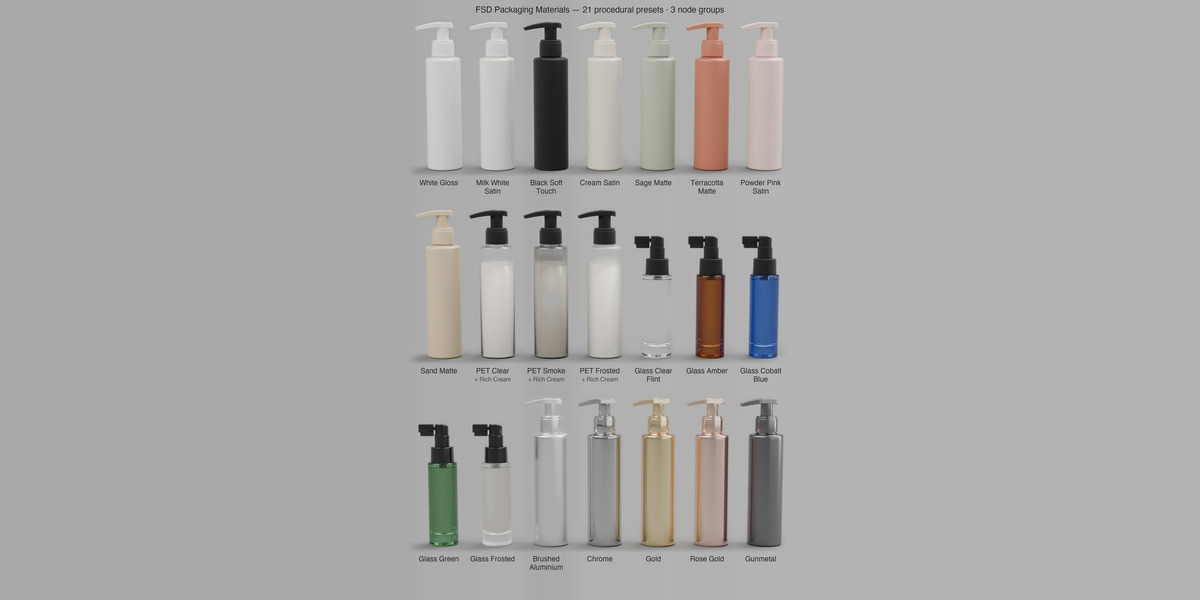
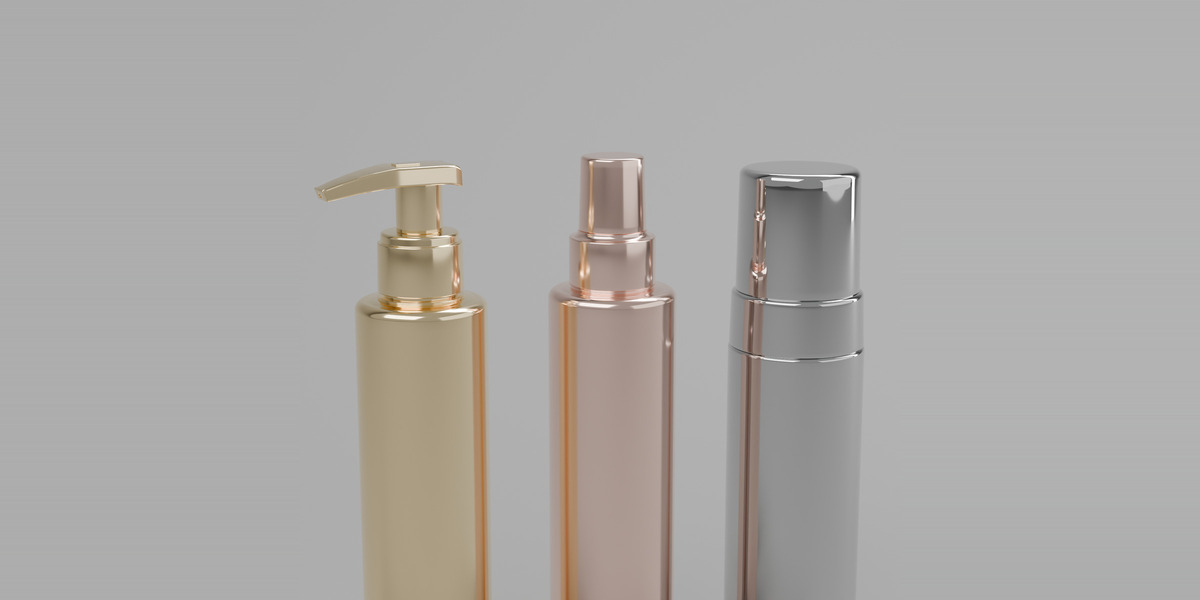
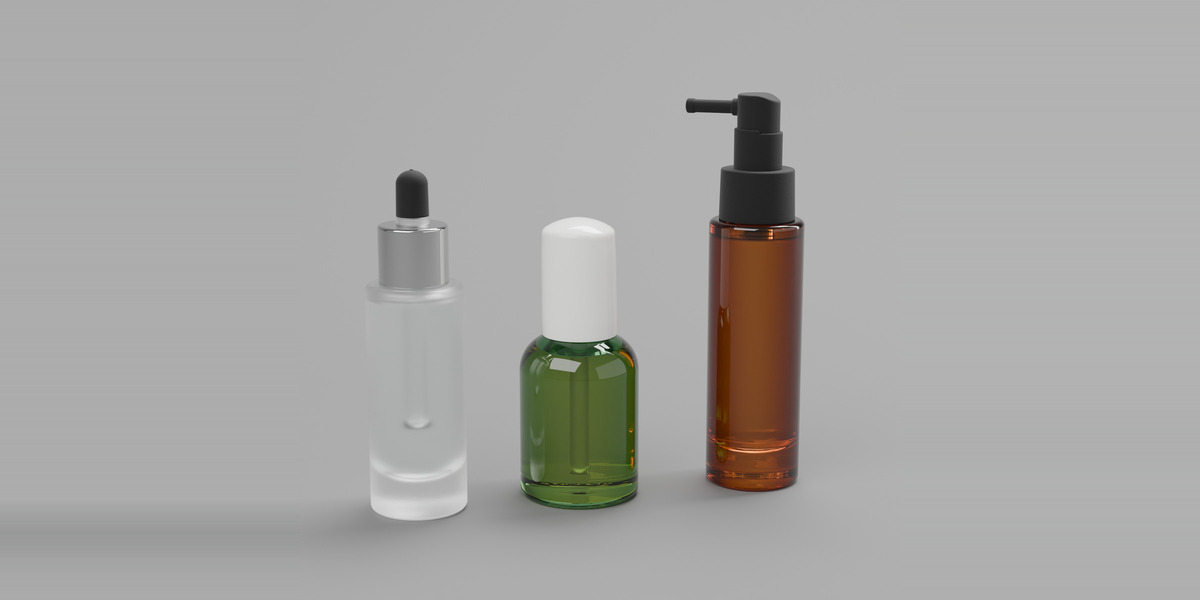
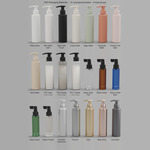
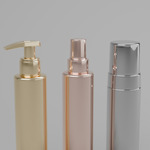
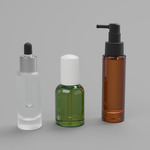
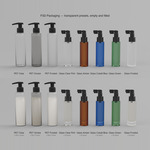
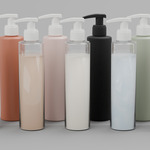
A small, focused material library for packaging shots: the plastics, glasses and metals that bottles, jars and caps are actually made of. Every preset is built on one of three node groups with a handful of named sliders, so you can match a brand colour or move from gloss to soft touch without opening the node tree.
- 21 presets as drag-and-drop assets in the Asset Browser, sorted in catalogs: Packaging/Plastic (11), Packaging/Glass (5), Packaging/Metal (5).
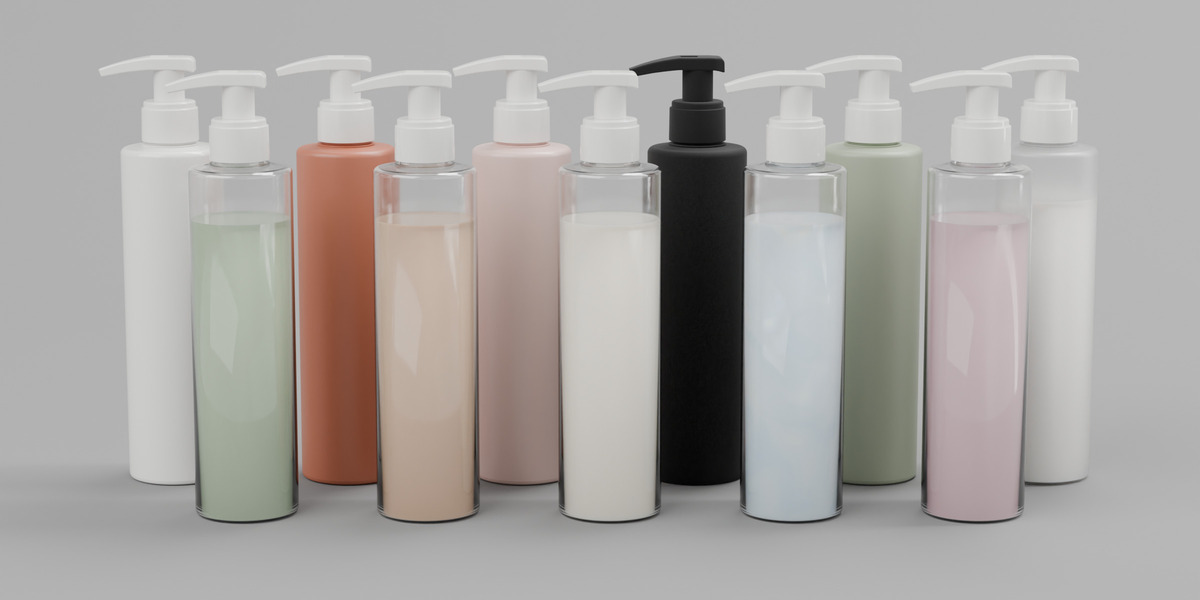
- FSD Packaging Plastic: Color, Finish (high gloss to dead matte), Soft Touch (velvet coating), Translucency (opaque to clear PET), Frosted, Thin Wall.
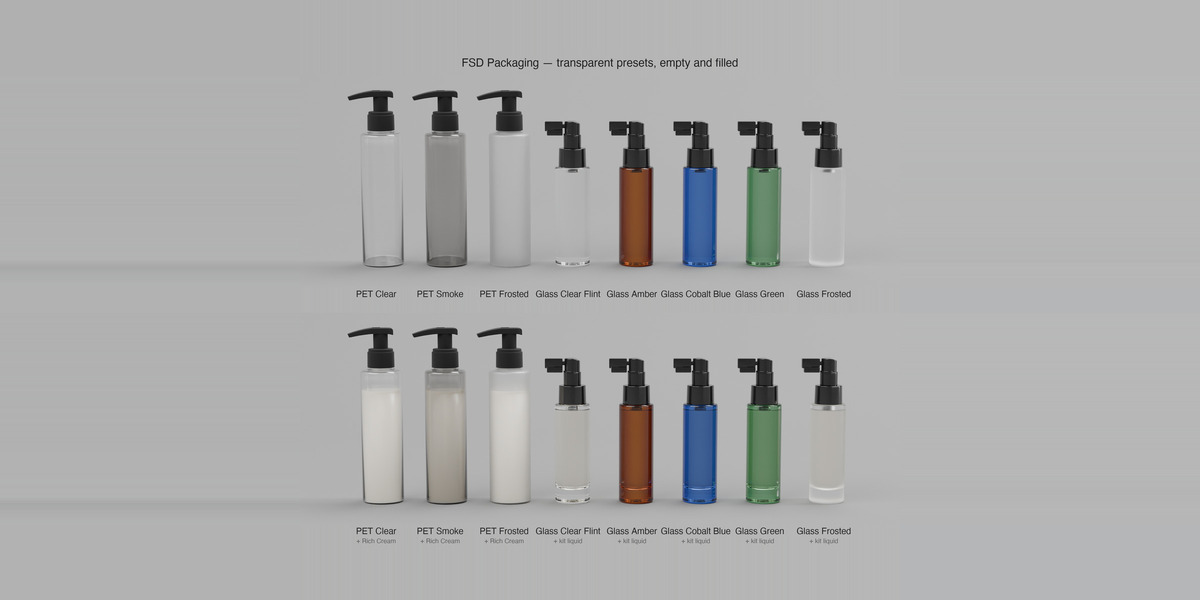
- FSD Packaging Glass: Tint, Frosted (polished to acid-etched), Tint Density, Edge Depth (the darker colour at the silhouette of thick glass), Thin Wall.
- FSD Packaging Metal: Color, Brushed (circular lathe brushing around the bottle axis), Roughness (mirror chrome to bead-blasted).
- Thin Wall fakes a thin bottle wall on solid meshes, so the materials also work on bottles without an inner wall.
- 100% procedural: no image textures, nothing to relink, works at any resolution.
- Made for Cycles. No AI-generated content.
What's included
- Plastics (11): White Gloss · Milk White Satin · Black Soft Touch · Cream Satin · Sage Matte · Terracotta Matte · Powder Pink Satin · Sand Matte · PET Clear · PET Smoke · PET Frosted
- Glass (5): Clear Flint · Amber · Cobalt Blue · Green · Frosted
- Metals (5): Brushed Aluminium · Chrome · Gold · Rose Gold · Gunmetal
- FSD_Packaging_Materials.blend (asset library with catalog file)
- Packaging_Materials_Preview.blend: a ready-to-render scene (bottle, cap, jar, sphere) with four presets applied
Technical specifications
- Presets: 21 · node groups: 3
- Format: Blender .blend asset library (no FBX/OBJ: procedural shaders are Blender-only)
- Blender: saved in 5.1; opens in 4.5 LTS or newer
- Renderer: Cycles
- Textures: none