Blender To Unreal Engine 5: Playable Stylized Turret
 3D Tudor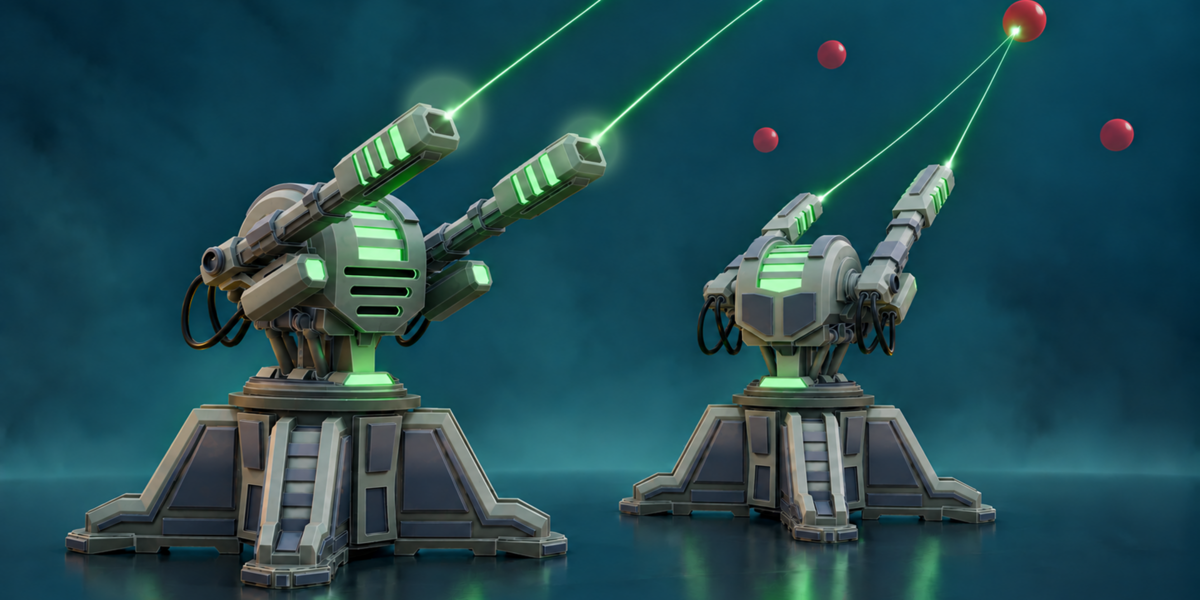
Getting started
For the closest match to the lessons and supplied projects, use Blender 5.2 and Unreal Engine 5.8. Basic Blender navigation and Edit Mode familiarity are helpful; basic Unreal Editor navigation will make the engine stages easier.
- Download and extract Resource Pack.zip to a local folder.
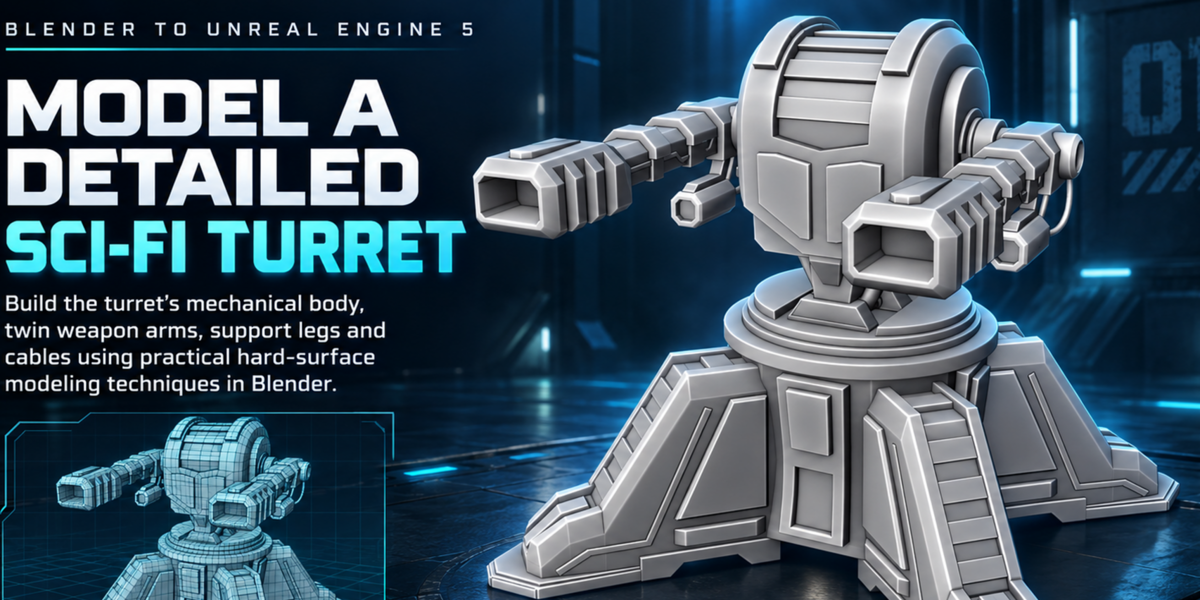
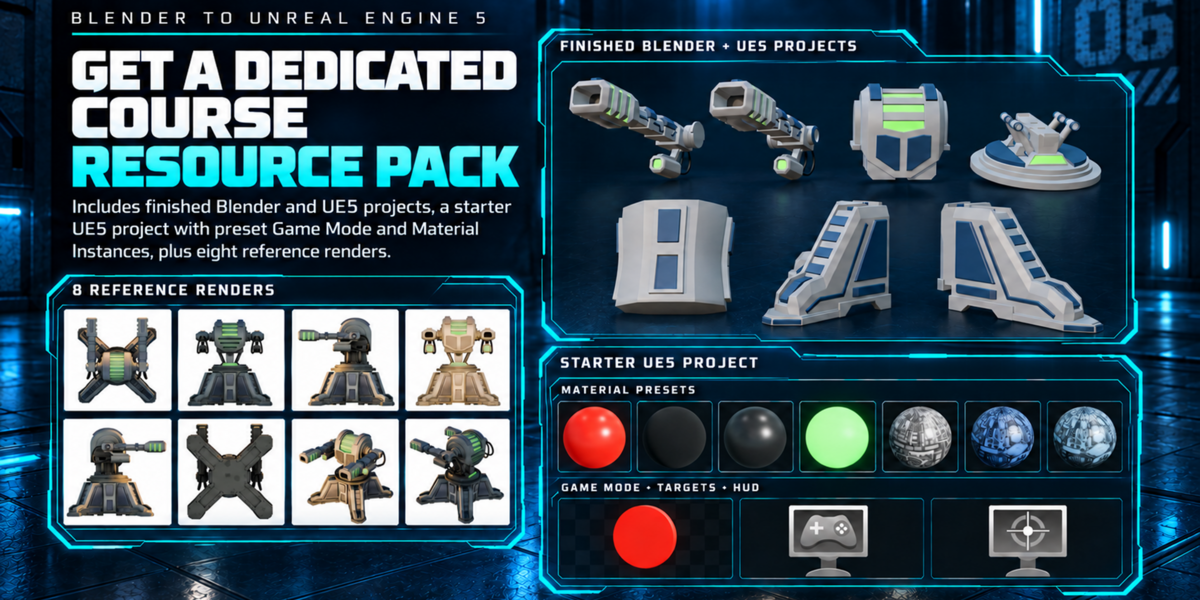
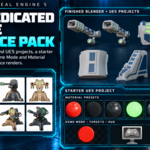
- Use the eight PNG reference images while modelling your turret in Blender. The standalone file ue5 turret Course.blend is included as a source reference.
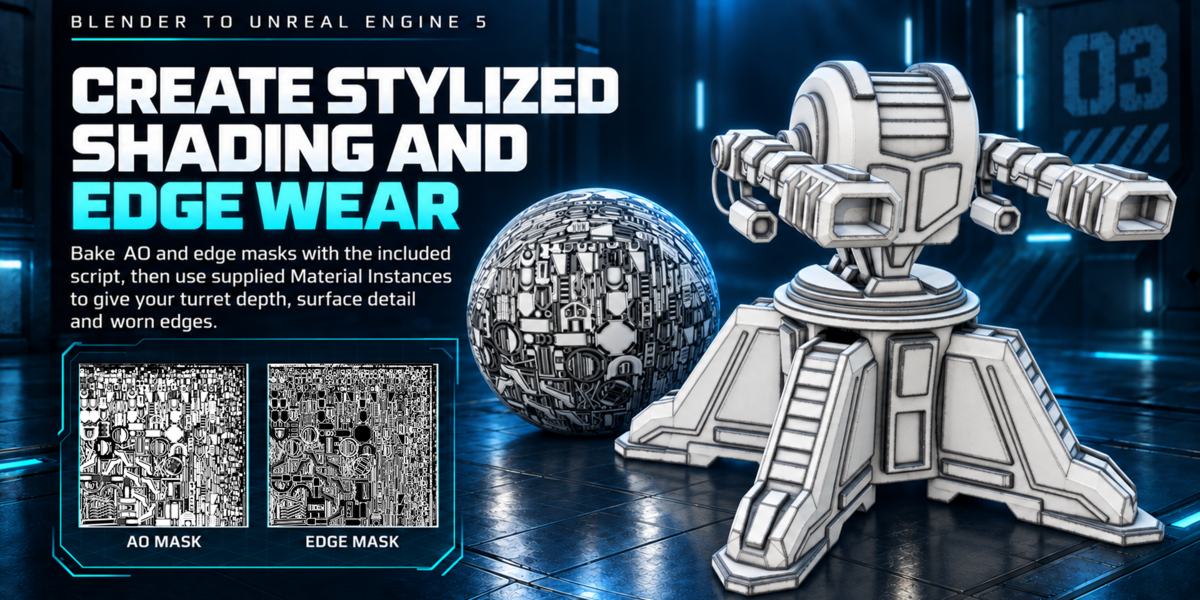
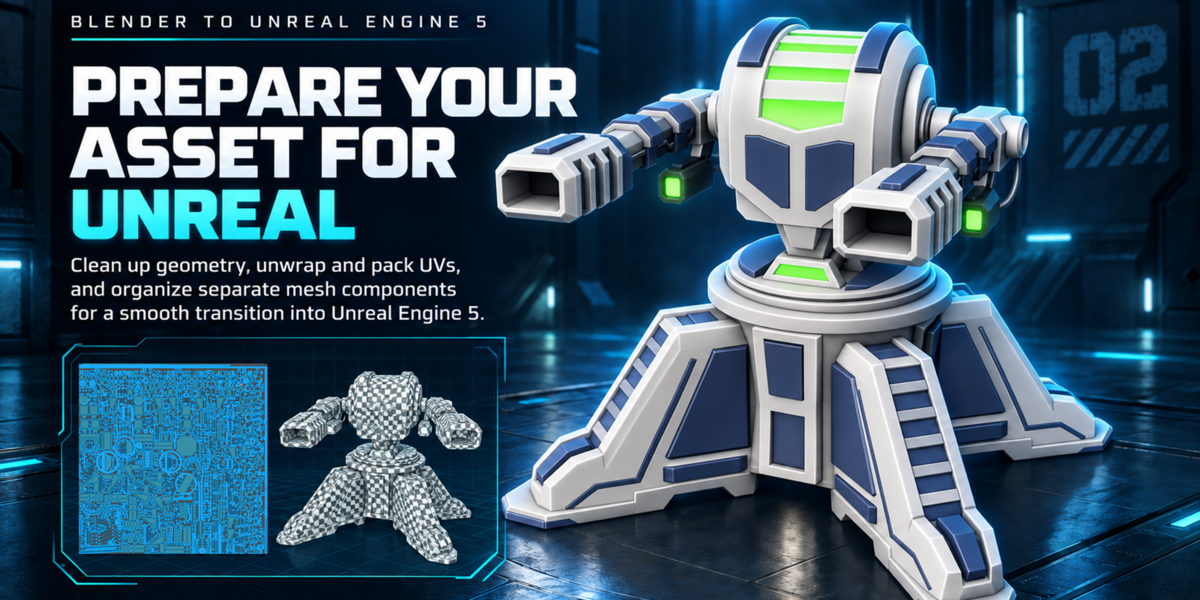
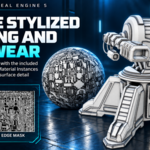
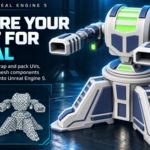
- Follow the lessons to prepare the separate turret components and shared UV layout. The supplied bake_ao_edge.py baker generates AO and edge masks for selected UV-unwrapped meshes. Its edge-mask output is named 3DT_Asset_Cavity.png.
- Open the UE5_TurretProj starter project in Unreal Engine 5.8 to follow the engine workflow. The target range, targets, scoring, timer and HUD are supplied so you can focus on your turret.
- Import the turret components, configure the supplied material instances using your masks, and build the player-controlled Pawn as shown in the lessons.
- Use UE5_TurretProj - COMPLETED as the finished reference project when checking your setup.
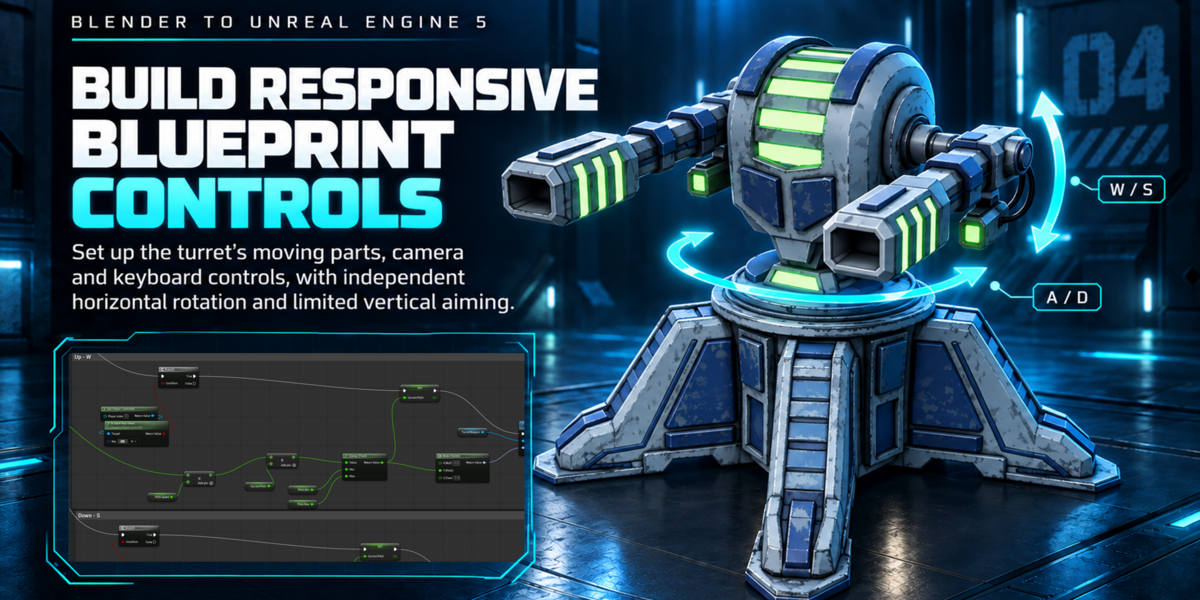
Turret controls
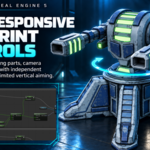
- A / D: turn the turret left and right.
- W / S: raise or lower the weapons within the lesson's pitch limits.
- Space: fire from the two muzzle positions.
What the resource pack contains
- Eight PNG reference renders.
- The standalone Blender turret source file.
- The AO and edge-mask Python baker.
- The Unreal Engine target-range starter project.
- The completed Unreal Engine reference project.
FBX export is taught in the course. A separate ready-made FBX file is not included in this resource archive. The course uses visible debug traces for hit testing; separate production laser effects, audio and recoil are outside its scope.
Learning approach
Work through the lessons in order for the complete modelling-to-gameplay process, or use the source and completed projects to compare your results at each stage. No Python or C++ authoring is required.
Community and support
For course questions, feedback and community support, join the 3D Tudor Discord community.
Have questions about this product?
Login to message
| Dev Fund Contributor | |
| Published | 1 day ago |
| Blender Version | 5.2 |
| License | Royalty Free |
Discover more products like this
edge masks blender blueprints ambient occlusion stylized turret material instances uv unwrapping game-art hard surface unreal-engine-5 sci fi target practice