Blender to Unreal Engine Become a Prop Artist
 3D Tudor
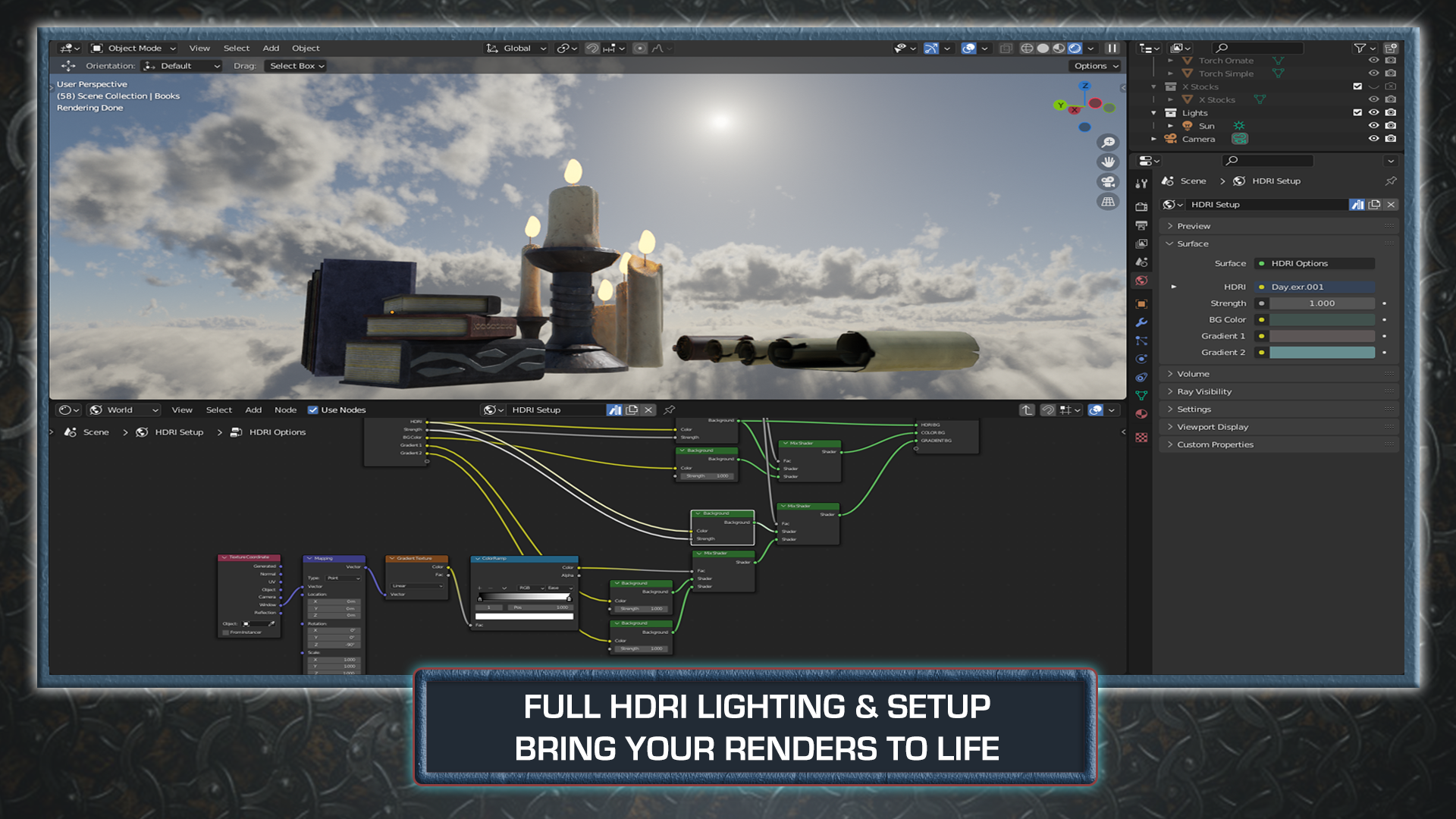
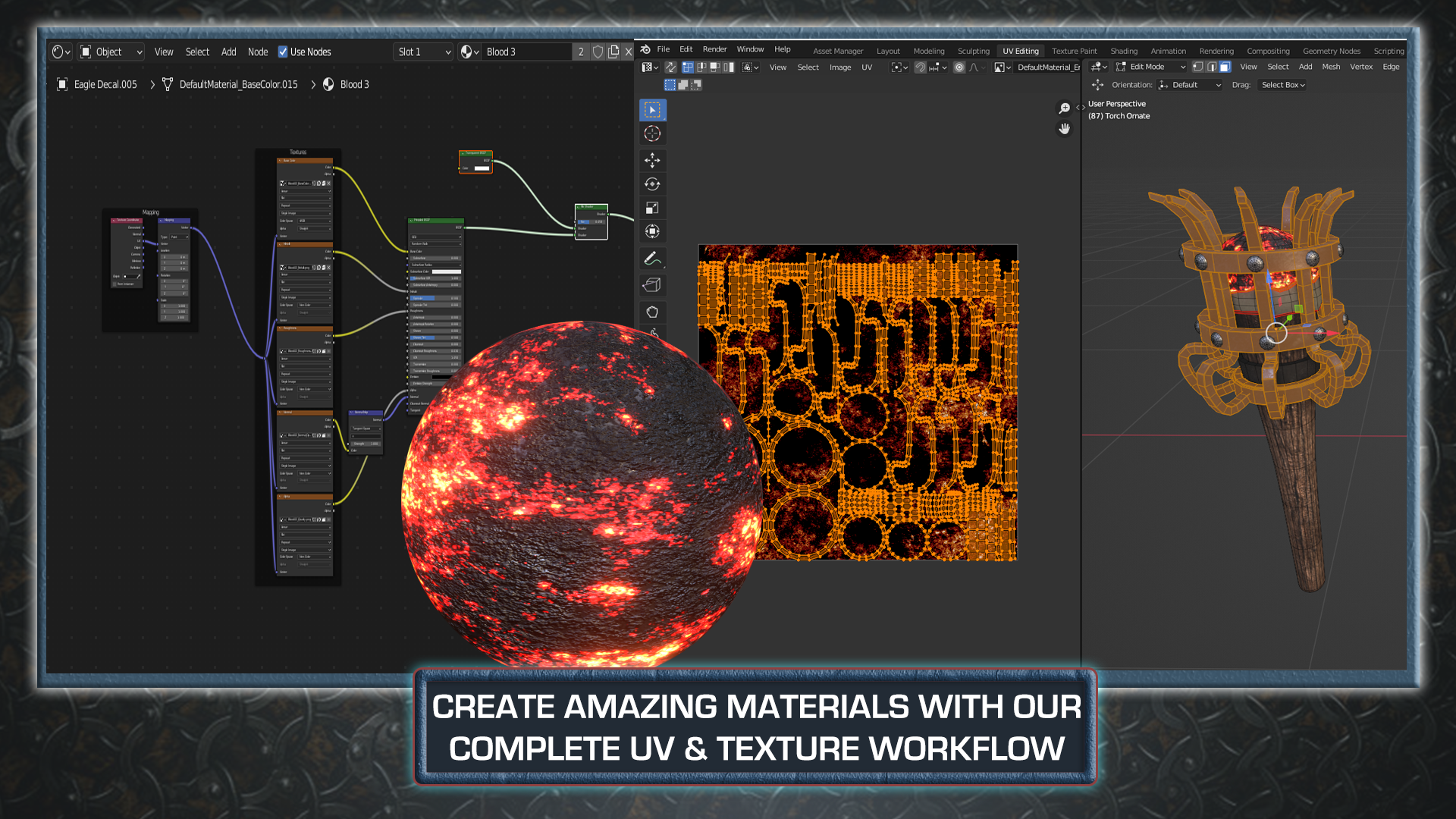
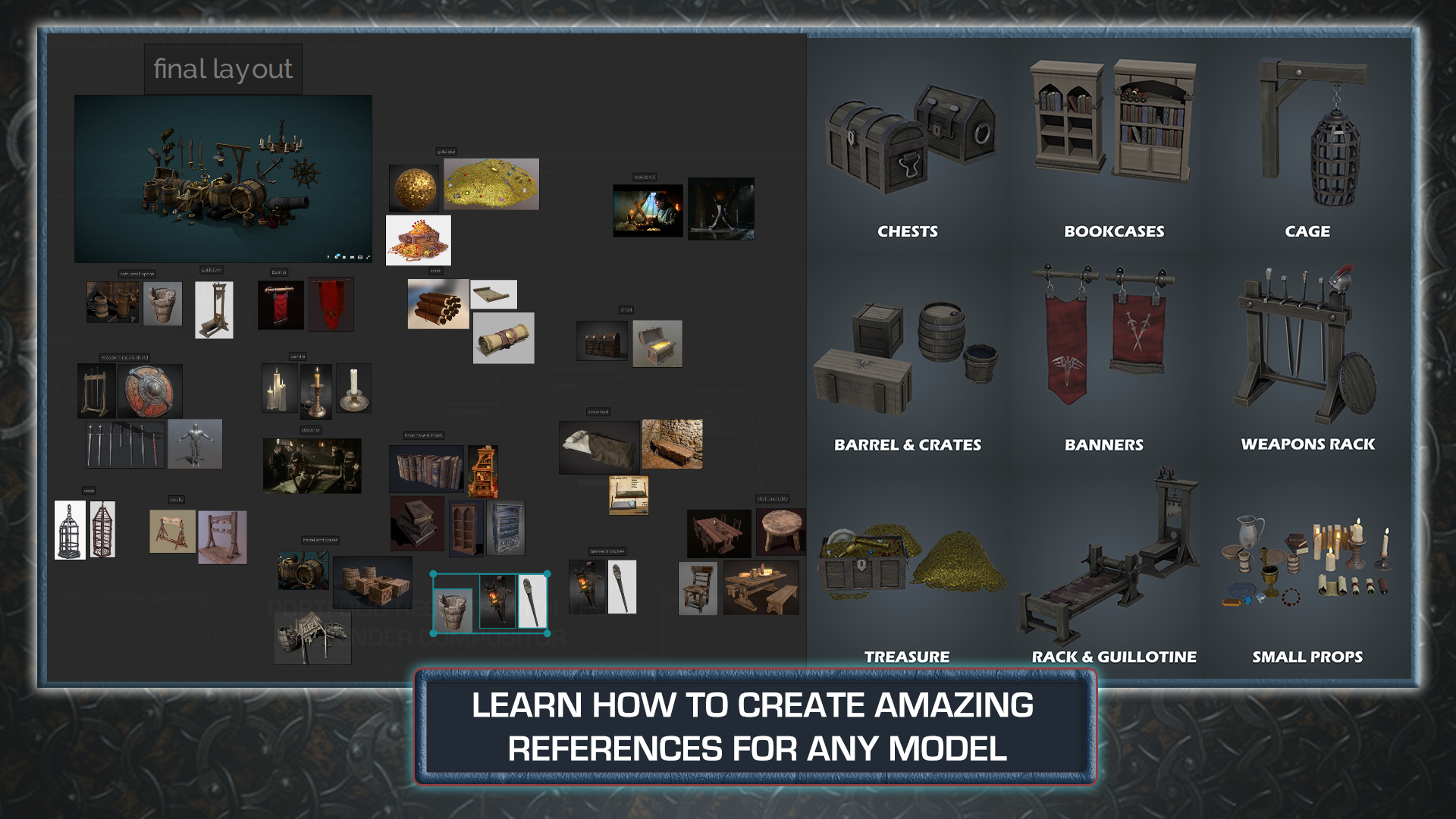
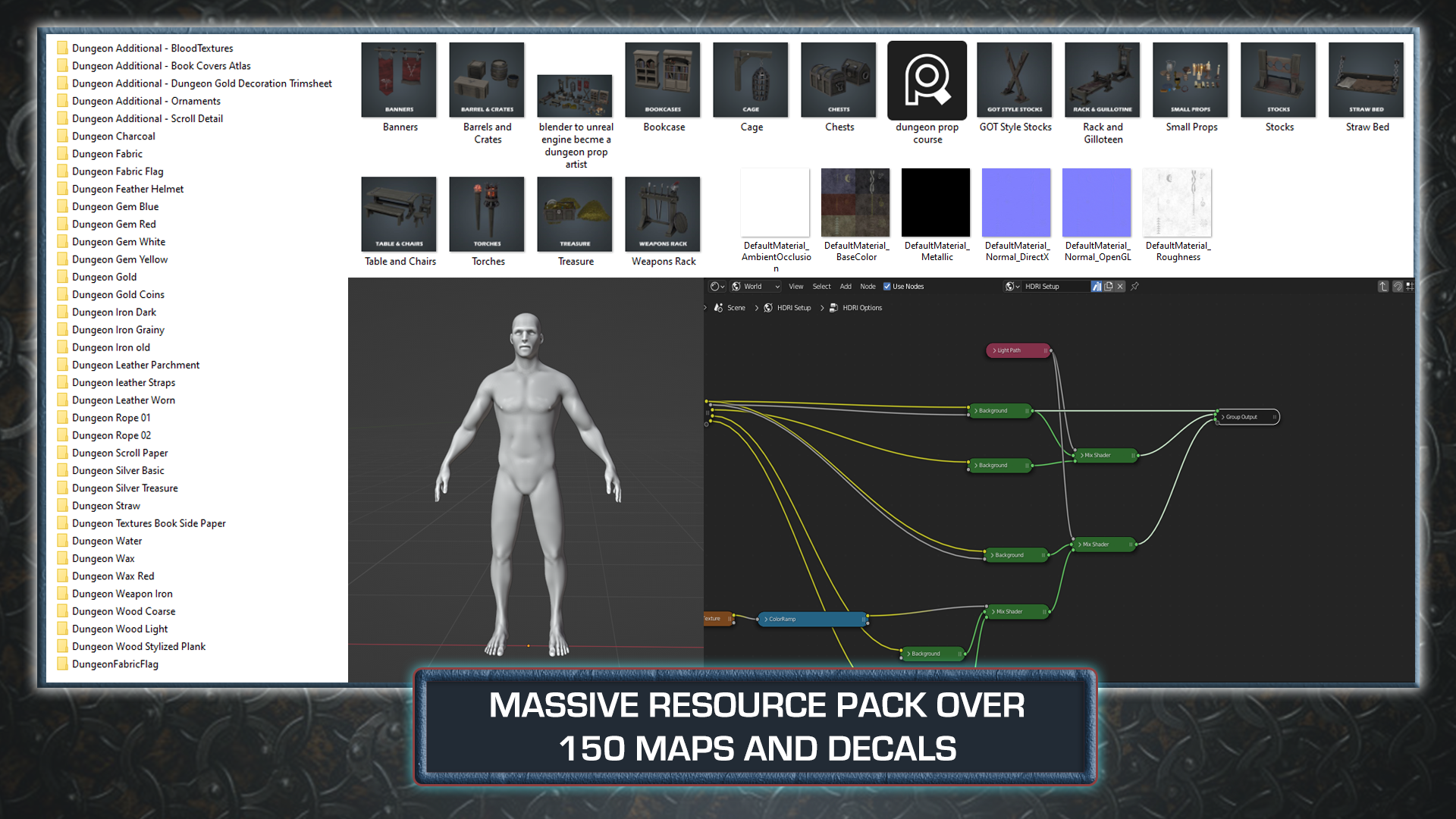
Blender to Unreal Engine Become a Prop Artist Documentation
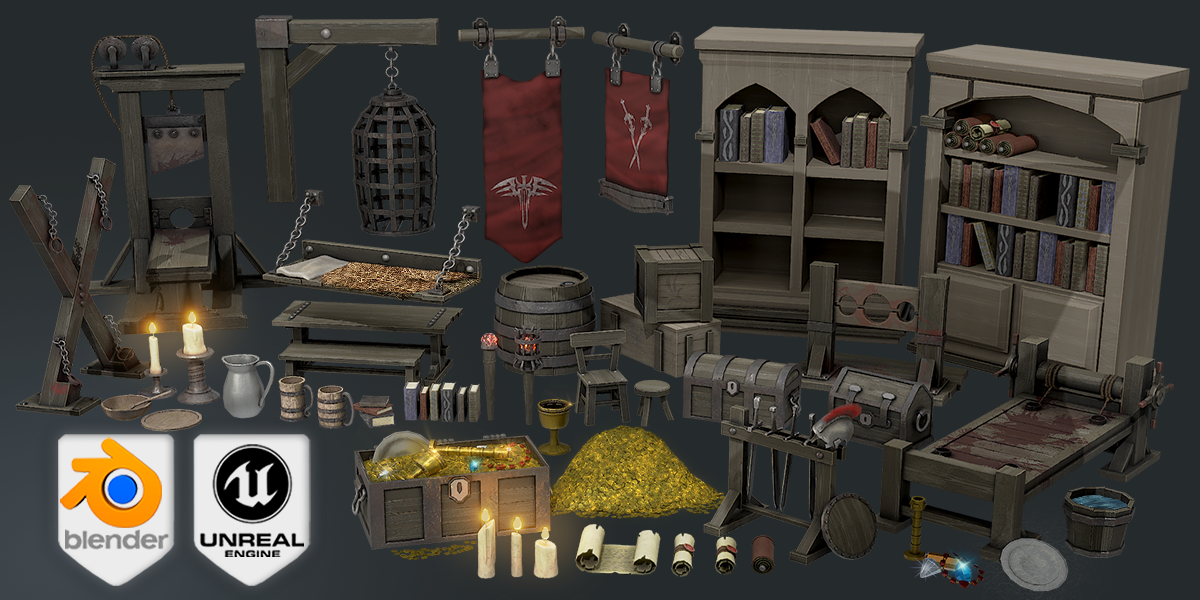
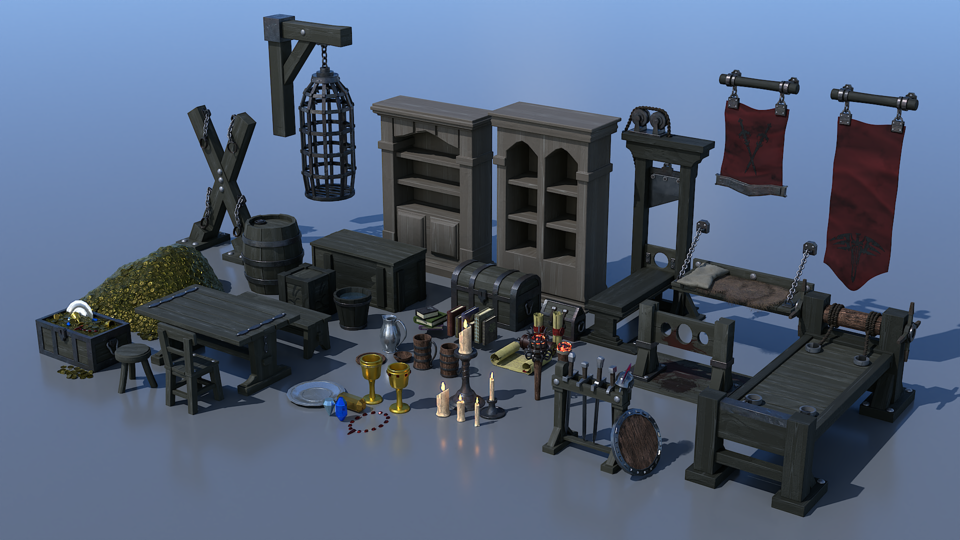
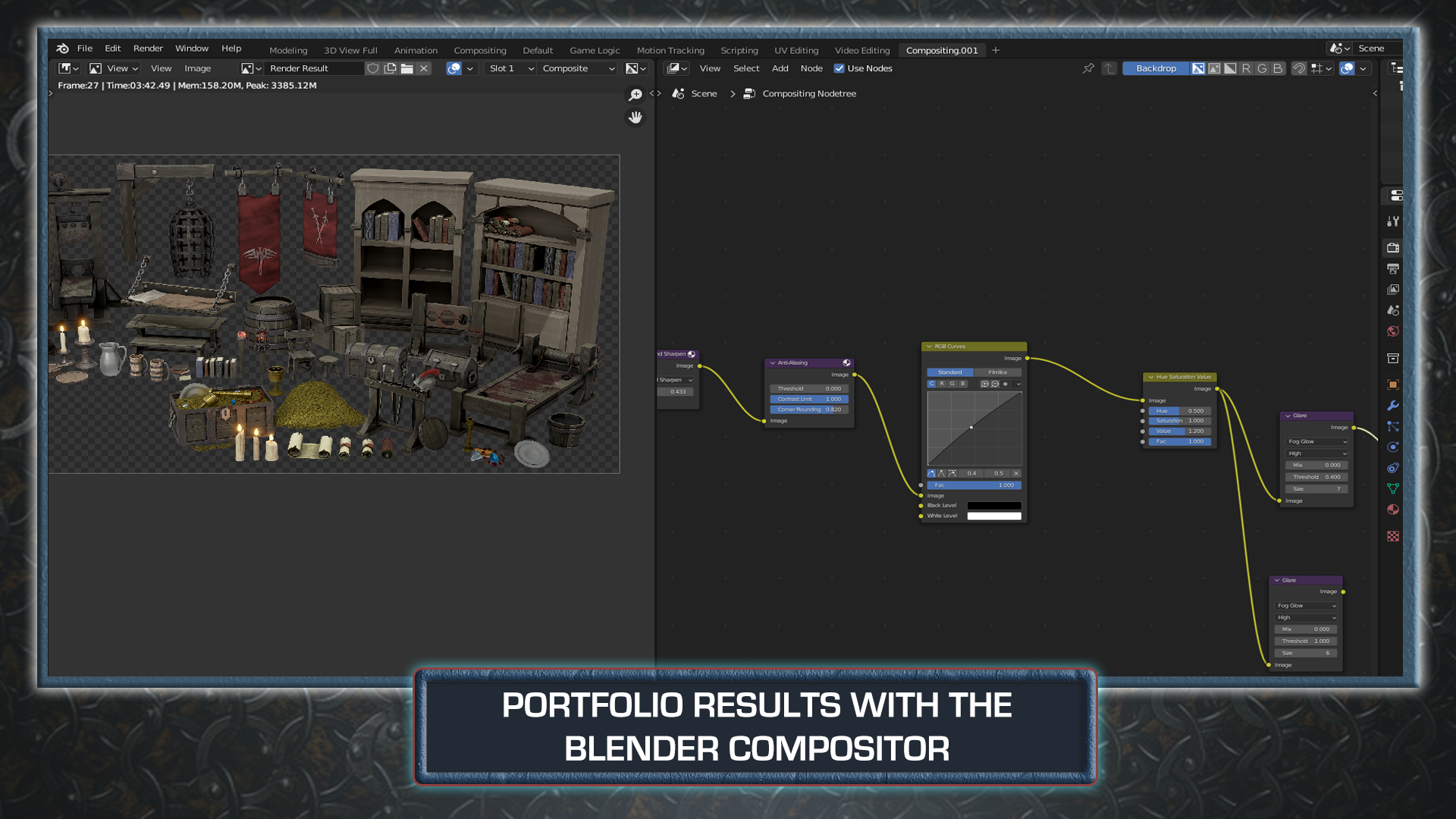
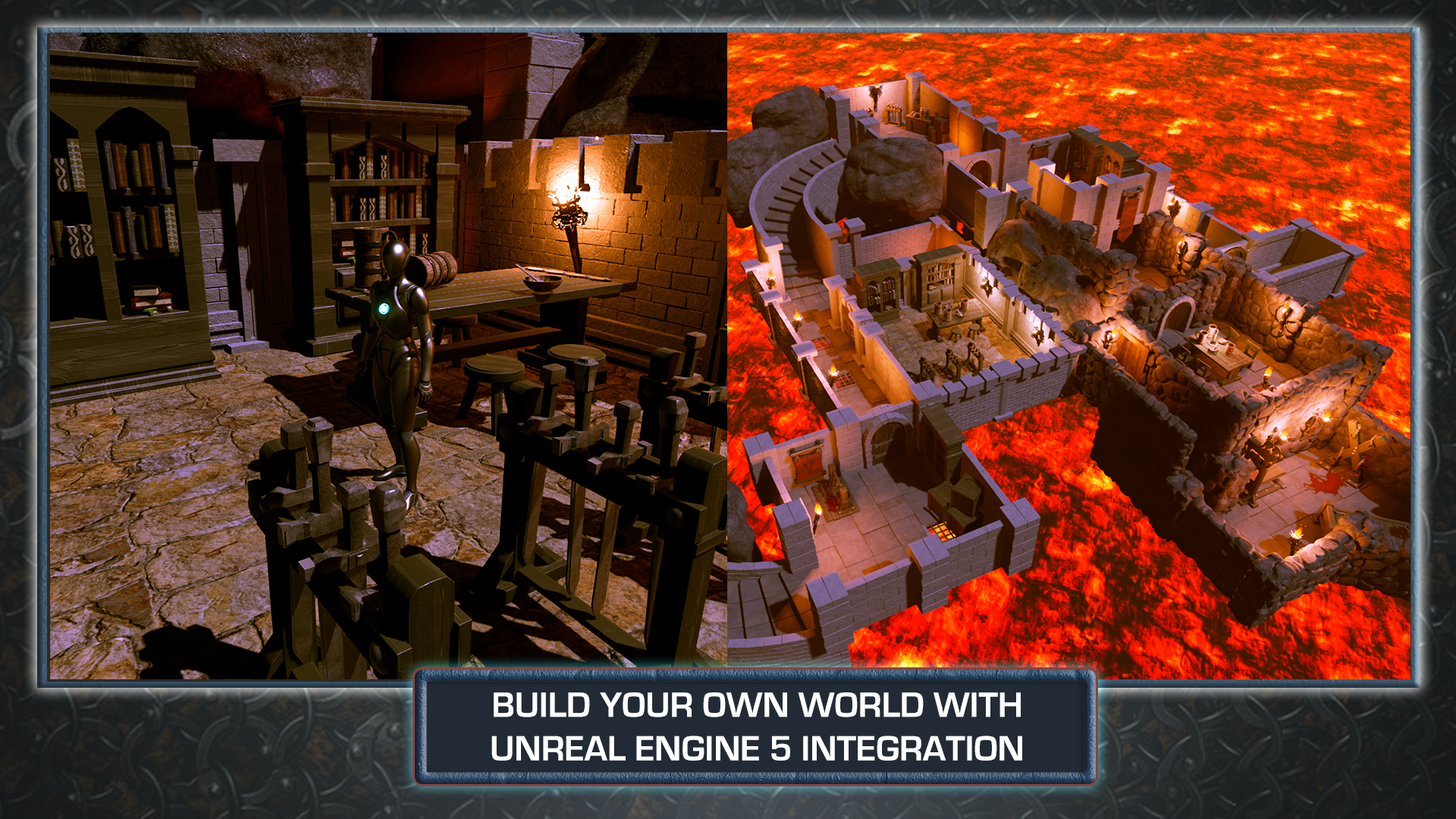
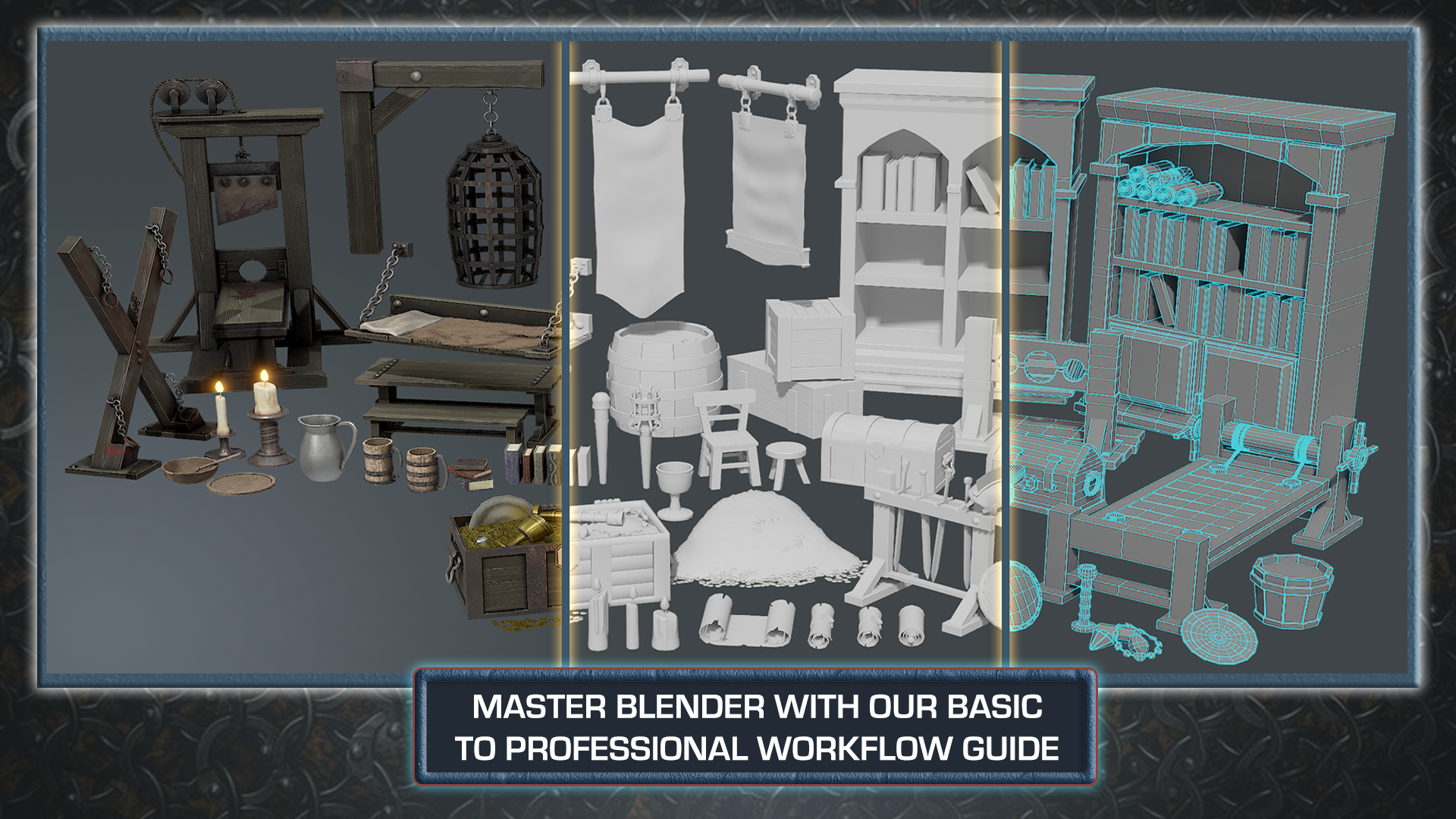
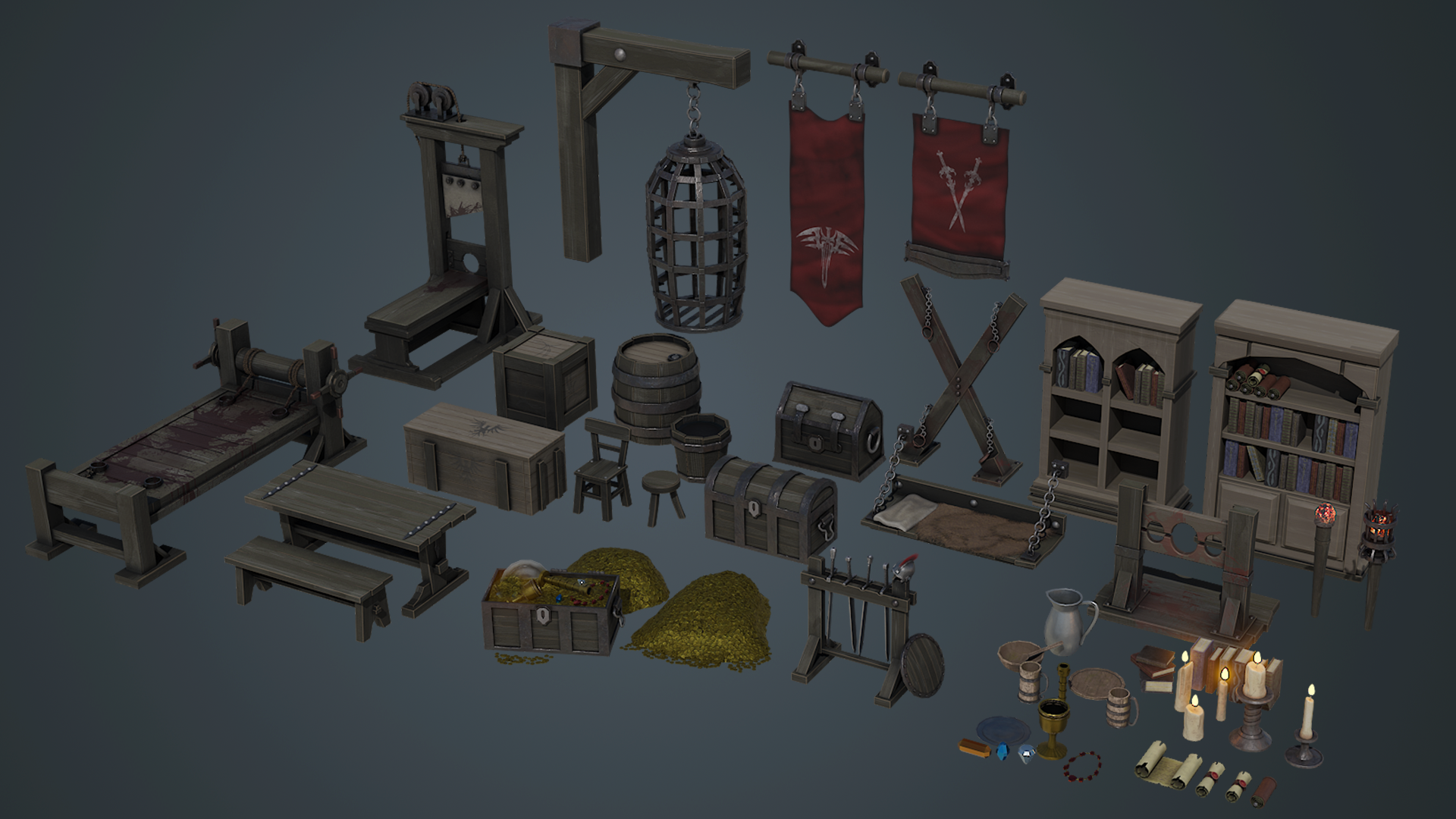
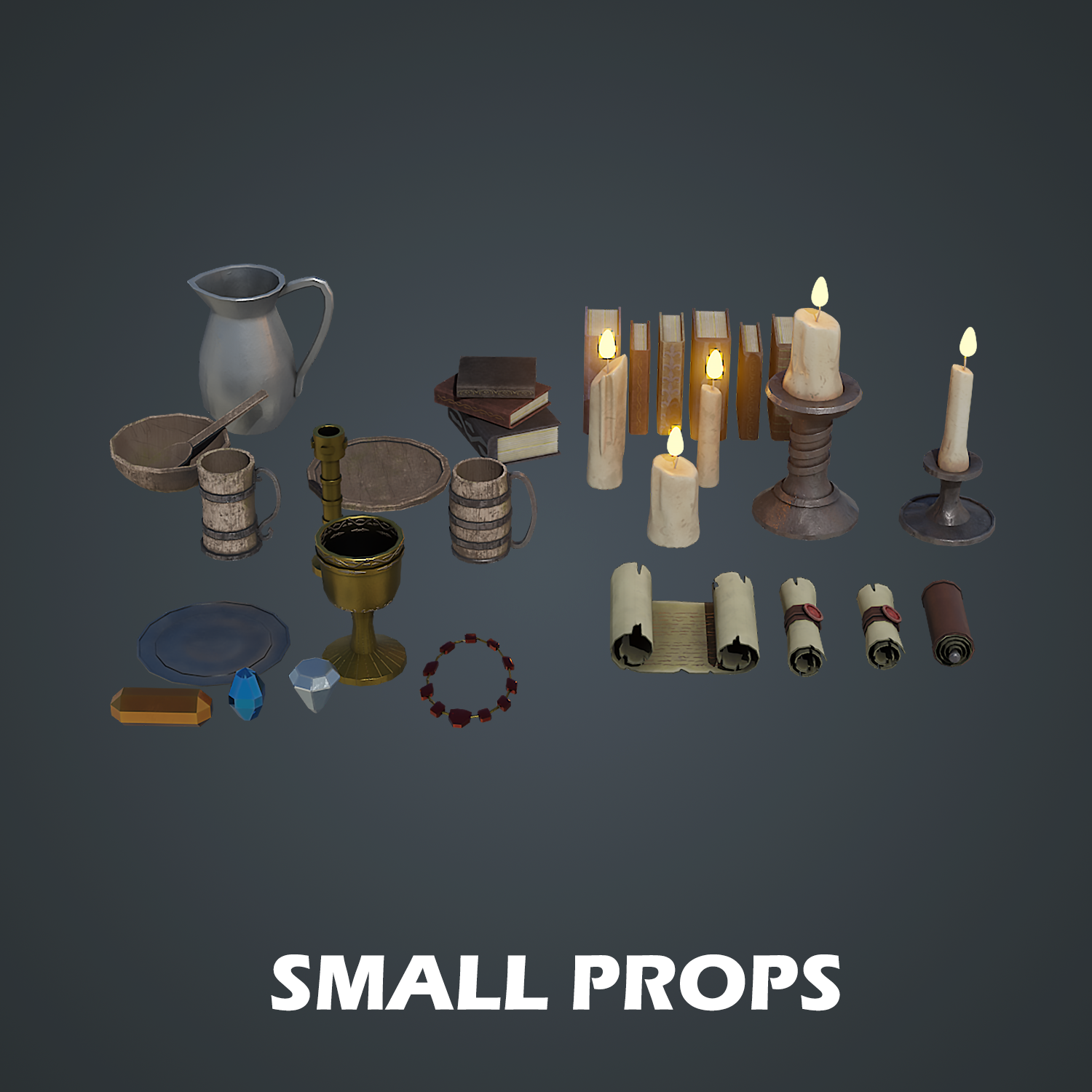
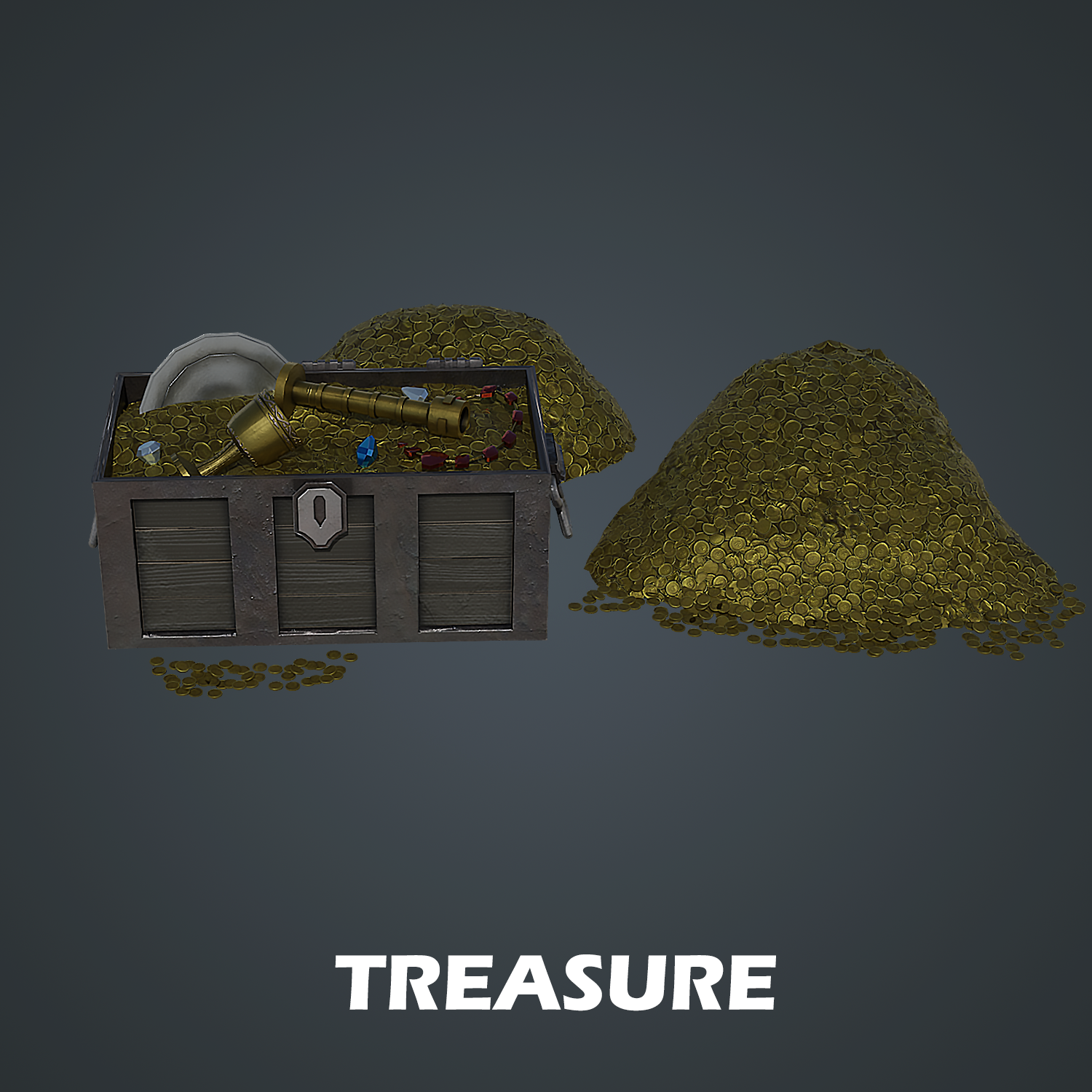
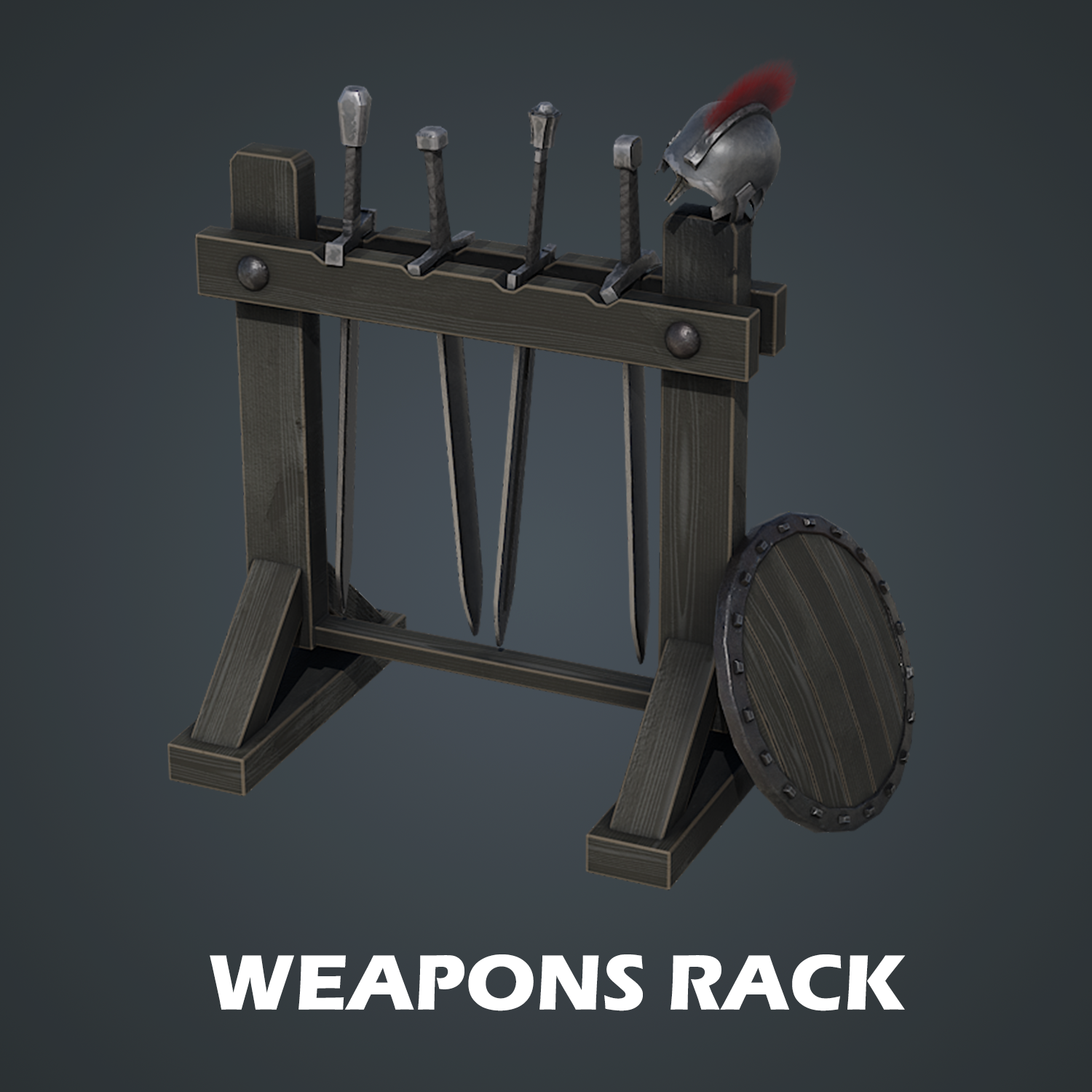
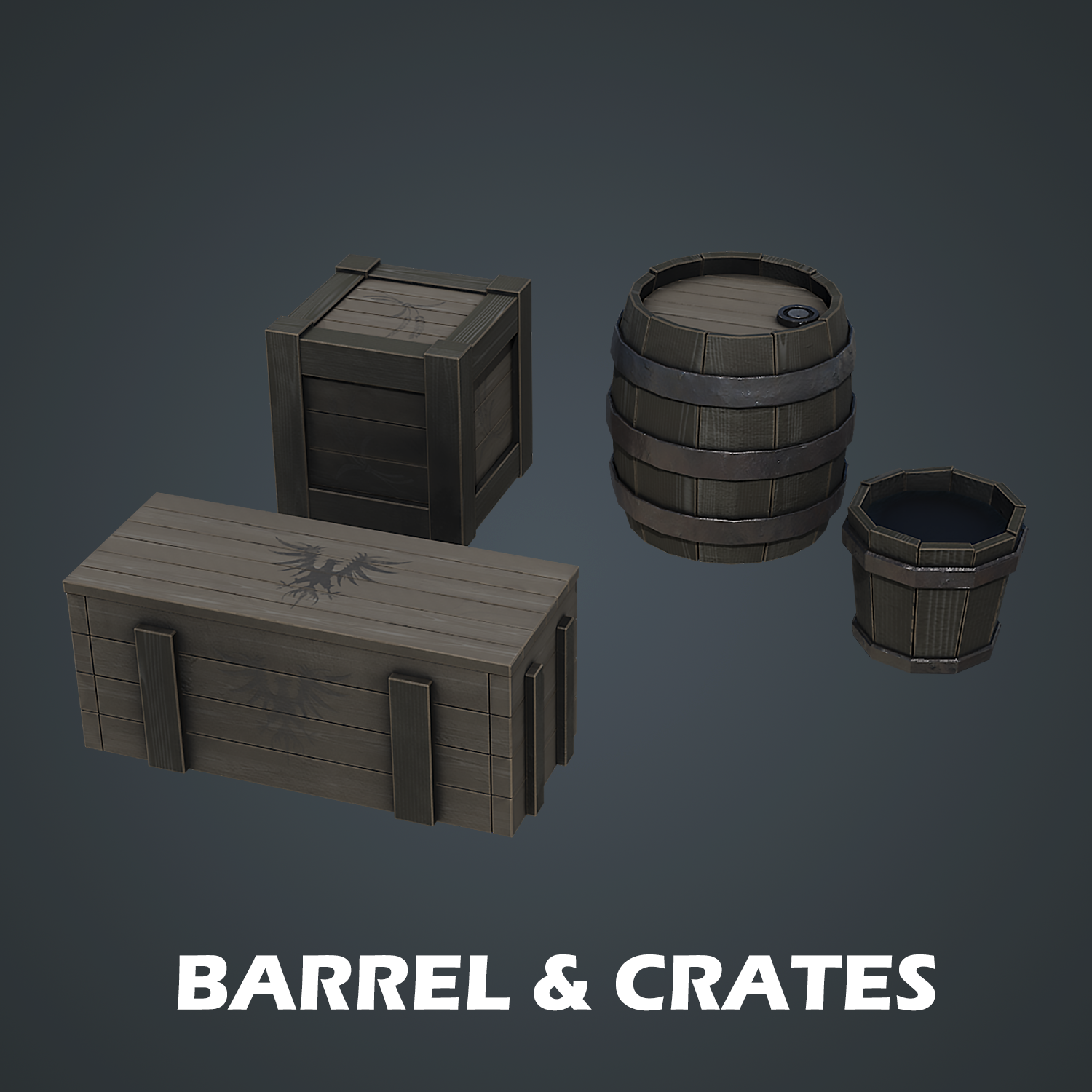
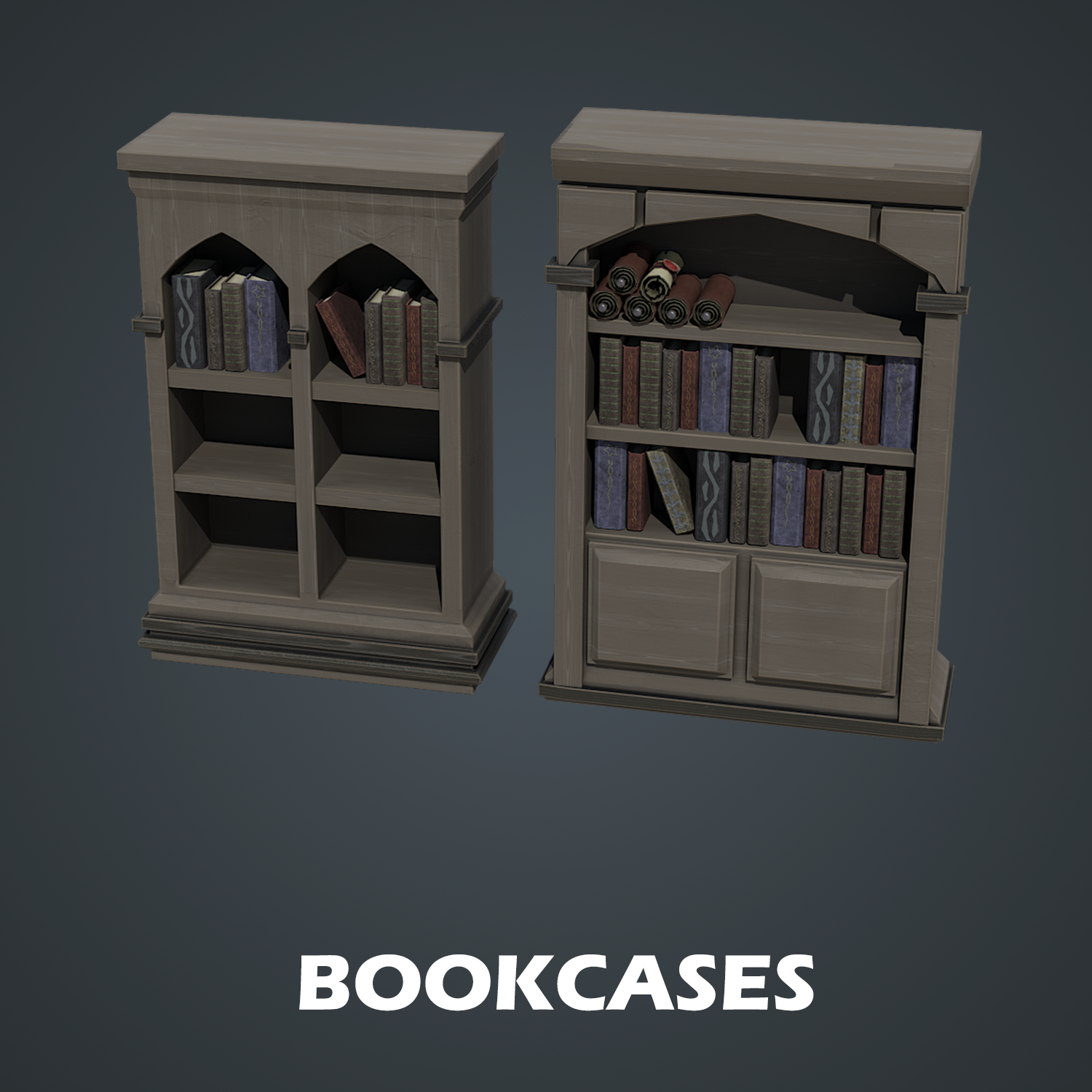
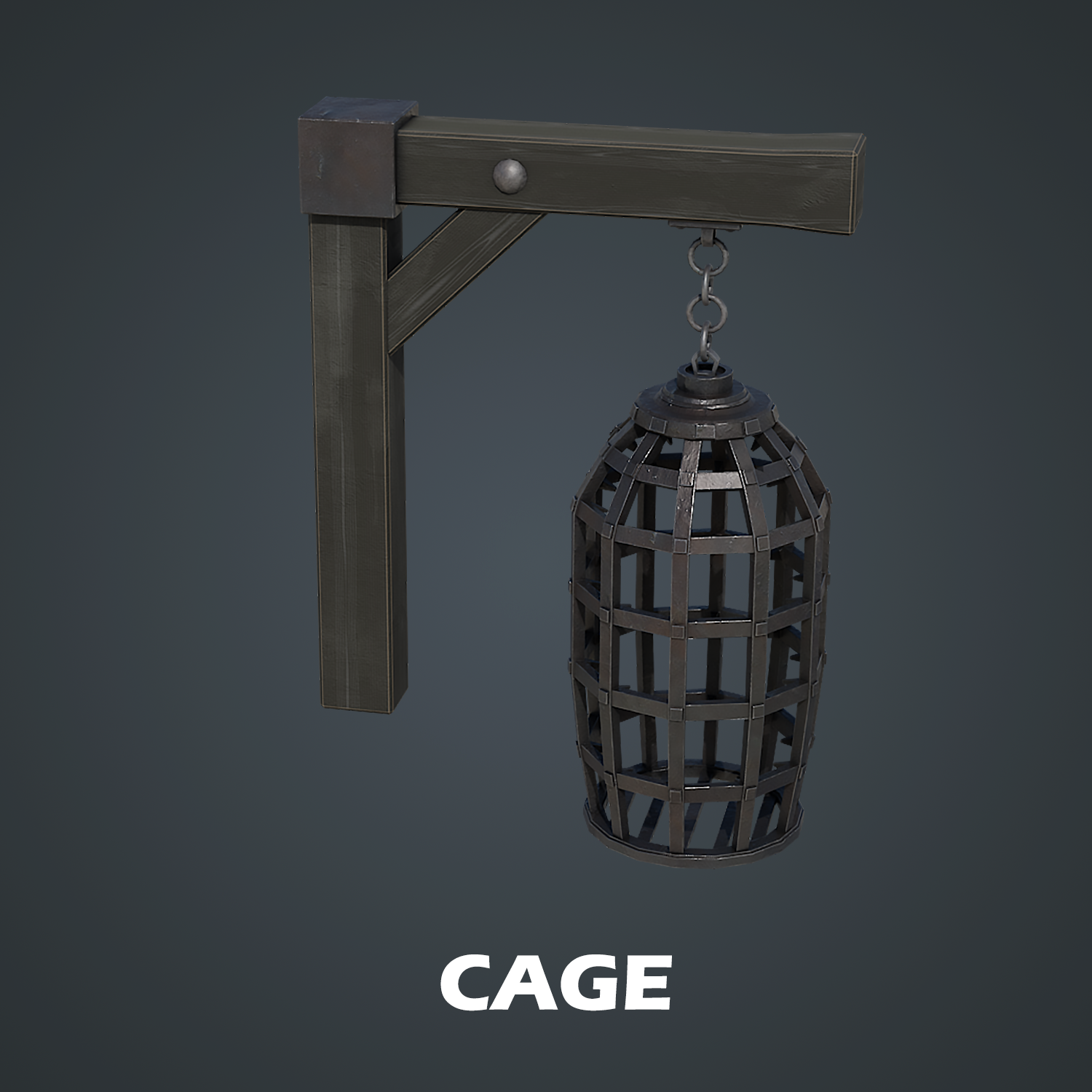
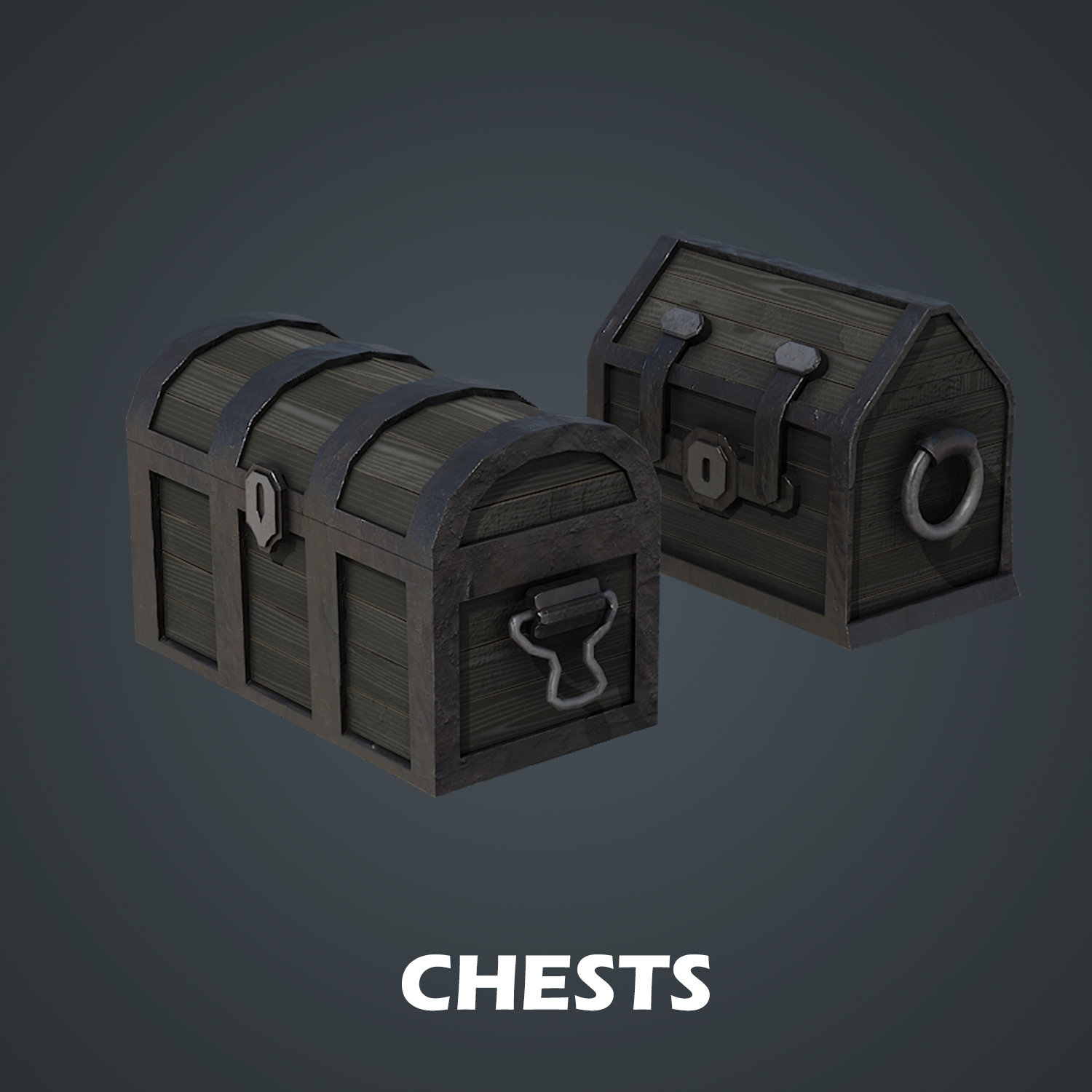
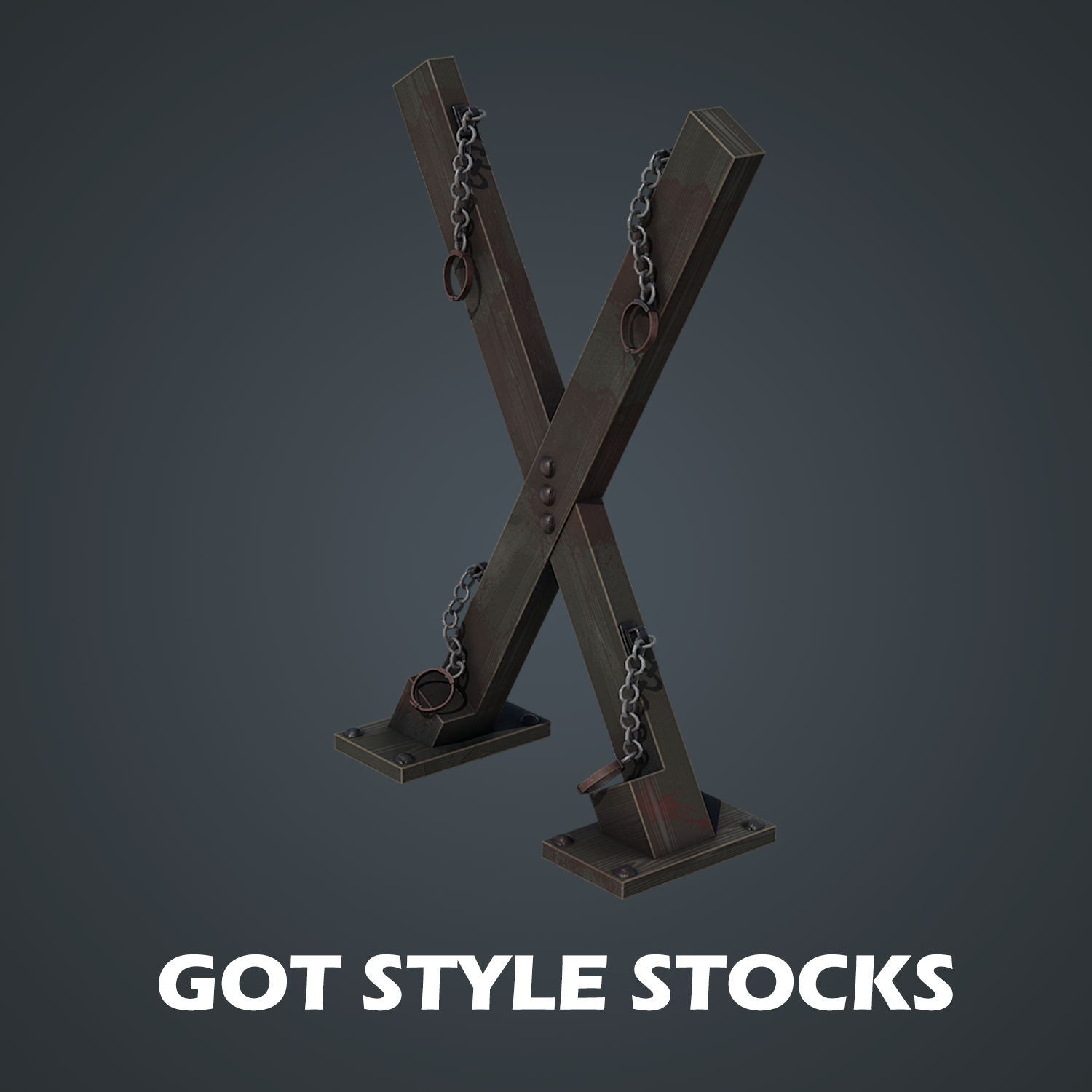
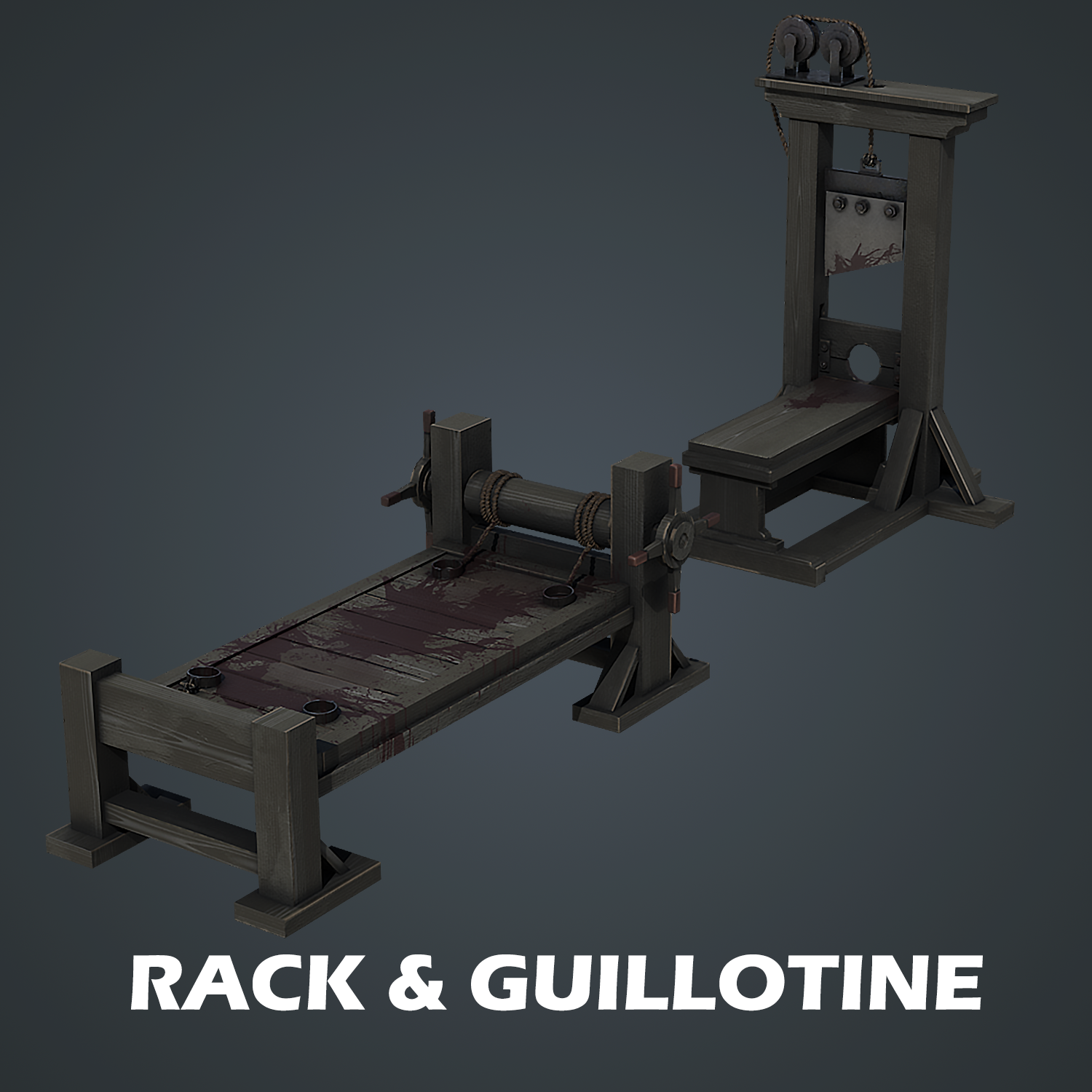
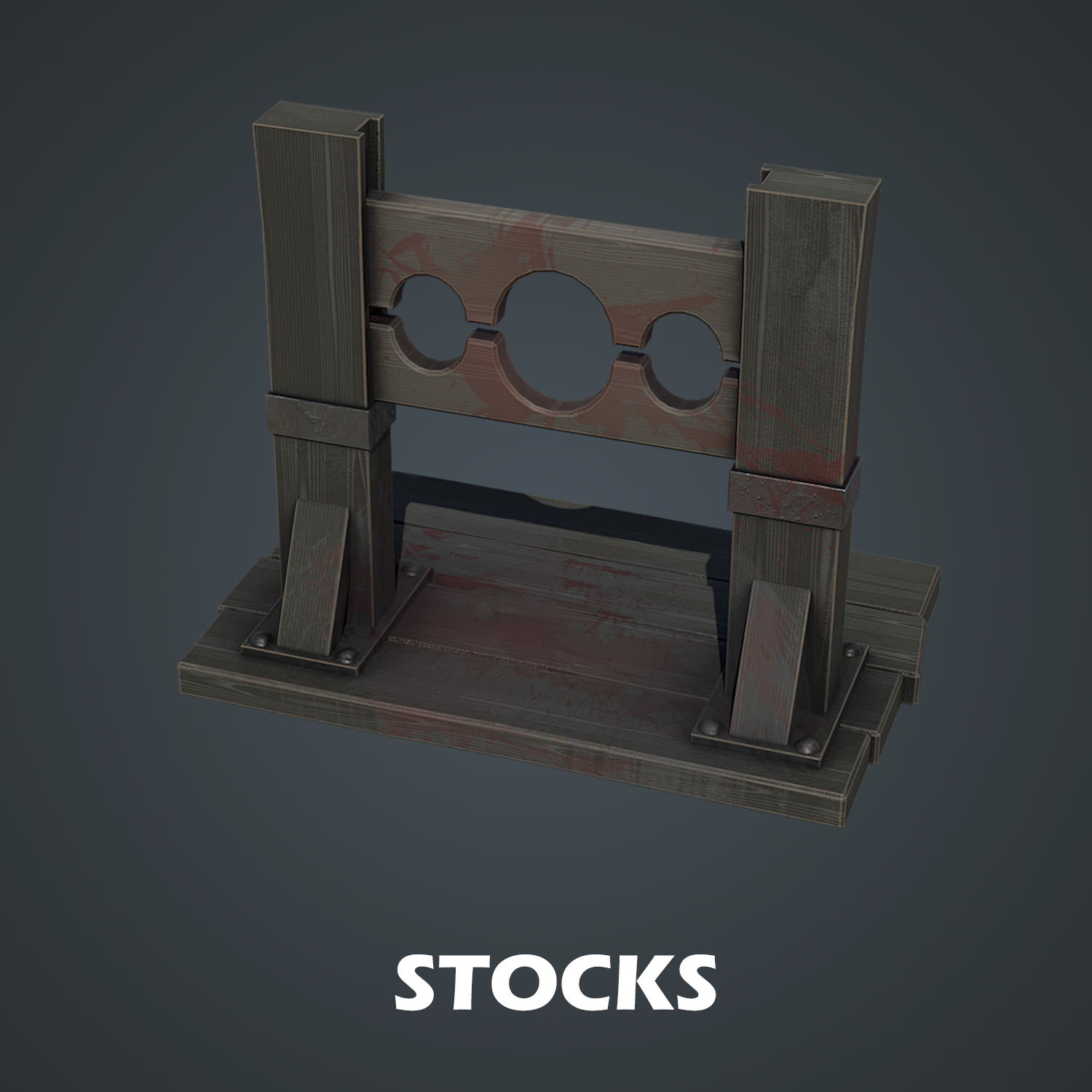
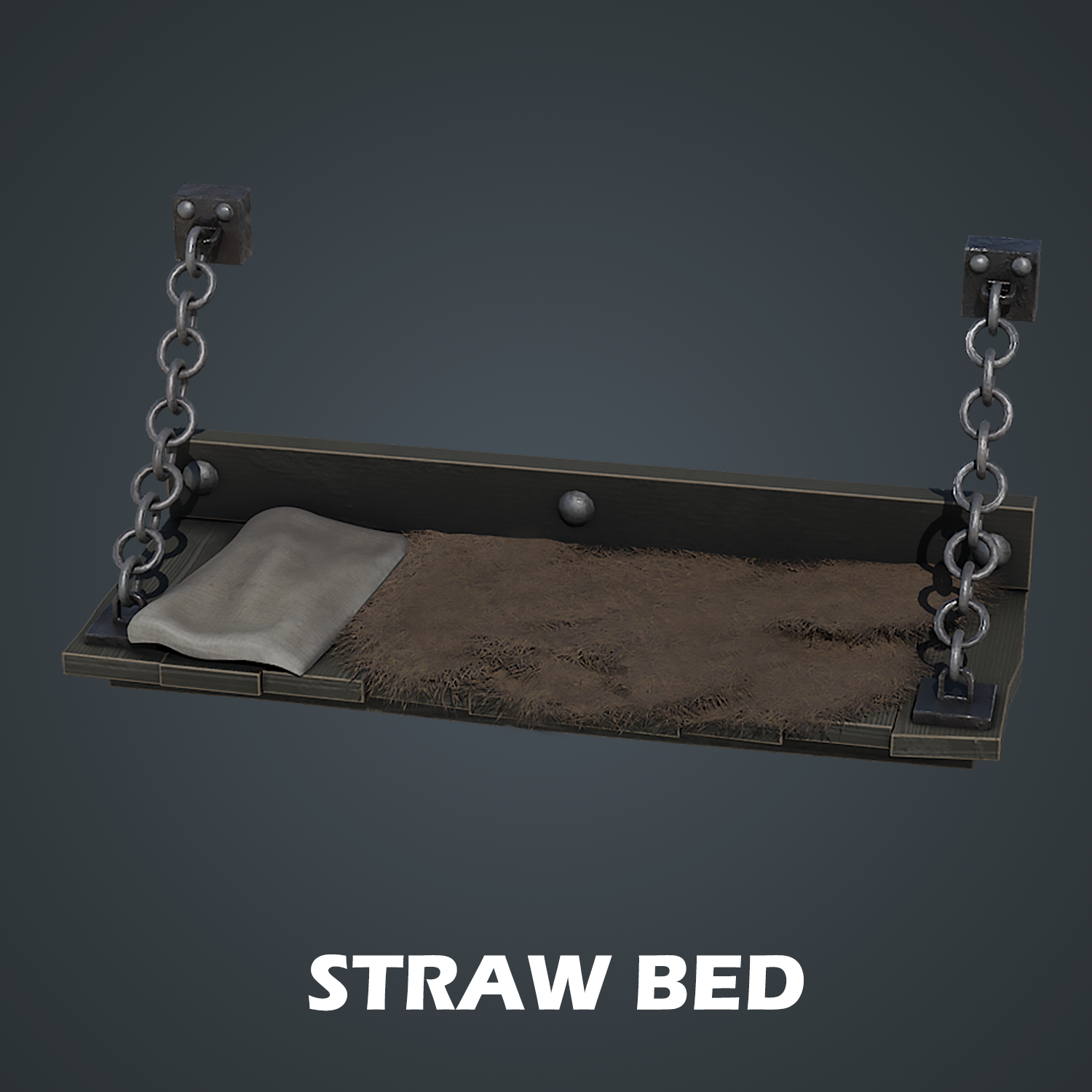
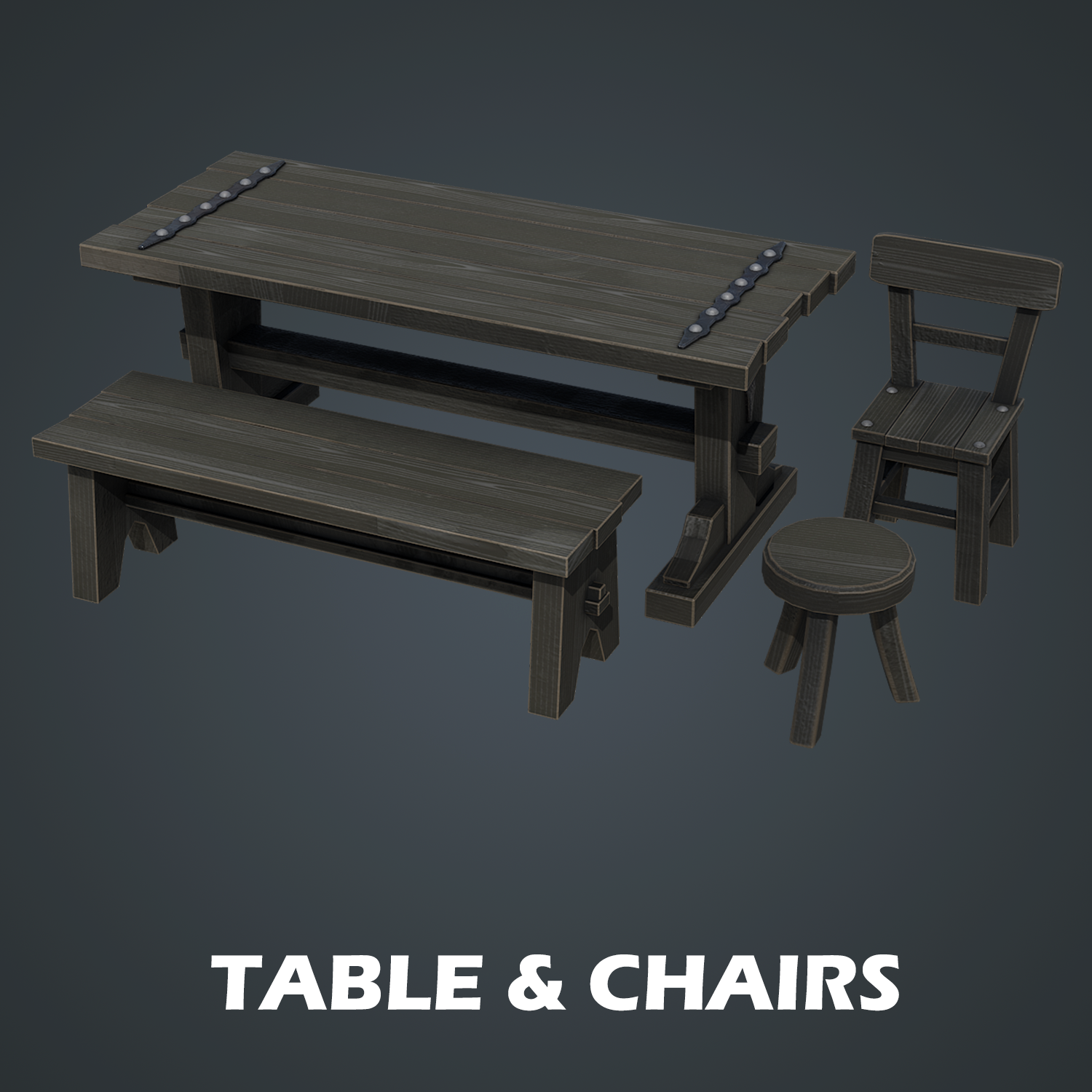
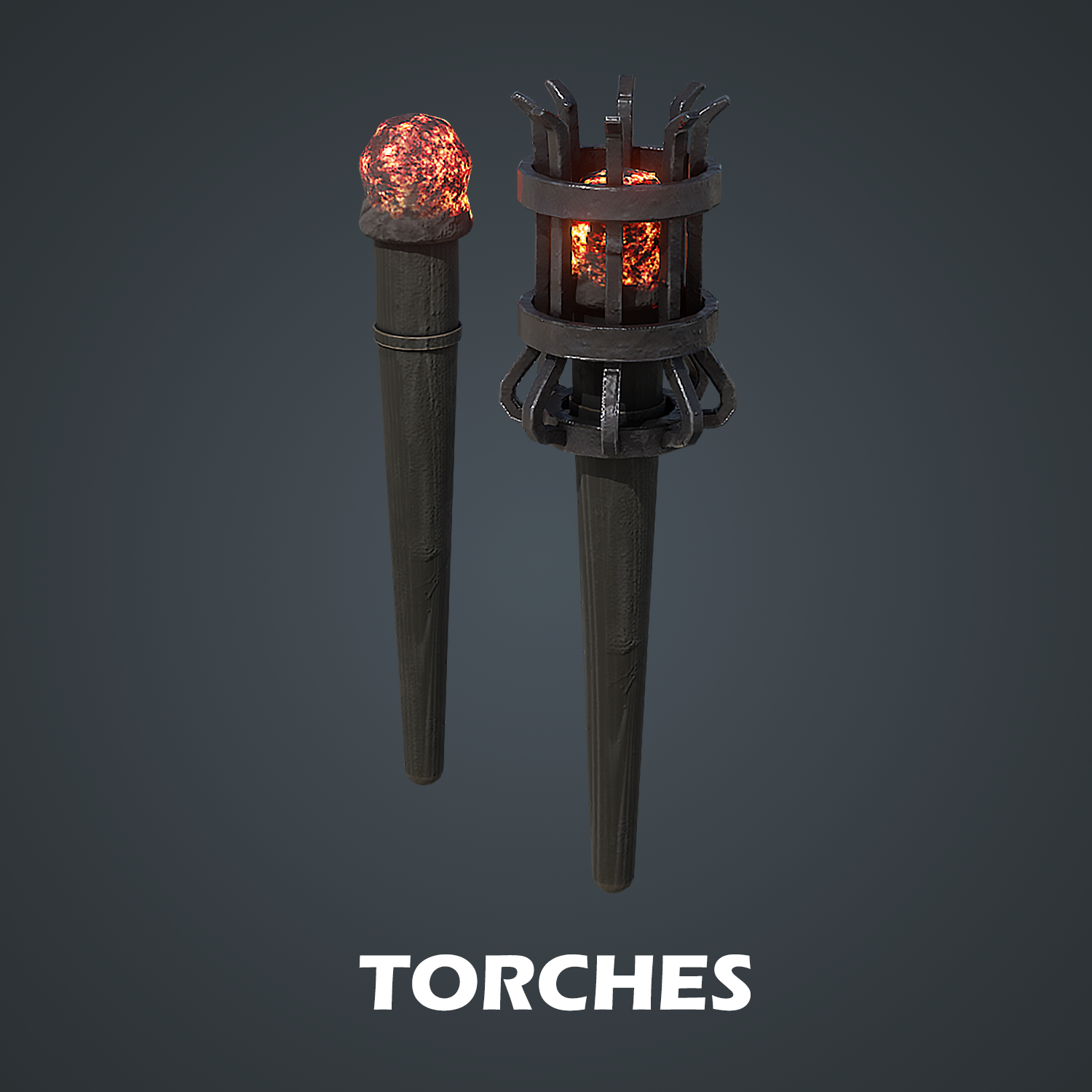
Learn how to become a prop artist with this amazing complete guide. You will learn step by step how to create dungeon props from scratch and then either render them out using Blender 3 or bring them into your own game using Unreal Engine 5.
Getting started
- Start with the lessons in order so the project workflow, scene setup, and production decisions build naturally.
- Download any included project files or resources after purchase and keep them together in one clearly named project folder.
- Open the supplied files only in the software named on the product page, then save your own working copy before experimenting.
Best workflow
Follow the demonstrations first, then repeat the same steps on your own variation. This makes the course useful for portfolio practice, production confidence, and long-term skill building rather than one-time copying.
Compatibility and support
This product is intended for Blender, Unreal Engine 5 workflows where those tools are listed on the product page. For help, use the product FAQ or contact 3D Tudor through the creator support route shown on Superhive.
About 3D Tudor
3D Tudor is a Blender and game art education studio founded by Neil I. Bettison in 2019. We teach over 250,000 students worldwide through project-based courses, books, asset packs, and tutorials for Blender, Unreal Engine 5, Geometry Nodes, environment art, and game-ready workflows. Our goal is to make high-quality 3D education approachable, affordable, and immediately useful for artists, students, hobbyists, and indie creators.
Neil I. Bettison is co-author of a #1 Amazon Best Seller in Blender, published by Packt.
Have questions about this product?
Login to message
| Sales | 10+ |
| Dev Fund Contributor | |
| Published | about 4 years ago |
| Blender Version | 3.0, 3.1, 3.2, 3.3 |
| License | Royalty Free |
Discover more products like this
tutorial 3d tudor eso bfcm22 elder scrolls ue5 summer24 Unreal Engine winter24 summer23 course prop blender bfcm23 blender-3 loveblender bcon22 how to work in the games industry stylized dungeon 3d-modelling bfcm24 spring24 spring23