 ORM3DCreations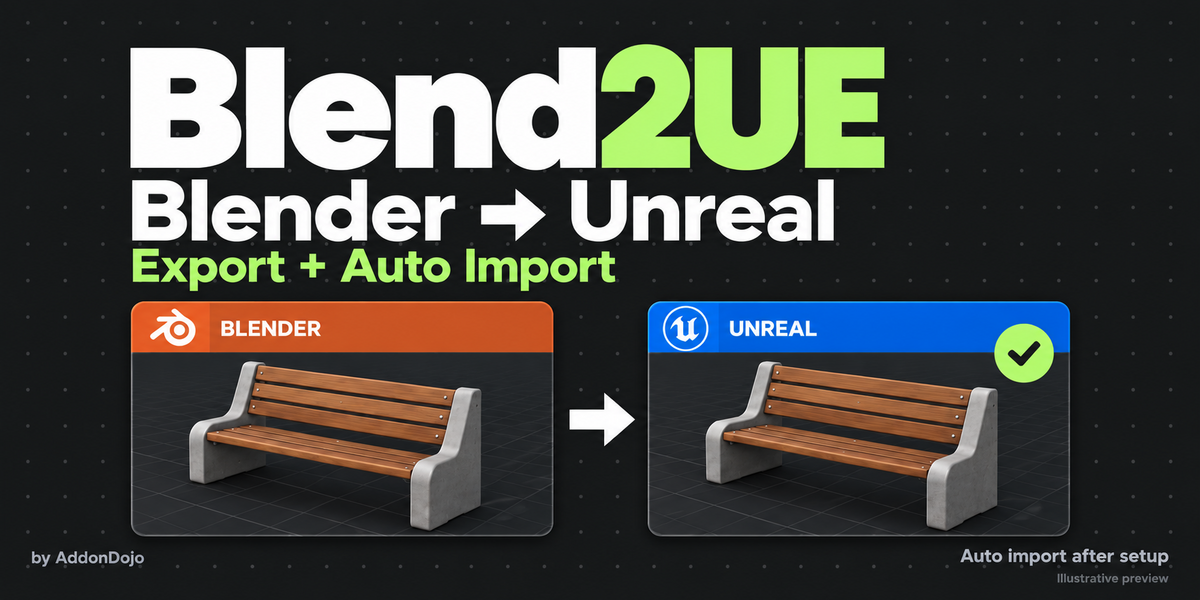
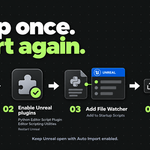
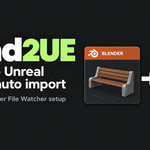
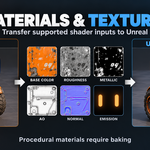
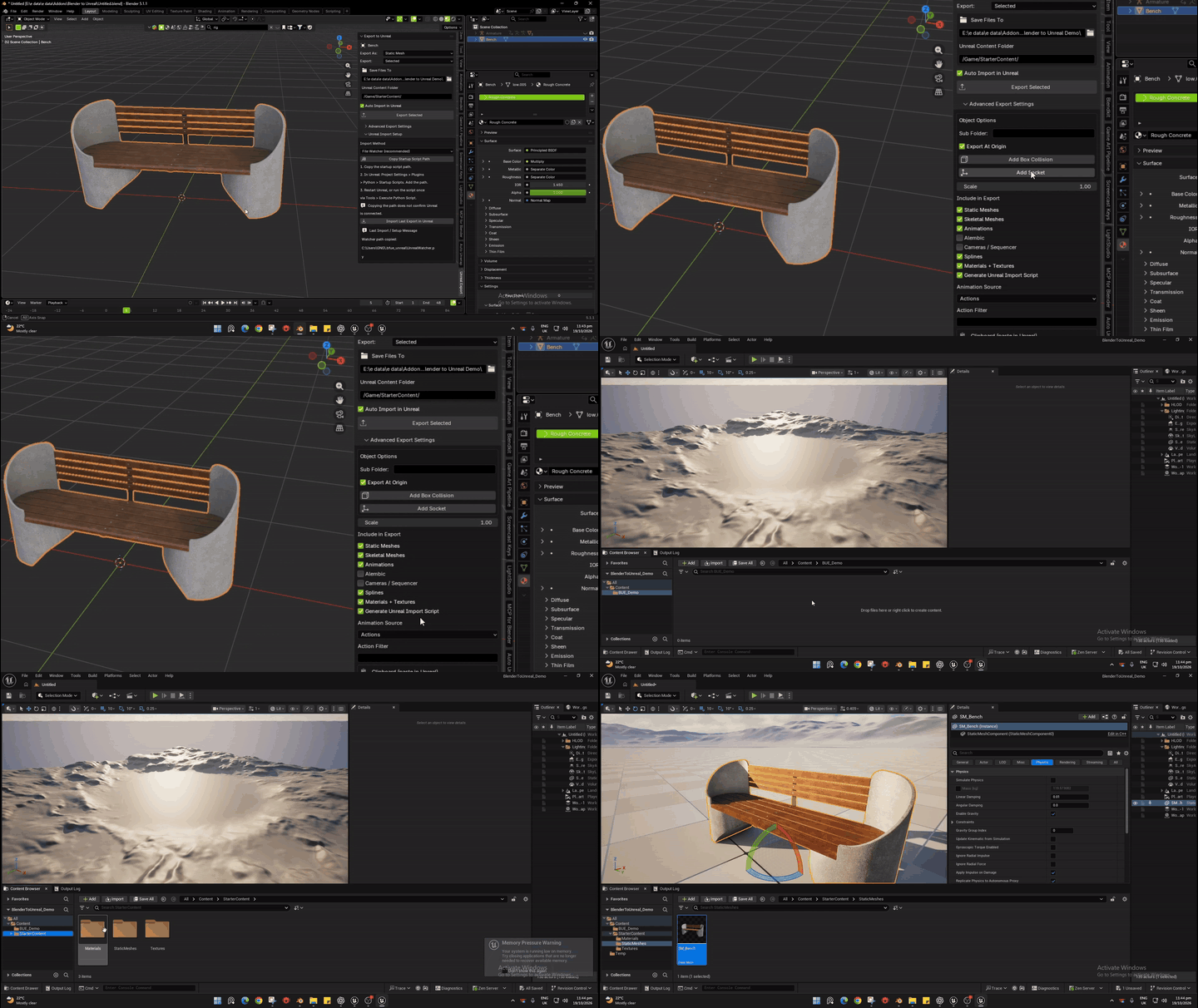
Export assets from Blender and import them into Unreal Engine with a simple workflow. Choose your export type, set the destination, and export. After initial File Watcher setup, exports can automatically trigger imports in your open Unreal project.
Features
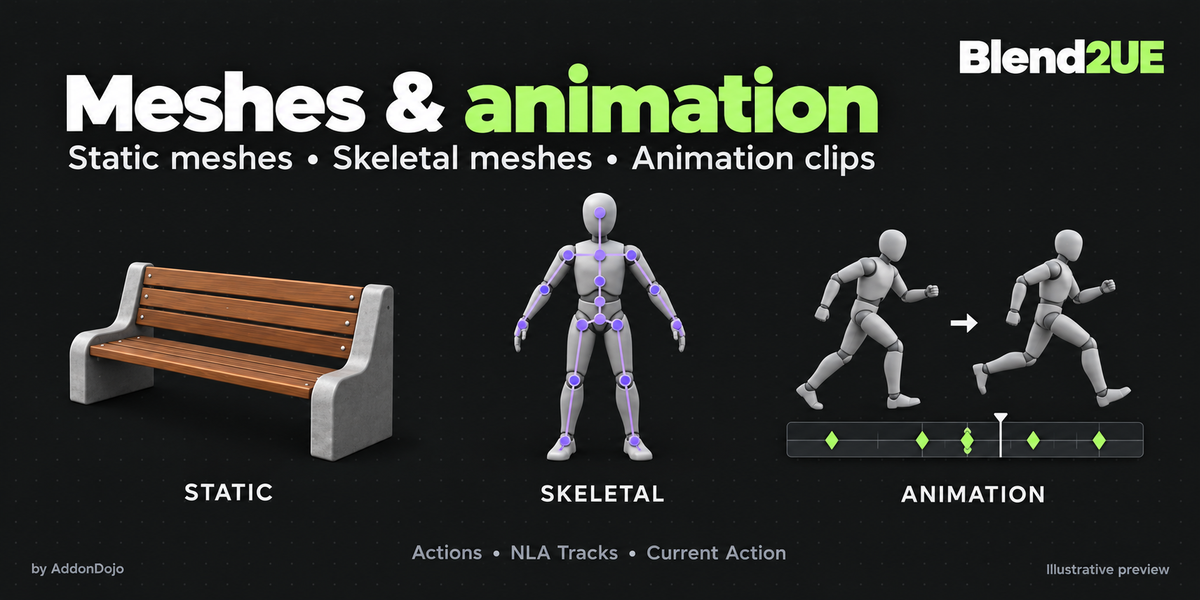
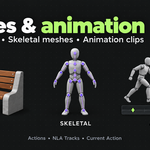
Static and Skeletal Mesh export
Animations from Actions and NLA tracks
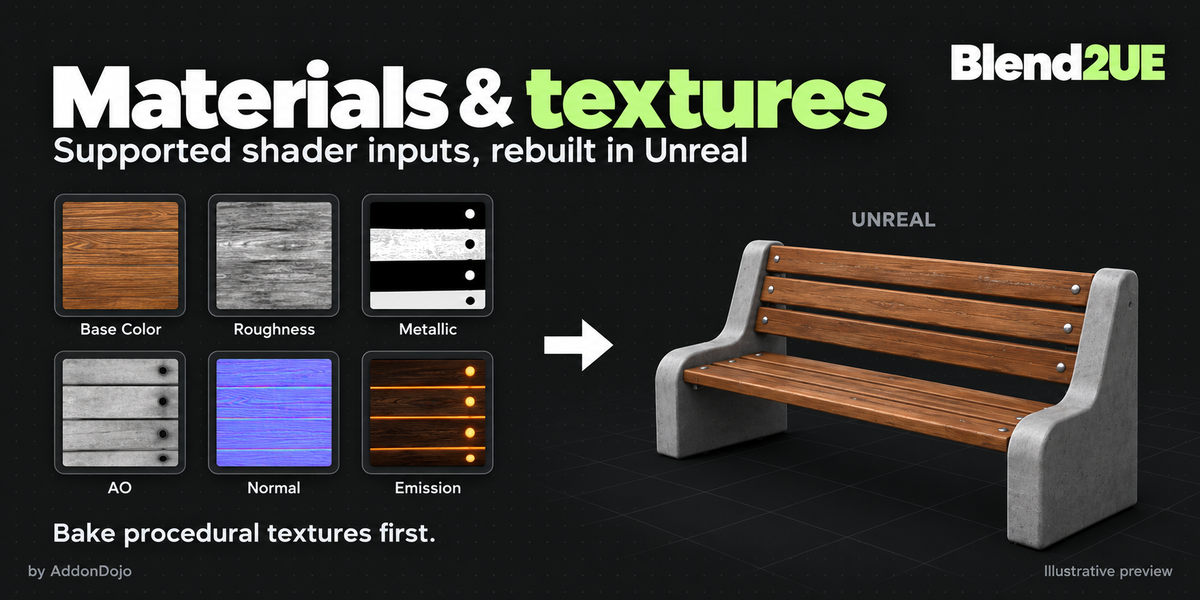
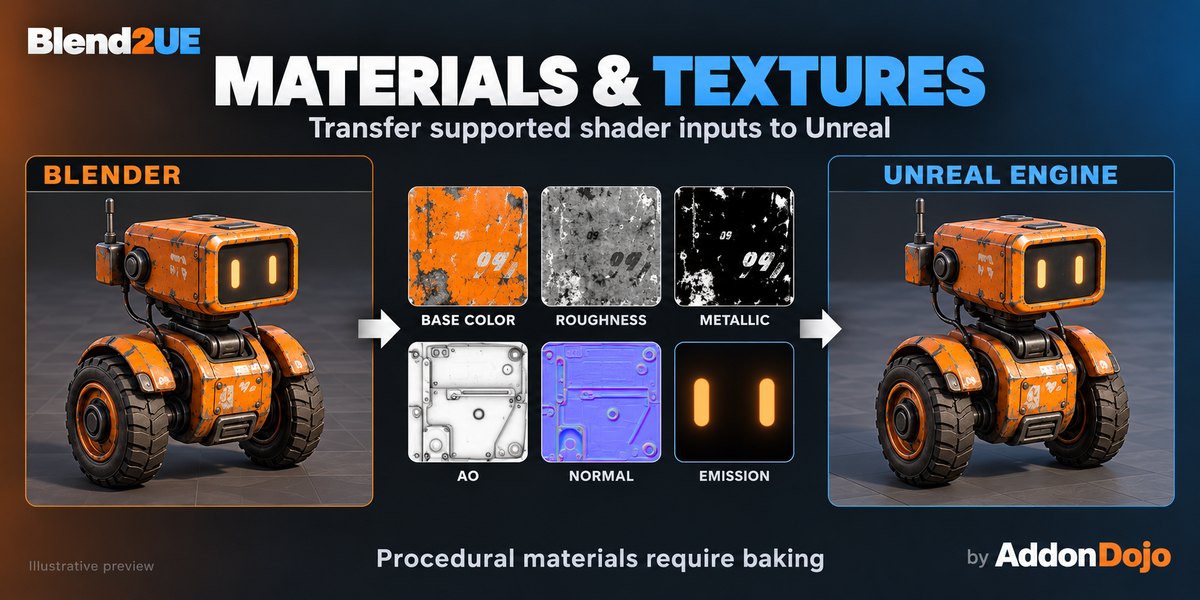
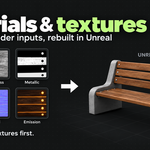
Supported materials and textures: Base Color, Roughness, Metallic, AO, Normal and Emission
Collision and socket export
Selected or batch export
Alembic geometry caches and Camera/Sequencer export
Automatic validation with readable error messages
Compact UI with collapsible advanced settings
Compatibility
Unreal Engine 5.0–5.8 compatibility target
Import tests passed in UE 5.2.1 and 5.7.4
Export tested with Blender 5.1.1
Other versions have not been individually verified
Requirements & Notes
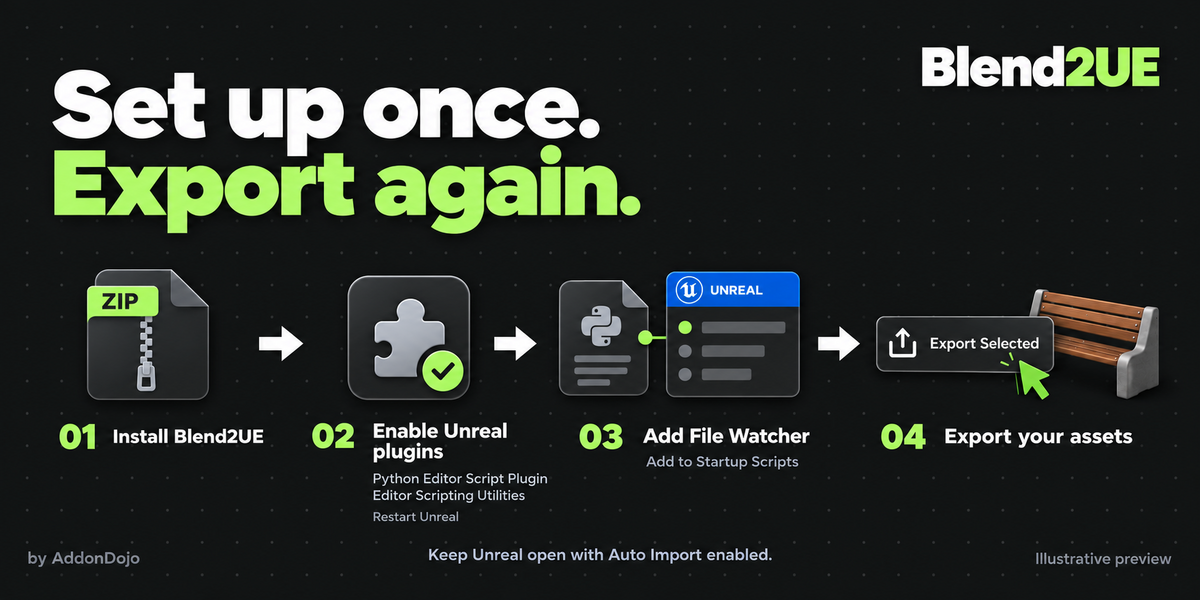
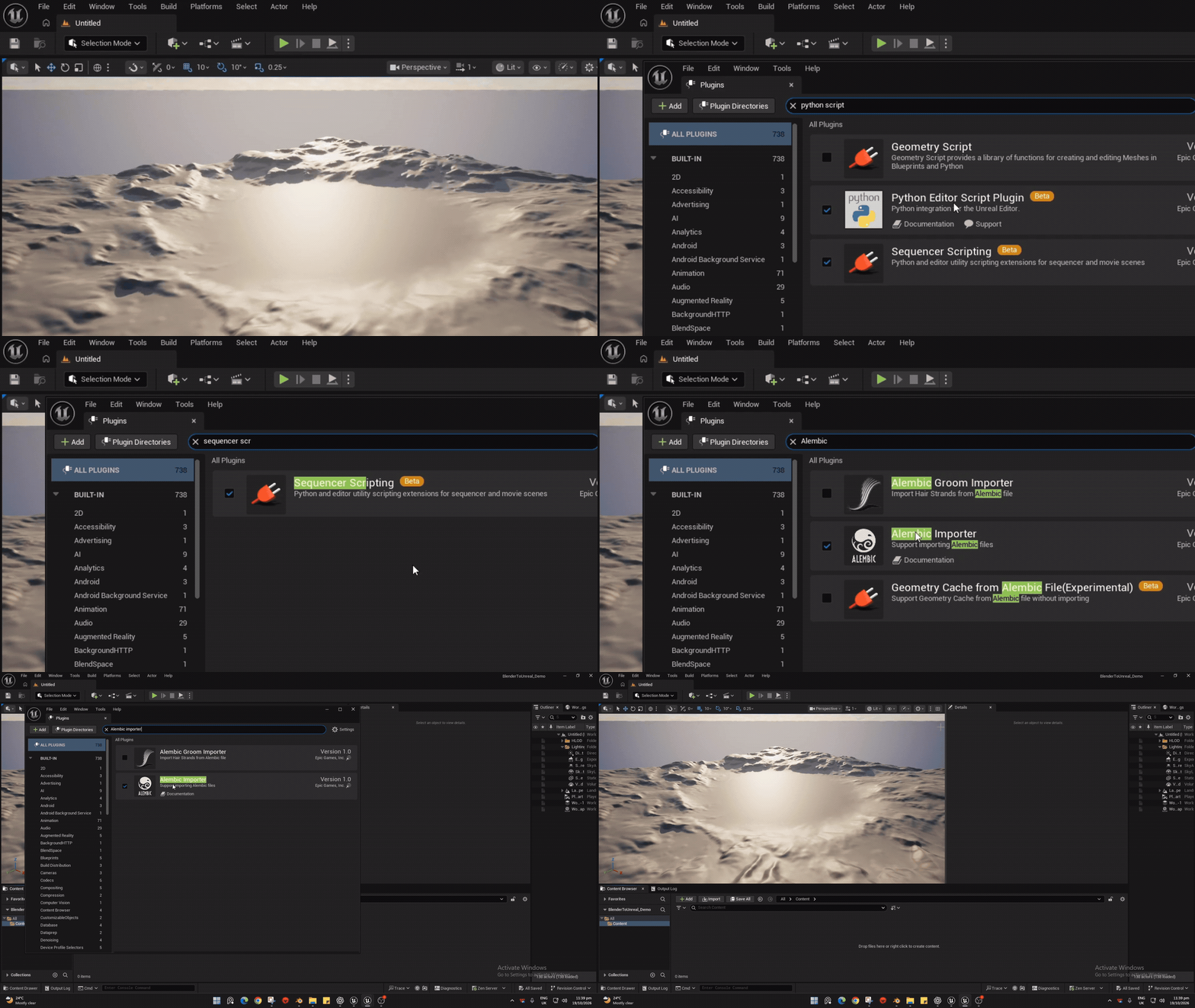
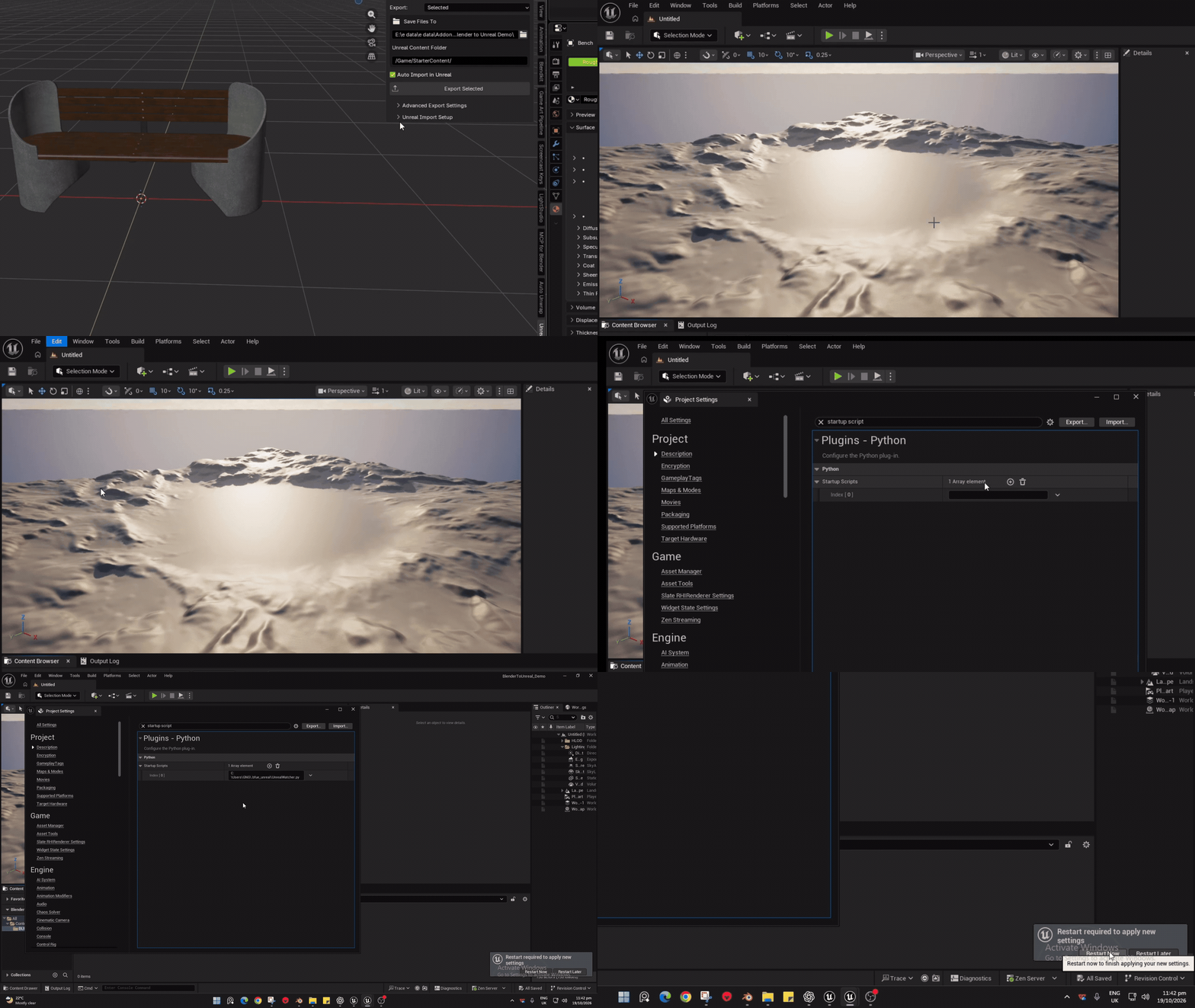
Unreal Python plugins and initial File Watcher setup are required for automatic import. Unreal Editor must remain open. Procedural Blender materials require baking; arbitrary shader node networks are not transferred. Spline workflows and full camera-sequence reimport are not yet comprehensively tested.
Installing the ADDON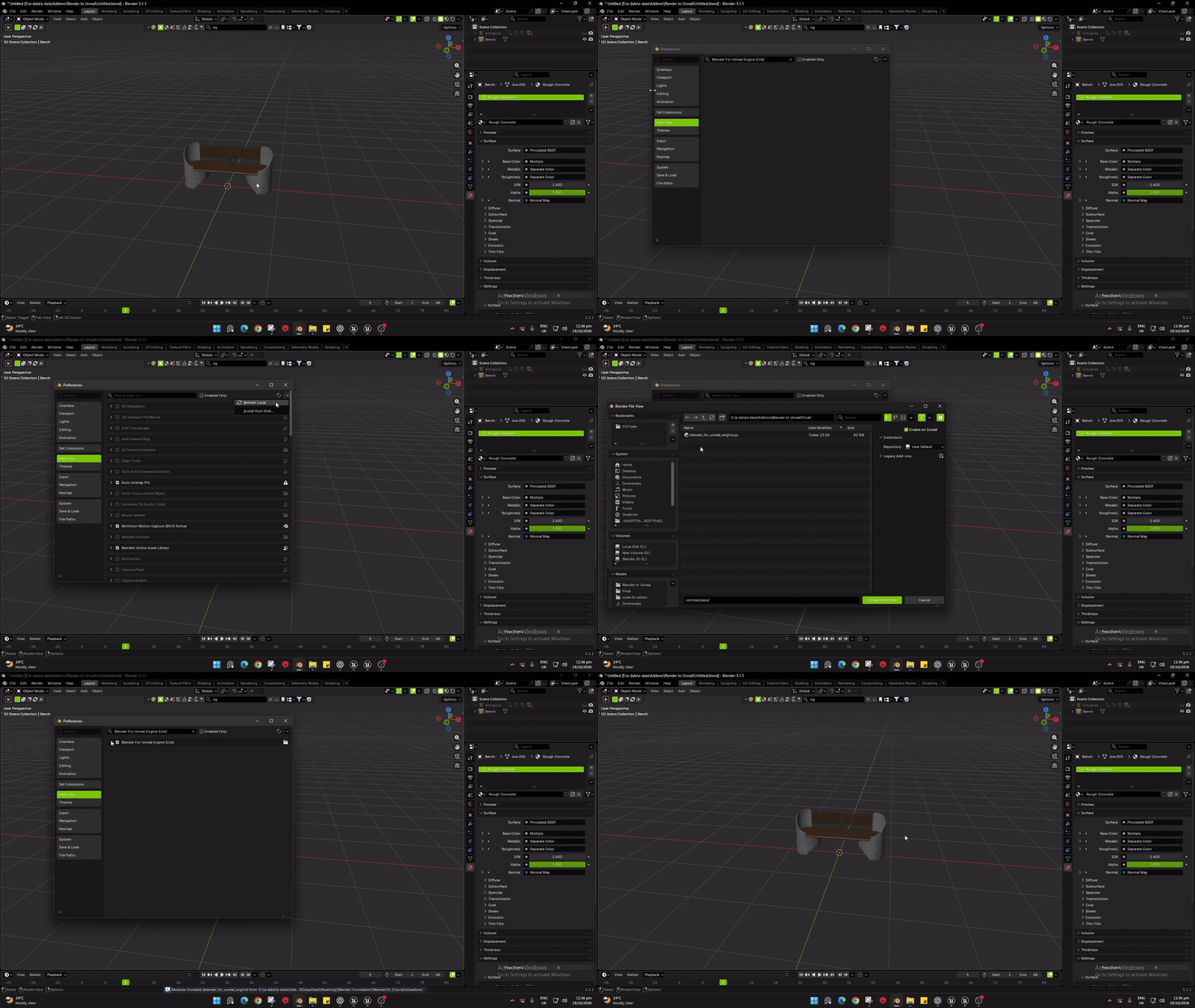
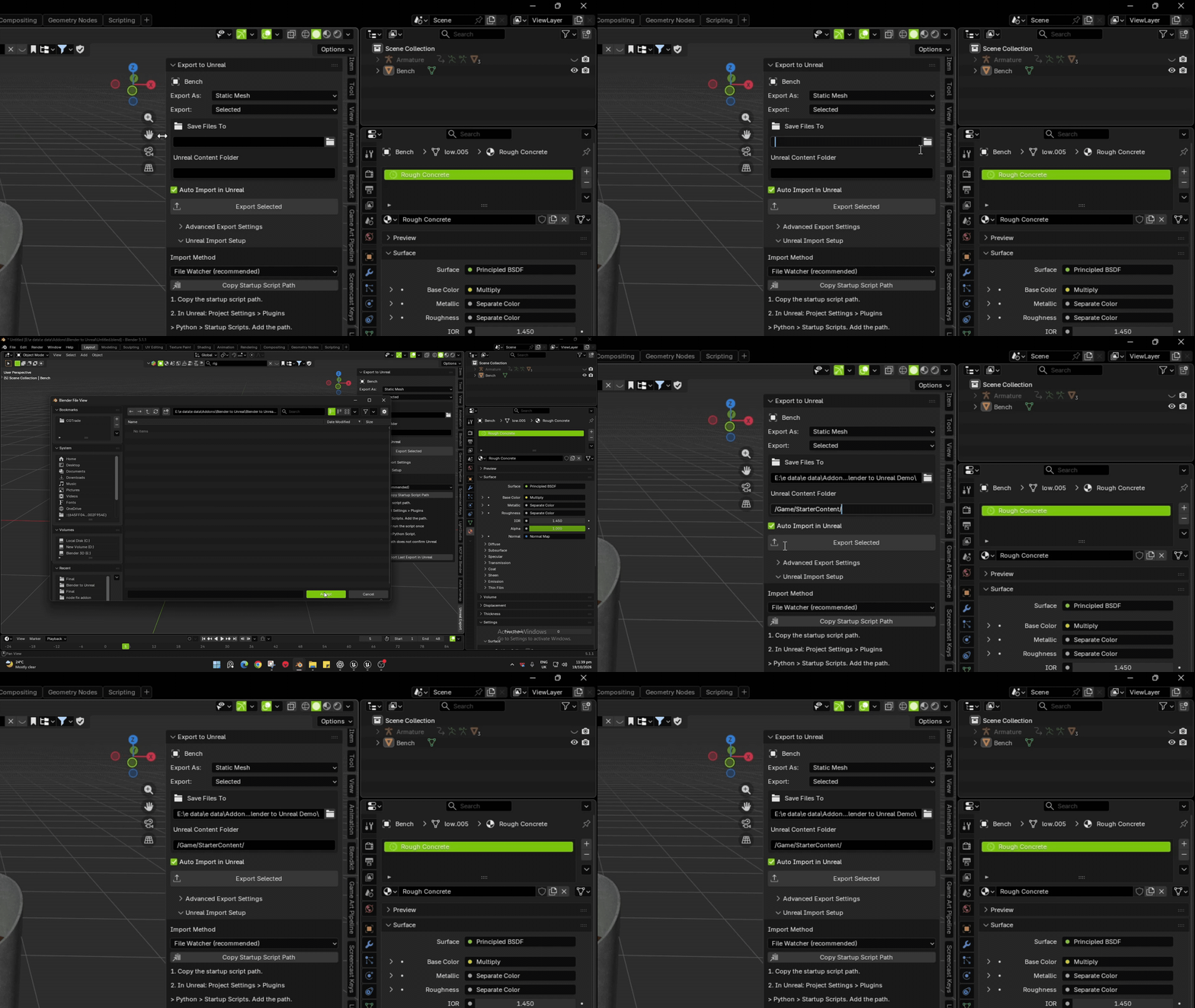
Add Assets path and Unreal path
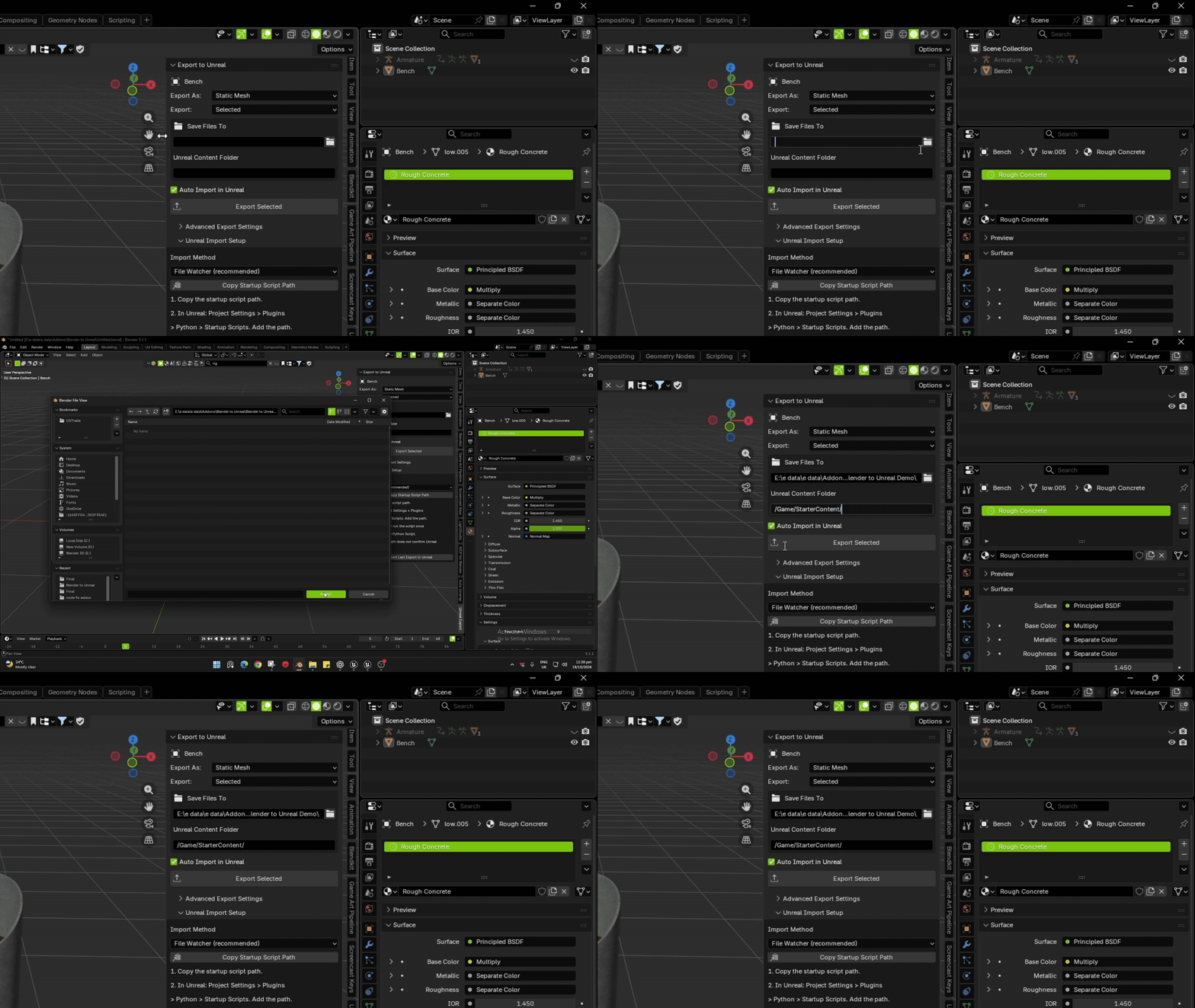
Unreal Scripts Enable
File Watcher Copy Paste
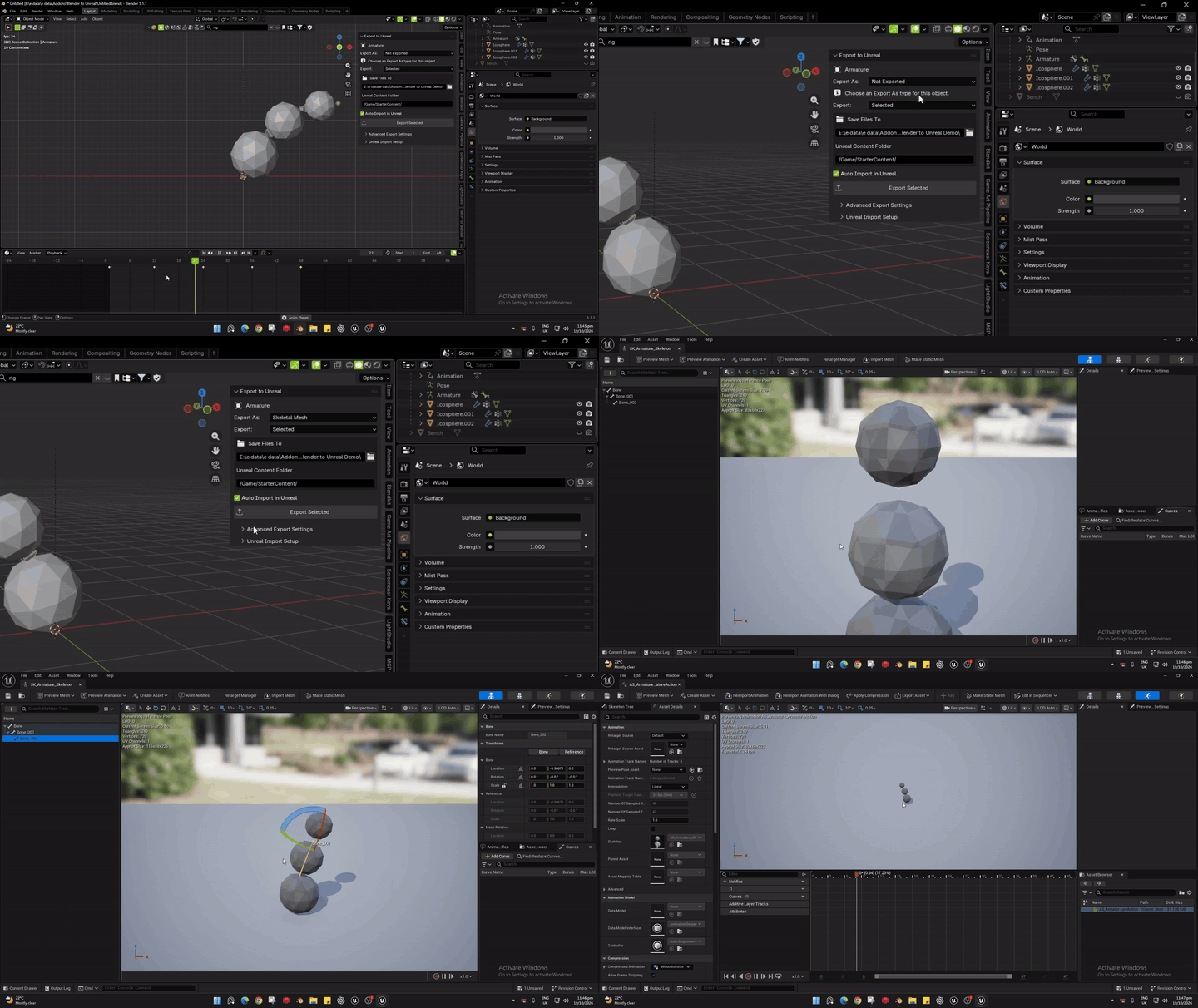
Export 3d Mesh from Blender to Unreal Engine
Rig and Animation Test