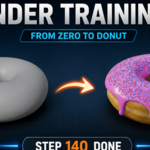
Blender Training Kit - Interactive Donut Addon That Teaches Blender Inside Blender
 Salman Animator


Requirements
- Blender 5.0 or newer
- Windows, macOS, or Linux
- No other addons required
Install
- Download the ZIP. Do not extract it.
- In Blender, open Edit > Preferences > Get Extensions / Add-ons.
- Choose Install from Disk and select the ZIP.
- Enable Blender Training Kit.
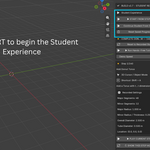
- In the 3D View, press N to open the sidebar and click the Training Kit tab.
Panel layout
- Student Experience
- Donut Course
- Current step
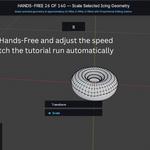
- Playback
How Student Tutorial works
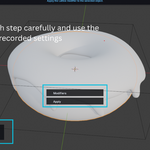
- The addon shows the real selection and scene state for the step.
- The shortcut and menu path animate.
- The action runs once in the viewport so you see the result.
- The scene restores to the before state.
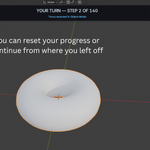
- Your turn. Do the action yourself.
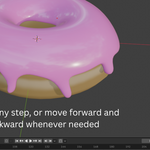
- Show This Step Again replays the demo without advancing.
- ESC pauses and saves progress.
Progress file
Student progress is written to Blender's user config folder under blender_academy/student_progress.json. It stores the next step and a timestamp.
Tips
- If a step will not accept your result, press Show This Step Again.
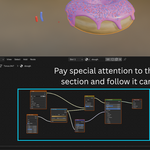
- Use a low Demo Speed for proportional editing and node sections.
- Save your .blend often.
Have questions about this product?
Login to message
| Blender Extension Compatible | Yes |
| Published | about 2 months ago |
| Blender Version | 4.2 - 5.2 |
| Extension Type | Add-on |
| Render Engine Used | Cycles, Eevee |
| License | GPL |

Discover more products like this
modifiers modeling donut-course Texture Painting learn blender interactive-tutorial lattice-deform onboarding particles blender-training-kit donut No Geometry Nodes