Blenderdoctor
 Chthonian Gods Studio


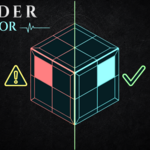
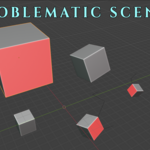
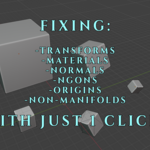
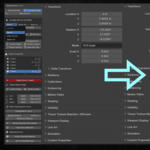
BlenderDoctor v1.0
Developed by Chthonian Gods Studio (CGS)
DESCRIPTION:
BlenderDoctor is a quick-fix and quality-check utility for Blender 5.0+.
It helps you scan scenes/selection for mesh errors, unapplied transforms,
N-gons, non-manifold geometry, loose vertices, and missing material/UV data.
INSTALLATION:
1. Open Blender.
2. Go to Edit > Preferences > Add-ons.
3. Click the arrow/menu at the top right and select "Install from Disk...".
4. Choose the "BlenderDoctor.zip" file and click "Install Add-on".
5. Enable the checkbox for "BlenderDoctor".
6. Open the 3D Viewport -> Press 'N' to open the Sidebar -> Click "BlenderDoctor".
SUPPORT & CONTACT:
For support, feedback, or bug reports, contact:
Have questions about this product?
Login to message
| Published | 2 months ago |
| Blender Version | 5.0 - 5.2 |
| Extension Type | N/A |
| Render Engine Used | Cycles, Eevee |
| License | Mit |