 3D SHAKER





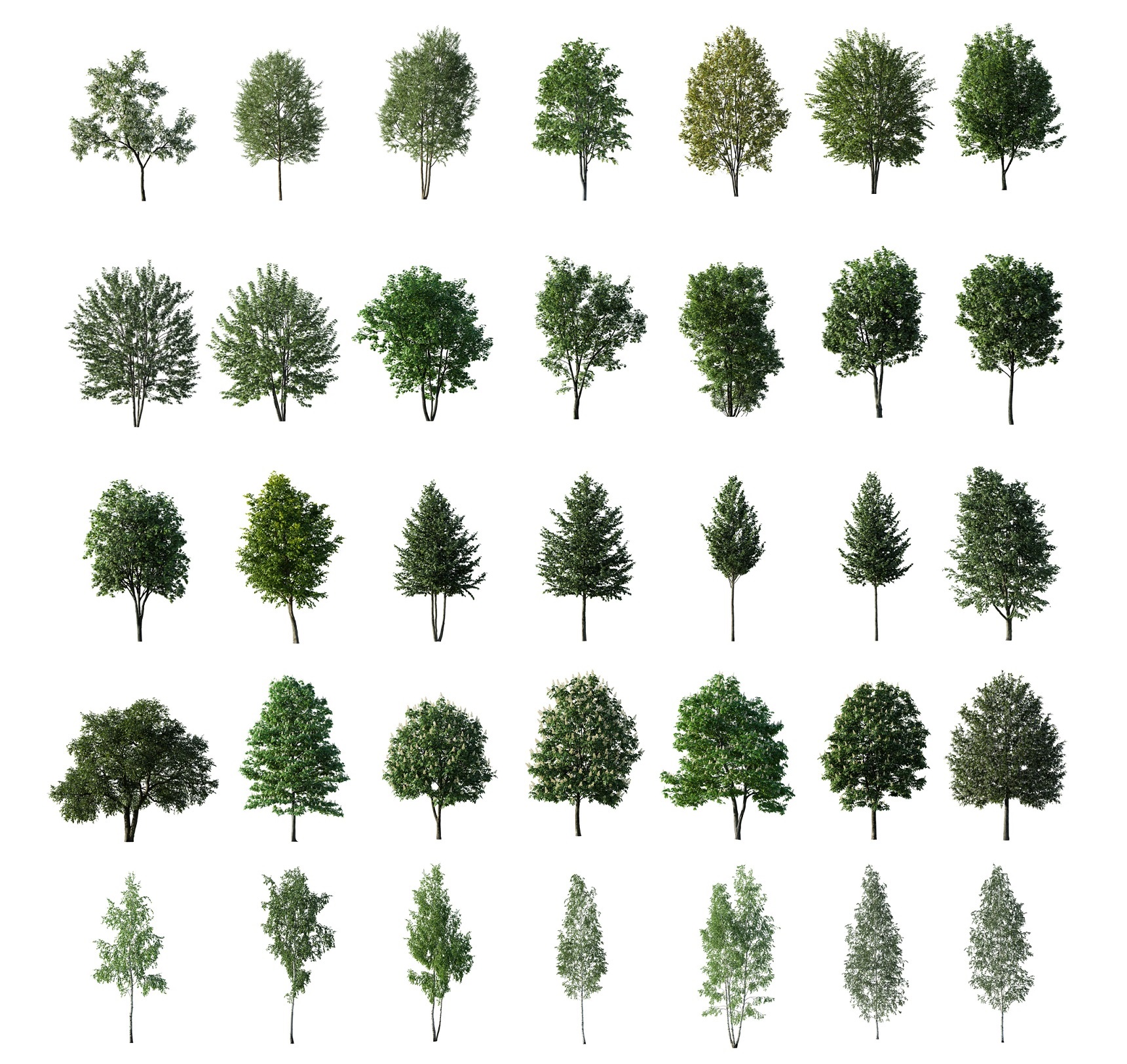
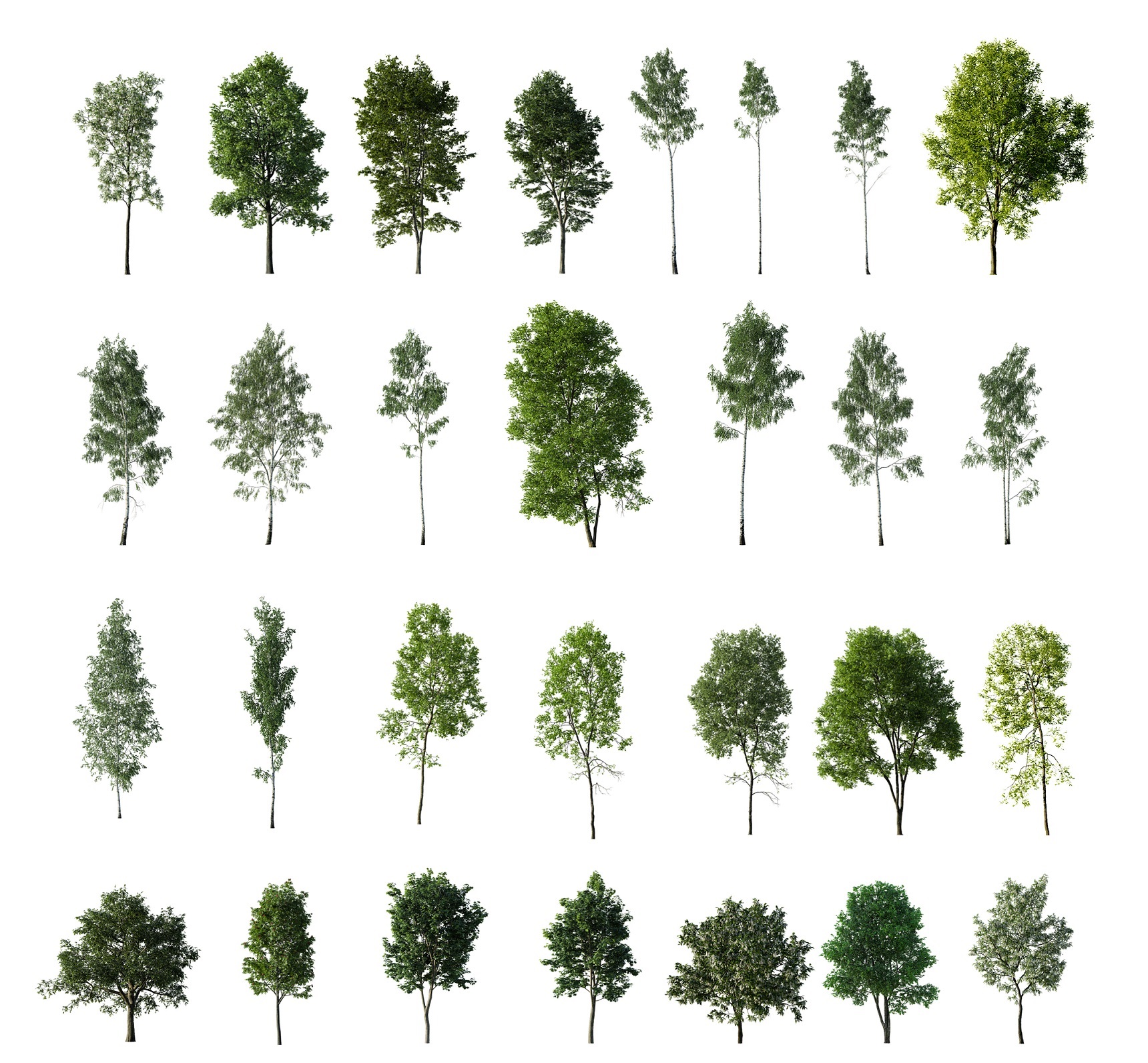
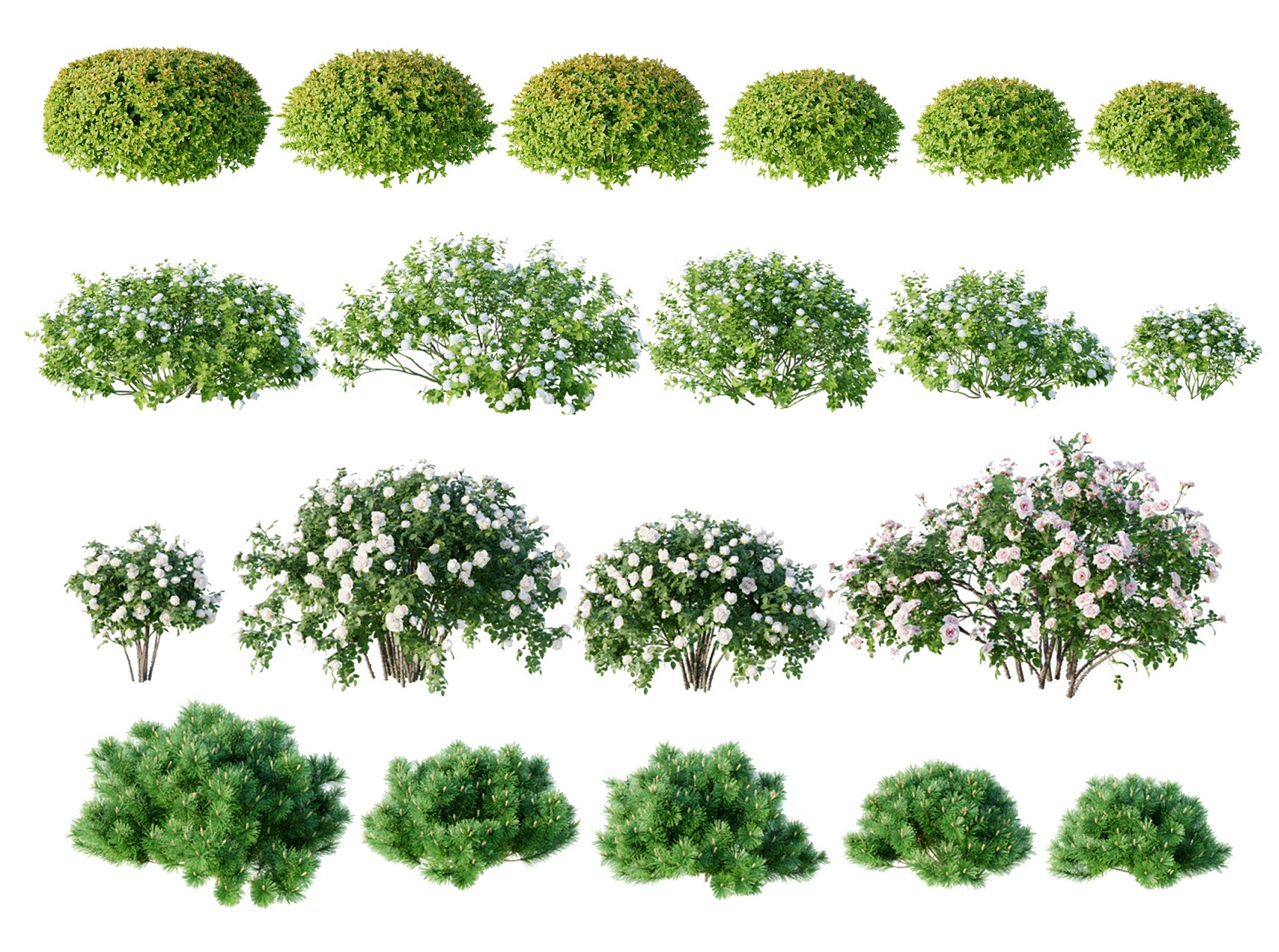
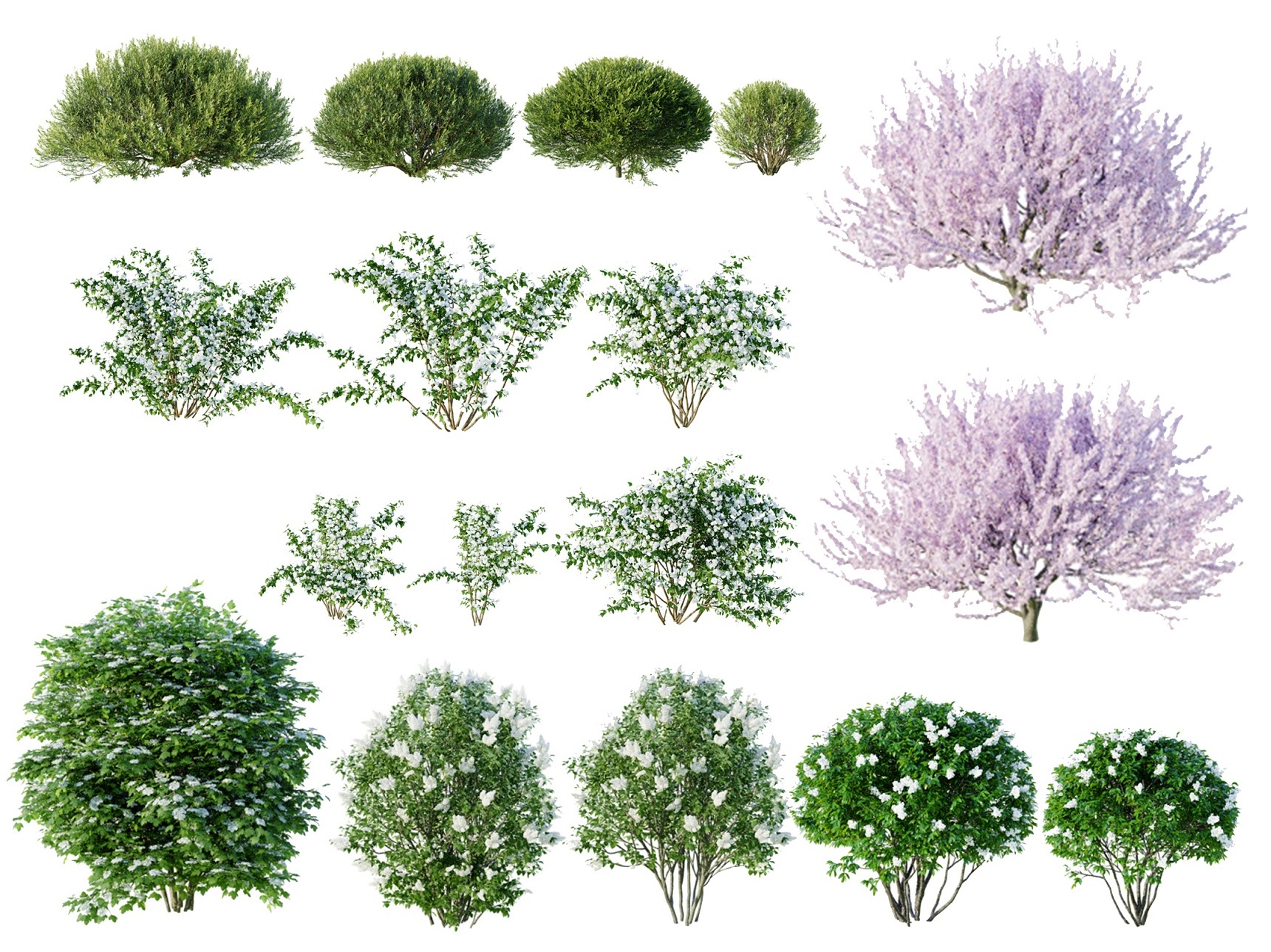

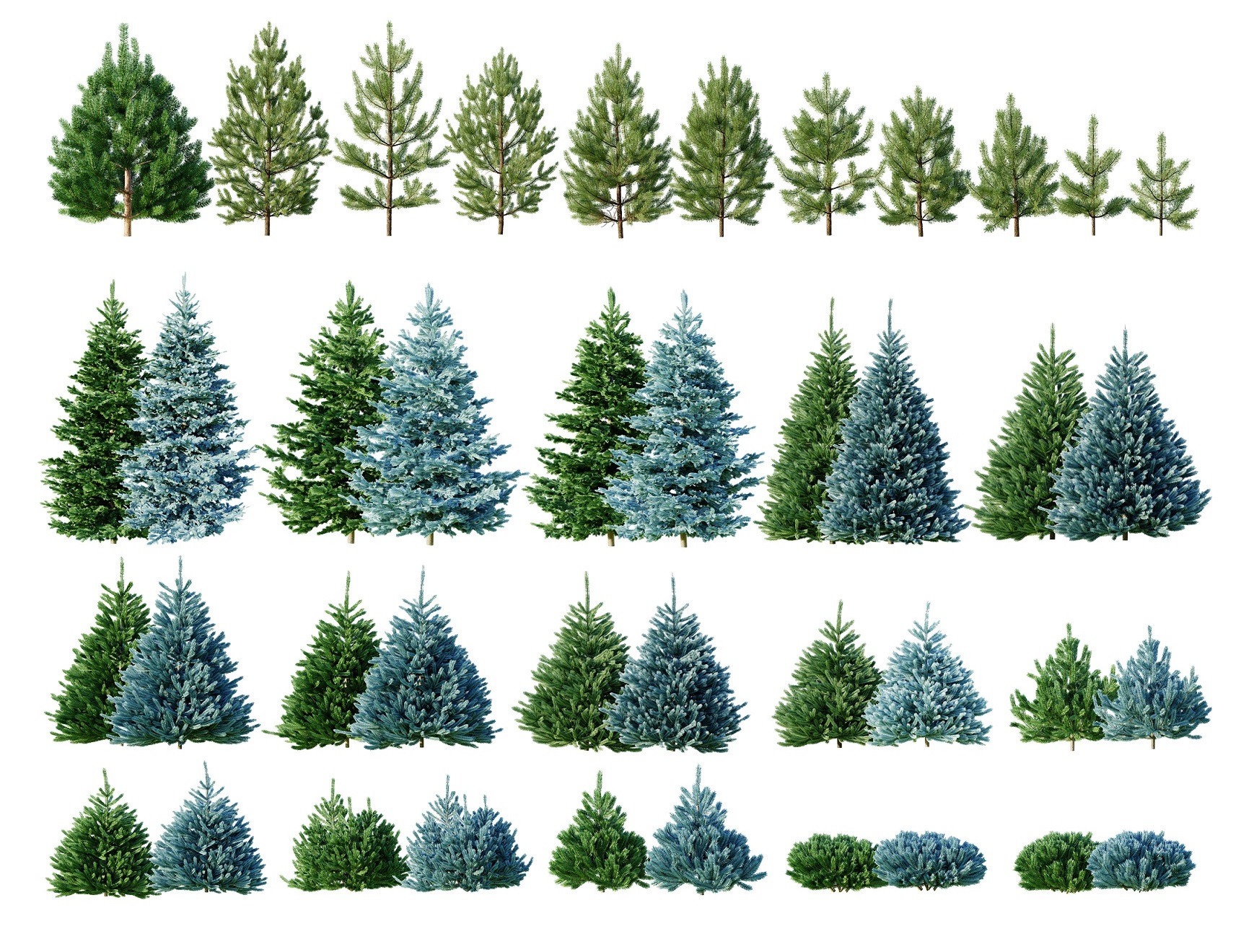
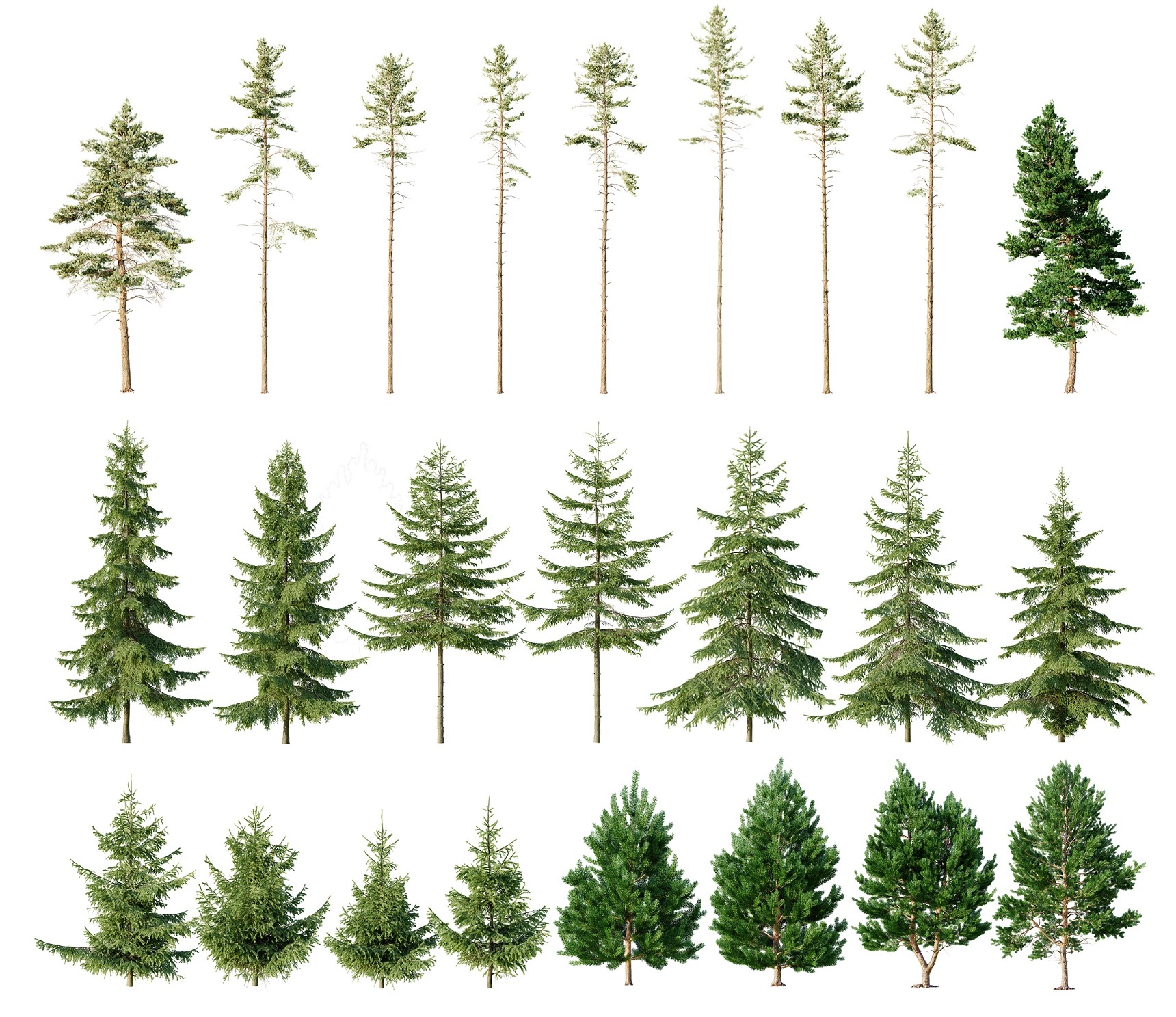
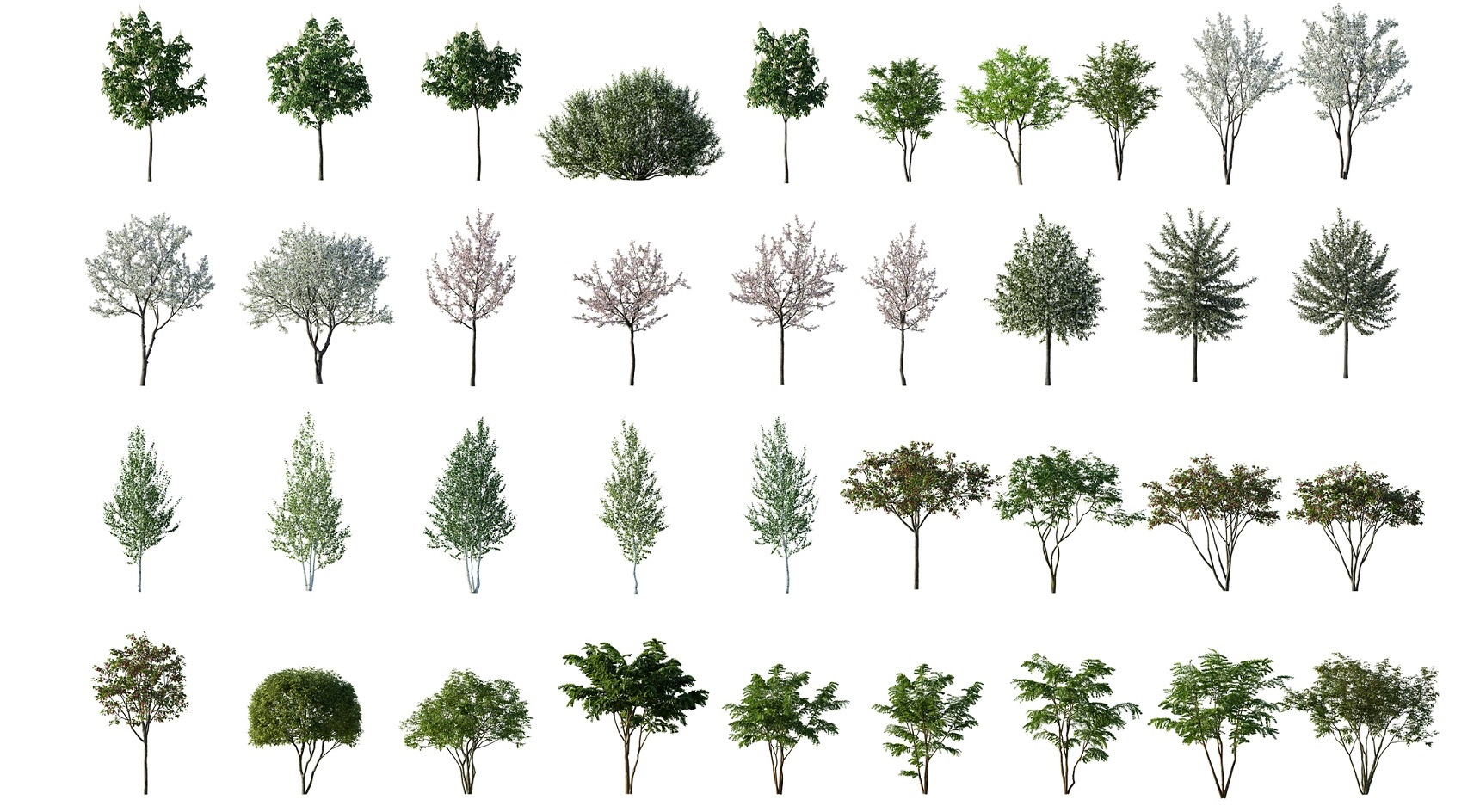
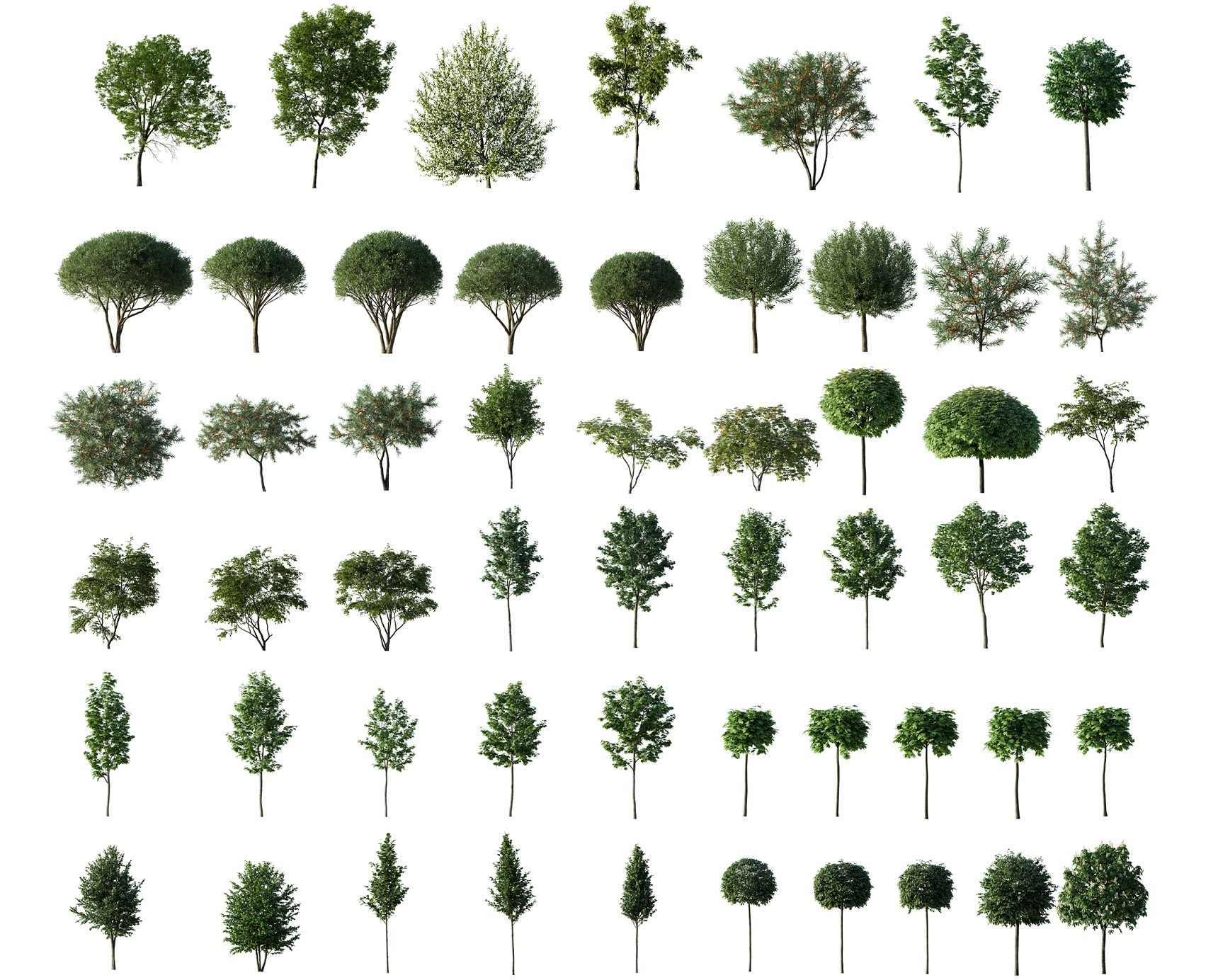
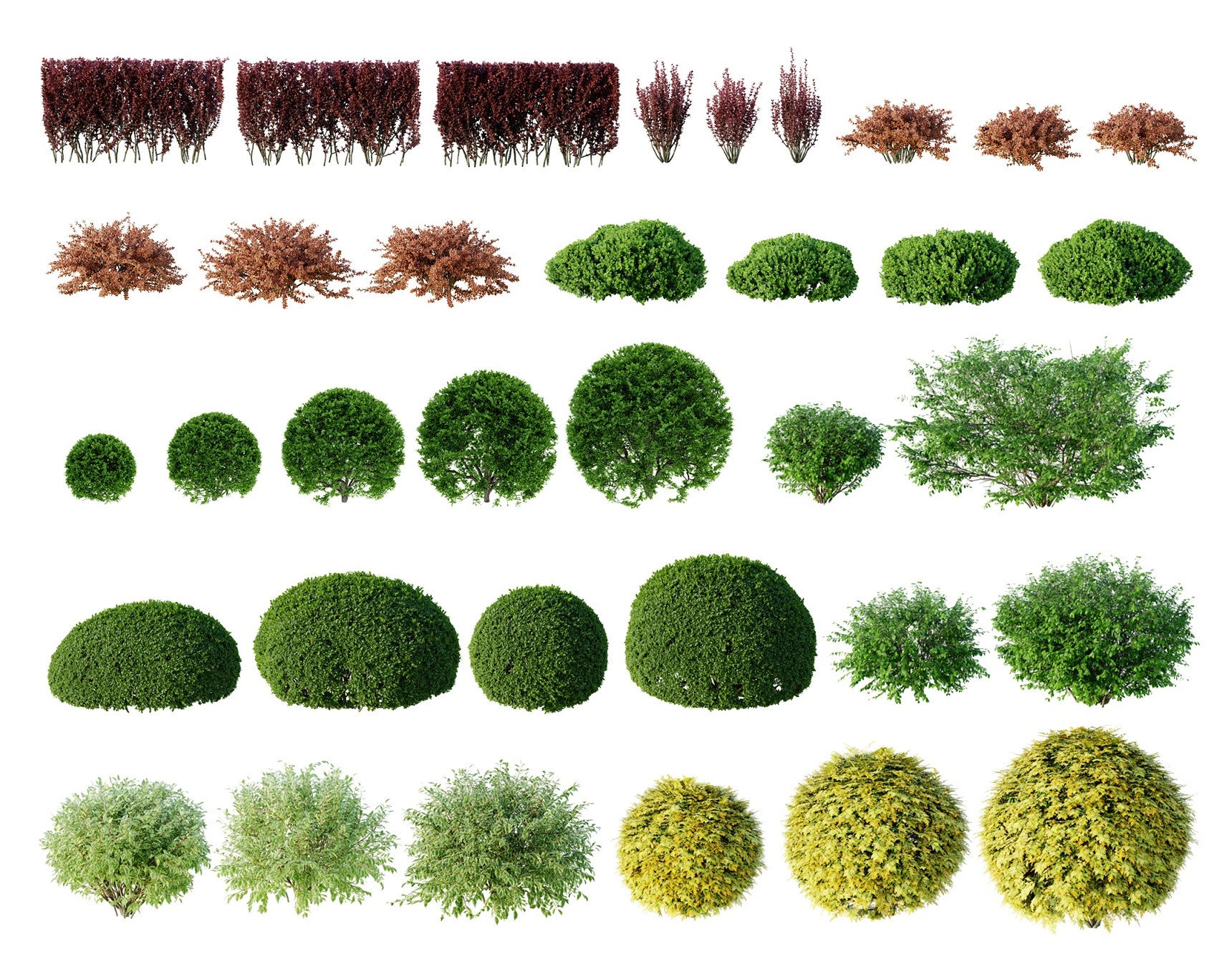
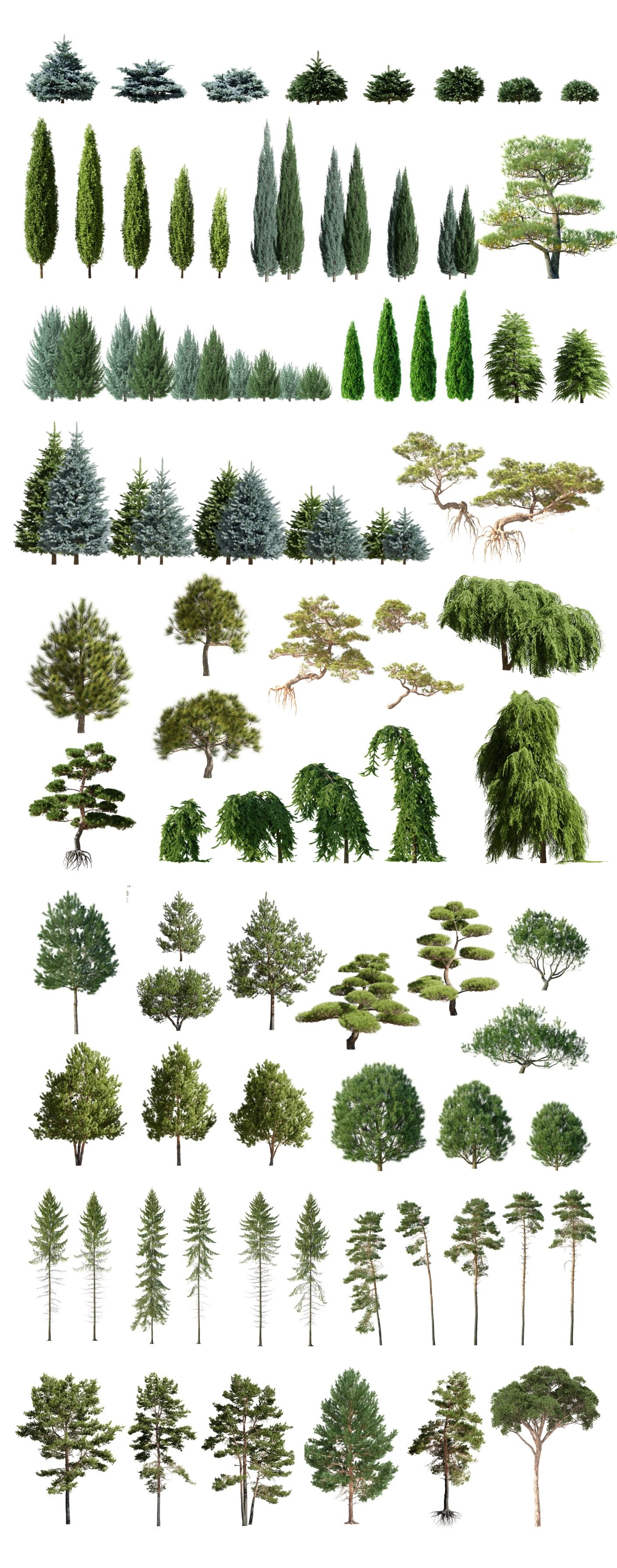
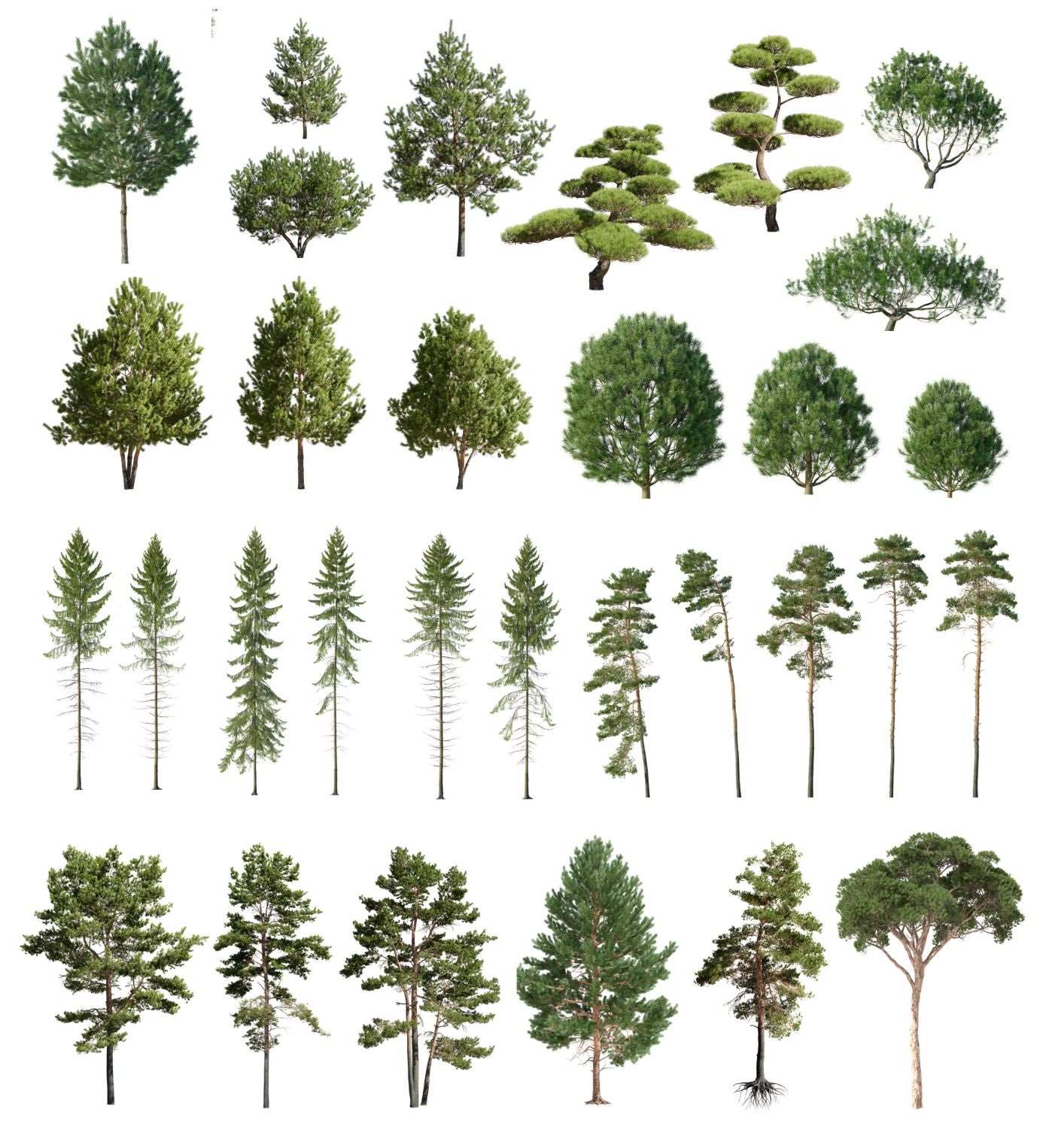
1. Download all files available.
2. Unzip them
**If you are not familiar with cutting zip files into multiple parts (.z00 , .z01 , .z02 etc) or you do not know how to open them,don´t be worry .Please download all of them into one file,open source file (.zip) and it will extract all the other parts for you.
When it comes to zip files - You have to click on _ULTIMATE FURNITURE PACK and extract here (after it extracts automatically all other files)
Please try to use WinRar
Or you can try Launch WinRAR/7zip, click the “File” menu and click “Open Archive.” 3. Navigate to the directory where the split ZIP files are located, select the first file in the sequence and click “Open.”
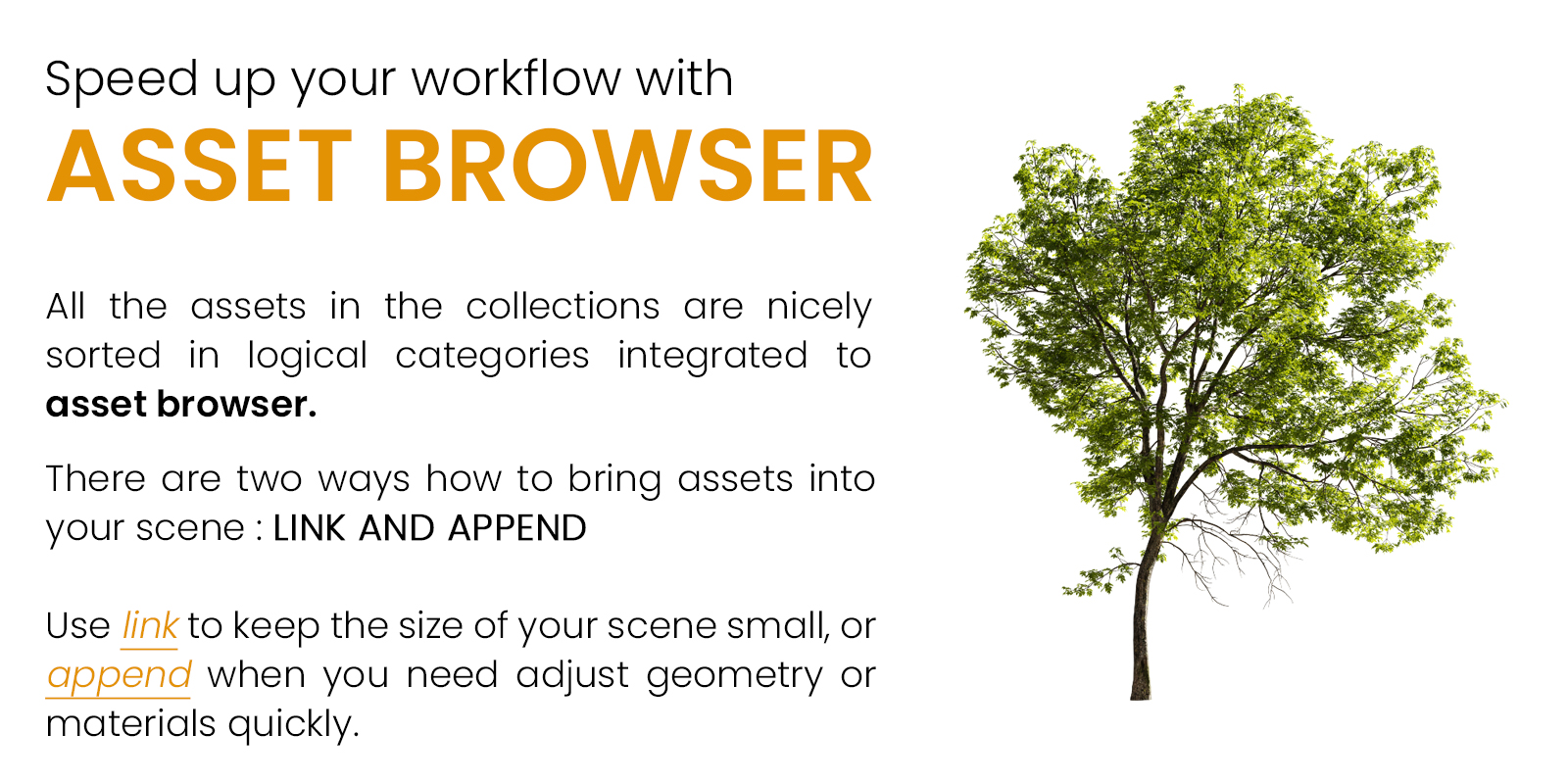
3. Add file path into asset manager
* go to EDIT - PREFERENCES - File Paths - Asset Libraries and press [+]*
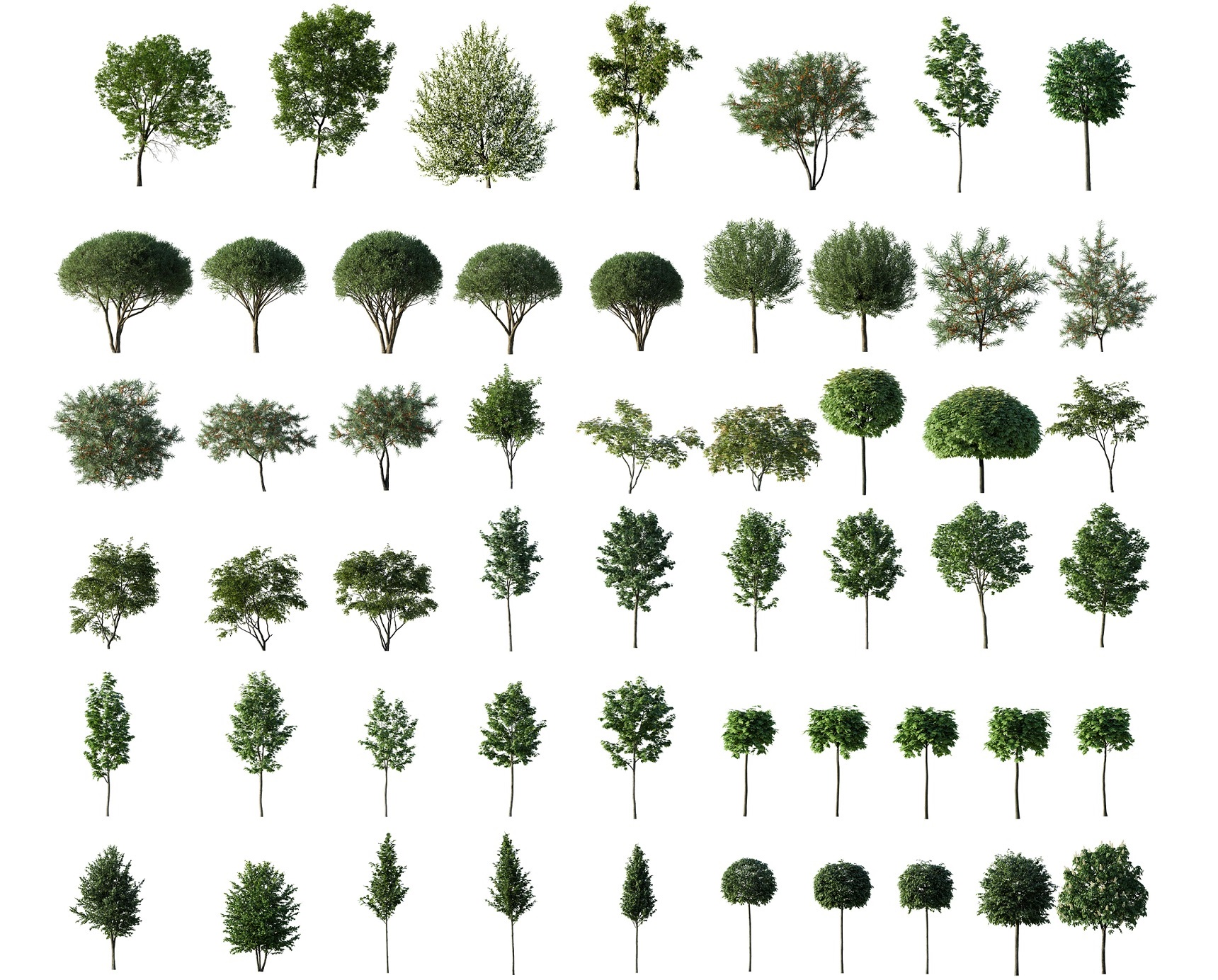
Then navigate to folder where you have your Blender trees and press Add Library
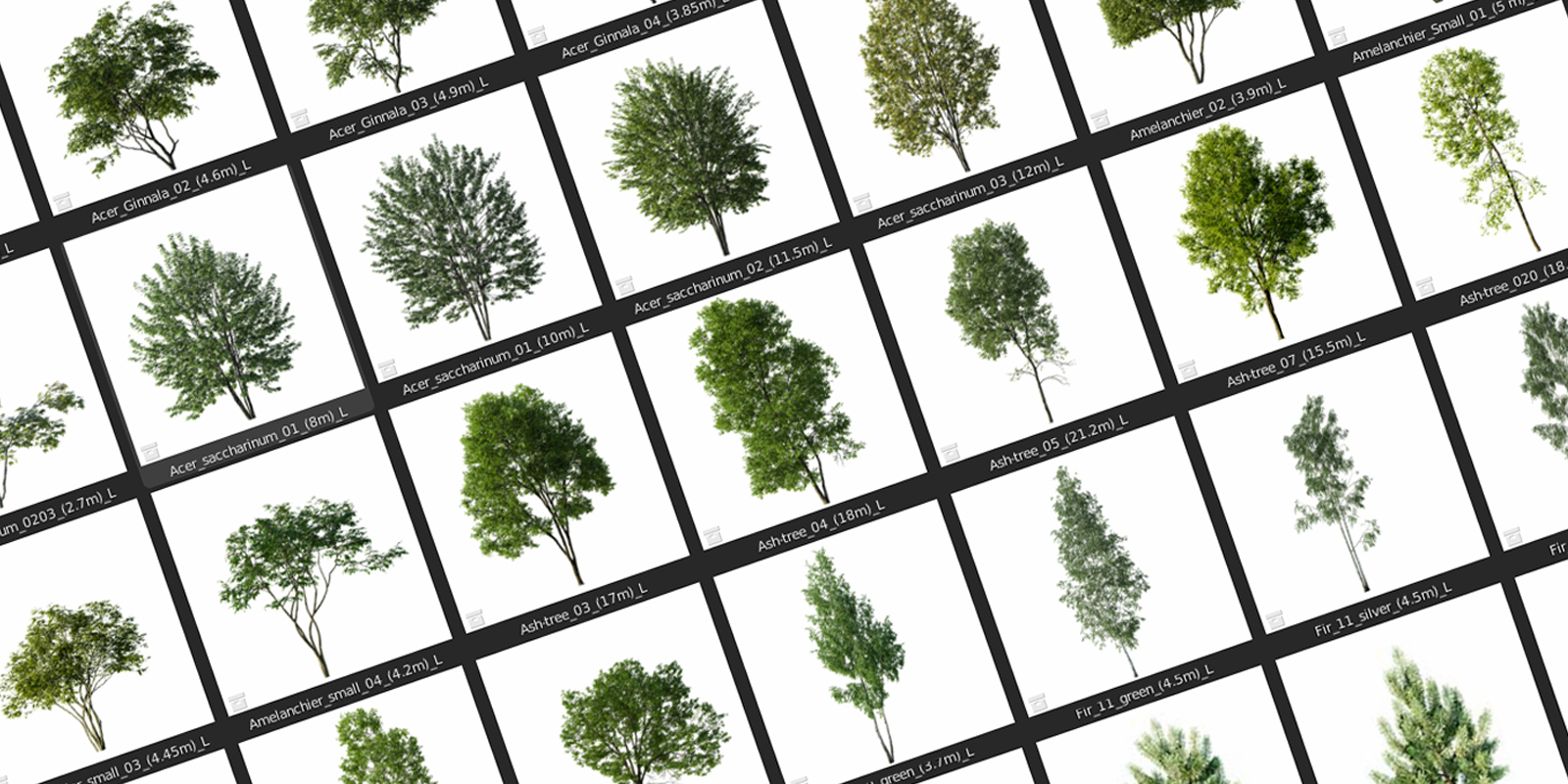
* This image shows TASTING (version with only 5 trees) and how it looks in your asset manager after you did it right :)

If you have any troubles please do not hesitate to contact us.
Have questions about this product?
Login to message
| Sales | 600+ |
| Rating | 18 ratings |
| Published | about 3 years ago |
| Blender Version | 4.1, 4.0, 3.6, 3.5, 3.4 |
| Misc Data | Uvs-Unwrapped, Textured |
| License | Royalty Free |
Discover more products like this
collection 3dshakerbush #conifer conifers 3dshakerhedge 3dshaker 3d-shrub bush bushes 3dshakernature 3dshakertree 3dshakerdeciduous