 Anvil Interactive Solutions



Every export becomes a rebuild ritual.
BlendUnreal doesn't let it.
Select your objects in Blender, hit Export, and get a stamped SmartPackage — correct axes and scale, skeletal mesh and animation split, LOD chain, auto-tagged collision, and ORM-packed textures — that drops straight into Unreal Engine 5.
No re-fixing the axes by hand. No renaming collision meshes one at a time. No reassembling a forty-part prop piece by piece in the Unreal editor.
✓ One-time purchase, no subscription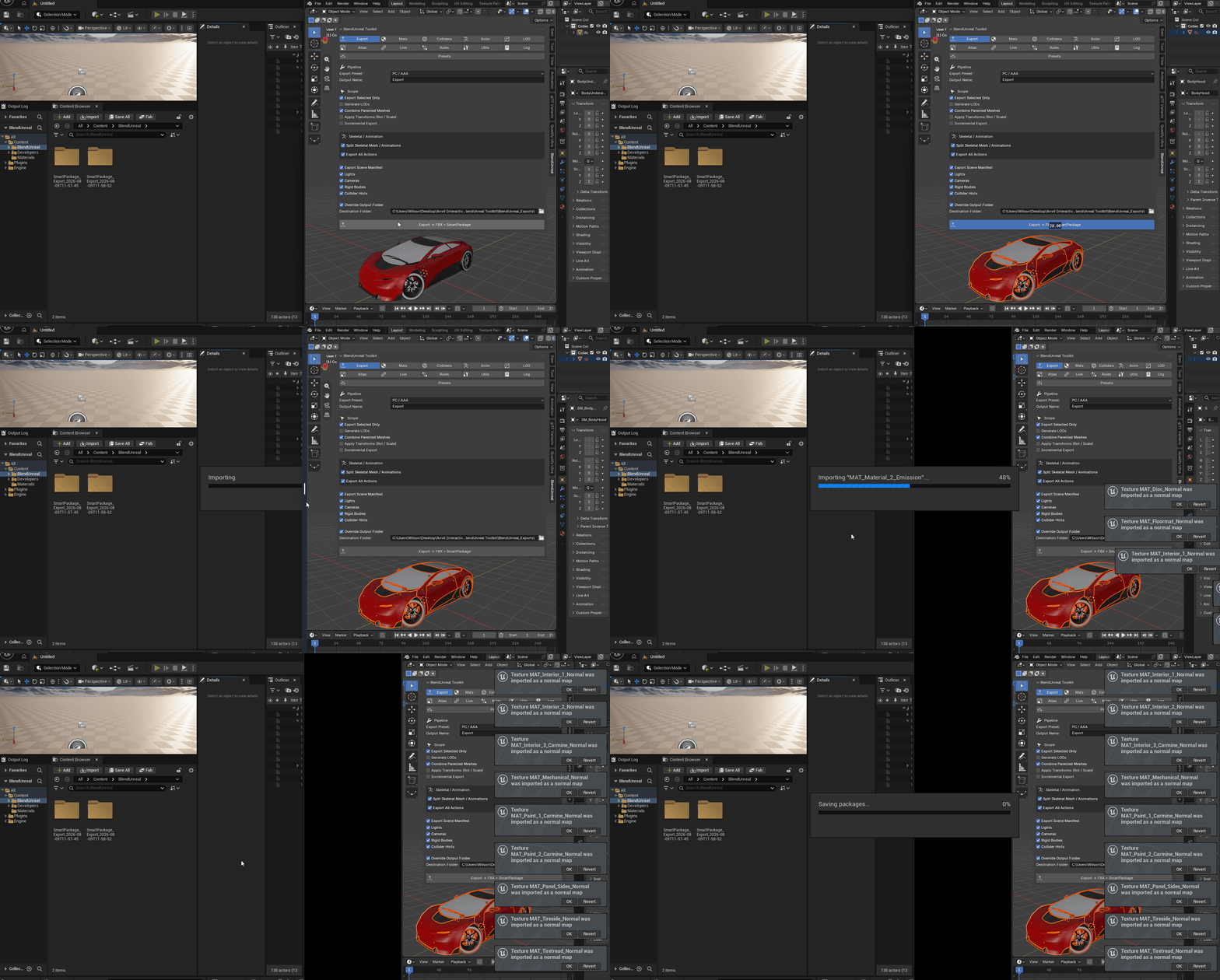
It exports what Unreal actually expects
A standard Blender FBX export lands in Unreal with the wrong axis convention, the wrong scale, collision meshes Unreal never auto-detects, and every animation baked into one file you have to split apart yourself. You fix it by hand, every single time, for every single export.
BlendUnreal does the translation once, correctly, as part of the export itself.
| Axes and scale, handled once Correct axis convention and ×100 centimeter scale baked into the export. Imported meshes and rigs need zero manual correction on the Unreal side. | Named the way Unreal expects Collision meshes get renamed UCX_ / UBX_ / USP_ / UCP_ automatically, based on their actual shape — not a guess, a wizard that analyses the mesh and picks the right prefix. |
| A package, not a loose file Every export is a stamped SmartPackage folder — models, materials, textures, collision map, LOD report, animation data — with a manifest describing exactly what's inside. | A failed step is a reported step The Output Log names exactly which mesh, which slot, which action succeeded or didn't — on both the Blender and Unreal sides. Nothing fails by silently doing nothing. |
A Blender add-on and its Unreal companion, sold as one.
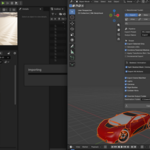
BlendUnreal isn't just an exporter — it's both halves of the pipeline. The Blender add-on builds the package; the Unreal plugin (pure Python, no C++ compile step) brings it in.
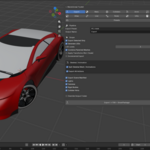
| Skeletal mesh / animation split Mesh and per-action animation files exported as separate FBX files, matching how Unreal's importer expects skeletal content organized — with root-motion capture, loop detection, and per-action marker events sampled straight from your rig. | Combine Parented Meshes A car body, wheels, and trim, parented together in Blender however deep the hierarchy goes, import as one combined asset — not fifty loose pieces you reassemble in the Unreal editor by hand. |
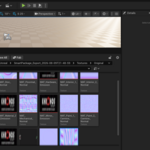
| 3-level LOD chain Generated per preset (Mobile/VR, PC/AAA, WebGL) with a live polycount report, so you see the reduction cost before you ship it. | ORM texture packing Occlusion, Roughness, and Metallic packed into the R/G/B channel layout UE5 material instances actually expect — not three separate greyscale textures Unreal has to be told what to do with. |
| Incremental export SHA-256 hash tracking per object. Tweak one vertex on one mesh in a 90-object scene and only that object re-exports — with a delta manifest describing exactly what changed. | LiveTransmit Leave Unreal running and every export pushes straight over a local TCP connection automatically — checksum-verified on arrival, no manual import step, ever. |
Every pipeline tool has a case it doesn't handle cleanly yet. Here's ours, stated up front rather than discovered in a review.
| Material assignment isn't fully automatic on every mesh yet Materials and textures always import correctly as Unreal assets. Automatic assignment onto a mesh's material slots works reliably for standard naming setups; more complex material graphs or unusual naming schemes may need a couple of manual slot assignments after import. The Output Log names exactly which slots matched and which didn't — it's never a silent failure. Fully automatic assignment for every case is a planned free update for existing customers. |
| Skeletal mesh LODs need one manual step LODs for static meshes are fully automatic. For skinned characters, LOD levels export as separate files but currently need to be added to the skeletal mesh's LOD slots by hand in the Skeletal Mesh editor — the Output Log flags exactly which files are waiting. |
| LiveTransmit is unauthenticated by default The receiver checksum-verifies every push, but doesn't require a token unless you set one. Fine on a local machine or trusted LAN; set a BLENDUNREAL_TOKEN environment variable if you want pushes to require it. |
| Manual FBX export | BlendUnreal | |
| Axes and scale | Fixed by hand in the FBX import dialog, every time | Baked into the export automatically |
| Collision meshes | Manually renamed UCX_/UBX_ per object | Auto-detected and prefixed by shape, or auto-generated from the source mesh |
| Multi-part assemblies | Reassembled by hand in the Unreal editor, piece by piece | Imports as one combined asset if parented together in Blender |
| Re-exporting after a small tweak | Full re-export, every object, every time | Incremental — only changed objects re-export |
| Getting it into Unreal | Manual import, every file, every time | One click, or fully automatic via LiveTransmit |
| Do I need to compile anything on the Unreal side? No. The Unreal companion is pure Python, using Unreal's built-in Python Script plugin. Drop it in Plugins/, enable it, done — no C++ module, no rebuild. |
| What happens if a mesh in my export is broken or oddly placed? A mesh-grouping guard checks every combined assembly for a part that sits wildly far from the rest — a stray duplicate, an accidental drag — and automatically pulls it out to export as its own asset instead of corrupting the whole combined mesh, with a warning naming exactly which object and why. |
| Does it handle characters and animation, or just static props? Both. Skeletal meshes export split from their animations, one FBX per action, matched to the correct skeleton even with multiple characters in the same scene. Root motion is sampled and captured per action, with loop detection. |
| Which Blender and Unreal versions are supported? Blender 4.2+ and Unreal Engine 5.2+. Windows, macOS, and Linux on the Blender side. |
| What if it doesn't handle my scene well? Send us your Output Log from both the Blender and Unreal sides — the pipeline prints exactly which step ran, what it matched, and what it skipped, which usually identifies the issue immediately. Include your Blender and Unreal versions. Refunds are handled per the marketplace's refund policy. |
