 3D Nation
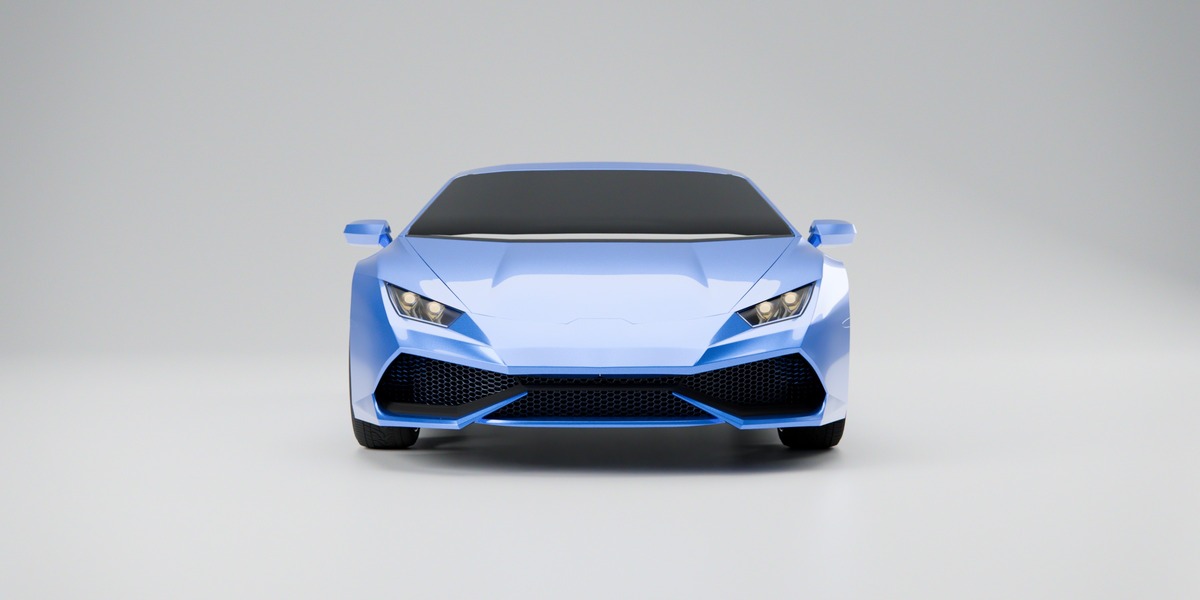
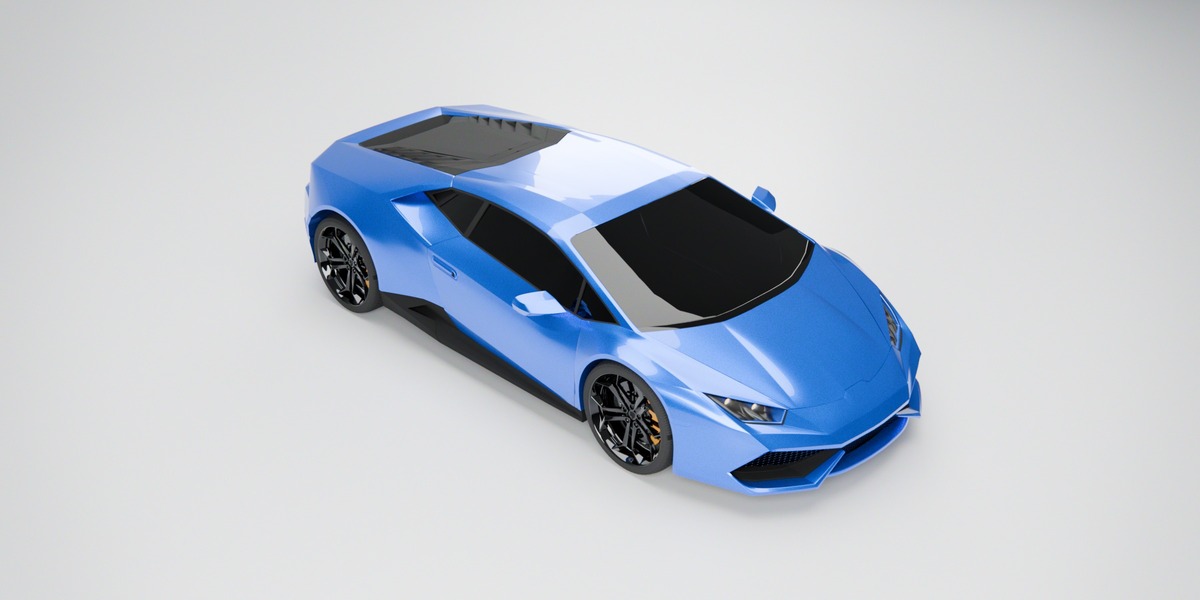
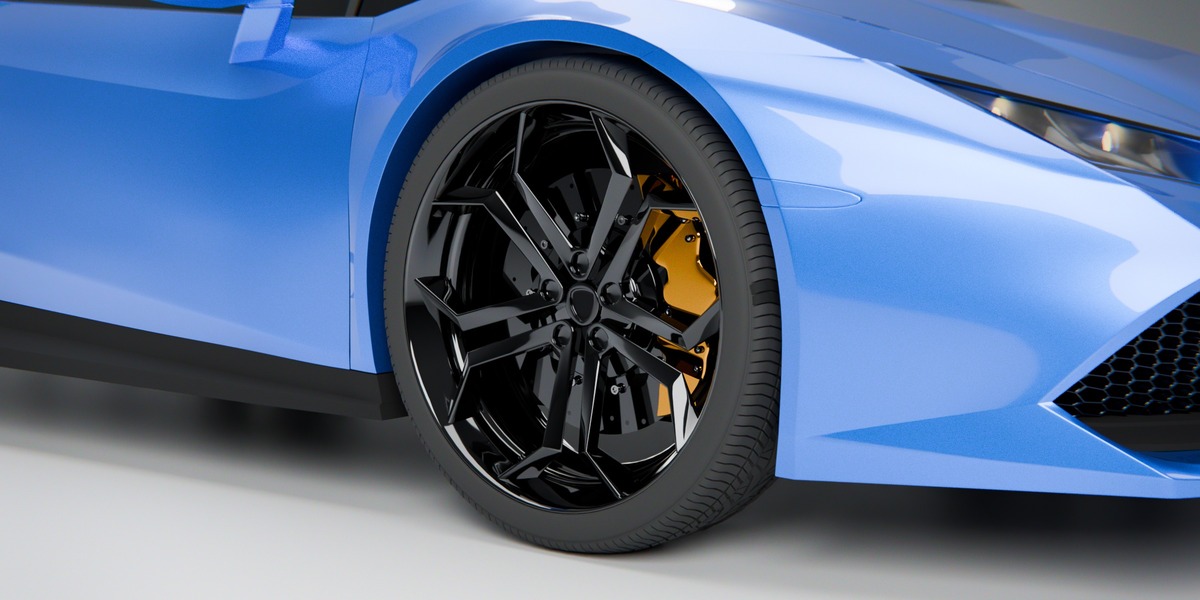
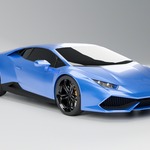
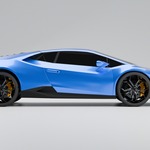
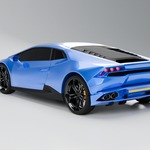
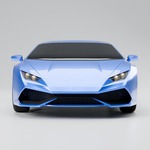
Opening the file
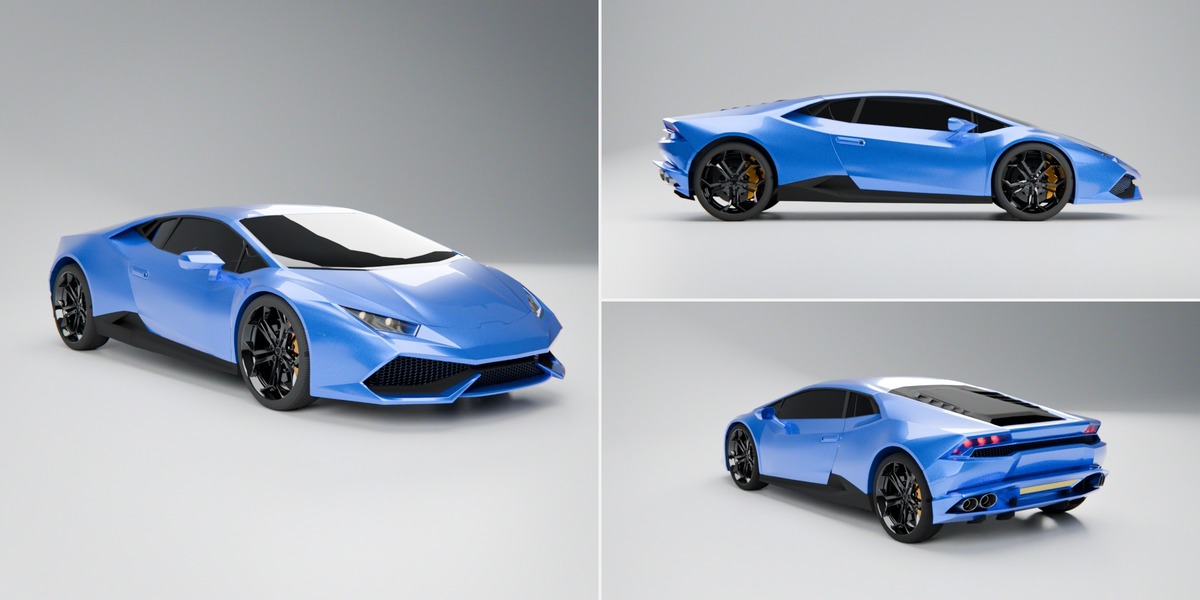
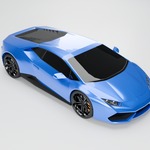
- Unzip Blue_Italian_Supercar_Blender.zip and open Blue_Italian_Supercar.blend in Blender 5.1 or newer.
- Everything is packed; there are no image textures to relink.
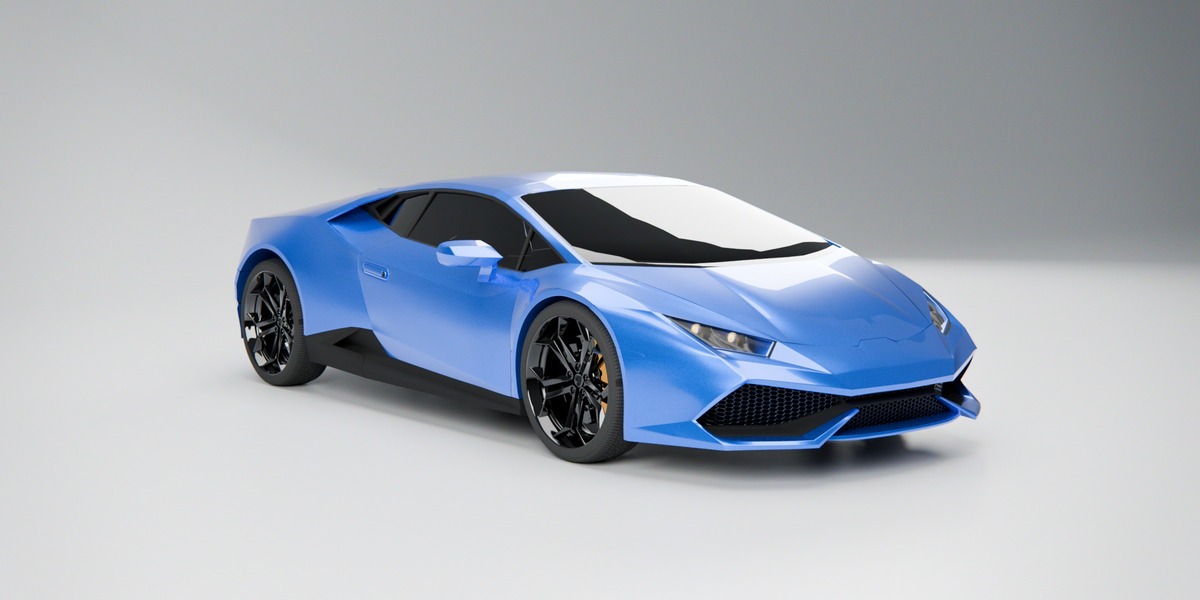
- Press F12 to render the default studio shot in Cycles.
Using it in your own scene
- File > Append > Object, and pick Supercar_Root together with its children (or append the Body, Glass, Grille, Lights and Wheels collections).
- Move, rotate or scale Supercar_Root to place the whole car.
Changing the paint colour
- Select any body panel and open the Car_Paint_Blue material.
- Change the Base Color of the Principled BSDF. Every panel that uses this material updates at once.
Scene contents
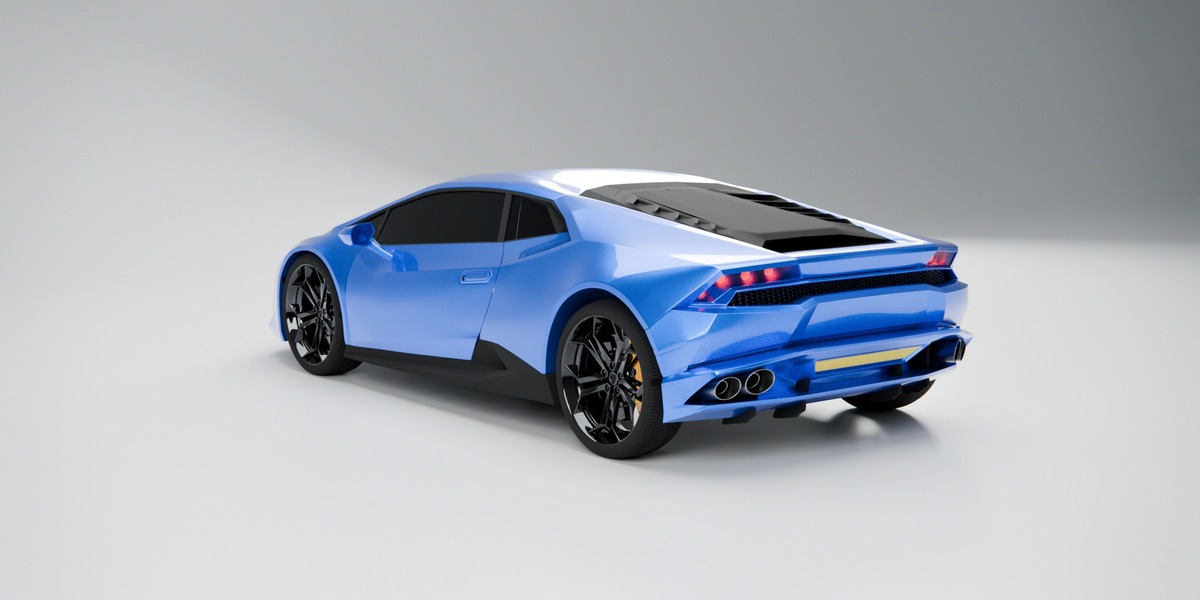
- Body, Glass, Grille, Lights and Wheels collections, all parented to Supercar_Root.
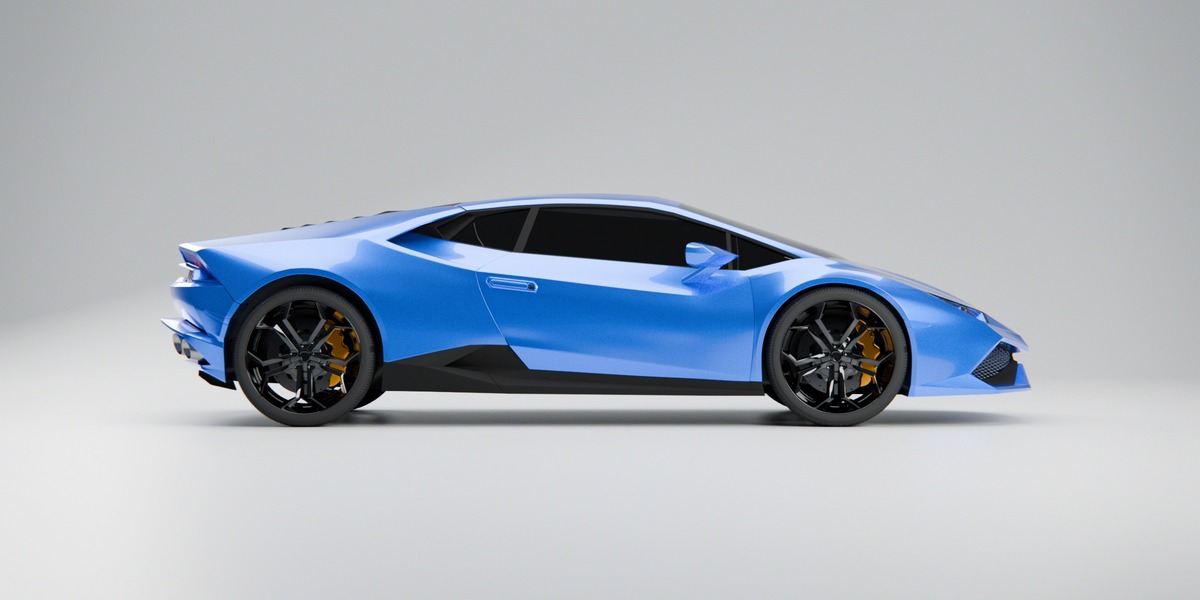
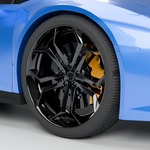
- Wheel parts are named by position: Wheel_FrontLeft, Wheel_FrontRight, Wheel_RearLeft, Wheel_RearRight.
- Studio Setup collection: camera, lights and backdrop used for the default shot.
- Lower the Subdivision modifier levels if you need a lighter model for the viewport.
FBX / OBJ users
- Unzip Blue_Italian_Supercar_FBX_OBJ.zip. Modifiers are already applied in these files.
- Materials are procedural in Blender, so the exports only carry material slots and basic colours. Rebuild the paint, glass and lights in your software.
Have questions about this product?
Login to message
| Published | about 8 hours ago |
| Blender Version | 5.1 - 5.3 |
| Render Engine Used | Cycles |
| Misc Data | Uvs-Unwrapped, Textured |
| License | Royalty Free |
Discover more products like this
Sports car racing-car supercar wheels automotive blue car vehicle procedural materials Cycles realistic car car coupe