 Andrew_D
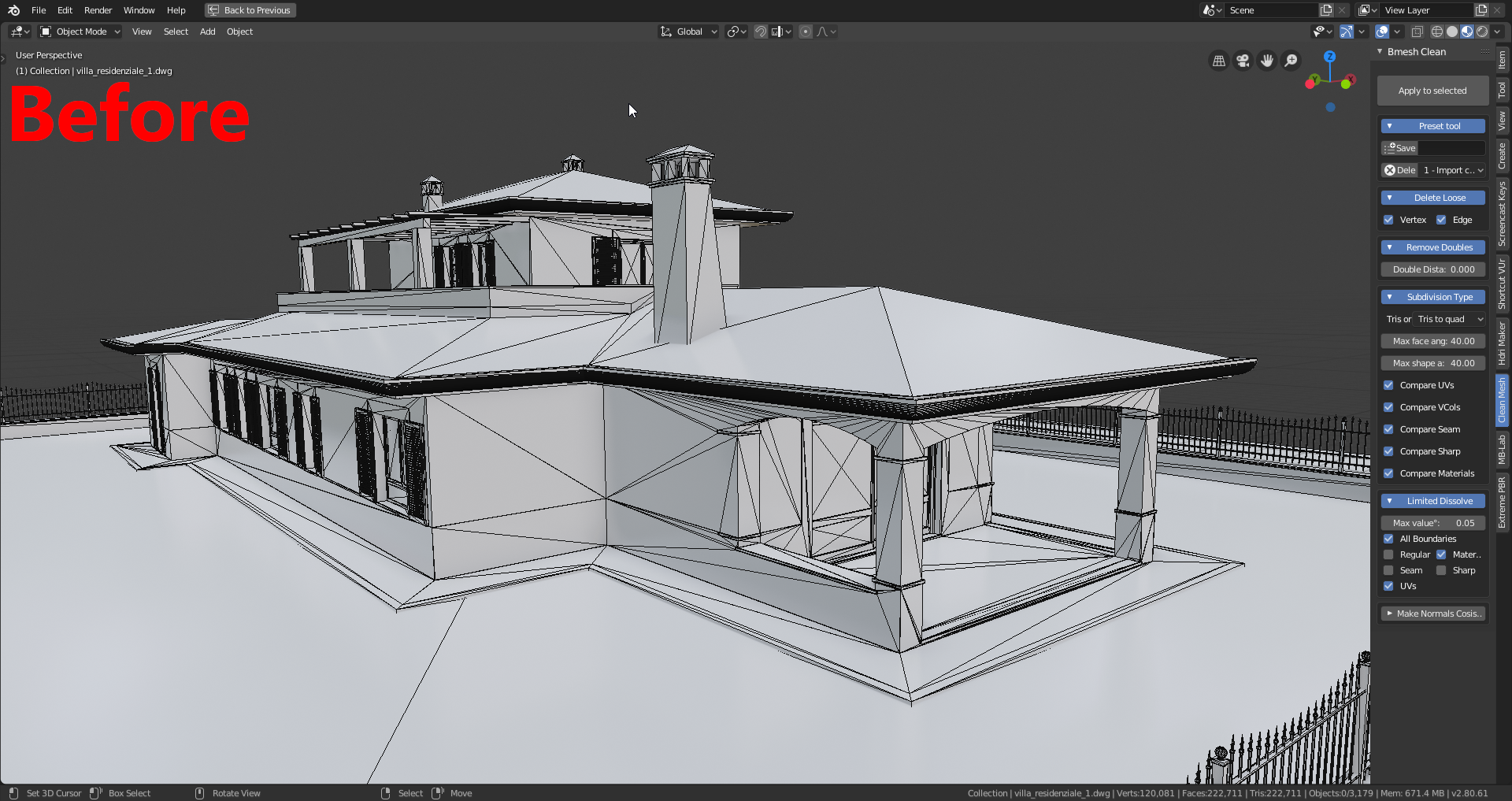
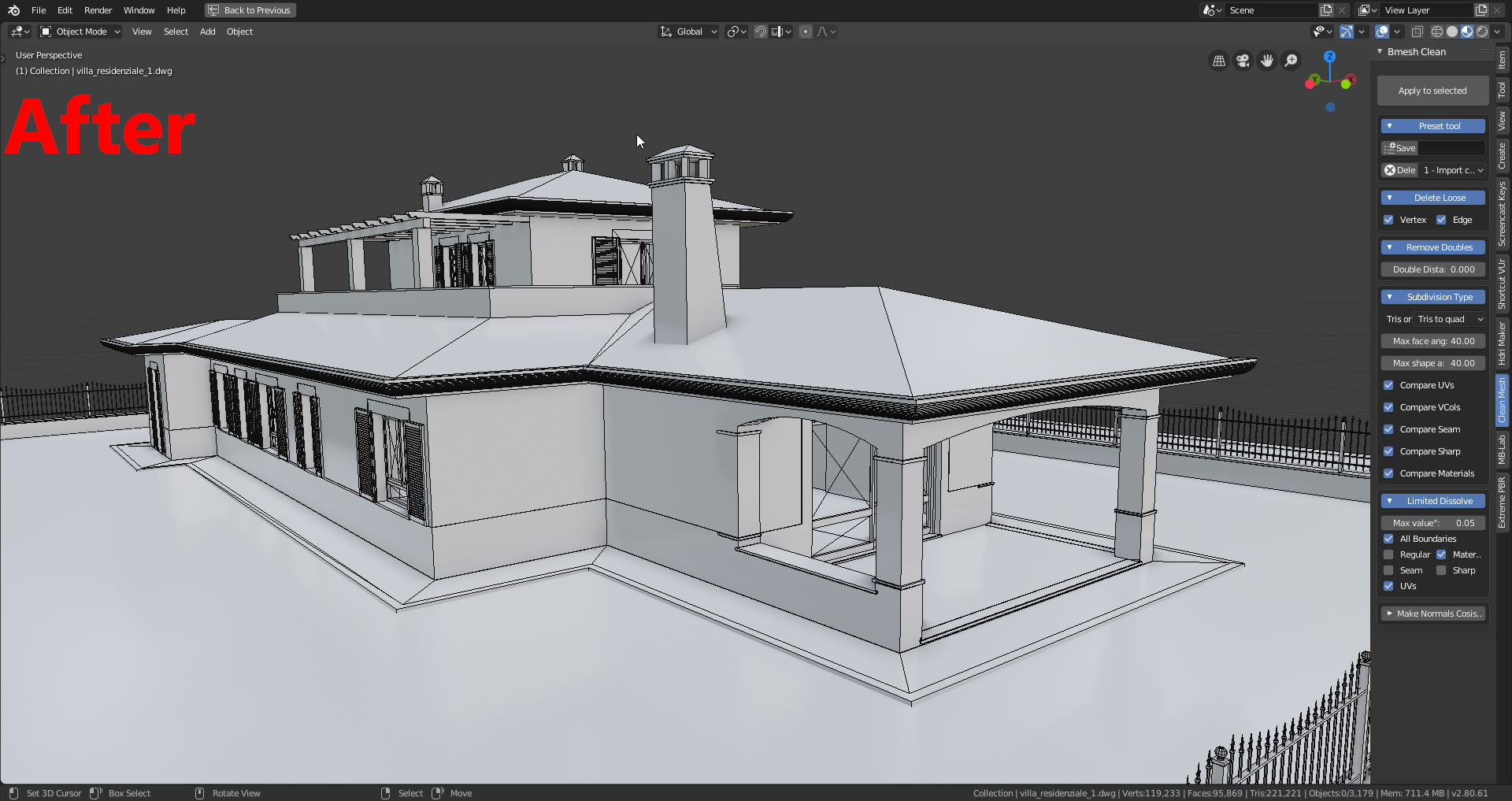
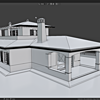
What is Bmesh Clean?
Did you import models from software like SketchUp or others? Bmesh Clean automates the repetitive cleanup steps so you can focus on design, not mesh surgery.
Quick results: remove loose geometry, merge doubles, orient normals and apply shading fixes across multiple objects in one pass.
Example of All-in-One ClickExecute a full cleanup sequence on a selected object (or group of objects) with a single click and get a clean, optimized mesh ready for shading and export. |

|

|
Clean multiple objectsRemove loose, remove doubles, limited dissolve and orient faces in the right direction – all in one pass. |
Example: Shade Smooth + Auto Smooth AngleApply smoothing and the correct auto-smooth angle to multiple objects to get consistent shading and remove hard shading artifacts. |

|

|
Detailed ResultsThe result of the operation will be shown with details so you can inspect what has been modified. It is important to actually see what has been done to your meshes before exporting or continuing the workflow. |
Save your settings as a Preset
Bmesh Clean allows you to control all cleanup properties and save your preset to your computer. Reload it anytime to reproduce the same pipeline across projects.
Example with a model imported from SketchUp
Watch a short demo showing the addon cleaning a SketchUp import.
Documentation
I’ve put direct links to the documentation in each section of Bmesh Clean, making it much easier to learn the features – just right-click on the icons (?) to open the online documentation.
Documentation link: Bmesh Clean Documentation


Check out my top products

|

|

|

|