 ZEG

Installation
In Blender open Edit, Preferences, Get Extensions, then use Install from Disk and pick the boat_generator zip.
Usage
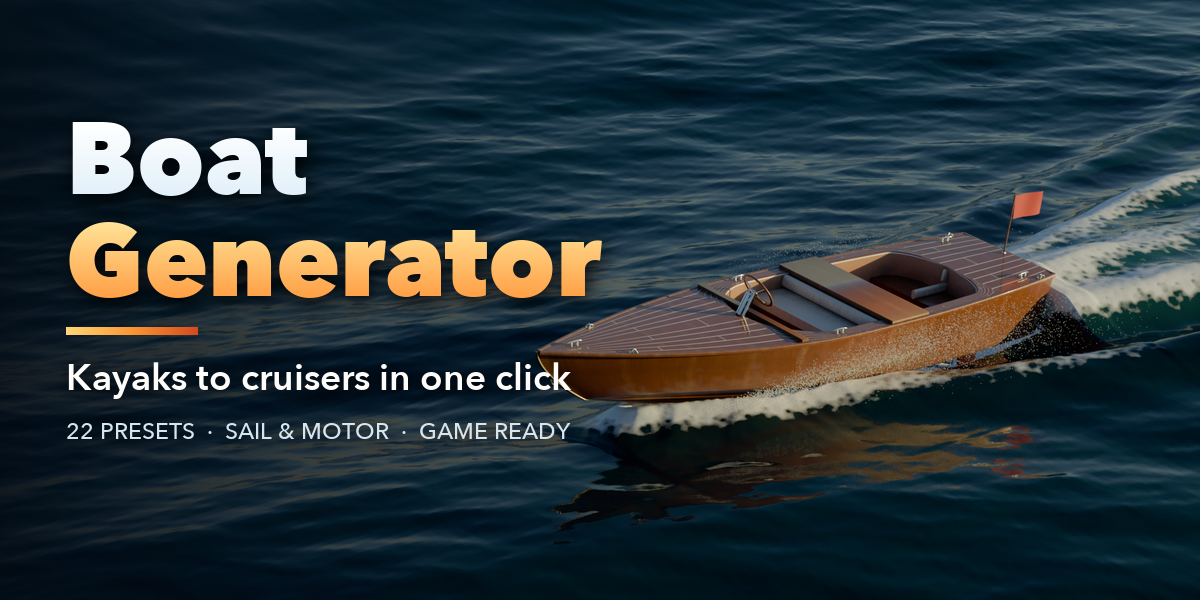
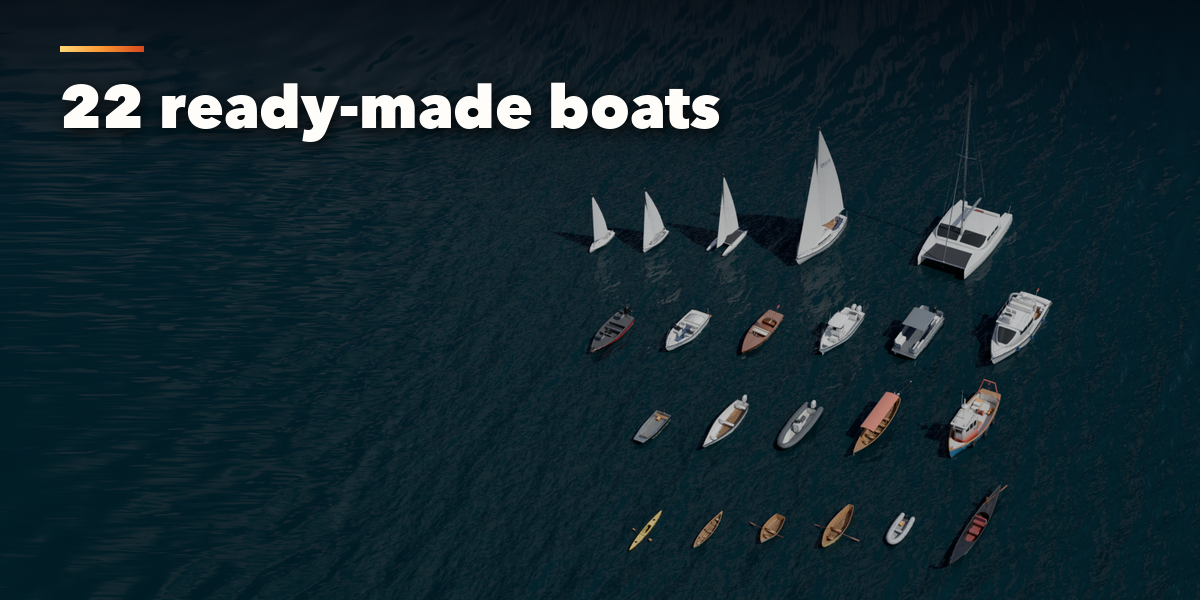
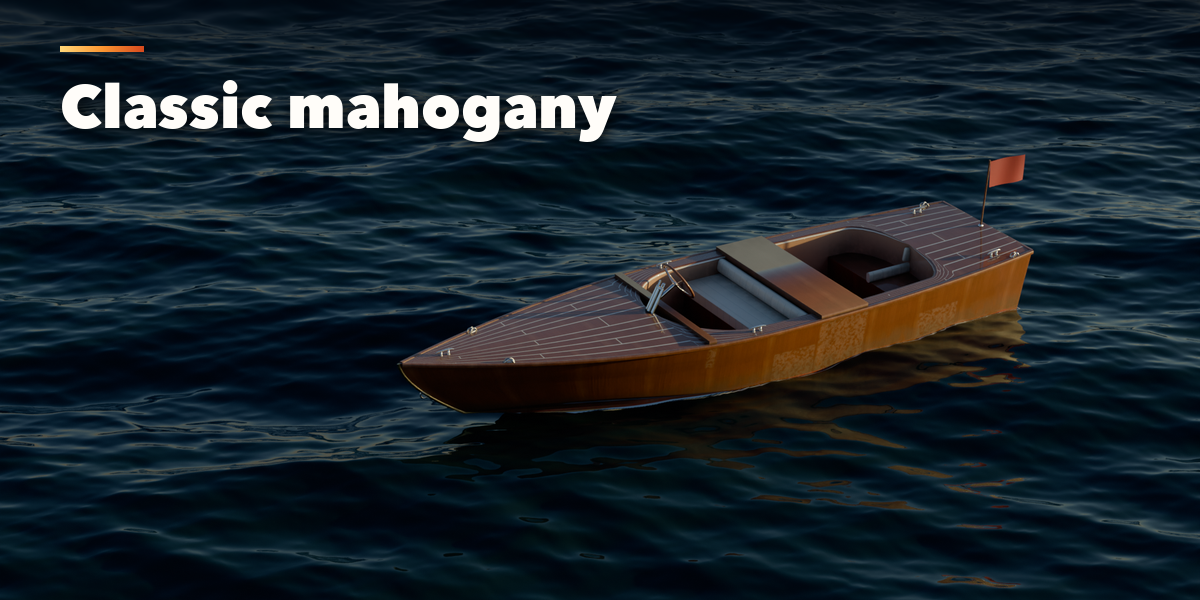
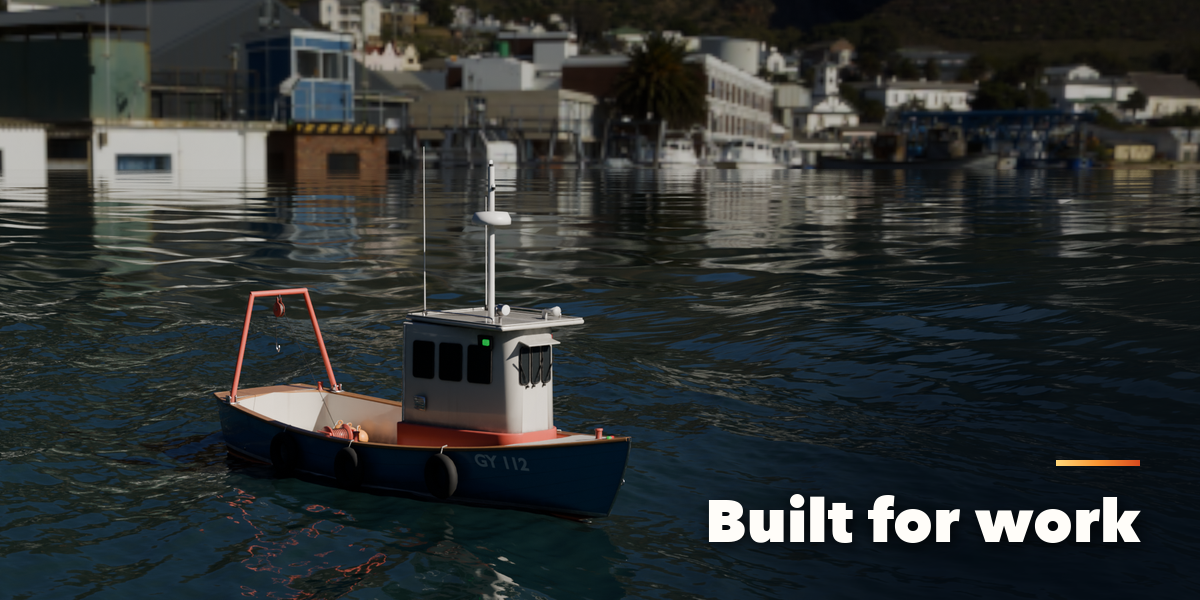
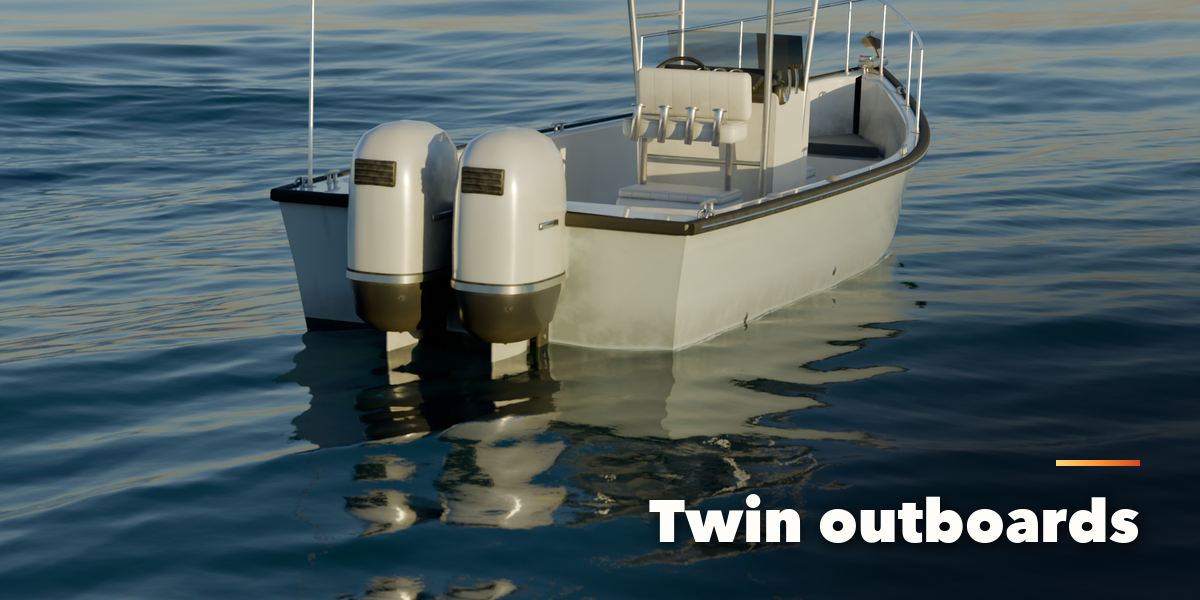
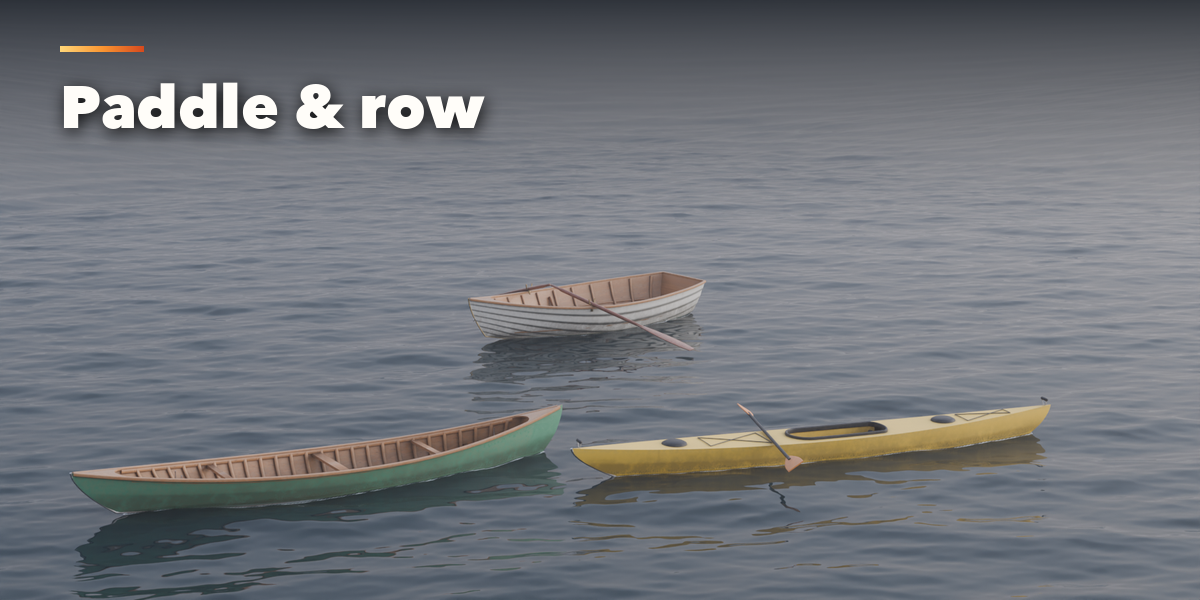
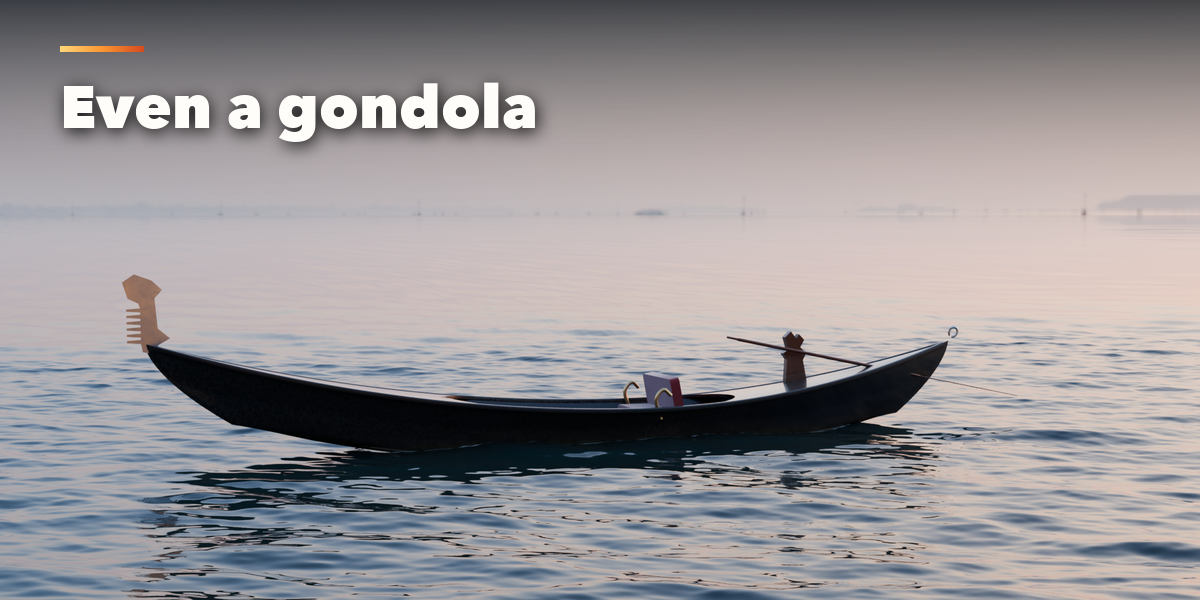
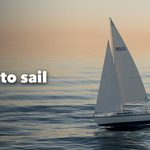
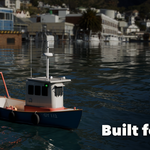
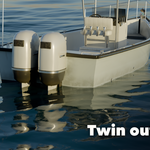
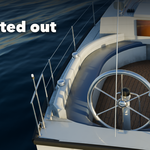
- Open the Boat tab in the 3D viewport sidebar (N). With nothing selected, click the picture to pick one of the 22 boats, then press Add. You can also use Shift+A, Mesh, Boat.
- The card at the top shows the boat. Surprise Me makes a random boat, Variation changes the current one and New Seed reshuffles the small details.
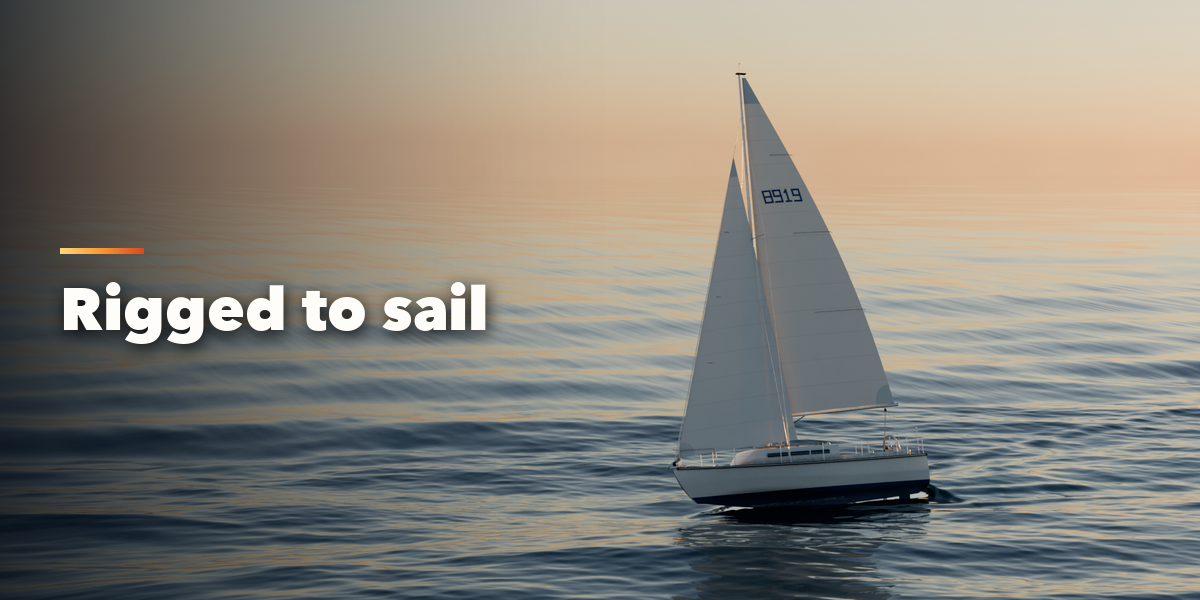
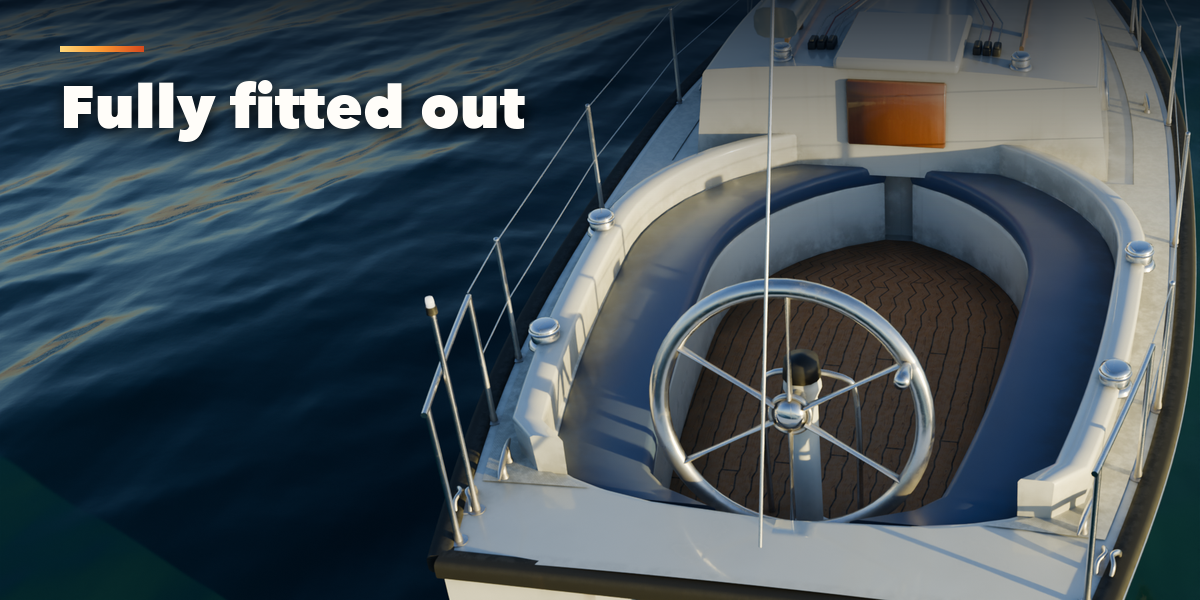
- Size, Paint and Placement are always visible. The closed sections below hold the details: hull shape, deck and cabin, motor, mast and sails, equipment, trim and name, wear and export.
- Afloat, the root empty sits on the waterline; set the weight and the boat settles to its draft. On Ground puts the keel on the ground.
- For game engines set Detail to Low and use Convert to Mesh; the meshes have UVs and plain Principled BSDF materials.
Have questions about this product?
Login to message
| Blender Extension Compatible | Yes |
| Published | 4 days ago |
| Blender Version | 4.2 - 5.2 |
| Extension Type | Add-on |
| Render Engine Used | Cycles, Eevee |
| License | GPL |
