 ZEG
Installation
In Blender open Edit, Preferences, Get Extensions, then use Install from Disk and pick the zip.
Usage
- Open the sidebar (N) and the Brick tab, or use Add, Mesh, Brick Wall.
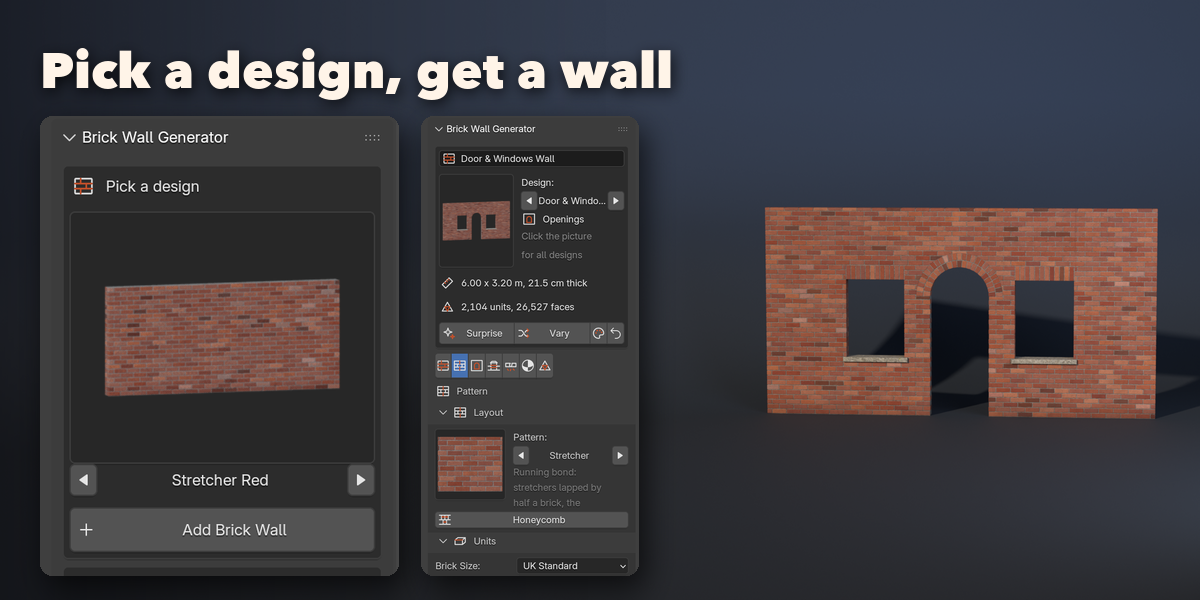
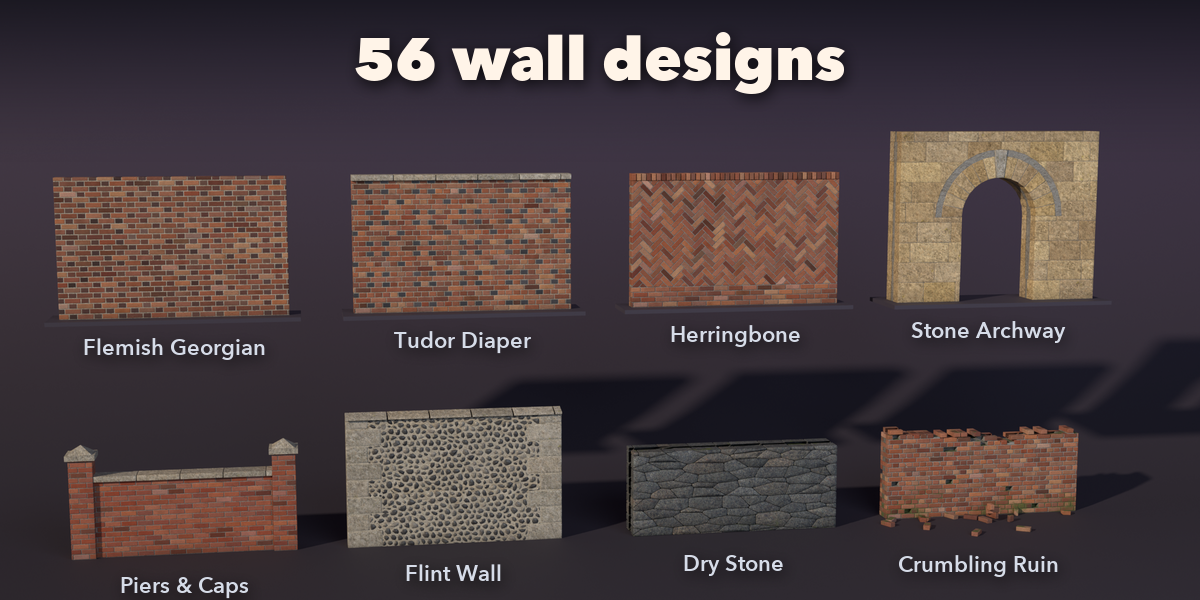
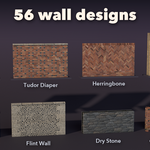
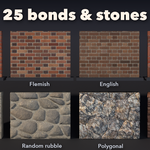
- Click the picture to pick a design and press Add Brick Wall.
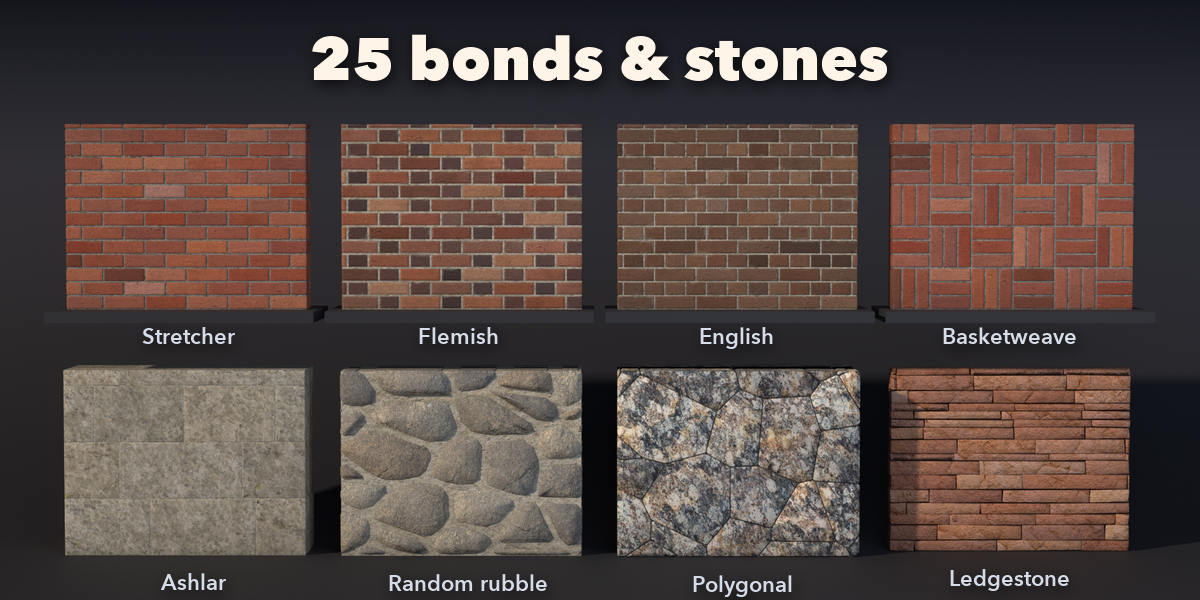
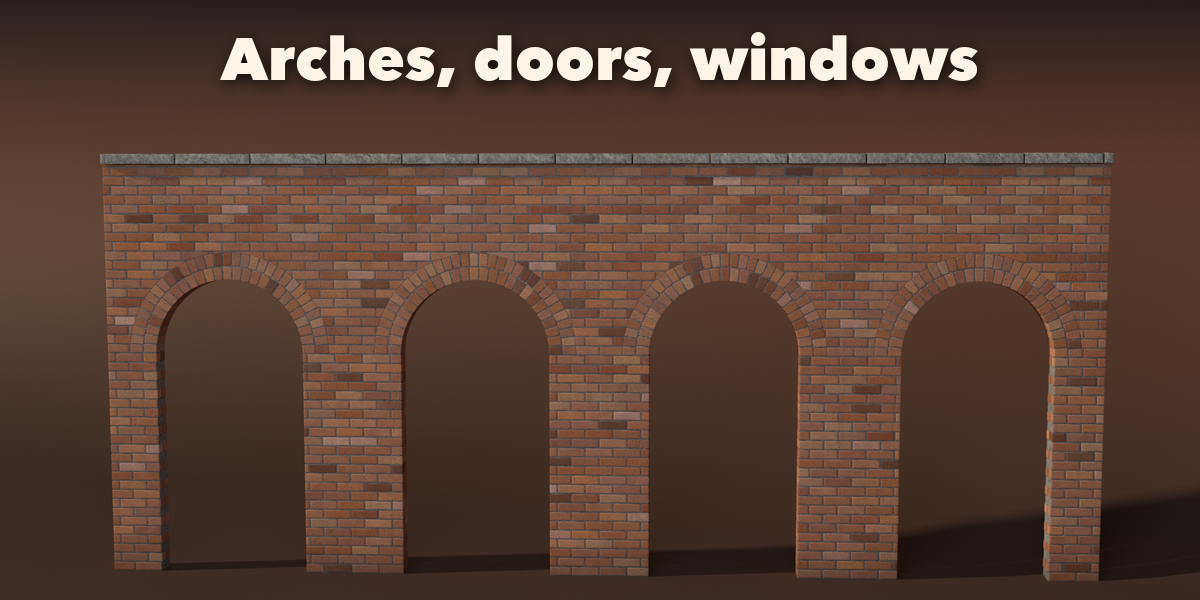
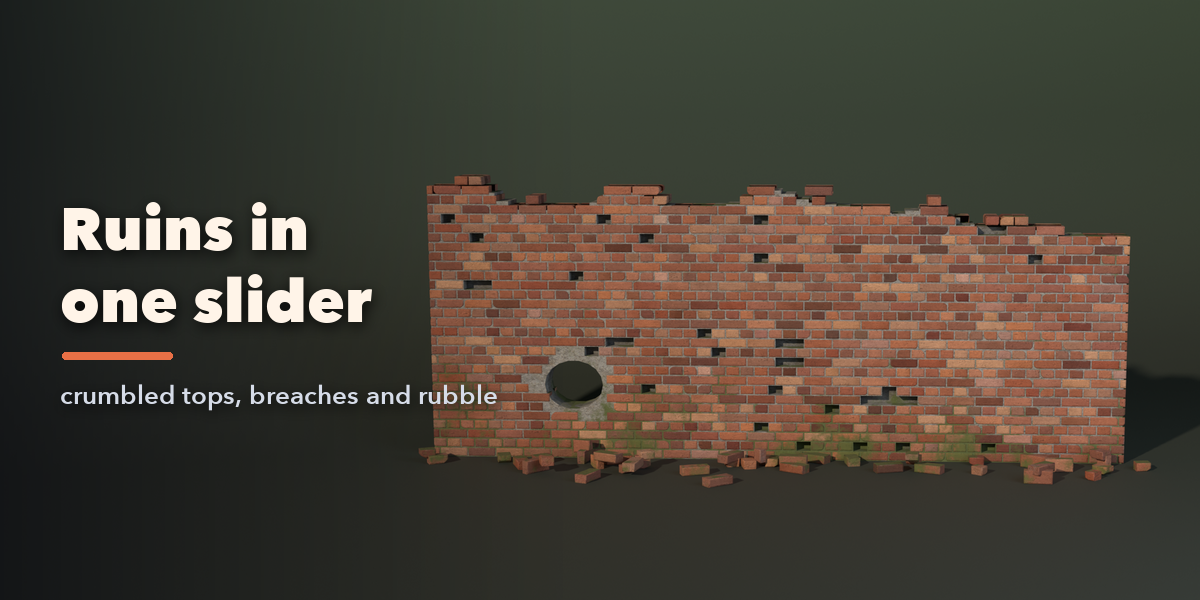
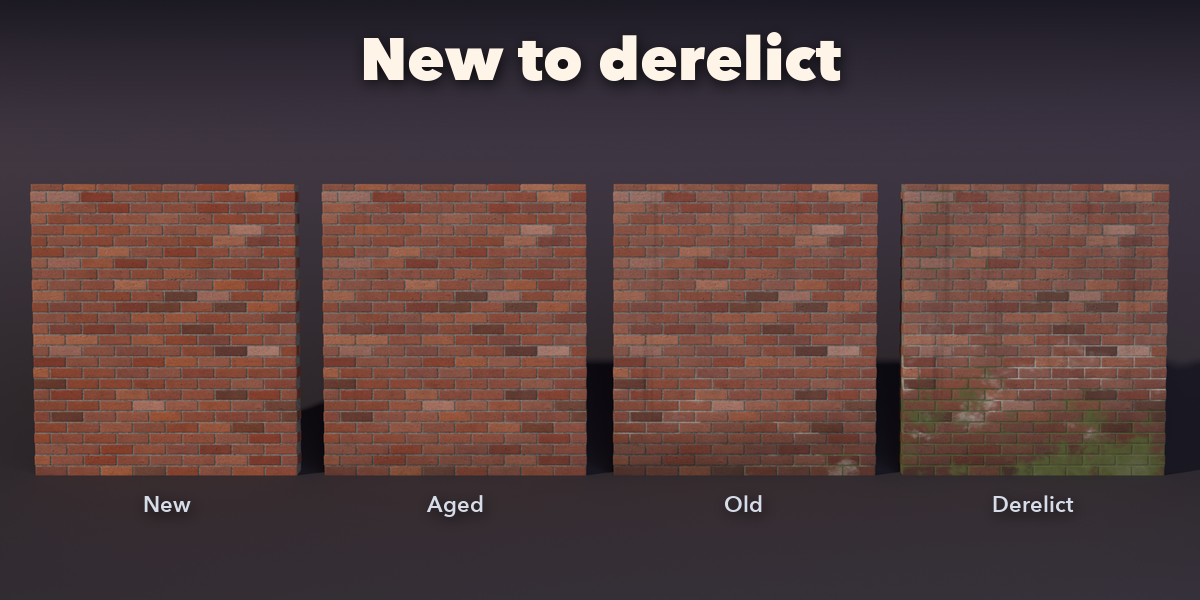
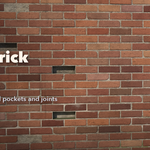
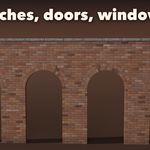
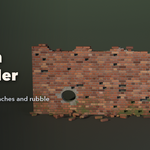
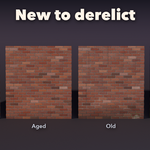
- With the wall selected, use the tabs: Wall (size, top, plan and curve path), Pattern (bond, brick size, joints), Openings, Features (coping, piers, plinth, bands), Damage and Finish (looks, mortar, weathering).
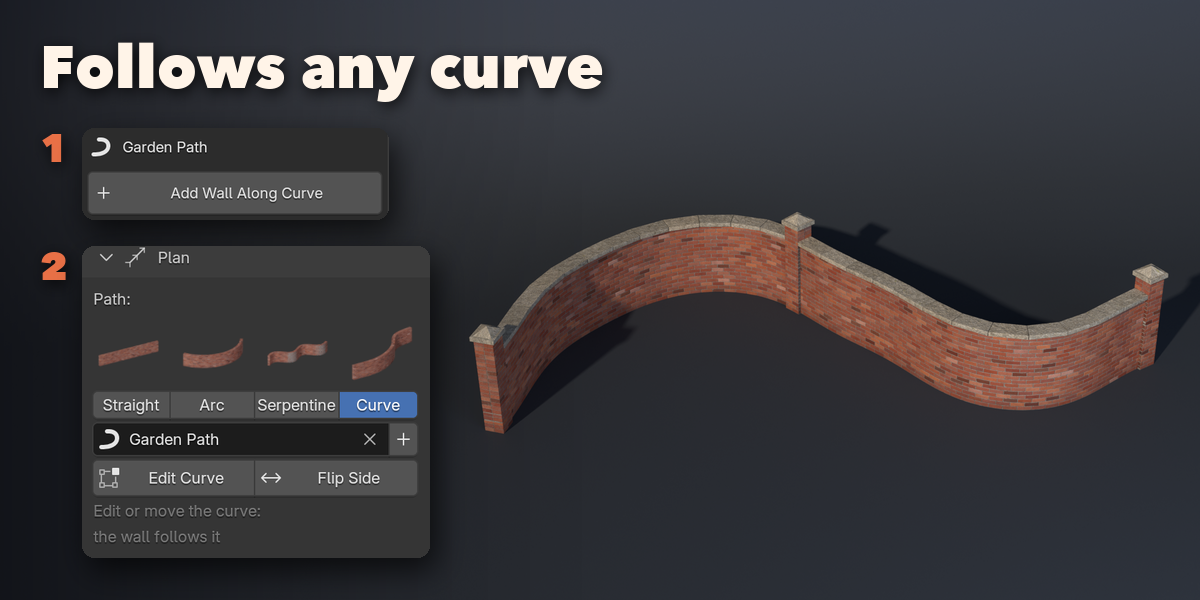
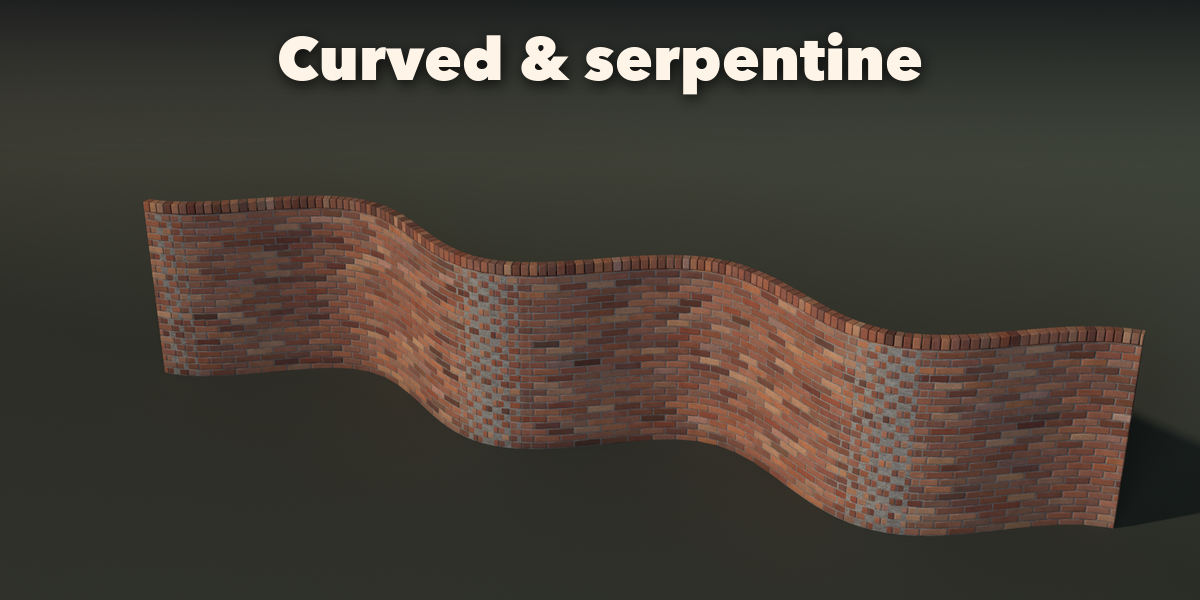
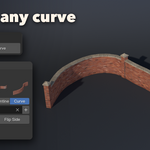
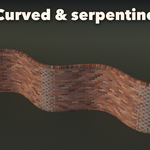
- To build along a path, select a curve and click Add Wall Along Curve in the sidebar (or Add, Mesh, Brick Wall, Along Selected Curve). Edit or move the curve and the wall follows; Flip Side swaps its faces.
- Surprise makes a random wall, Vary changes the current one, Reset goes back to the design.
- Convert to Mesh in the Mesh tab turns the wall into a plain mesh.
Have questions about this product?
Login to message
| Blender Extension Compatible | Yes |
| Published | about 9 hours ago |
| Blender Version | 4.2 - 5.2 |
| Extension Type | Add-on |
| Render Engine Used | Cycles, Eevee |
| License | GPL |

Discover more products like this
procedural Bond stone architecture Rubble game ready Generator curve wall brick ruin masonry