 Mondé
Mondé


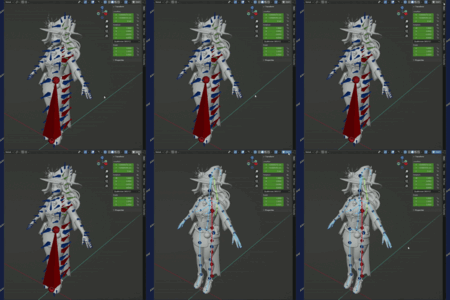
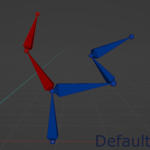
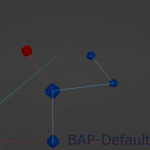
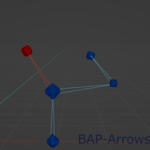
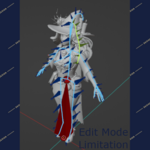
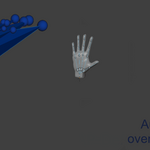
Display bones as points, instead of default head and tail bone shape.
Making blender armatures look more like in other industry tools.
Why ?
If your imported armature has ugly bones with "wrong" orientations this will make it look pretty and with proper hierarchy.
Since extension won't modify any armature data it can be toggled On/Off at any time and,
the exported armature and animations will remain compatible with the original DCC.
Limitations !
In edit mode extension works only partially, hierarchy lines are drawn but bones are still displayed as default bones, Blender API limitation :(
Complex rigs that use drivers instead of bone hierarchy and many custom shapes won't really benefit from the extension.
Armatures scaled below 0.01 won’t display lines properly
Hint : be careful when using Automatic bone weights since they rely on bone directions.