DatQuach



BONUS TOOLS
Advanced Toolkit For Aligning And Arranging Objects
ALIGN LINE

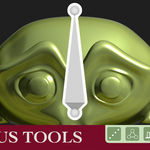
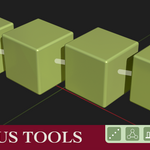
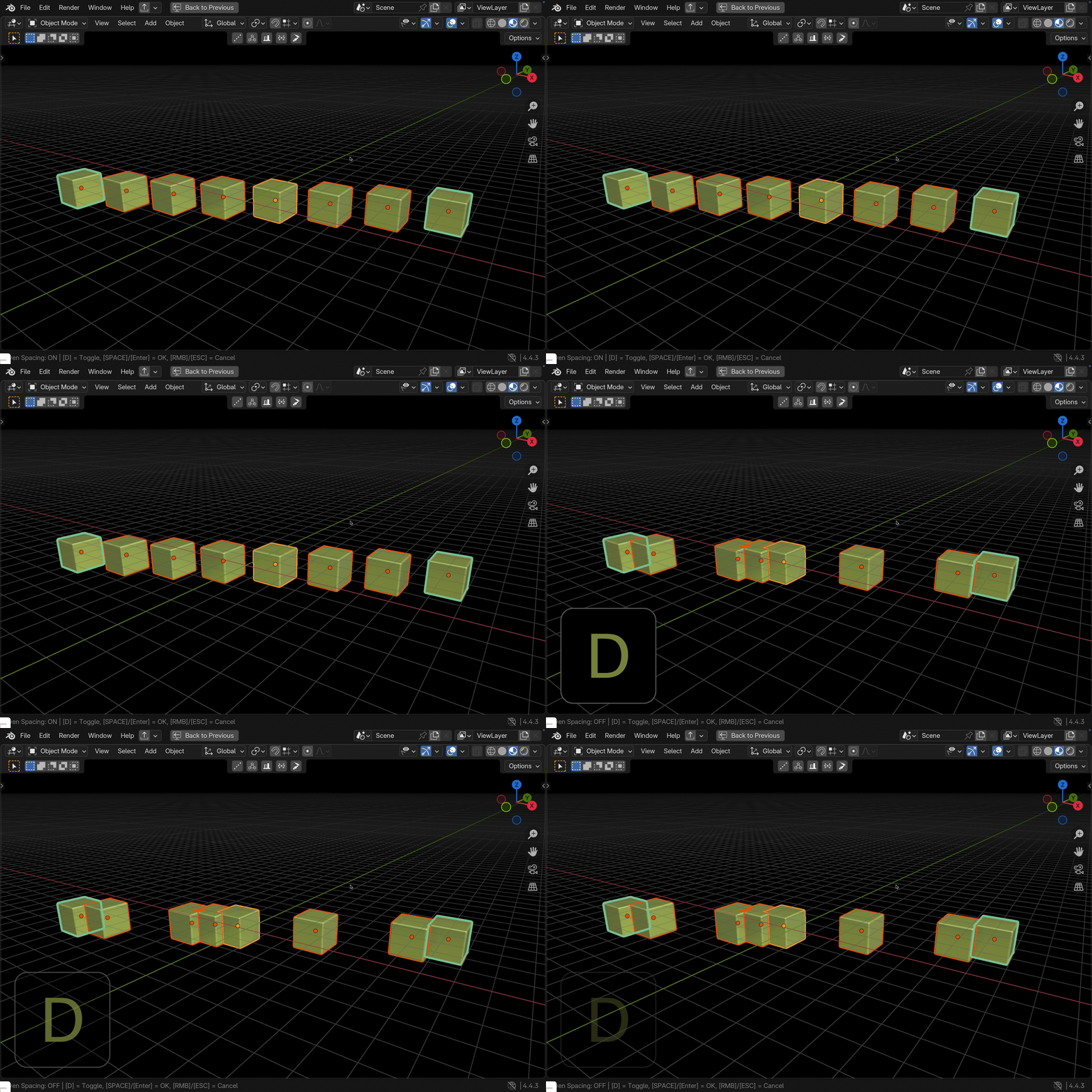
- This tool is used to align selected objects in a straight line.
- Simply select the objects you want to align, then activate the tool from the header or the N-panel.
- Choose two objects, A and B, and instantly all the selected objects will line up along a path from A to B.
- By default, the objects are evenly spaced.
- You can press the D key to disable that.
ALIGN TRIANGLE

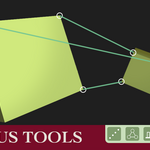
- Align object tool by selecting 6 points (3 pairs of corresponding points).
- Activate it and select 3 vertices across 2 objects. Select A to B, then A - B - A - B again.
- After selection, object A snaps to object B, matching all 3 pairs of points.
- By default, object A scales to fit.
ALIGN BOX

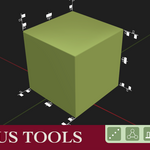
- This tool creates interactive alignment buttons around the bounding box of selected objects.
- Choose reference objects and other objects will align to their bounding box edges and faces.
XPOSE
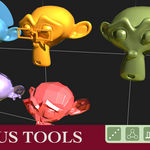
- This is inspired by ZBrush's Xpose feature. It helps you lay out objects evenly on a grid.
- You can choose the plane you want to align to and adjust the spacing (margin) between objects.
ARMATURE IN FRONT
- This tool brings the armature to the front of all other objects in the viewport for better visibility during rigging and animation.