 waylow




Description:
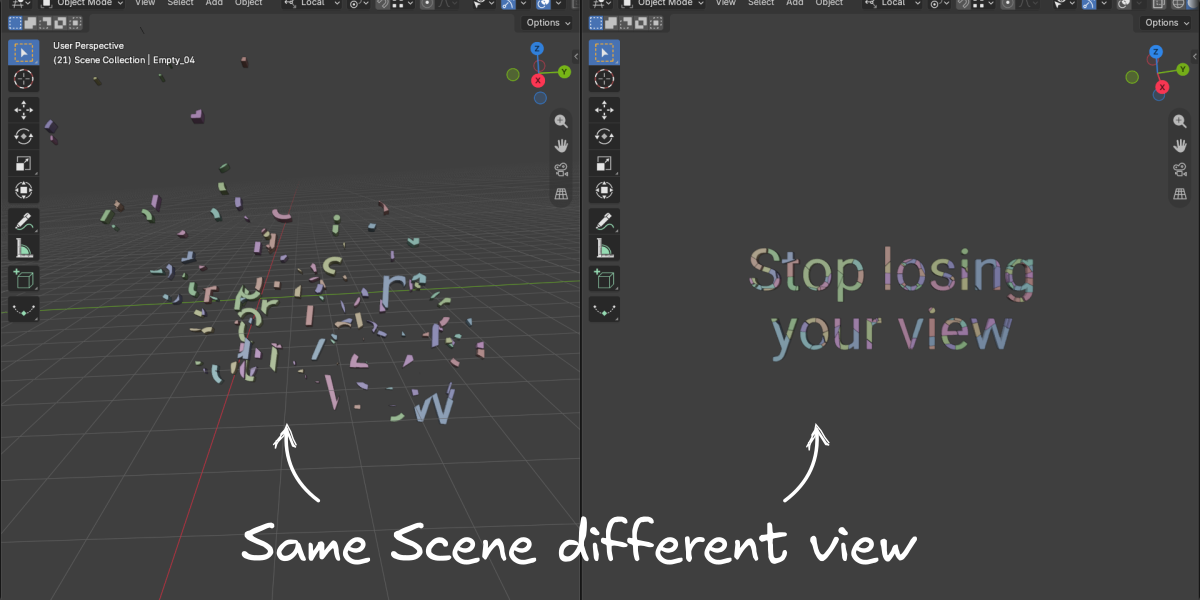
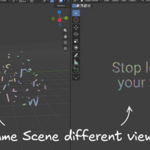
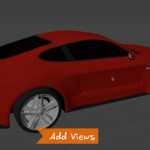
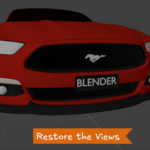
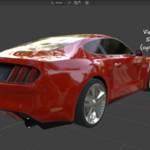
Bookmark view (BM View) is a Blender Add-on that will save multiple positions of the 3d view and make it simple to switch back in an instant. It is intended to save you the hassle of constantly navigating the camera back and forth between difficult to reach areas in the viewport.
Installing:
Install the Add-on in the usual way.
Drag the zip file into Blender's viewport.
(NB: Do not unzip the the download)
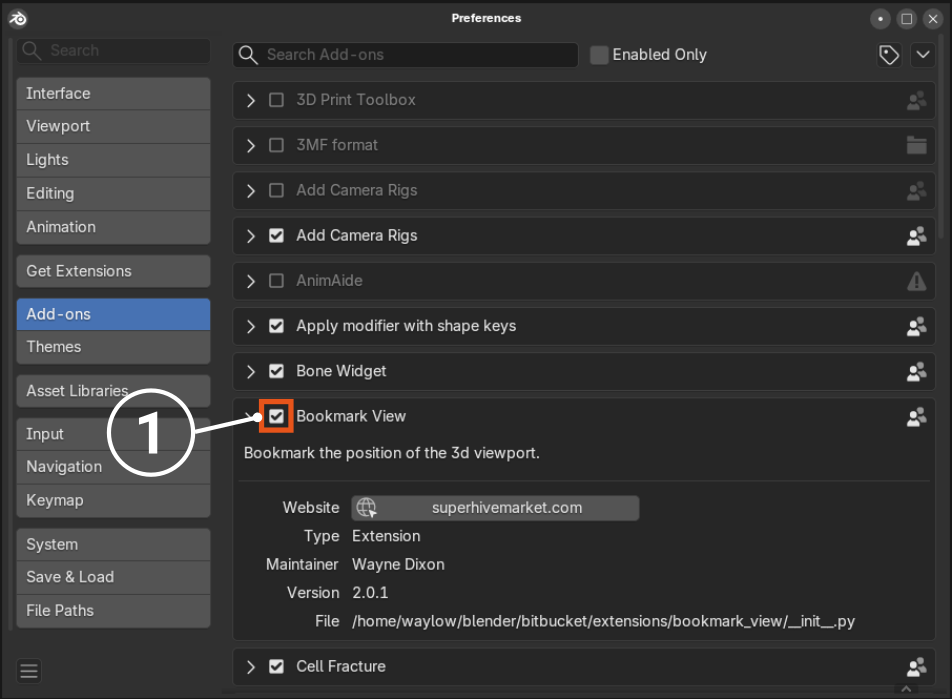
- The add-on will then be located in the User Preferences > Add-ons > Bookmark View
- Make sure you it is activated with the checkbox.
Using BM View:
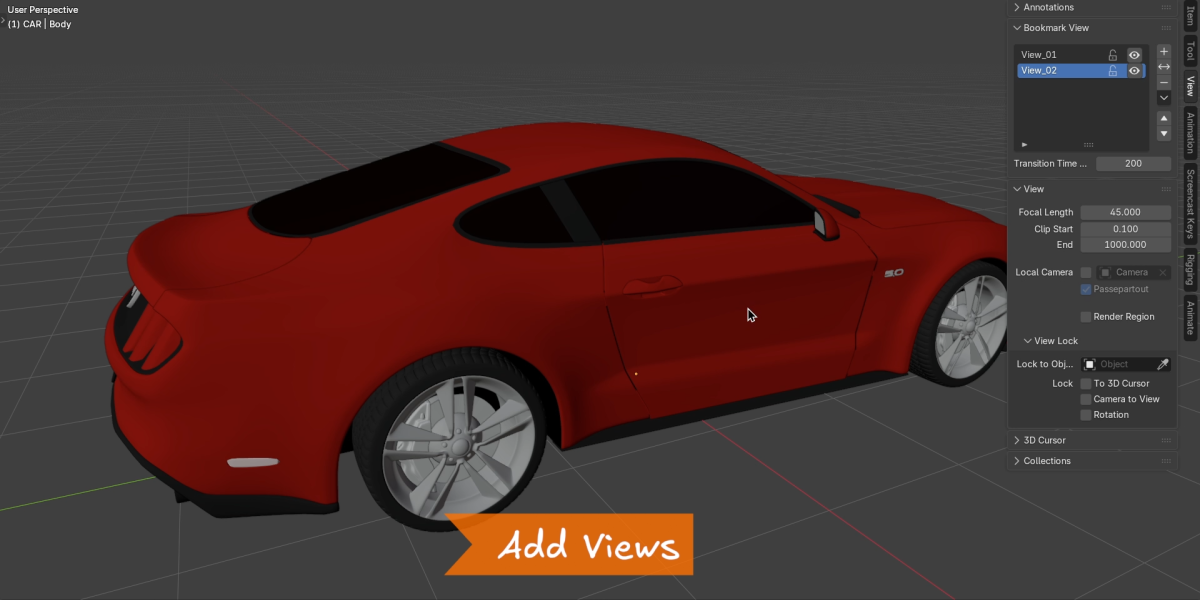
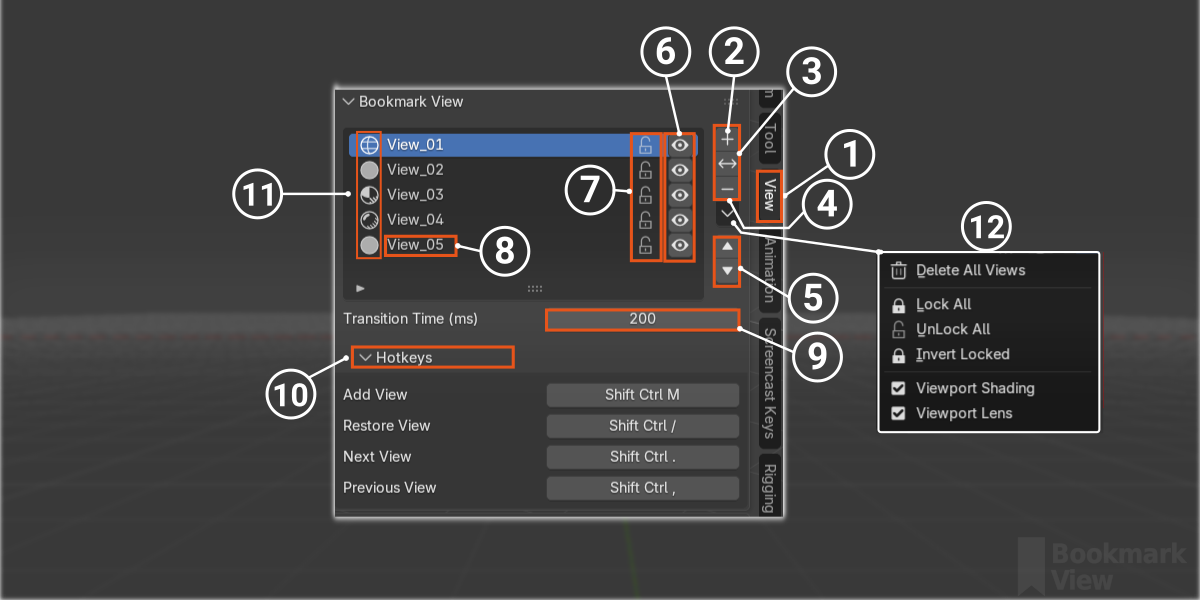
- The UI panel is located in the tool properties window tab called ‘View’.
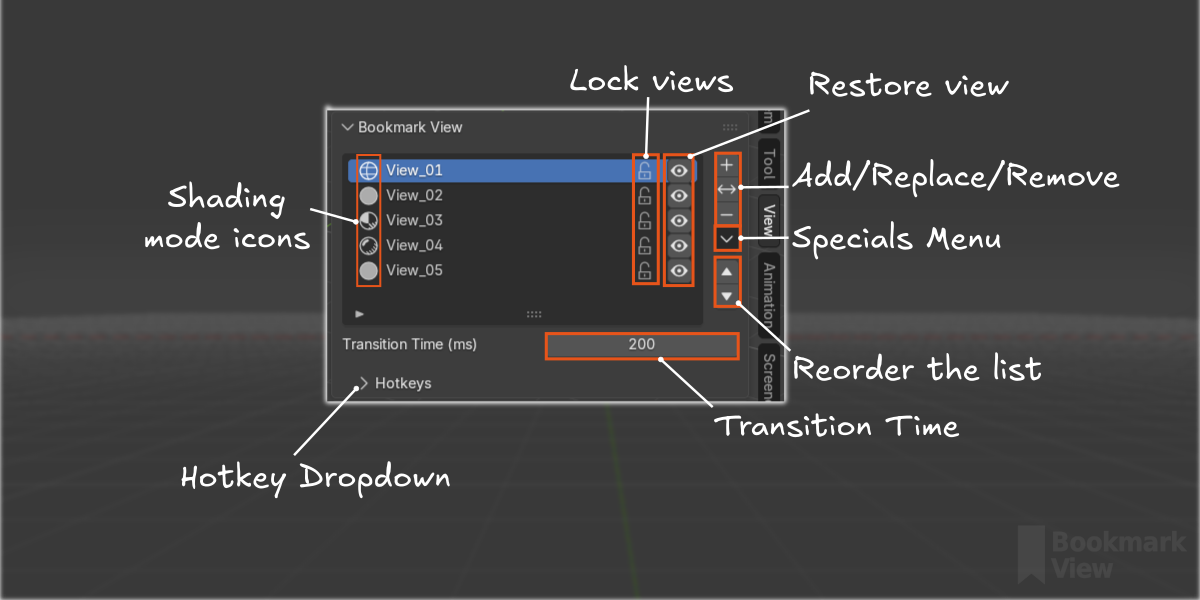
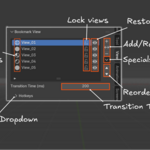
- Add a Bookmark with the + button.
- Replace the selected Bookmark with the current view.
- Delete a Bookmark by selecting it and pressing the - button. (Will not delete locked views)
- Reorder the list with the Up and Down arrows.
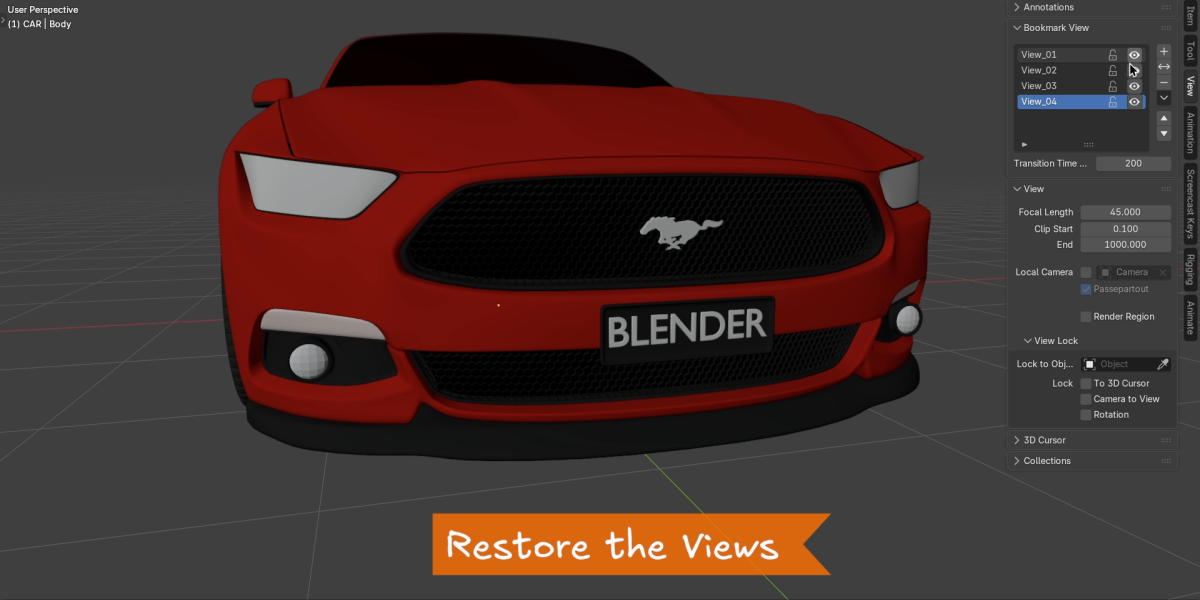
- Restore a bookmarked view Eyeball icon.
- Lock/Unlock the views.
- Name each view by double clicking the name. (Optional - as BM View will auto-name them).
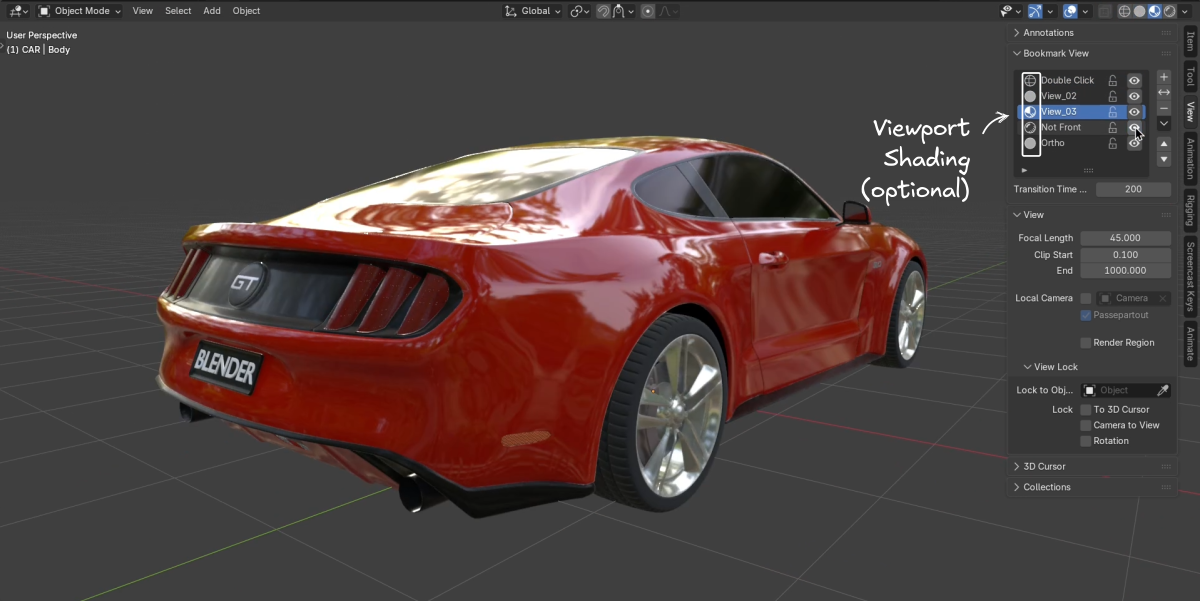
- Enable Viewport shading option.
- Enable Viewport lens option.
- Icons showing the shading mode each view was saved in. (only visible when Viewport shading option is enabled).
- Specials Menu.
Delete All Views (including locked)
Lock/Unlock All
Invert Locked
Enable Viewport Shading (default off)
Enable Viewport Lens (default off)
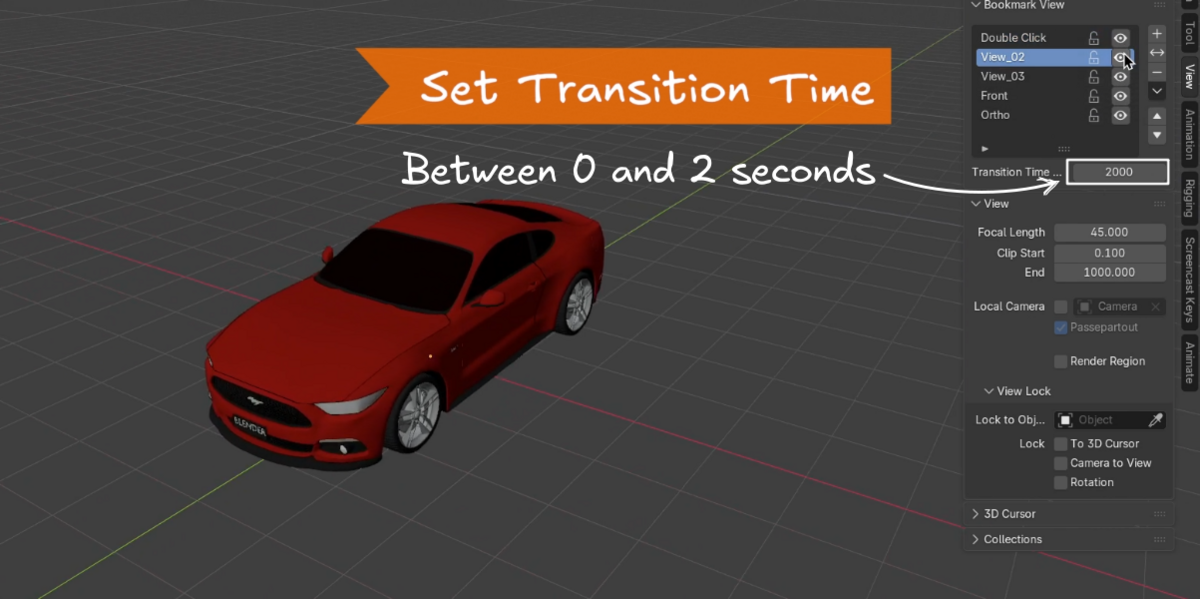
Transition Time:
You can set the time (in milliseconds) it will take to transition to the restored view.
This can be between 0 and 2000 ms (or 2 seconds).
Viewport Shading Option:
This option is will also record and restore the shading mode. So if this is enabled it will change the shading mode when restoring views. The icons will display next to the Bookmark name for convenience. BM View will always record the shading mode when you add or replace a bookmark, but it will only change the viewport shading mode if this is enabled.
Viewport Lens Option:
If you happened to change the viewport lens value before bookmarking a view, this option will restore that value. You will only need to enable this option if you want to bookmark a view with different lens sizes.
Additional Notes:
BM View will only worck on the active view port, so there is no issue if you have more than one 3d view open.
Quad mode will only work on the Top Right view (User Perspective view) and this is the view that is used if bookmarking and restoring views.
Viewport locked to cursor/Locked to Object:
If you have either of these options enabled for the viewport it will not behave as expected as it will record an offset from the world origin co-ordinates. It is best to avoid saving/replacing or restoring bookmarked views with these viewport settings enabled.
Uninstalling:
Uninstall in the usual way.
User Preferences > Get Extensions > Bookmark View > Uninstall
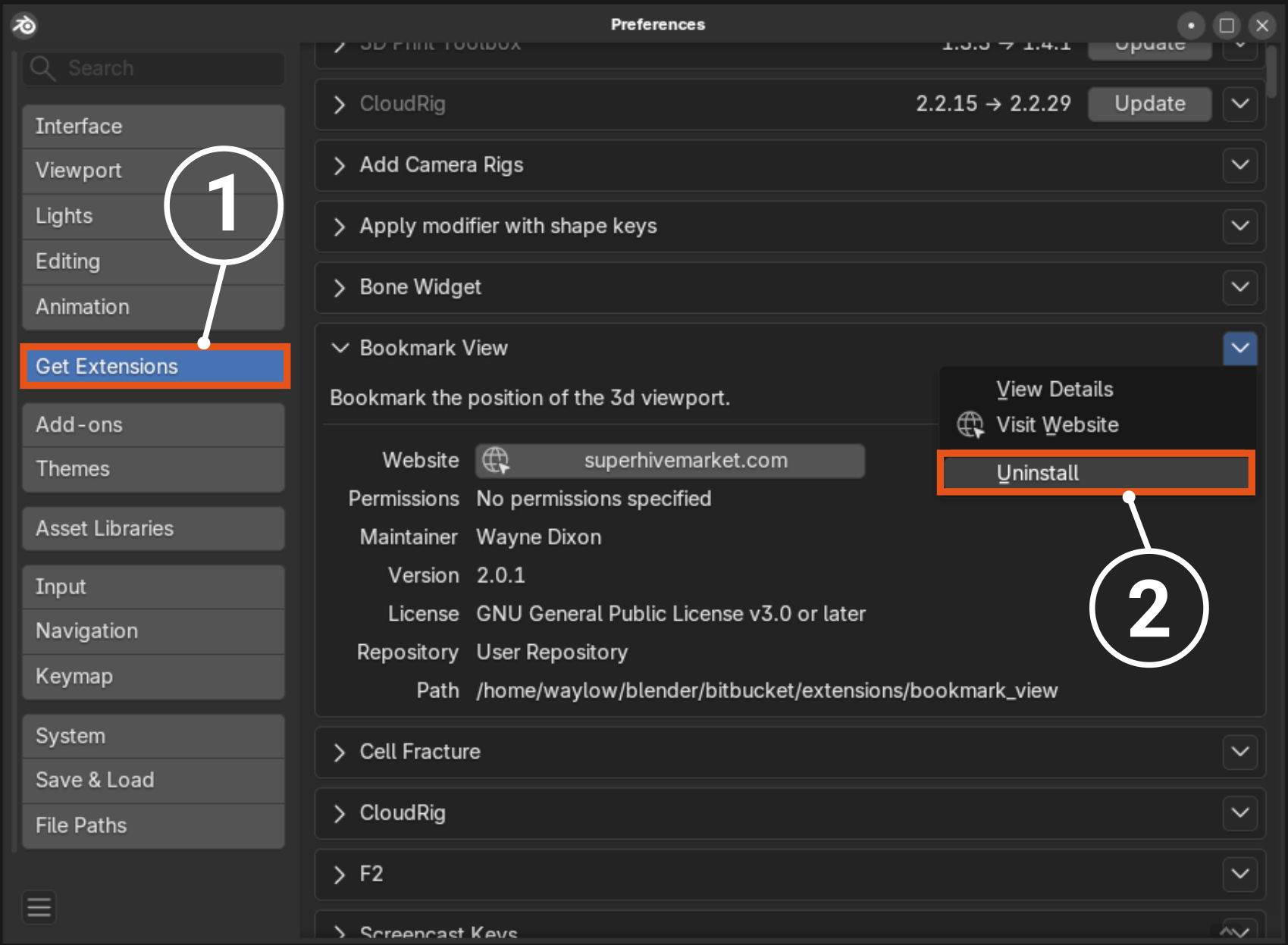
- Get Extensions Tab
- Click the dropdown a Uninstall
 Included
Includes 12 months of
- Support from waylow
- Product updates
Extend this product’s Support Period +12 months: 75% of product price
Have questions before purchasing?
Login to message
