Stylized Boreal Forest Foliage Kit
 Cratial 3D
in Nature
Cratial 3D
in Nature

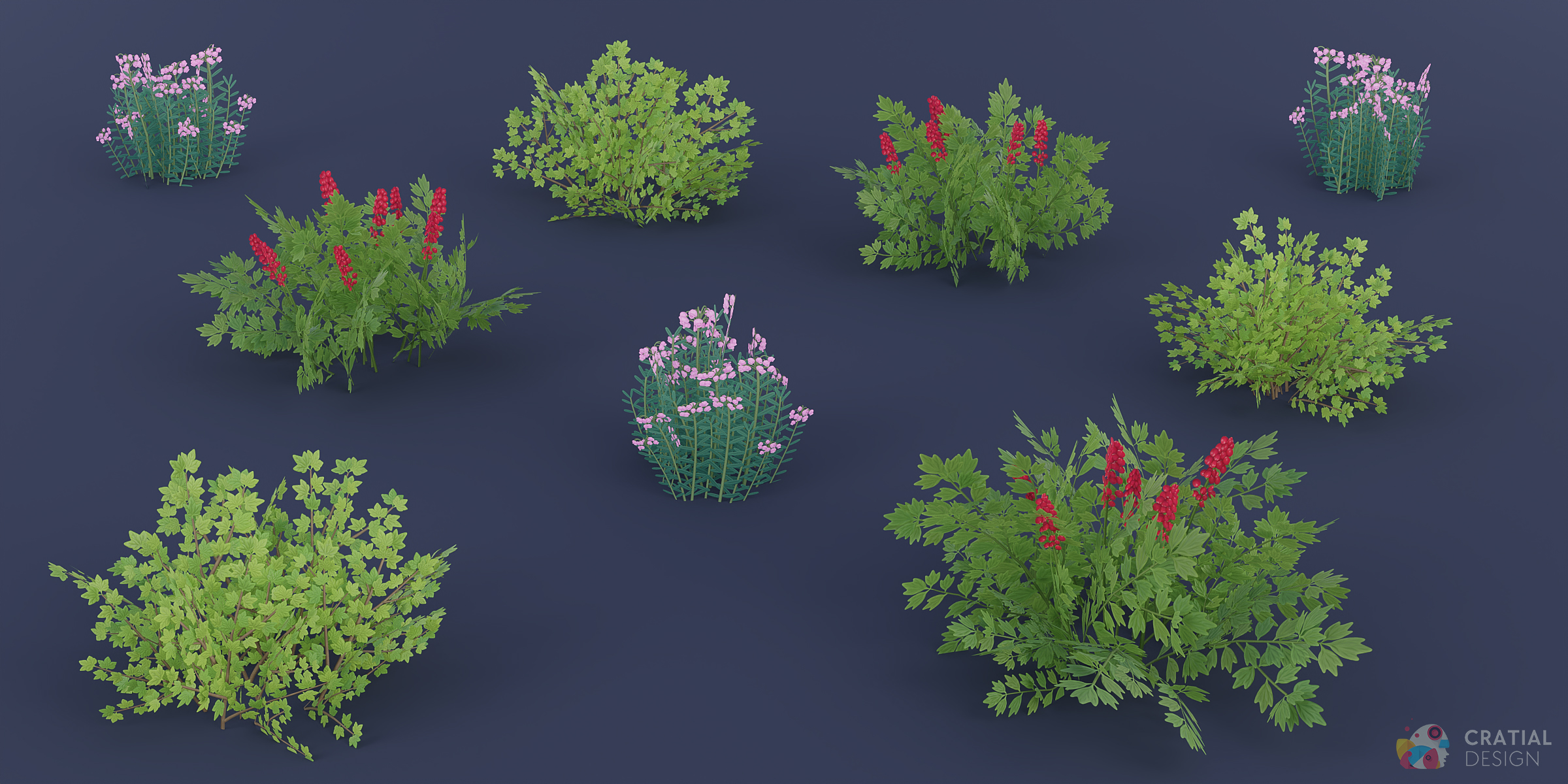
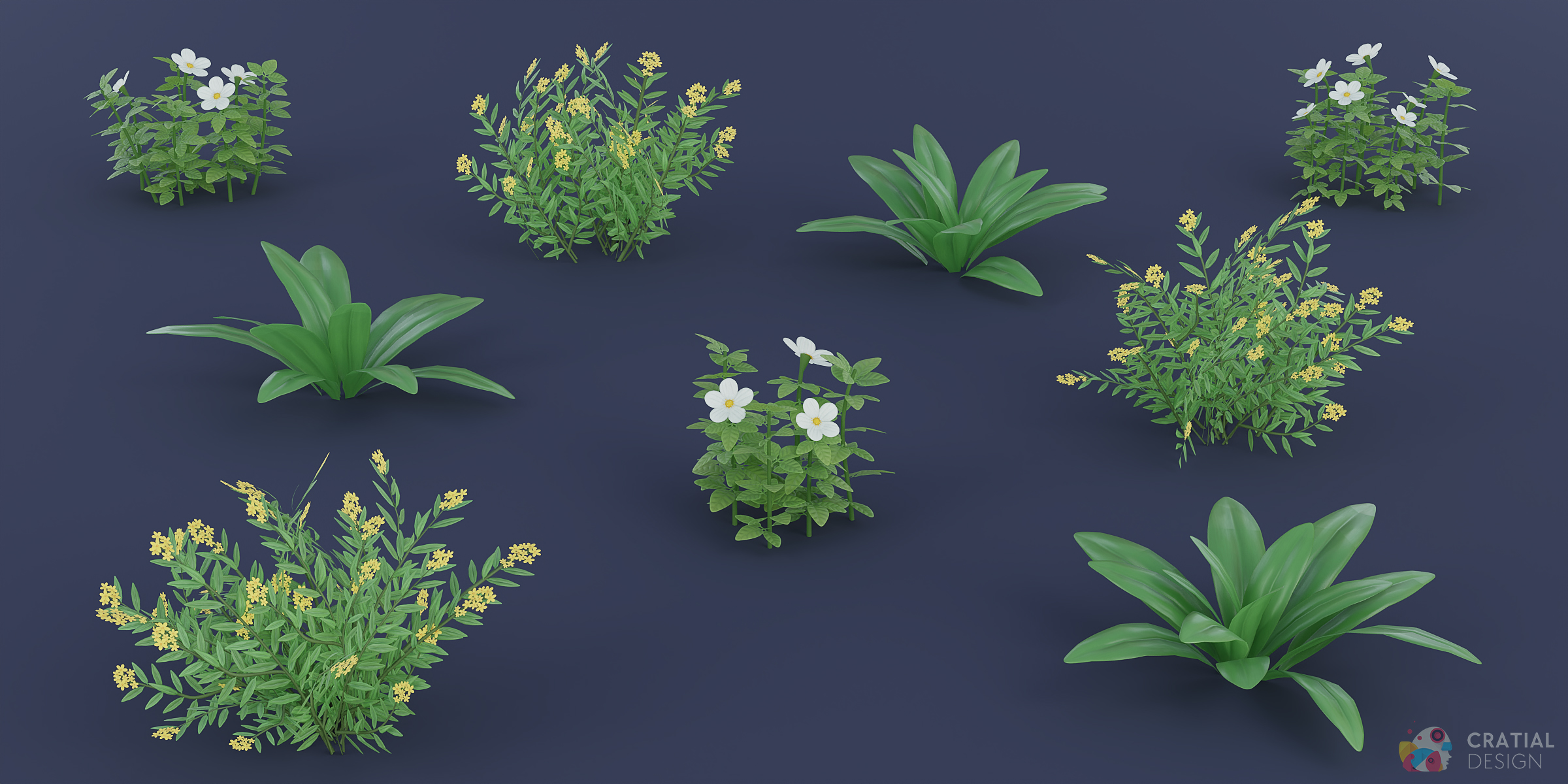
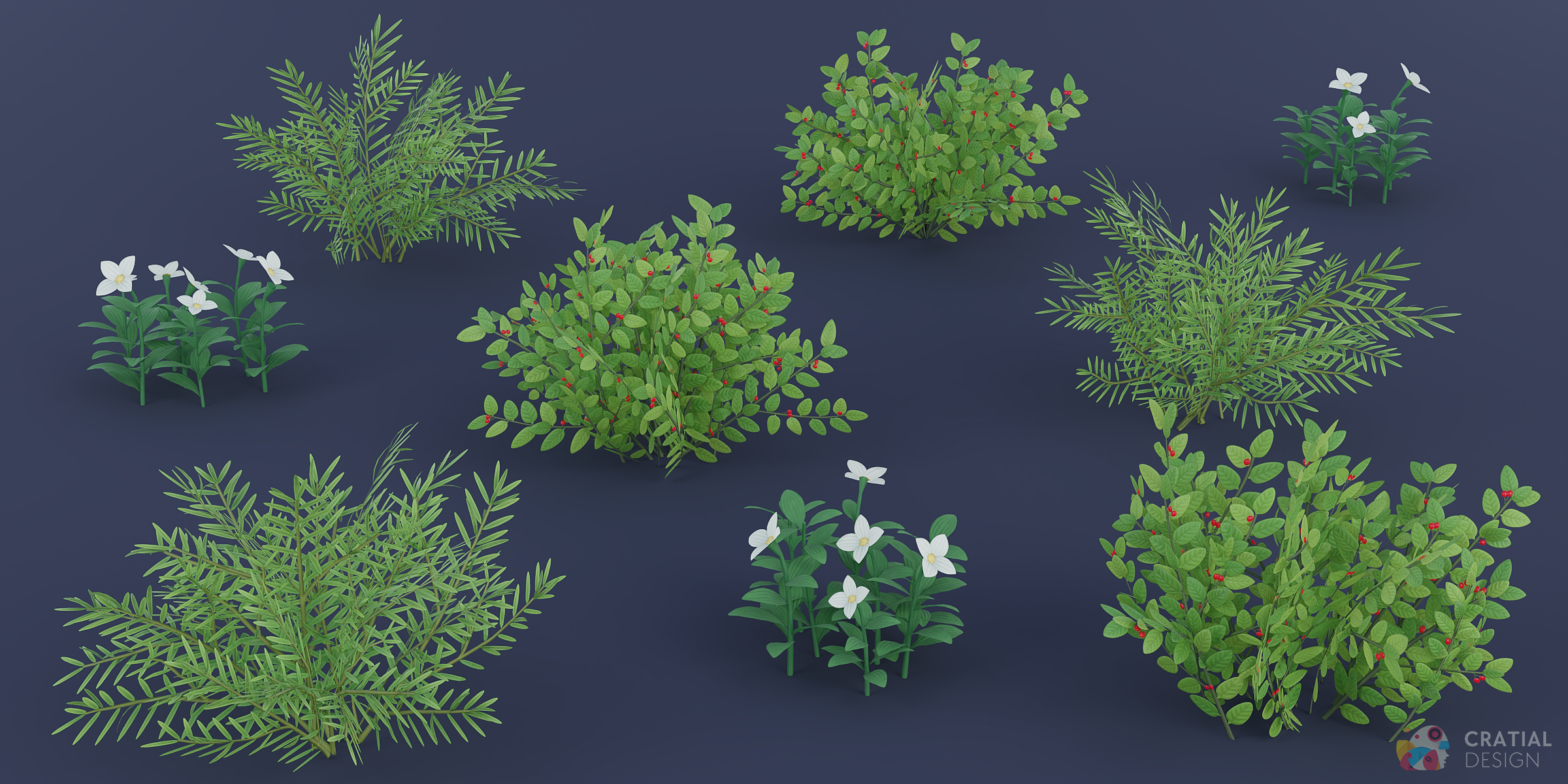
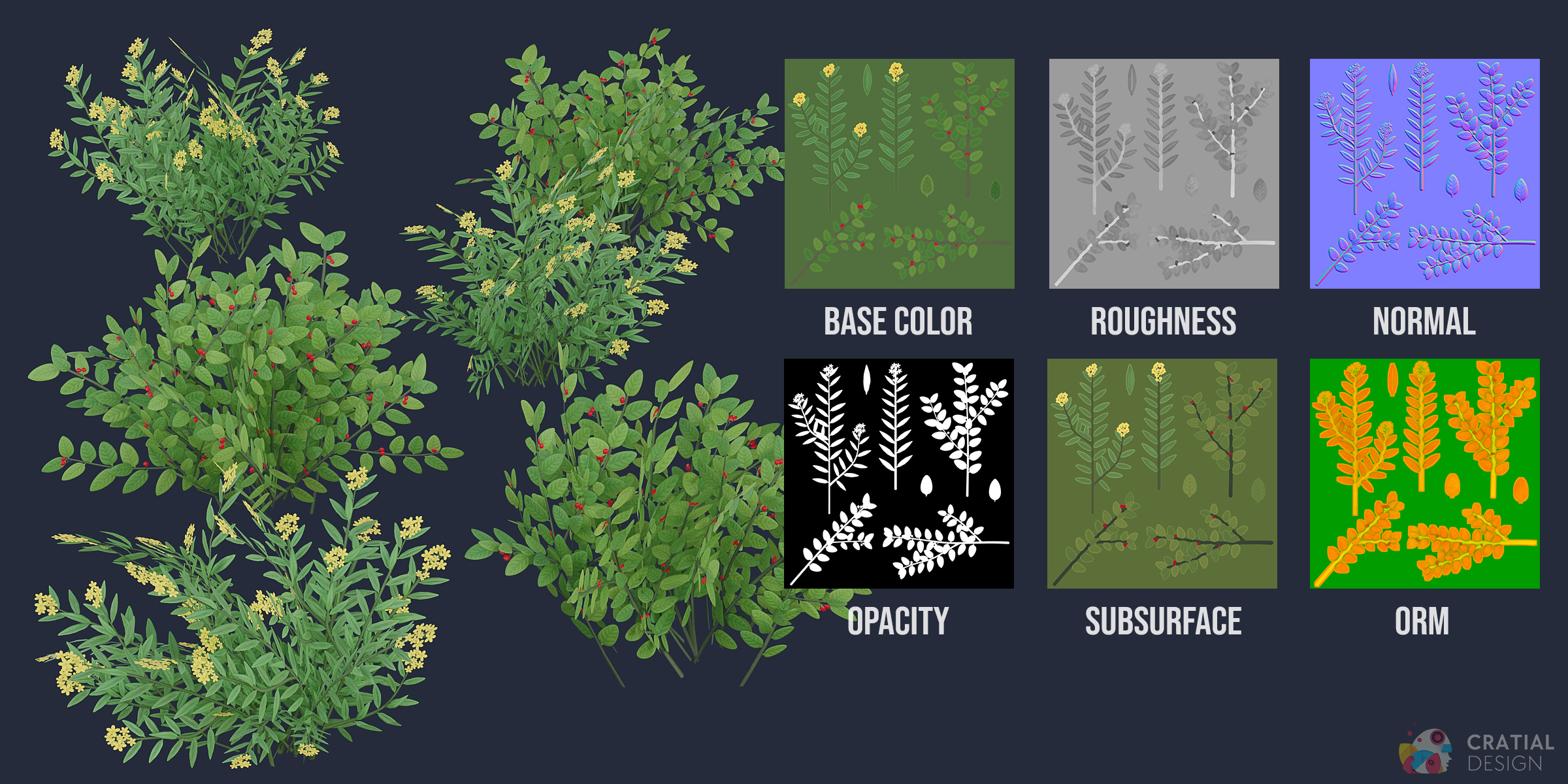
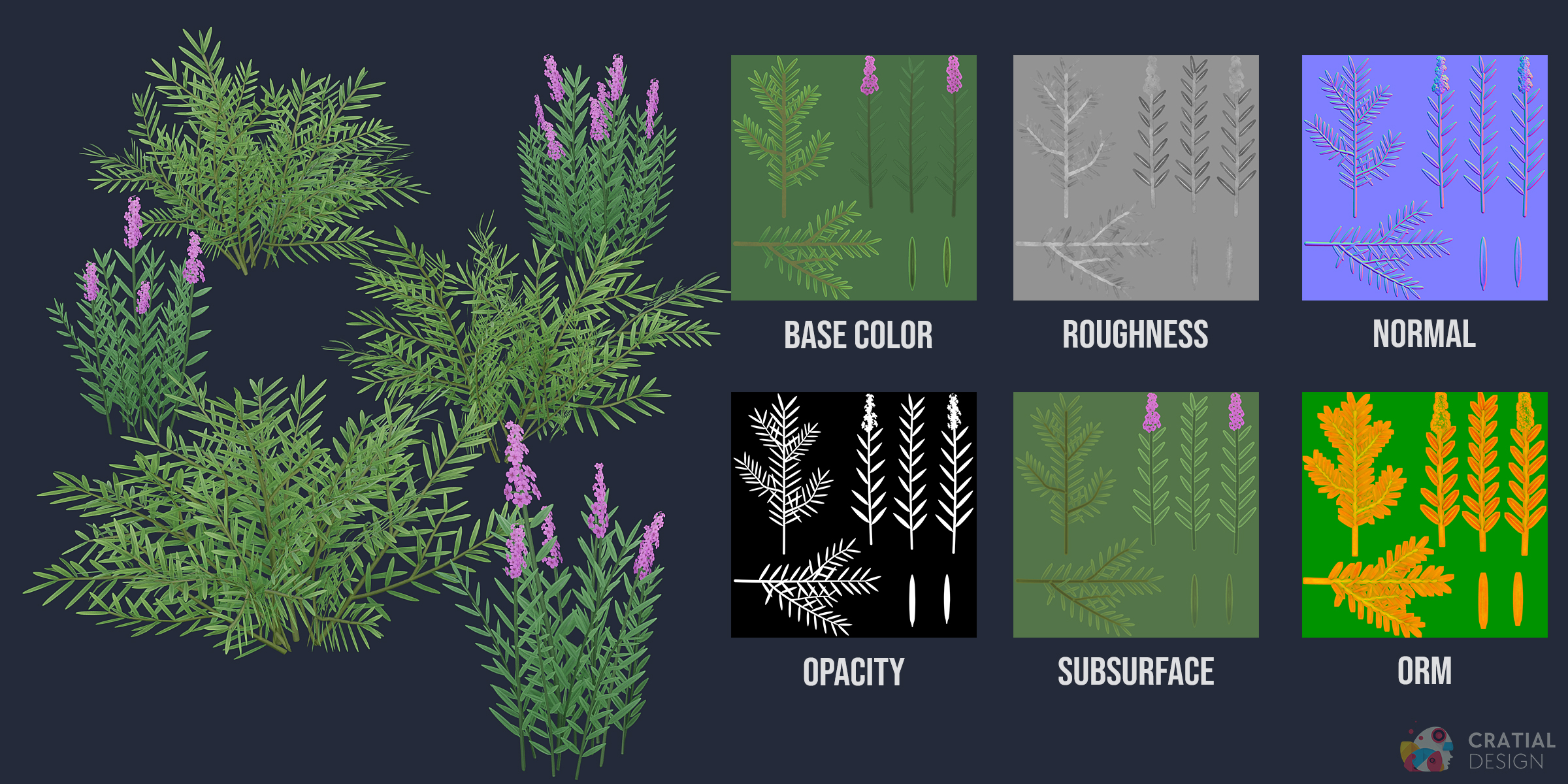
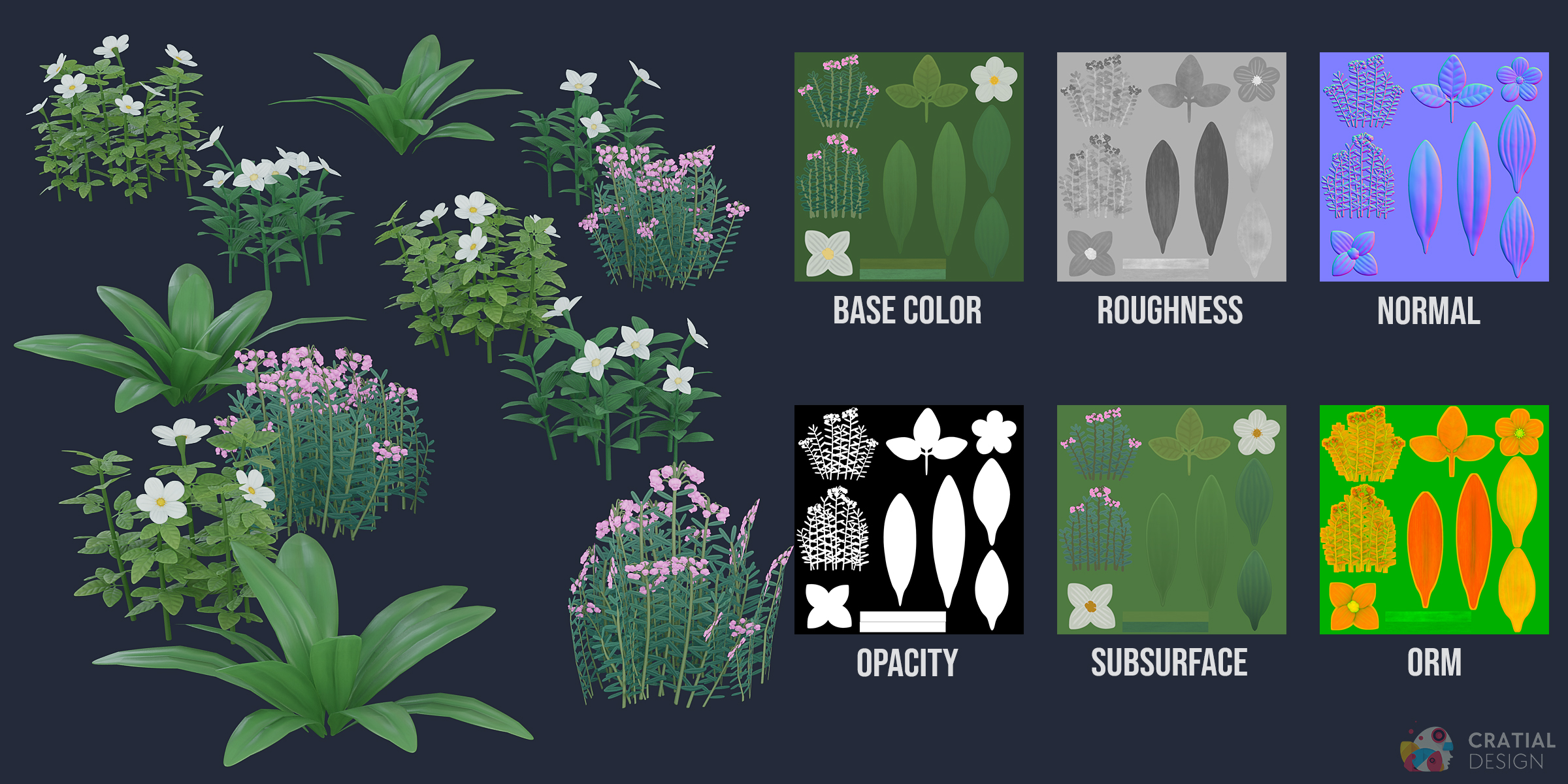
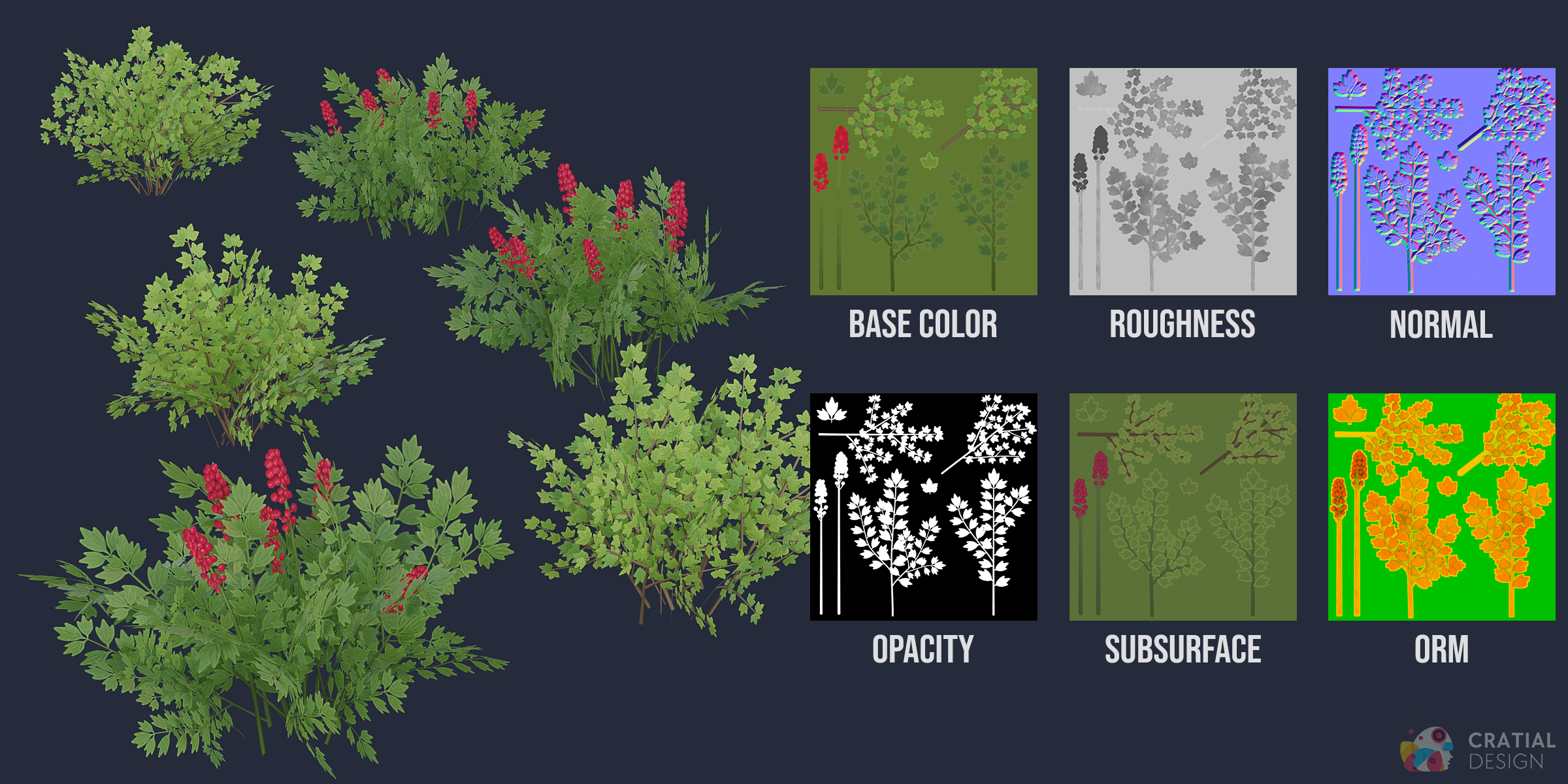
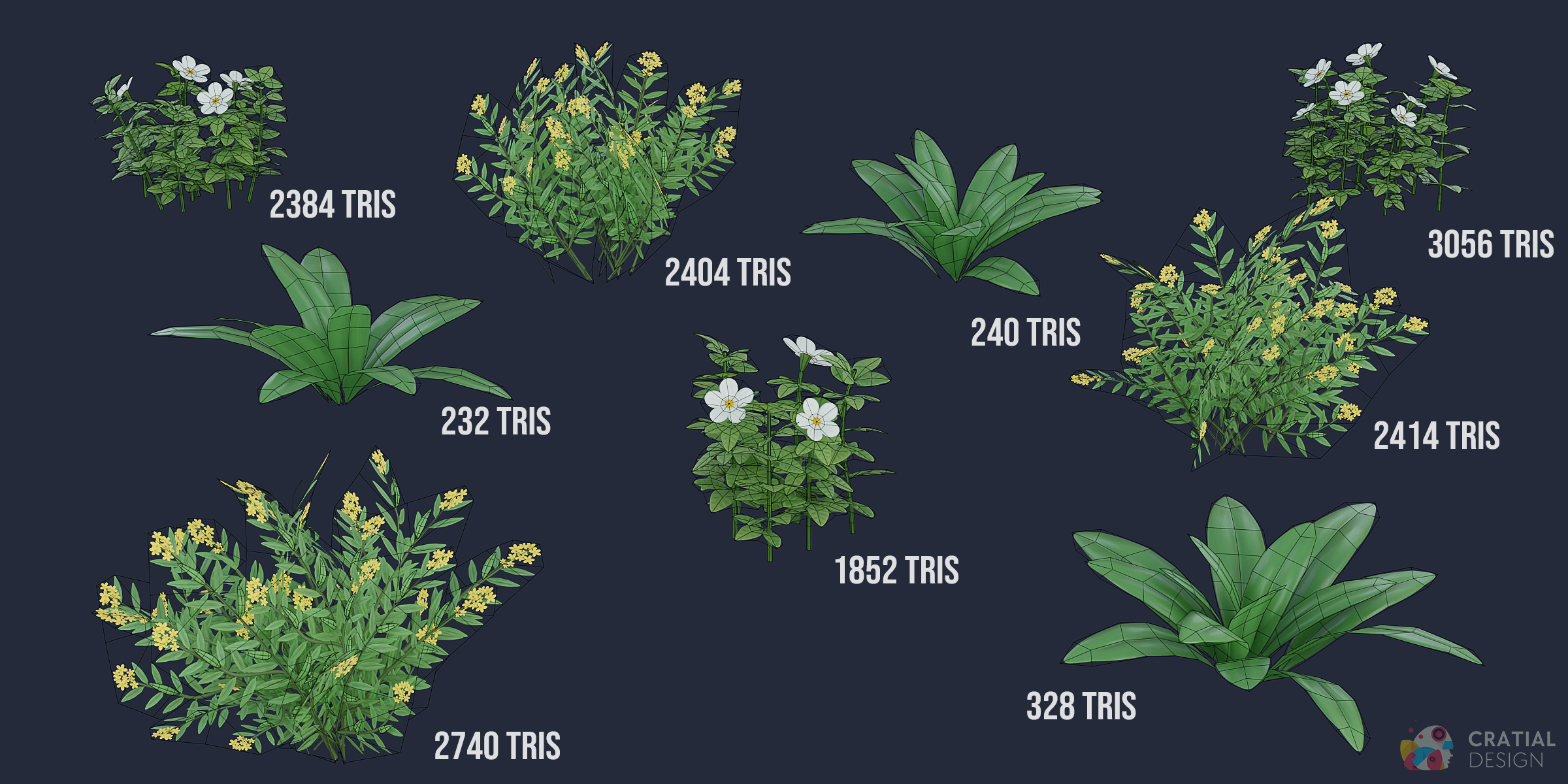
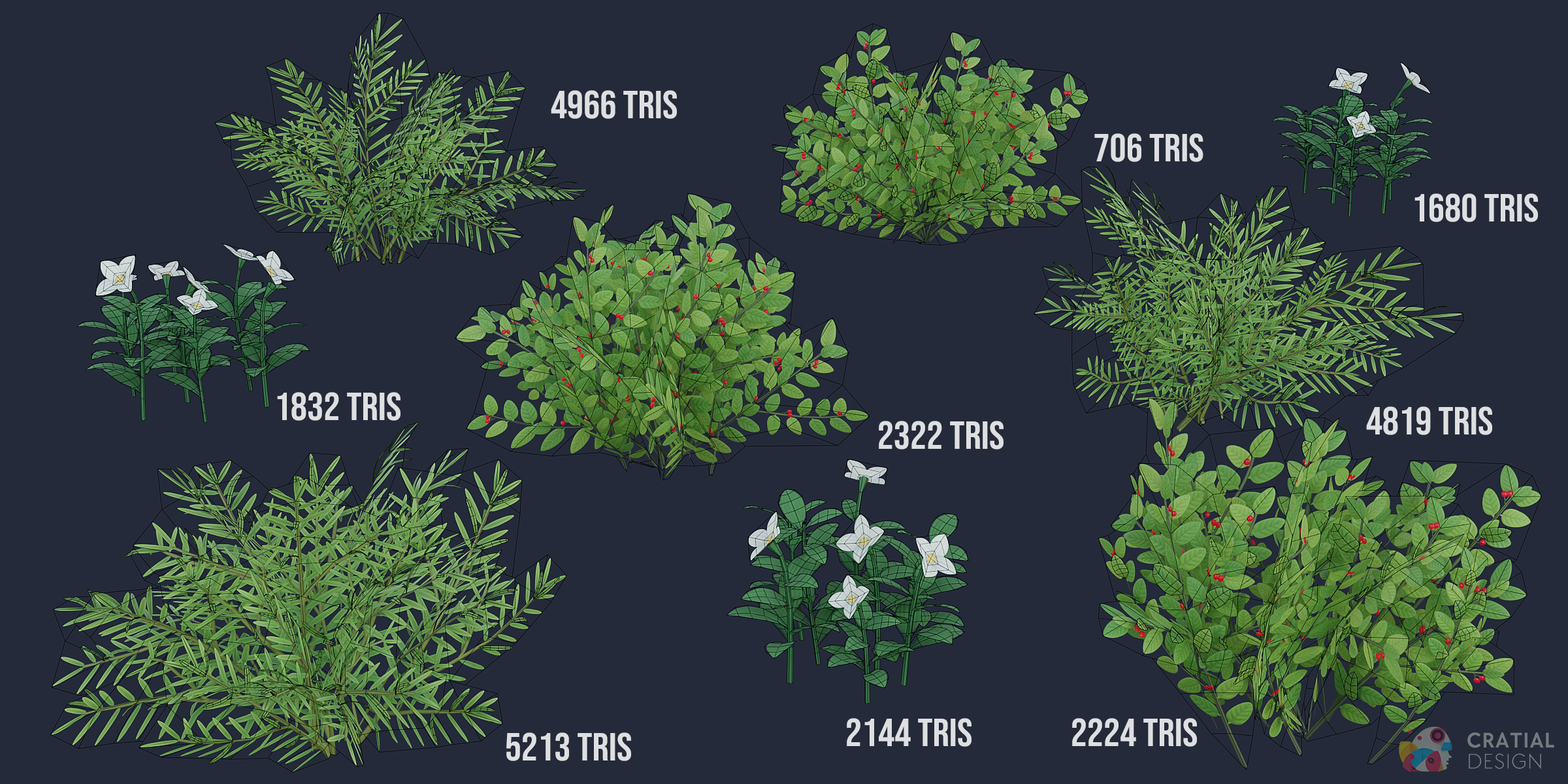
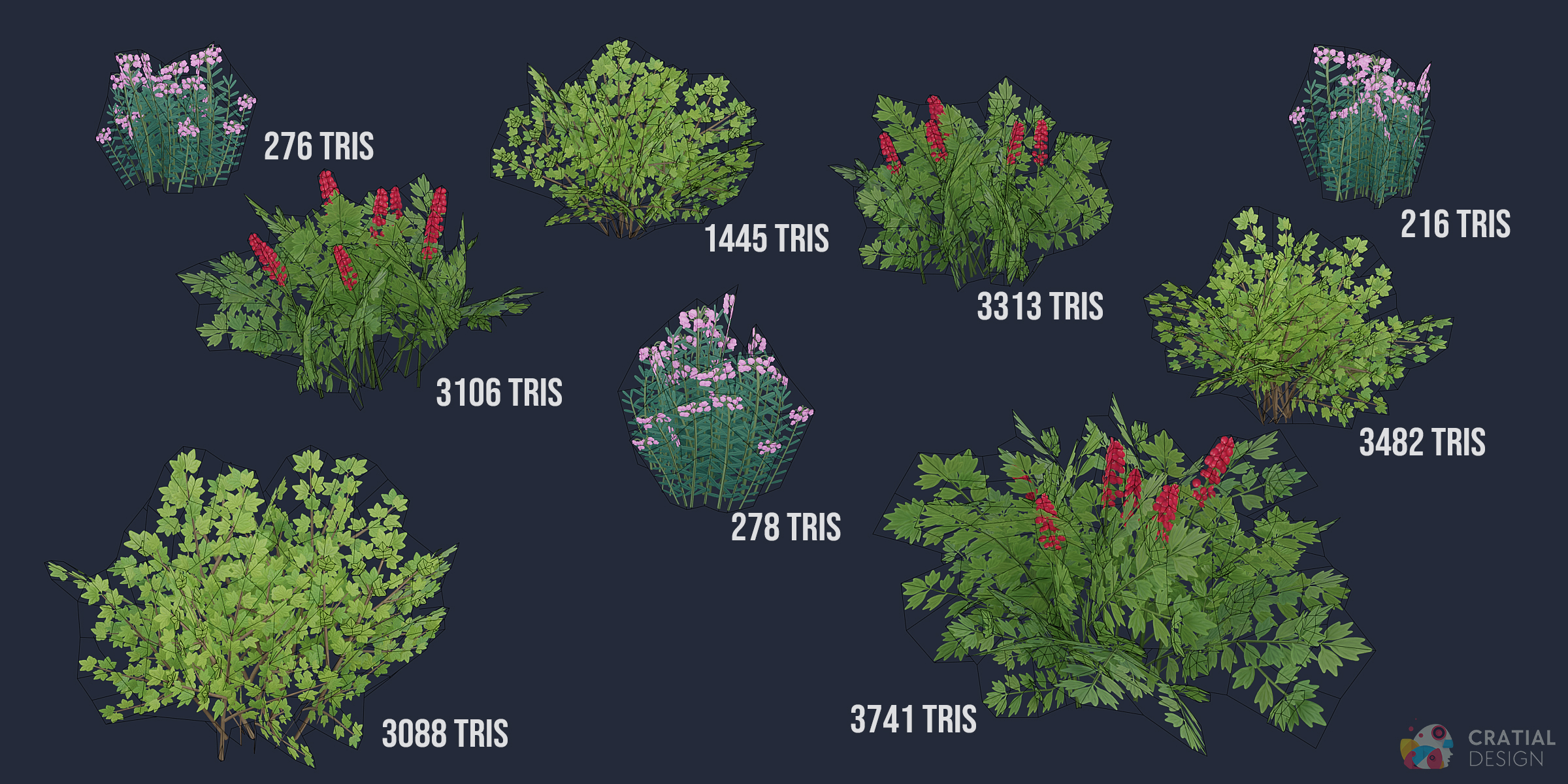
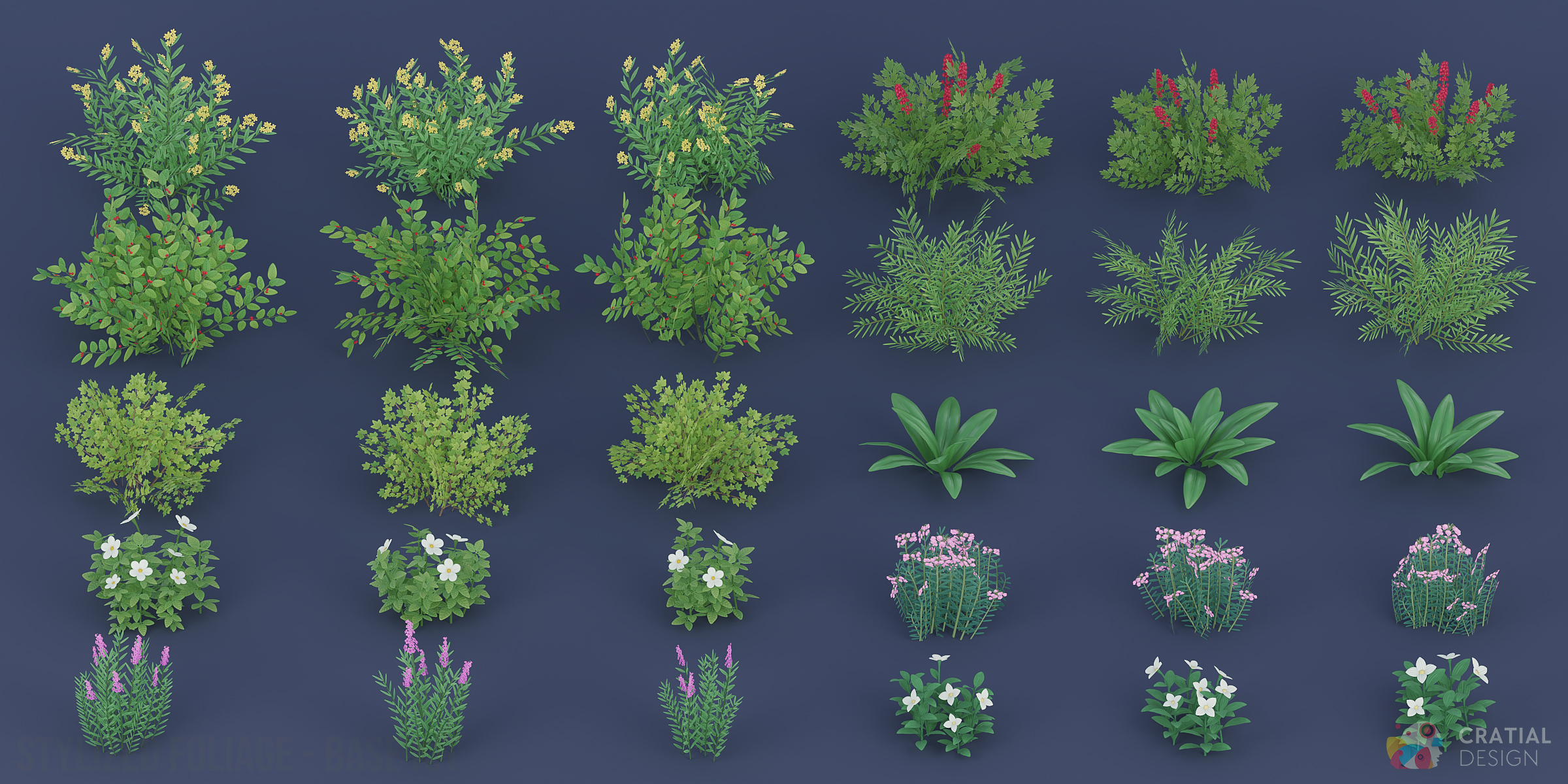
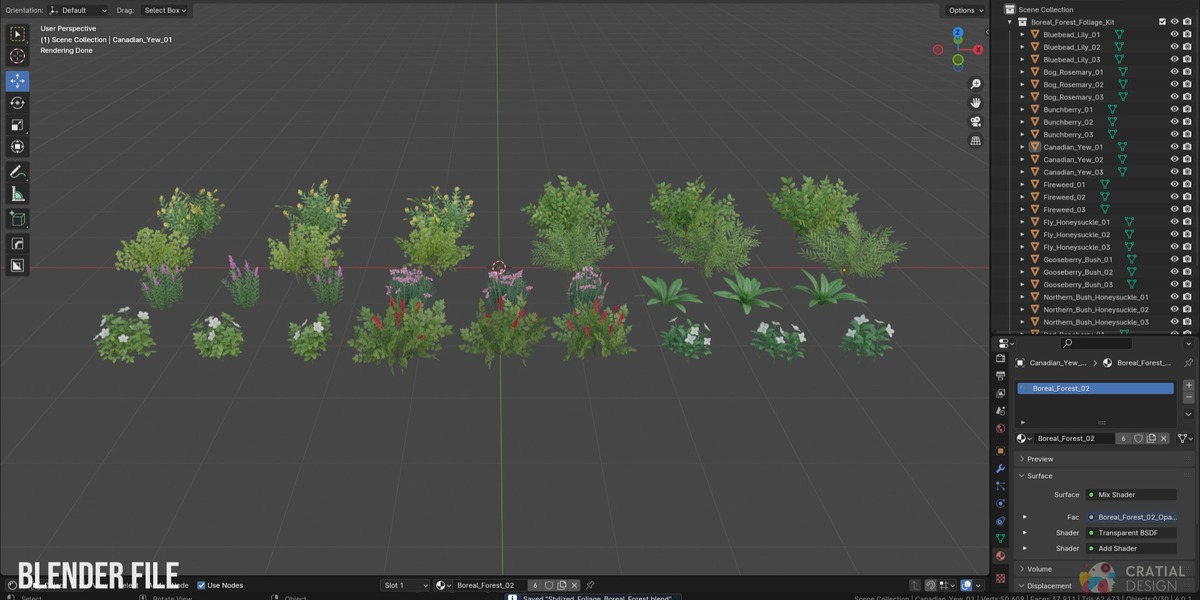
Do the FBX and OBJ files include the wind setup?
No. The FBX and OBJ files contain the static models. The optional Simple Grass Wind setup is included in the .blend file and does not transfer to FBX or OBJ.
How do I turn on and adjust the foliage wind?
Wind is disabled by default. Select a foliage model, click the Modifier tab, enable the viewport and render toggles on the Geometry Nodes modifier, then raise Wind Power above 0. Wind Power controls how much the plant moves, while Wind Speed controls how quickly the movement changes.
If you add multiple plants to your scene, you can use the Wind Control empty to keep the wind direction consistent for all assets in your scene. Just add the empty to your scene and add it to the "Wind Controller" section of the Geometry Nodes modifier.
Which render engines are supported?
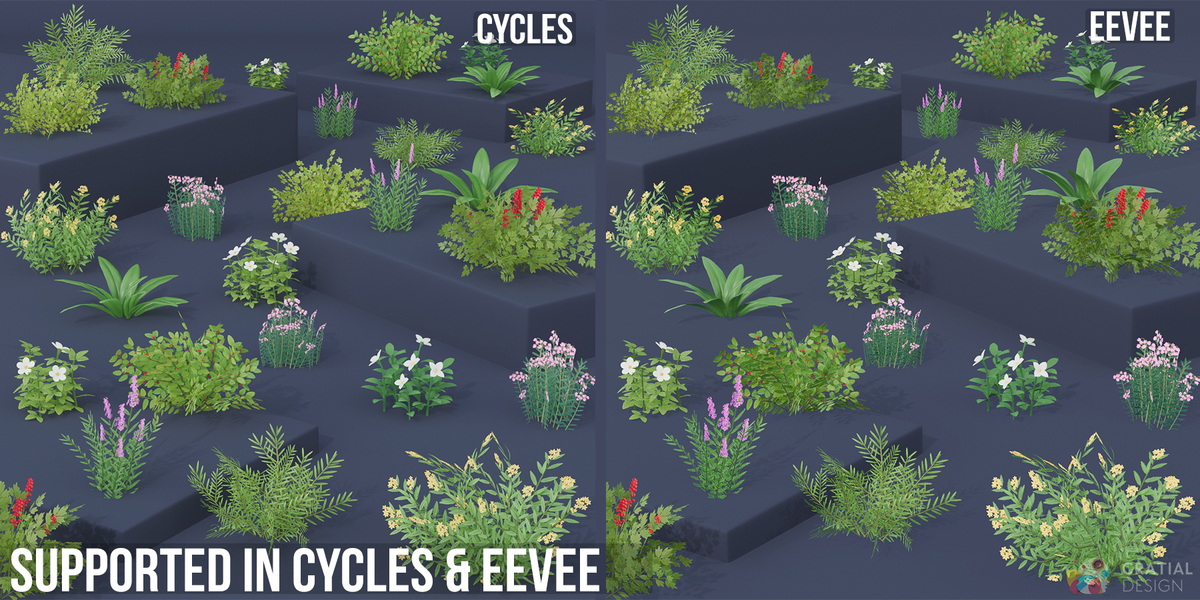
All Boreal Forest assets can be rendered in Both Cycles and EEVEE.
Have questions about this product?
Login to message
Includes an Asset Library
31 drag-and-drop assets for Blender’s Asset Browser.
Browse included assets| Dev Fund Contributor | |
| Published | over 2 years ago |
| Blender Version | 3.0 - 5.2 |
| Render Engine Used | Cycles, Eevee |
| Misc Data | Uvs-Unwrapped, Normal-Mapped, Textured |
| License | Royalty Free |
Discover more products like this
stylized-bushes boreal forest forest foliage foliage-kit boreal foliage boreal Wildflowers stylized-foliage northern forest Blender foliage boreal plants foliage pack