 JB FX


EASY BALL PHYSICS FOR BLENDER
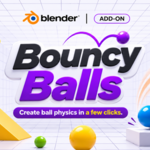
Bouncy Balls
Create ball physics in a few clicks.
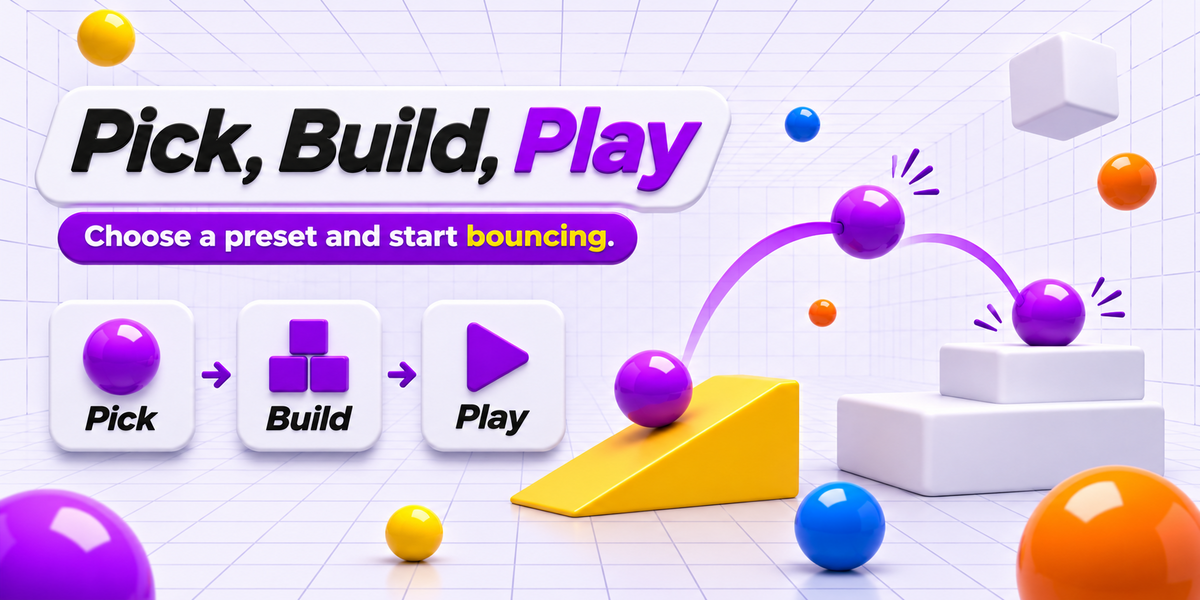
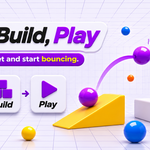
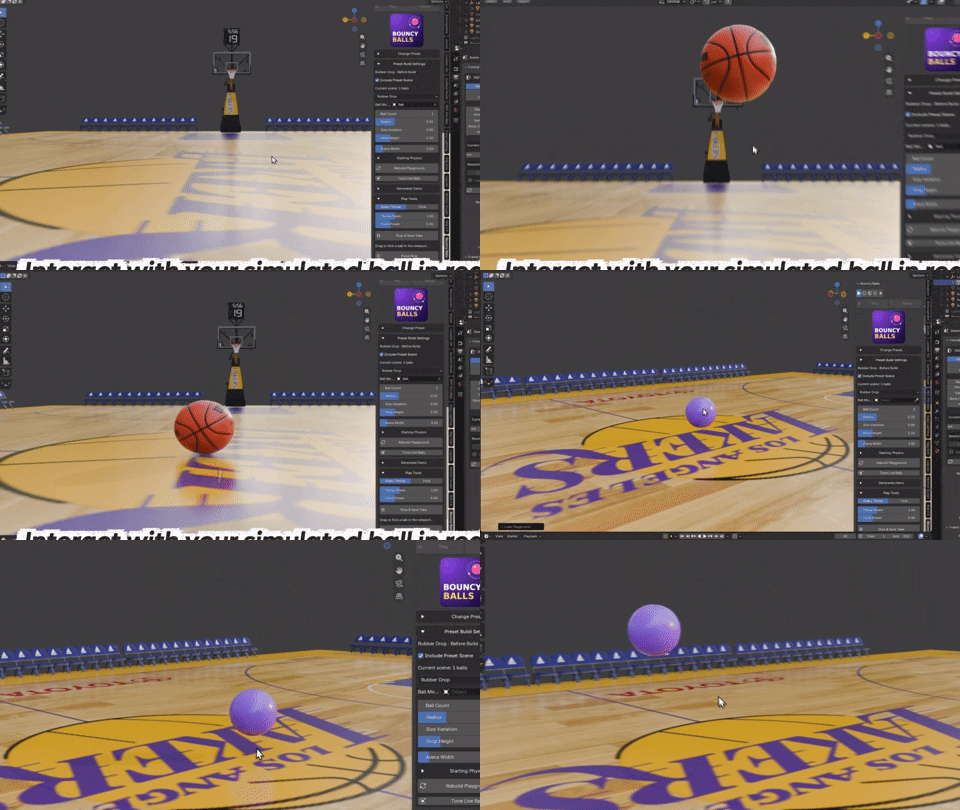
Pick a preset, click Build, and press Play. Start with one bouncing ball, drop a whole batch, or send a volley across your scene. Then tweak the motion right in Blender’s viewport.
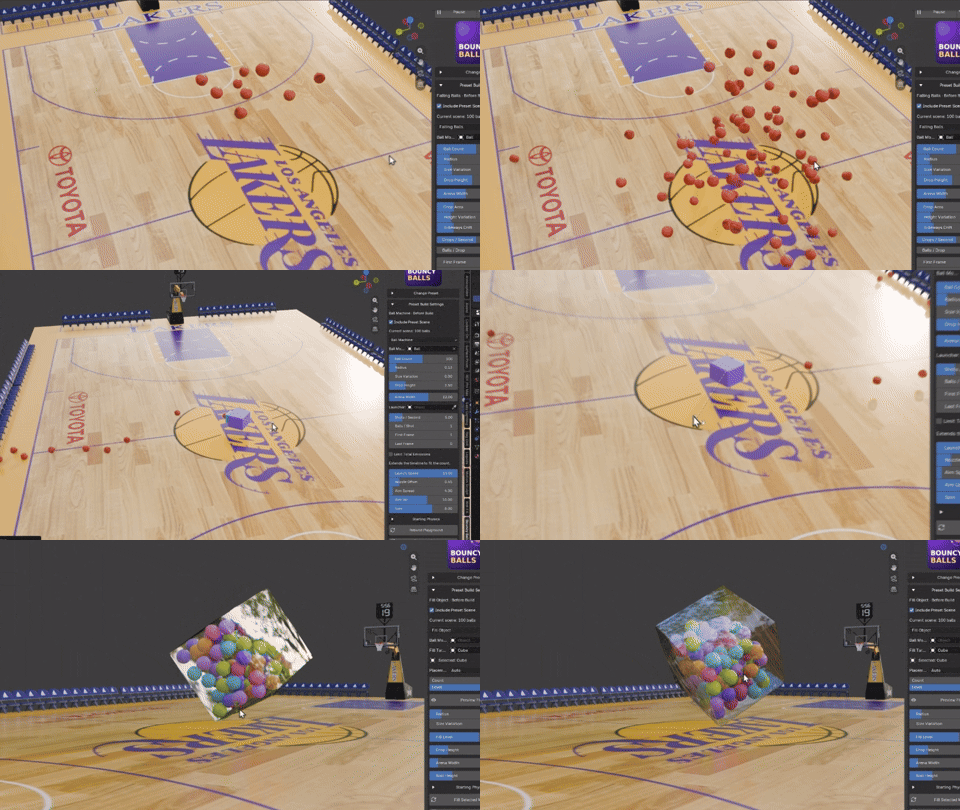
Start with a preset
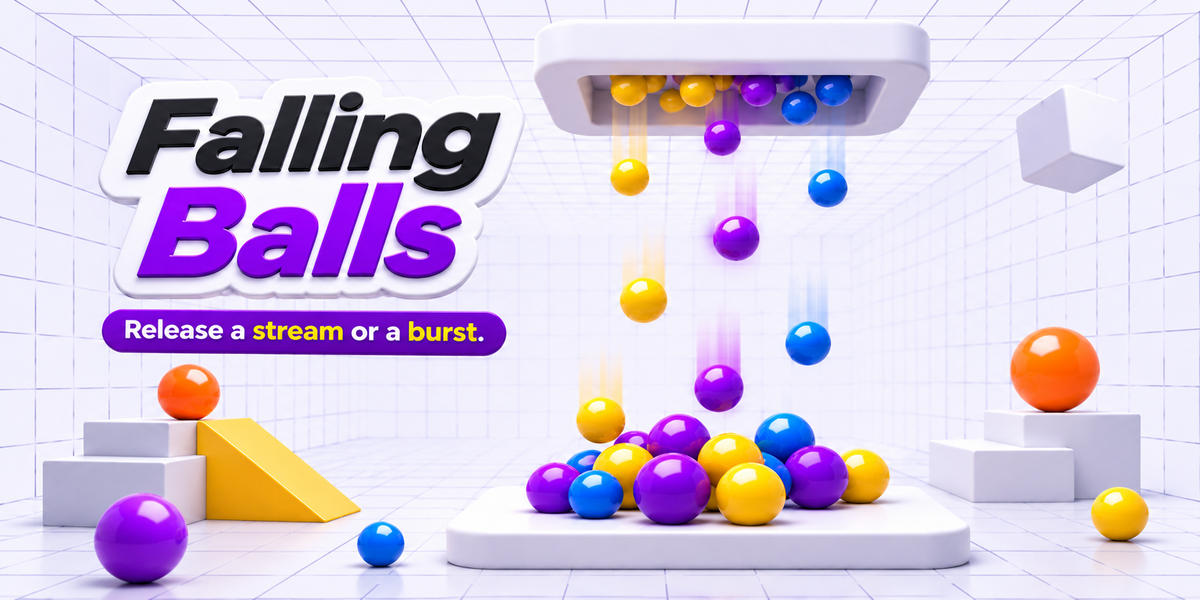
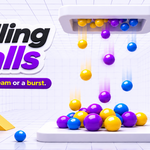
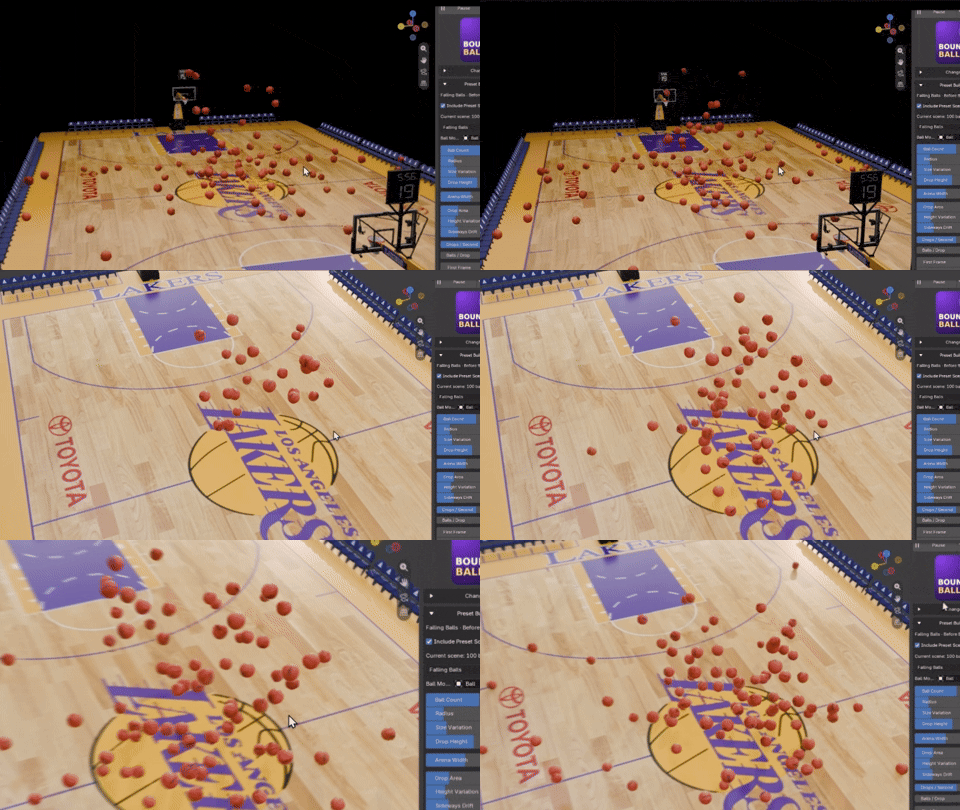
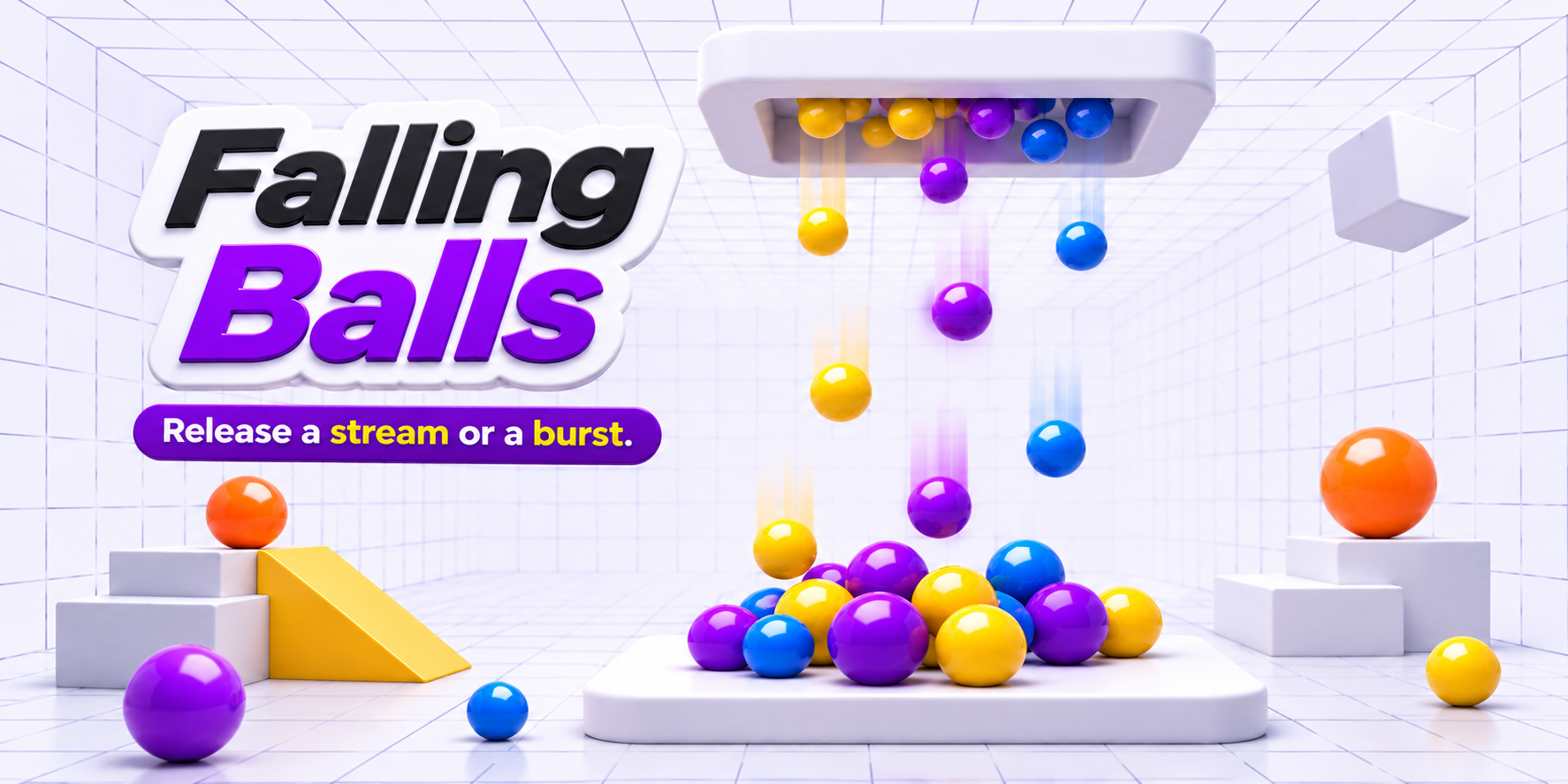 Falling Balls
Drop a steady stream or release balls in bursts. Set the drop rate, spread, and sideways drift, then watch them bounce and pile up.
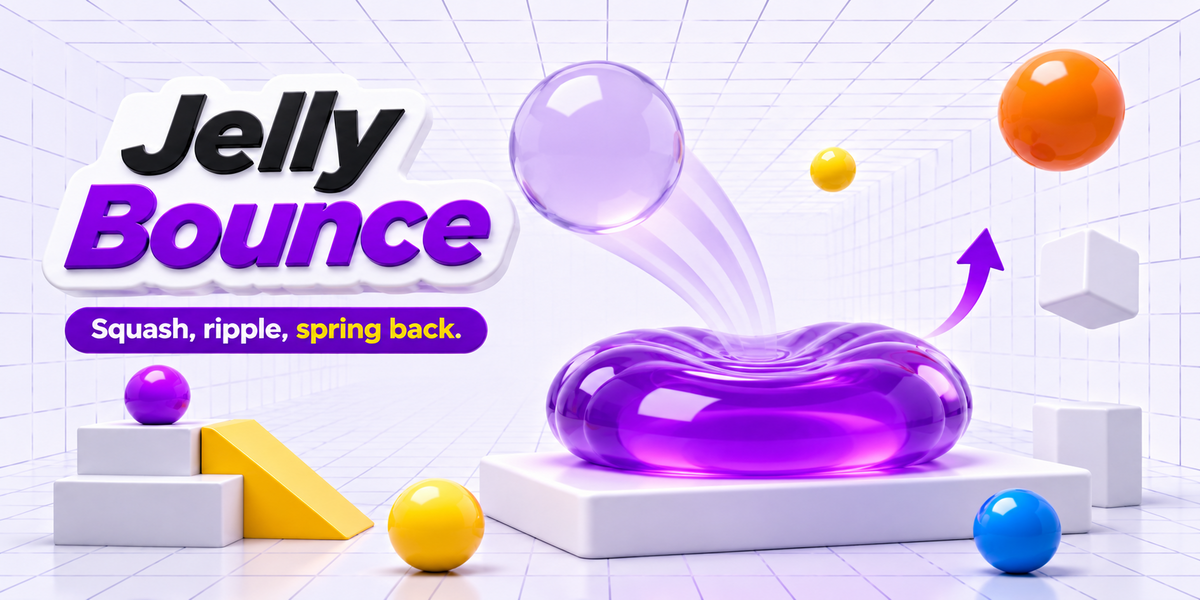
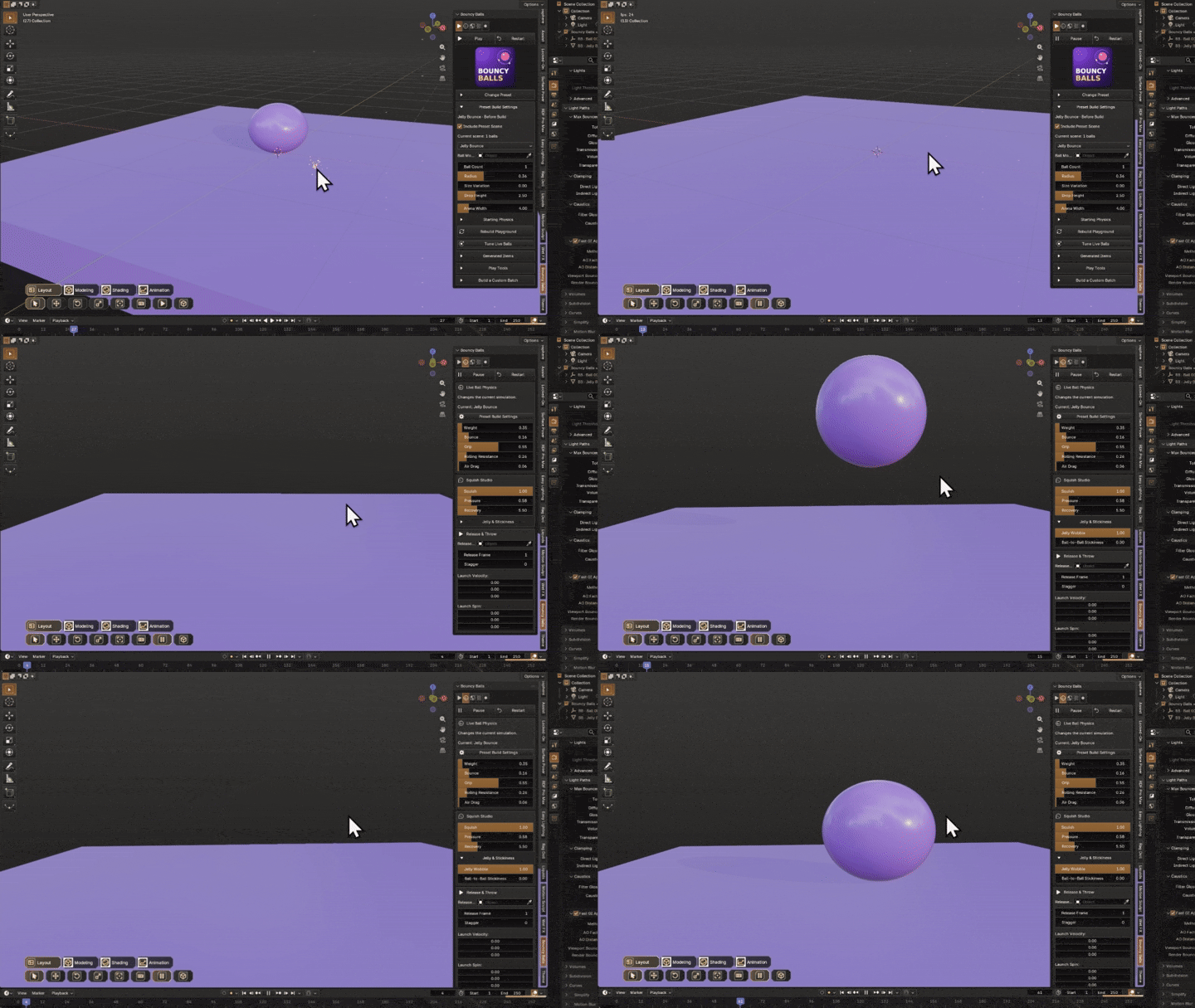
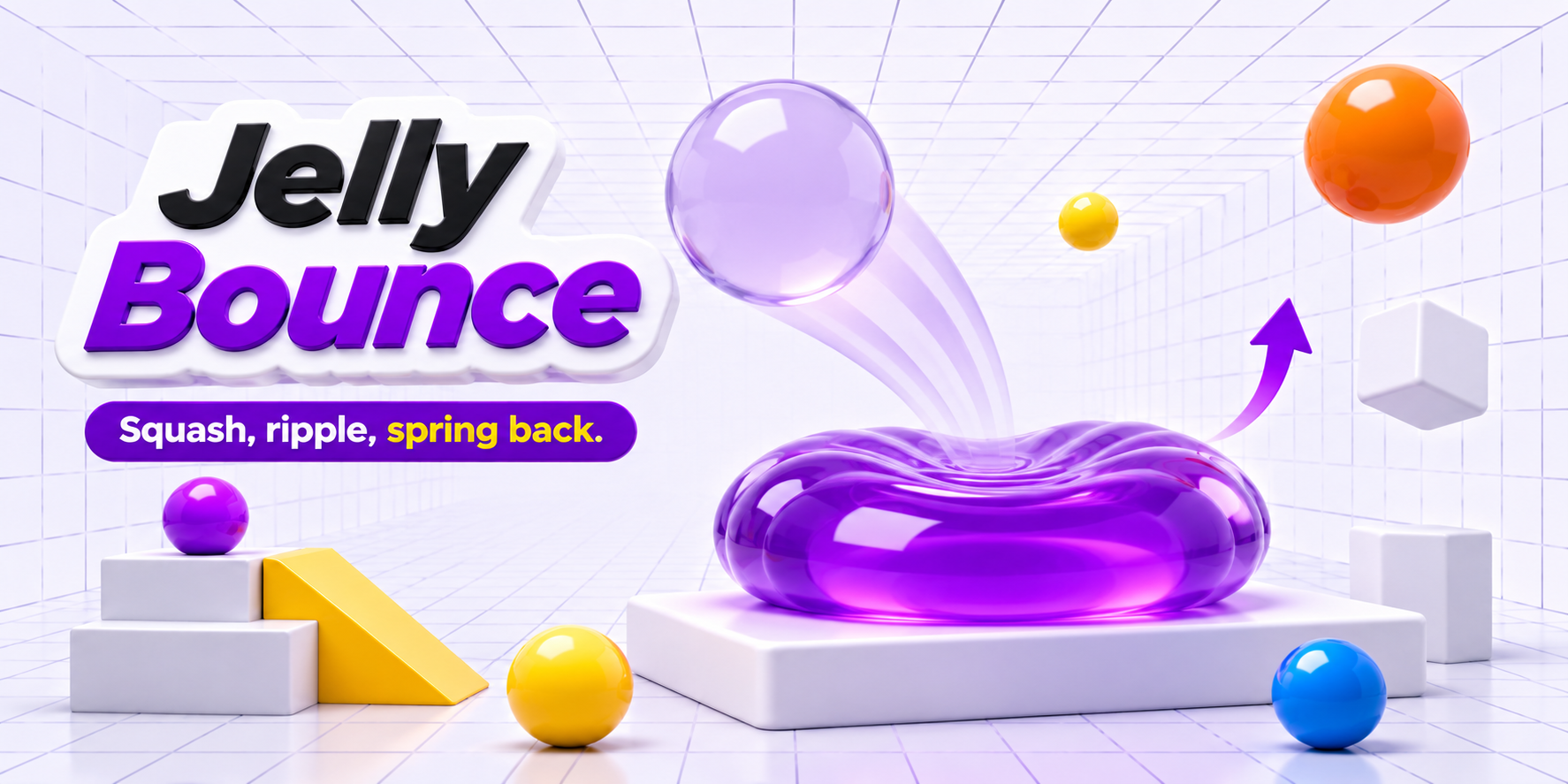 Jelly Bounce
Hits flatten the contact patch, bulge the sides, and send a ripple up the ball. Tune pressure, squish, and stickiness to dial in the landing.
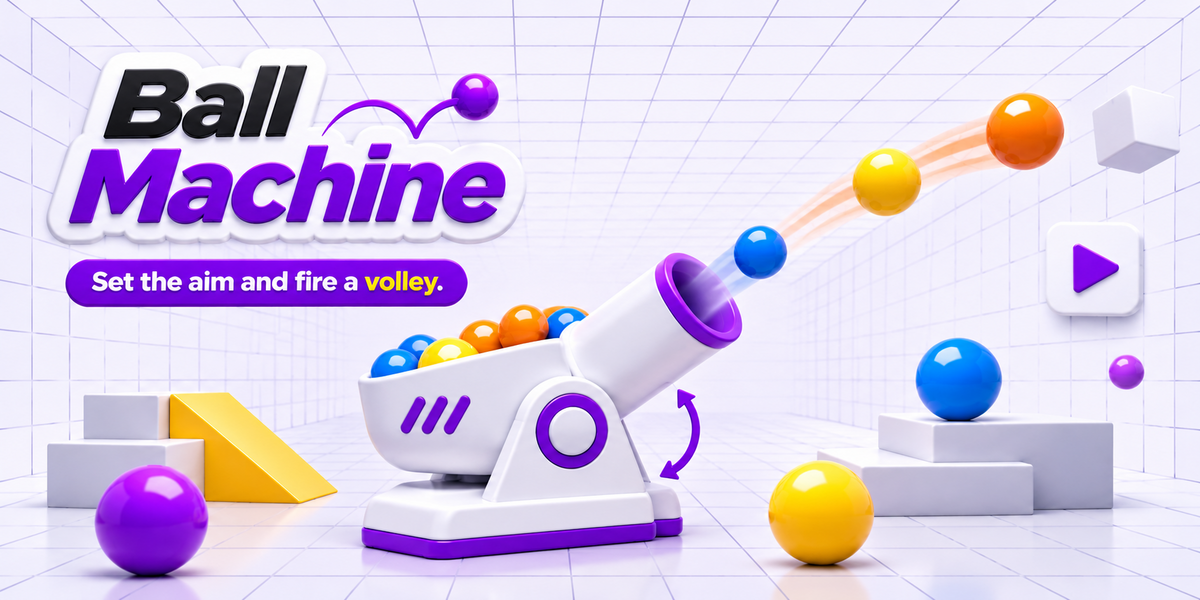
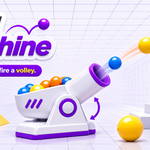
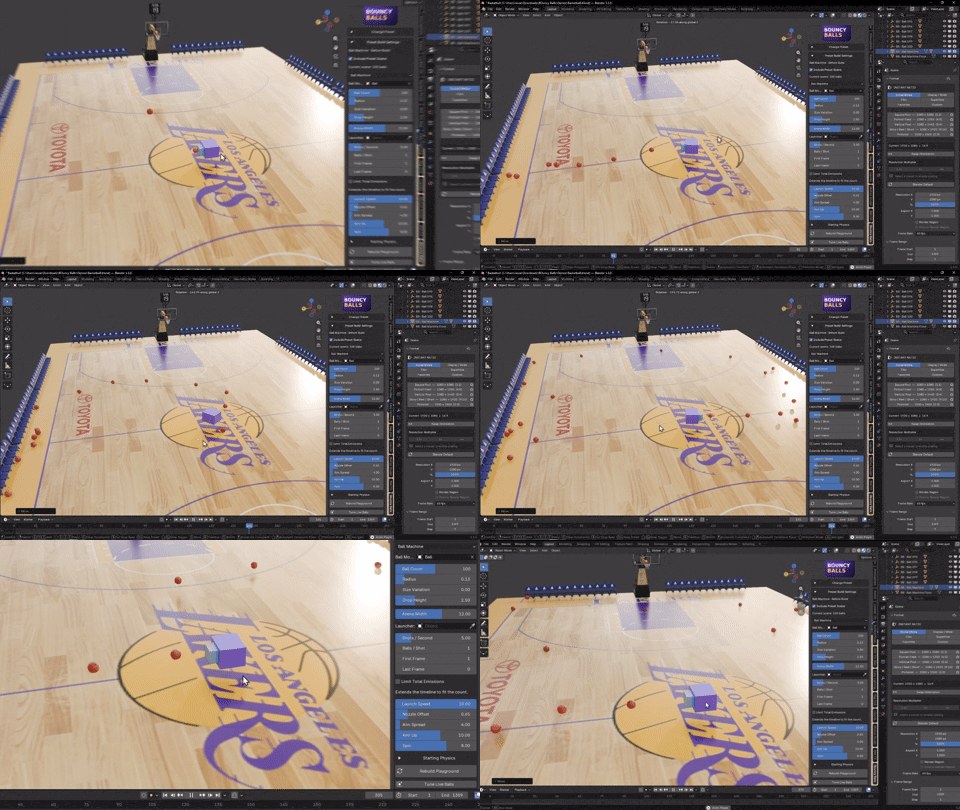
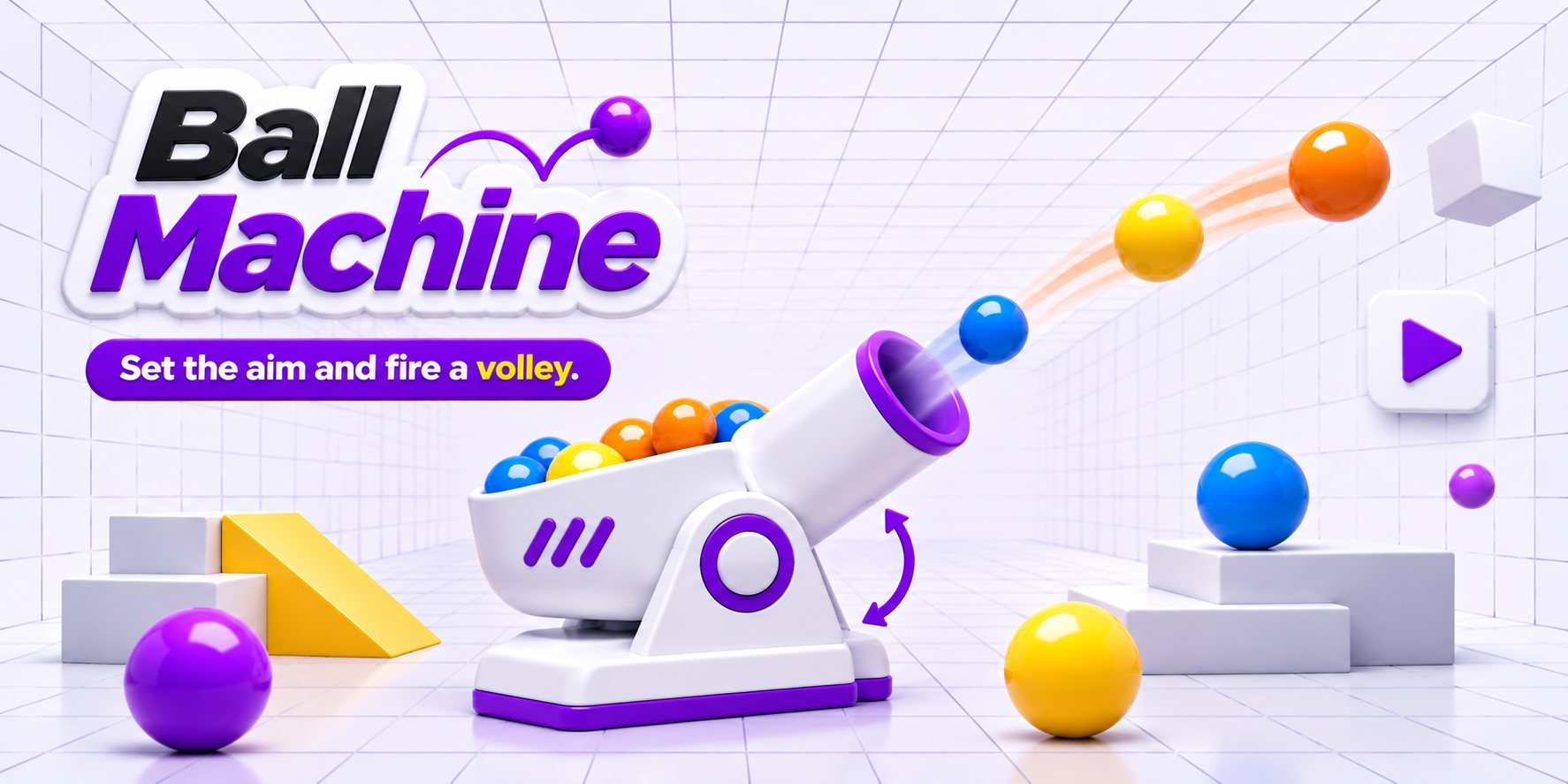 Ball Machine
Set the shot rate, burst size, launch speed, aim, and spin. Use the built-in launcher or point your own prop and send the next volley from its nozzle.
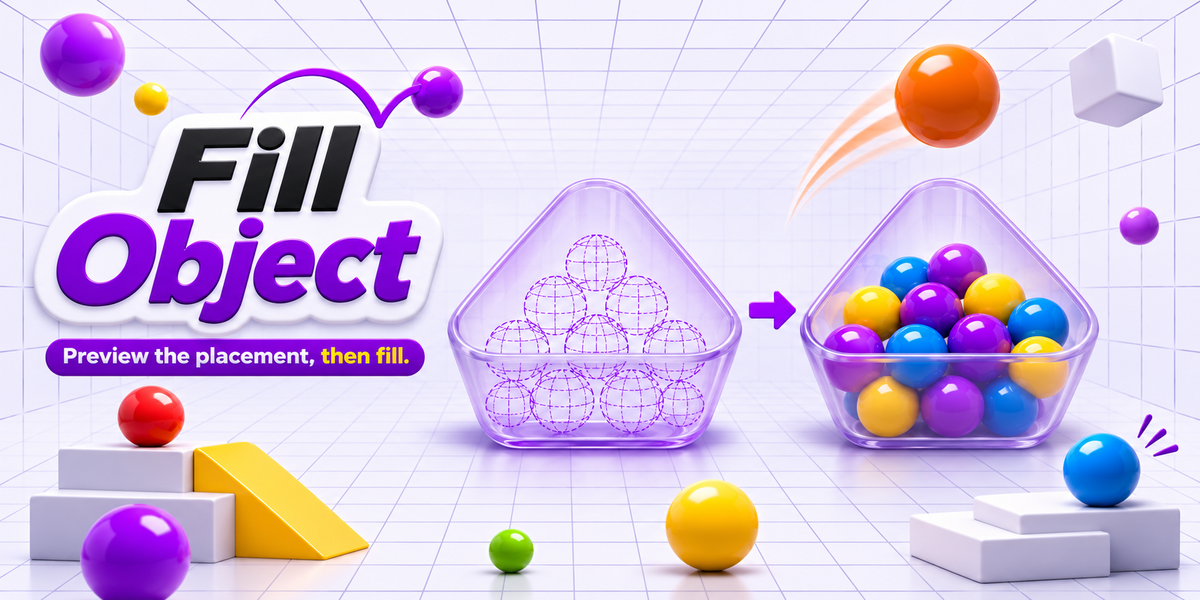
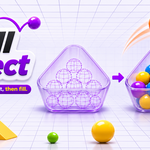
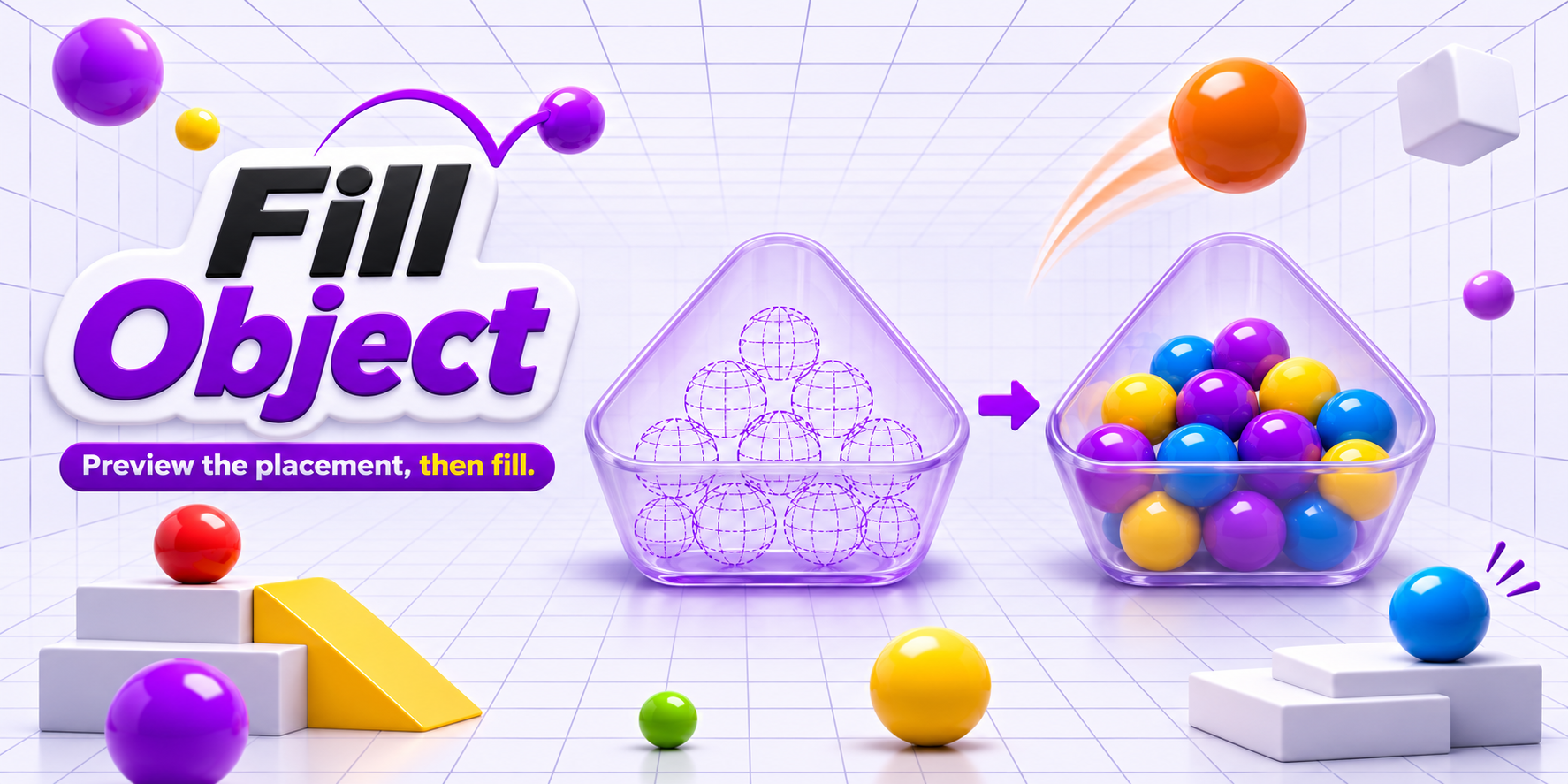 Fill Object
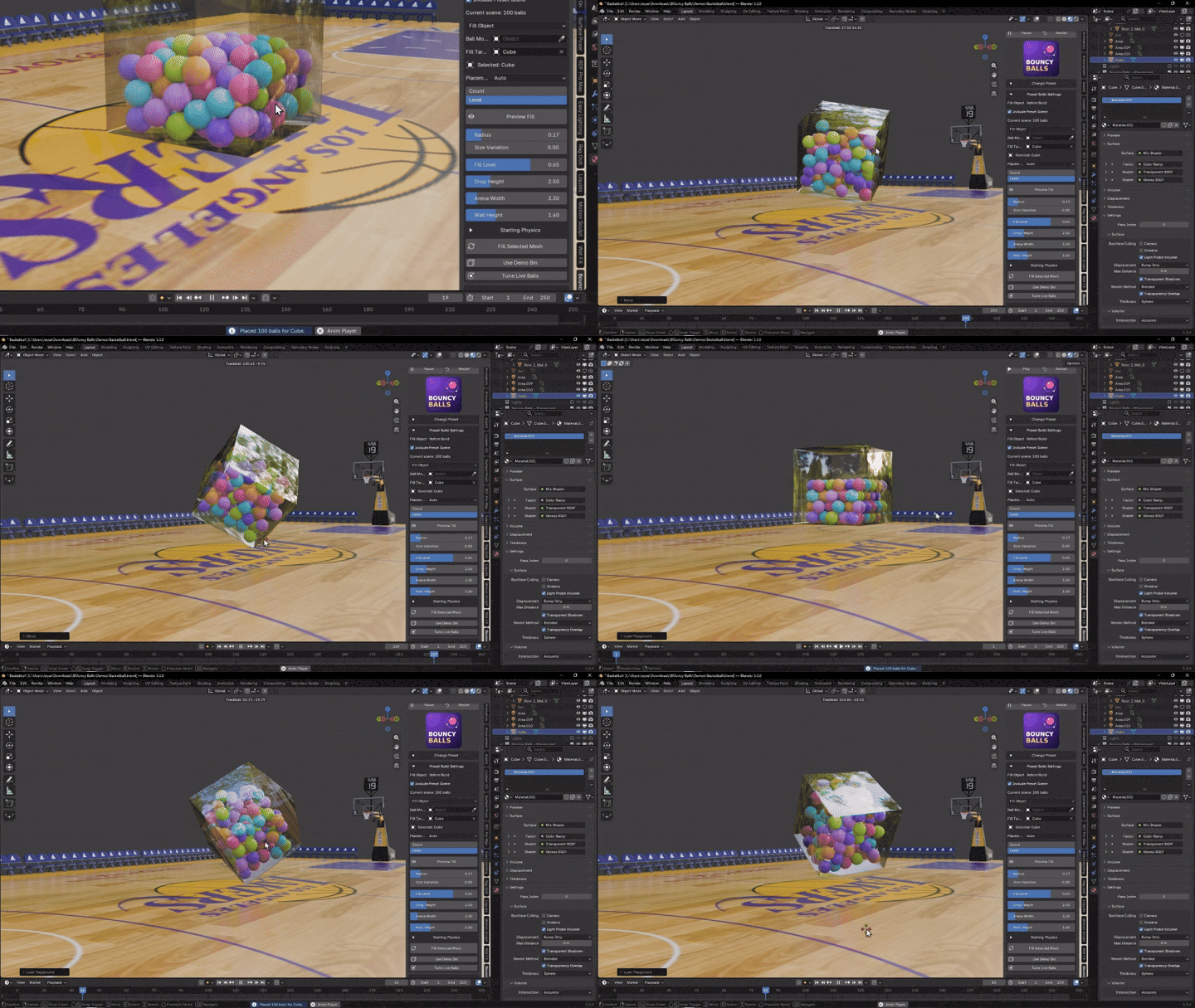
Select your own container, set a ball count or fill level, and preview the placement before building. Drop balls through an opening or seed them inside a closed mesh.
Two more ways to start
Rubber Drop for a classic rebound. Moon Ball Pit for floaty, low-gravity motion.
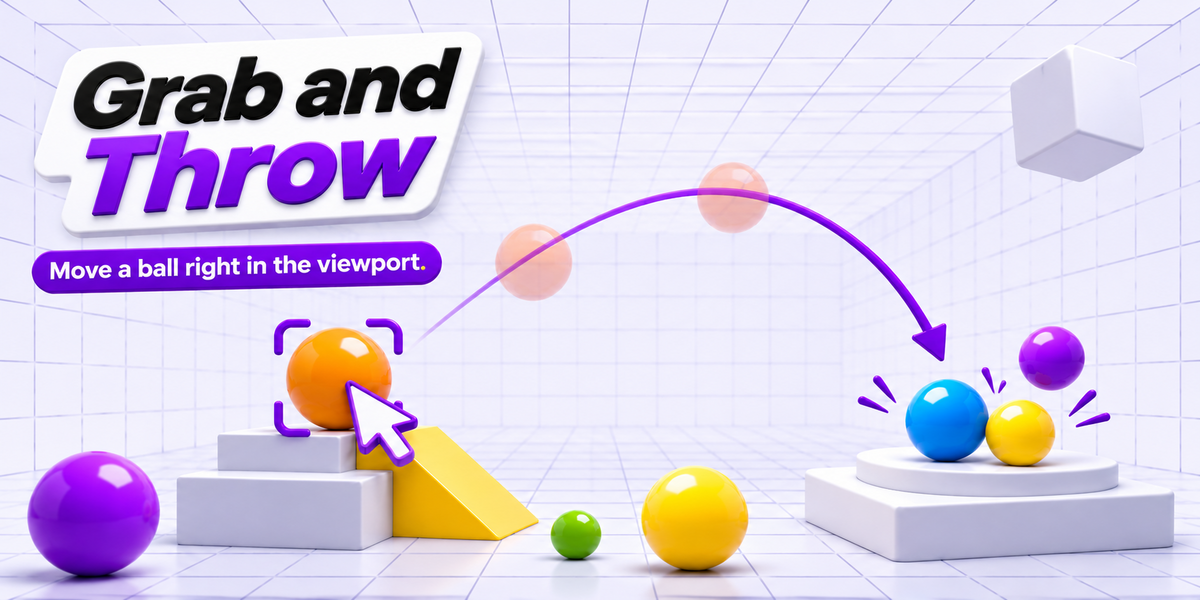
 Grab it and throw it
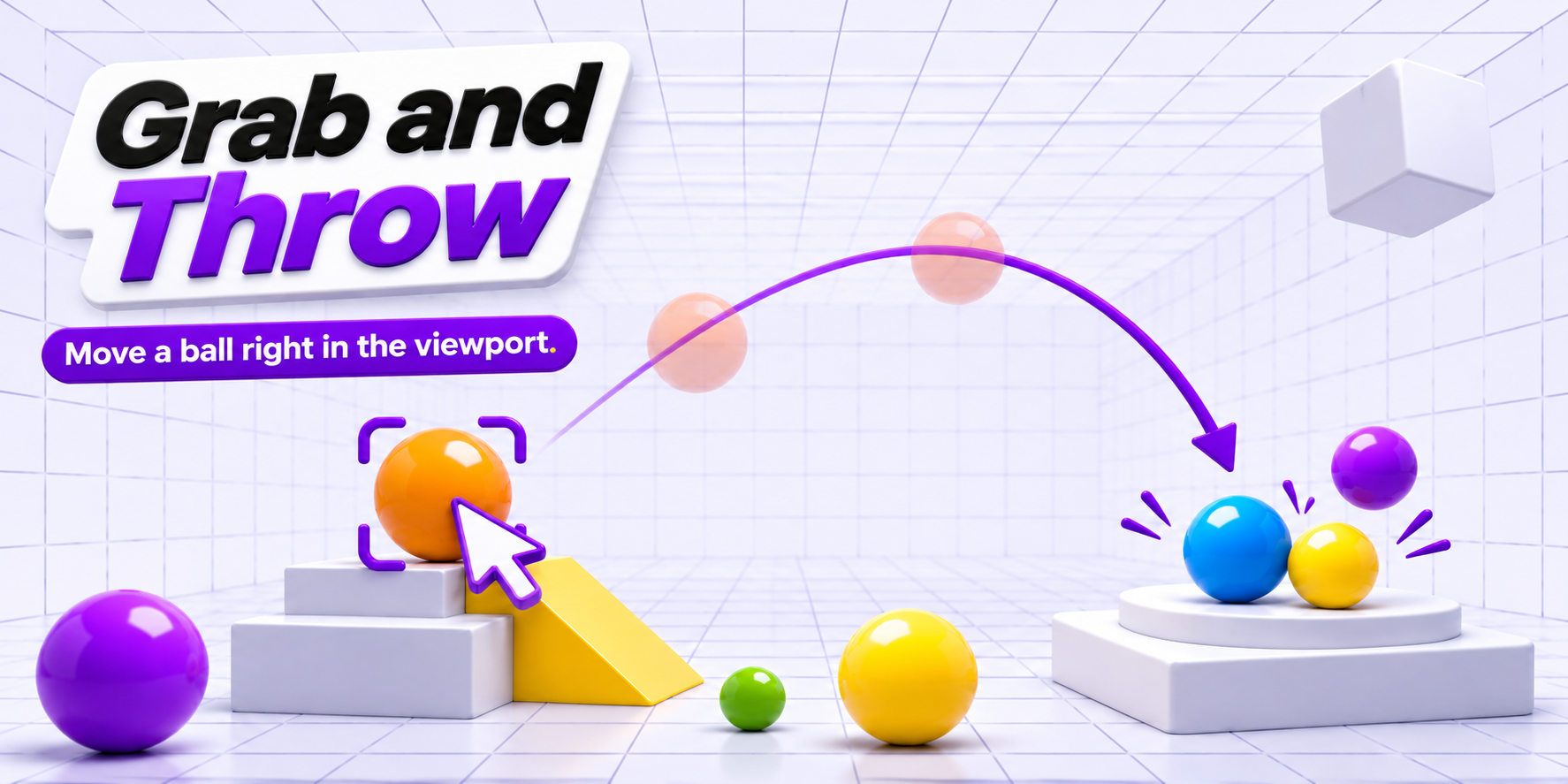
Grab and throw a ball directly in the viewport, or flick one into the pile. Save the interaction as a take when you get the motion you want.
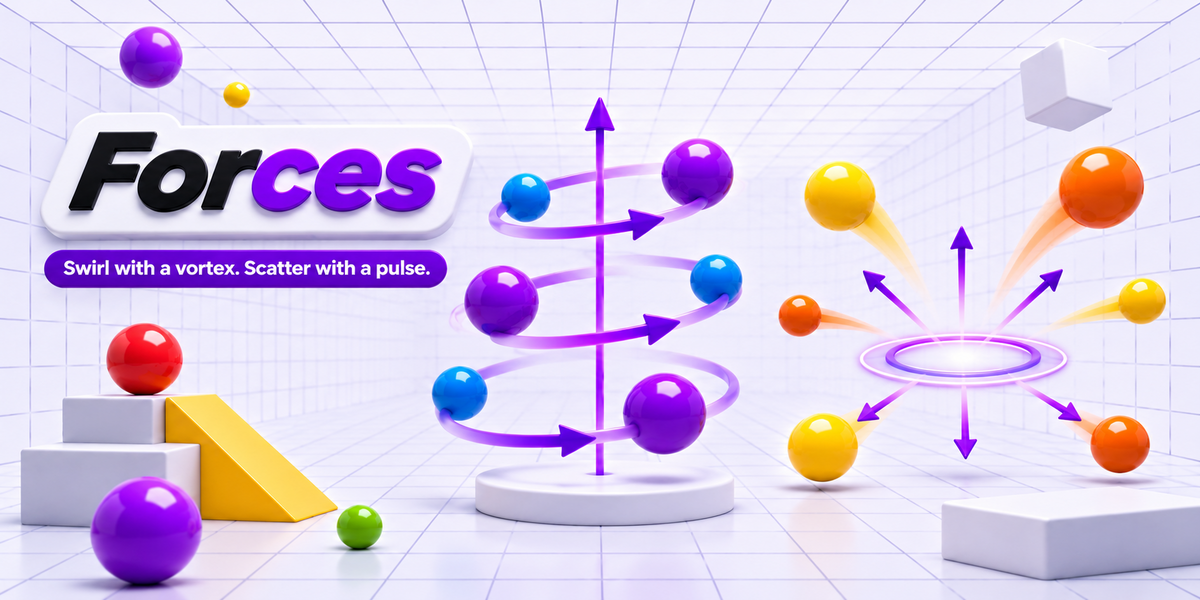
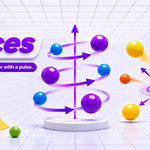
 Shape the motion with forces
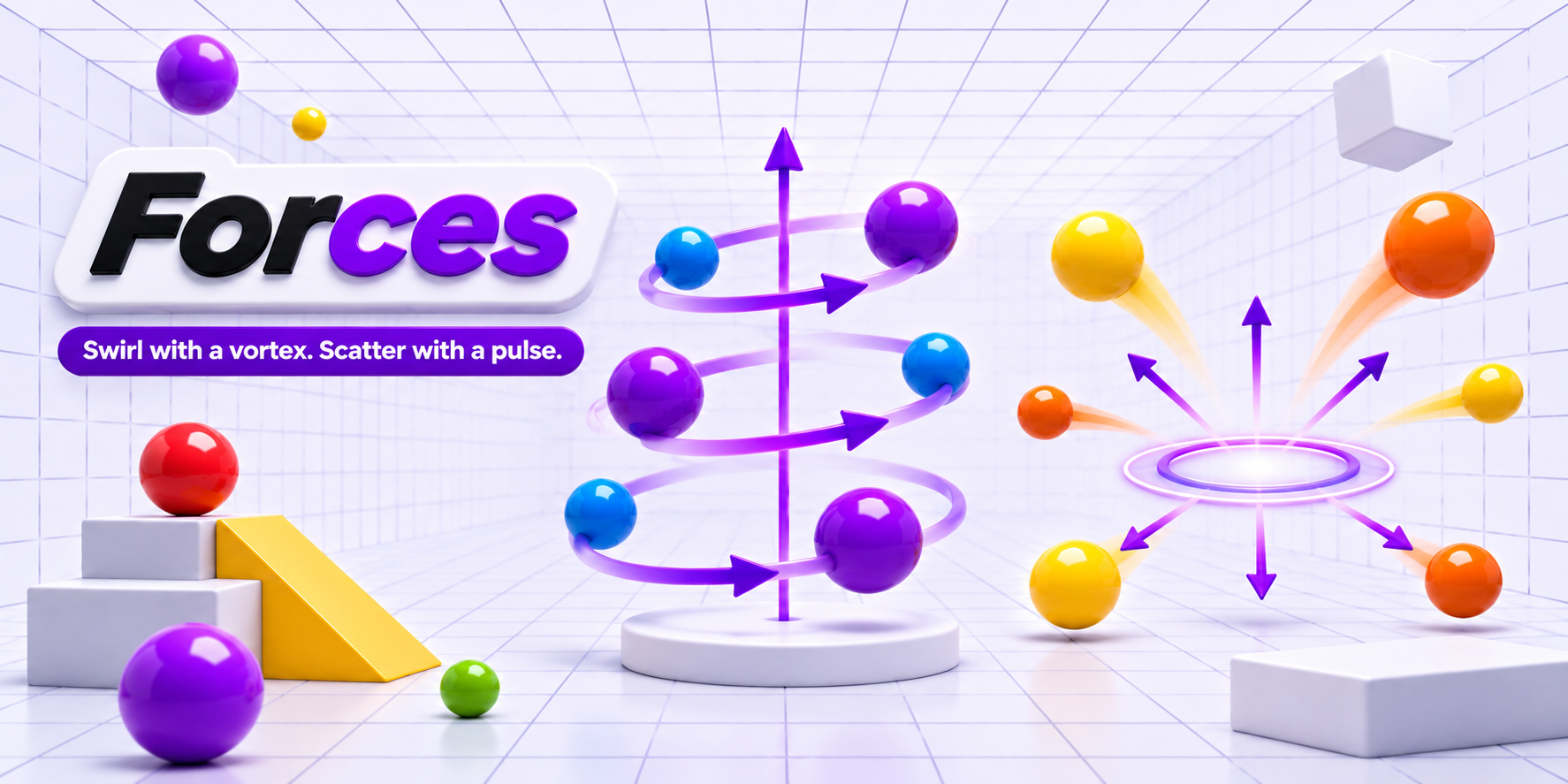
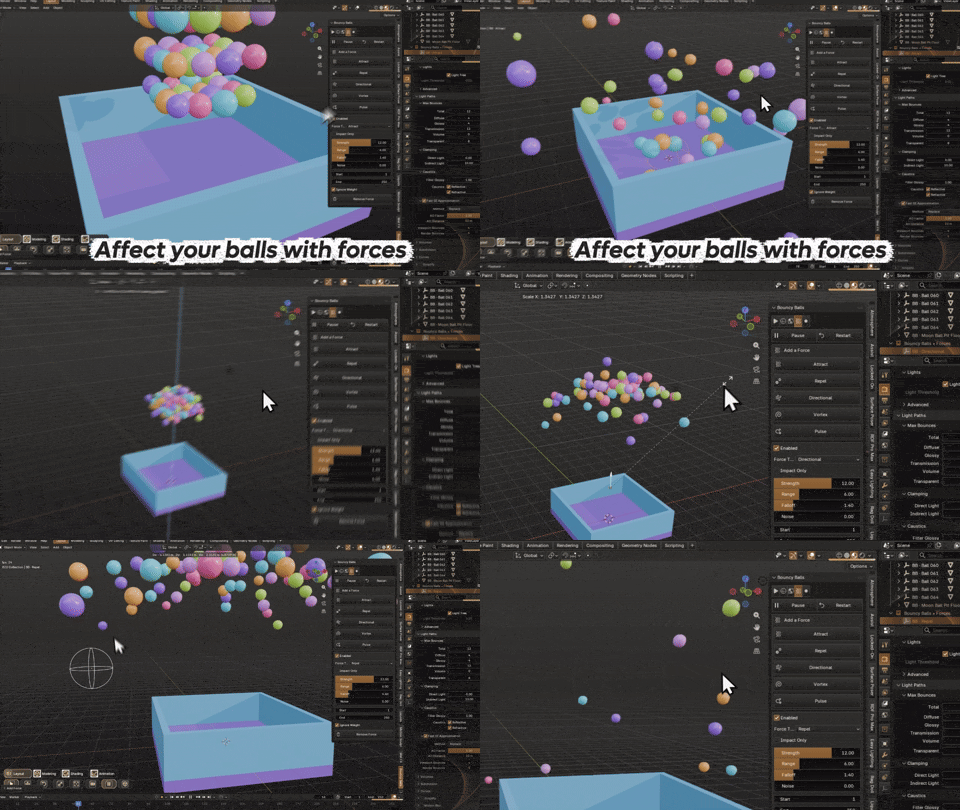
Add a directional push, swirl the balls with a vortex, or send a pile flying with a pulse. Position the force in your scene and tune its strength and range.
Make the physics your own
Your own balls
Use your own mesh as the ball model.
Gravity
Tune its strength and direction.
Custom colliders
Make scene meshes part of the bounce.
Cache &
keyframes
Bake to disk or create editable keyframes.
Your first bounce
Install the extension ZIP. In the 3D Viewport, press N and open Bouncy Balls. Choose a preset, click Build, and press Play.
Includes the Bouncy Balls 1.0 extension, seven presets, and a Quick Start guide. Requires Blender 4.3 or newer.
Live playback speed varies with ball count, collider detail, and viewport shading. Use disk baking for dense scenes and timeline scrubbing.

