 DreamSfx
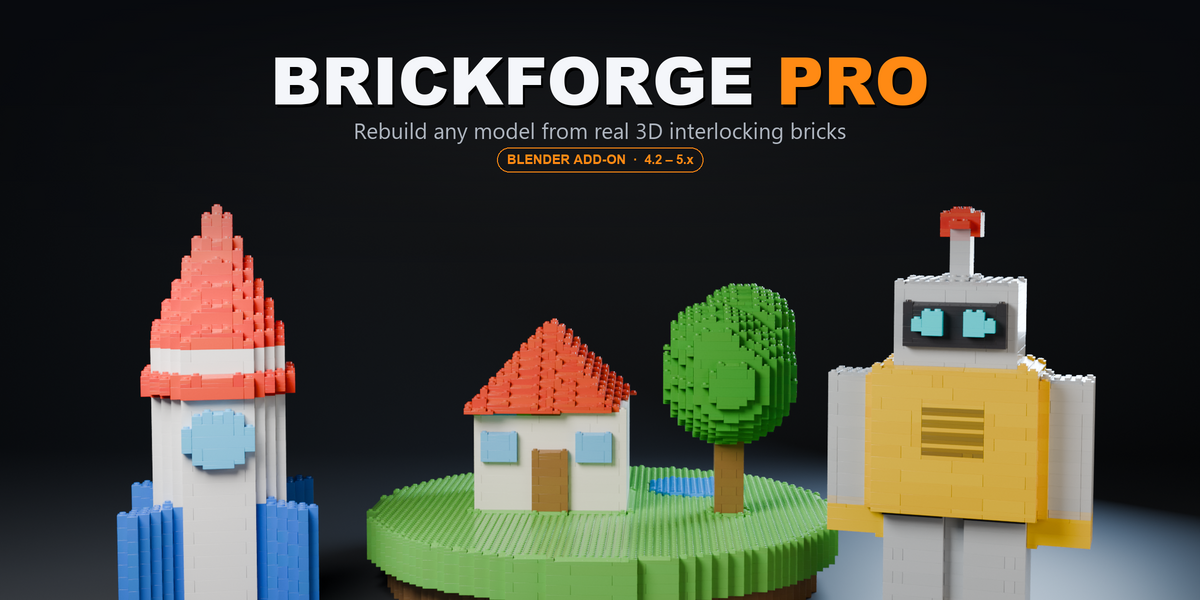
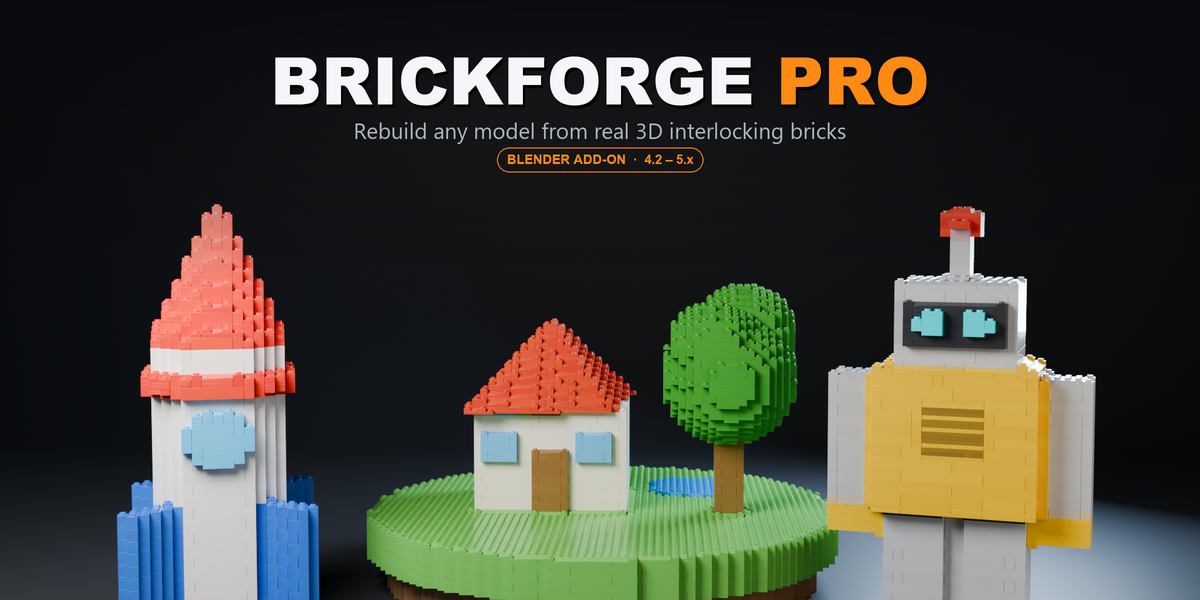
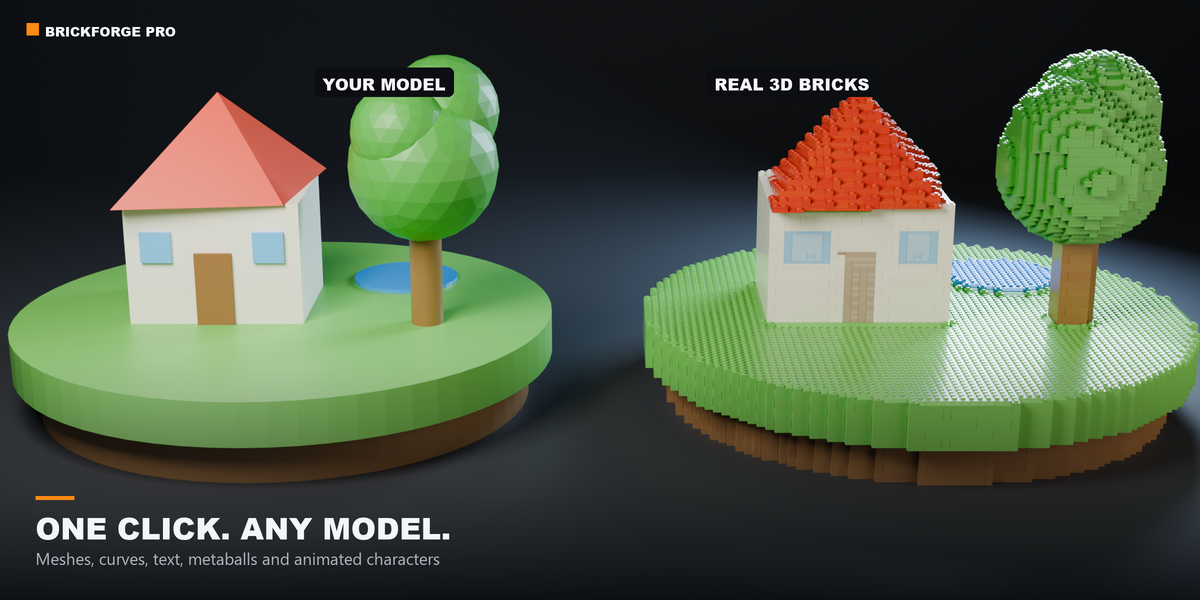
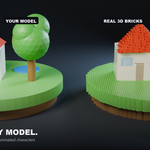


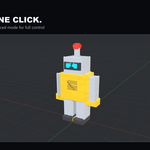
Any model. Real bricks. One click.
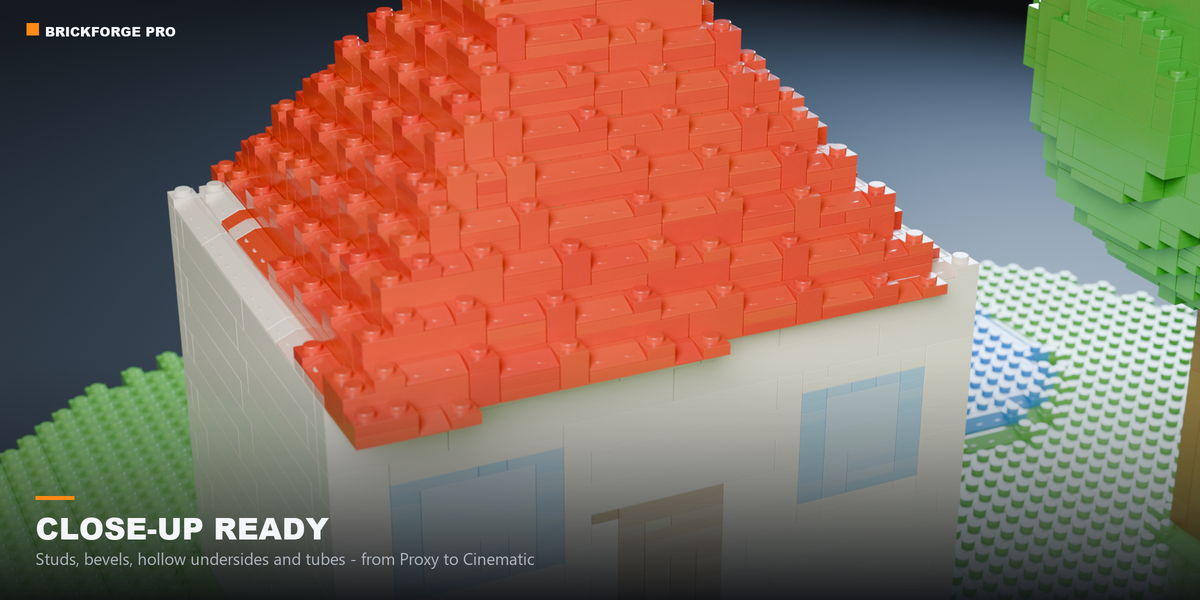
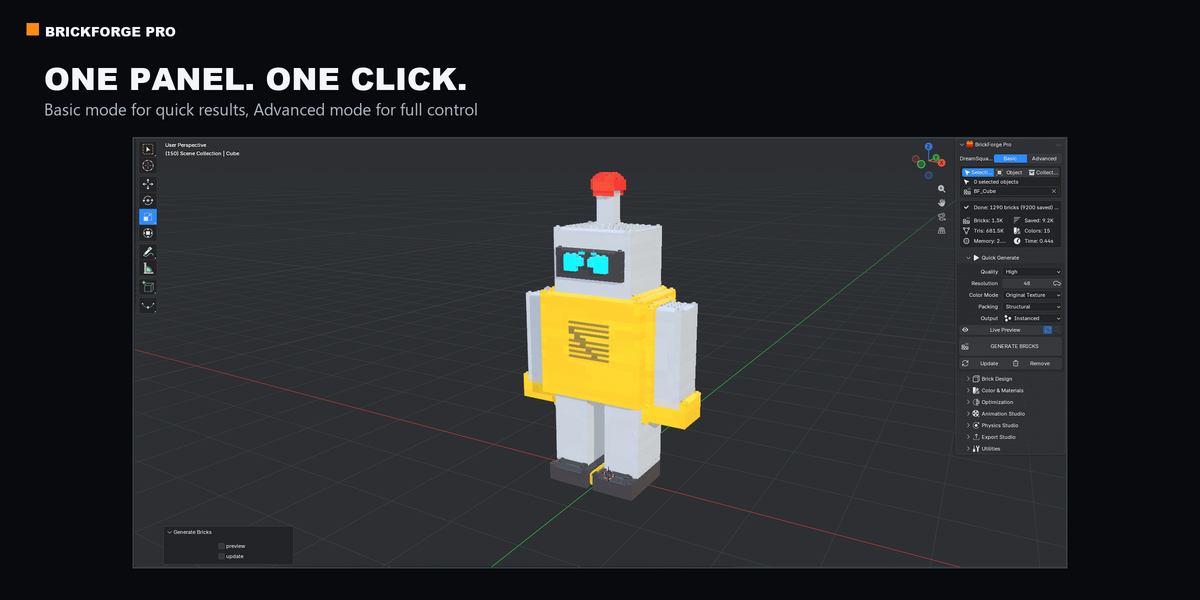
BrickForge Pro rebuilds your models from genuine 3D interlocking bricks, with studs, bevels, hollow undersides and tubes. It is not a flat voxel shader. Select an object, choose a quality level and press Generate Bricks. Turn on Live Preview and a fast proxy updates while you tweak the settings.
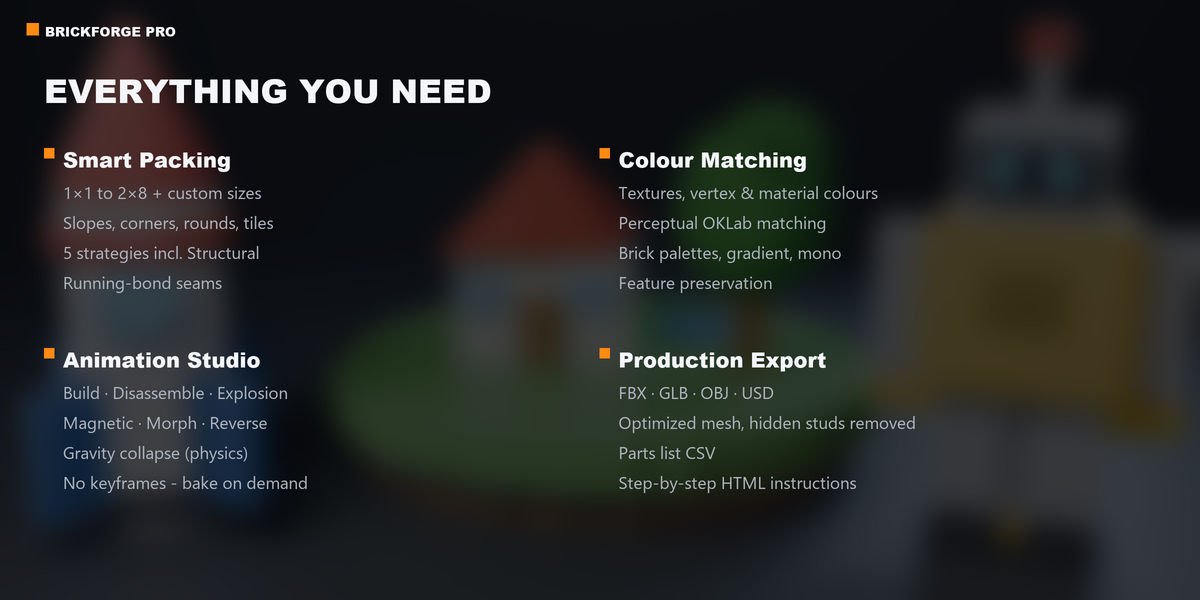
Smart packing
- Brick sizes from 1×1 up to 2×8, plus your own custom sizes
- Slopes, corners, round bricks and smooth tiles
- Five strategies: Maximum Detail, Balanced, Minimum Count, Structural (bridges the seams of the layer below) and Artistic
- Running-bond staggering, connectivity analysis and optional removal of floating bricks
- Brick, plate, adaptive and tile libraries
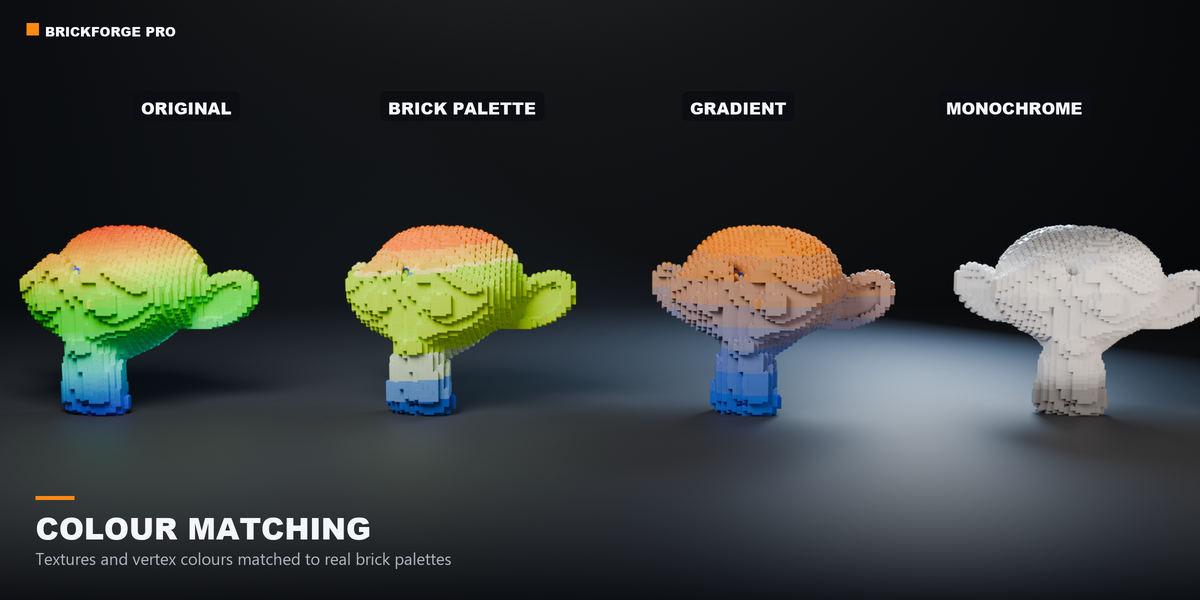
Colour matching
- Reads image textures (UV), vertex colours and material colours, and can bake procedural shaders
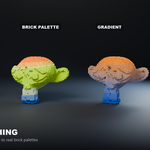
- Perceptual matching in OKLab, k-means quantisation, palette limiting and tolerance merging
- Feature Preservation keeps small details like eyes and markings
- Modes: Original, Full Colour, Brick Palette (classic, pastel, grayscale, metallic), Monochrome, Gradient, Random, Metallic and your own custom palette
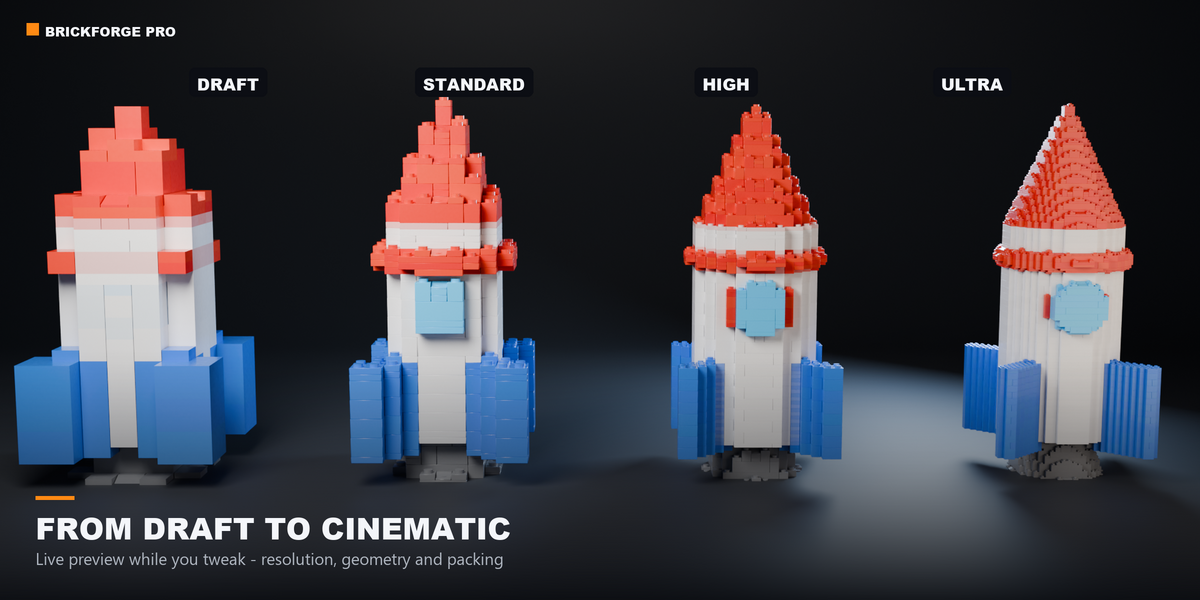
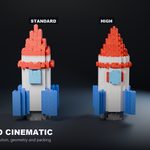
From draft to cinematic
- Quality presets Draft · Standard · High · Ultra, or full manual control
- Geometry levels from plain proxy boxes to close-up cinematic bricks
- Surface, Solid or Hollow fill with shell thickness and hole sealing
- Replace the built-in bricks with your own meshes through a collection
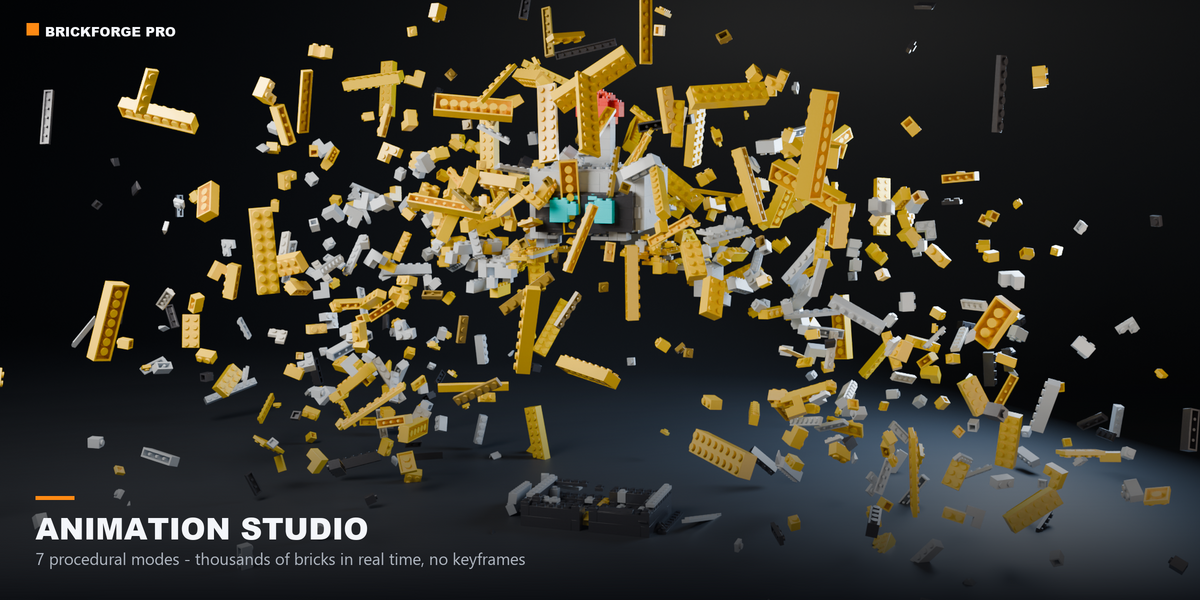
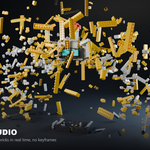
Animation Studio, with no keyframes
Build · Disassemble · Explosion · Reverse Explosion · Magnetic Assembly · Morph (between two generations) · Gravity Collapse.
Animation is evaluated in Geometry Nodes from per-brick attributes, so thousands of bricks play back in real time. Direction, easing, spin, arc, force and timing are all adjustable. Bake to Keyframes converts the result to keyed objects for FBX pipelines.
Physics Studio
Turns bricks into rigid bodies with a ground plane, collider object, timed explosion force field, gravity scale, mass, friction and bounce. Bake and reset each take one click.
Export Studio
- FBX, GLB/glTF, OBJ and USD
- Optimised export mesh with hidden studs removed and one material per colour
- Brick inventory (CSV parts list)
- Printable HTML step-by-step assembly instructions, one step per layer, with parts list and bill of materials
Output modes
Instanced (Geometry Nodes, the fastest and animatable), individual brick objects, one combined mesh, or an optimised export mesh.
Built for production
- Generation runs in a background thread, so you can keep working; press ESC to cancel
- Works with Cycles and EEVEE
- Save and load your favourite settings as presets
Compatibility
- Blender 5.0 and newer (tested on 5.0 and 5.2)
- Tested on Windows; macOS and Linux are supported (pure Python, no compiled code)
What's included
-
brickforge_pro-1.0.0.zip: the add-on (Blender extension, full source code) -
BrickForge_Pro_Manual.pdf: an illustrated 18-page user manual covering every panel and setting
Installation
Edit › Preferences › Get Extensions › ⌄ › Install from Disk… and pick brickforge_pro-1.0.0.zip. The panel is in the 3D View sidebar (N) under BrickForge.
Notes and limits
- Generation is CPU-based (NumPy); display and rendering use the GPU through Blender.
- Rigid-body simulation of more than about 5,000 bricks gets slow (a Blender limitation).
- Animated sources are converted at the current frame.
License
Python code: GPL-3.0-or-later. All brick geometry is original and procedural. No third-party trademarks or branded geometry are used.