 ZEG
Installation
In Blender open Edit, Preferences, Get Extensions, then use Install from Disk and pick the cookware_generator zip.
Usage
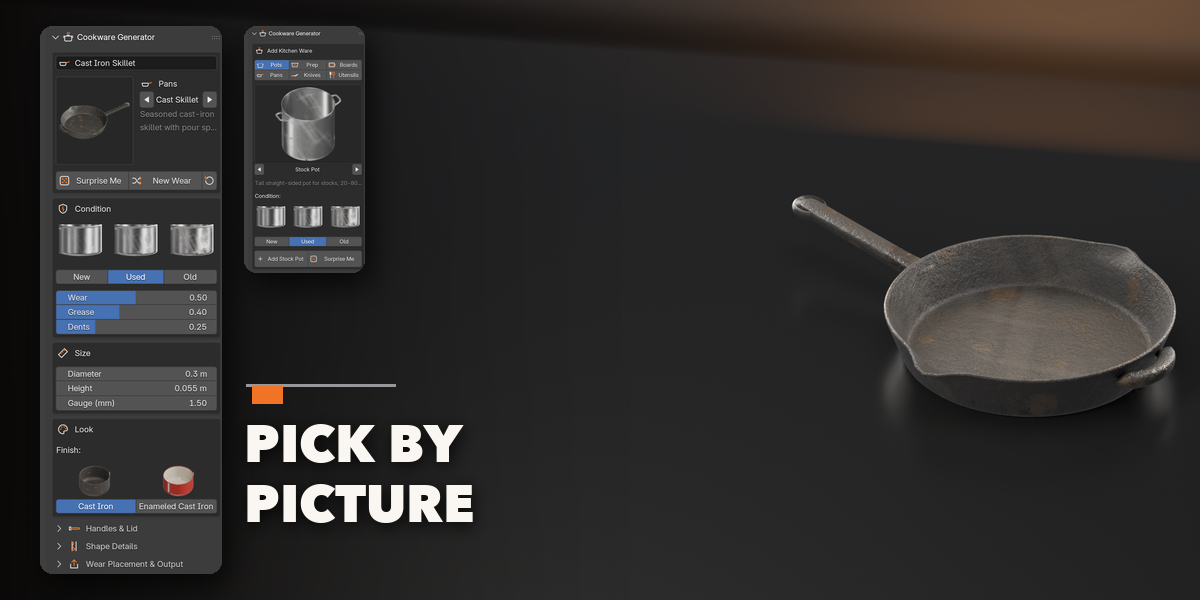
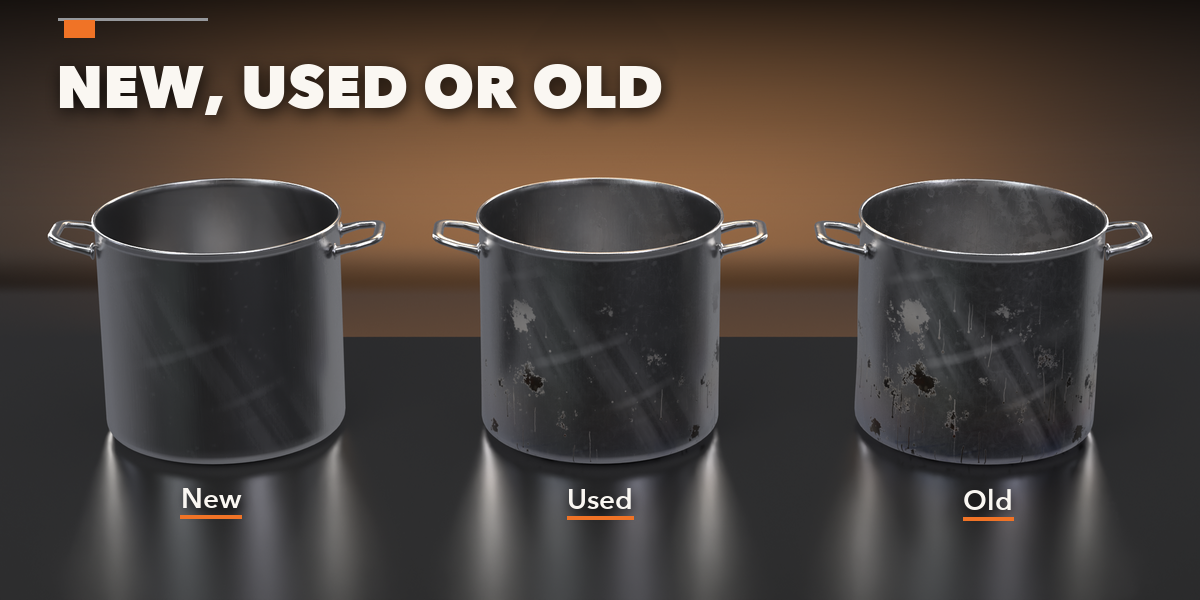
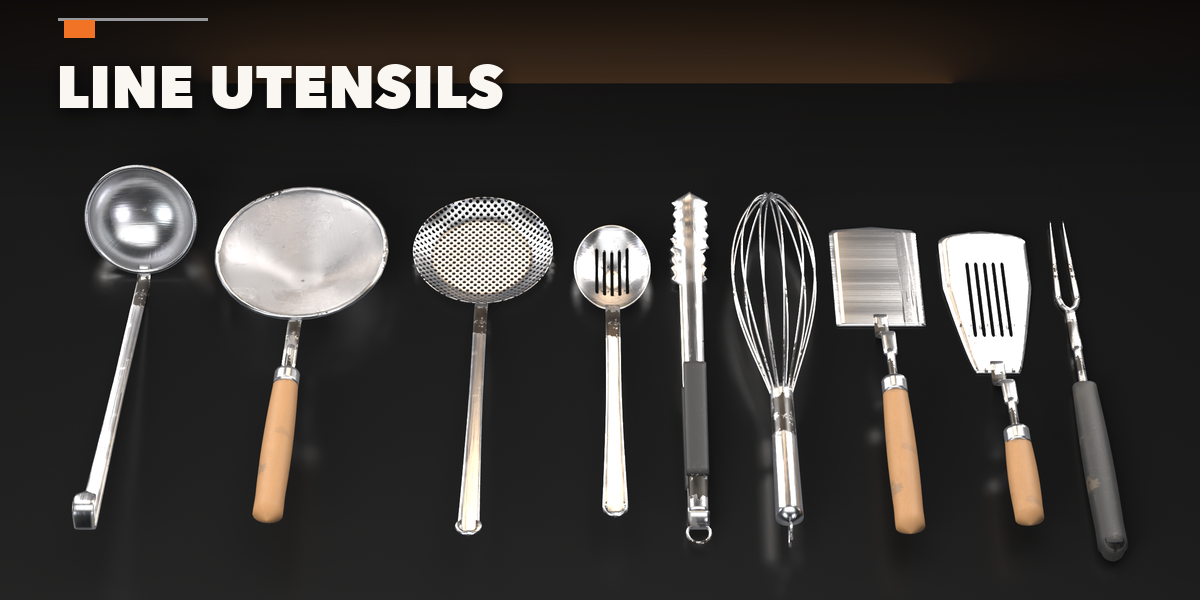
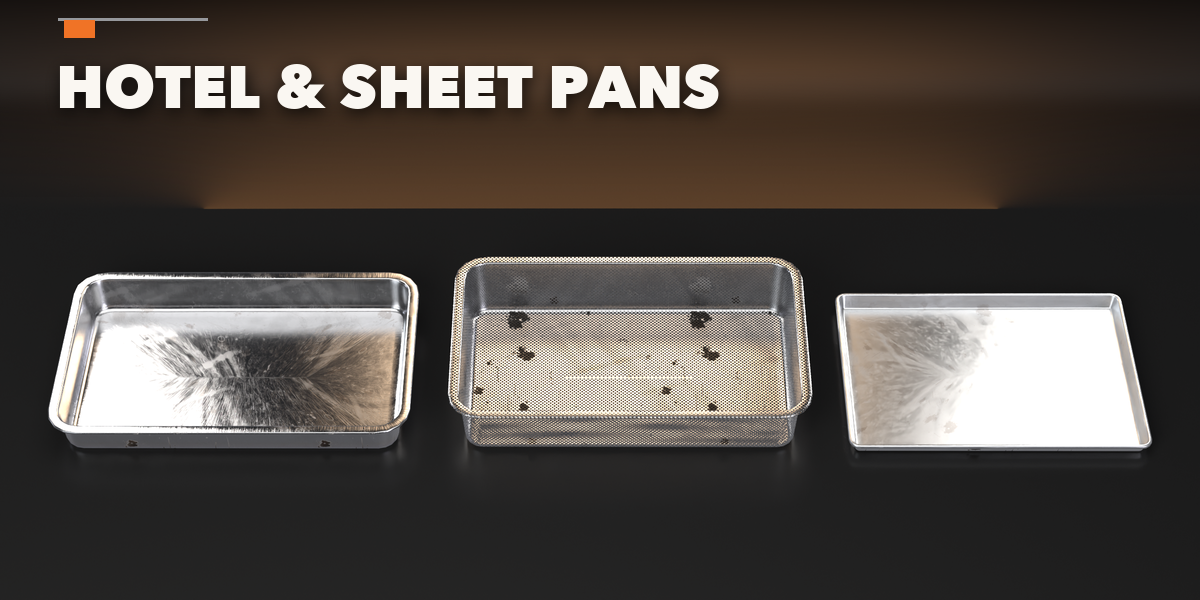
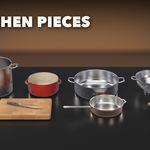
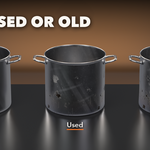
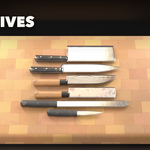
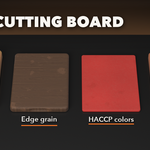
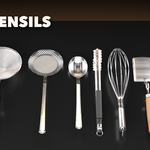
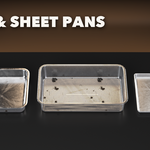
- Open the Cookware tab in the 3D viewport sidebar (N). With nothing selected, pick a family, click the picture to choose an item, pick New, Used or Old and click Add. Surprise Me adds a random item. You can also use Shift+A, Cookware.
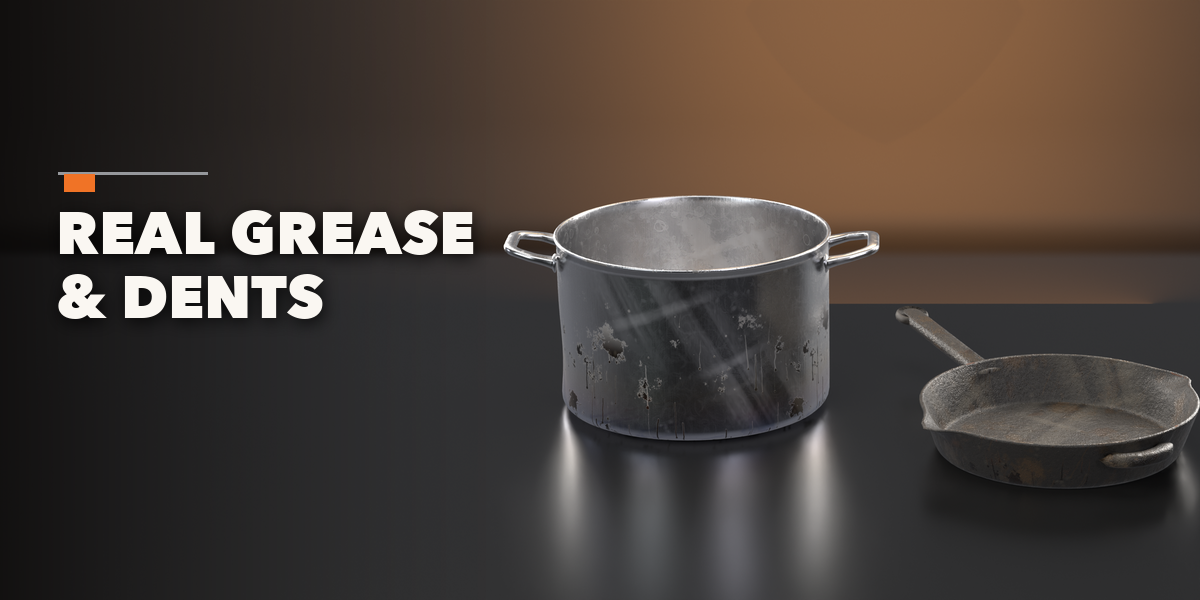
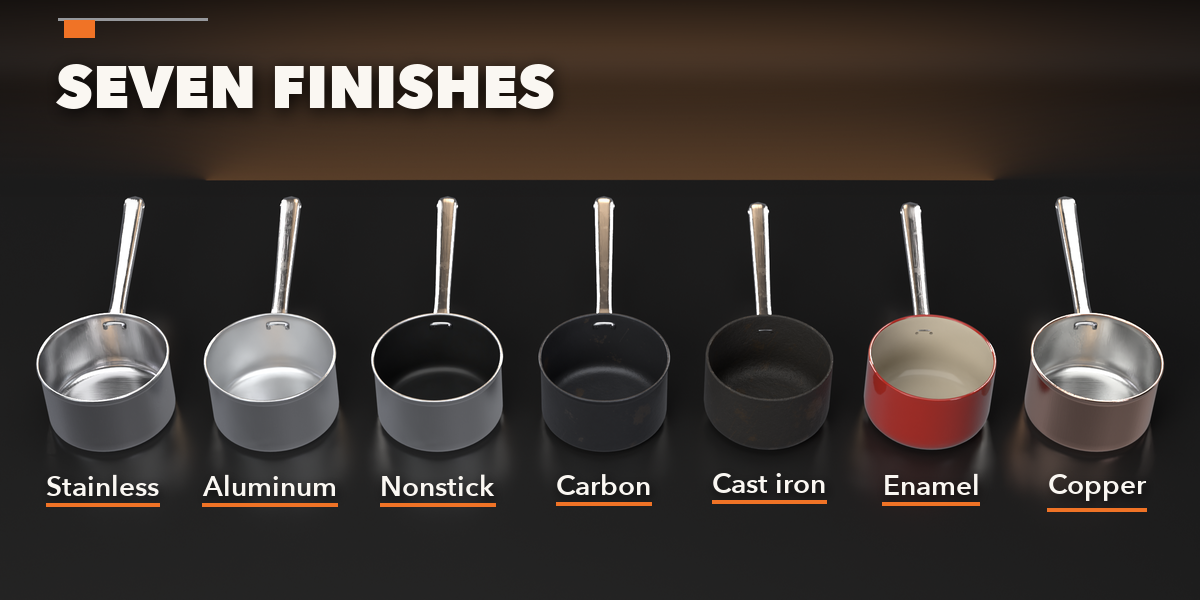
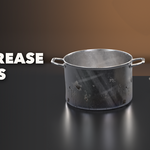
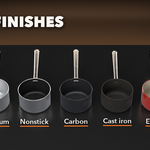
- Select an item to edit it: the picture at the top changes its kind, the Condition box sets New, Used or Old and the Wear, Grease and Dents sliders, the Size box its dimensions and the Look box its finish, handle, wood or color.
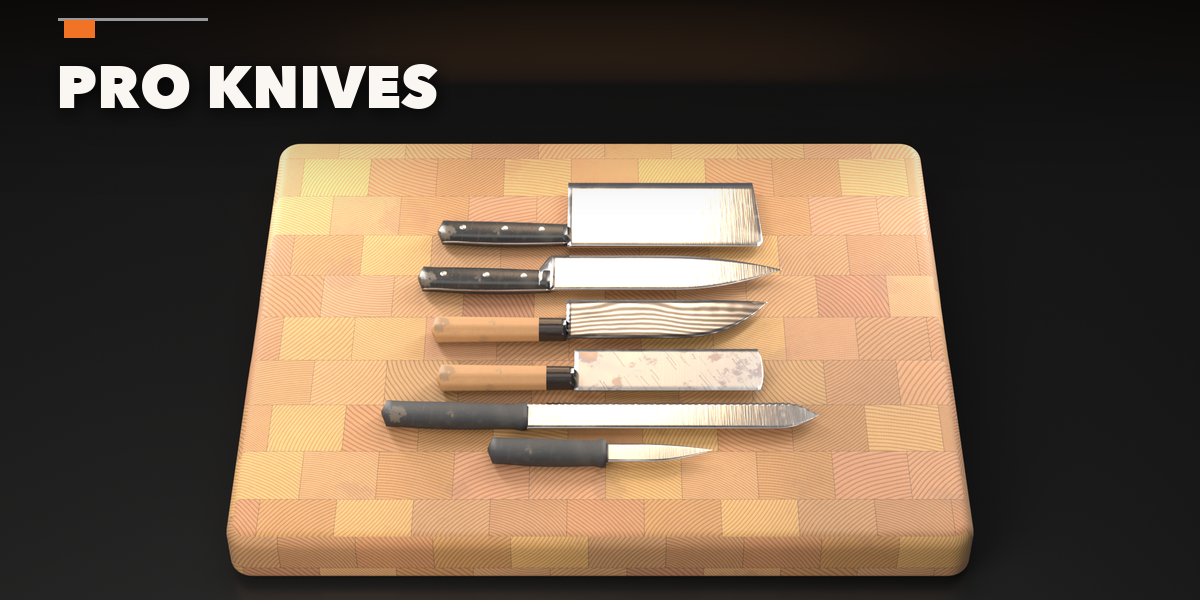
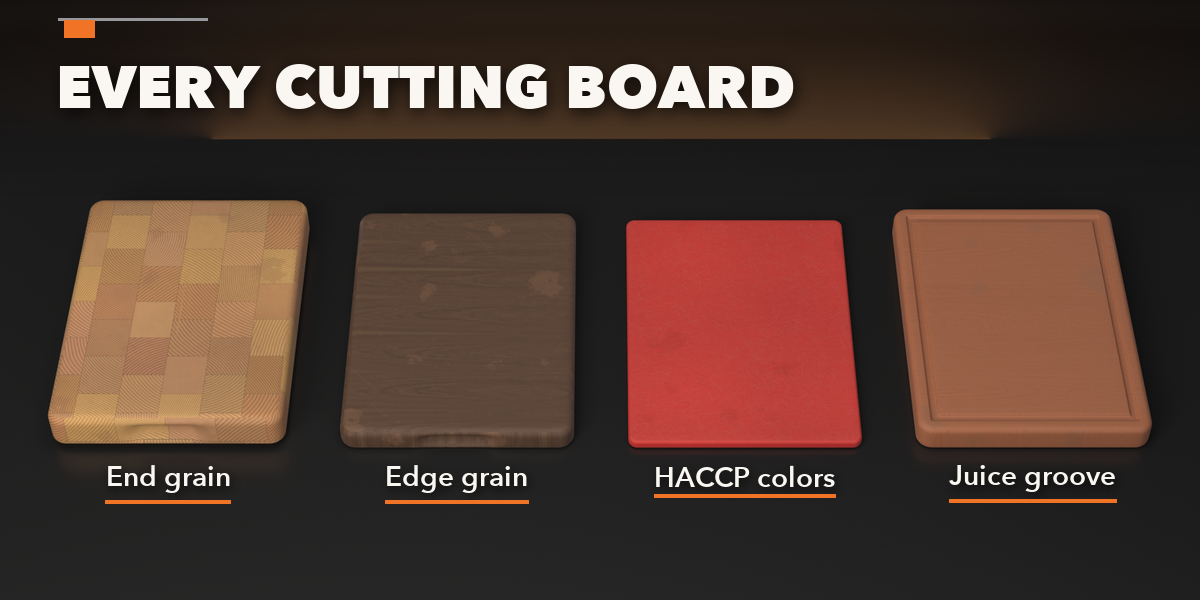
- Sub-panels hold the rest: handles and lid, shape details, blade and handle, board details, utensil details, and wear placement with New Seed and Convert to Mesh.
Editing one item never changes a copy of it: duplicates get their own mesh and materials.
Have questions about this product?
Login to message
| Blender Extension Compatible | Yes |
| Published | about 14 hours ago |
| Blender Version | 4.2 - 5.2 |
| Extension Type | Add-on |
| Render Engine Used | Cycles, Eevee |
| License | GPL |

Discover more products like this
procedural restaurant Generator pots cookware cutting board utensils food pans kitchen knives props