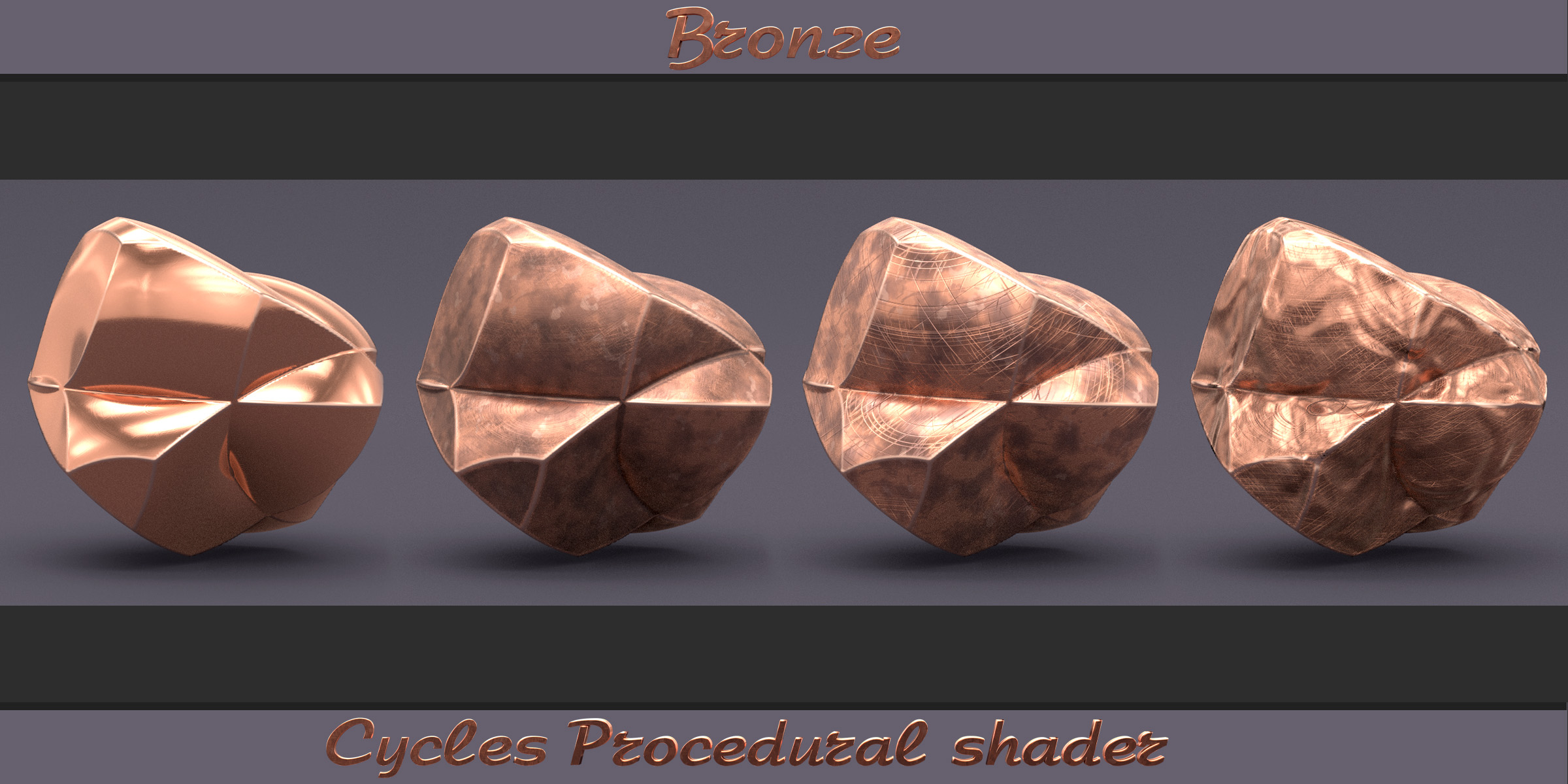
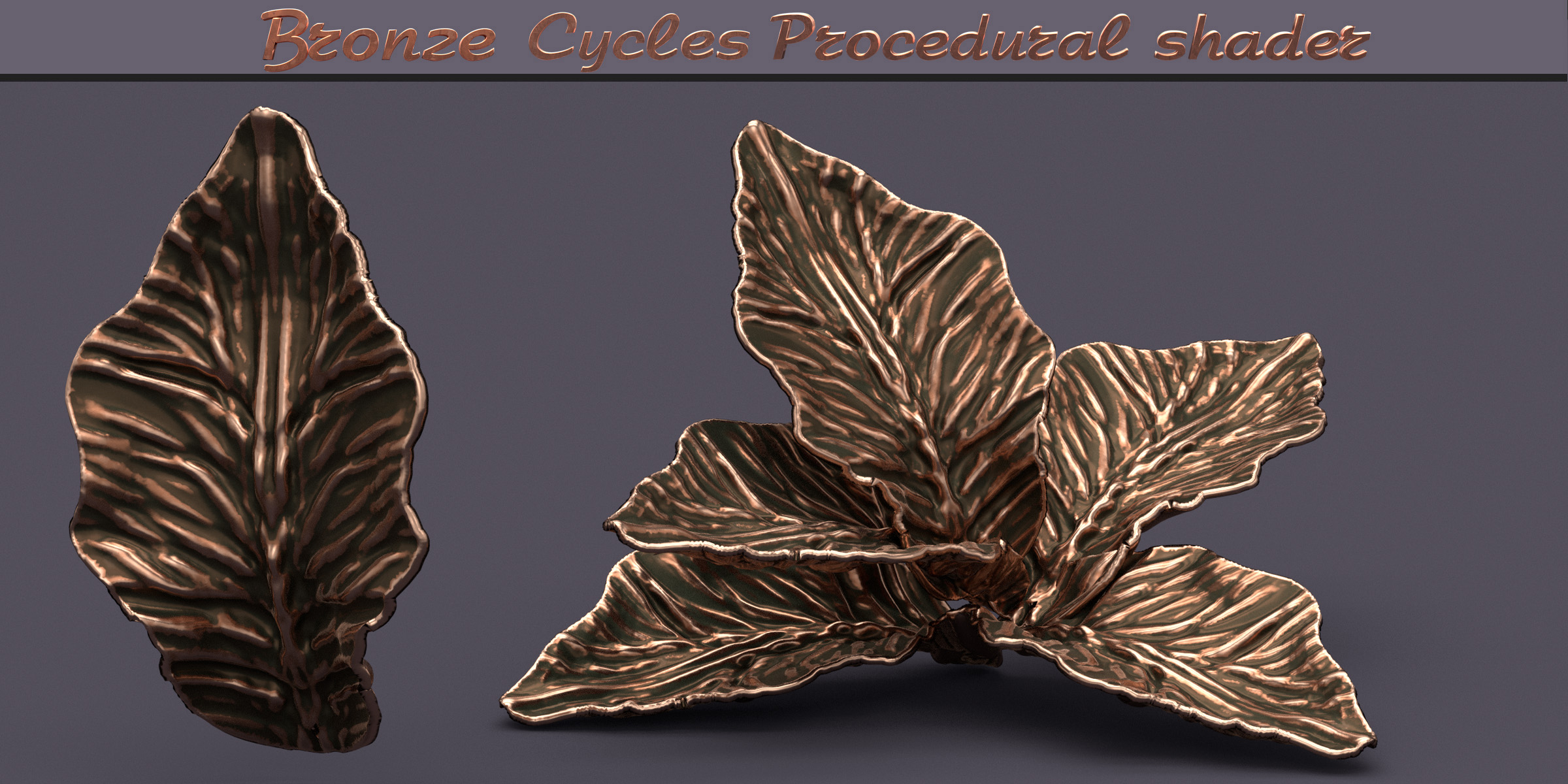
Bronze - Cycles Procedural Shader
 Creative Skipper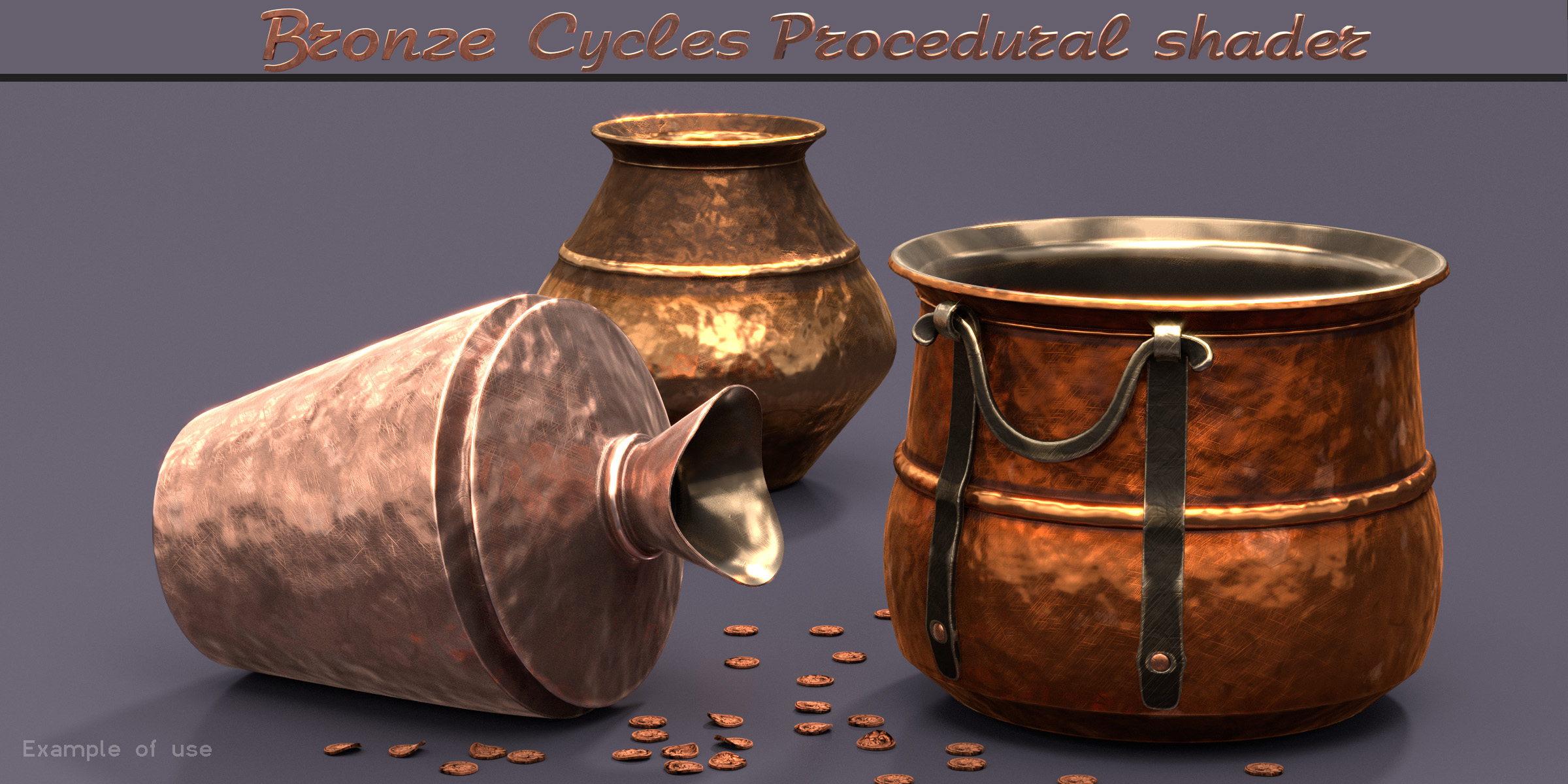
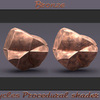
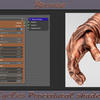
Instruction:
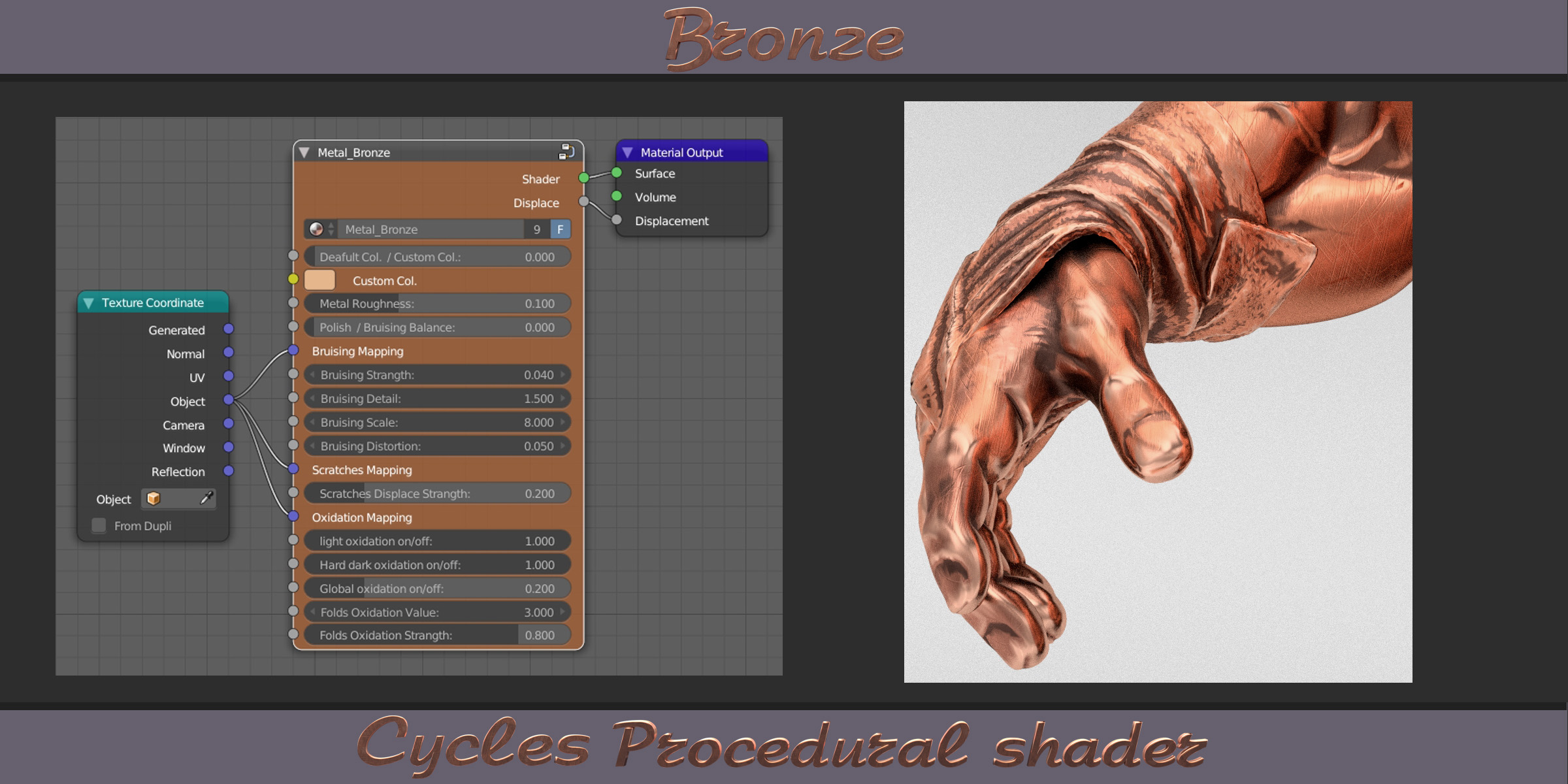
To right setup of node connect :
-
In your scene File -> Append (shift+F1) -> Select “Metal_Bronze_CGW.blend”->
- Material -> “Metal_Bronze_CGW” to load already setup material;
- NodeTree - to add only steel node, if you want add it in your material. After that you can add node: Node Editor -> Add -> Group -> Metal_Bronze;
- Connect Texture Coordinate node (Object) to mapping sockets in Bronze shader;
- Connect outputs to appropriate Material output sockets.
To conrtoll of Global scaling of material, use node Mapping (Add -> Vector -> Mapping)
Enjoy!
$7
 Included
Includes 12 months of
- Support from Creative Skipper
- Product updates
Extend this product’s Support Period +12 months: 50% of product price
Have questions before purchasing?
Login to message
| Sales | 20+ |
| Dev Fund Contributor | |
| Published | over 10 years ago |
| Blender Version | 4.3, 4.2, 4.1, 4.0, 3.6, 3.5, 3.4, 3.3, 3.2, 3.1, 3.0, 2.93, 2.92, 2.91, 2.9, 2.83, 2.82, 2.81, 2.8, 2.7x, 2.79, 2.78, 2.77 |
| Render Engine Used | Cycles |
| License | Royalty Free |