 dika3d
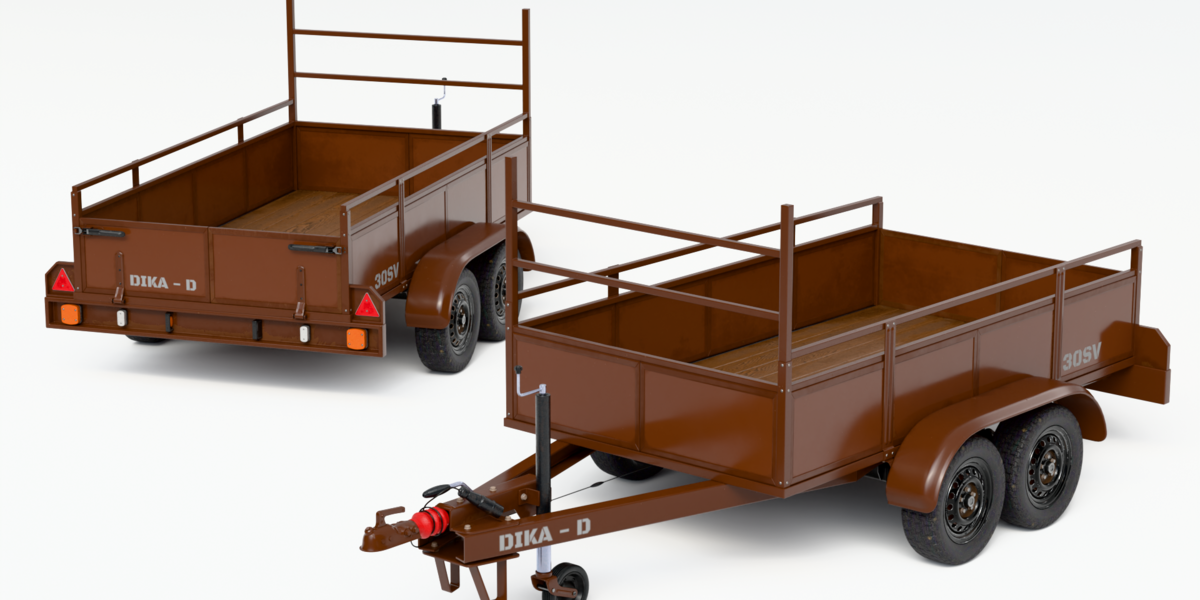
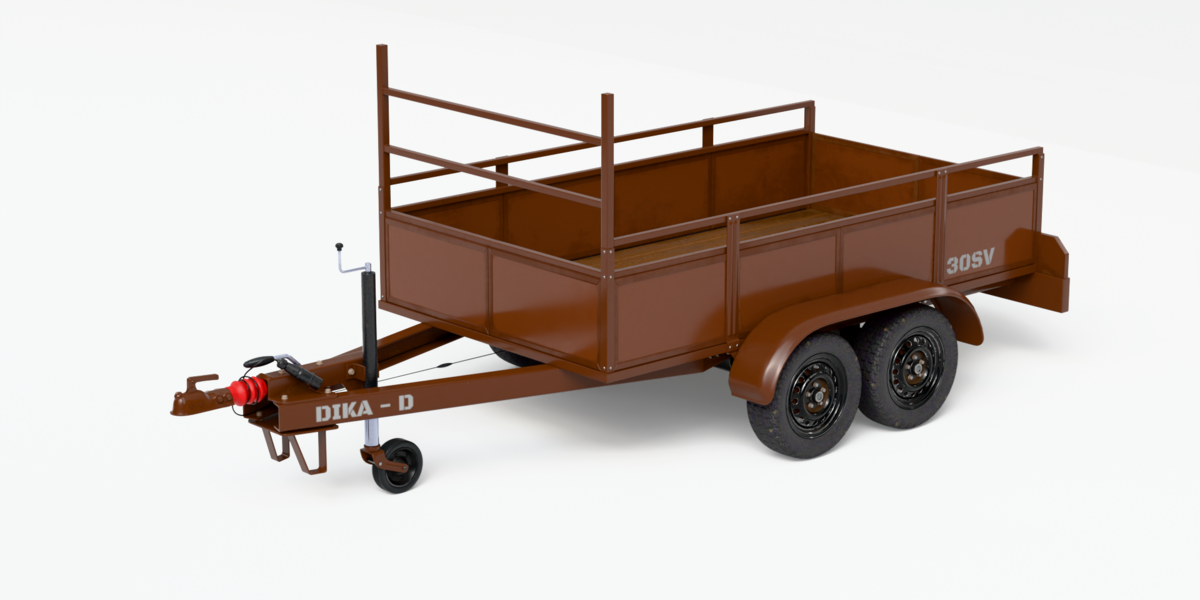
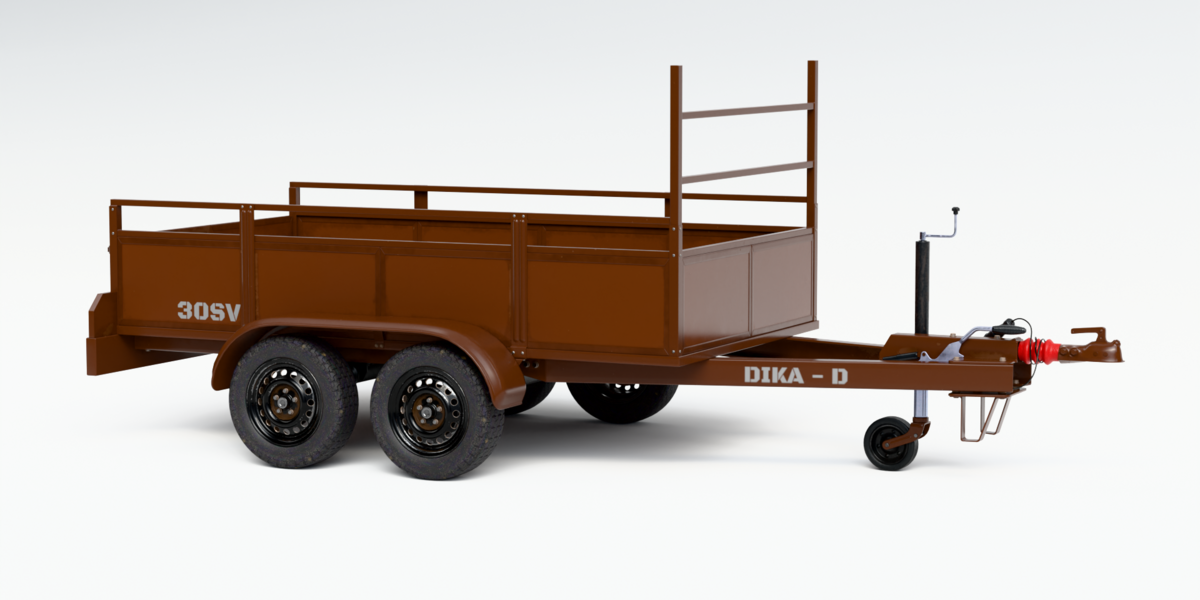
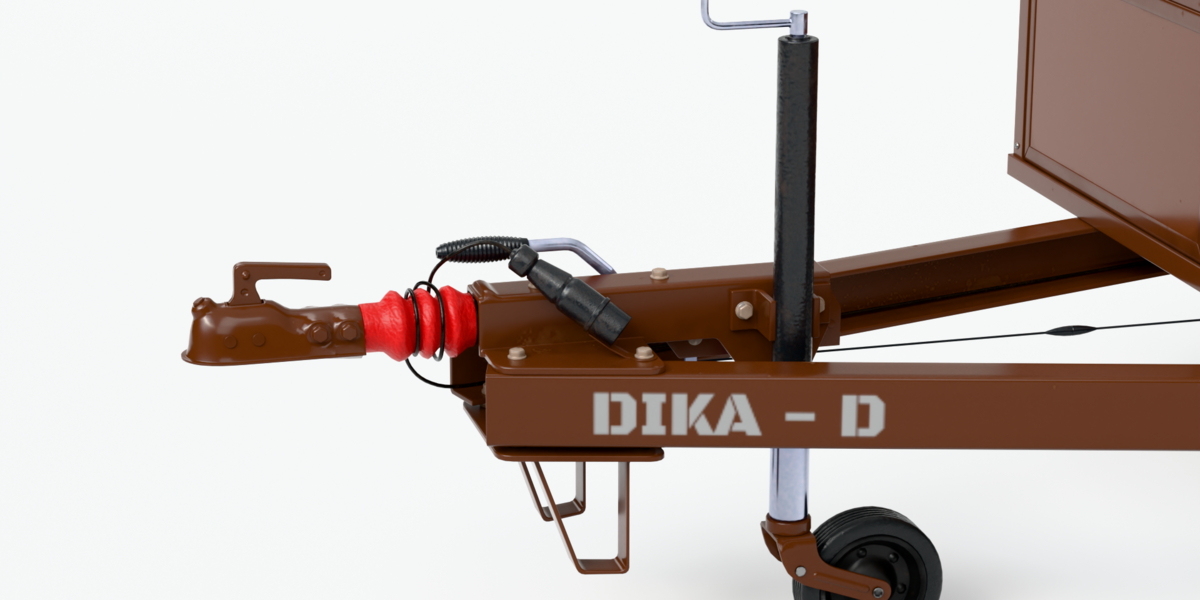
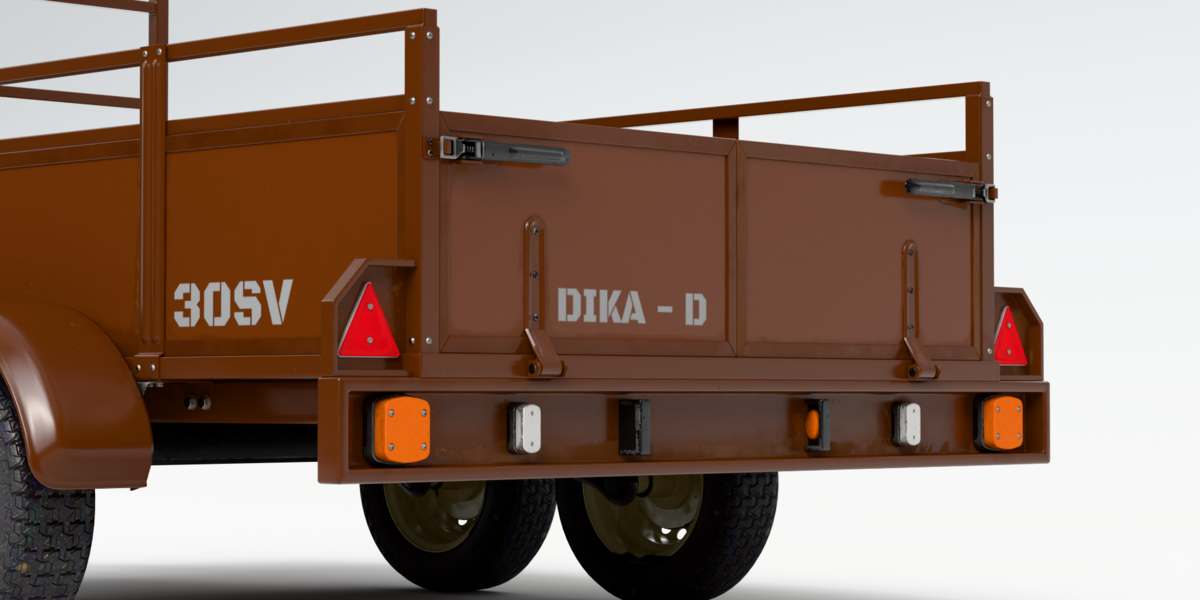
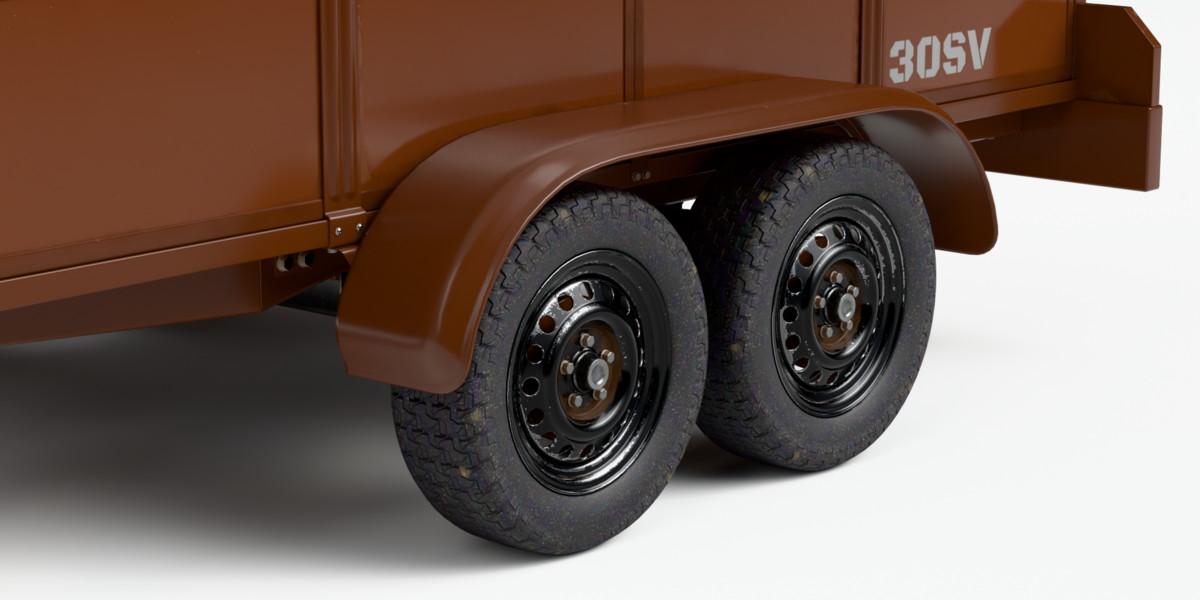
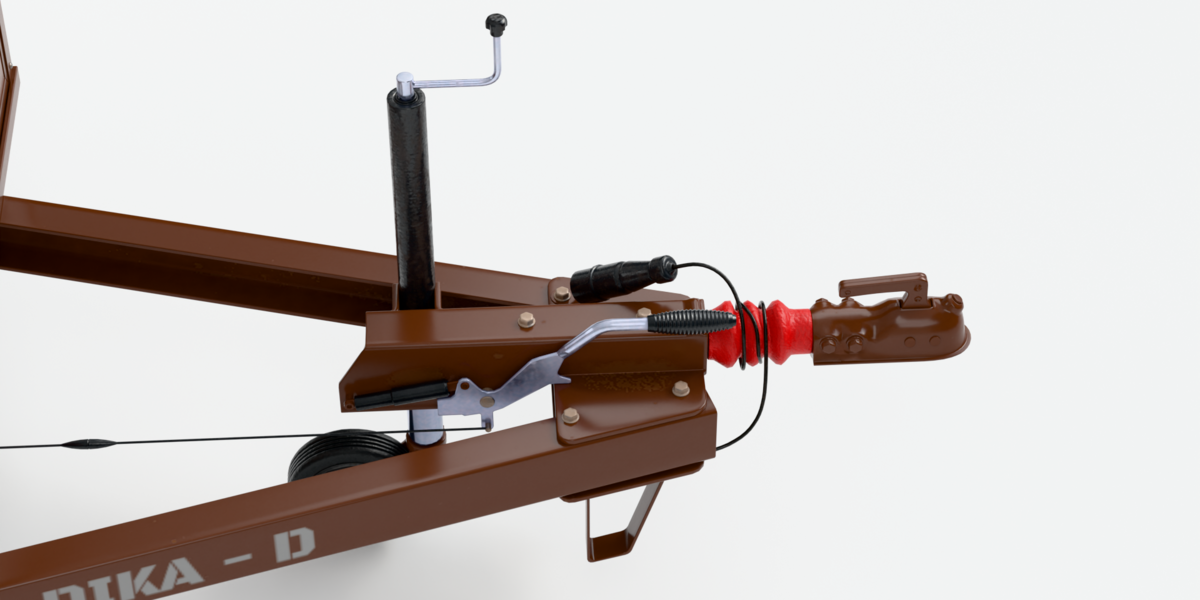
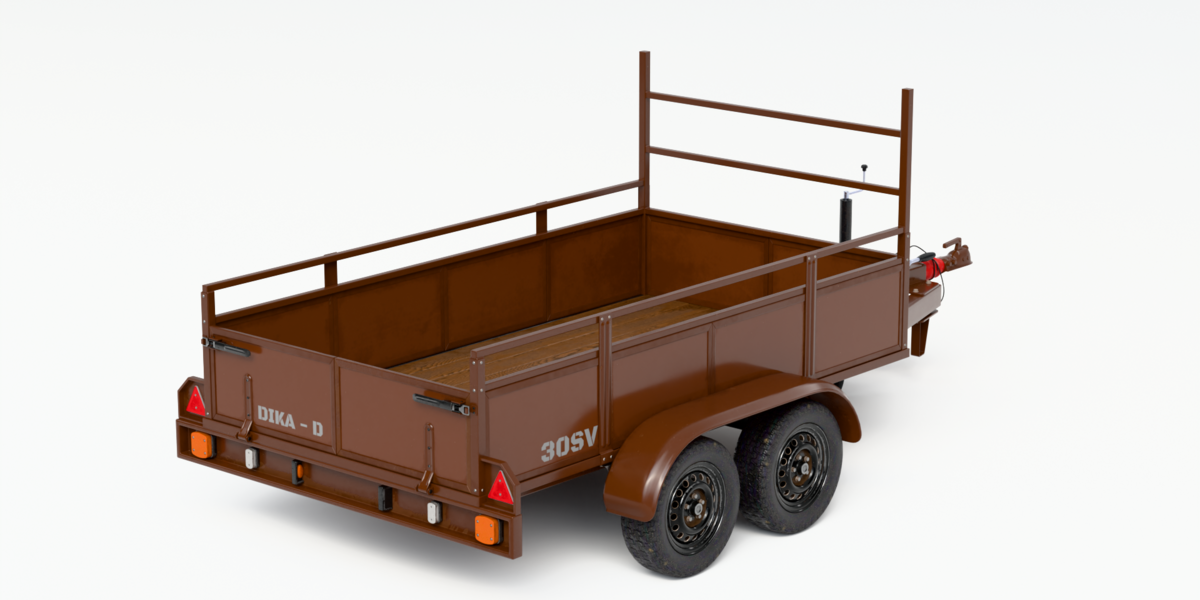
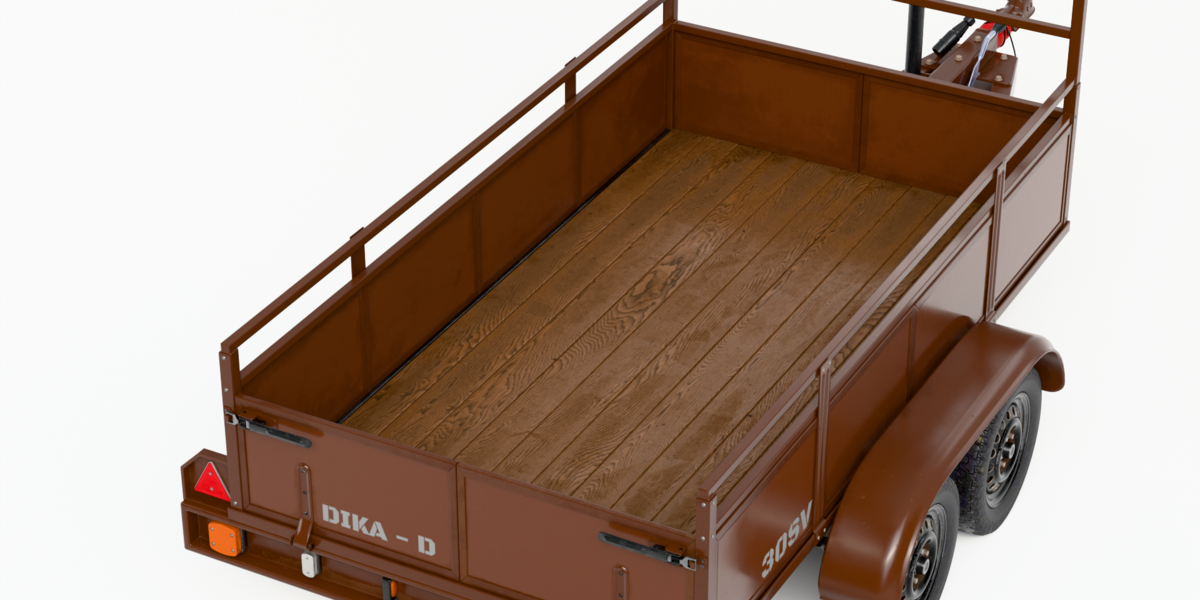
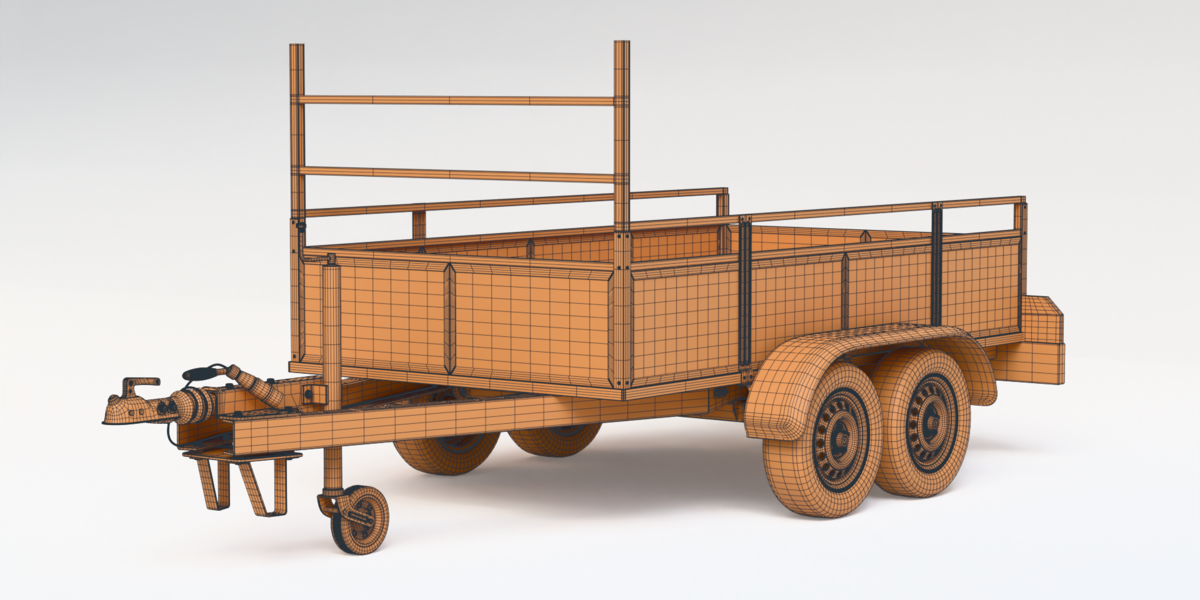
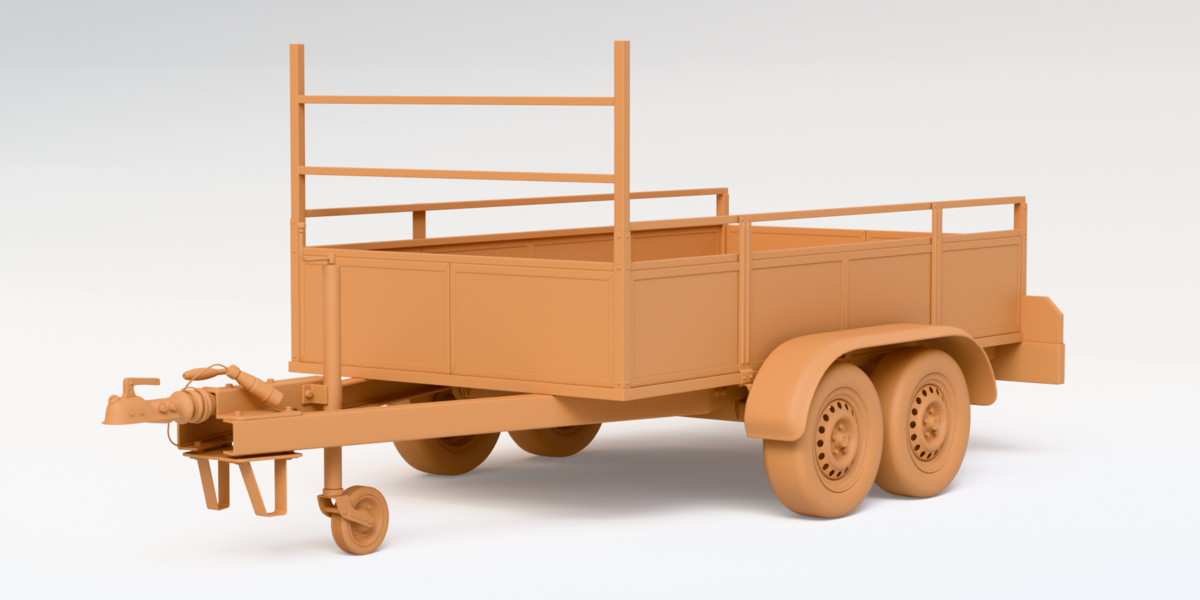
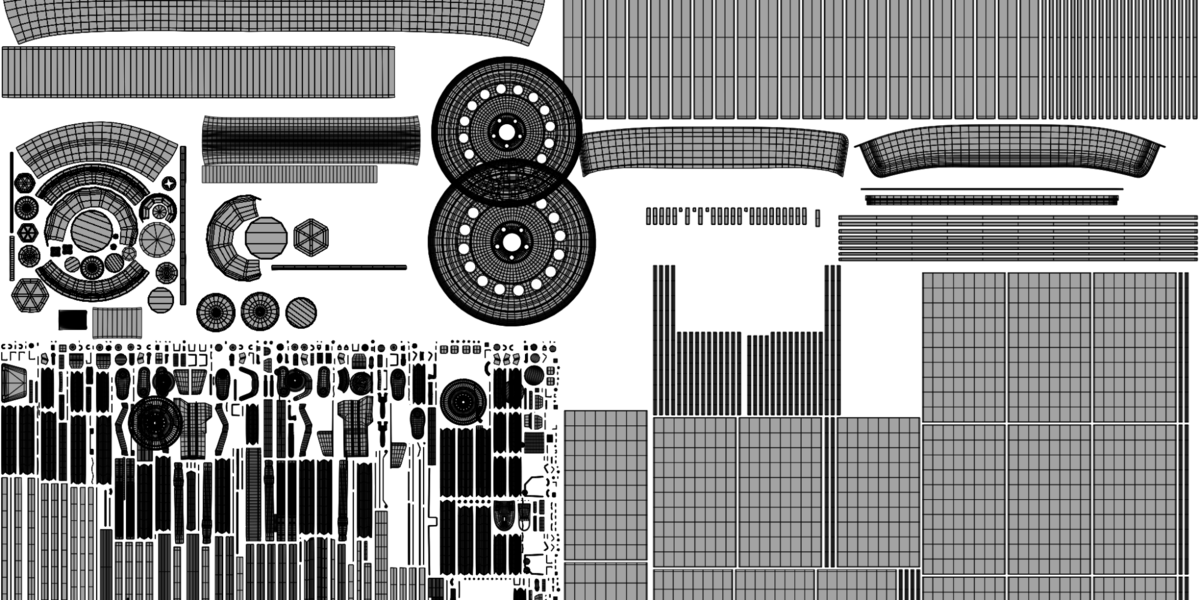
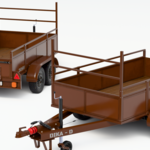
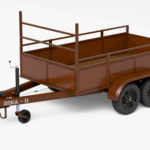
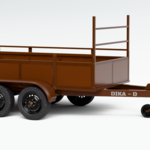
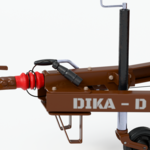
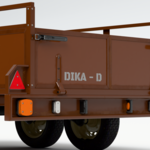
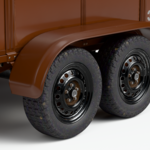
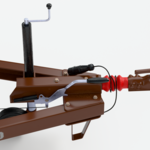
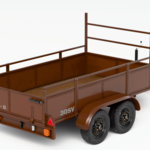
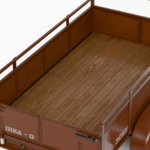
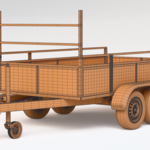
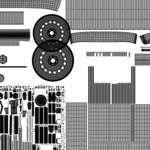
The download is organized as follows:
- /Blender/ — contains the .blend scene with materials and lighting setup
- /FBX/ — contains the FBX export
- /OBJ/ — contains the OBJ export
- /GLB/ — contains the GLB export for web/AR use
- textures.zip — a separate archive next to the Blender fle
Important: For the Blender scene, the "textures" folder must remain in the same directory as the .blend file. The scene uses relative paths to link the textures, so moving or renaming the folder will cause materials to appear pink or missing. If textures appear pink in Blender:
1. Go to File → External Data → Find Missing Files
2. Select the "textures" folder next to the .blend file 3. Blender will automatically relink all textures
Have questions about this product?
Login to message
| Published | about 8 hours ago |
| Blender Version | |
| Render Engine Used | Cycles, Eevee |
| Misc Data | Uvs-Unwrapped, Low-High-Resolution, Normal-Mapped, Textured |
| License | Royalty Free |

Discover more products like this
cargo Cargo Trailer Utility Cargo Trailer industrial trailer vehicle Dual-Axle Utility Cargo Trailer dual Brown Dual-Axle Utility Cargo Trailer