Browzmaster Pro
 Migo pro


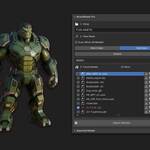
How It Works
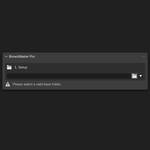
- Install the Addon:
Once installed, the addon will appear under the name BrowzMaster Pro in Blender.
- Choose a Base Folder:
You'll be prompted to select a base folder that contains your asset subfolders.
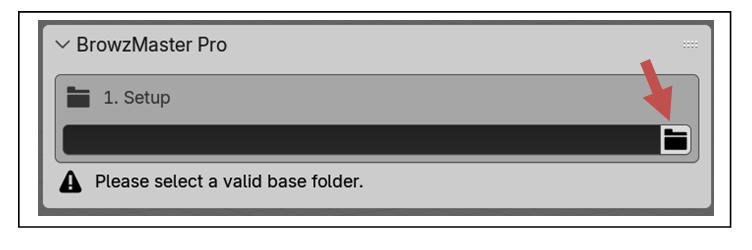
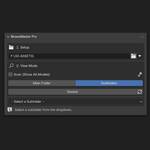
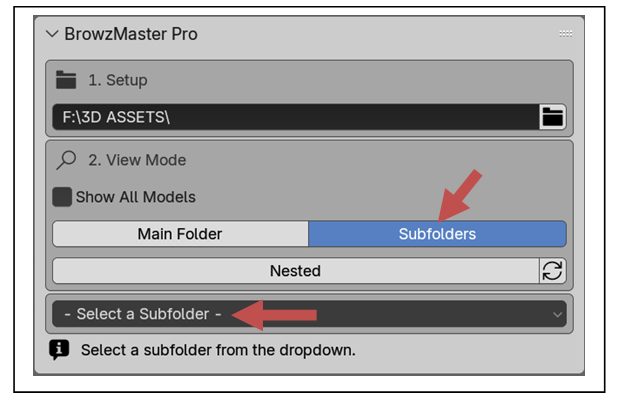
- Choose View Mode:
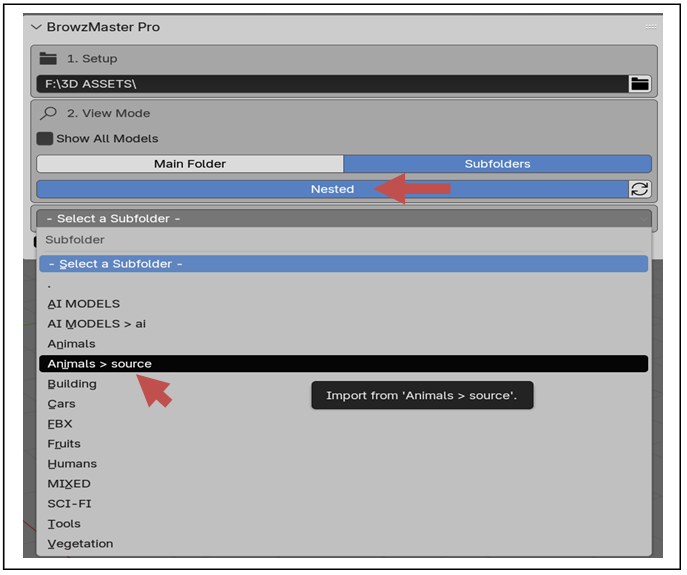
With the view mode set to "Subfolders", the addon will automatically display all subfolders inside the base folder.
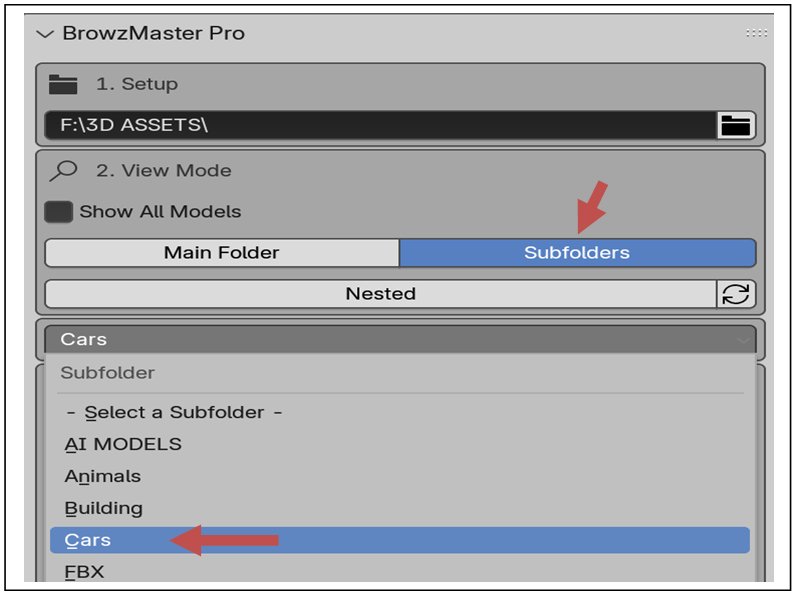
Choose any subfolder from the dropdown.
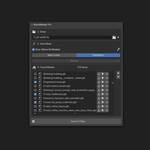
- Browse and Import:
Choose any subfolder containing your models. The addon will list all available models inside it by name.
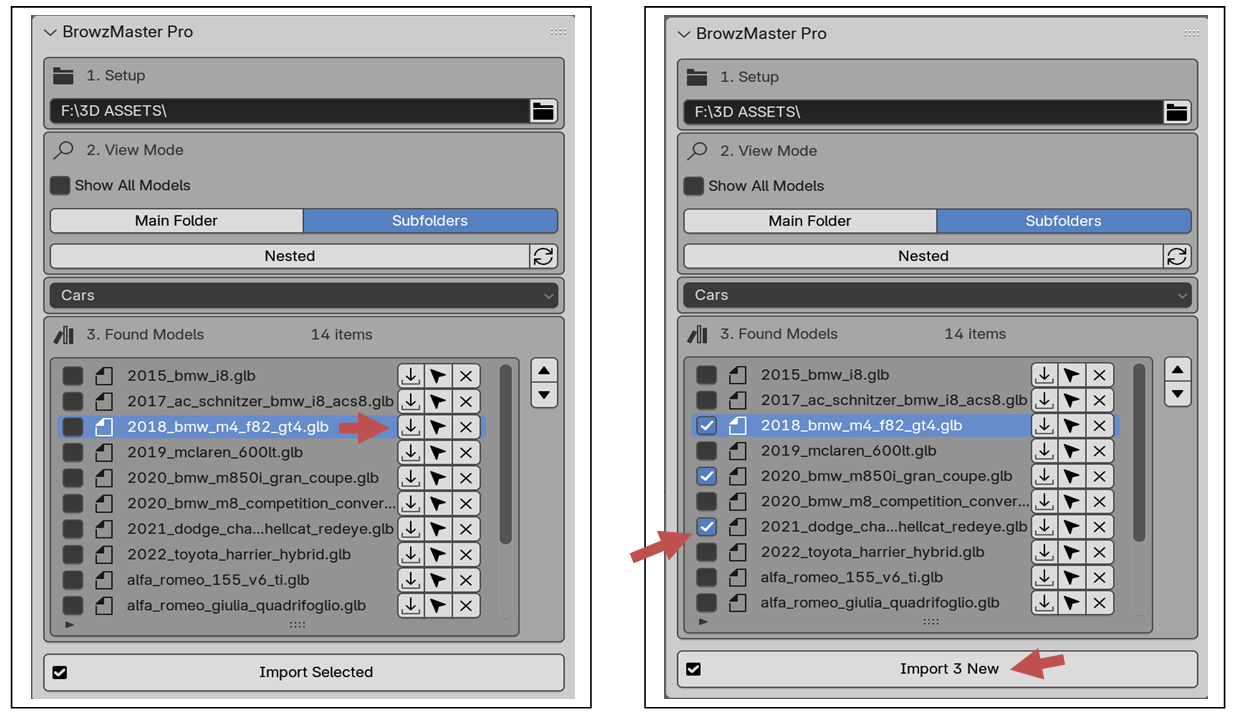
- Import a model by clicking the arrow icon next to it.
- Select multiple models using checkboxes, then click the Import button to bring them all in at once.
- Manage Imported Models:
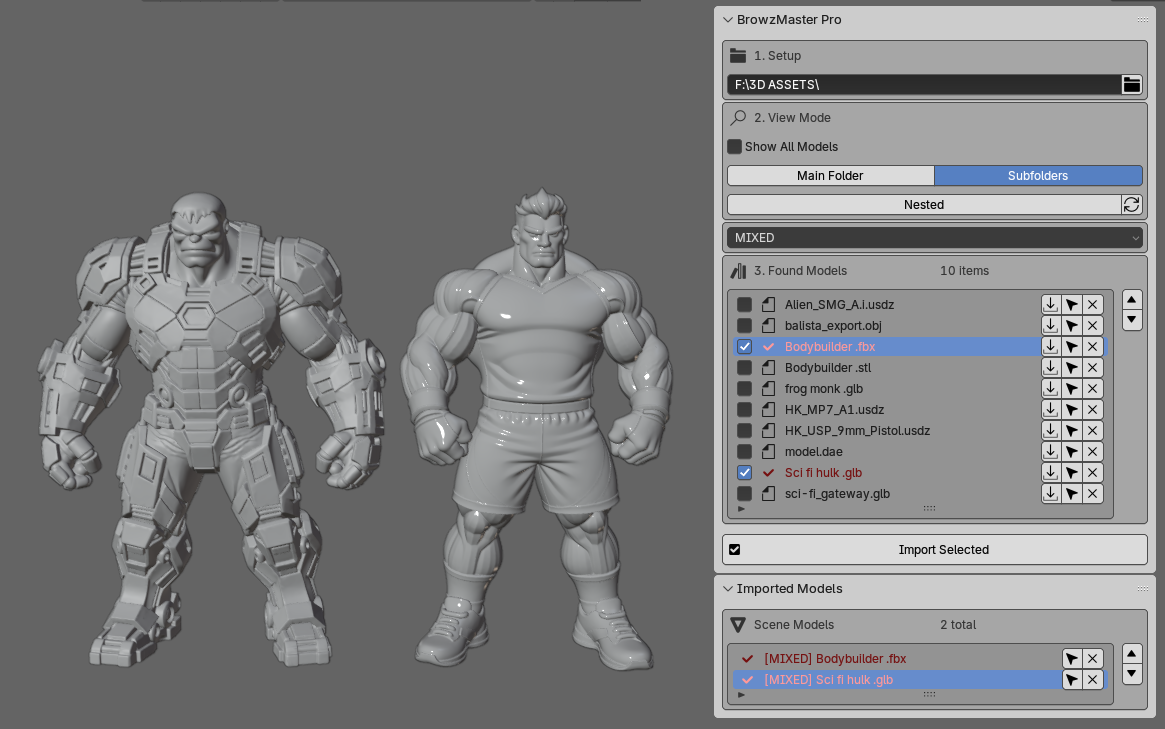
After importing, a new panel titled Imported Models will appear. This panel lists all imported models, allowing you to select or delete them with a single click.
Extra View Modes:
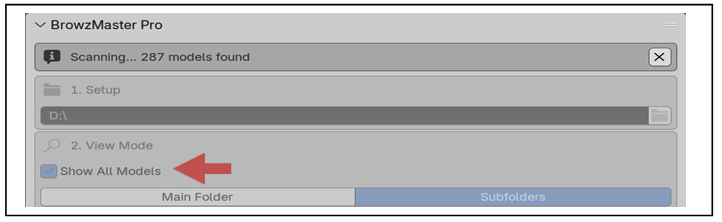
Show All Models: Enabling this option will scan the main folder and display all models inside it, including those in subfolders.
The scanning time depends on the size of the main folder and the speed of your hard drive. It can take anywhere from a few seconds to several minutes.
You can cancel the scanning process at any time.
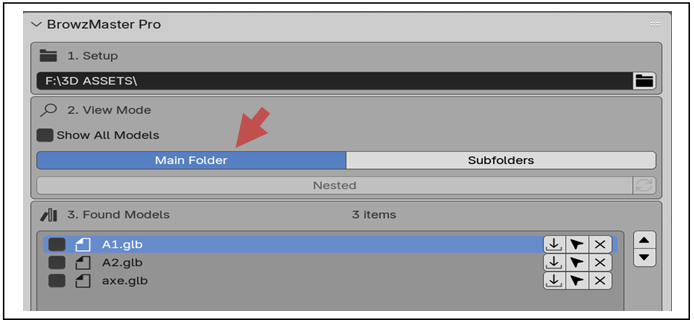
Main Folder: This option displays only the models located directly inside the main folder, ignoring any subfolders.
Nested Folders: This will display all subfolders, including any nested folders within them.
Note: Enabling this option may slow down the scanning process if you have a large number of nested folders.
Have questions about this product?
Login to message
| Published | about 1 year ago |
| Blender Version | 3.6 - 5.2 |
| Extension Type | N/A |
| License | GPL |
Discover more products like this
3D importer browzmaster quick import browzmaster pro asset-browser Asset Manager asset browsers