 Me_D
Me_D



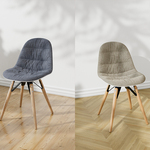
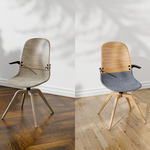



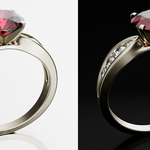
For documentation, you can download the pdf Here
How To Install
drag the .zip and drop it in blender
Or
- Open Blender and go to Edit > Preferences.
- In the Preferences window, select the Add-ons tab.
- Click the Install from Disk button in the top-right corner.
- Navigate to the location of the BRR add-on .zip file on your disk and select it.
- After installation, enable the checkbox next to BRR – Batch Recursive Rendering to activate the add-on.
The add-on is now ready to be configured and used.
-
$25
non-commercial, single-seat license
-
$41
Commercial license for single user
-
$179
Commercial license for 2–5 users
-
$379
Commercial license for 2–10 users
-
$1
This is a functionally limited demo version of the full add-on.
Have questions about this product?
Login to message
| Blender Extension Compatible | Yes |
| Published | over 1 year ago |
| Blender Version | 5.0 - 5.2 |
| Extension Type | Add-on |
| Render Engine Used | Cycles, Eevee |
| License | GPL |