 Bill_3D


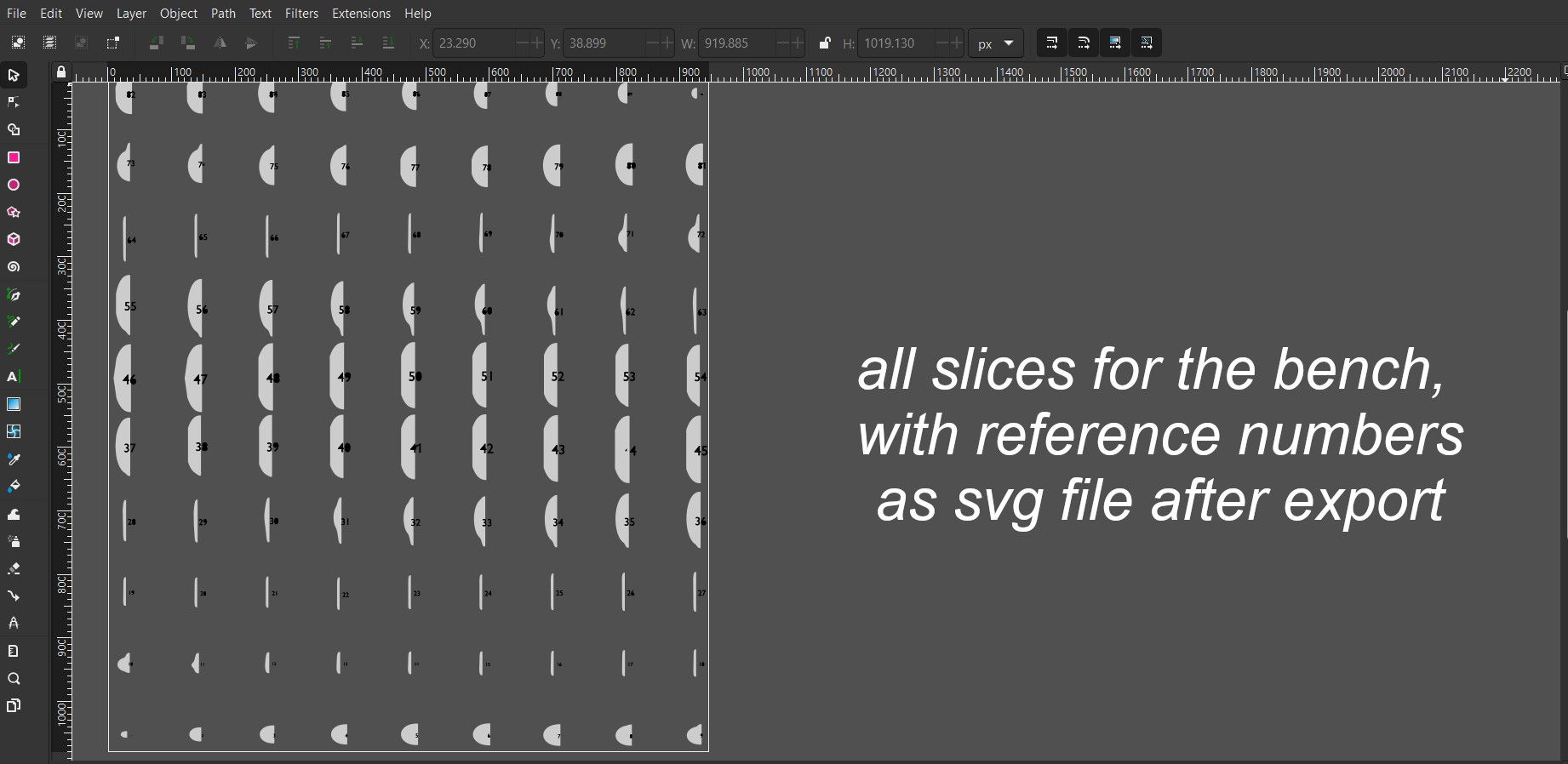



B.slicer
The ultimate slicing addon for Blender
Whether you're a designer, engineer, or hobbyist, B.slicer makes it easy to create detailed slices for your parametric design. Slice any object, flatten the results, add registration dowels, and export as SVG — all from one streamlined workflow.
| ✂️ SliceChoose axis, thickness & spacing — click once to slice with the new Bisect engine. | 📐 FlattenLay slices flat — ready for laser cutting, CNC, or packed layouts. | 📄 Export SVGOne-click SVG export — no camera setup needed. Organized layers included. |
| 🎛️ Slicing ModesExtremity, Middle→Slice, or Middle→Spacing — full control over slice placement. | 🔍 Check ManifoldAnalyze mesh health before slicing — highlights problems right in the viewport. | 🔩 Add DowelsPlace registration dowels between slices with an interactive 2D/3D tool. |
How It Works
SliceSelect your object, adjust spacing & thickness, choose axis & mode, then click Slice. | → |
Flatten & DowelFlatten your slices for fabrication. Add registration dowels for perfect alignment. | → |
Export SVGSelect output path, name your file, and export — no camera setup required. |
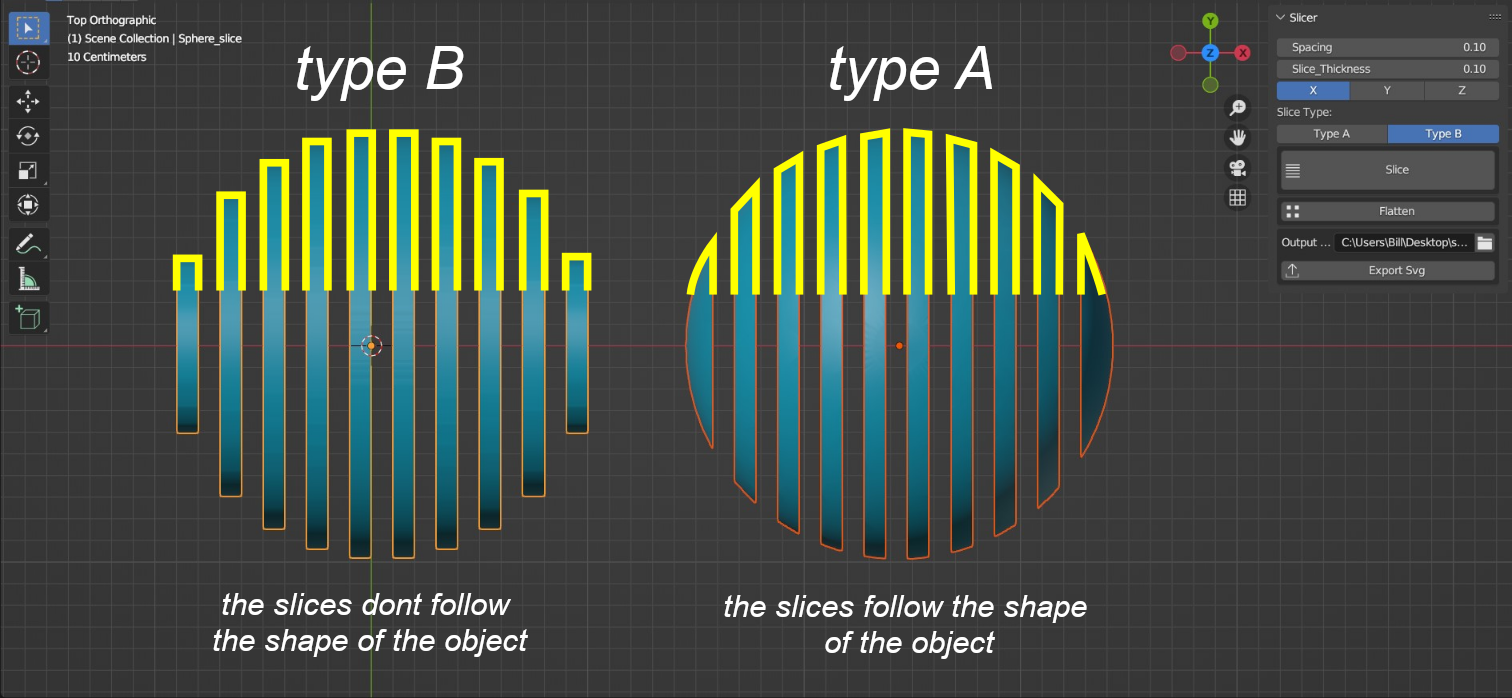
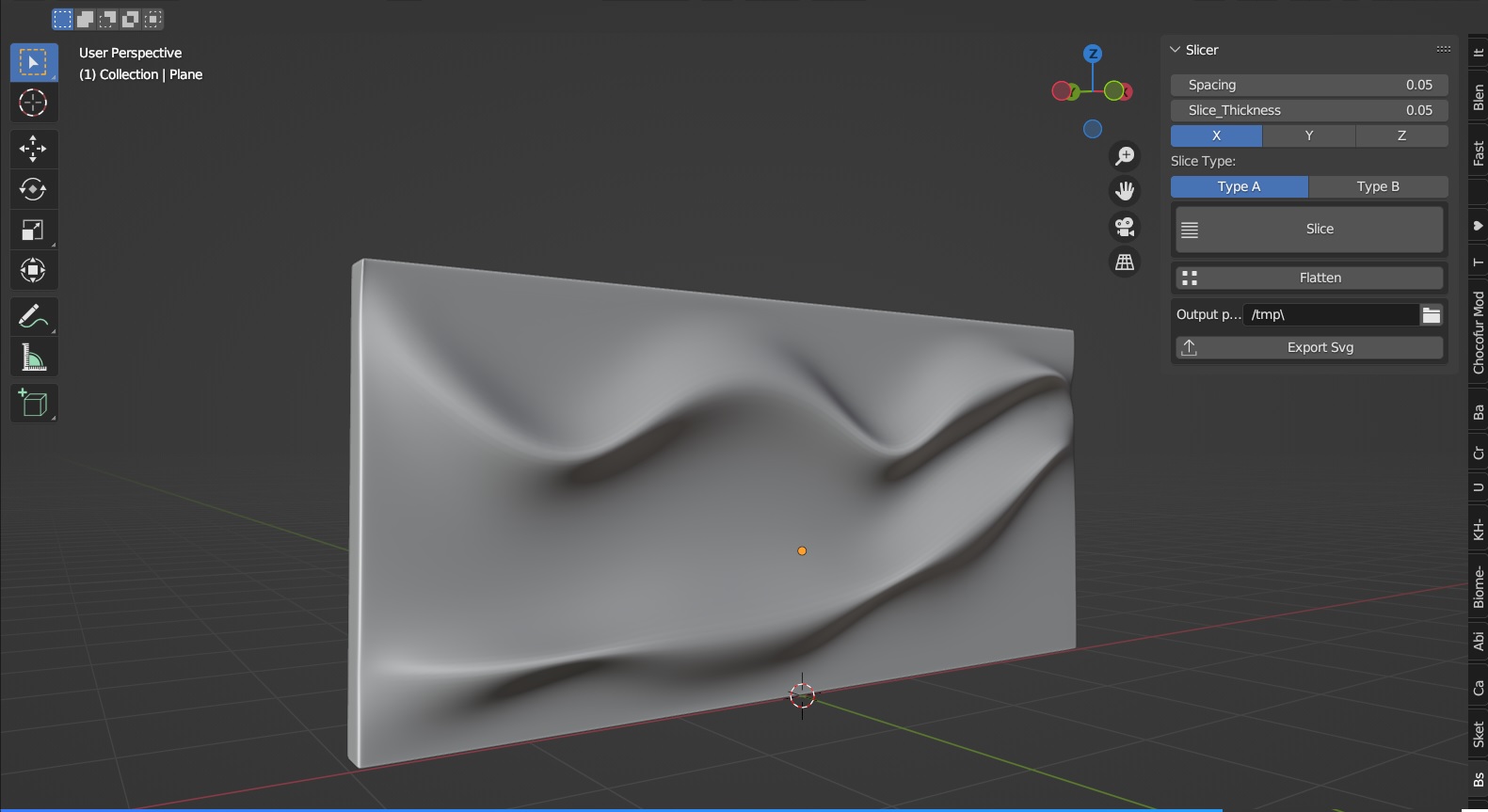
Simply select the object you want to slice, adjust the spacing and thickness, choose the axis and type of slice, and click Slice. The new Bisect engine delivers faster, more reliable results on dense meshes — with optional legacy Boolean fallback under Advanced settings.
Use Flatten to lay slices flat for fabrication, or enable Packed Flatten for a compact, space-efficient layout. Then export everything as an SVG file with a single click — no camera or extra settings needed.
What's New in v1.4.0
Major Update — April 17, 2026
⚠️ Make sure to uninstall the current version before installing the new one and restart Blender.
| NEW New Slicing Engine
Note: Works best with manifold objects. Use Check Manifold to verify. Legacy Boolean available under Advanced → Use Legacy Boolean Slicer. | NEW Slicing Modes
|
| NEW Check Manifold
| NEW Packed Flatten
|
|
|
|
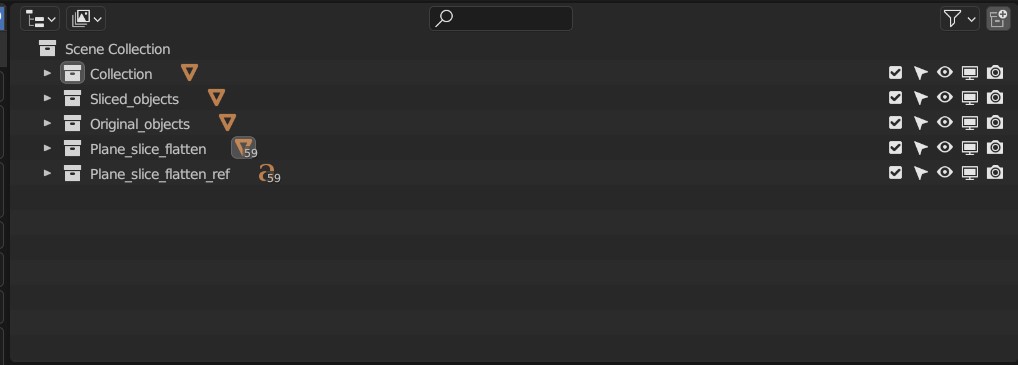
⚠️ When you export your sliced object as an SVG file, be sure to give the file a unique name to avoid overwriting existing files.
| v1.3.3 | PATCH |
April 4, 2025
⚠️ Make sure to uninstall the current version before installing the new one and restart Blender.
Improvements & Bug Fixes
- Fixed an issue where slicing large-scale objects caused unexpected errors or crashes. The slicing operation is now more stable and performs correctly regardless of object size.
| v1.3.2 | PATCH |
March 5, 2025
⚠️ Make sure to uninstall the current version before installing the new one and restart Blender.
Improvements & Bug Fixes
- Added a Redo Panel for the Slicing operation, allowing users to adjust the axis, slice thickness, and spacing after execution.
- Implemented a Redo Panel for the Flatten option to correct slice orientation when automatic detection fails. Users can now manually select the correct axis if needed.
| v1.3.1 | PATCH |
February 24, 2025
⚠️ Make sure to uninstall the current addon before installing the new one and restart Blender.
Fixed SVG Export Bugs
- Correct Scaling: The exported SVG file now maintains the correct scale.
- Organized Layers: SVG files are now structured in groups based on Blender's object collections for better organization.
- Fixed Corrupt Exports: Previously, some SVG files were damaged upon export. This issue has been resolved, ensuring reliable file output.
Enhanced Slicer Operator
- Warning for High Slice Count: A dialog warning now appears when too many slices are detected.
- User Confirmation: Users must confirm before proceeding to prevent accidental high values that could crash Blender.
