Rigged Alien Monster 3D Model - Bulky Creature With Facial Poses
 Salman Animator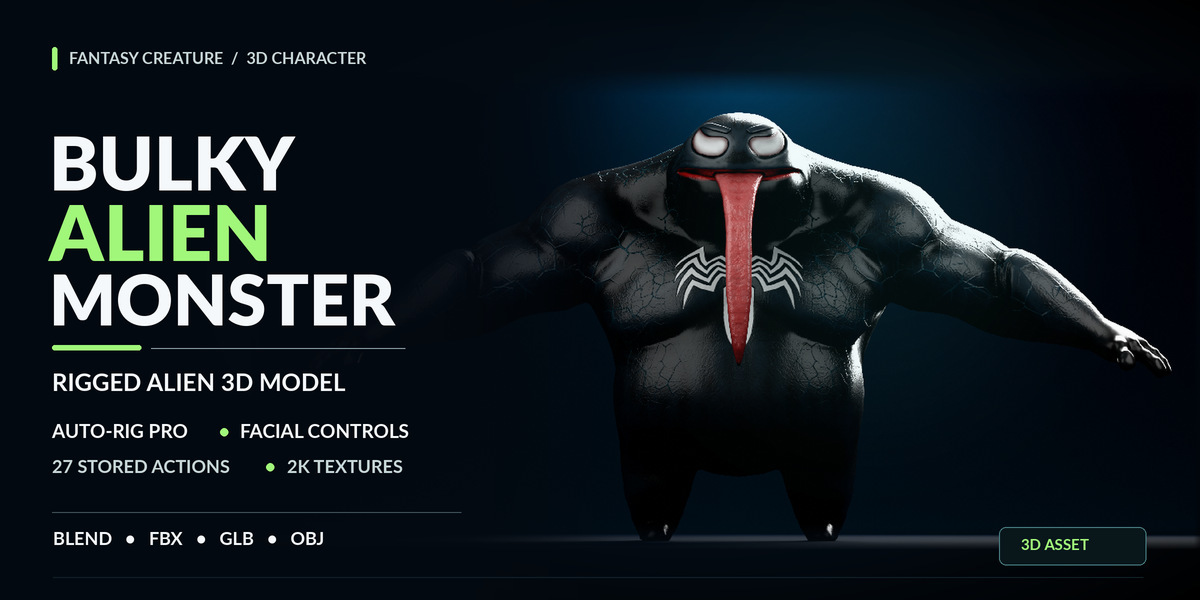
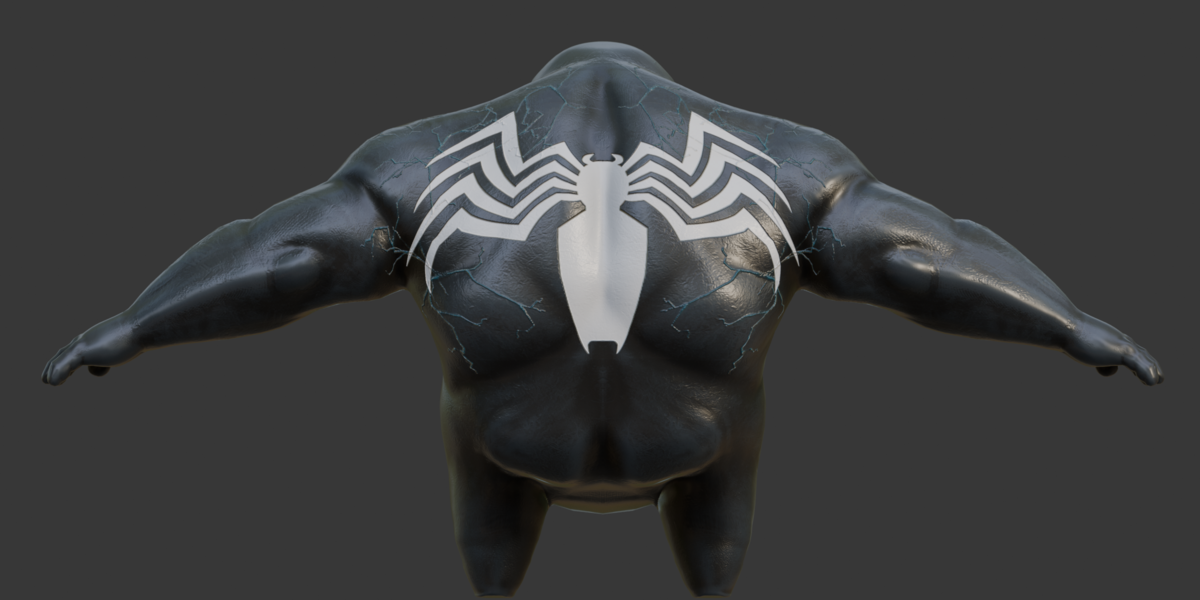
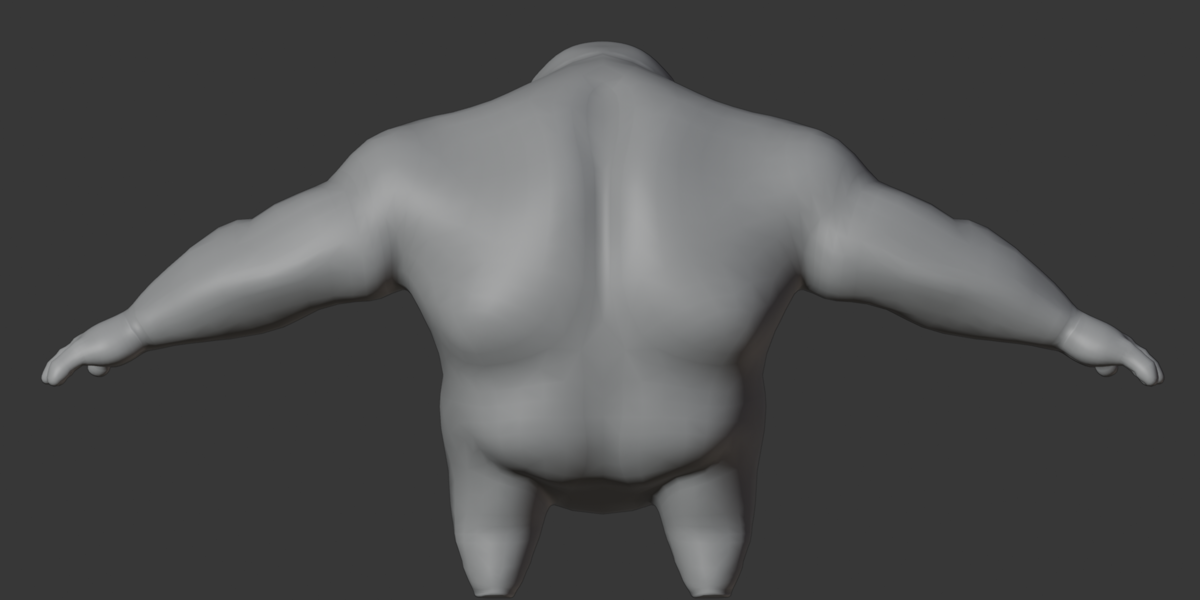
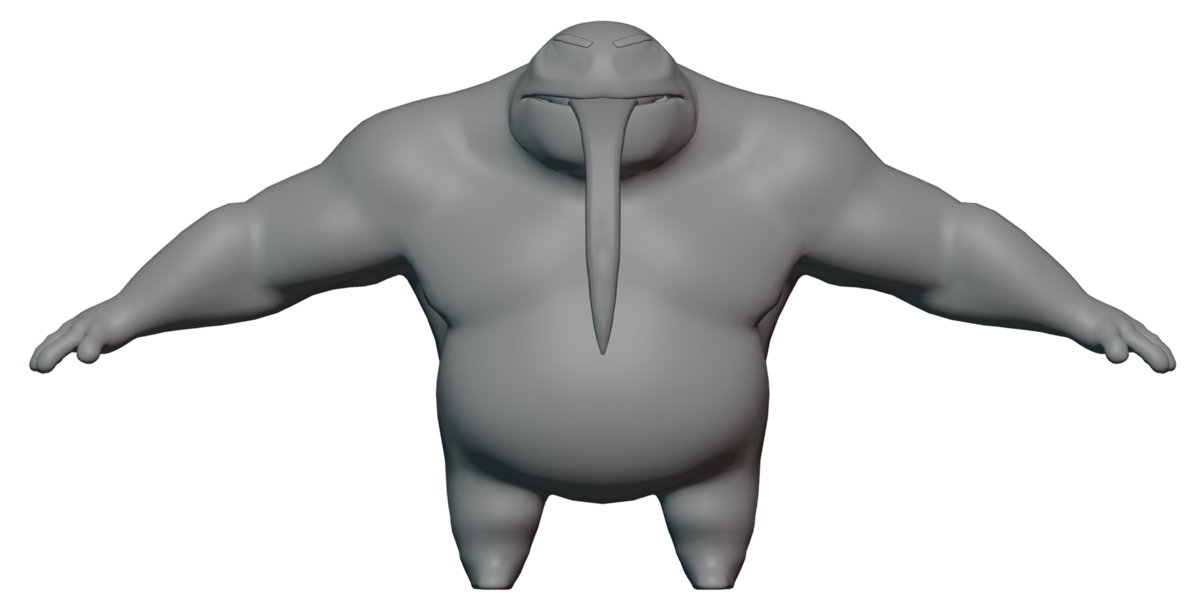
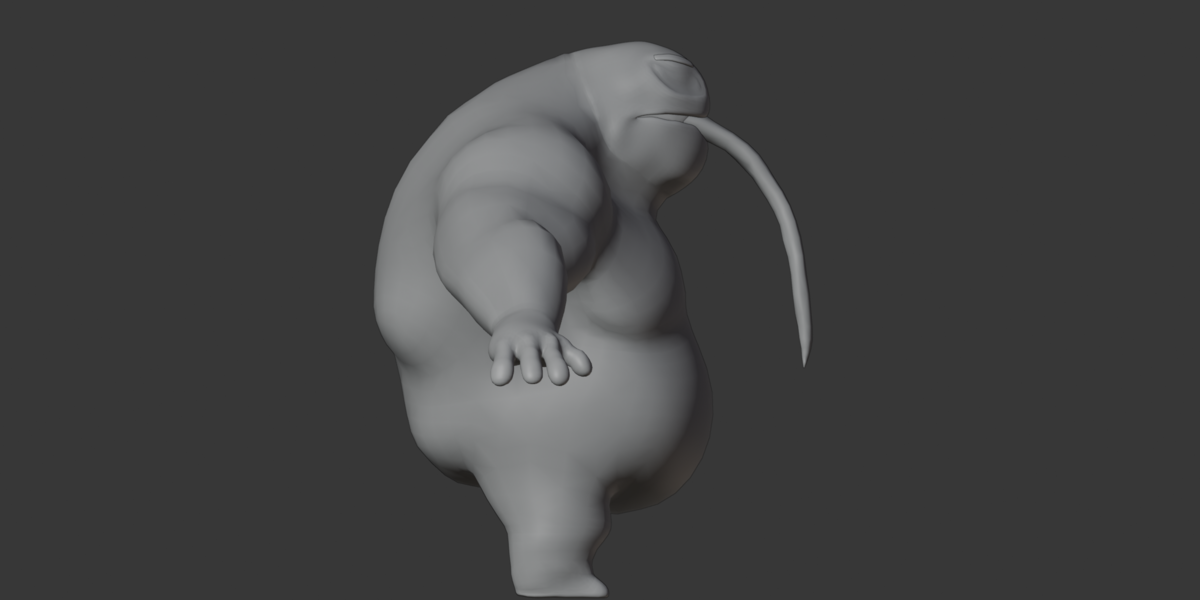
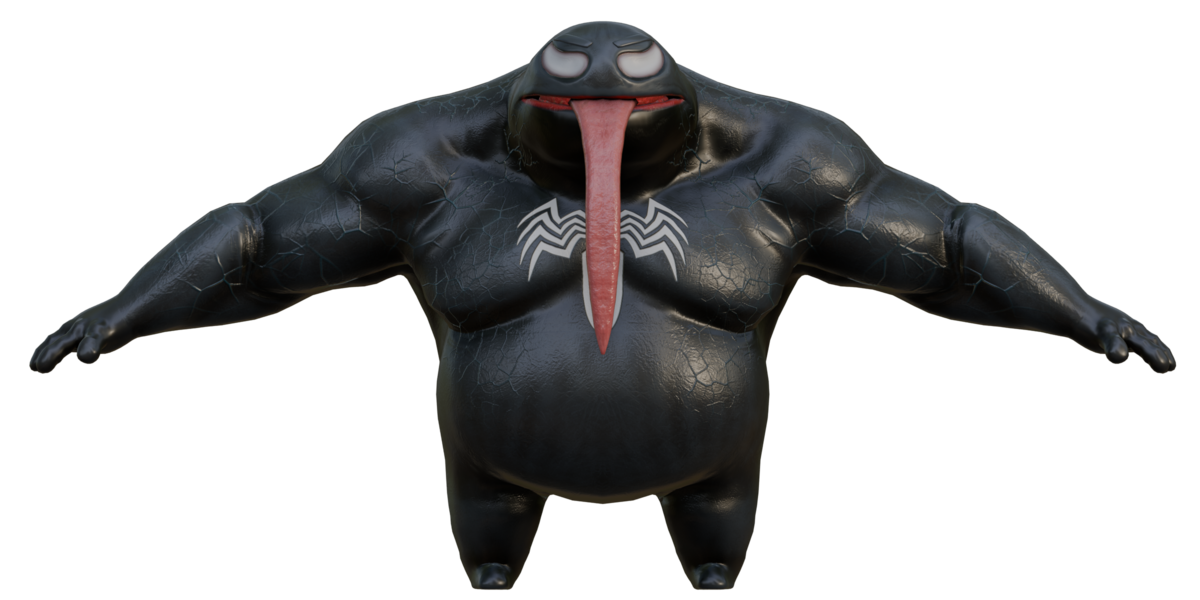
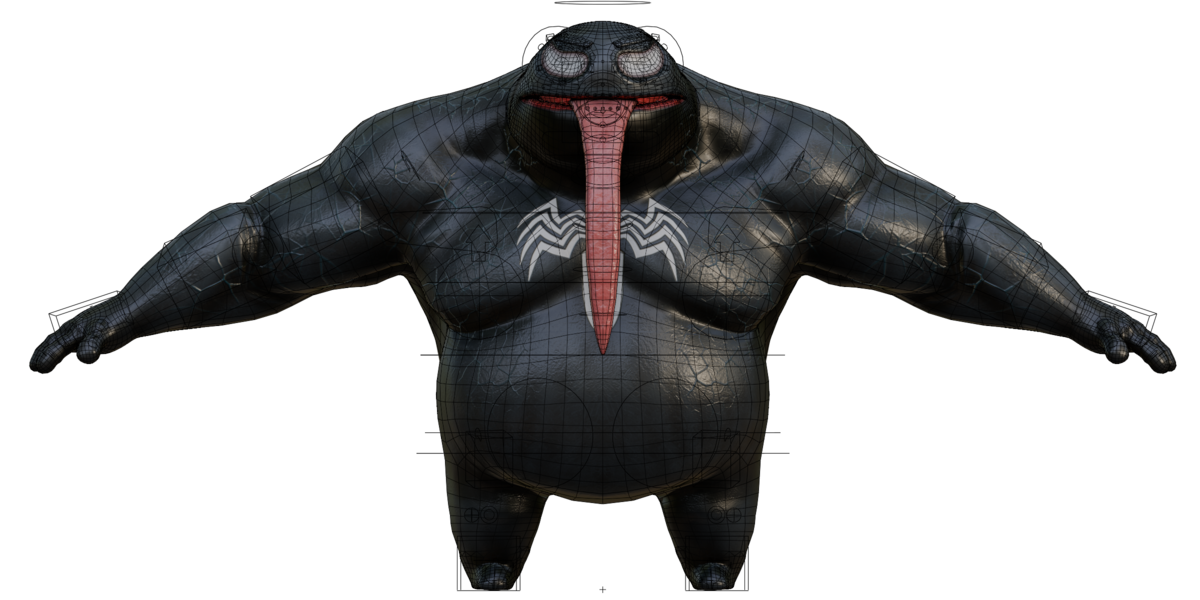
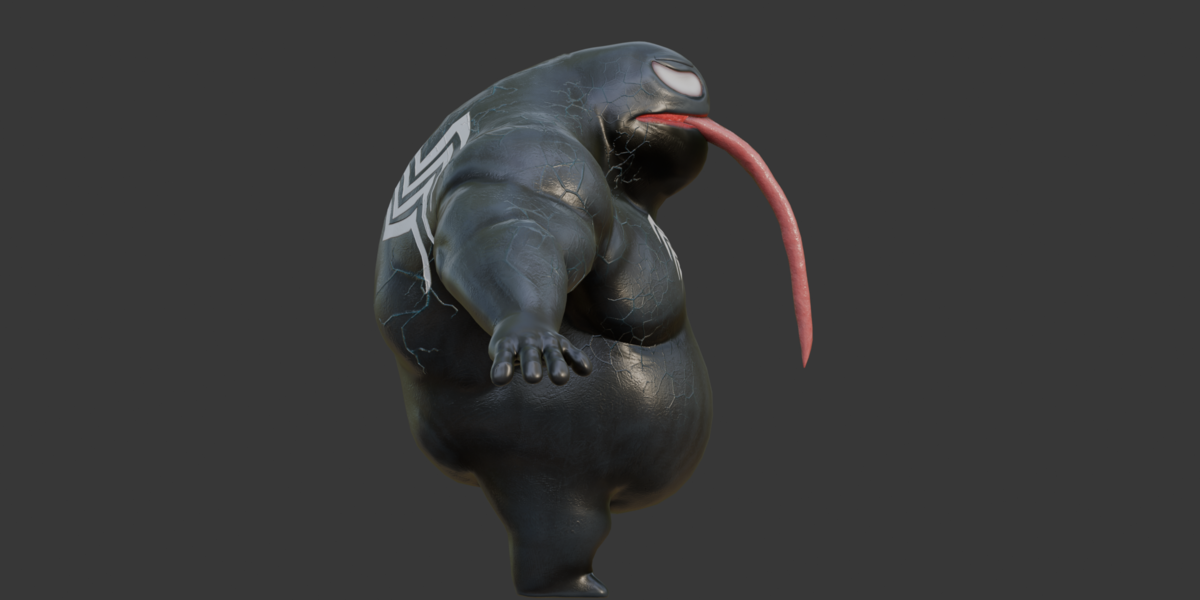
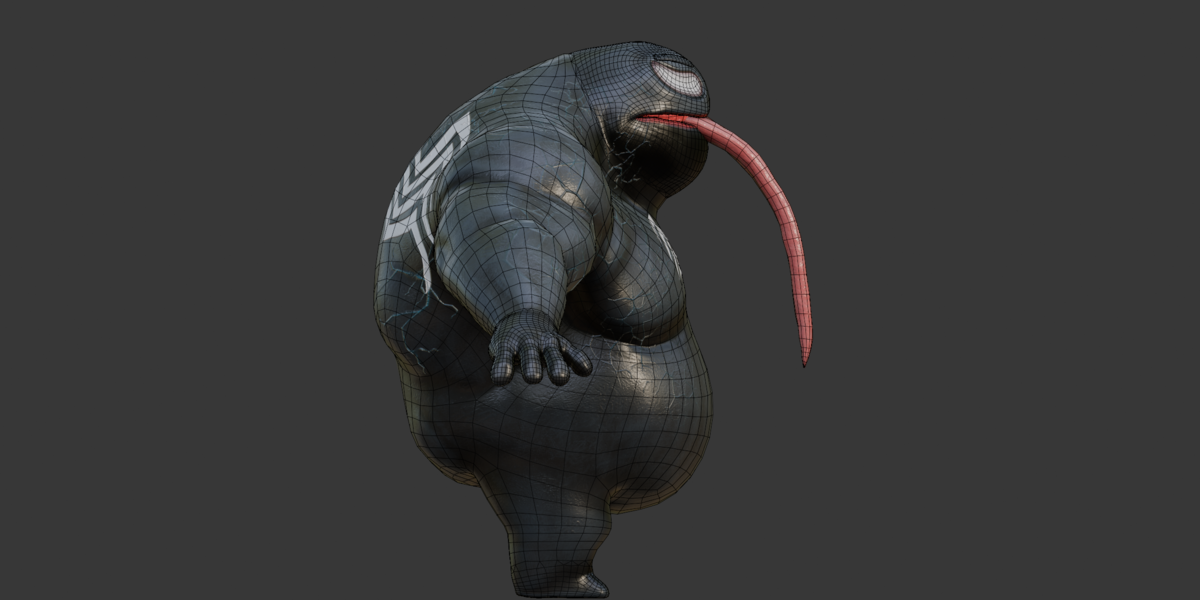
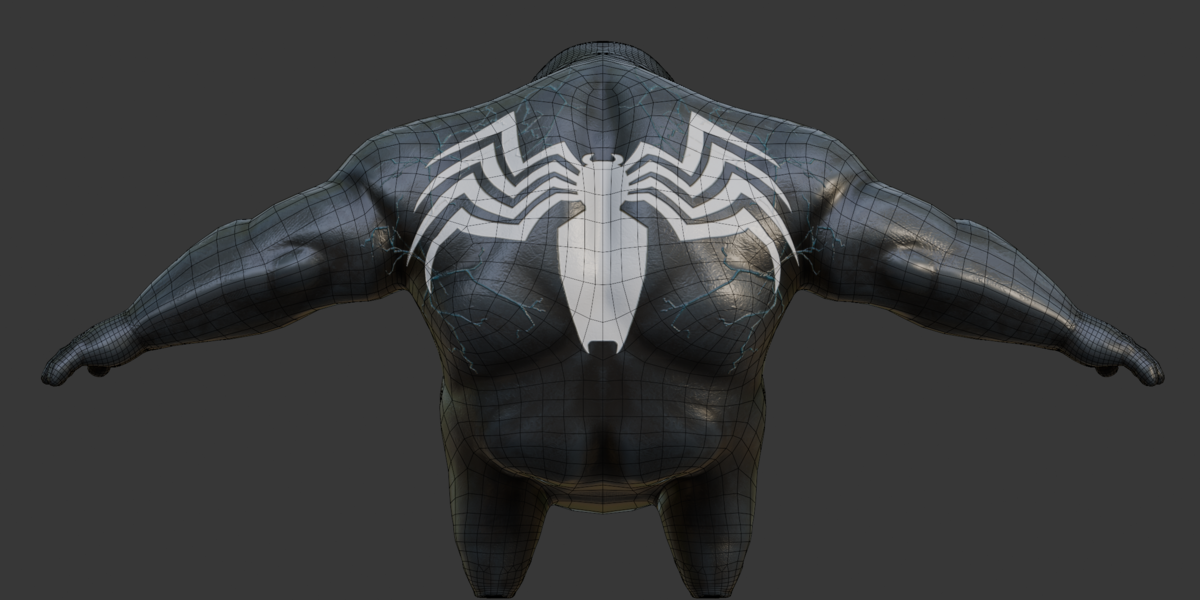
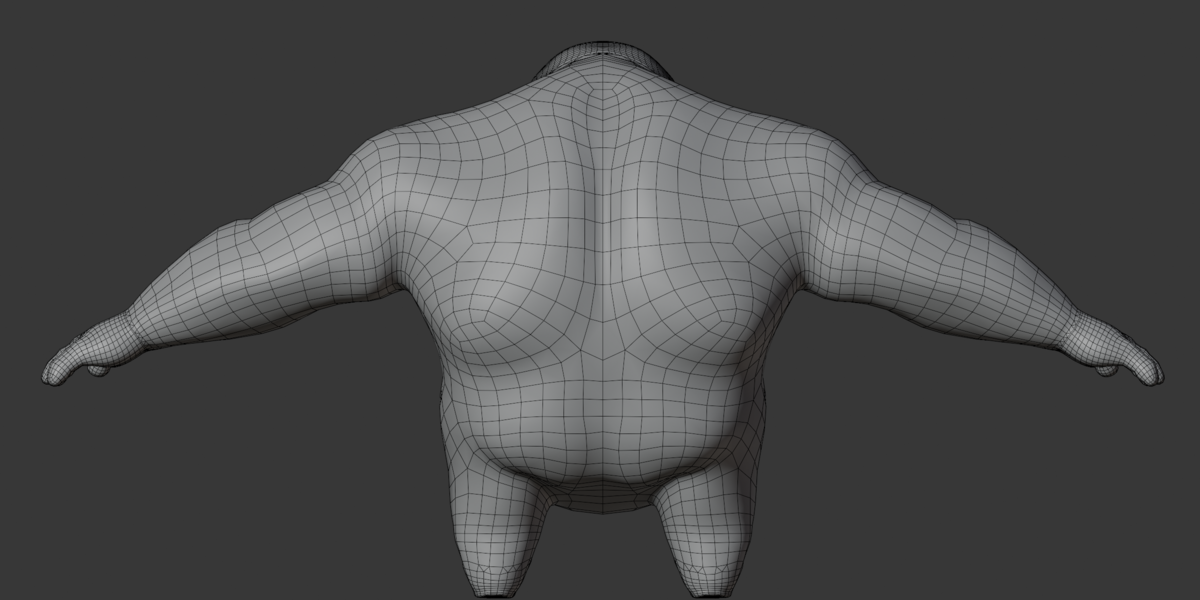
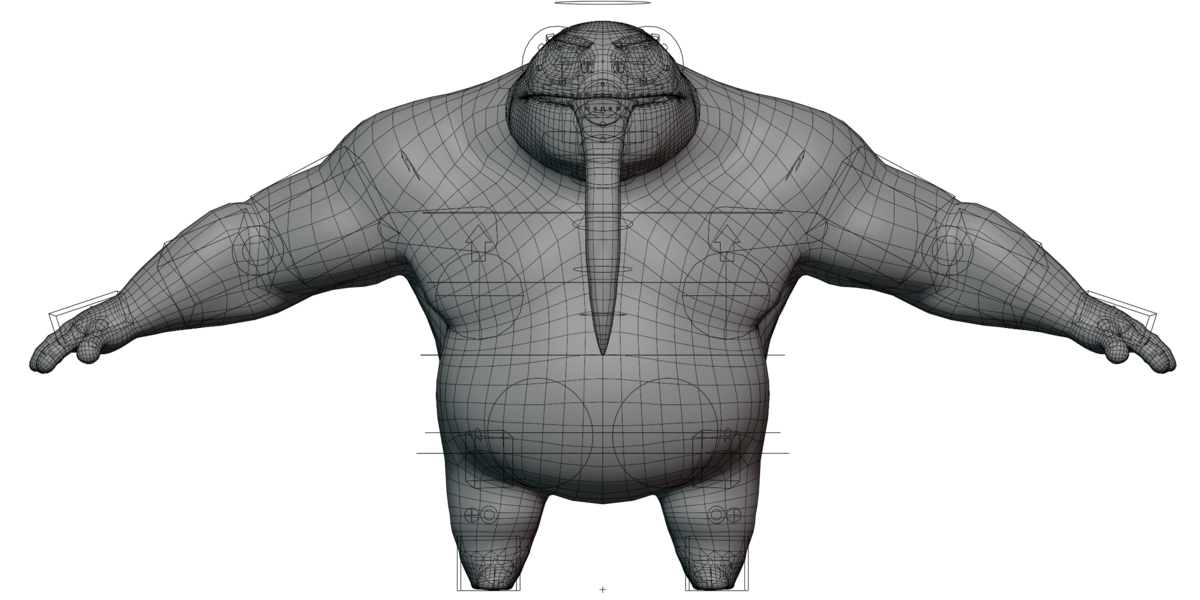
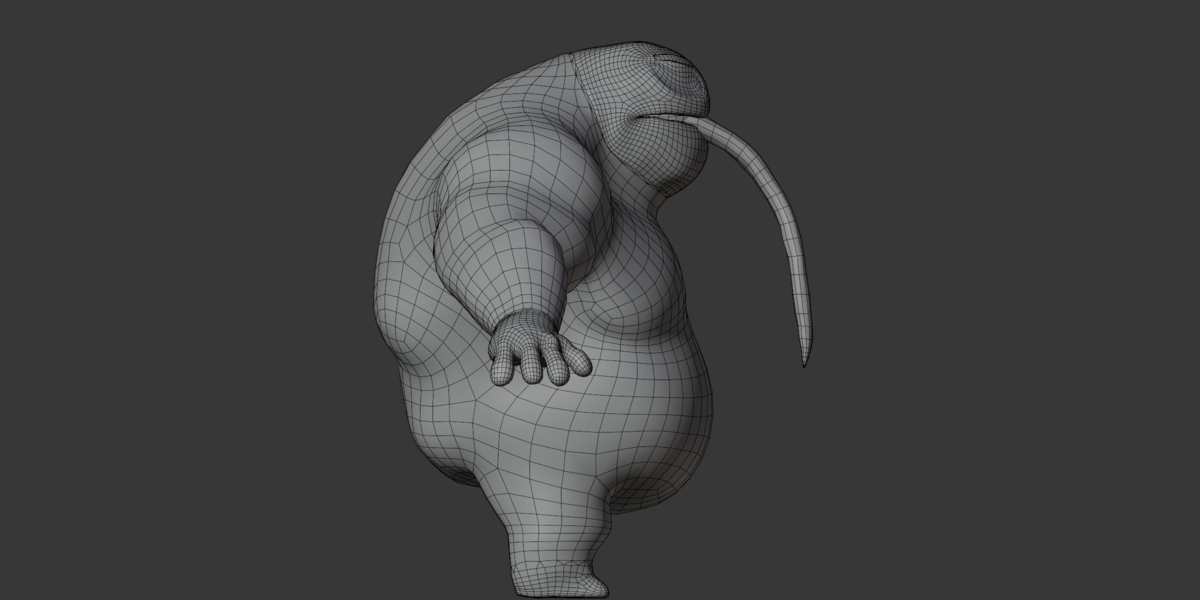
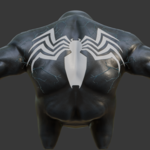
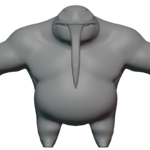
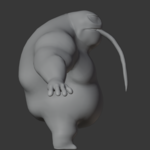
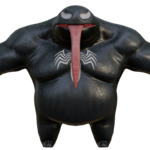
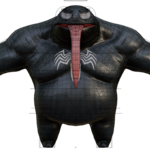
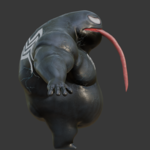
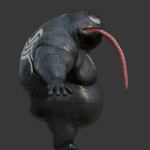
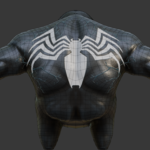
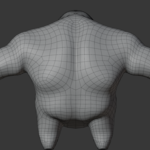
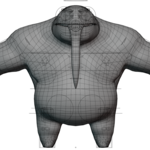
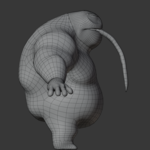
Searching for an expressive alien monster 3D model that brings personality, unusual proportions, and creative animation possibilities to your scenes?
Discover the Bulky Alien Monster, a stylized creature featuring oversized shoulders, powerful arms, a rounded body, white eye patches, and an exaggerated toothy grin.
Created for Blender artists, character animators, and fantasy creators, this monster combines a playful cartoon appearance with horror-inspired details and expressive rigging. Its facial controls and stored pose actions make it useful for character storytelling, dialogue experiments, and custom animation projects.
Key Features
Distinctive Monster Design: A bulky, top-heavy creature with exaggerated facial features and a memorable silhouette.
Detailed Character Rig: Body, hand, finger, and facial controls support custom character posing.
Facial Expression Poses: Create different character moods using the included expression presets.
Mouth and Lip-Sync Poses: Stored mouth shapes provide starting points for dialogue animation.
Editable Materials: Customize the body, teeth, and tongue using the supplied texture maps.
Multiple Formats: BLEND, FBX, GLB, OBJ/MTL, and texture assets.
How to Use
Open the Blender source file to pose the creature, adjust facial expressions, and edit materials. Use the included stored actions as starting points for your own animation, or develop completely new movements.
Use For
Cartoon monster artwork, fantasy scenes, supernatural character concepts, facial animation practice, lip-sync studies, animated storytelling, and cinematic creature renders.
Compatibility
Designed for Blender-based character workflows, with FBX and GLB exports for compatible 3D applications. OBJ provides static geometry without a character rig.
Requirements
Blender or compatible 3D software is required. Basic rigging and animation knowledge is helpful. Auto-Rig Pro is recommended for the full interactive rig-control experience.
Delivery
Digital download including BLEND, FBX, GLB, OBJ/MTL, eight PNG texture maps, and stored facial, mouth, and hand-pose actions.
Important: The supplied actions are primarily pose presets, not a complete movement animation library. Commercial use requires appropriate rights to the character's recognizable design elements.
Add this expressive alien creature to your next 3D project and develop original monster artwork and animations!
Have questions about this product?
Login to message
| Published | about 2 months ago |
| Blender Version | 2.6x - 5.2 |
| Render Engine Used | Cycles, Eevee, Freestyle |
| Misc Data | Rigged, Textured |
| License | Royalty Free |
