C4D Smart Sync Pro To Octane-Redshift
 Unik Studio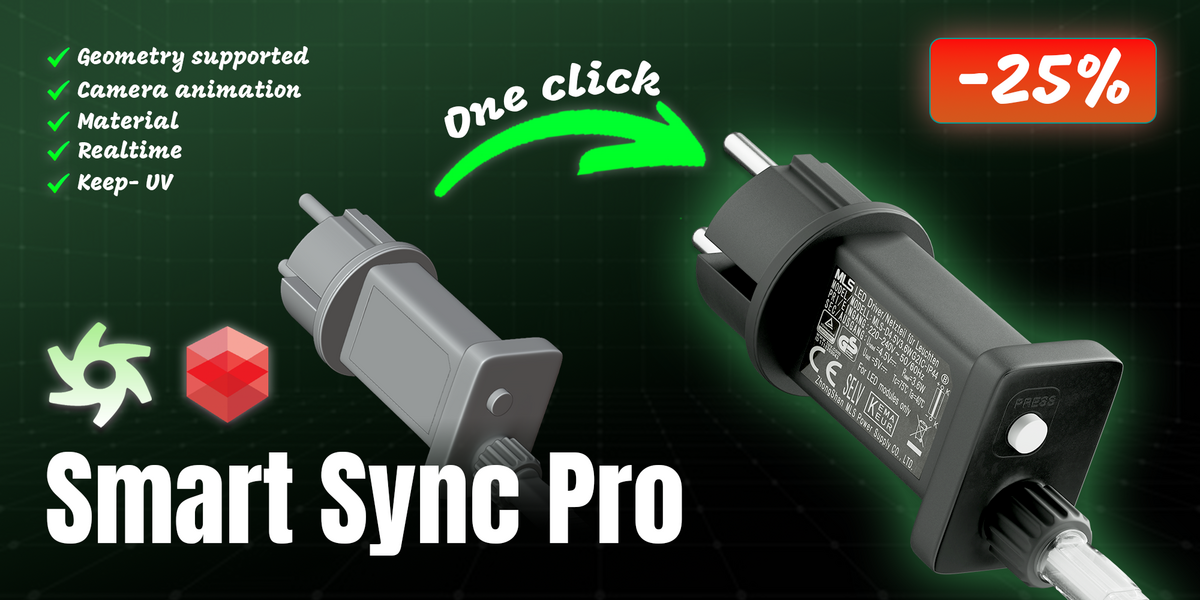



got a "version mismatch" warning on import — is my scene broken?
No, it's just a console warning that the add-on and plugin are on different major versions. Import still completes; update both to the same release to clear the warning.
don't see the Smart Sync Pro menu in Cinema 4D. What's wrong?
Make sure you copied the whole C4D_Plugin folder (not just individual files) into the Cinema 4D plugins directory, and restart Cinema 4D after installing.
Can I change the export hotkey?
Yes, in the Blender add-on preferences you can set any modifier combination and key. The default is Ctrl+Shift+C.
Where does the exported bundle get saved?
By default to your system temp folder, in a C4D_Smart_Sync_Pro subfolder. You can point it anywhere via the Output Folder setting in the Blender add-on preferences — Cinema 4D finds it automatically through a pointer file, no need to type a path on the C4D side.
Does it support deforming-mesh animation (cloth, soft body) or Alembic?
Not yet — this is a known gap. Rigid-body/keyframe transforms, camera and light animation are supported today.
Will my light brightness look the same in Cinema 4D?
Point, Sun and Area lights map to the matching C4D type, and wattage is converted to C4D's percentage brightness using an anchored default-to-default mapping rather than a raw 1:1 copy, so the exposure reads correctly instead of blowing out.
Does camera animation transfer accurately?
Yes — position, rotation and focal length are baked frame by frame, and a Track-To constraint becomes a matching C4D Target tag.
Update created a new duplicate object instead of updating the old one — why?
Update mode matches objects by name. If you renamed the object in Blender since the last sync, Cinema 4D can no longer find a matching existing object to update.
Can I undo an Auto Sync import if something looks wrong?
Yes, Ctrl+Z reverts the whole auto-import as one step, same as a manual Update.
What is Auto Sync and do I have to use it?
It's optional. Turn it on from the Smart Sync Pro menu in Cinema 4D and it watches for new Blender exports (roughly every 1.5 seconds) and runs an Update-mode import automatically — no manual step in C4D at all. It pauses during rendering and groups each import into a single undo step.
f I re-export from Blender, will it wipe out the lookdev I did in Cinema 4D?
Not if you use Update (Keep C4D Materials) instead of Import. It matches objects by name and only swaps in the new geometry — materials, texture tags, layers, user data and the object's C4D transform are left exactly as they are.
A texture came through missing or blank — what do I check first?
Open the Cinema 4D console right after import. Bake or write failures are reported there by material name instead of failing silently, so you'll know exactly what to look at.
Does it handle node groups and Geometry Nodes materials?
Yes, including nested node groups, and materials assigned through a Geometry Nodes setup rather than the object's material slots.
What happens to Blender node setups that Octane/Redshift can't replicate?
Anything without a direct equivalent gets automatically baked to an image (unwrapping the mesh first if it has no UVs), so the result still looks correct instead of losing detail.
Which Cinema 4D renderers are supported for materials?
Octane and Redshift can rebuild the exported material graph into their own shader networks. Cinema 4D's Standard renderer currently imports geometry, cameras and lights correctly, but doesn't yet reconstruct texture maps from the graph.
Do the Personal / Studio / Team licenses differ in features?
No — every tier ships the same add-on and plugin. The tiers only reflect Superhive's standard per-seat licensing, not functional differences.
o the Personal / Studio / Team licenses differ in features?
No — every tier ships the same add-on and plugin. The tiers only reflect Superhive's standard per-seat licensing, not functional differences.
Which versions are supported?
Blender 4.0 and newer, verified through 5.1. Cinema 4D 2026.
Do I need to install anything in both applications?
Yes. The Blender add-on (installed like any .zip add-on) does the export; the Cinema 4D plugin (copied into your plugins folder) does the import. Both must be installed for the pipeline to work.
What does Smart Sync Pro actually do?
It's a two-part pipeline — a Blender add-on and a Cinema 4D plugin — that exports geometry, materials, textures, cameras and lights from Blender and brings them into Cinema 4D in one click, then keeps them in sync as your Blender scene changes.
Discover more products like this
blender-c4d c4d-sync C4D Export cinema4d cinema4d-to-blender sync c4d blender-to-c4d C4D Import synctool Cinema4DPlugin fbx exporter