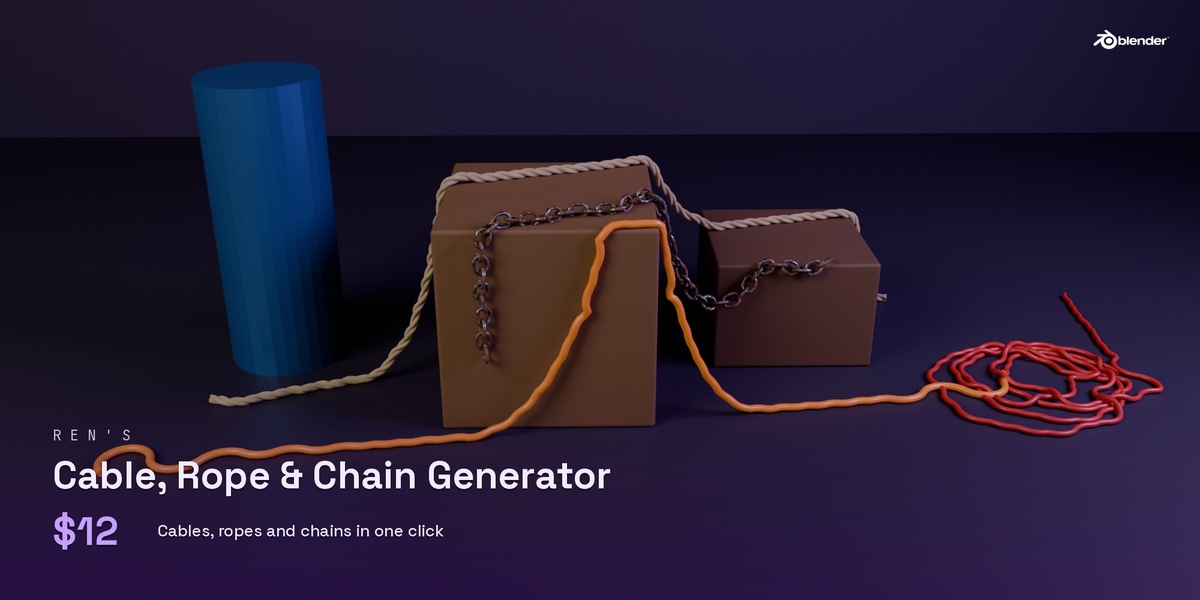
Cable, Rope & Chain Generator
 Rekanyx



Install
Edit > Preferences > Add-ons > Install from Disk, pick the zip, and tick the box. Open the 3D View sidebar (N) and go to the Cables tab.
Make one
- Along Curve: select a curve and press Cable, Rope or Chain.
- Connect: select two objects and press Connect. It hangs between them with real sag and follows them when you move them.
- Draw On Surface: draw a cable straight onto any mesh.
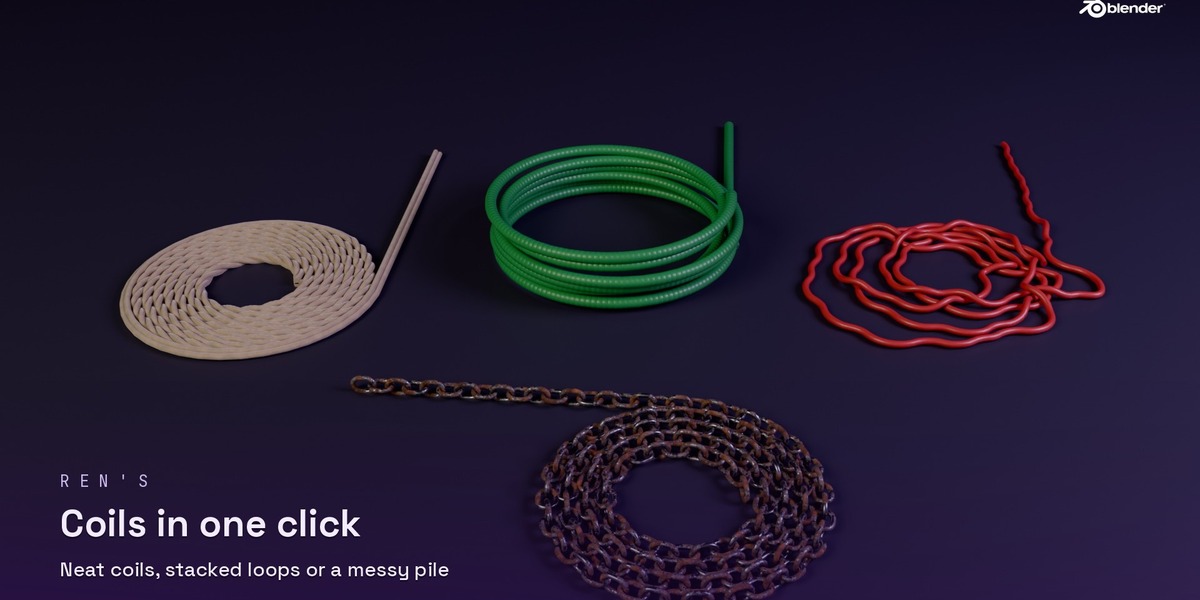
- Coil At 3D Cursor: makes a neat coil, stacked loops or a messy pile.
- Presets: 16 ready looks, from power cables to anchor chains.
Panels
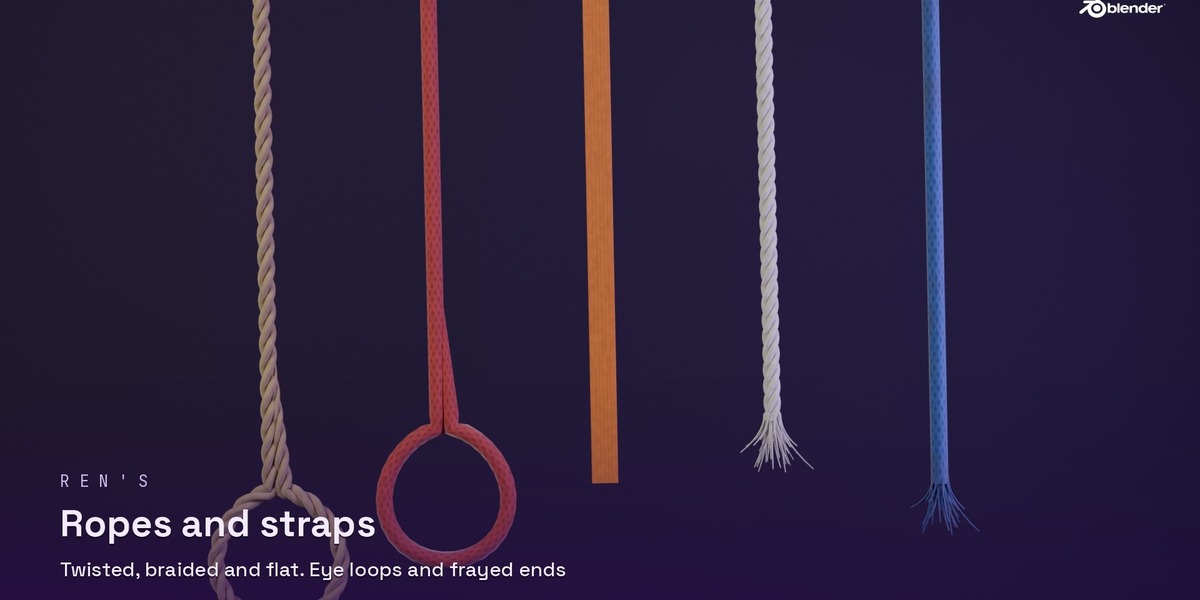
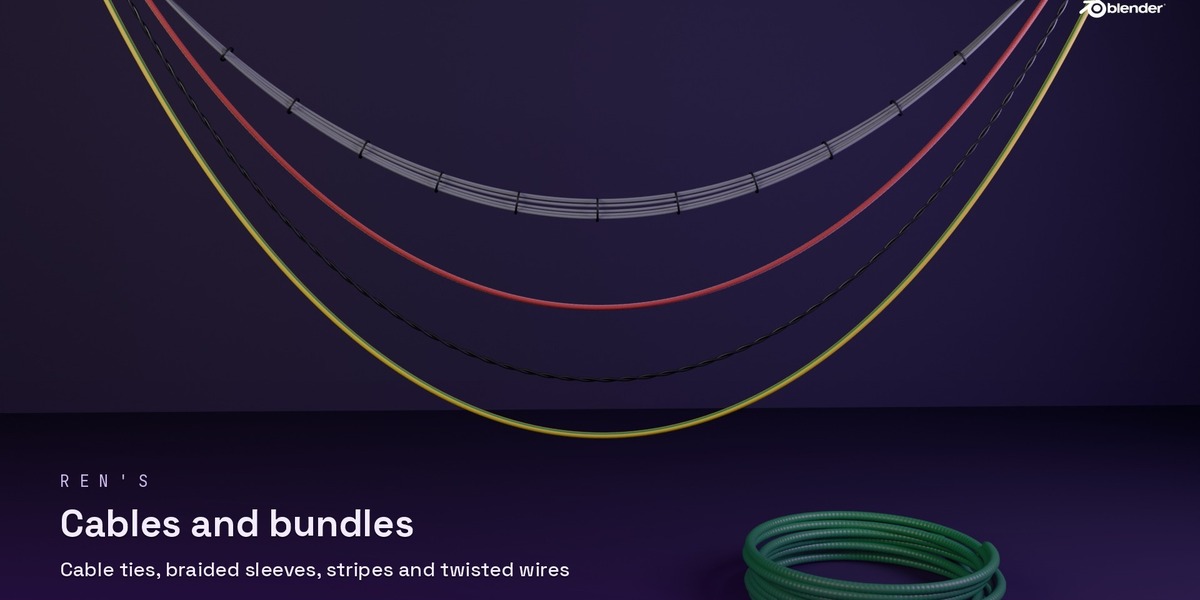
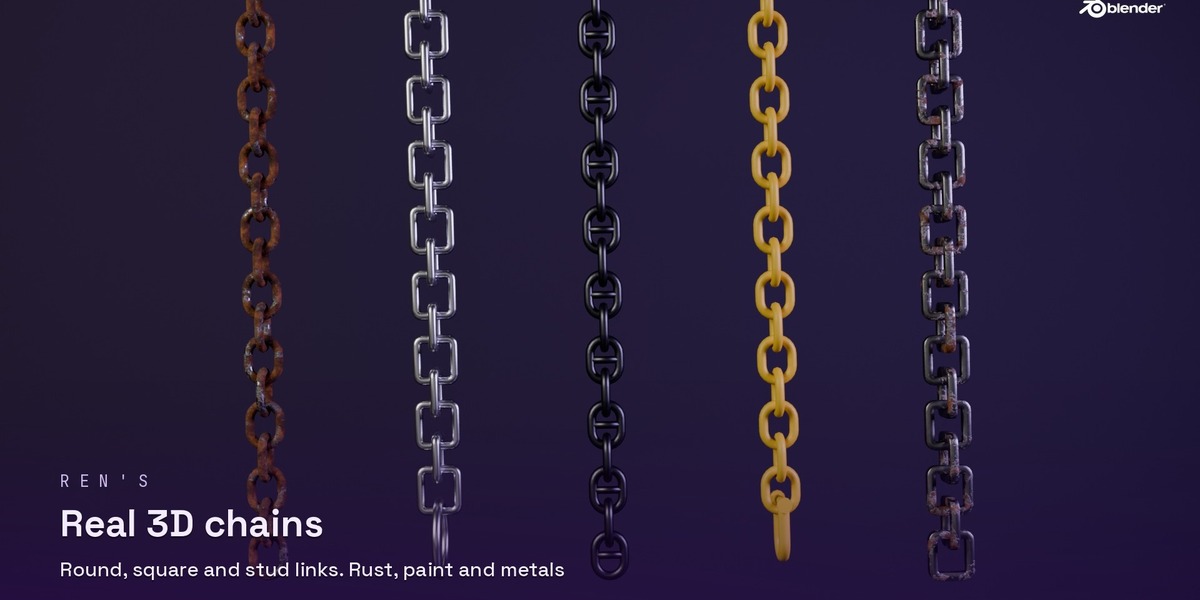
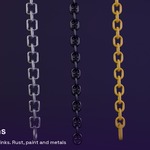
- Look: thickness, colour, rope type (twisted, braided, strap), cable surface (smooth, braided, ribbed), stripe, twisted wires, chain link style, metal, Rust Amount, Wear, Length Detail and Detail.
- Ends: ring, shackle, plug or socket on each end. Ropes and cables can also end in a knot, an eye loop or frayed fibres.
- Ties & Clips: cable ties around a bundle, or clips that hold it to a wall.
- Hang: slack and sag, rest on a surface, avoid an object, and a floor.
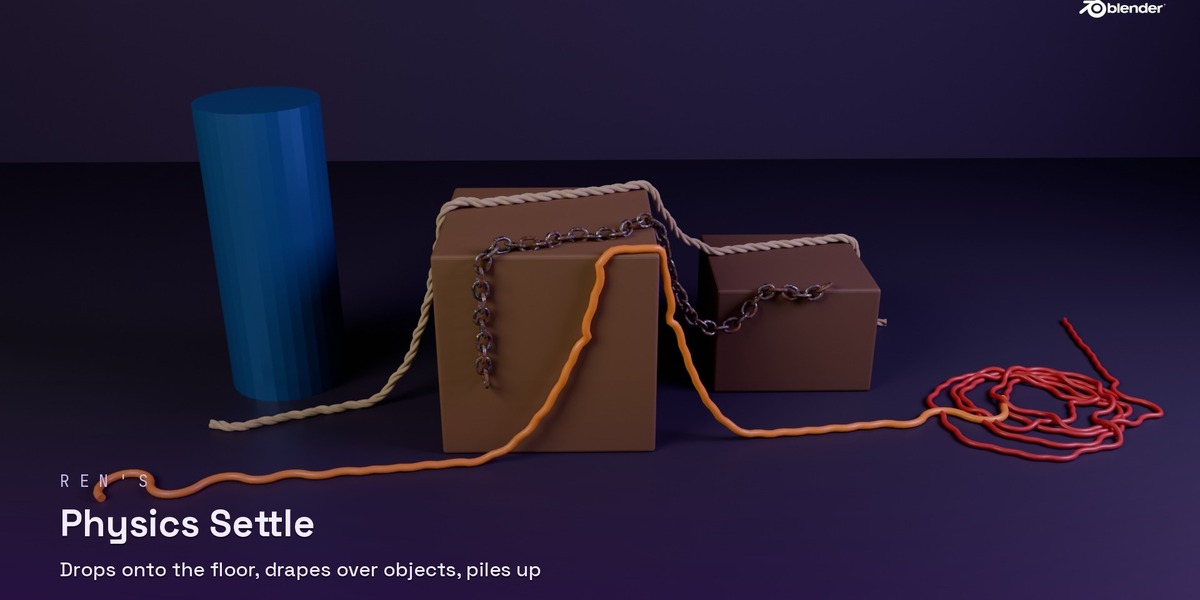
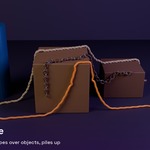
- Physics Settle: press Settle to drop it so it lies on the floor, drapes over objects and piles on itself. Choose which ends stay held. Press again to settle more, or Undo Settle to go back.
- Bundle: many wires at once, with spread, randomness and seed.
Finish
Press Make Real to turn it into one normal mesh with UVs and materials, ready to edit or export.
Have questions about this product?
Login to message
| Published | about 1 hour ago |
| Blender Version | 5.2 - 5.3 |
| Extension Type | N/A |
| License | GPL |