 RaWiLOGIC
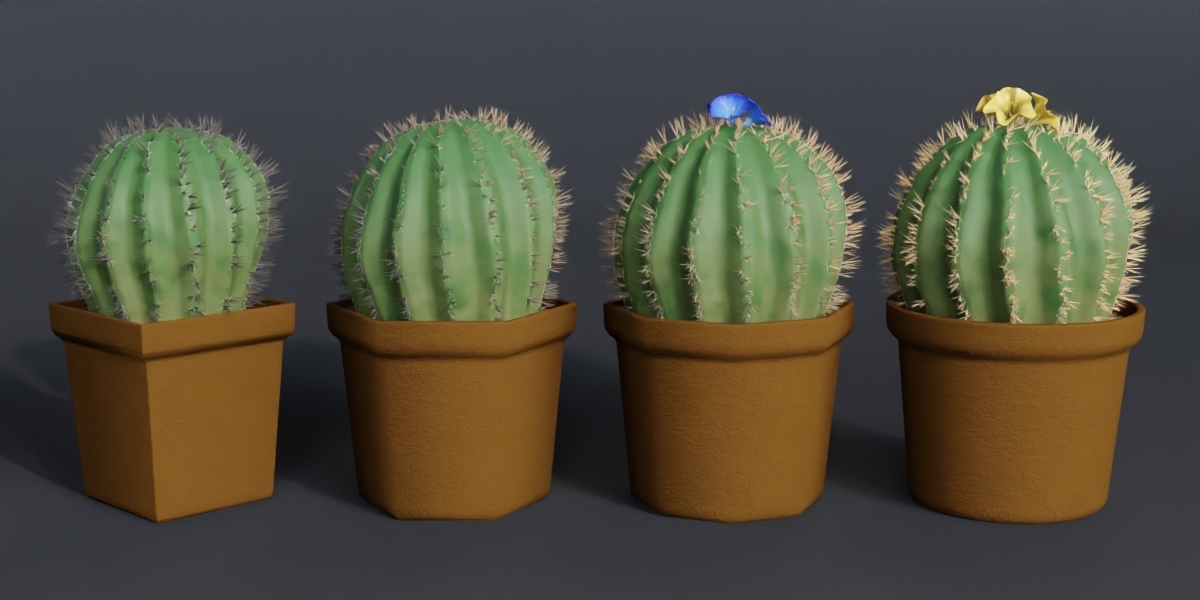
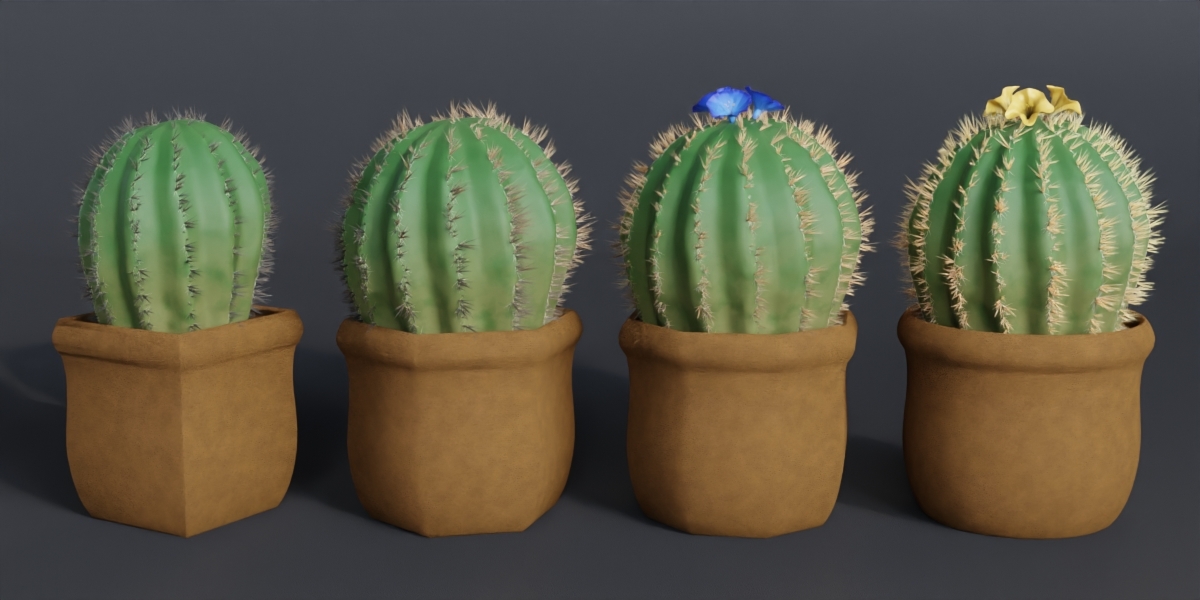
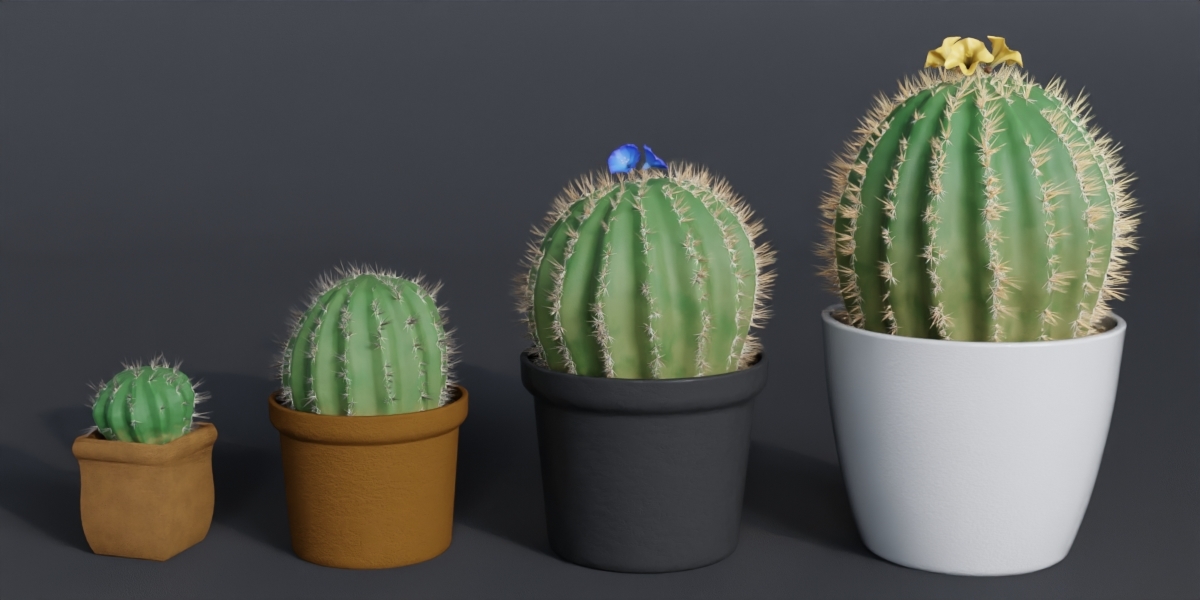
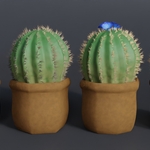
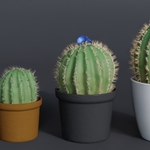
Creating a cactus
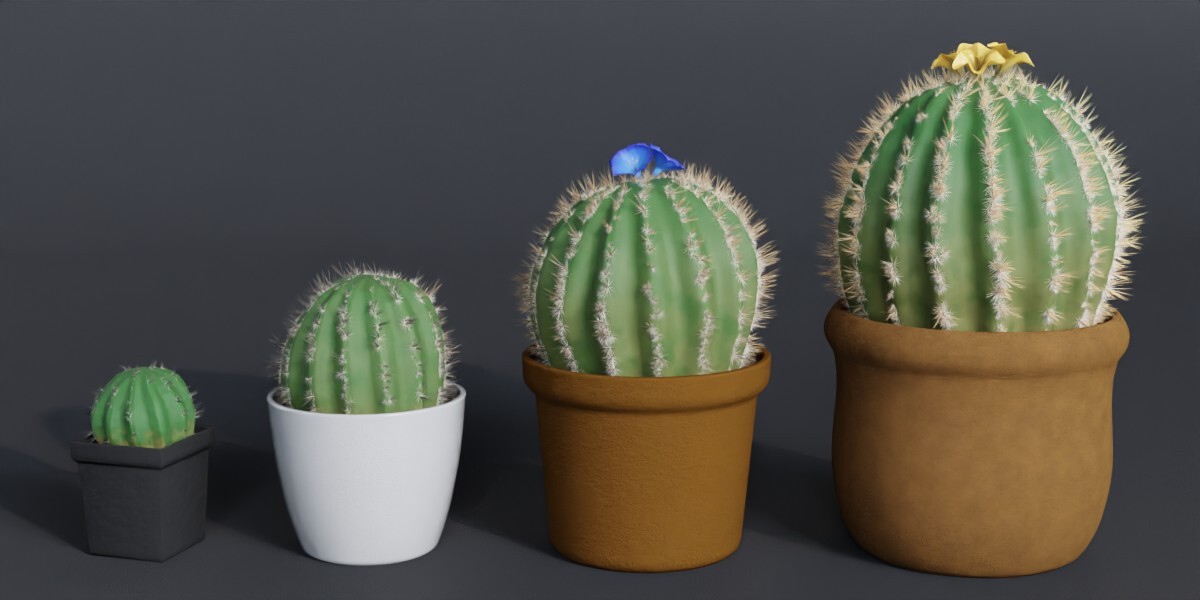
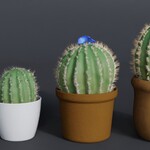
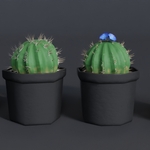
The simplest method is to first select a cactus that most closely resembles the one you wish to create. Copy it, paste it into your project file, and open the modifier panel. You will now see all available parameters – experiment with the values and have fun!
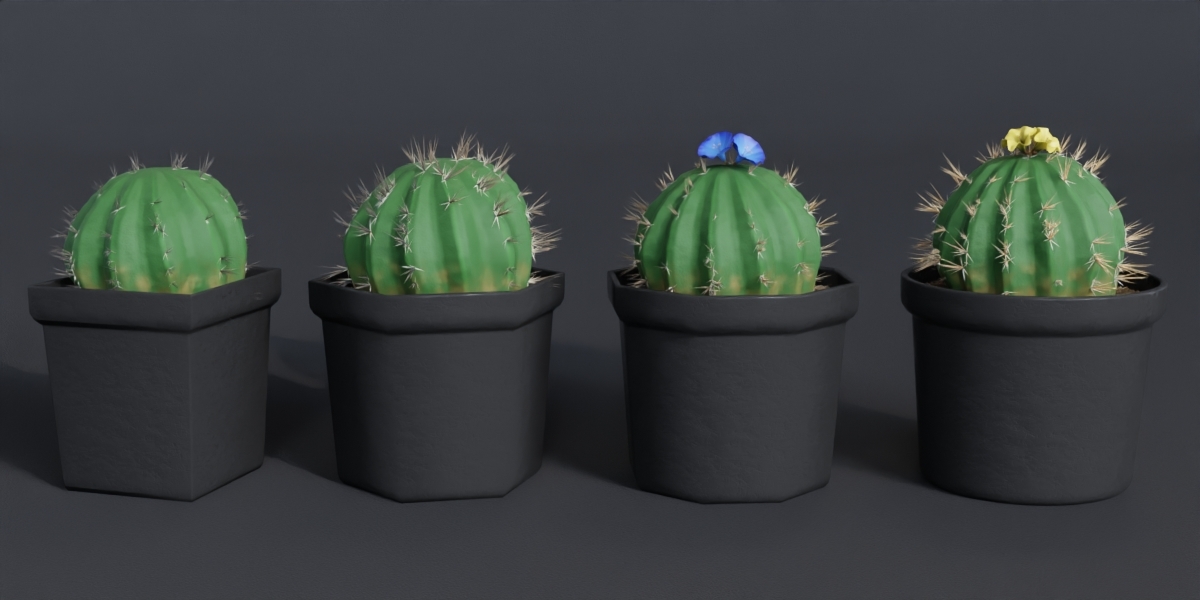
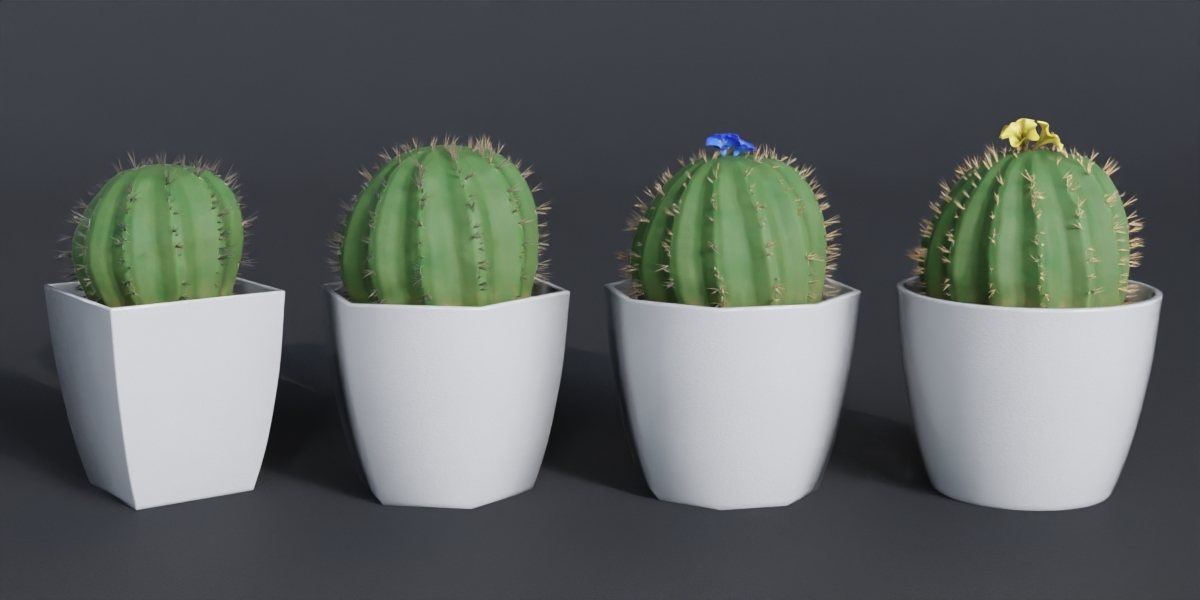
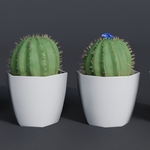
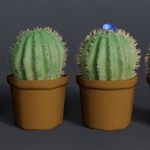
Should you discover that the cactus wasn’t the right choice after all, that’s no problem — you can change any of the parameters (materials, variety or the material and shape of the pot) at any time.
The
height of the cactus depends on the height of the spline upon which
the generator is based. While you can adjust the height within the
modifier, it is recommended to first modify the height of the spline
in Edit Mode and then set the exact desired height within the
modifier. The position of the spline's topmost point, as well as its
rotation, also determine the shape of the cactus.
If you
wish to use the built-in pot generator but the shape of the pot does
not meet your requirements, you can adjust it in the Geometry Nodes
window. To do this, modify the shape curve intended for custom forms
and select it within the modifier (Pot Shape 5).
Have questions about this product?
Login to message
| Dev Fund Contributor | |
| Published | about 3 hours ago |
| Blender Version | 5.2 |
| Render Engine Used | Cycles |
| License | Royalty Free |
Discover more products like this
cactus generator geometrynodes plant procedural 3D-Model cactus