 AS Formworks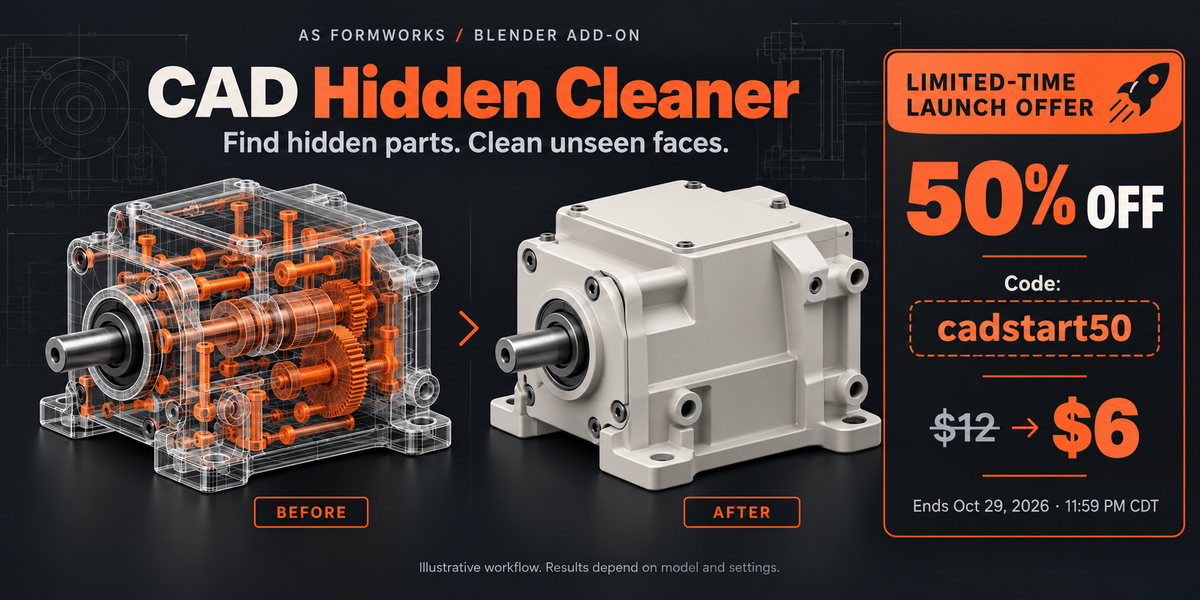


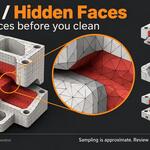
Find hidden parts. Clean unseen faces.
Launch offer: use code cadstart50 at checkout for 50% off the 12 USD base price (6 USD before applicable taxes). Valid through October 29, 2026, 11:59 pm CDT. Applies only to CAD Hidden Cleaner.
CAD Hidden Cleaner helps Blender artists identify geometry hidden from sampled exterior views after CAD-to-mesh import. Analyze whole objects or individual faces, inspect the candidates, then isolate or remove concealed geometry.
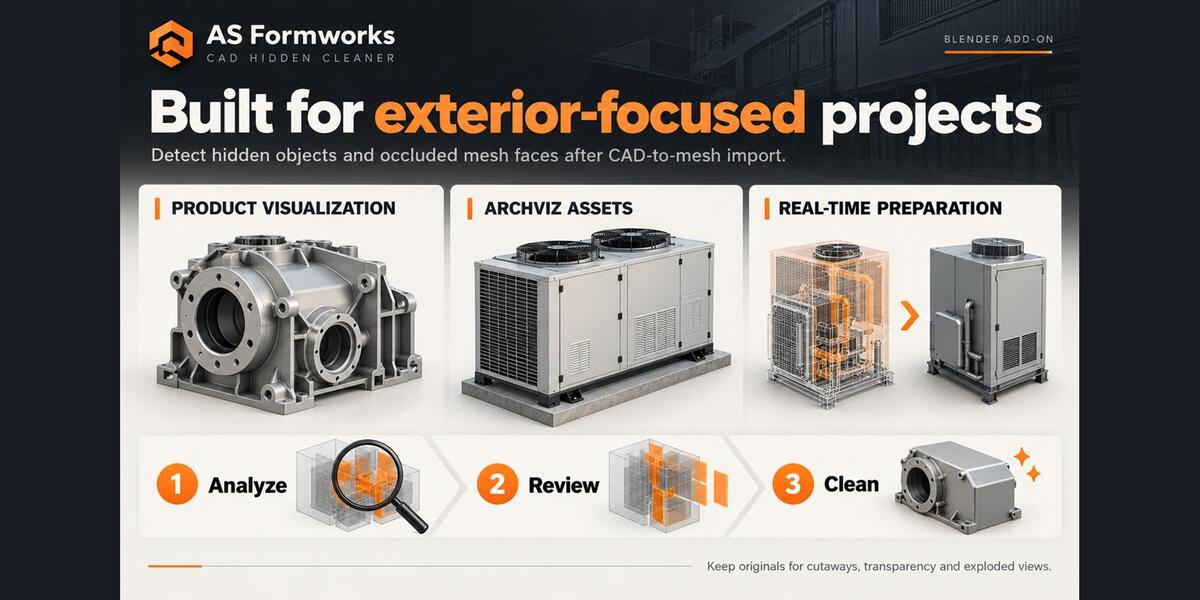
Made for exterior-focused projects
- Product visualization: prepare machinery, equipment and manufactured products for exterior renders.
- Architectural visualization: simplify CAD-derived equipment and props when internal components are not needed.
- Real-time preparation: remove concealed geometry before further optimization and export.
Two cleanup stages
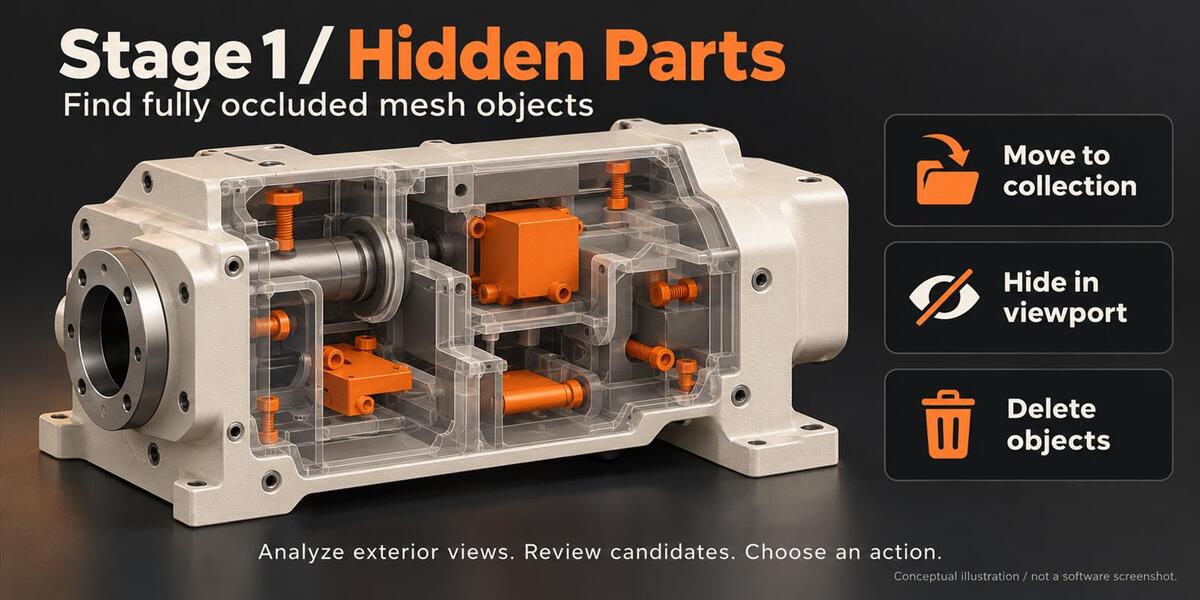
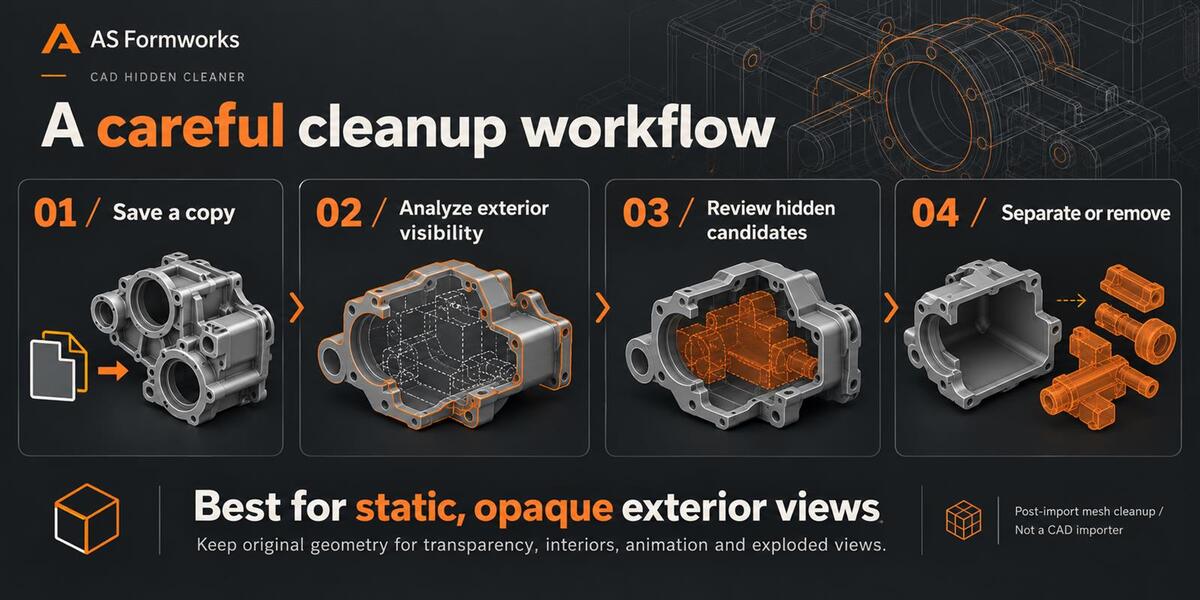
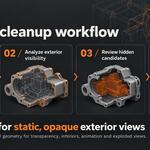
- Hidden parts: analyze all visible or selected meshes, review the selected candidates, then move them to a backup collection, hide them in the viewport or delete them.
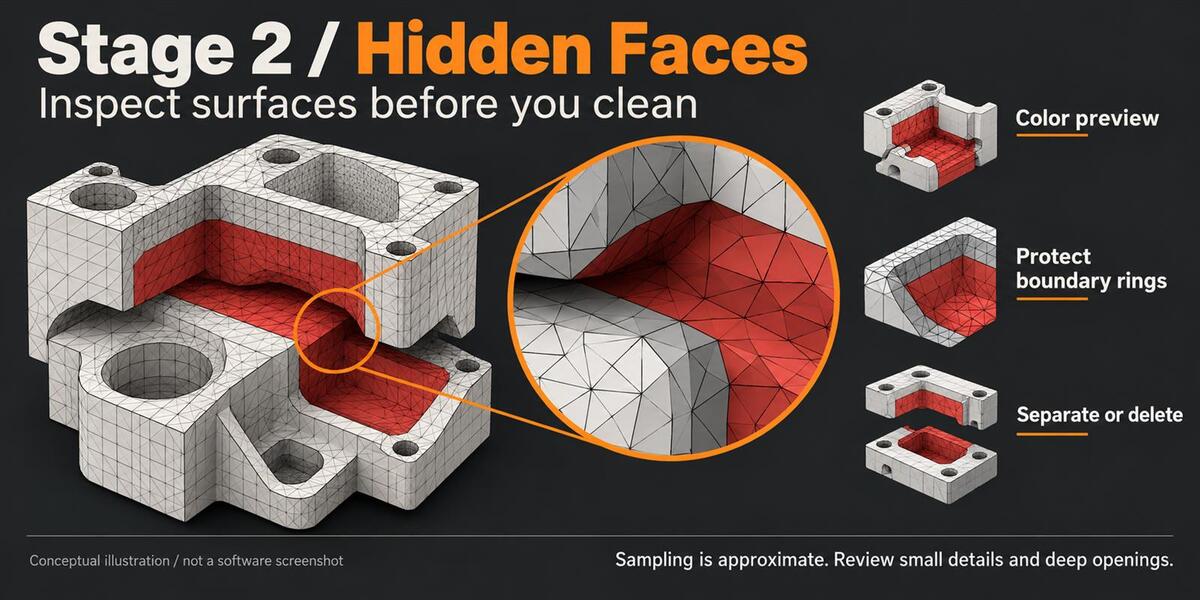
- Hidden faces: analyze selected meshes, preview candidates in red, inspect them in Edit Mode, then separate or delete faces.
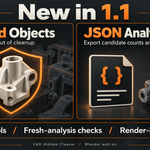
New in 1.1
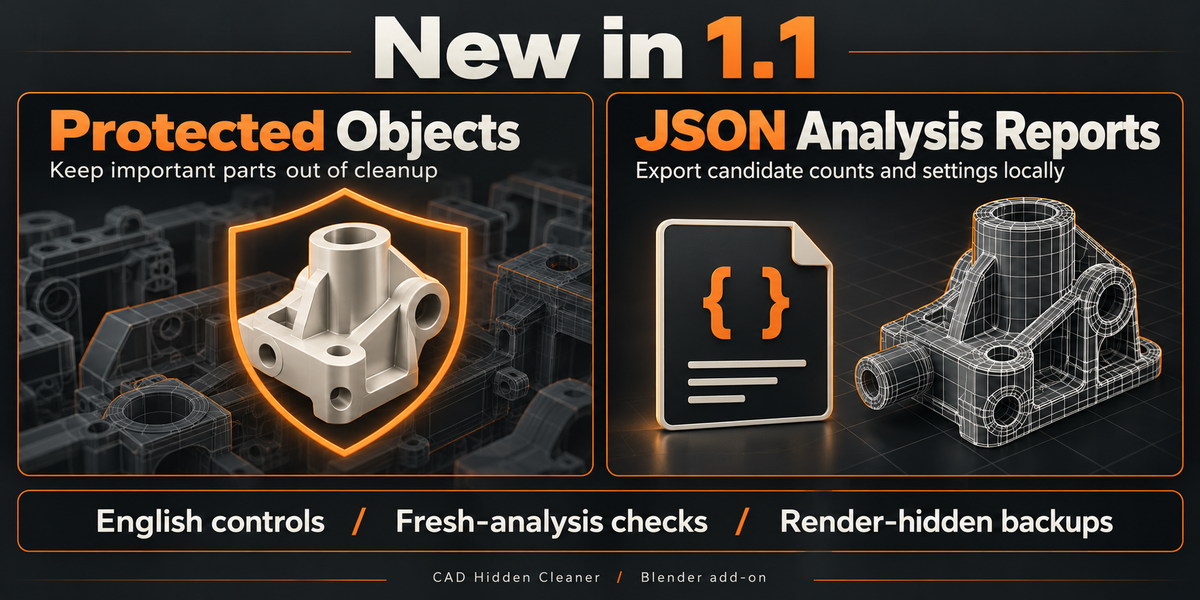
- Protected Objects: keep important objects out of cleanup while retaining them as occluders. Shared-mesh protection rules are explained in the guide.
- JSON Analysis Reports: export fresh candidate counts and analysis settings to a local file before cleanup.
1.1 also adds English controls, fresh-analysis checks, scene-local face scope and render-hidden backup collections. It uses direct polygon IDs and adaptive pixel counting to reduce applicable analysis overhead. Shared-user checks help prevent edits to hidden mesh instances.
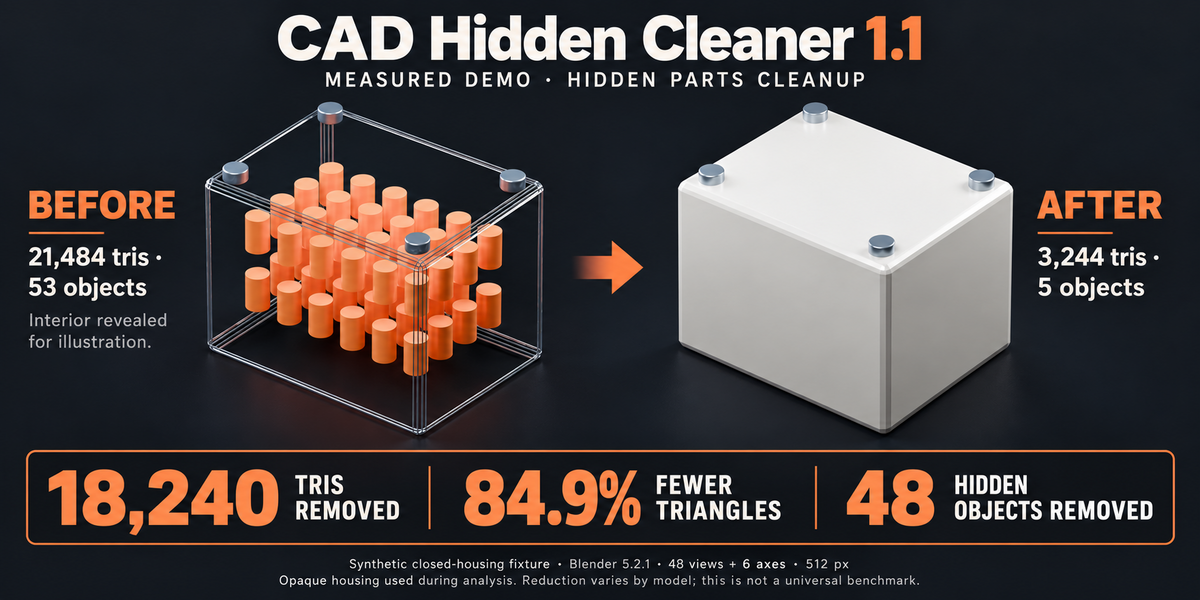
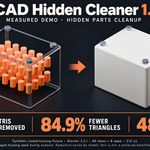
Measured demo: 18,240 triangles removed
Measured synthetic demo in Blender 5.2.1: a closed housing with 48 internal pins and four exterior fasteners went from 21,484 to 3,244 triangles after Analyze Parts > Delete. That is 18,240 triangles removed (84.9%), with 53 mesh objects reduced to 5. Settings: 48 directions plus six axis views, 512-pixel resolution, Min Pixels 1 and Min Visibility 0. The before graphic reveals the interior for explanation; analysis used the full opaque housing. This is a controlled demonstration, not a representative CAD benchmark or a guaranteed reduction for other models. Triangle counts describe remaining scene geometry, not render speed, memory use or file-size savings.
Control the result
Adjust view count, resolution, pixel/view thresholds and protective face rings. Combine shared mesh evidence or make selected targets single-user. Threshold changes reuse analysis data without another GPU render pass.
Review before applying
Save an untouched original. Start with conservative thresholds and reversible actions. Sampling can miss tiny details, narrow openings and deep recesses. No fixed geometry reduction, FPS gain or end-to-end speedup is guaranteed. Cleanup can create open or non-manifold surfaces.
Compatibility and scope
Minimum supported Blender version: 5.0. Validated on Windows with Blender 5.0.0 and 5.2.1 LTS. Other platforms and GPU drivers have not been independently validated. Requires an interactive Blender GPU context and static opaque mesh geometry. No external Python package installation, account or network connection is required.
This is a post-import mesh cleanup add-on, not a CAD/STEP importer, CAD-solid editor, retopology tool or decimator. Bake modifiers and shape keys on a local duplicate first. The add-on blocks unsupported active modifiers, linked mesh data and objects shared across scenes rather than analyzing a different base shape.
Keep internal geometry needed for transparent materials, cutaways, exploded views, animation, moving assemblies or interior cameras. Materials, actual cameras and reflections are not simulated. Hide is viewport-only; Move to Collection and Separate Faces create render-hidden backups in 1.1.
Included
Installable 1.1 ZIP with Python source and GPL license, English installation and workflow guide, troubleshooting, FAQ, local report example and version notes. Version history retains the 1.0 release. The main mechanical illustration explains the concept. The separate measured-demo comparison shows a controlled synthetic fixture with disclosed settings; it is not a representative CAD benchmark. Marketing graphics are not software-interface captures or included production assets.
License: add-on Python code is GPL-3.0-or-later. It may be used commercially, modified and redistributed under the GPL conditions. Your own processed models do not become GPL merely from using this add-on.