 BlendR6


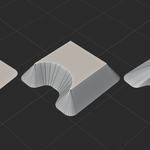
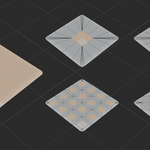
The problem it solves
Complex shapes should not require cleanup after every inset.
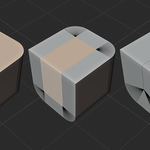
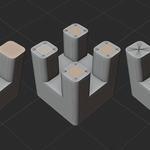
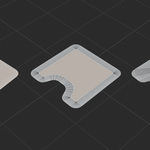
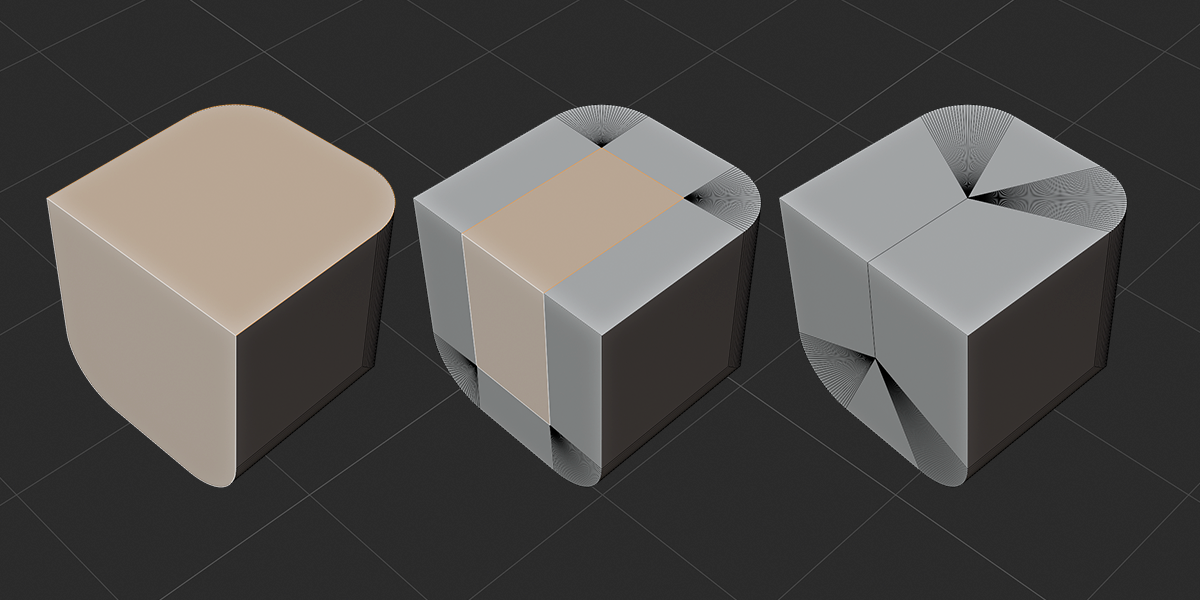
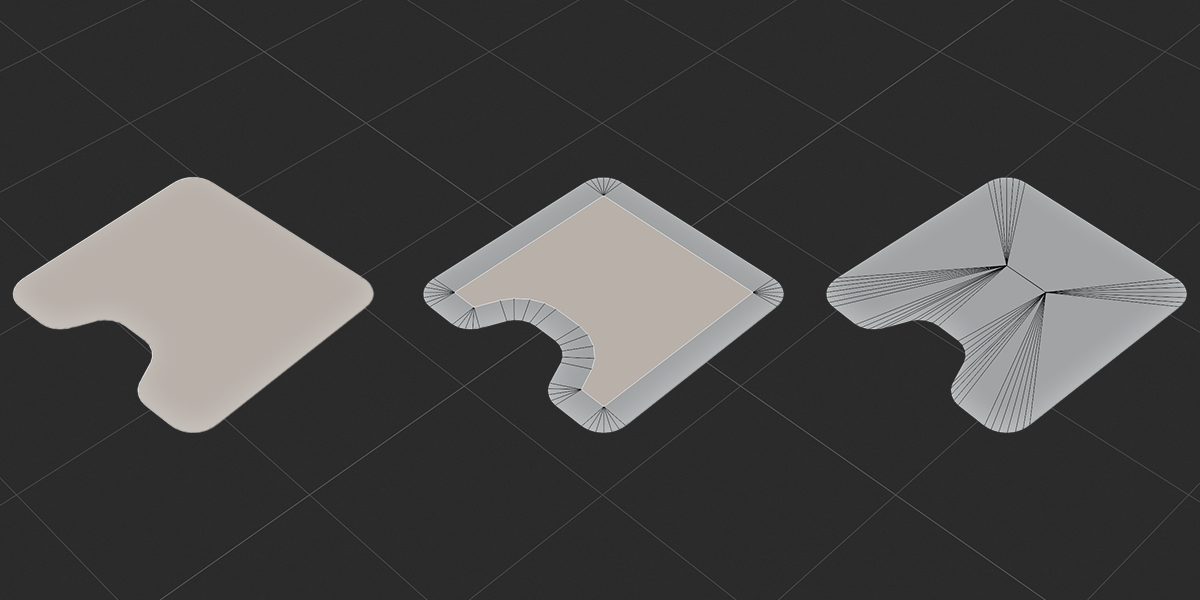
Blender’s native Inset is excellent for simple surfaces, but large distances and difficult boundaries can cause the moving edges to cross, collapse incorrectly, or turn the result inside out. CAD Inset tracks the active boundary, detects contact, rebuilds the path when required, and continues with the remaining distance.
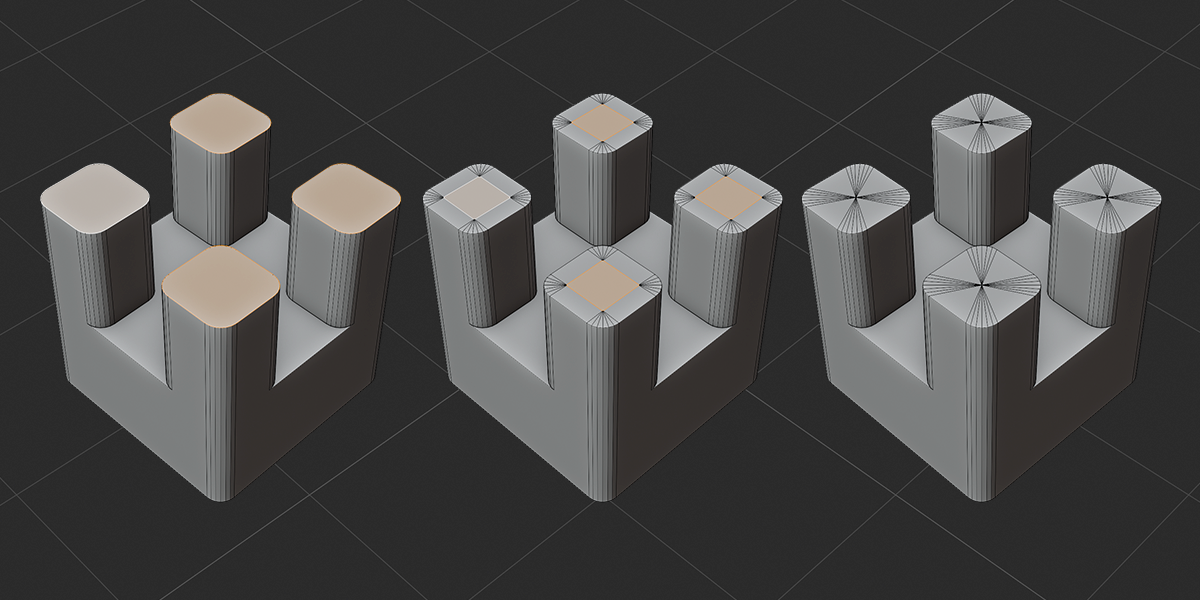
Standard inset issues
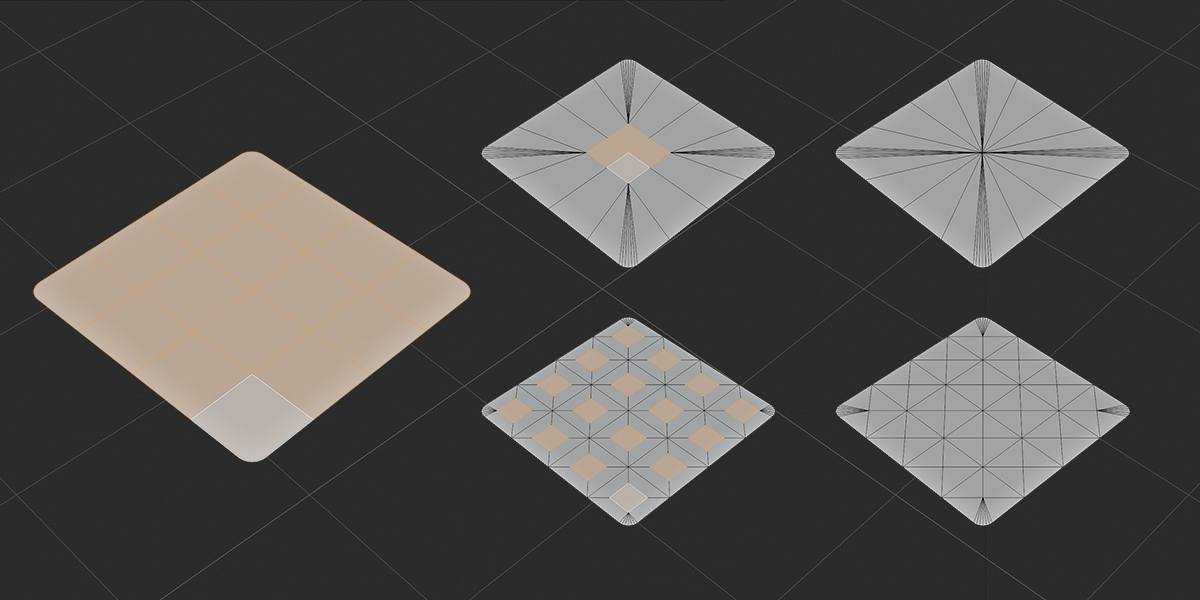
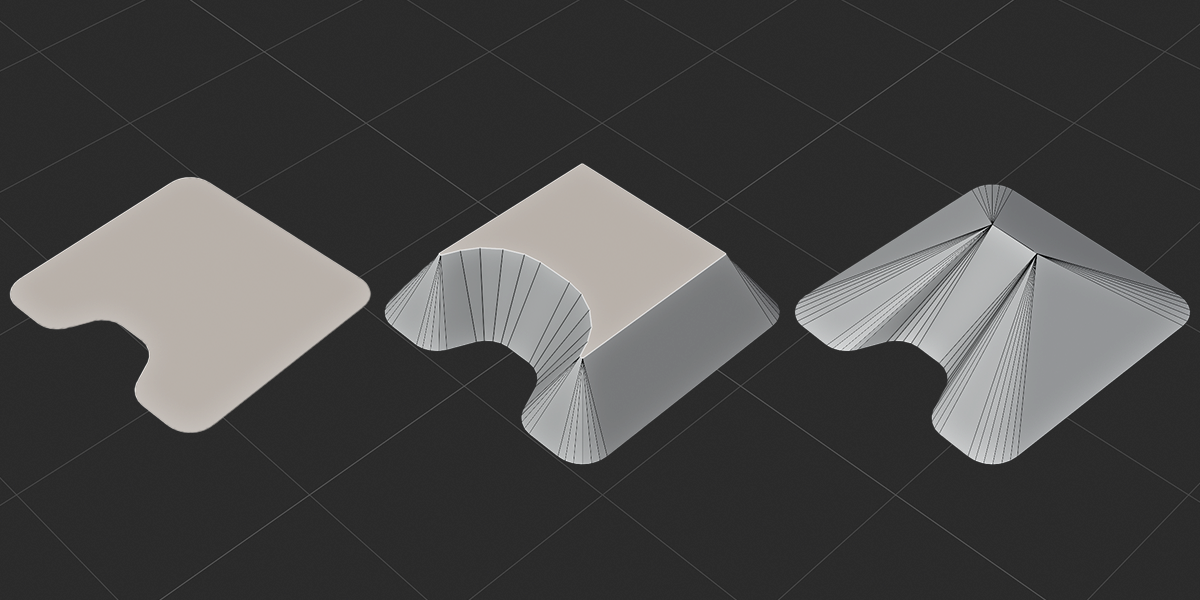
Overlapping faces, self-intersections, pinching, flipped polygons, abrupt corner collapse, and radial spikes around curved ends.
CAD Inset result
Continuous corner fitting, collision-aware movement, local topology reconstruction, and predictable termination when the inner region is fully consumed.
Core technology
Built for geometry that fights back.
Automatic Corner Fitting
Short rounded-corner chains are detected automatically and fitted continuously as the inset changes. Corners with different radii are handled independently.
Collision-Aware Insetting
The moving boundary is checked for vertex, edge, adjacent, and non-adjacent contact before geometry is allowed to overlap or flip.
Continue Through Collisions
Contact does not have to end the operation. Collapsed boundary elements can be rebuilt so the remaining inset distance continues safely.
Collision Repath
Point collisions can collapse locally, while vertex-to-edge pinching can divide a single n-gon into independent wavefronts and rebuild their paths.
Region and Individual Modes
Inset connected selections as one region or process every selected face independently—with the same corner and collision logic in both modes.
Surface and Scale Aware
Non-coplanar regions retain their supporting surfaces, while size, depth, collision thresholds, and merge distance are evaluated in world scale.
Interactive workflow
Select faces. Press Shift + I. Start modeling.
CAD Inset uses a familiar Blender modal workflow with direct mouse control, precision adjustment, numeric entry, and immediate mode switching.
| Mouse movement | Adjust Inset Size |
| Ctrl + Mouse | Adjust Depth |
| Shift | Precision control |
| I | Switch Region / Individual |
| O | Switch Inset / Outset |
| C | Toggle Continue Through Collisions |
| Tab | Switch Contact Follow / Collision Repath |
| Number keys | Enter an exact value |
| Esc / Right Click | Cancel and restore the original mesh |
Quick start
From install to inset in three steps.
- Install the ZIP from Blender Preferences and enable CAD Inset.
- Enter Mesh Edit Mode and select one or more faces.
- Press Shift + I and adjust the inset interactively.
Compatibility
CAD Inset 1.0.0
- Tested with Blender 5.1
- Mesh Edit Mode tool
- GPL-2.0-or-later
- World-space behavior for unapplied non-uniform scale
CAD Inset by Interior Blender
Model the shape—not the workaround.
Clean rounded corners, stable concave profiles, collision-aware topology, and a Blender-native interactive workflow in one focused mesh tool.
Interactive modal preview is disabled on meshes containing Shape Keys to protect shape-key data. Objects with a zero value on any scale axis must be restored to a non-zero scale before use.