 bhdesign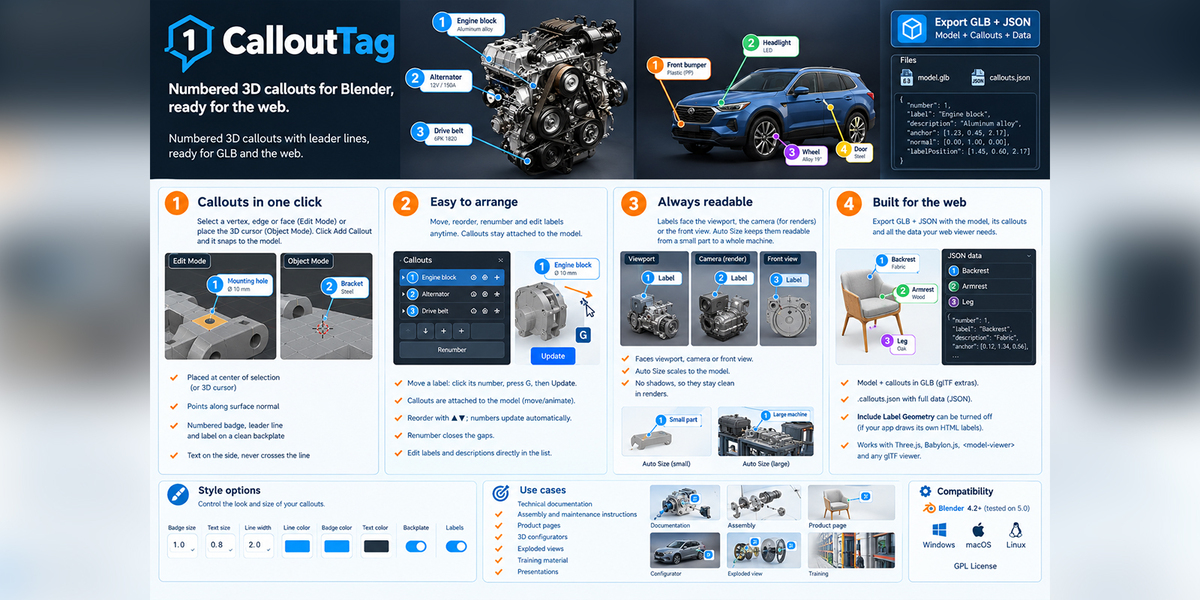
CalloutTag: Numbered 3D callouts for Blender, ready for the web
Numbered 3D callouts with leader lines, ready for GLB and the web.
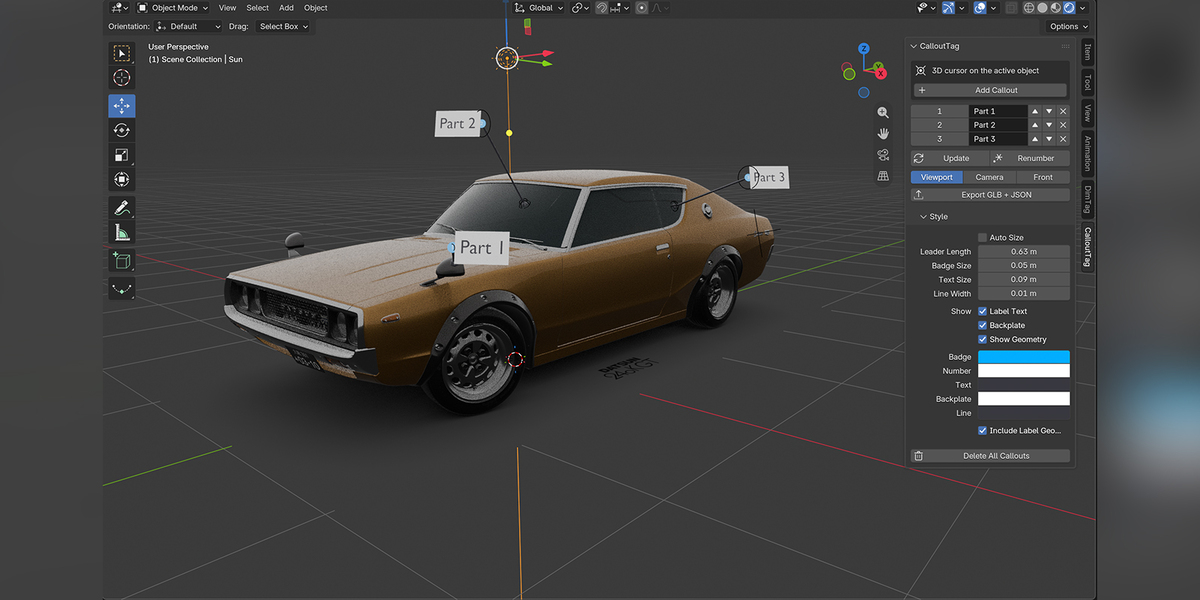
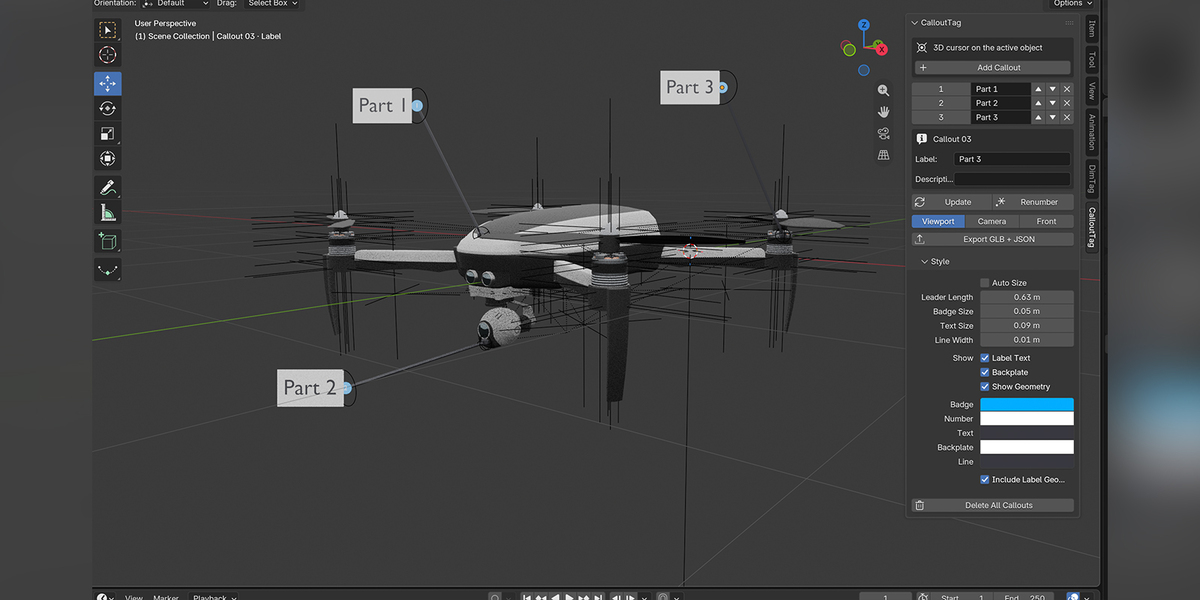
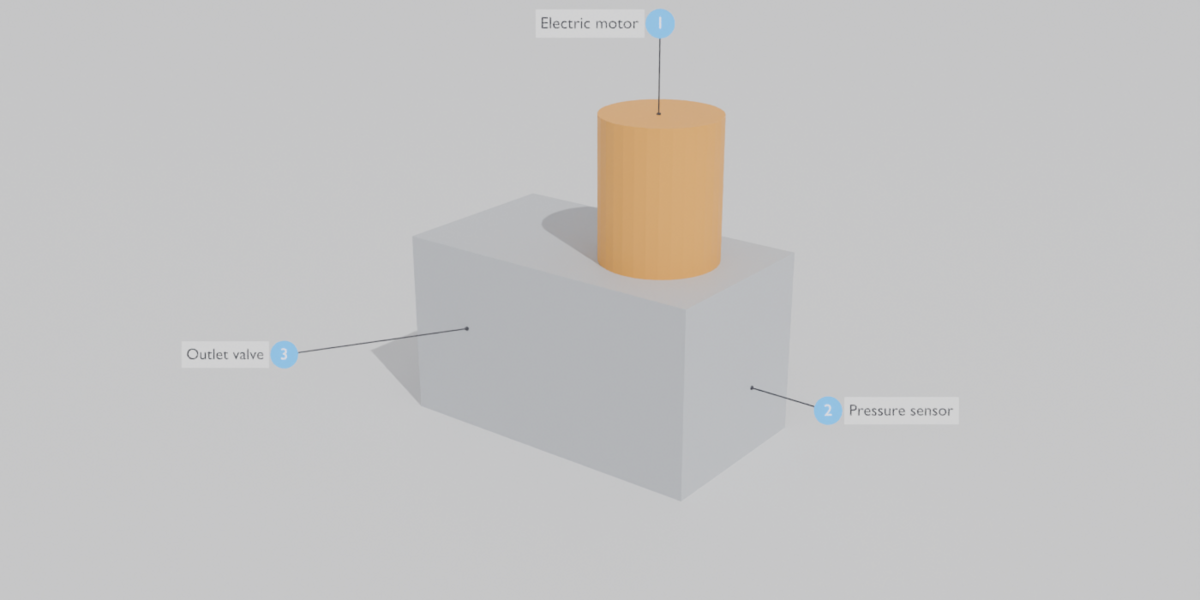
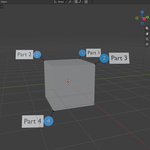
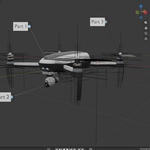
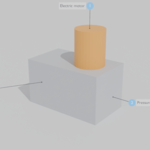
Click a point on your model and get a numbered badge, a leader line and a label. Callouts follow the model, render in Cycles and Eevee, and export to GLB with a JSON file your web viewer can read directly.
Main features
1. Callouts in one click
- Edit Mode: select a vertex, edge or face, then click Add Callout. The callout is placed at the center of the selection and points along the surface normal.
- Object Mode: place the 3D cursor on the model, then click Add Callout. It snaps to the surface automatically.
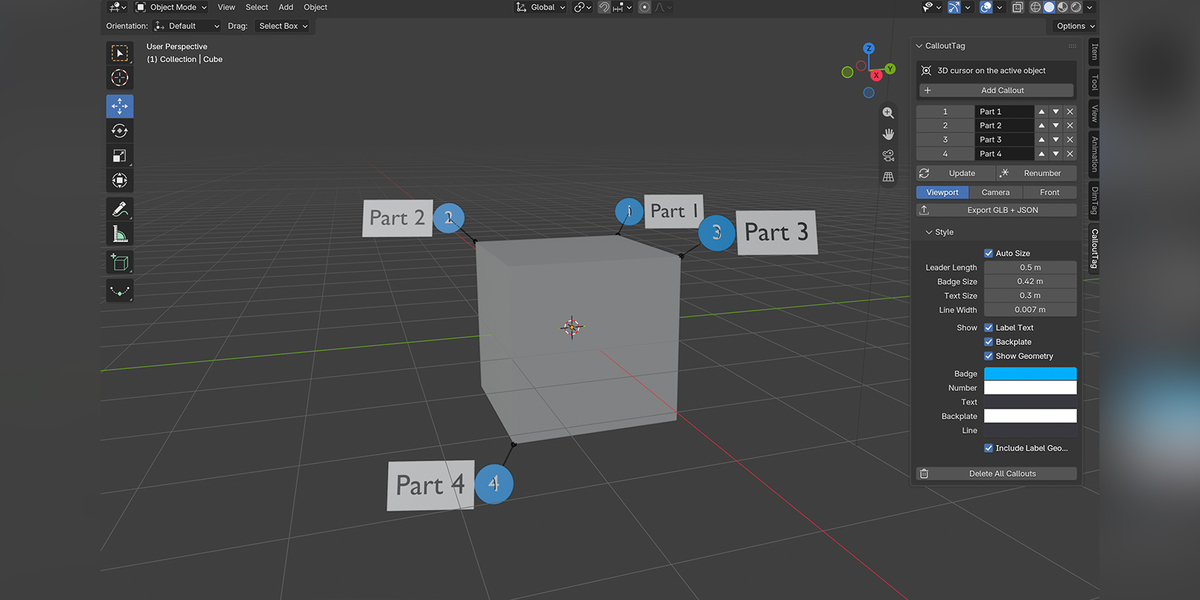
- Numbered badge, leader line and label on a clean backplate.
- Text goes on the side the leader points to, so it never crosses the line.
2. Easy to arrange
- Move a label anywhere: click its number, press G, then click Update.
- Callouts are attached to the model, so moving or animating it moves them too.
- Reorder with ▲▼; numbers update automatically. Renumber closes the gaps.
- Edit labels and descriptions directly in the list.
3. Always readable
- Labels face the viewport, the camera (for renders) or the front view.
- Auto Size scales callouts to the model, from a small part to a whole machine.
- Callouts cast no shadows, so they stay clean in renders.
4. Built for the web
-
Export GLB + JSON: the model, its callouts and a
.callouts.jsonfile with each callout's number, label, description, anchor position, normal and label position, in glTF coordinates. - Callout data is also stored in the GLB itself (glTF extras).
- Include Label Geometry can be turned off if your web app draws its own HTML labels. You still keep the anchor points and the data.
- Works with Three.js, Babylon.js,
<model-viewer>and any glTF viewer.
Style options: badge, text, leader and line sizes; badge, number, text, backplate and line colors; label text and backplate on/off.
Compatibility: Blender 4.2 or newer (tested on 5.0), Windows, macOS and Linux. GPL license.
Use cases: technical documentation, assembly and maintenance instructions, product pages, 3D configurators, exploded views, training material, presentations.