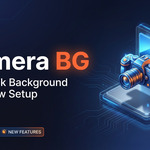
Camera Background
 Basem ALi Deeb




🚀 QUICK START GUIDE
Installation:
Download the addon
Open Blender → Edit → Preferences → Add-ons
Click "Install" and select the addon file
Enable the addon
Done! You're ready to use it
Download the addon
Open Blender → Edit → Preferences → Add-ons
Click "Install" and select the addon file
Enable the addon
Done! You're ready to use it
First Render:
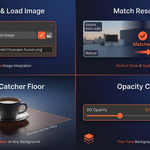
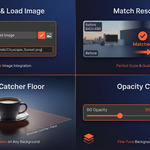
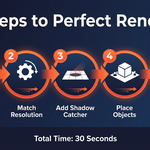
Add a camera to your scene
Open the Camera BG panel (N key → Camera BG tab)
Click "Load Image"
Select your background image
Choose your render scale (default: 100%)
Click "Enable"
Start rendering!
Add a camera to your scene
Open the Camera BG panel (N key → Camera BG tab)
Click "Load Image"
Select your background image
Choose your render scale (default: 100%)
Click "Enable"
Start rendering!

Discover more products like this
Blender Add-on Real-time Updates camera-background background-image camera-settings 3D View compositor Image Toggle Frame Method 3D visualization Opacity Control blender