 Dennis Hafemann


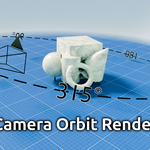
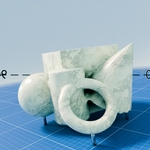
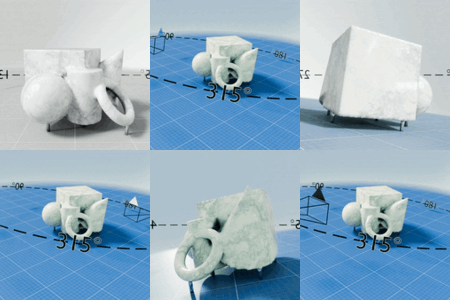
Camera Orbit Render (Addon) v1.0 | Easily render your product images from an orbit
Did you ever want to just circle around your object for some images for your product pages ? This is where "Camera Orbit Render" (COR) comes in handy.
No more need to create a curve-circle, making the camera follow a path and track to an object. Camera Orbit Render let's you simply select your camera and hit a button to render an amount of images from an orbit around the 3D cursor or your center point of your selected objects.
It creates an new focus object-empty and a duplication of your selected camera to leave your original objects untouched. Then, it circles/orbits around on a z-axis base and renders the image, saved directly to disk. You can adjust the rotation direction, start, end and amount of images to render. Also the output directory of the files.
If you like, change to advanced options and use your own focus object and it's rotation to achieve not only z-based orbits, but advanced orbiting.
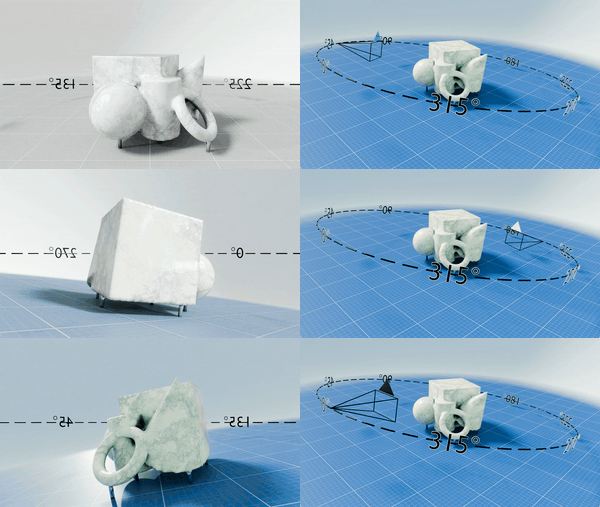
(Product used for visualization: Primitives Sculpture)
Orbiting
|
|
|
|
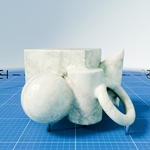
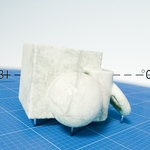
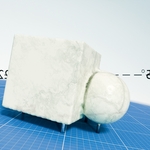
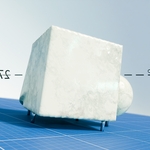
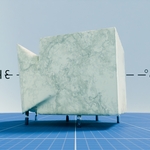
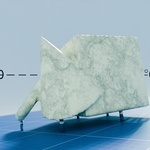
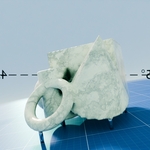
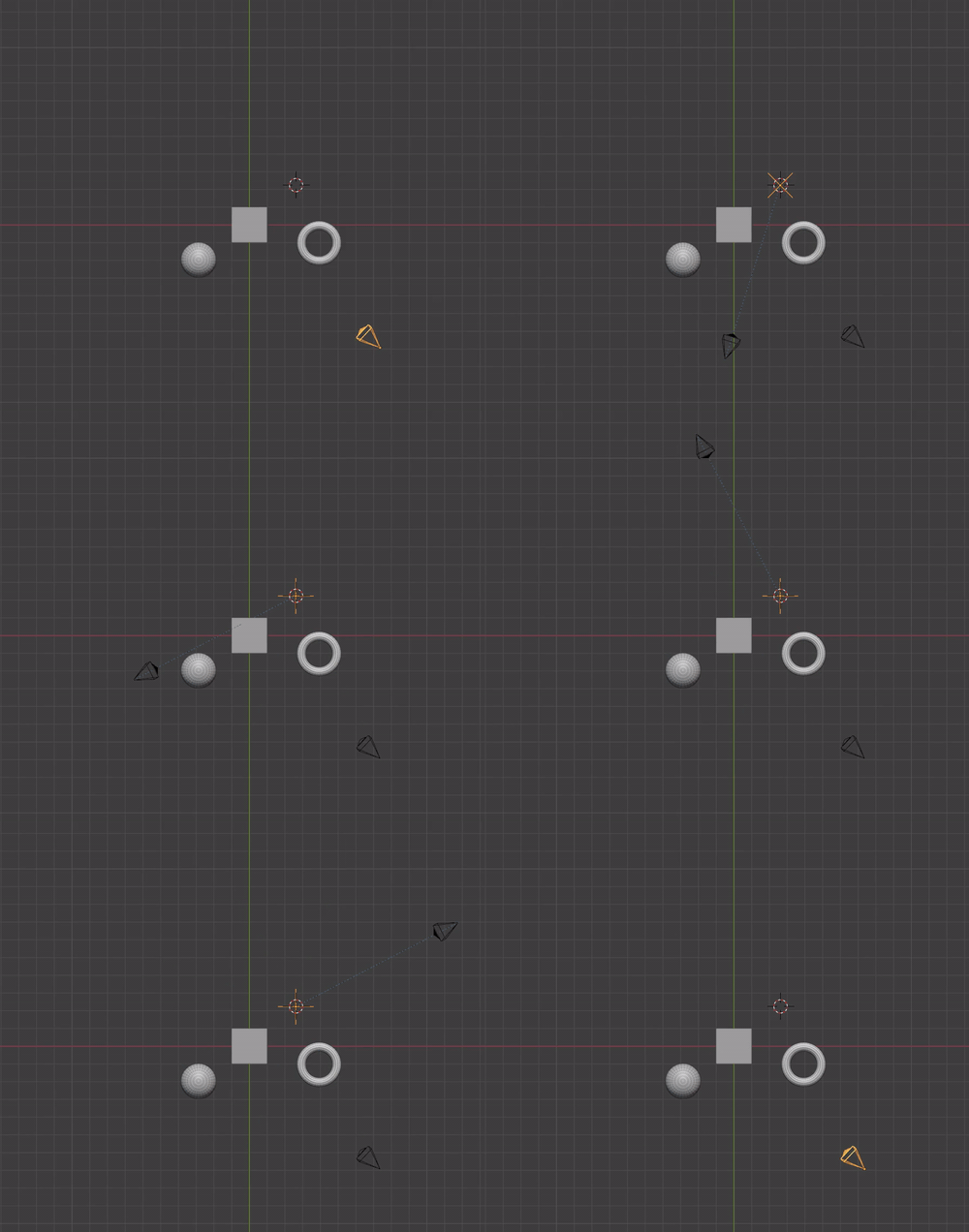
| Orbit around the 3D-cursor. | Orbit around a single object. | Orbit around the center point of multiple objects. | Orbit around a custom focus object. |
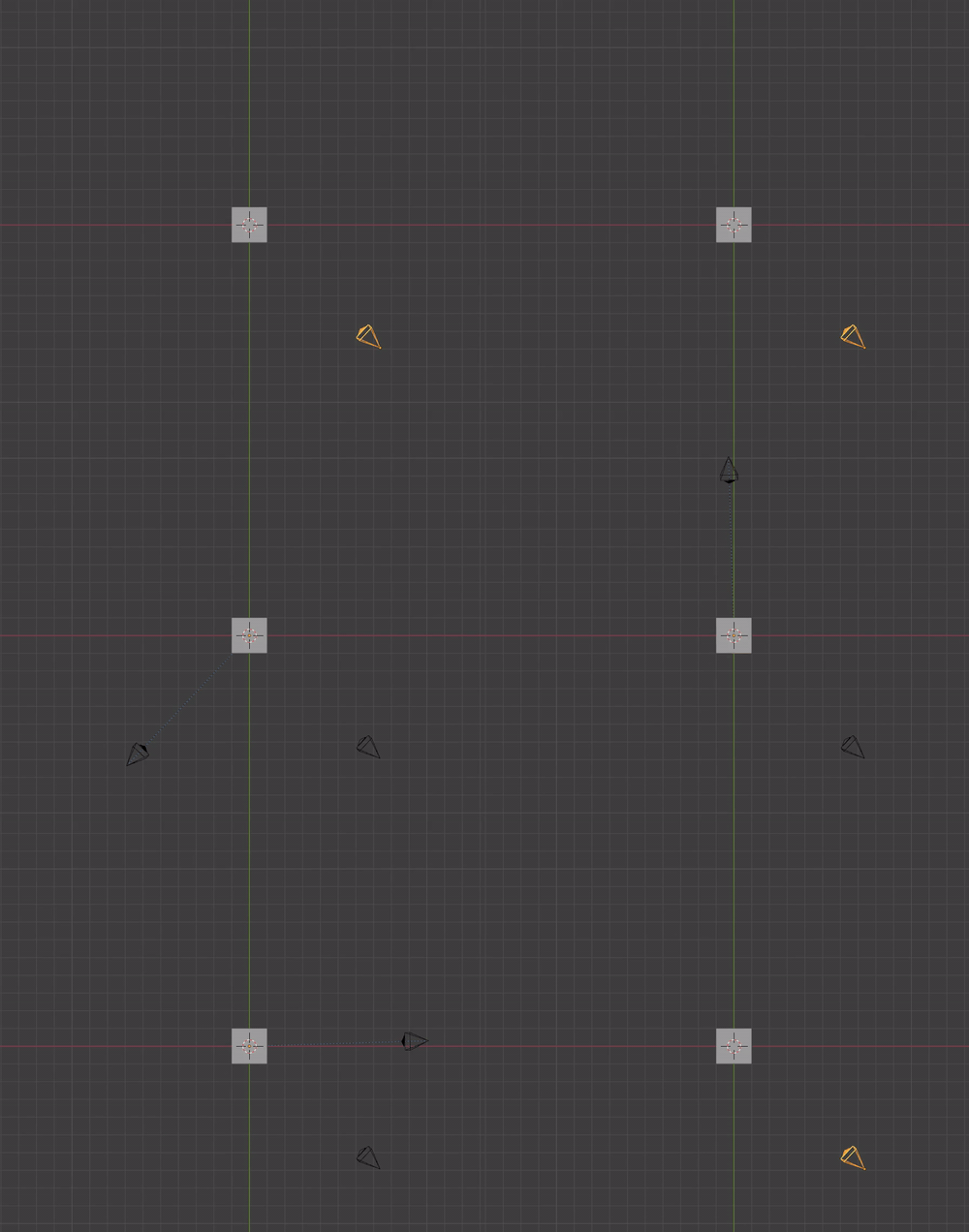
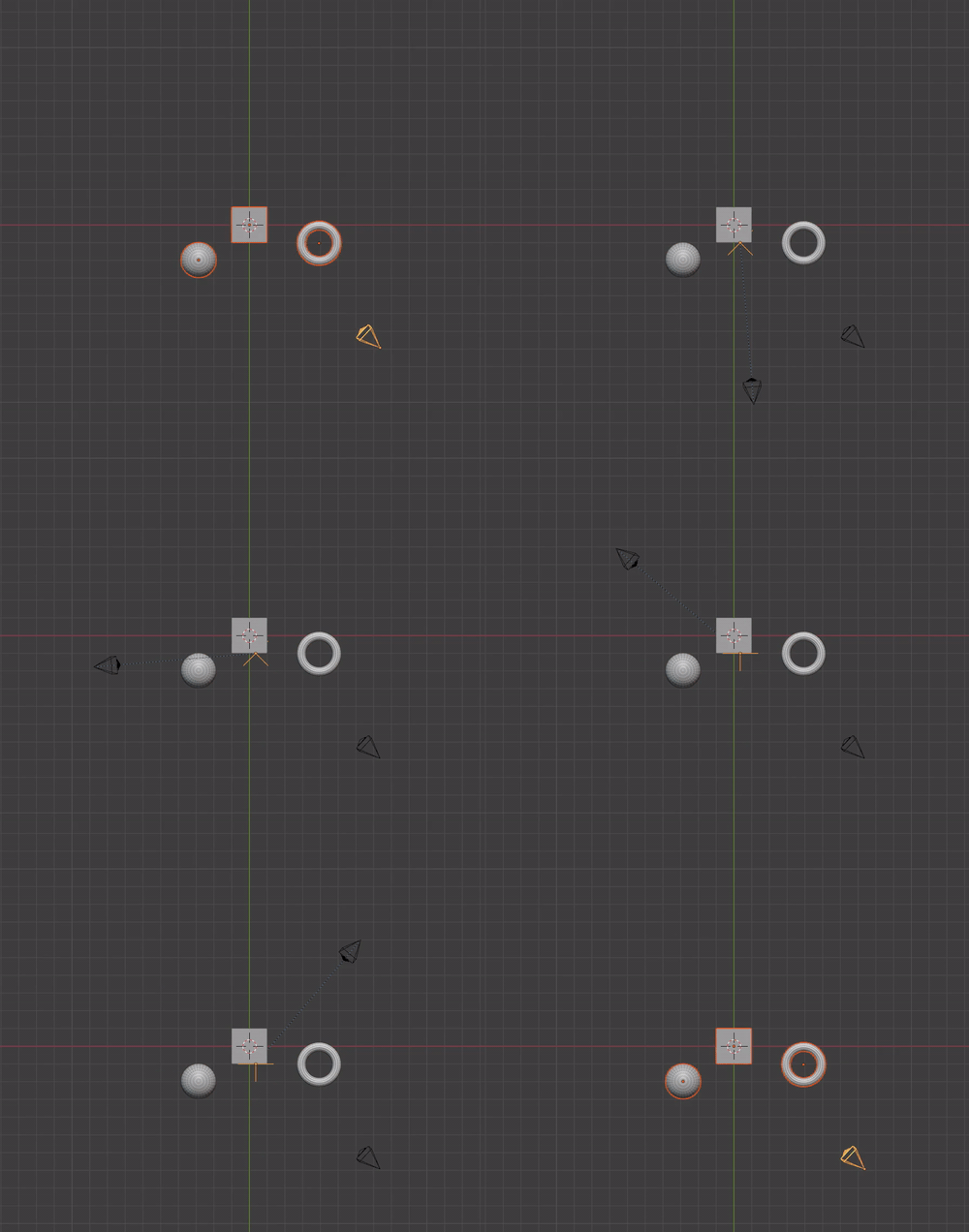
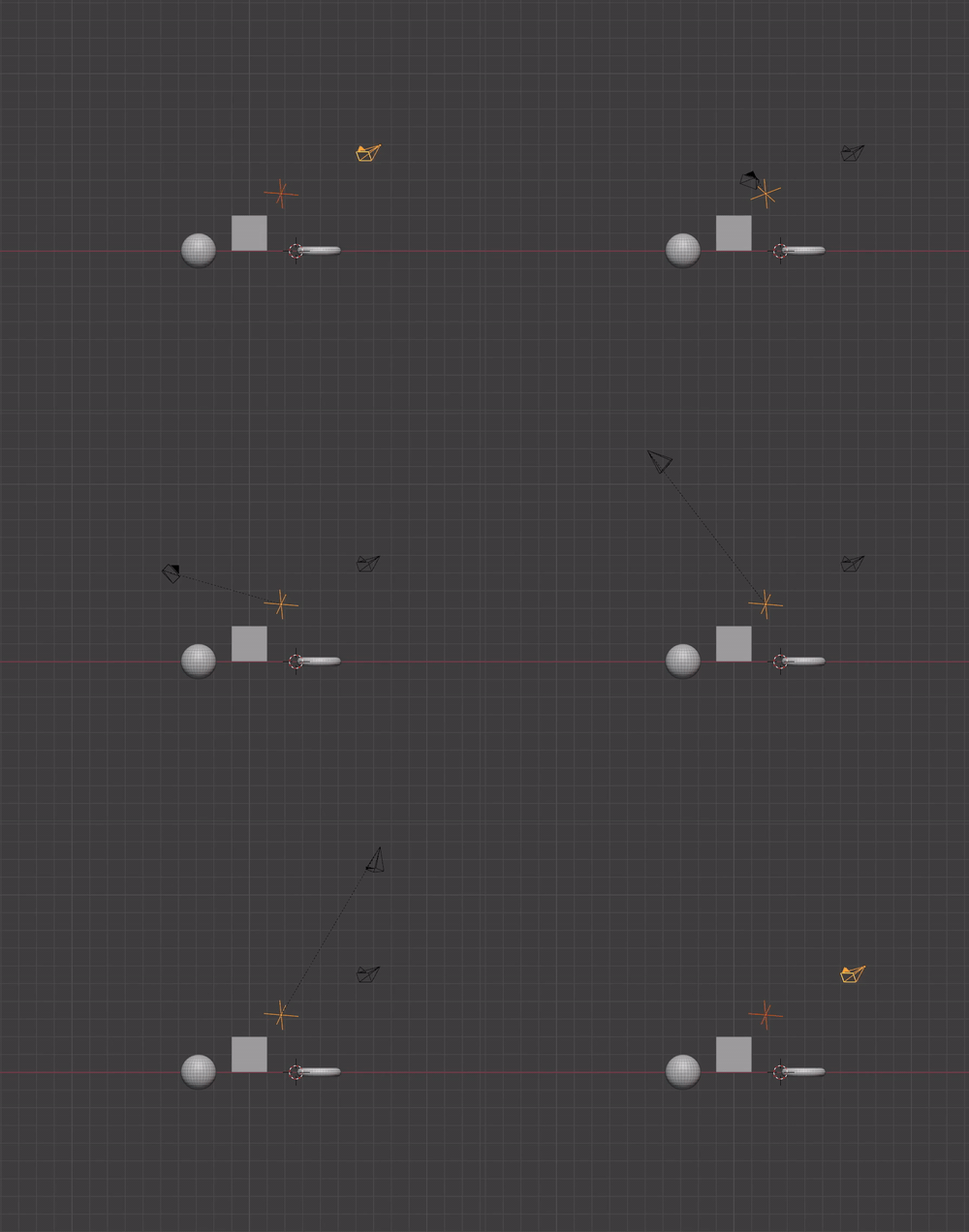
How it works / What it does
- Select your camera, as current activated object, from which you want to render images.
- Select one or multiple objects if needed to orbit the camera around them.
- COR creates an empty object at the center point of the selected objects, no objects means the location of the cursor will be used.
- Then duplicates the current selected camera, to leave all your objects untouched, and parents it to the empty object.
- Now it renders (F12) an image, saves it and rotates step-wise on z-axis-base, depending on the defined options and properties, renders another image, and so on.
Add-on UI
|
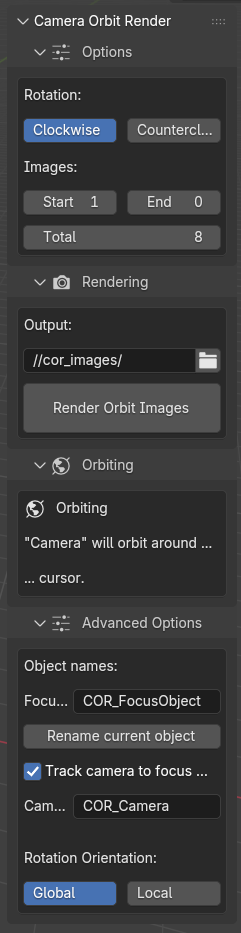
Options Rotation: Clockwise/Counterclockwise, the direction in which the camera will circle / orbit around the focus object. Images: Start, End and the total of images the camera which render. E.g: A circle, an orbit, has 360° in rotation. If you define a total of 8 images COR renders 8 images with a step-width of 45°. Rendering Output: The output directory of the rendered images, can be relative to the .blend-file with prefixed slashes //. The rendered images with be right justified and filled up with zeros depending on the defined total amount. Rendering a total of 8, will name the images 1, 2, 3, etc. .. using a total of 100, the images will be named 001, 002, 003, etc. Rendering Orbit Images: The Button which starts the rendering process. Orbiting: This is an info-box and gives you directly information about which objects will be used to focus the camera on. Advanced Options: In normal mode, the camera just circles / orbits around a temporarily created empty object and rotates the on z-axis-base the camera around. You can define a focus object by yourself to focus the camera on, which gives you a more control over the camera focus, the direction, rotation and orientation. E.g. you can use the local orientation of you custom focus object, like in the video shown above. |
Installation
- Download .zip-file.
- In newer versions of Blender you might be able to drag/drop the .zip-file directly into Blender. The addon will be installed and enabled.
- In older versions of Blender you have to go to the "Preferences" -> Add-ons or -> Extensions and "Install from disk". You also might have to enable it.
